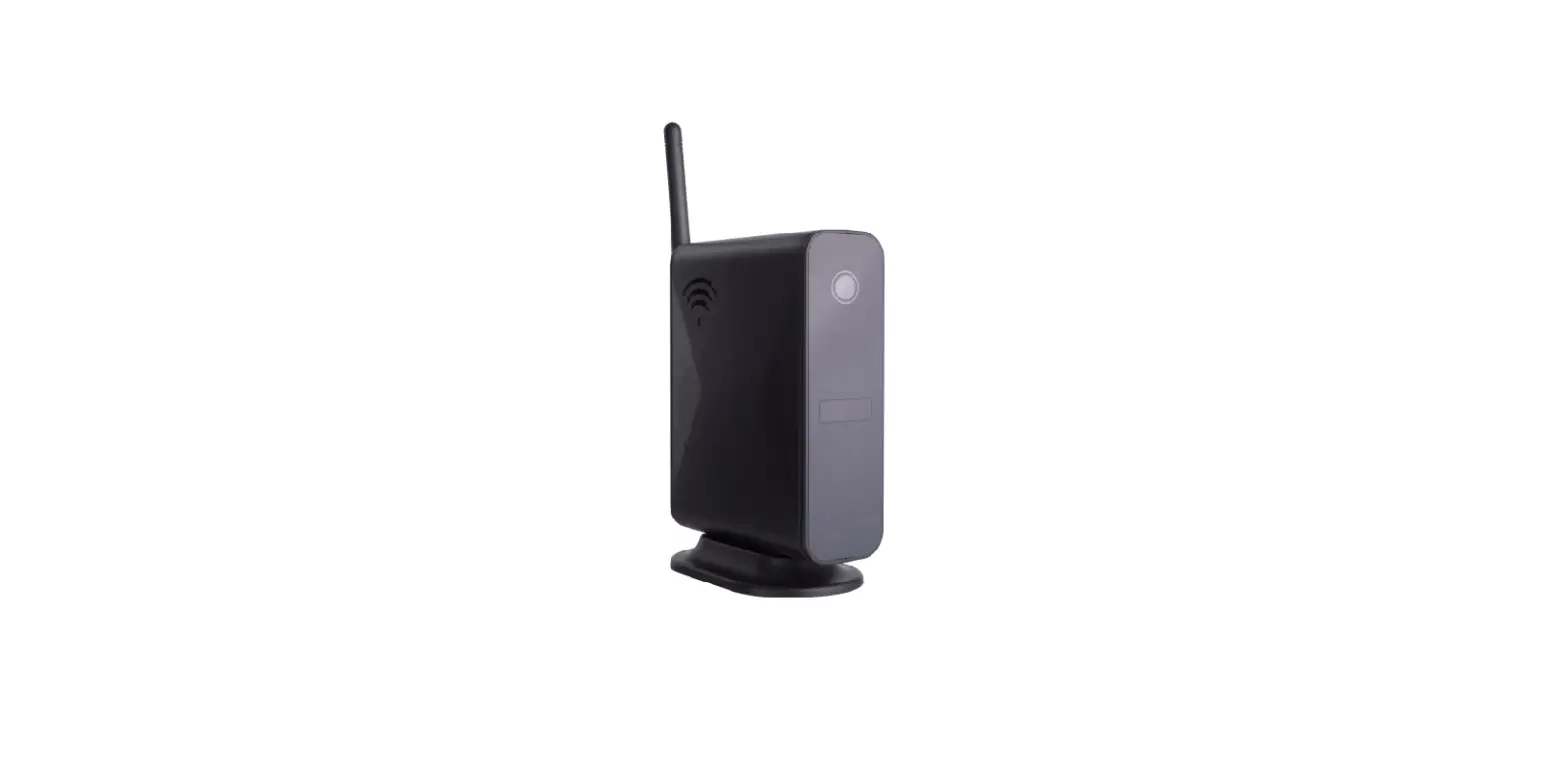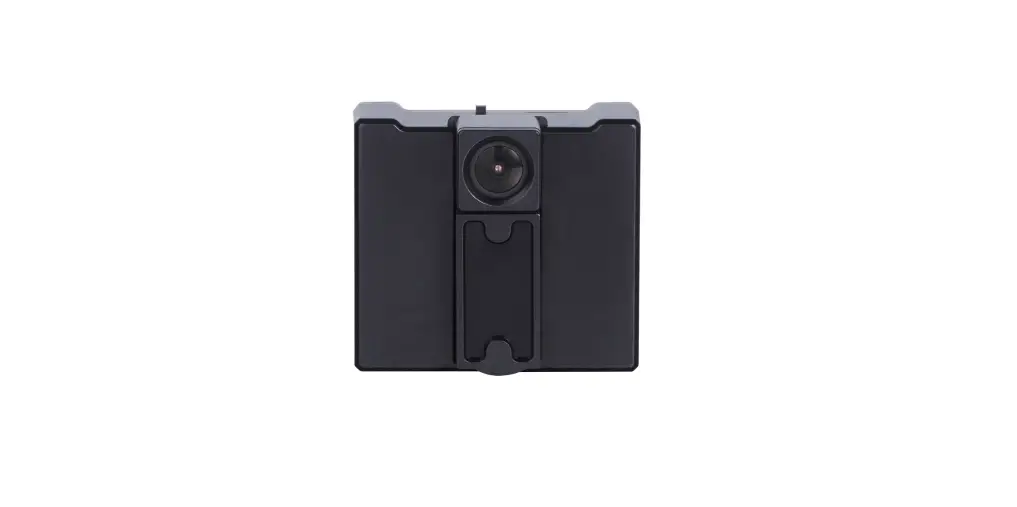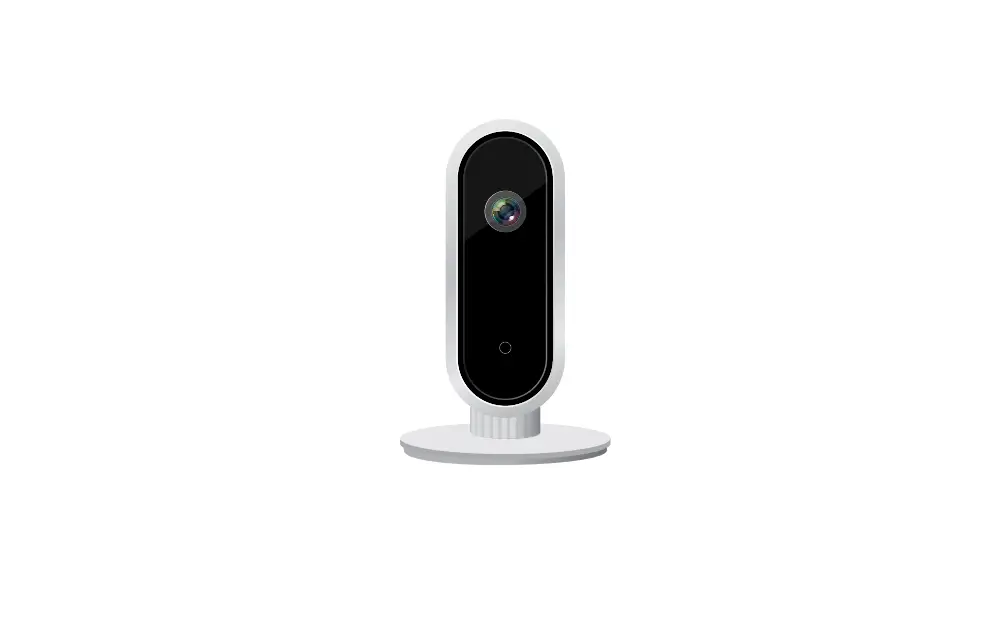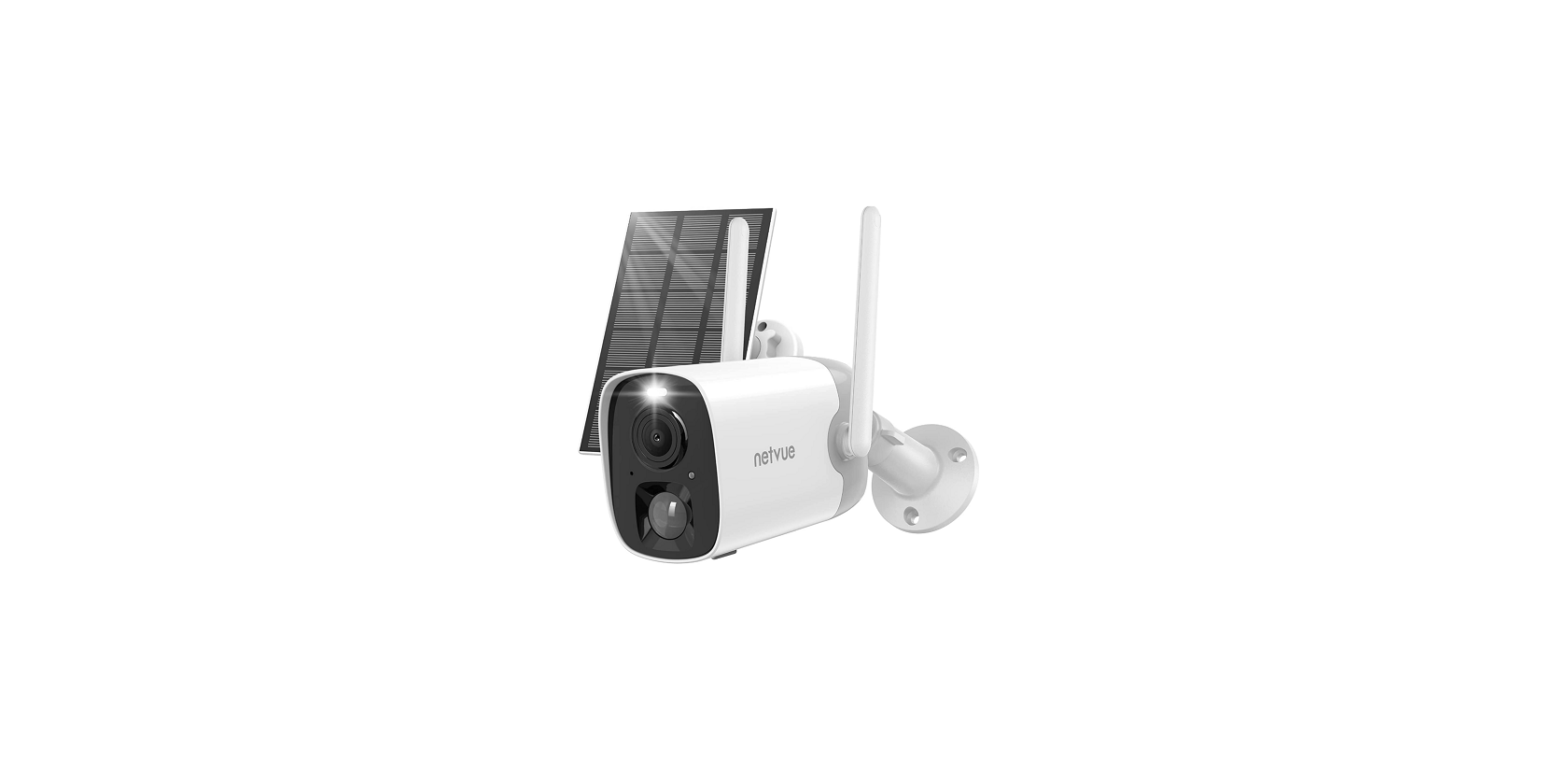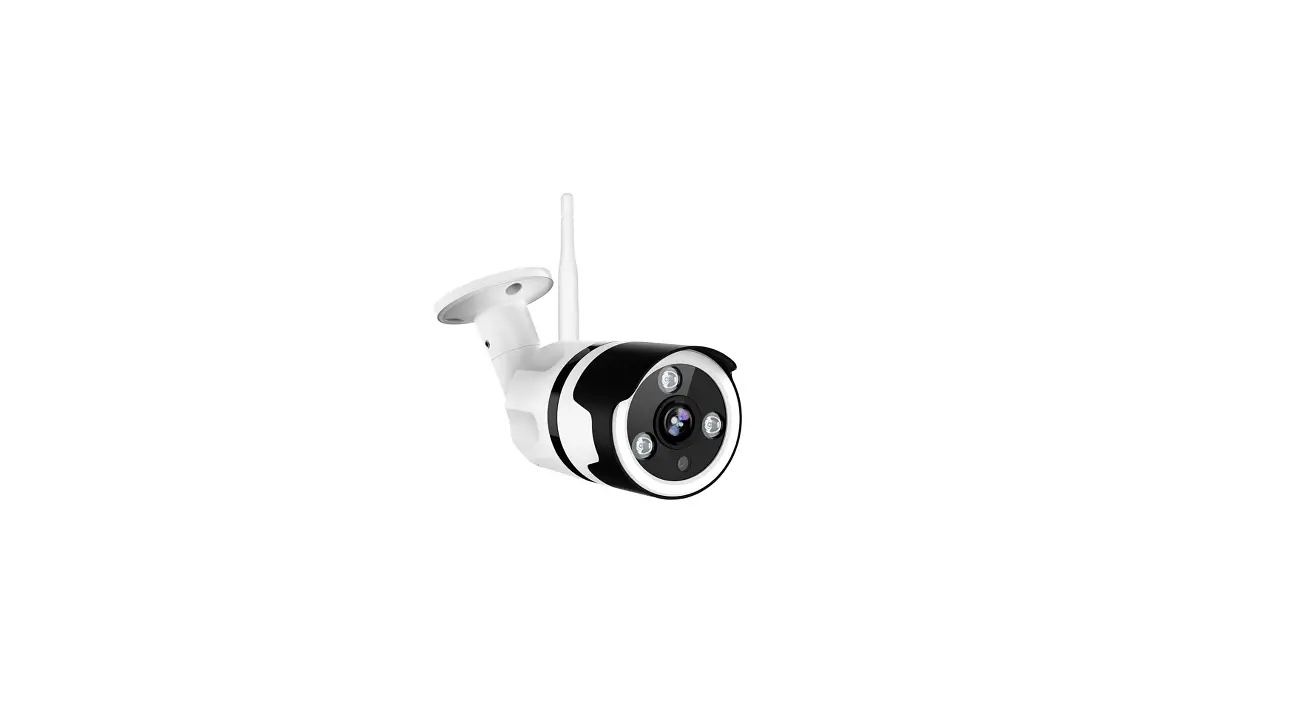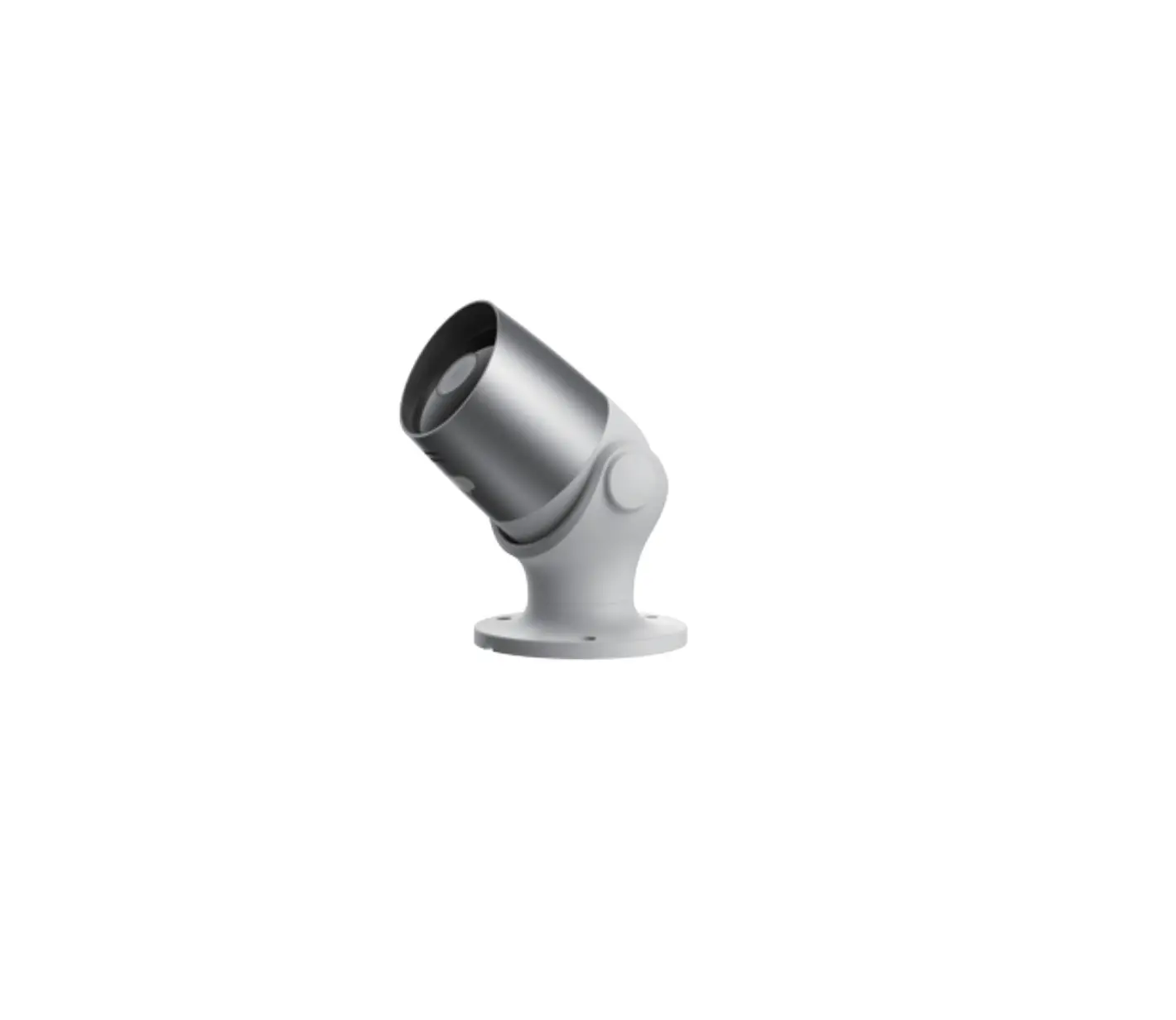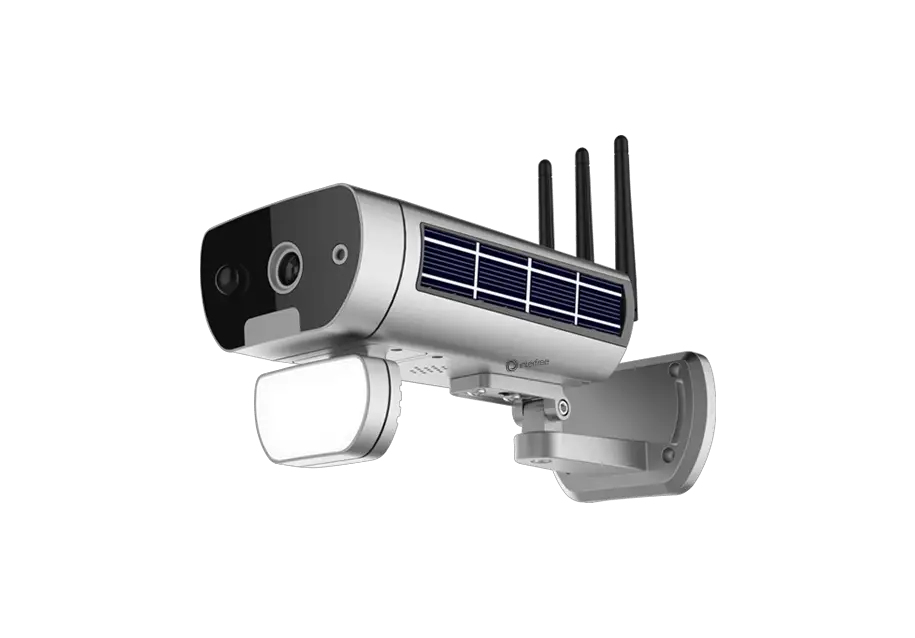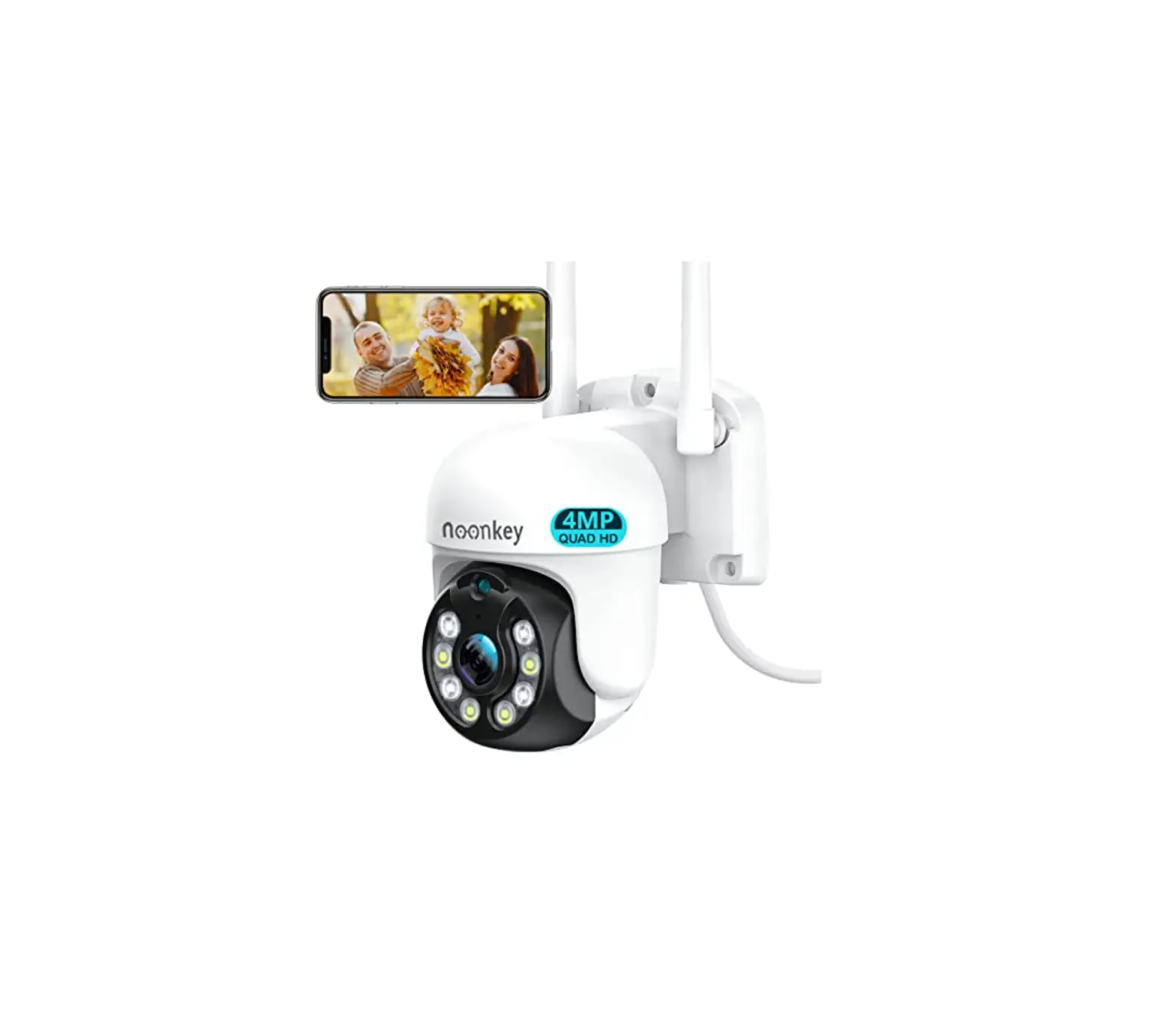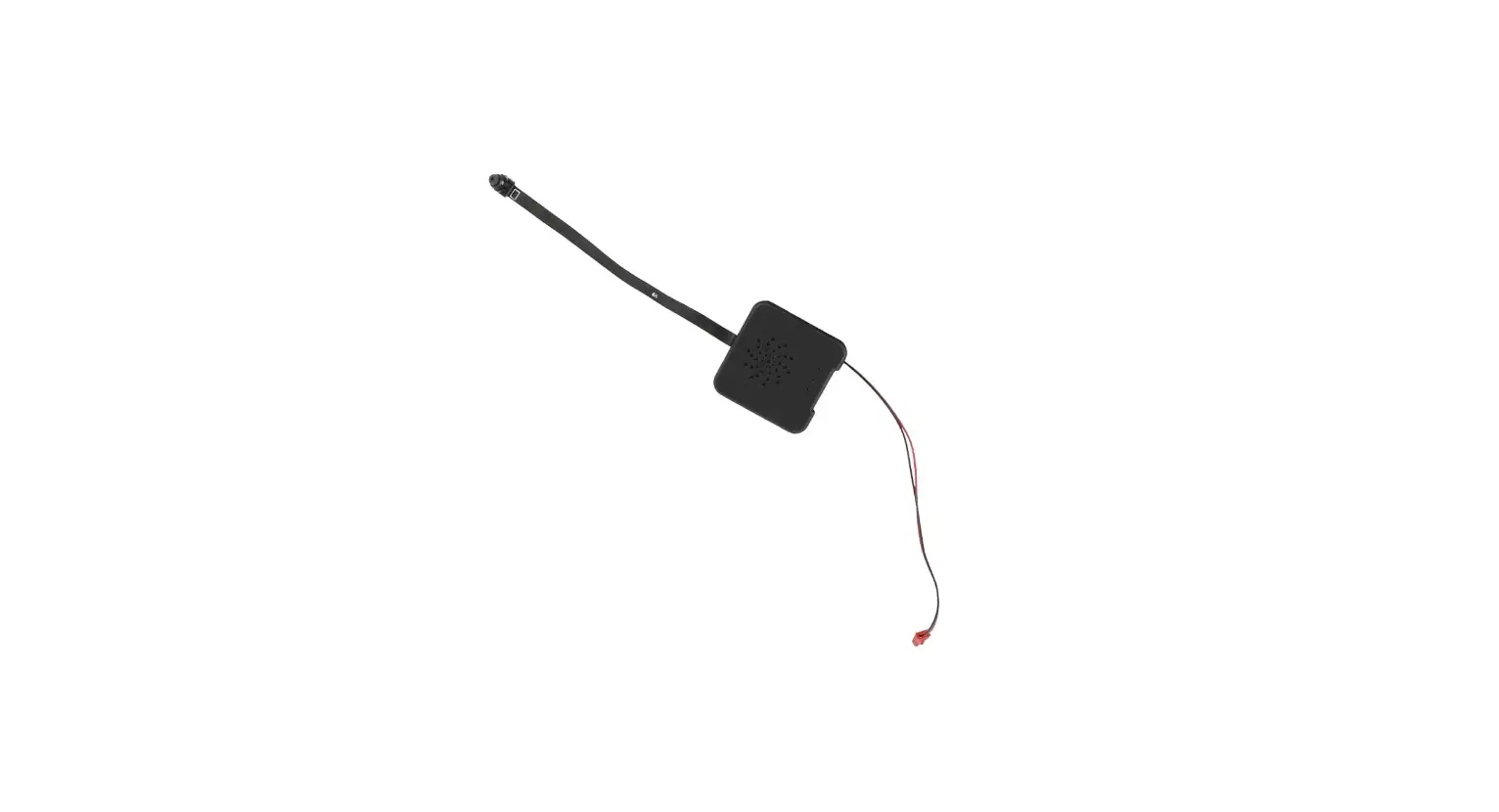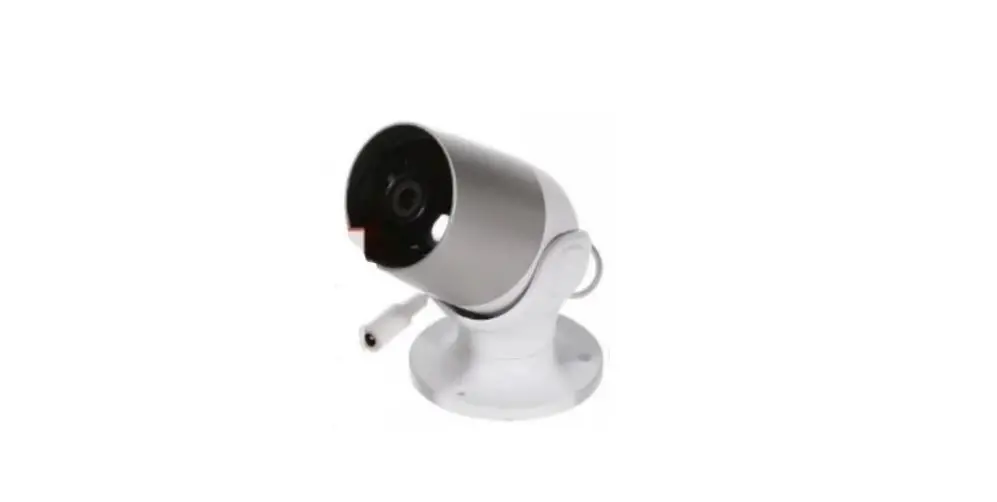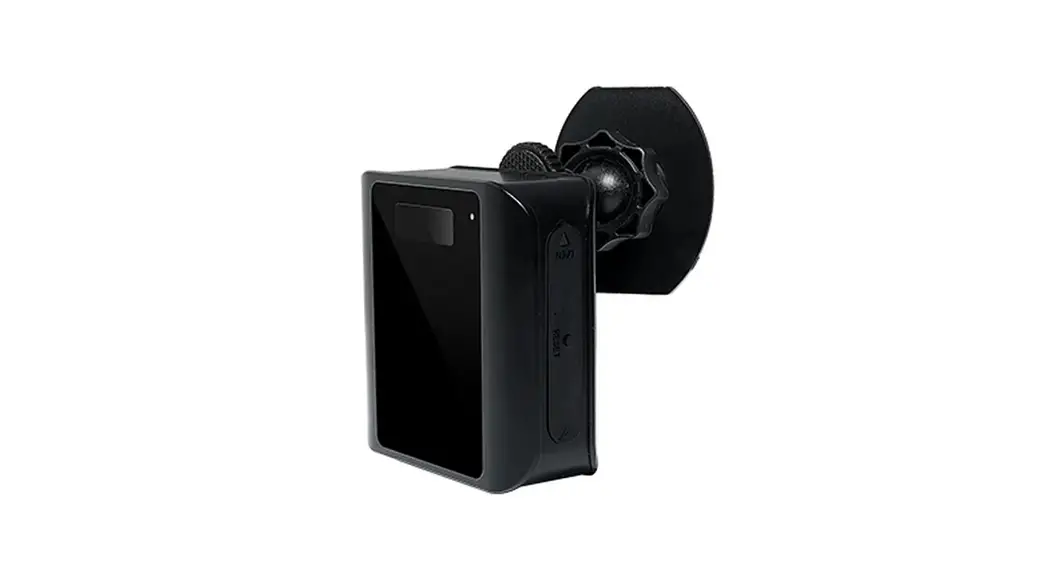


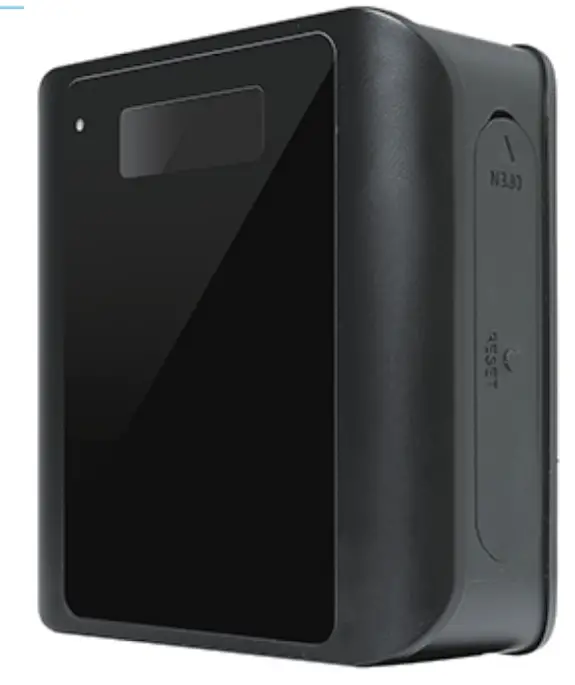
Outdoor Long Standy Wi-Fi Security Camera
with Low Power Consumption
(Weather-proof Grade: IP34)
User Manual
size: 70*70*29mm (Weather-proof Grade: IP34)
Tips: Please take off the transparent protect film on the device and replace it with a black lens cover (Plastic) before using.
Quick guide of Wi-Fi camera function:
- Download & Install Free App <CamSCPro> from App Store or Google Play;
Tips: Please allow “CamSCPro” to notification, Bluetooth and location while using the App. - Enter App, select your region at the top right corner and register;
Tips: If a code doesn’t arrive, please check the spam folder first. - Take off side weatherproof cover–>lnsert micro SD card –> Turn side ON/OFF switch, press reset key 4 seconds till a beep sound (Pairing mode is ready now).
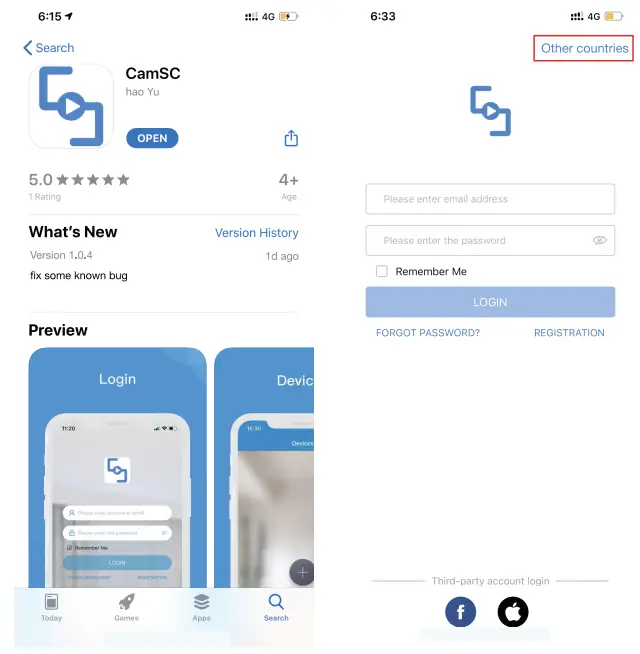
- Enter App, Click + >> Smart Home >> Pairing Mode >> Click device name >> Select Wi-Fi >> Input password > NEXT.
- Device on line in around 10 seconds & Wi-Fi live video is ready
P.S.: Contact local dealer for tutorial video setting up.
Overview:
The Outdoor Long Standy Wi-Fi Security Camera is built with hight ech of super low power consumption 450µAhour to save energy for around 3-4months standby after being fullycharged and weather-proof function (IP34 )for outdoor using.
First, it can be used for watching live streaming video day and night (night vision around 5 meters), or taking photo and video by APP in smart-phone remotely after Wi-Fi connected; Second, its PIR sensor will make precisely motion detect recording for survillance use (around 5 meters distance and 2 meters height) . Also, it has cycle recording and work when charging.
Usages: Nanny camera, Home/ Shop/ Office/ Warehouse surveillance camera……
Warning : ” illegal use is not allowed! Or, there will be consequences to bear!”
In the box:
1x Camera Unit
1 x Micro SD Card Reader
1 x Pin for tool
1x USB Cable
1 x User Manual
1 x Universal bracket
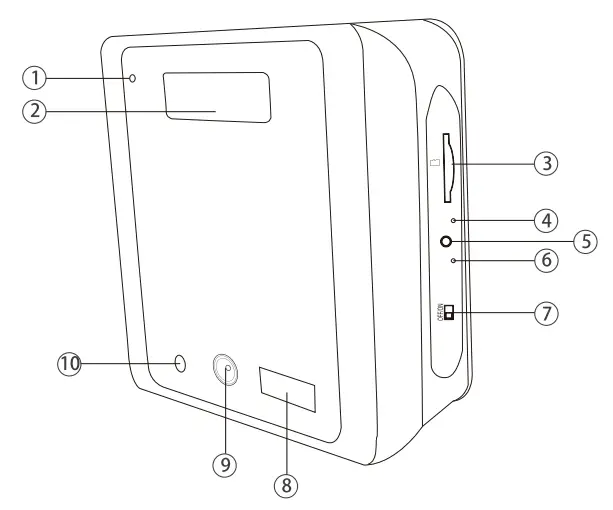
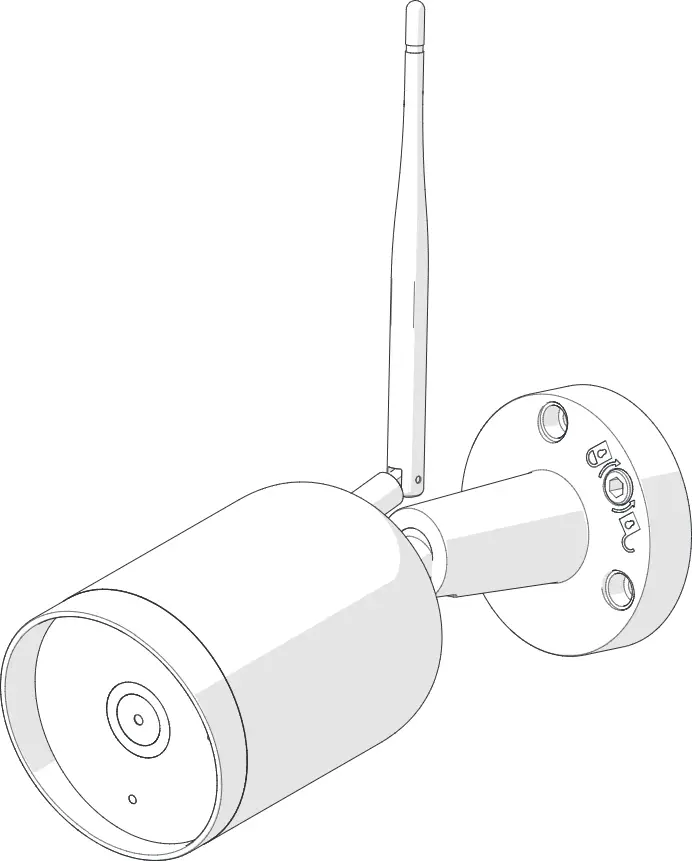
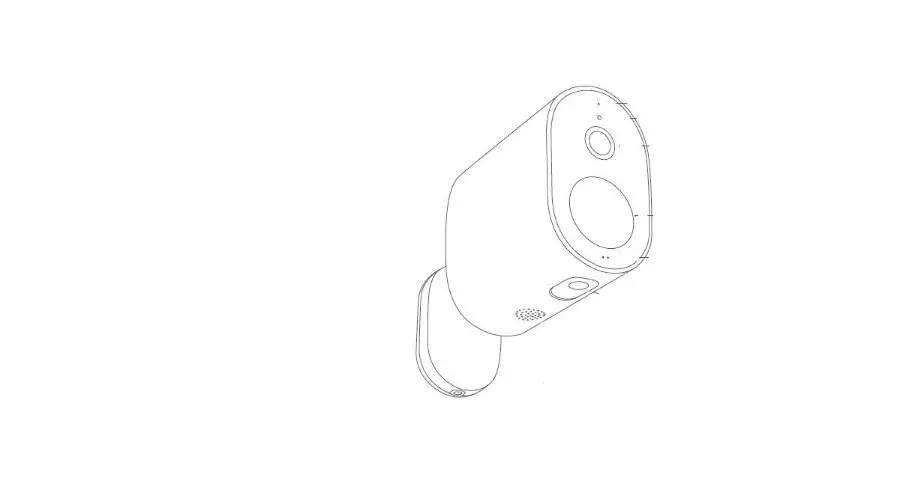
- Mic
- PIR sensor
- SD card port
- WIFl indicator
- Reset key
- Charing indicator
- ON/OFF Switch
- Invisible night vision LEDS
- Camera
- Light sensor

- Camera speaker
- Bracket connect part
- USB port
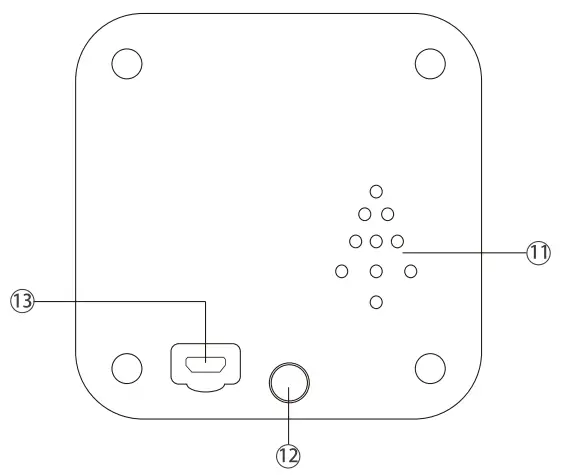
Reset key tips:
One press to restart device; 4 seconds press to pair with WiFi (First double beep); 6 seconds press to reset device (Second double beep).
Wi-Fi indicator tips:
Blue LED blinking when pairing with WiFi;
Turn off when WiFi paired;
Blink once when motion detected.
Charging indicator tips:
Solid red when charging, and off when fully charged.
Wi-Fi Camera Connection Setting
Step1: CamSC Pro APP
- Scan below QR code or search and download free APP named <CamSCPro> in Apple APP store, Google play or Electronic market, and install it;
 http://xiazai.kywtwl.com/CamSC.html
 - Open APP CamSCPro, select current region at the top right corner.
Register with email, or third-party account like Facebook or IOS account. (Tips: If a code doesn’t arrive, please check the spam folder first.) Step 2: Tack off waterproof cover on the side –>lnsert micro SD card card–> Turn back ON/OFF switch (WiFi indicator is solid blue.);
Step 3:Connect WiFi
1. Press Reset key 4 seconds till a beep sound(WiFi indicator blink slowly and ready for pairing WiFi);
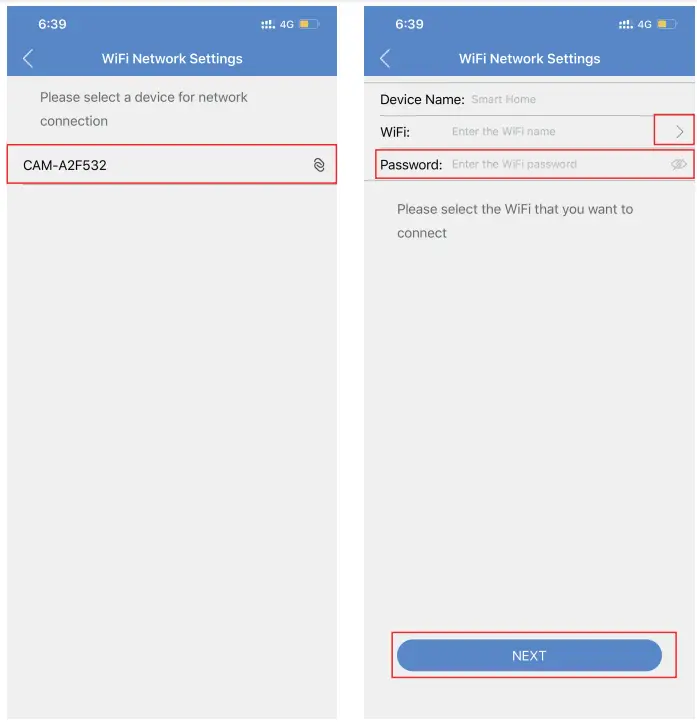
2. Open APP CamSC Pro >> Click + >> Smart Home >> Device in pairing mode >> CAM-XXXXXX.
- Click> at the end of WiFi to select the local router WiFi, then input password.
Click NEXT and wait around 10 seconds to finish the configuring; Device Binding Successful and online now.
- Click
 in APP’S first interface, select Time Zone and choose Time Zone to ensure live streaming video with the set time zone.

 Step 2: Tack off waterproof cover on the side –>lnsert micro SD card card–> Turn back ON/OFF switch (WiFi indicator is solid blue.);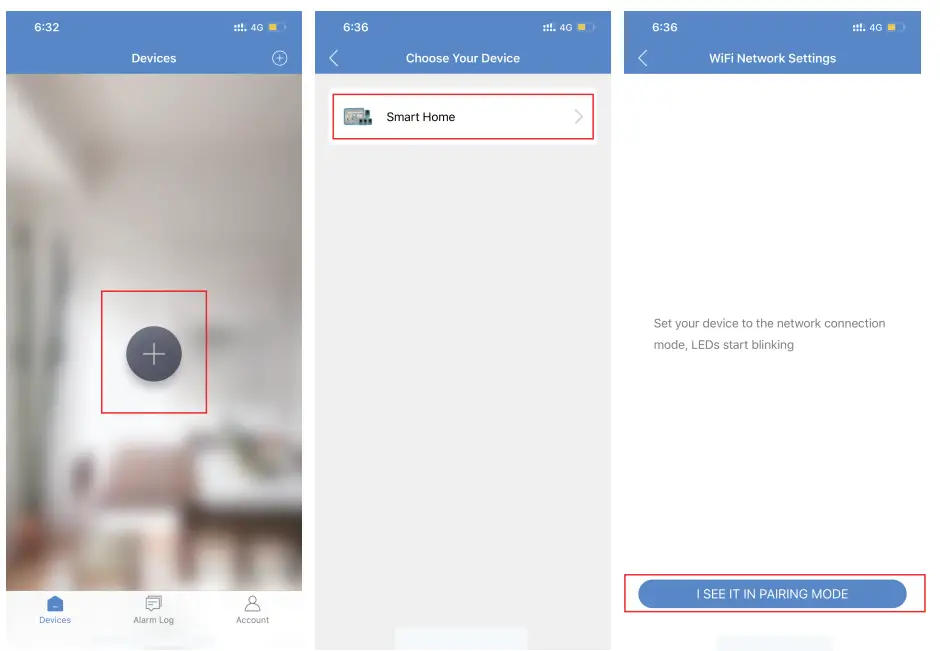
 in APP’S first interface, select Time Zone and choose Time Zone to ensure live streaming video with the set time zone.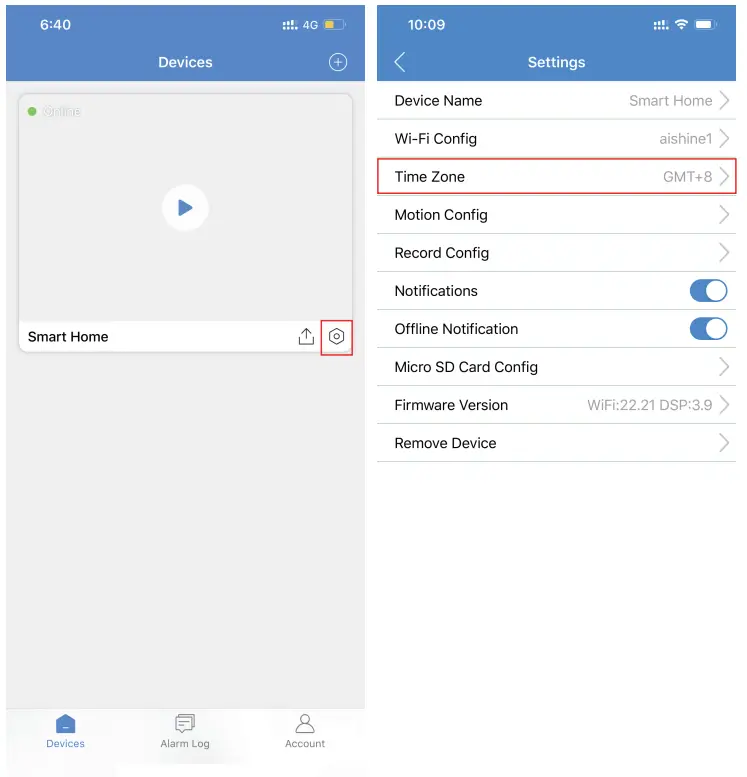
Camera Normal Status:
- Camera always in standby mode;
- Once motion detected, it will push a notification to phone, do a snapshoot and record a 15 seconds video clip into memory card;
- Sleep and alert after 1 minute once motion detected again.
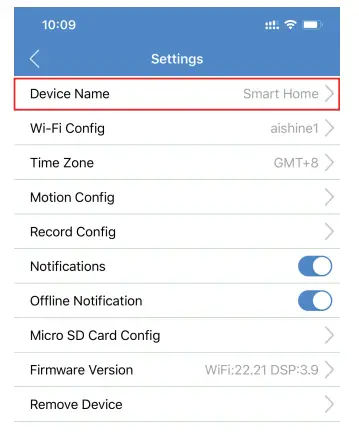
Set name: Press the after the camera, select Device Name –> Input needed name like Office, Living room etc …
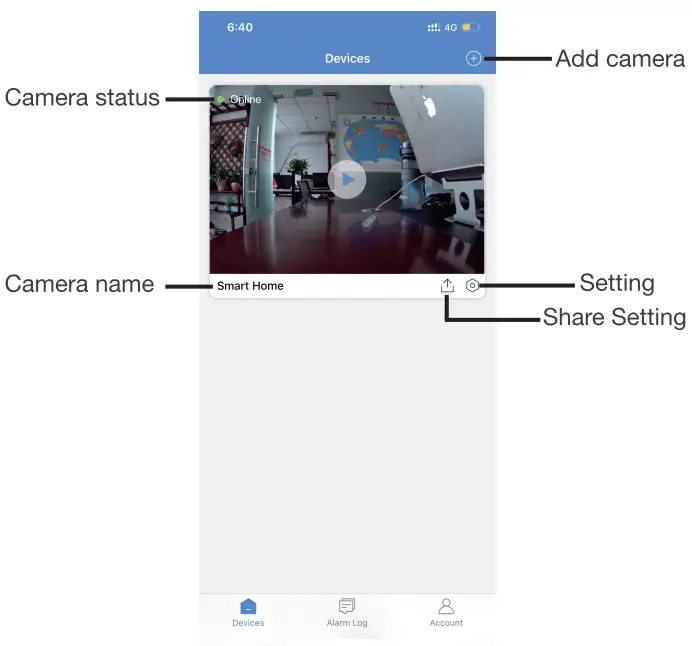
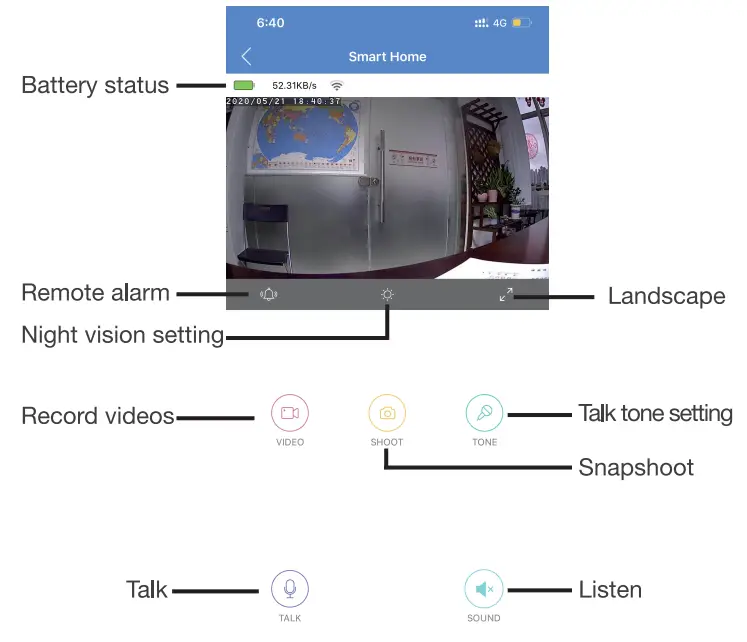
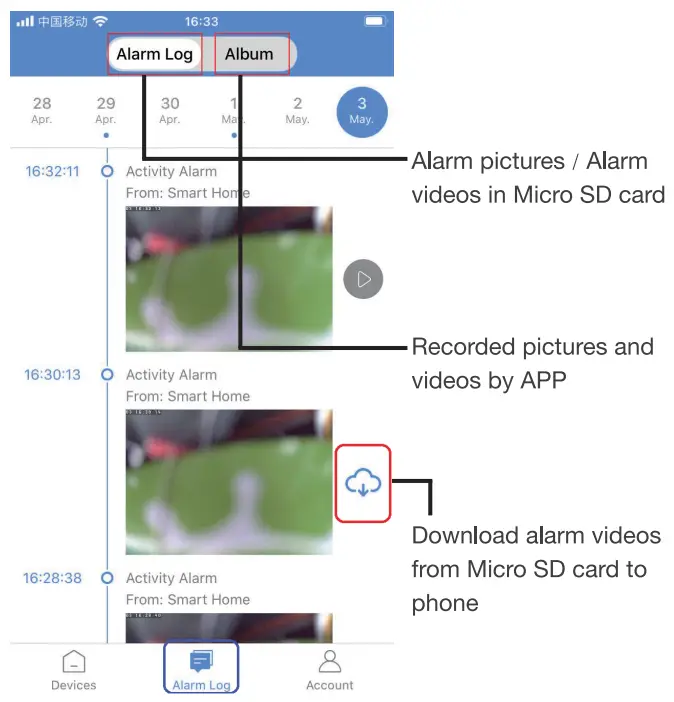
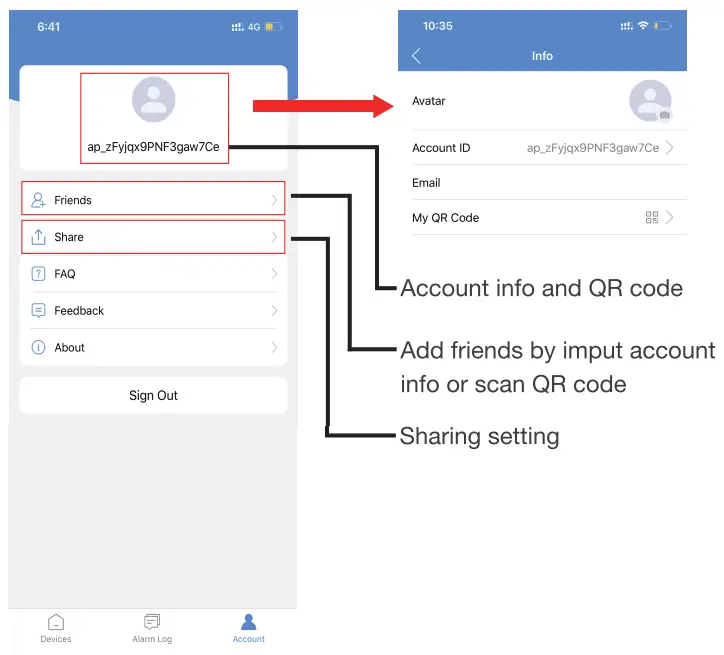
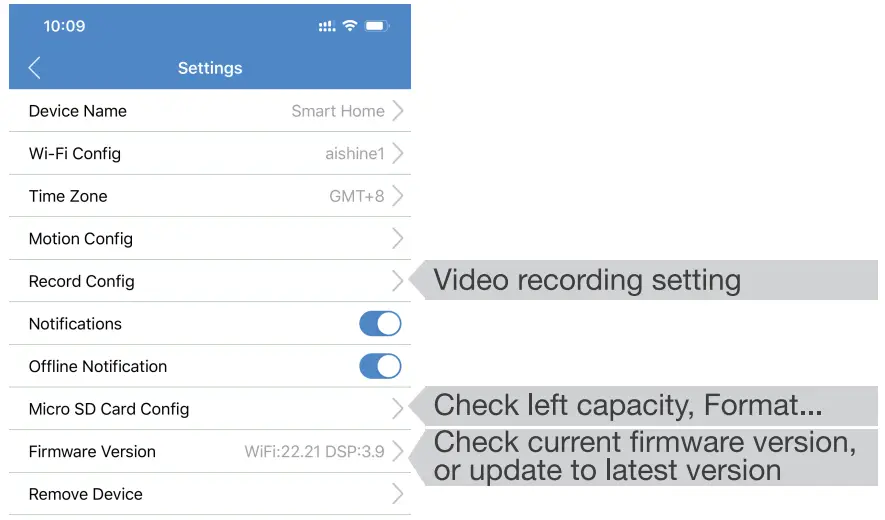
APP Introduction
Specification
| Resolution | 2 Mega CMOS |
| Video pixel | 1920*1080 |
| Compressed format | H.264 |
| View angle | 110 Degree |
| Type of memory card | TF card>=Class 4110 and HC marked |
| Maximum capacity of memory card | 128GB |
| Mobile phone operation system | Android/iOS |
| Compatible router | 2.4G and Mobile hotspot |
| Two way talking | Yes |
| PIR alarm pictures in server | 15days |
| Battery capacity | 1500mAh |
| Standby power consumption | 500pA |
| Power consumption | 350mAh |
| Power consumption with night vision | 610mAh |
| Recording | 1 minute/ around 24MB |
| Standby time | Around 3-4 months |
| Charging time | Around 3-4 hours |
| Power adapter (not include) | 5V I 2A |
| Weather-proof Grade | IP34 |
FAQ
– Yes.
– Keep searching WiFi signal 3mins, 10mins, 1 hour, 2 hours, 5hours,24hours later; If WiFi on, it will be connected to WiFautomatically.
– Delete the App and Download again to test,and agree all permissions (Allow notification, Bluetooth and location).