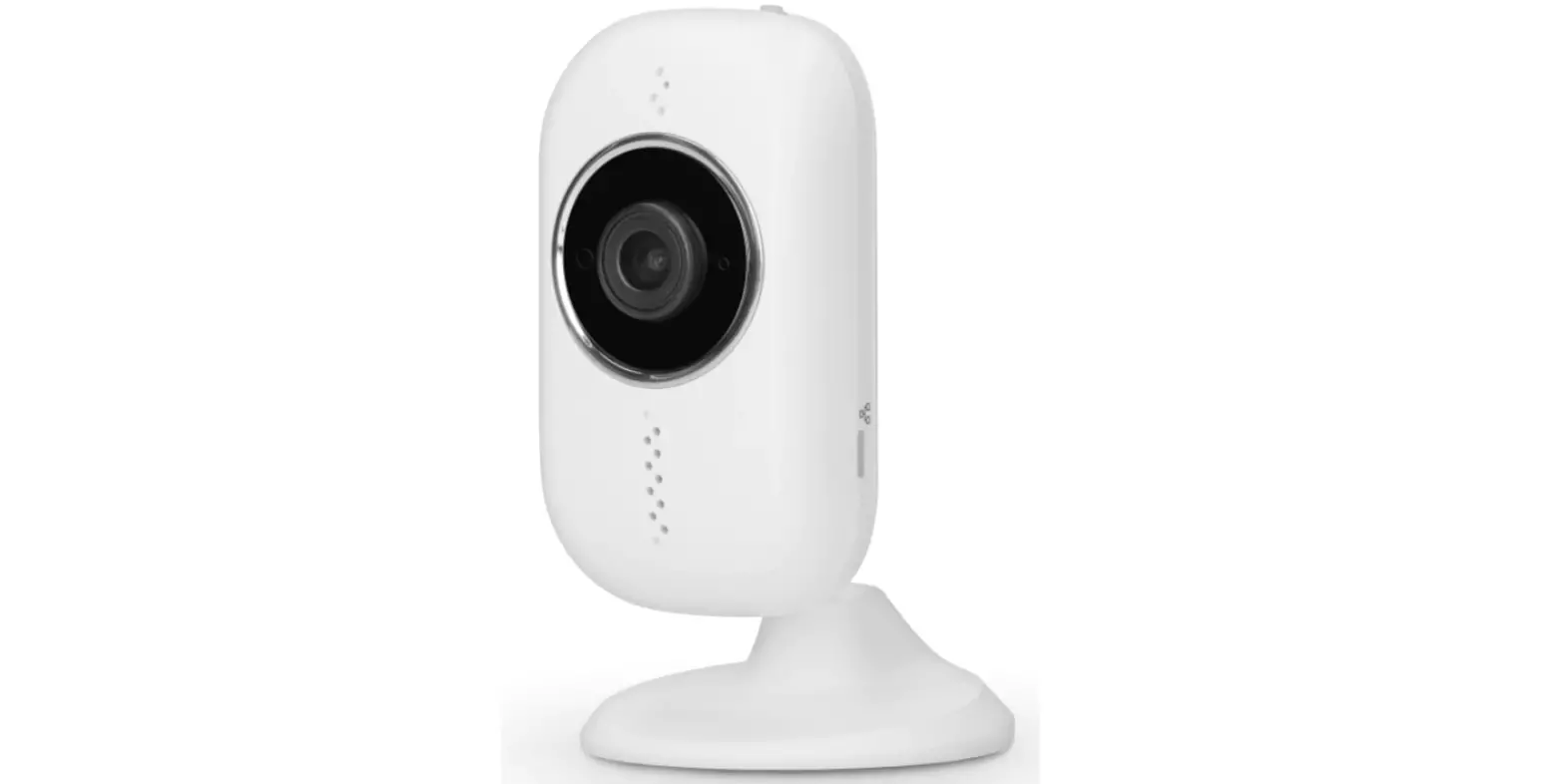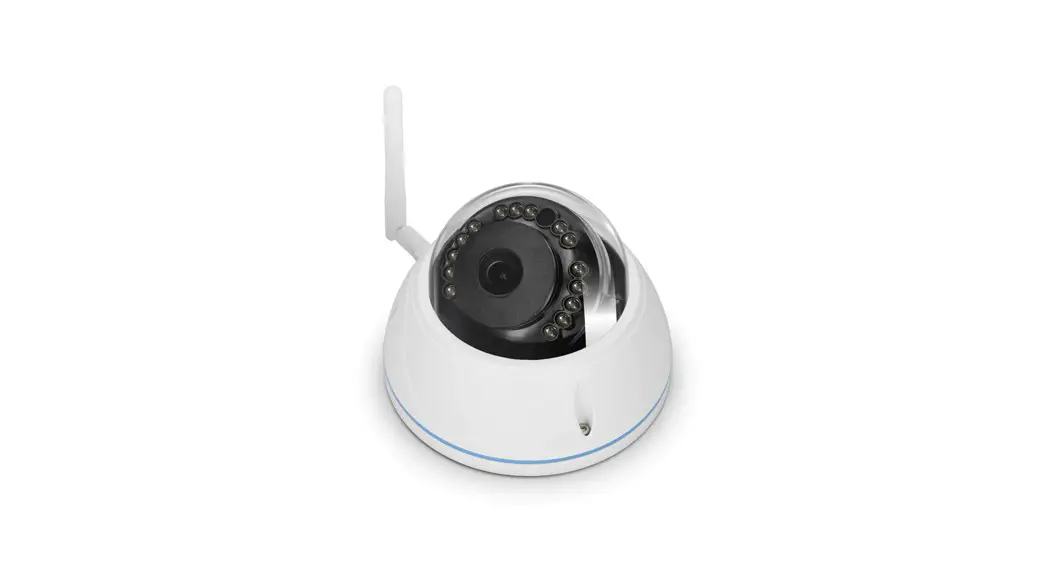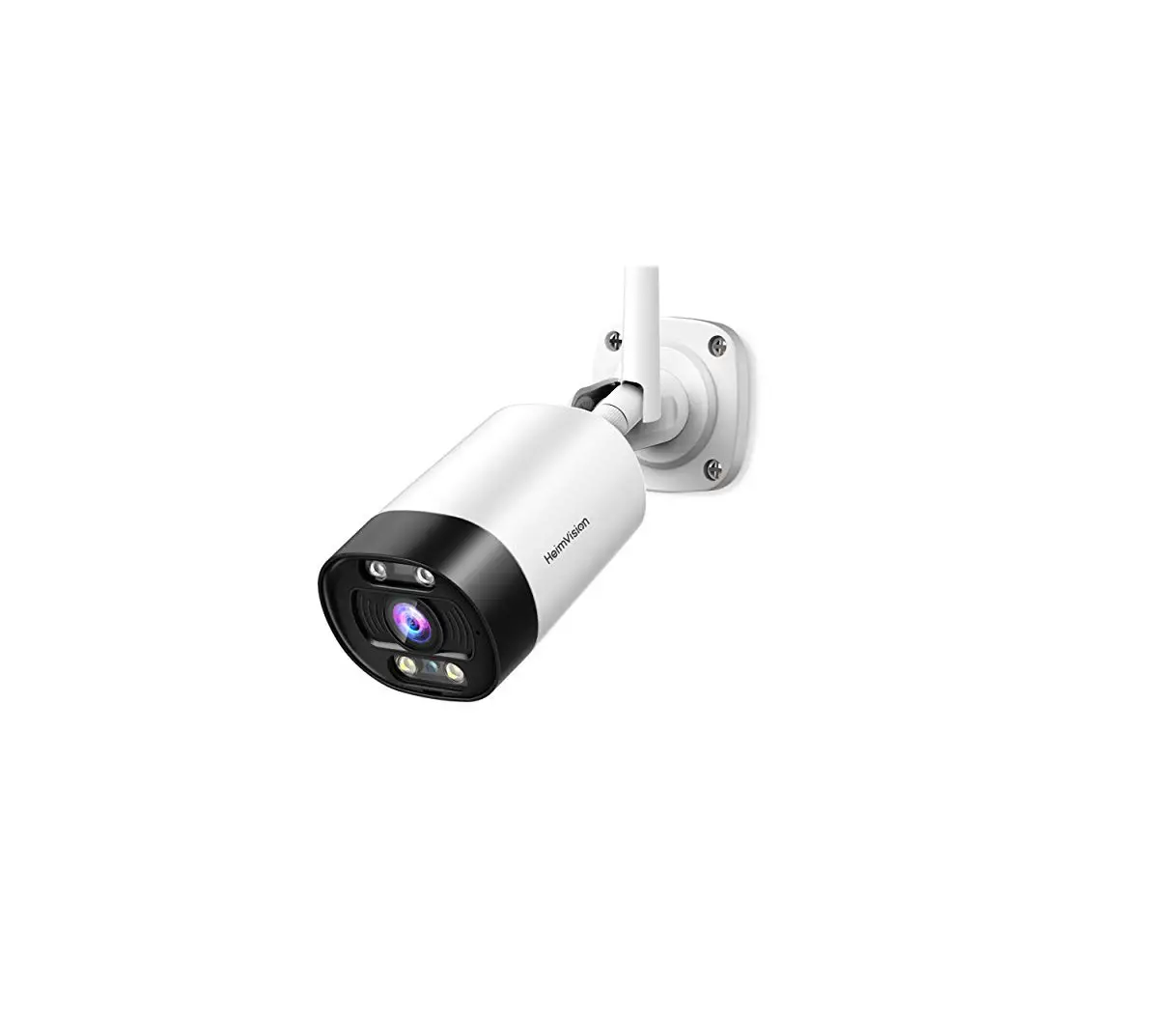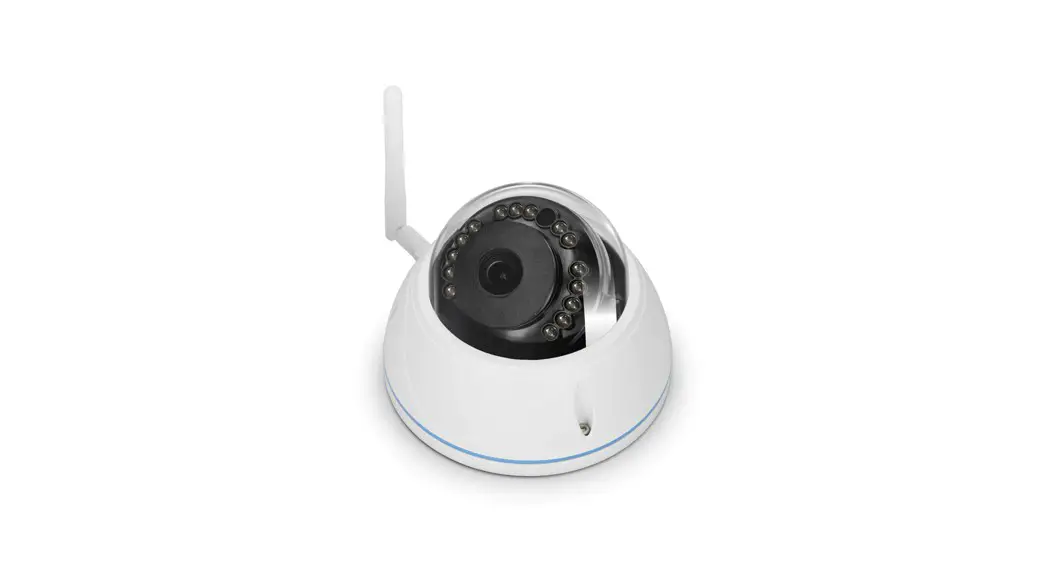

DVC136IP
V1.2
User manual

Surveillance camera
OVERVIEW
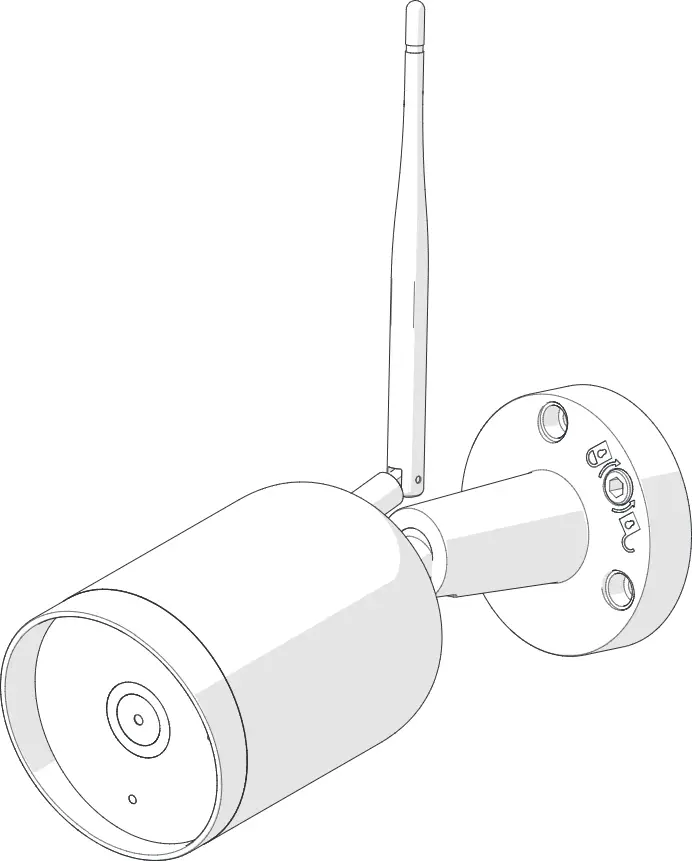
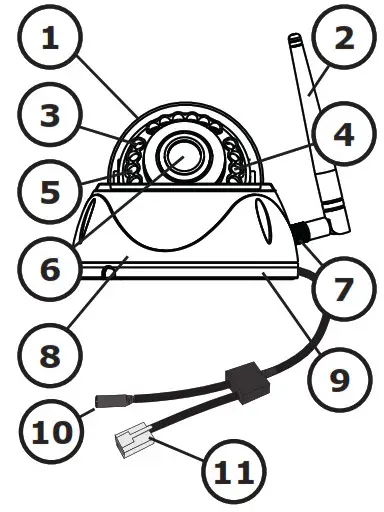 | 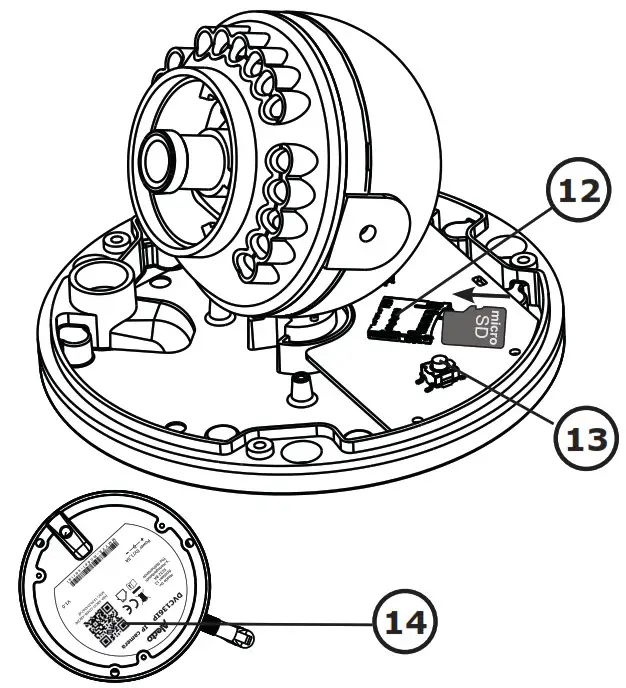 |
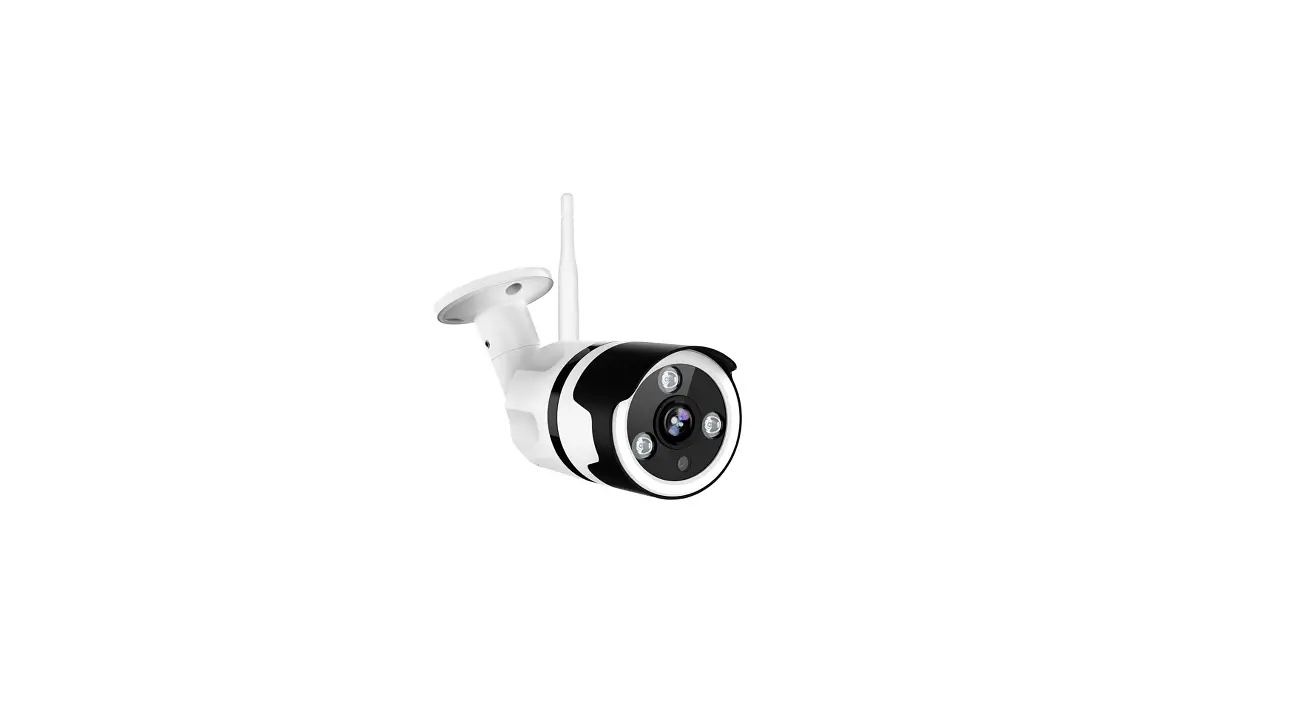
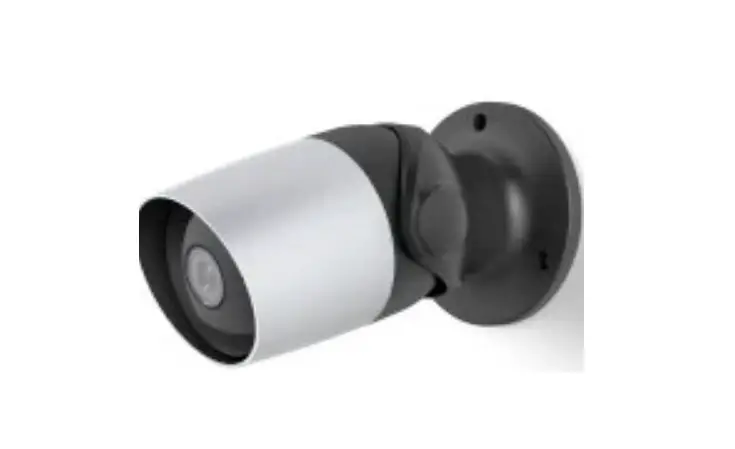
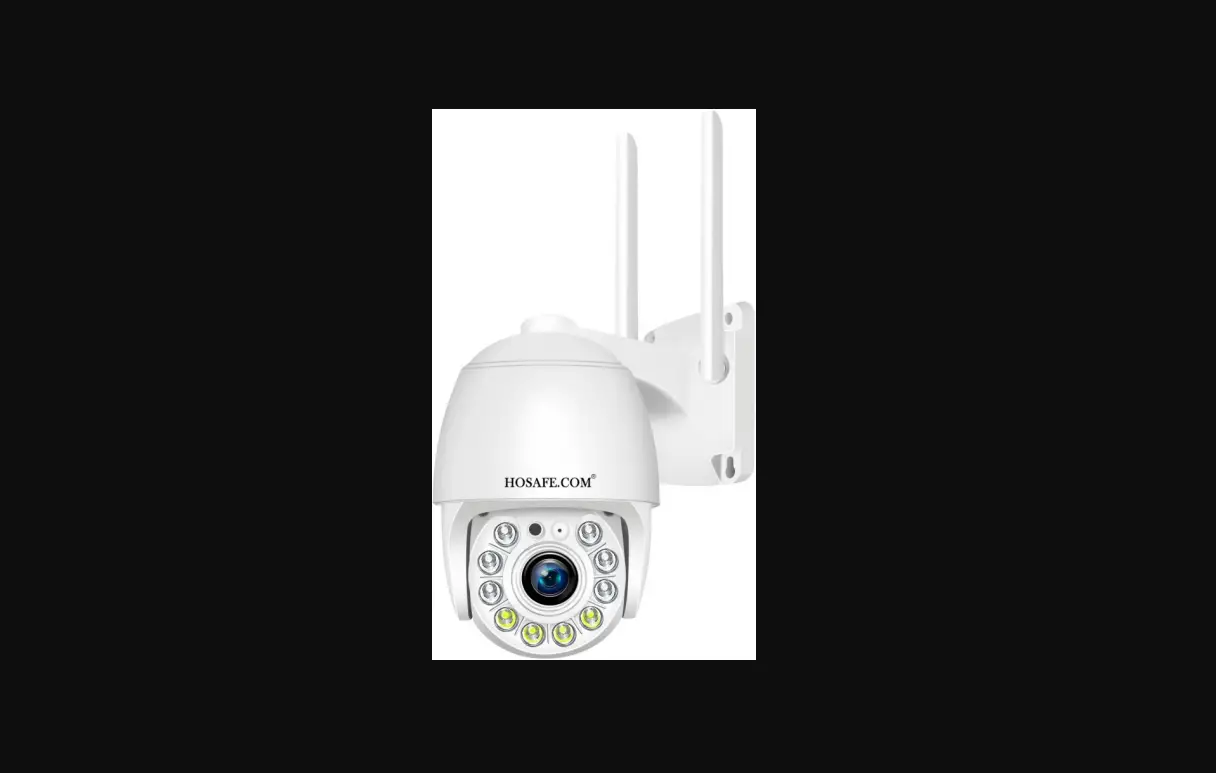
| 1. lens cover 2. antenna 3. infrared LEDs 4. indication LED 5. light sensor 6. lens 7. antenna connection | 8. cabinet 9. microphone 10. power supplyconnector 11. LAN network connector 12. SD card slot 13. reset button 14. QR-code |
INSTALLATION
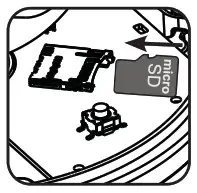 | Insert a micro SD card (required for firmware updates). |
 | Connect the LAN network if necessary, or use WiFi. Connect the AC adapter to the power socket (5V) of the camera. Wait 2 minutes for the camera to starts up. |
 | Press the reset button until the indicator LED starts flashing. |
See Quick Starters Guide for registering the camera to the app.
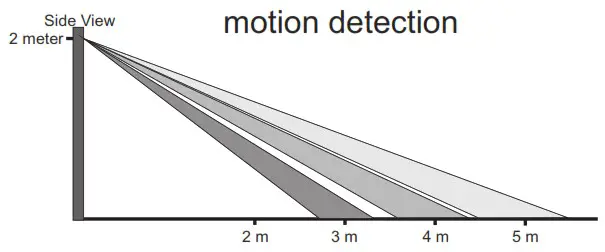
MOTION DETECTION
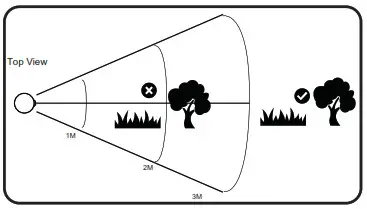
- Reduce detection sensitivity. • Keeping treetop, brushes and leafs away from the 3-meter diameter detection area.
- Remove small and swaying objects that may block the viewing area
DECLARATION OF CONFORMITY
Hereby, Hesdo declares that the radio equipment type
Alecto DVC136IP is in compliance with directive 2014/53/
EU. The full text of the EU declaration of conformity is available at the following internet address: http://DOC.hesdo.com/DVC136IP-DOC.pdf
Frequentie : 2407 – 2475 MHz
Maximum Vermogen : < 20 dBm
TECHNICAL SPECIFICATIONS.
Image Sensor: CMOS Sensor
Display Resolution: 1080P (Full HD)
Lens: 4.1mm Glass Lens
Mini. Illumination: 0 Lux (With IR Illuminator)
Viewing Angle: 110º
Input Built-in: microphone
Output Built-in:-
Audio Compressioin :PMC
Image Compression :H.264
Resolution: 1080P(1920×1080), VGA(640 x 480)
Flip Mirror Images: flip and mirror adjustable by user
Supported Protocol: TCP/IP,UDP, HTTP, HTTPS, SMTP, WPA/WPA2
Wireless Standard: IEEE 802.11b/g/n,
Bluetooth 4.0 (For Wi-Fi Pairing Only)
Frequentie range: WiFi(H20): 2412-2472 MHz
WiFi(H40): 2422-2462 MHz
Transmitted power: WiFi 18 dBm EIRP
Date Rate 802.11b: 11Mbps (max), 80211g: 54Mbps (max.),
802.11n: 150Mbps (max.)
Wireless Securtiy: AES128, WPA & WPA2 Encryption
Ethernet :10/100Mbps
Pan/tilt Angle:-
Infrared Light: 15 IR LEDs, Night visibility up to 5 meters
Alarm Input / Output :TF/SD card :External up to 128 GB (Kingston or Transcend)
Power Supply: DC 5 V/1.5A (adapter)
:Kuanten, KT12W050150EU
Power adapter for indoor use only
Shen Zhen Kuanten limited.
The fourth industrial zone Park, Second Building Two Floor 201#,
XiTian Village, Gongming Town, GuangMing New Town, 518106
Shenzhen City, Guangdong, People’s Republic of China.
Input voltage: 100-240Vac
Input frequency : 50/60Hz
Output voltage constant: 5V
Output current constant: 1,5A
Output power constant: 7,5W
Average active efficiency: 81,85%
Efficiency at low 10% load: 77,87
Input power no load : 0,065W
Operate Temper.:-10°C ~ 50°C (14°F ~ 122°F)
Operating Humidity :20% ~ 85% non-condensing
Storage Temper.:-20°C ~ 60°C (-4°F ~ 140°F)
Operating Humidity :0% ~ 90% non-condensing
Certification: CE, FCC, RoHS
 | WWW.ALECTO.NL [email protected] Hesdo, Australiëlaan 1, 5232 BB, ‘s-Hertogenbosch, The Netherlands |