 In association with
 Quick Start Guide
BG-710
Blood Glucose
Monitoring System
BG-710 Blood Glucose Monitoring System
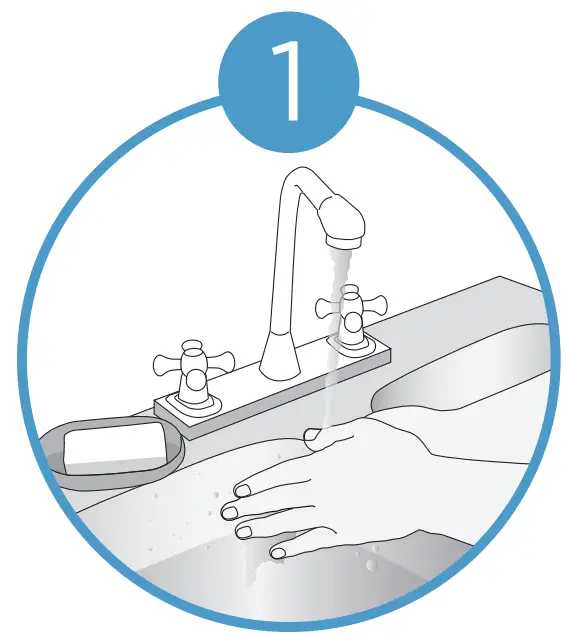
Wash and dry hands — Using warm water may help the blood flow.
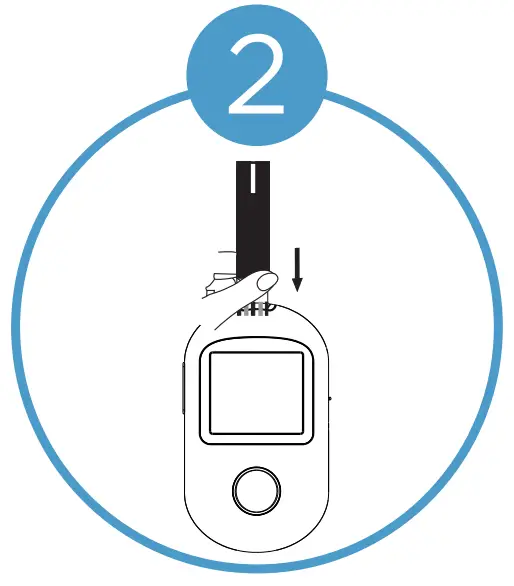
Insert Kinetik Wellbeing BS-602 test strip into strip port with contact bars facing toward you.
Ensure that the device is off when inserting the test strip.
The device will automatically turn on and be ready for testing once test strip has been inserted.
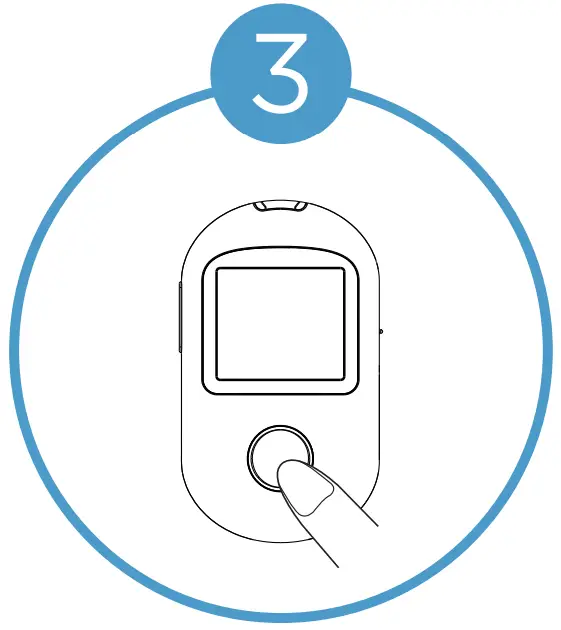
Press and release the Kinetik Wellbeing heart button to select the meal marker function. The default setting is ‘no marker’.
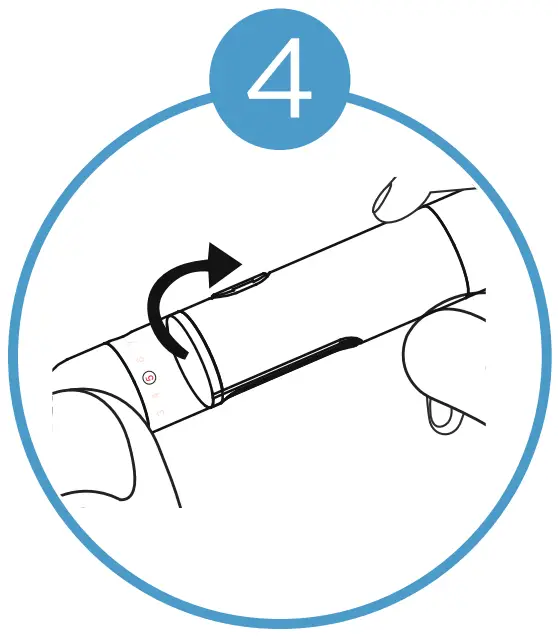
Prepare the lancing device. Ensuring to insert the lancet firmly into lancing cup holder and set the lancet level appropriately.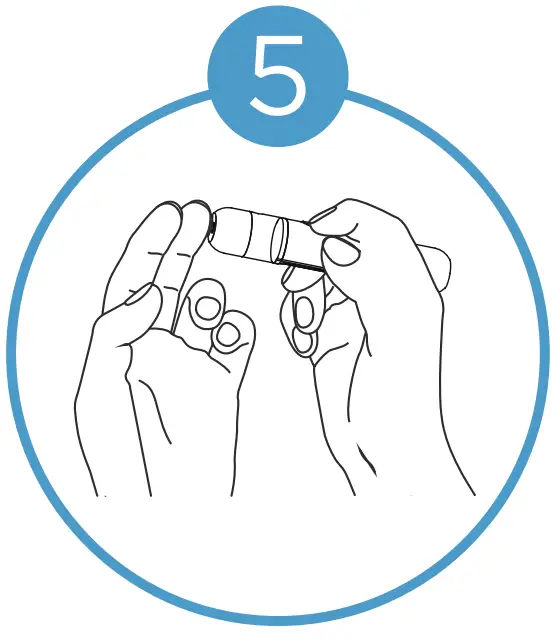
Obtain a blood sample.
Hold lancing device against the site to be lanced and then press the release button to puncture.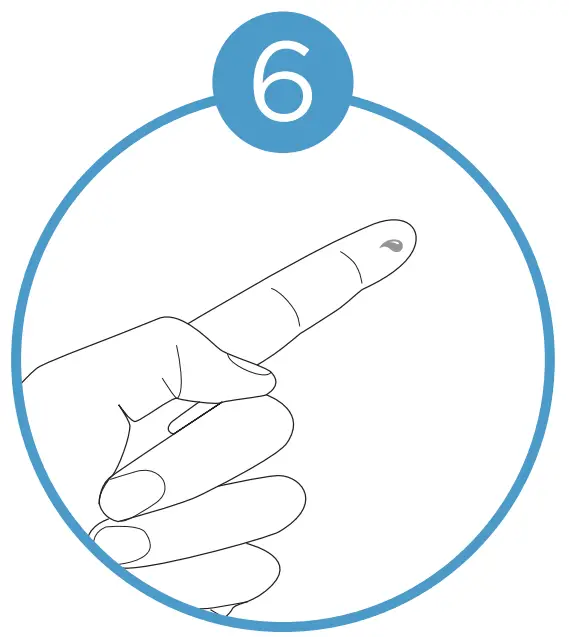 Squeeze lancet site until a drop of blood forms. Wipe away the first blood drop and then squeeze until a second small blood drops forms.
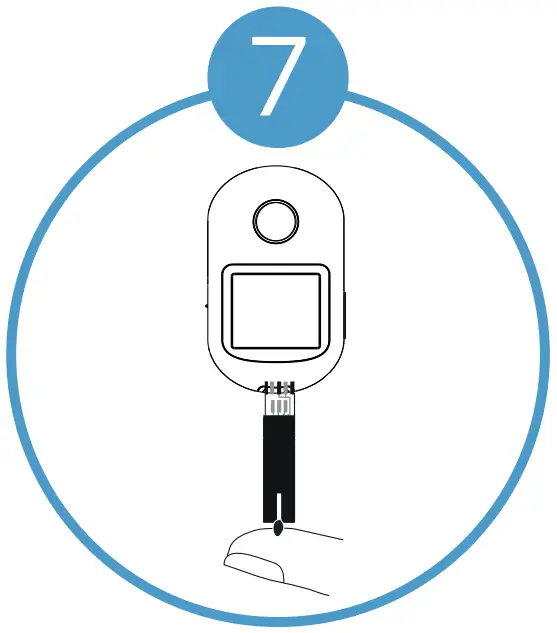
Hold the device upside-down.
Then gently place the end of the test strip on the blood sample.
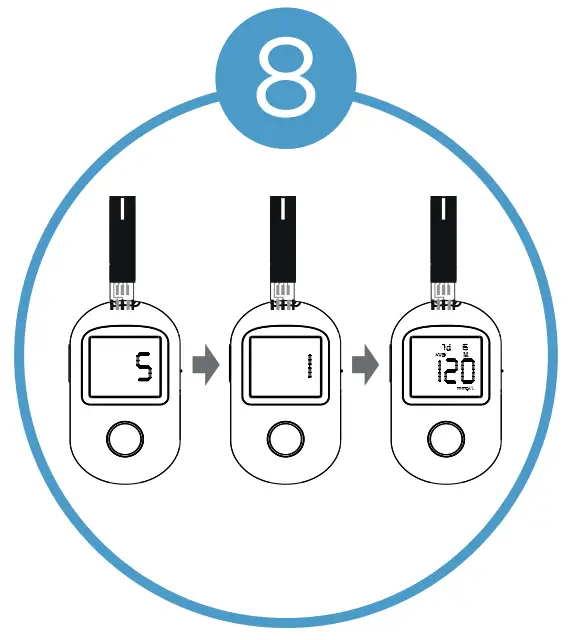
Remove lancet site from the test strip when the 5 second countdown begins.
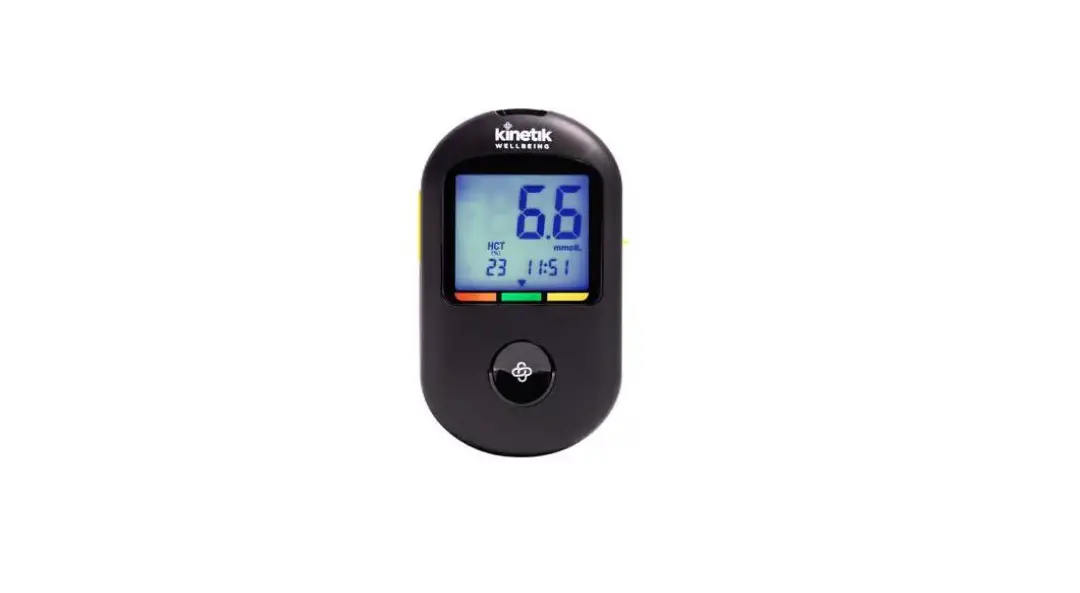
The test result will appear on meter after countdown.
Remove the used test strip.
The meter will store the test resultand automatically turn off.
for more information visit :
kinetikwellbeing.com
 We Deliver Health To The Home | Kinetik Wellbeing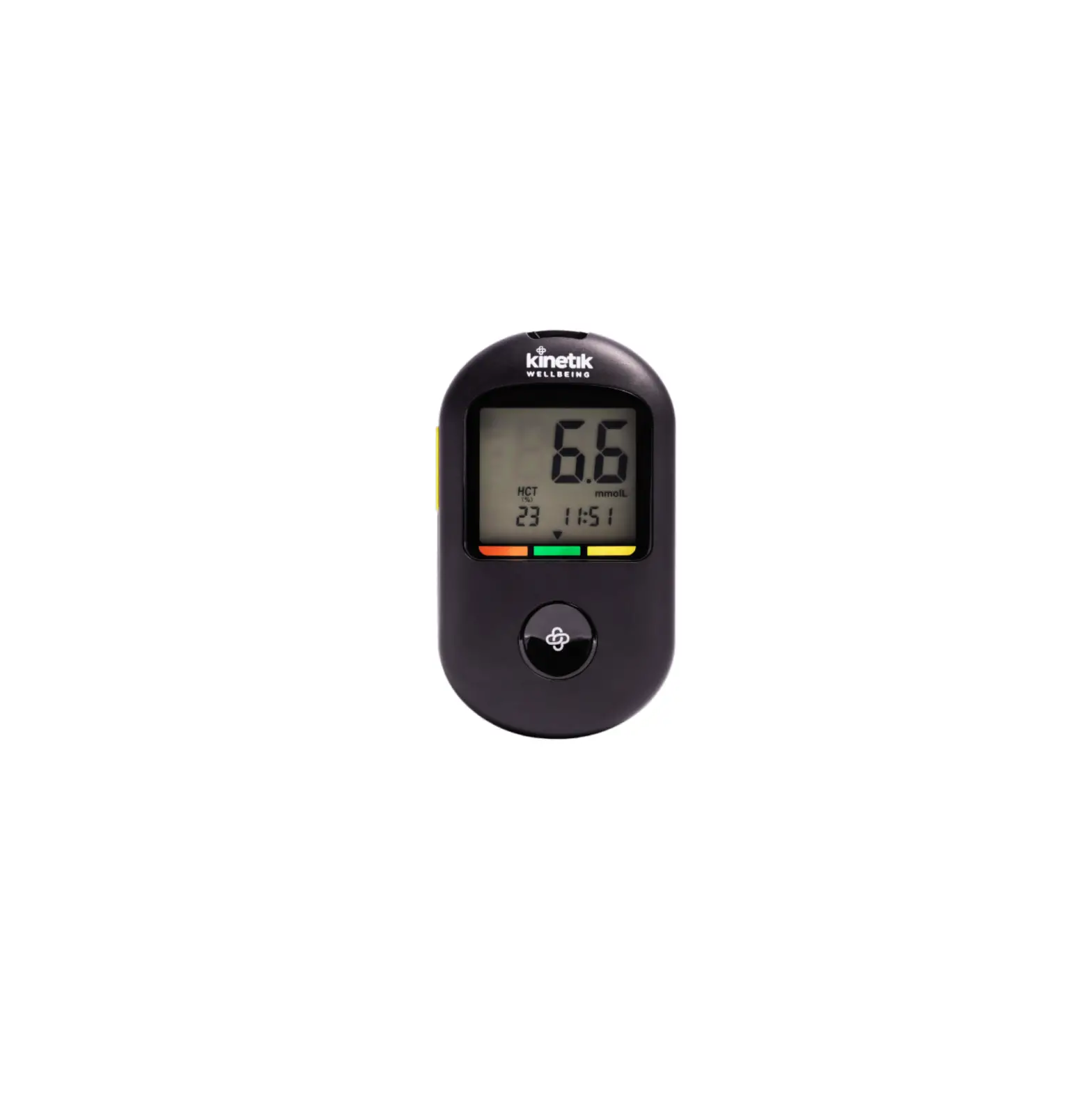
![Livongo Blood Glucose Monitoring System [pl00497] User Manual](https://static-data1.manualsee.com/1/img/99/20028/2020/12/Livongo-Blood-Glucose-Monitoring-System.png "Livongo Blood Glucose Monitoring System [pl00497] User Manual")