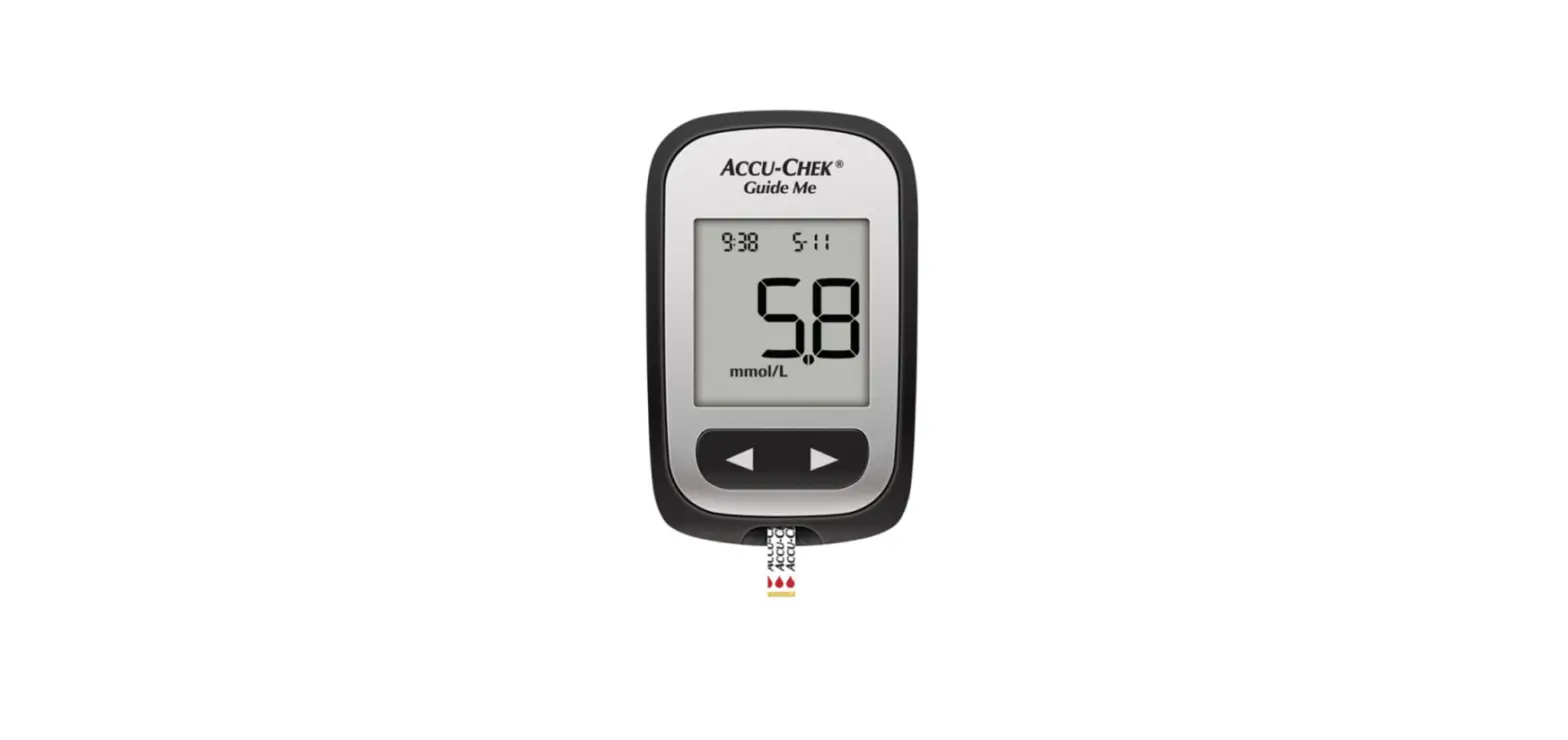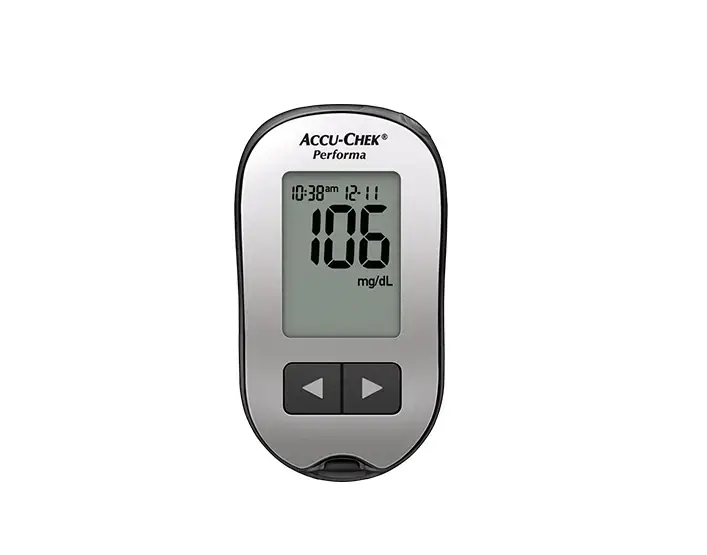
ACC-CHEK Performa Blood Glucose Meter User Guide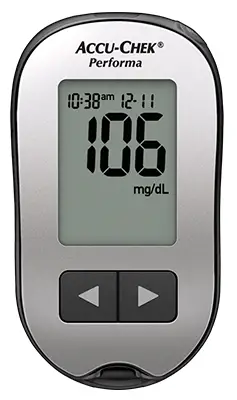
 WARNING
This Quick Start Guide does not replace the User’s Manual for your Accu-Chek Performa blood glucose meter. The User’s Manual contains important handling instructions and additional information.
WARNING
The Accu-Chek FastClix lancing device is intended for patient self-monitoring by an individual person only. It must not be used to collect blood from more than one person as it does not incorporate any features to guard against cross-infection.
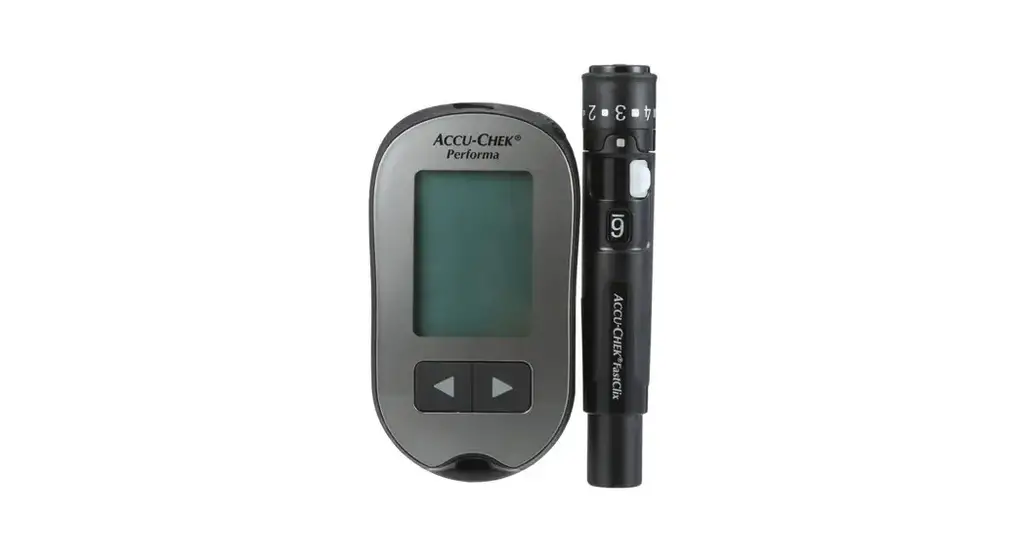
Meter Overview
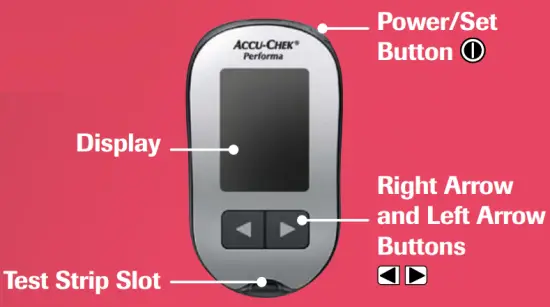
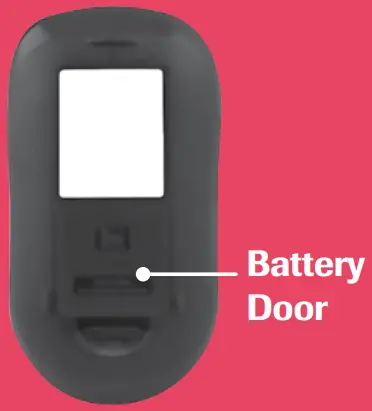
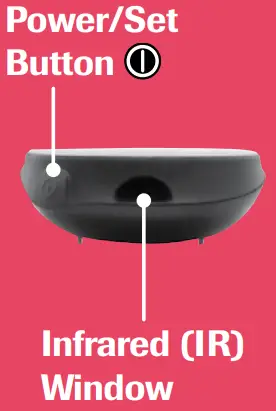
Setting up the Lancing Device
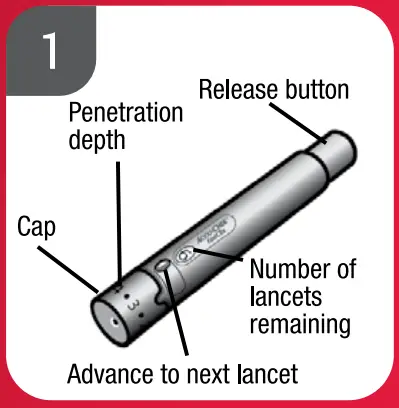
- Familiarise yourself with the Accu-Chek FastClix lancing device.

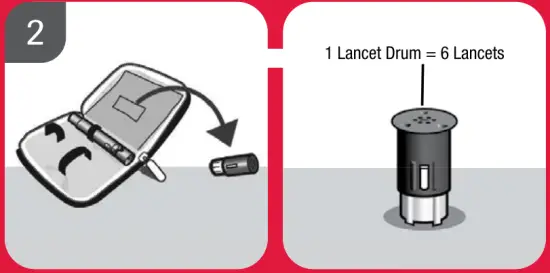
- Get the lancet drum from the pocket in the carry case.

NOTE
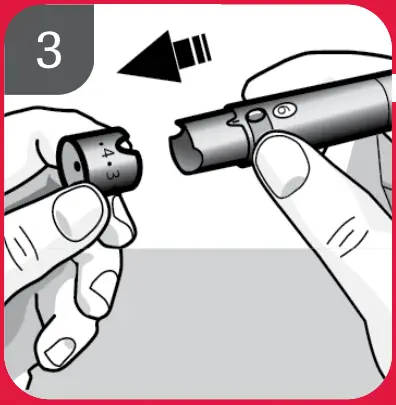
Each lancet drum contains 6 sterile lancets. - Remove the cap by pulling it straight off.
Do not twist the cap.
 WARNING
You must not insert the lancet drum into the lancing device and simultaneously press the release button or hold the lancing device with the release button resting on a surface such as a table top.
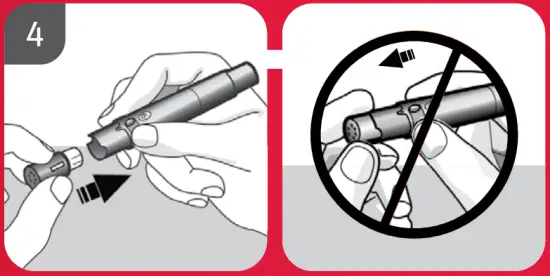
This could release a lancet and inadvertently cause injury - Insert the lancet drum, white end first, into the lancing device. Push the lancet drum all the way in until it clicks firmly into place.

NOTE
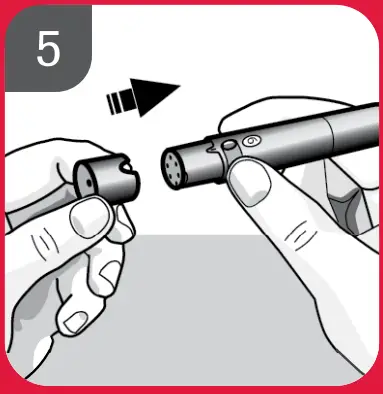
Do not remove the lancet drum until all 6 lancets have been used since the lancet drum cannot be reused once it has been removed from the lancing device. - Replace the cap on the lancing device.
Make sure the notch on the cap lines up with the notch on the lancing device.
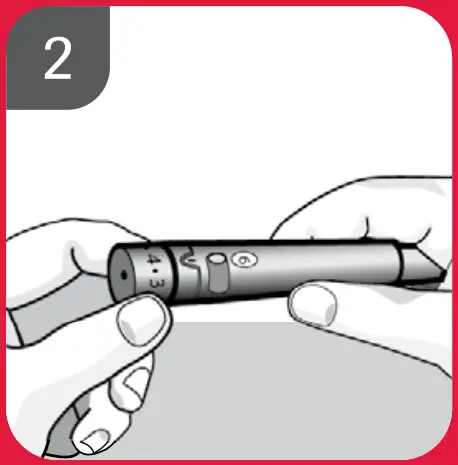
- Adjust the lancet depth to a comfortable penetration level. Start at 2 or 3. For tougher skin, dial to a higher number.
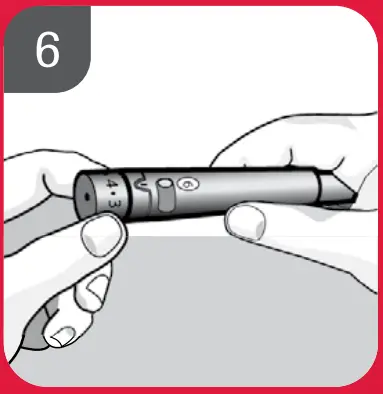
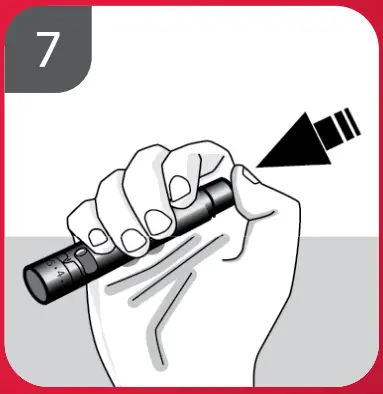
- Using the Accu-Chek FastClix lancing device:
By pressing the release button, the lancing device primes and pricks in 1-Click action.
Setting the Time and Date on the Meter
You will need to do this the first time you use the meter.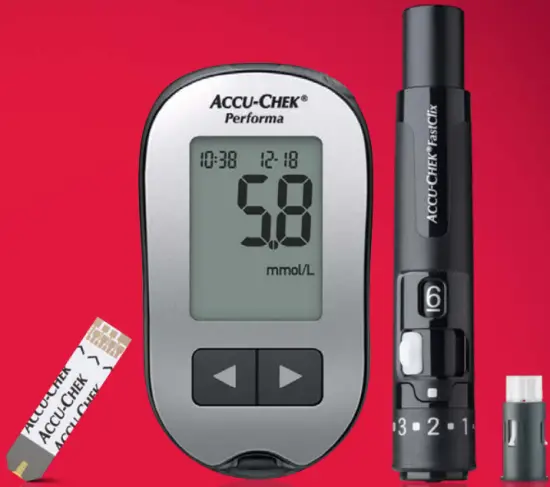
- Press and release
 (power/set button) to turn the meter on. The flashing test strip symbol appears on the display
- Use
 or to adjust the hour. Press and release to advance through the hour, minutes, day, month and year, adjusting each flashing setting as needed with or .
 (power/set button) to turn the meter on. The flashing test strip symbol appears on the display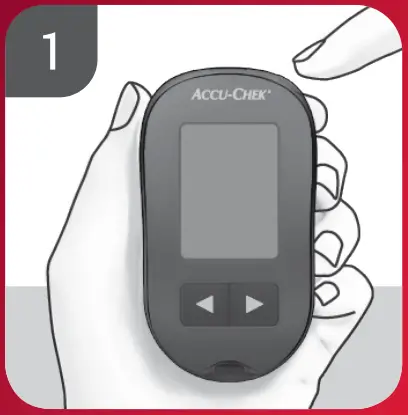
 or
or  to adjust the hour. Press and release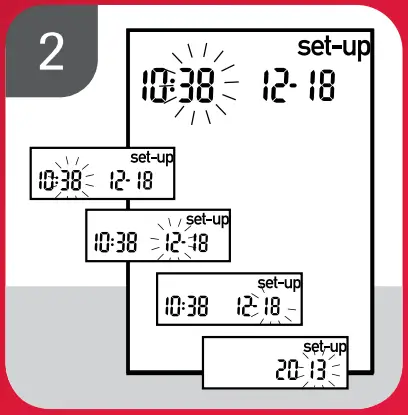
Performing a Blood Glucose Test
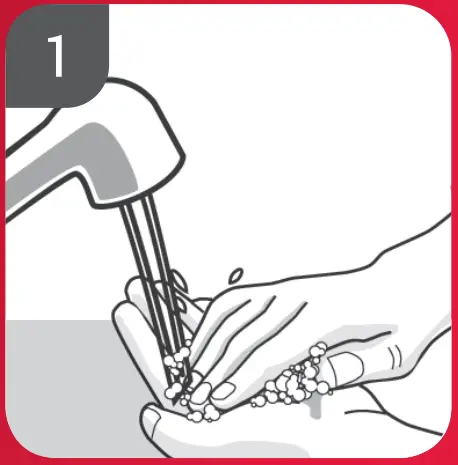
- Wash and dry your hands.

- Prepare the lancing device.
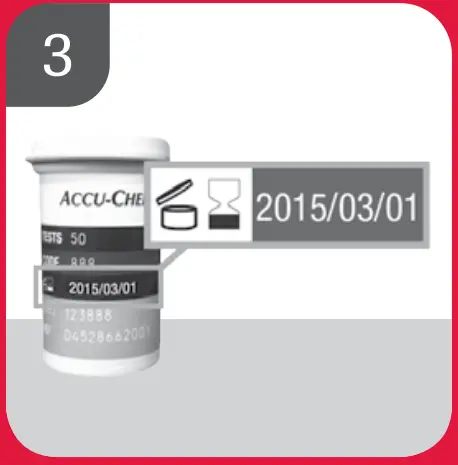
- Check the use by date on the test strip container. Do not use test strips past the use by date.
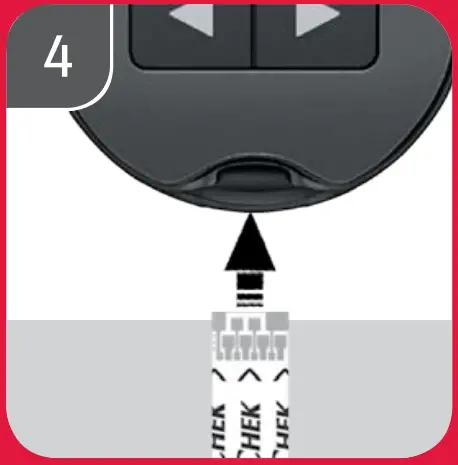
- Insert the test strip into the meter in the direction of the arrows.
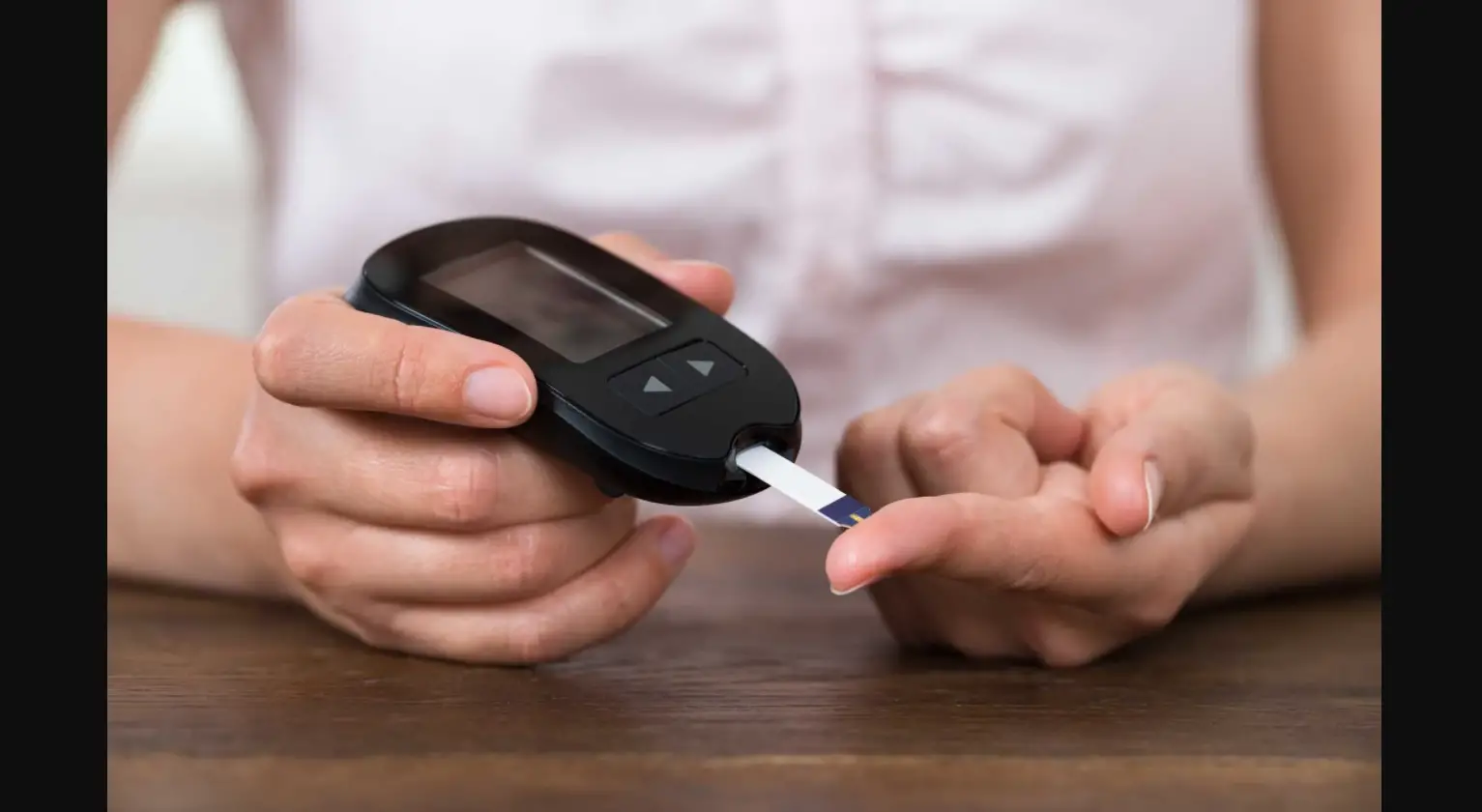
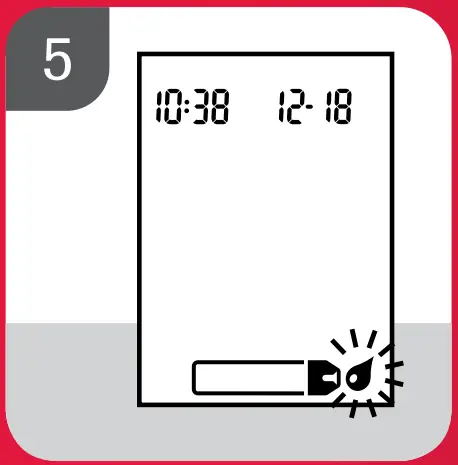
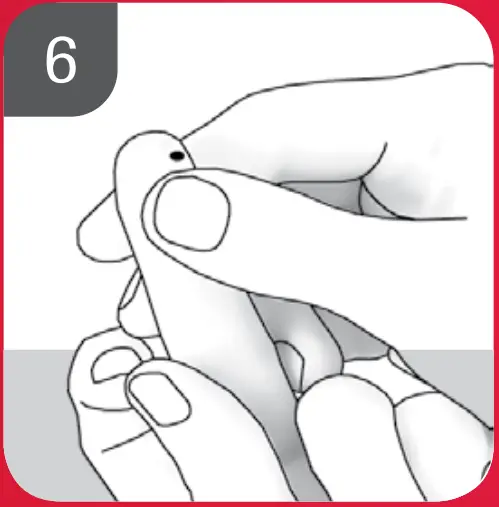
The meter turns on and beeps. - When the blood drop symbol flashes, perform a fingerstick with the lancing device
- Gently squeeze your finger to assist the blood flow. This helps you get a blood drop.

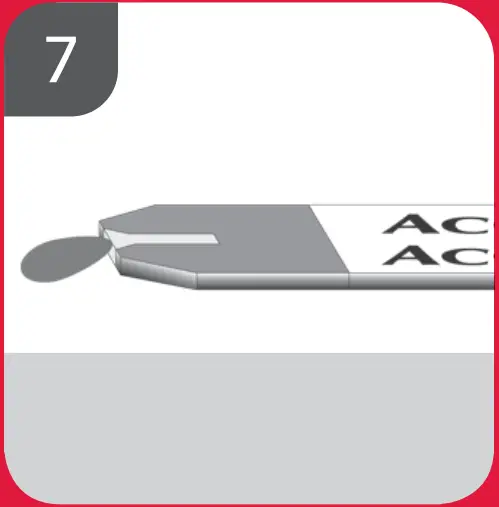
- Touch the blood drop to the front edge of the yellow window of the test strip.
Do not put blood on top of the test strip.
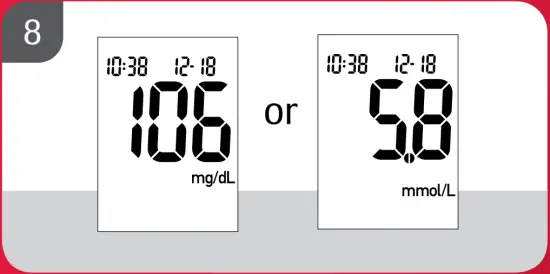
The meter beeps and flashes when there is enough blood in the test strip. - The test result appears on the display. To assign a marker to the test result, leave the test strip in the meter. Remove and discard the used test strip. After a successful test, the meter turns itself off 5 seconds after the test strip is removed

If you need any more help or information please contact your Roche representative.
© 2019 Roche Diabetes Care Limited. All rights reserved.
ACCU-CHEK, ACCU-CHEK PERFORMA and FASTCLIX are trademarks of Roche.
All other trademarks are the property of their respective owners.
Date of Preparation: December 2019. For healthcare professional use only in the UK and Ireland.

Roche Diabetes Care Limited, Charles Avenue, Burgess Hill, RH15 9RY, UK.
Company registration number: 9055599 www.accu-chek.co.uk

 Accu-Chek UK | Diabetes Care Management: Devices, Apps & Tools