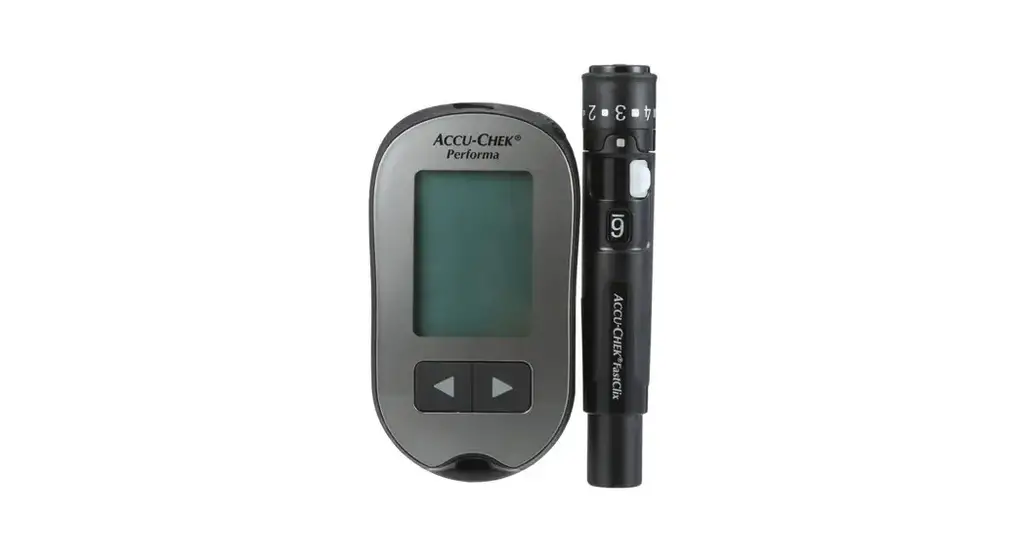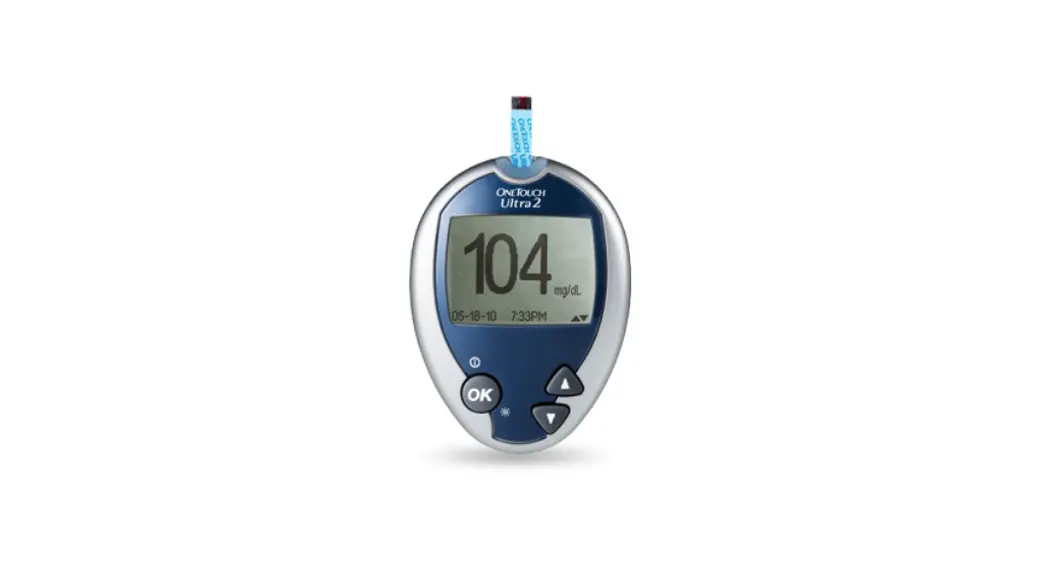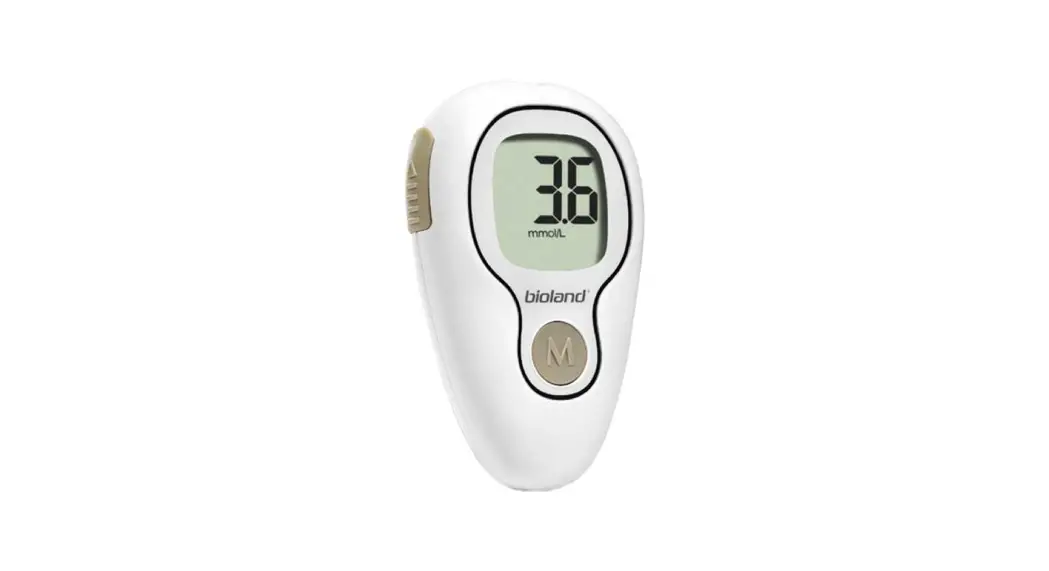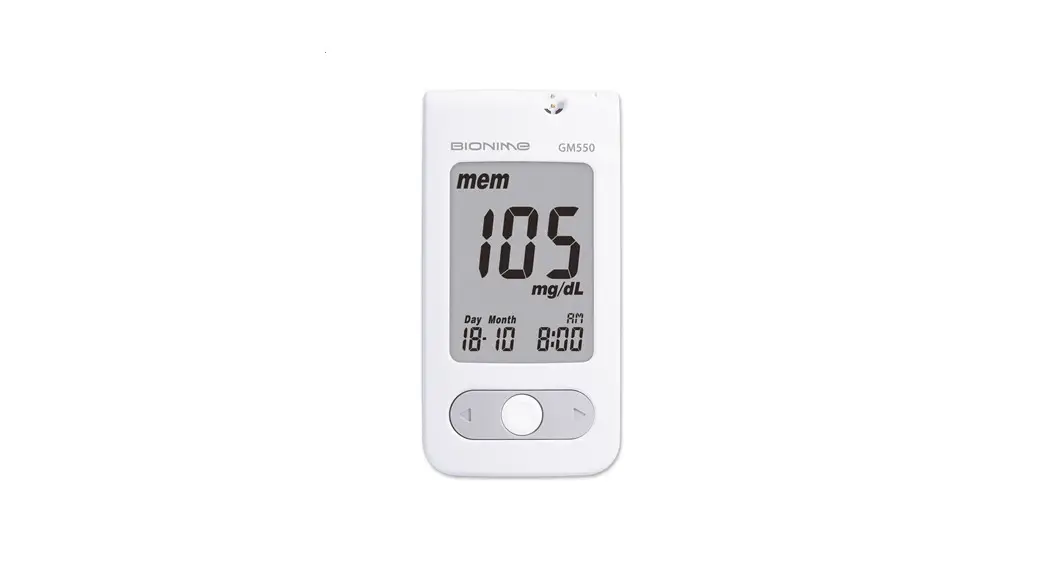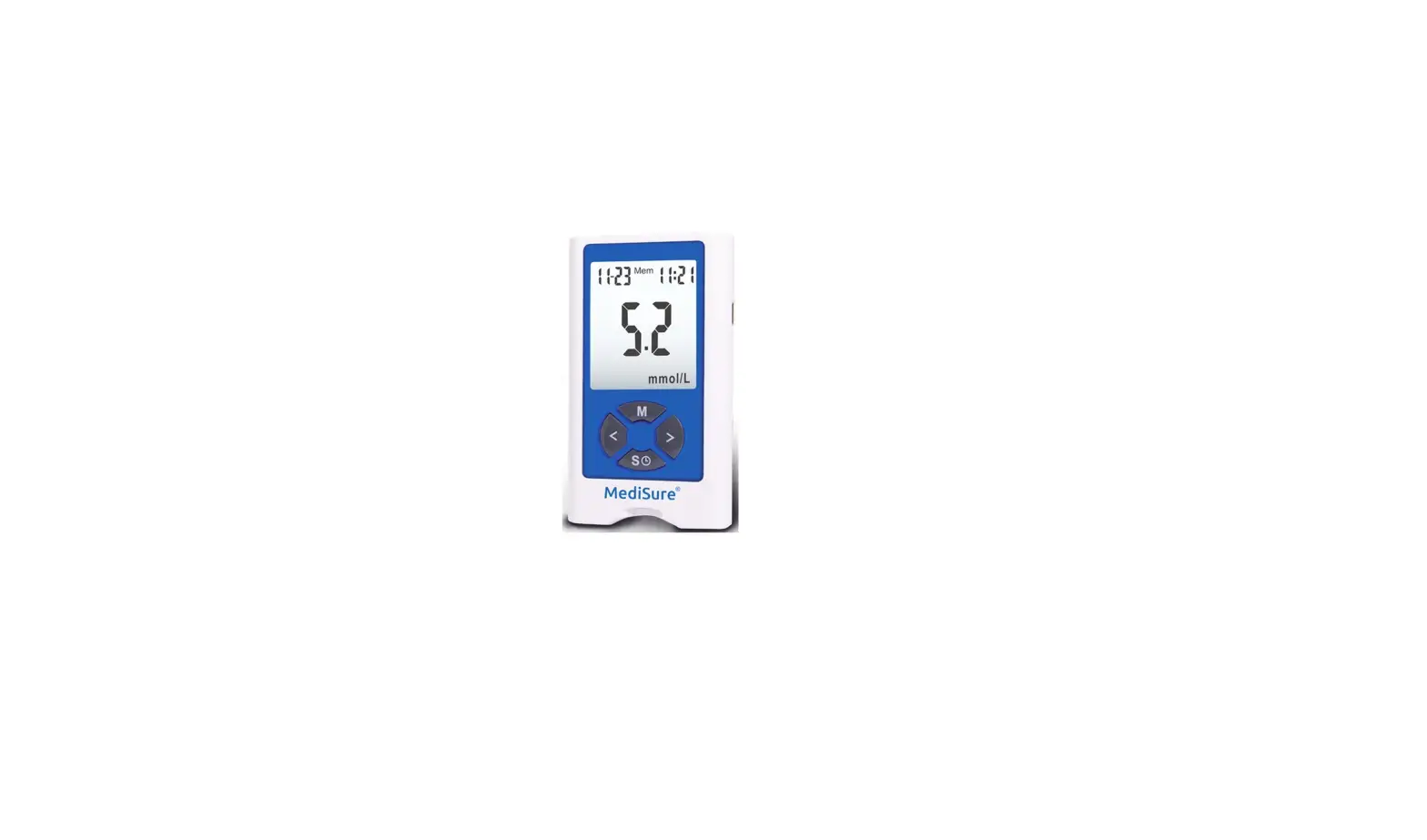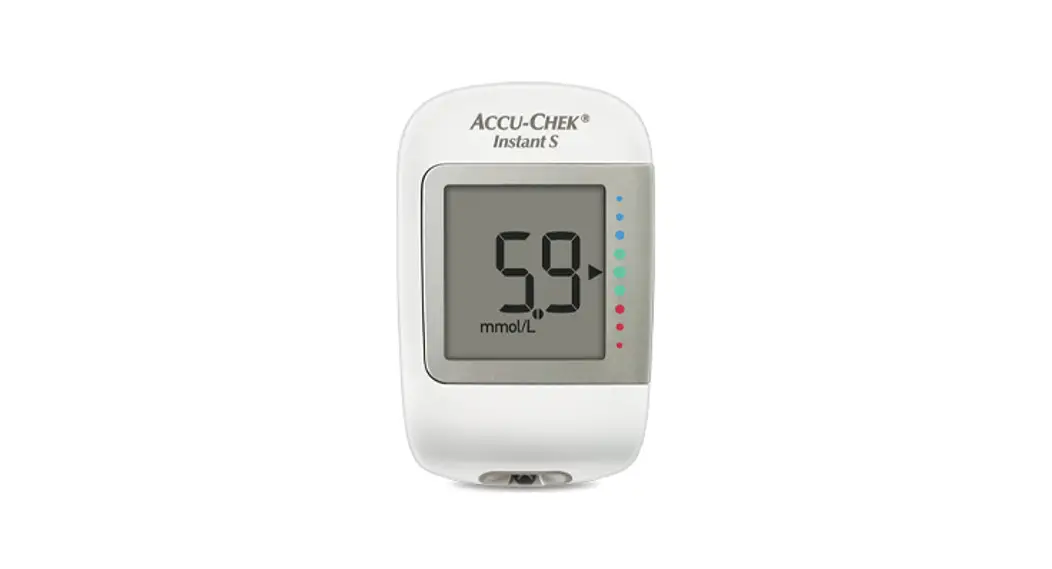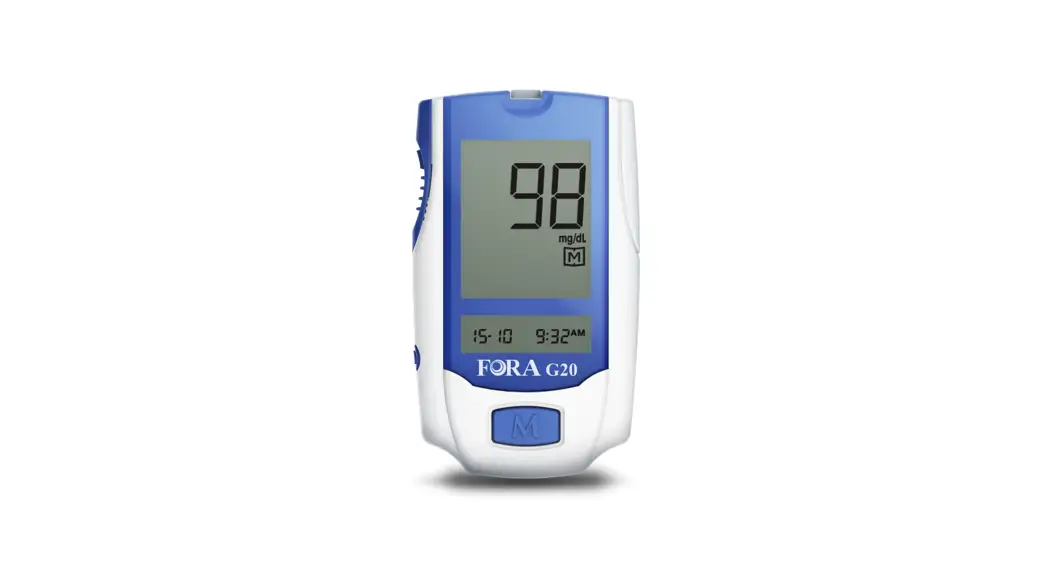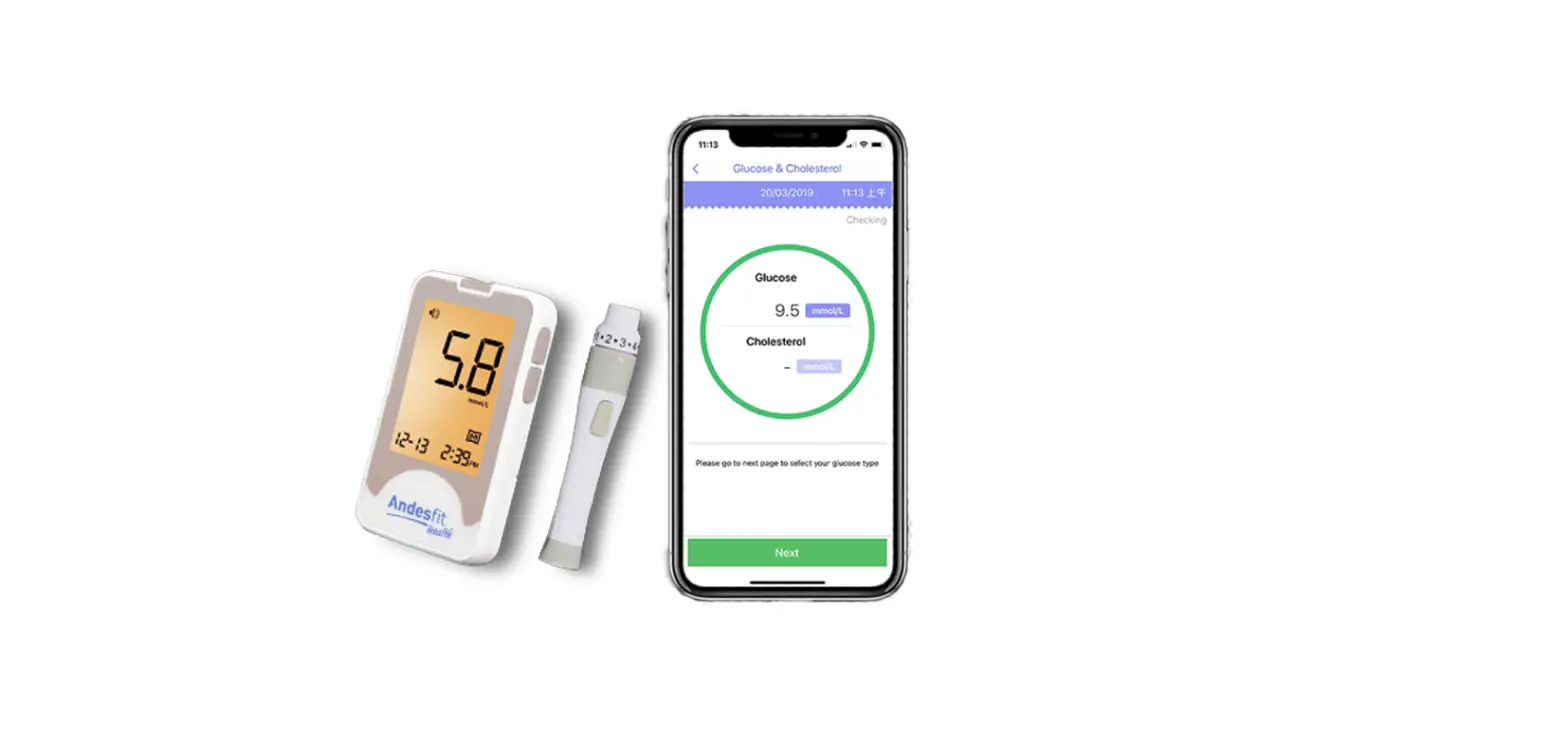

Omada 0030 Blood Glucose Meter 
What’s in the Box
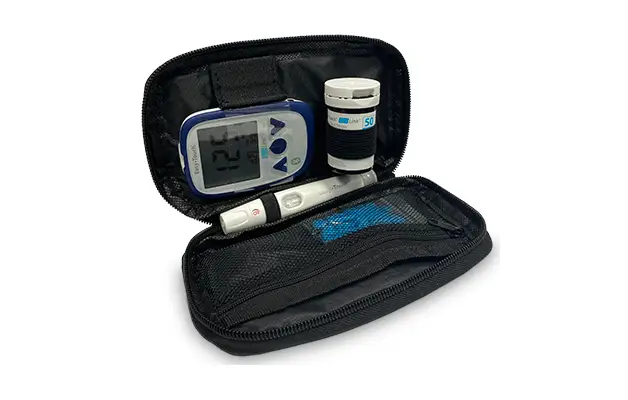
In the smaller box on the left is a Greater Goods Essential Blood Glucose Meter (BGM), plus all the supplies you need for checking your glucose. On the right is a specially designed cellular case
that securely transmits BGM readings to your Omada account via a cellular network. Together, they create a connected BGM reading will appear in your Omada app, where you and your coach can see them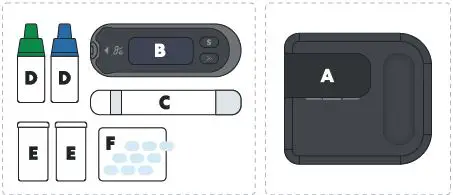
- A. Case with cellular connection
- B. Greater Goods Essential BGM
- C. Lancing device
- D. Control Solution
- E. Test strips
- F. Lancets
How to Assemble Your Connected BGM
Putting the BGM and case together is a snap.
- Step 1. Insert batteries into the BGM.
You’ll find 2 coin cell batteries in the small box with your BGM. For detailed instructions on how to insert (or change) the batteries in the BGM, see the enclosed BGM manual. - Step 2. Slide the BGM into the cellular case.
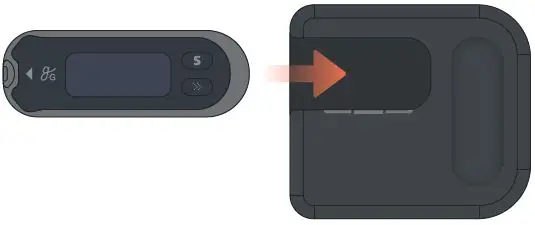
Line up the right side of the BGM with the opening on the left side of the cellular case, as shown below. Slide the BGM in until you hear a click. (The buttons on the BGM are intentionally covered by the cellular case — you won’t need them to operate the connected BGM.)
- Step 3. Remove the plastic tab from the back of the cellular case.
The cellular case is already loaded with 3 AAA batteries. To activate them, flip the cellular case over, and remove the plastic tab from the battery compartment. You now have a connected BGM!
Your connected BGM is ready to transmit your glucose readings to Omada. Please see the enclosed BGM manual for instructions on how to:
- Take a blood glucose reading
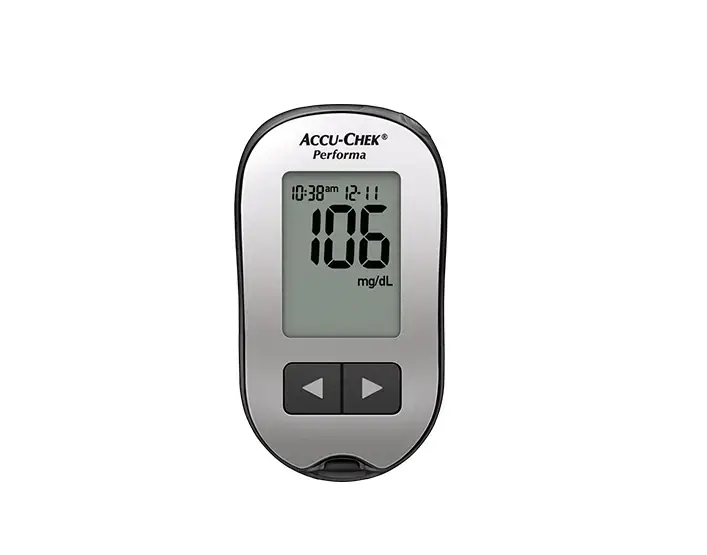
- Read the BGM display
Test Strips Delivered When You Need Them
Your BGM comes with an initial supply of test strips and lancets. While you’re enrolled in Omada, we’ll keep track of how often you use a test strip with your meter and how many strips you have left. When your supply is running low, we’ll send you an email confirming that more strips and lancets are on the way, at no cost to you.
Understand Your Blood Glucose with the Help of Your Coach
As you start Omada, your coach will review your glucose readings each week and help you:
 Identify trends and patterns
 Troubleshoot highs and lows
 Balance glucose with food and activity
 Overcome everyday challenges
 Identify trends and patterns
 Troubleshoot highs and lows
 Balance glucose with food and activity
 Overcome everyday challenges
Your coach will address any very high or very low readings by the next business day. If you opt-in to 24/7 Blood Glucose Phone Support, you can receive more immediate support. See www.omadahealth.com/24-7 for details.
We’re Here to Help
Have questions? Here are 3 ways to get more info:
- Go to support.omadahealth.com
- Send an email to [email protected]
- Call us at (888) 409-8687
For more tips on measuring blood glucose, go to: www.omadahealth.com/bg-meter
Glucose Levels in Omada
This table shows the glucose levels used in the Omada program.*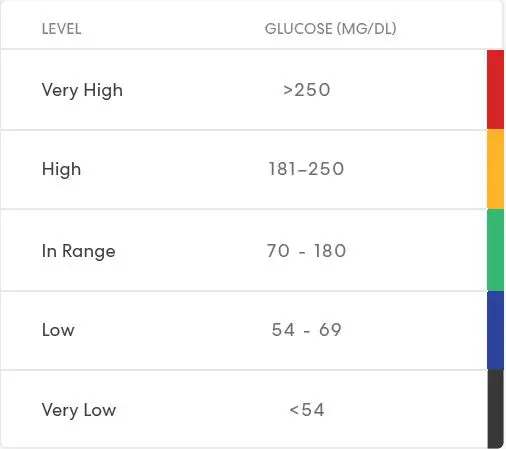
Note: Please note that the Greater Goods Essential BGM display does not label readings according to these levels. “HI” will appear on the meter display if a reading is >600, while “LO” will appear if a reading is <20.
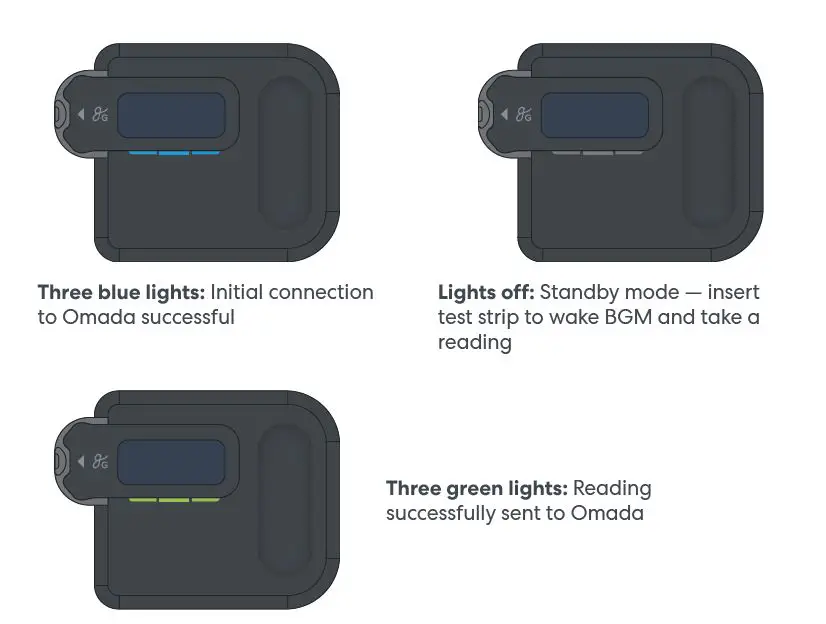
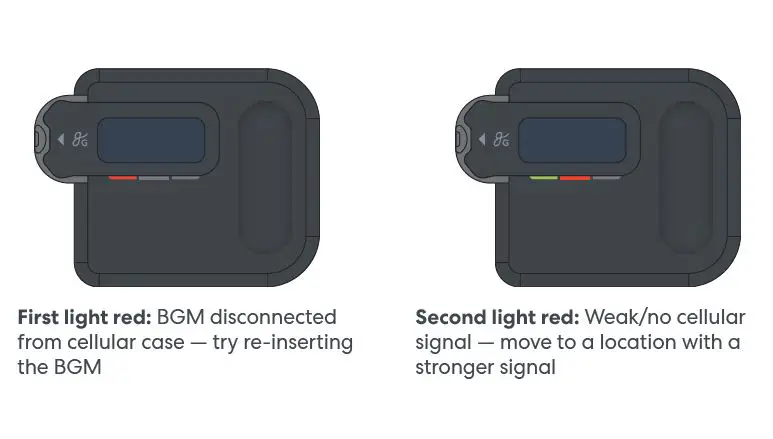
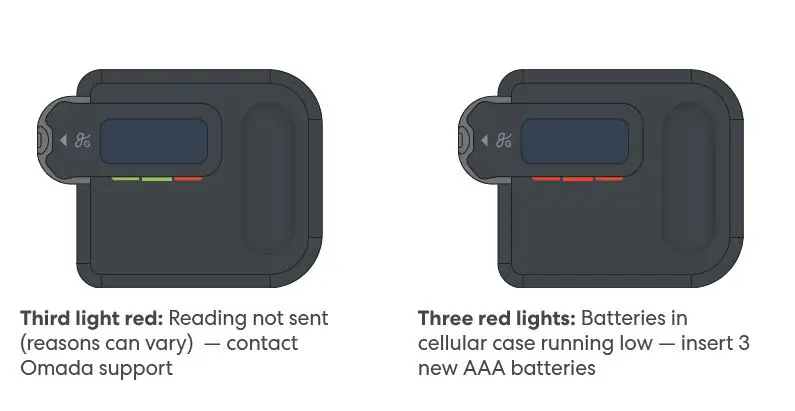
Light Decoder
How to read the 3 small lights on your connected BGM.