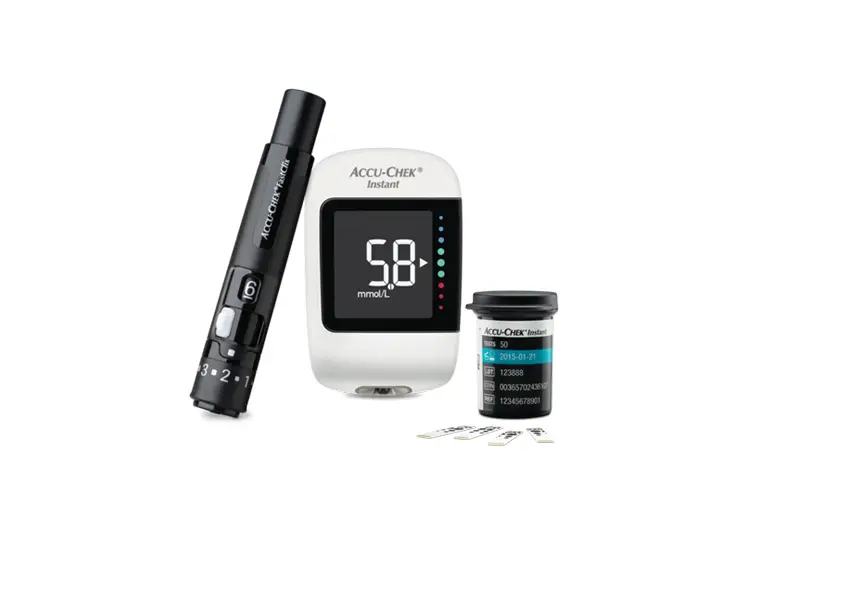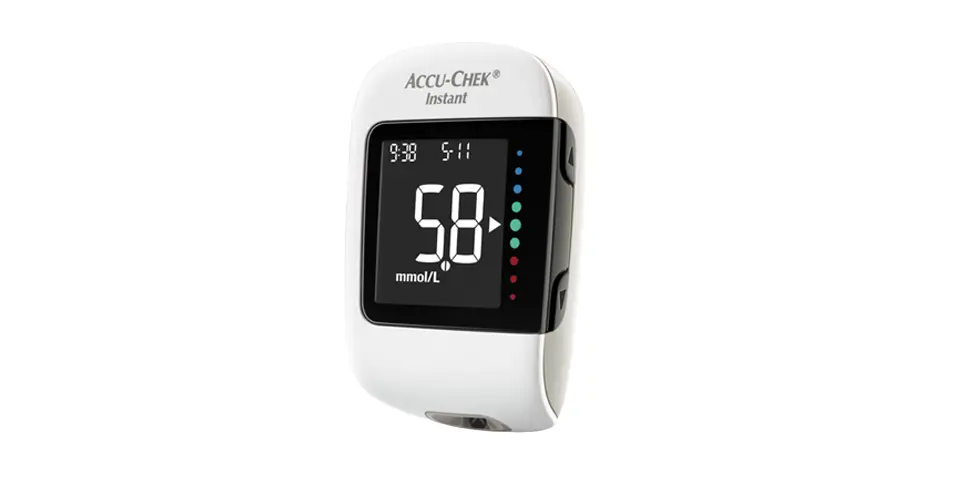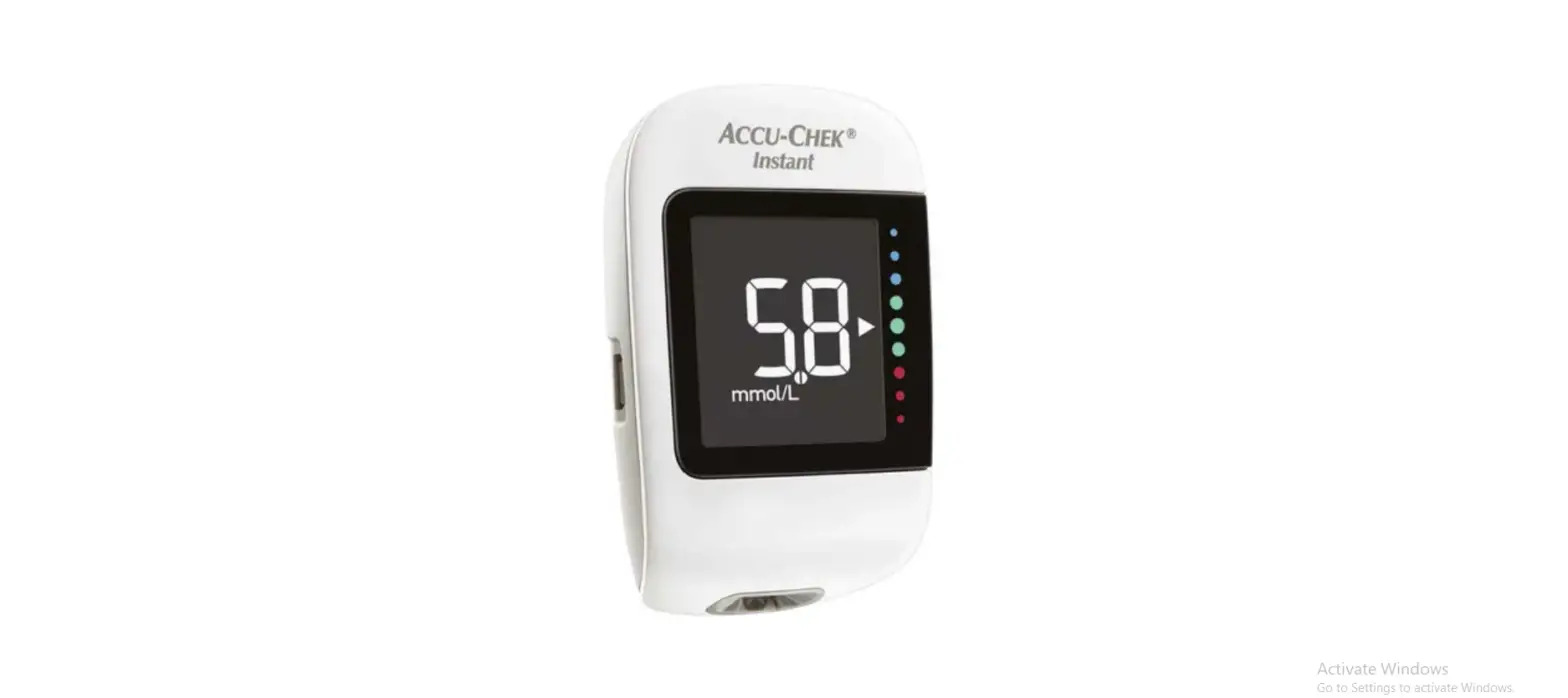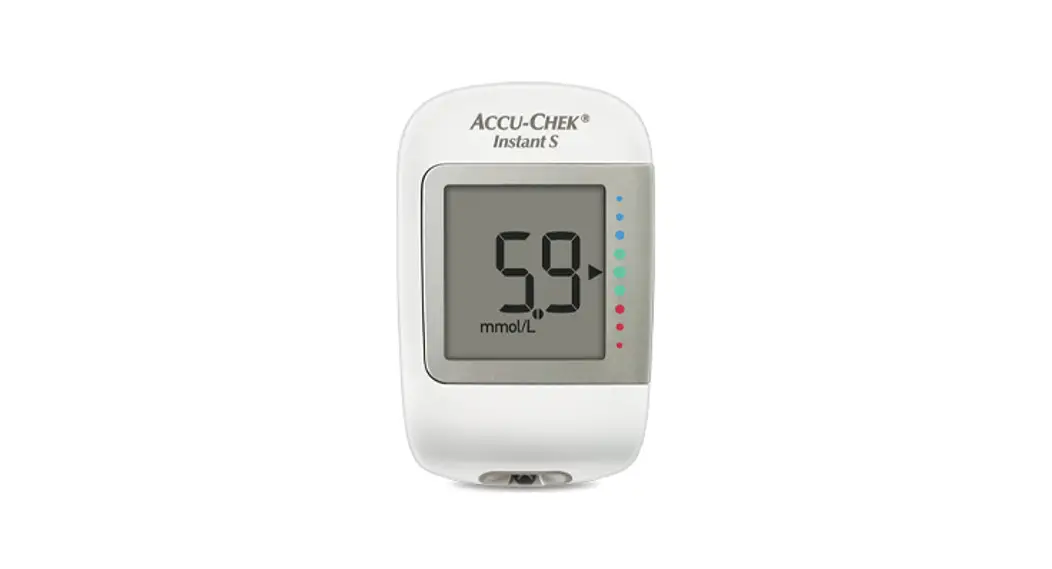
 Pairing your Accu-Chek® Instant
meter with mySugr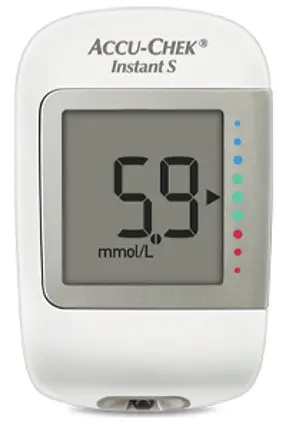
Instant Blood Glucose Meter
- Download mySugr from App Store or Google Play


https://app.adjust.com/a4lrgsg?campaign=HK https://app.adjust.com/s9wp801?campaign=HK 
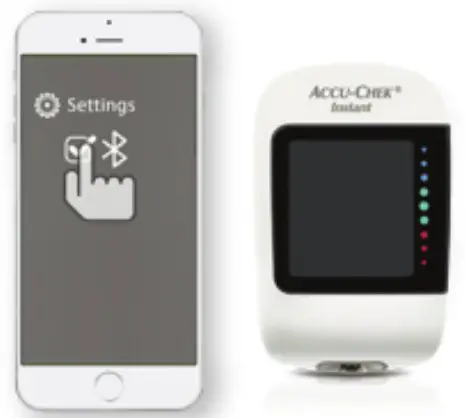
- Enable Bluetooth in your smartphone settings

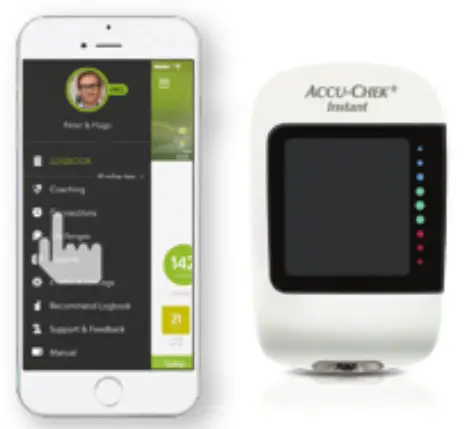
- Open mySugr and go to “Connections” in the side menu (Android) or at the bottom of front page (iPhone)

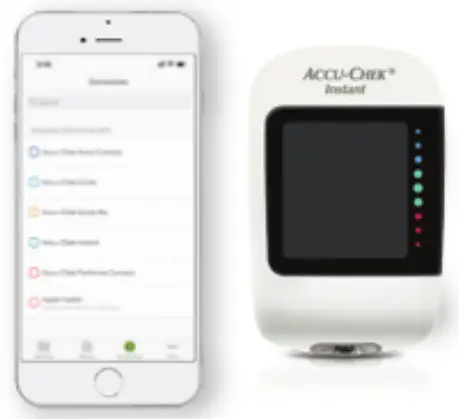
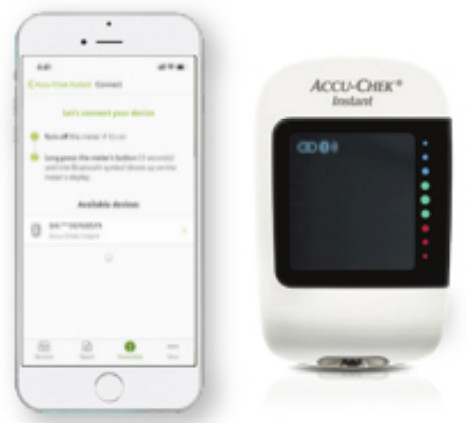
- Select “Accu-Chek Instant” from the list

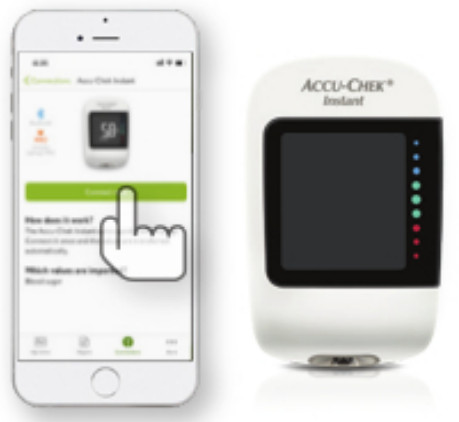
- Tap “Connect now”

- With the meter off, press and hold the V button until the Bluetooth symbol appears. The pairing symbol and wireless symbol both appear and flash Select the meter displayed on mySugr

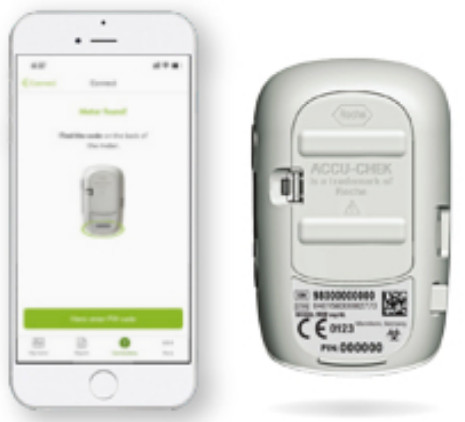
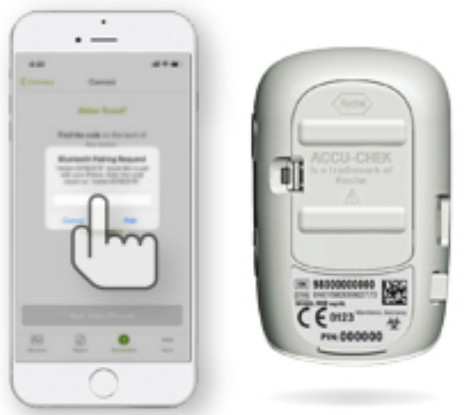
- Tap “Next: enter PIN code”

- Enter the 6-digit pin number located on the back of your meter

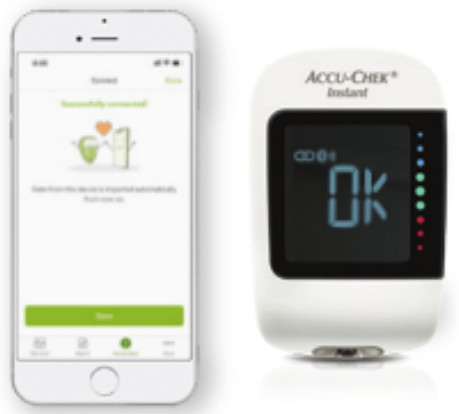
- Done

References:
1. Hompesch M. Katcher K, Debong F, Morrow L. Significant Improvement of Blood Glucose Control in a High Risk Population of Type 1 Diabetes Using a Mobile Health App – A Retrospective Observational Study (https://www.mysugr.com/static/assets/downloads/acience_and_research/attd-2017-poster-pdf)_
2. The mySugr Pro is available in Hong Kong and free for all Aocu-Chek guide and Instant blood 9Iuoose meter users
3. Latest data (2021) from mySugr (www.mysugr.com/en/diabetes-app/)
4. Kahn R, Fonseca V. Translating the A1C assay. Diabetes Care, 2008,3(8):1704-1707
Accu-Chek
Customer Service Hotline: 2485 7512
ACCU-CHIEF ACCU-CHIEK INSTANT mySugr
©2021 Roche Diabetes Care
DC-2021-AUG-001