
It’s easy to set up and test with your
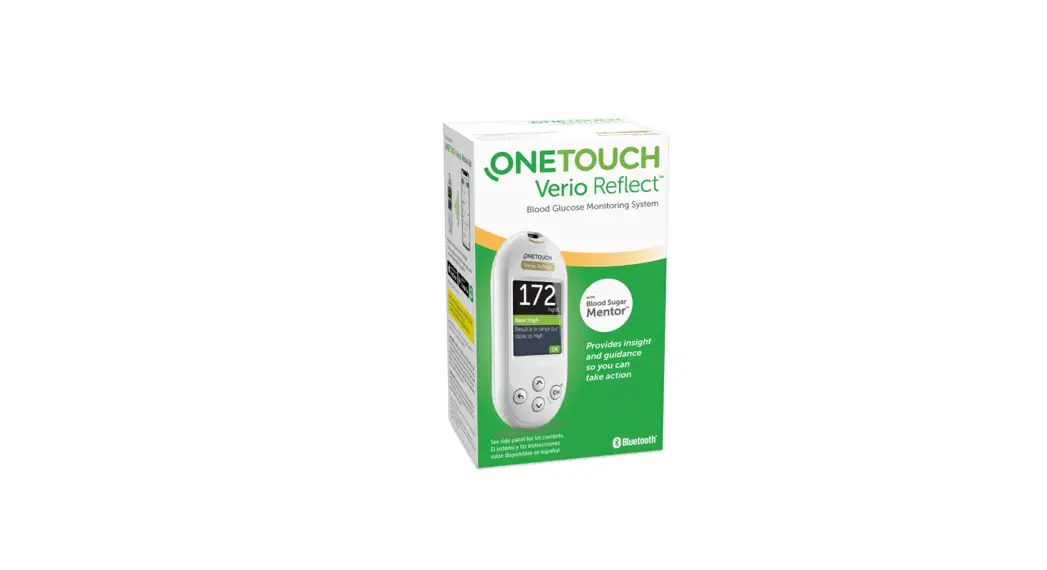
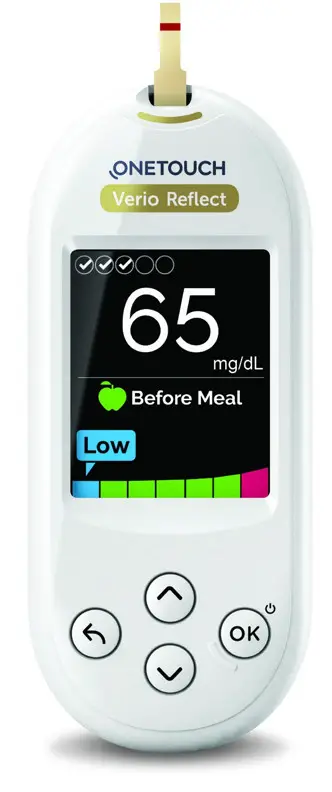
OneTouch Verio Reflect ® meter
Easy to Set Up
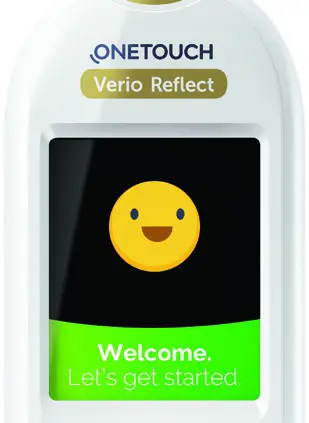
- TURN YOUR METER ON
Press and hold OK until the Welcome screen appears. 2. APPLY SETTINGS
Use the ∧and ∨buttons to edit and confirm the language, date, time, range settings, daily test goal, and 90-day average target.
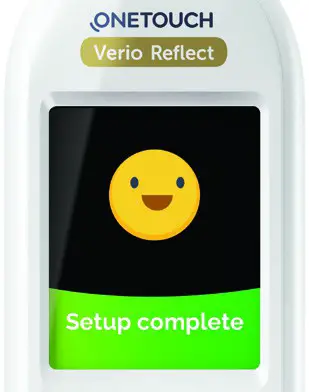
- READY TO TEST
Your meter is now ready for testing.
 2. APPLY SETTINGS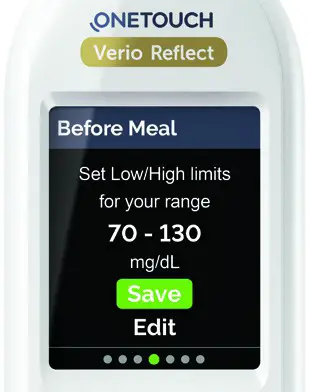
Easy to Test
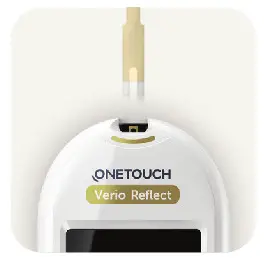
- INSERT A ONETOUCH VERIO® TEST STRIP.

- APPLY BLOOD TO EITHER SIDE OF THE TEST STRIP.
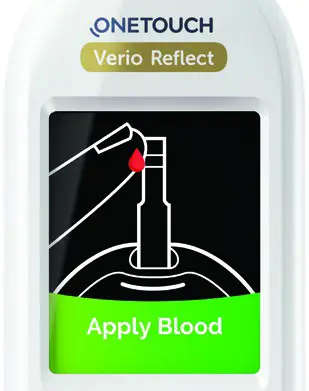
AND THAT’S IT.
Your results appear on the screen.
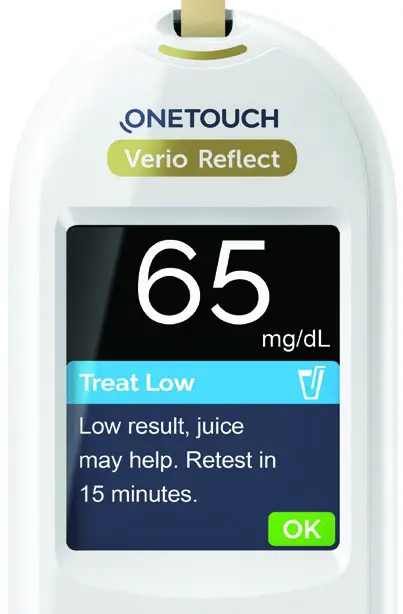
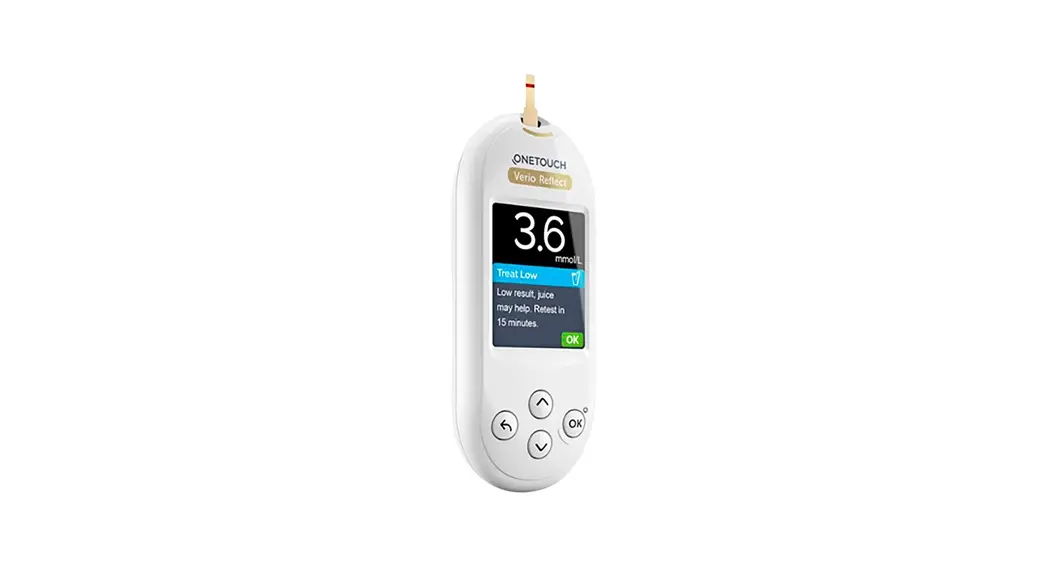
The ONLY meter with Blood Sugar Mentor™ feature gives you personalized guidance, insight, and encouragement so you can take action to help manage highs and lows.
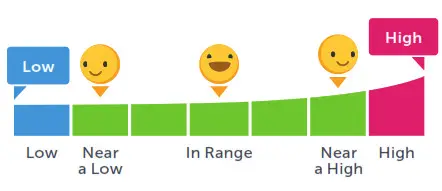
The ColorSure® Dynamic Range Indicator helps you to see when your blood sugar result is near high or low so you can confidently take action before going out of range.
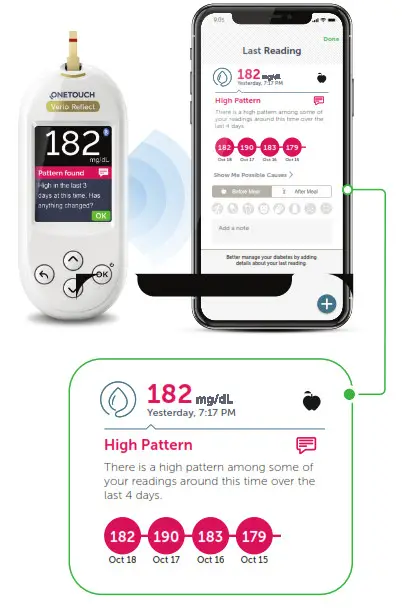
 Connect to the OneTouch Reveal® app for even more insight. See reverse side.
Sync data, seamlessly, from your OneTouch Verio Reflect® meter directly to your smartphone.
- DOWNLOAD THE FREE ONETOUCH REVEAL® APP
Visit the app store on your mobile device, search “OneTouch Reveal”, then install the app
- ACTIVATE BLUETOOTH® ON YOUR ONETOUCH VERIO REFLECT® METER
Turn your meter on. Press and hold OK until the Welcome screen appears Go to the settings menu and select and activate Bluetooth® ” Don’t forget to activate Bluetooth® on your mobile device.
 - CONNECT
Open the OneTouch Reveal® app on your mobile device and follow the on-screen instructions When prompted, enter the PIN shown on your meter screen into your mobile device and tap Pair Example of PIN number on the meter screen

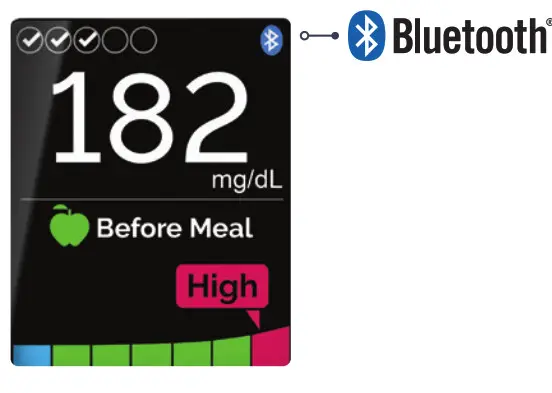 Don’t forget to activate Bluetooth® on your mobile device.
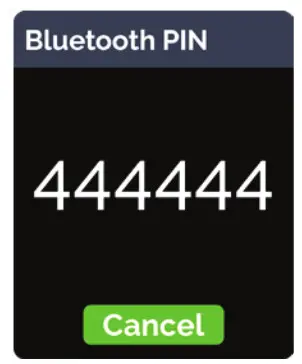 Example of PIN number on the meter screen
NOW YOU’RE READY TO TEST AND SYNC!
Share data with your Care Team: After setup, tap MORE and select Connections; Tap Add a Clinic and enter the Clinic Code provided by your Care Team and follow the rest of the on-screen instructions
Discover more at OneTouch.com or call 1-800-227-8862
Apple and the Apple logo are trademarks of Apple Inc., registered in the US and other countries. App Store is a service mark of Apple Inc. Google Play and the Google Play logo are trademarks of Google LLC. The Bluetooth® word mark and logos are registered trademarks owned by Bluetooth SIG, Inc. and any use of such marks by LifeScan Scotland Ltd. and its affiliates is under license. Other trademarks and trade names are those of their respective owners. © 2020 LifeScan IP Holdings, LLC US-VRF-2000012