
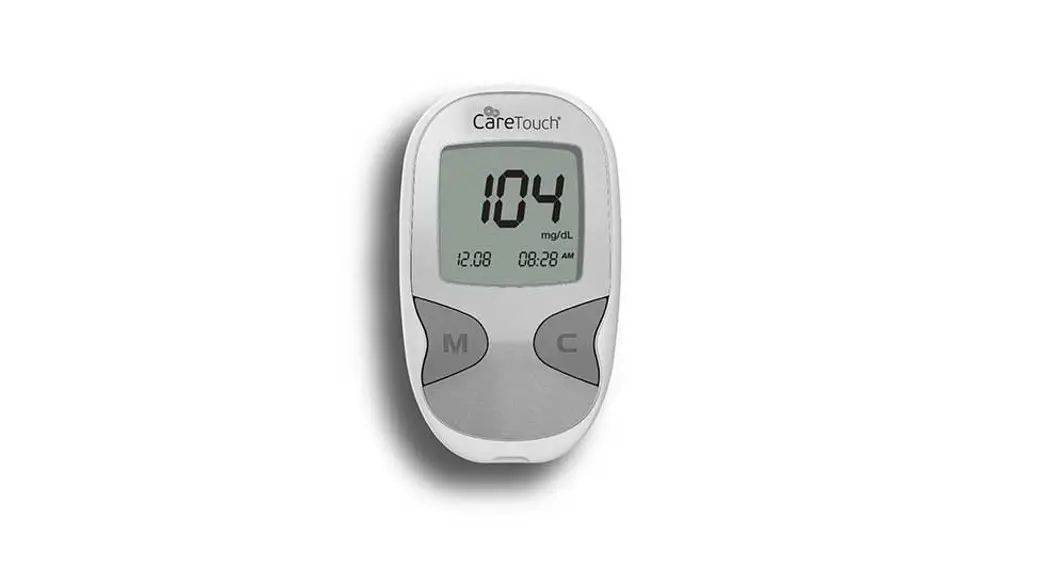
 BLOOD GLUCOSE MOUNTING SYSTEM
Quick Reference
Manual
Screen Messages and Troubleshooting
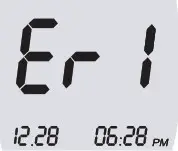 | Test strip is used or damaged. Replace the new test strip. |
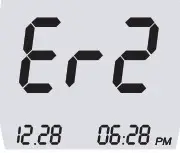 | Blood sample was applied to the test strip before the blood symbol (  ) appeared on the Screen. ) appeared on the Screen. |
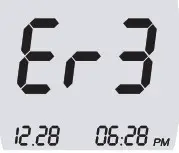 | Temperature is too hot or too cold for the system to work properly. |
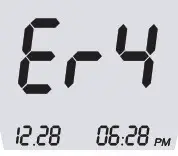 | The Blood sample is not filled enough for measurement because of abnormally high viscosity or insufficient volume. |
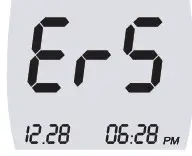 | You put the wrong strip. Please check if you are using the proper strip for the meter. |
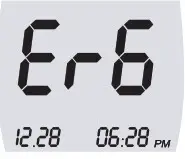 | This error appears when metering itself finds out internal problems. Please contact the sales representatives. |
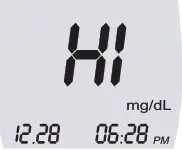 | When the test result is higher than 600mg/dL, the screen will show the ‘Hi’ mark. It indicates that the value of your blood glucose is too high. |
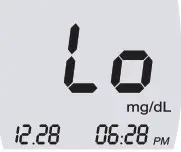 | When the test result is lower than 20mg/dL, the screen will show the ‘Lo’ mark. It indicates that the value of your blood glucose is too low. |
Monitoring Blood Glucose
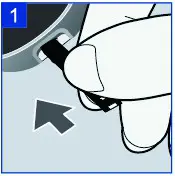 | Insert the three black lines at the end of the test strip into the meter’s strip slot until meter beeps. |
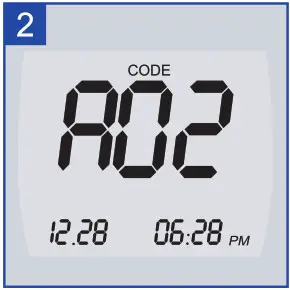 | Make sure the code on the screen matches the code number on the test strip vial. If it does not, please do not use test strips and contact the Customer Service at 1866.890.8500 |
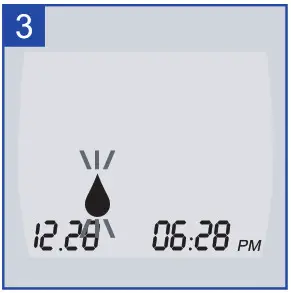 | When the flashing blood symbol appears the meter is ready for you to apply blood to the test strip. |
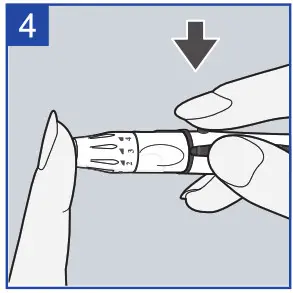 | Before testing, wash your hands with soap and water and dry thoroughly. Use your lancing device to obtain a blood drop. |
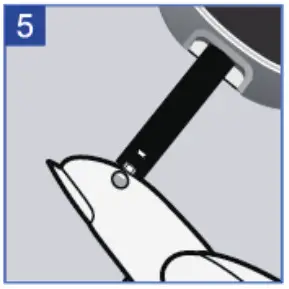 | Touch the blood drop to the front edge of the test strip sample channel. The blood is drawn into the test strip automatically. Continue to touch the blood drop at the edge of the test strip sample channel until you hear the beeper. |
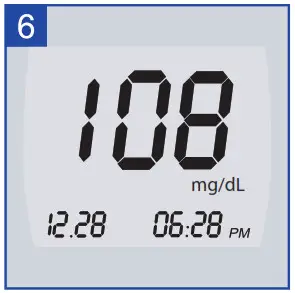 | After the beeper sound, your blood test result will appear in 5 seconds. Discard the used test strip. |
Reviewing the Results
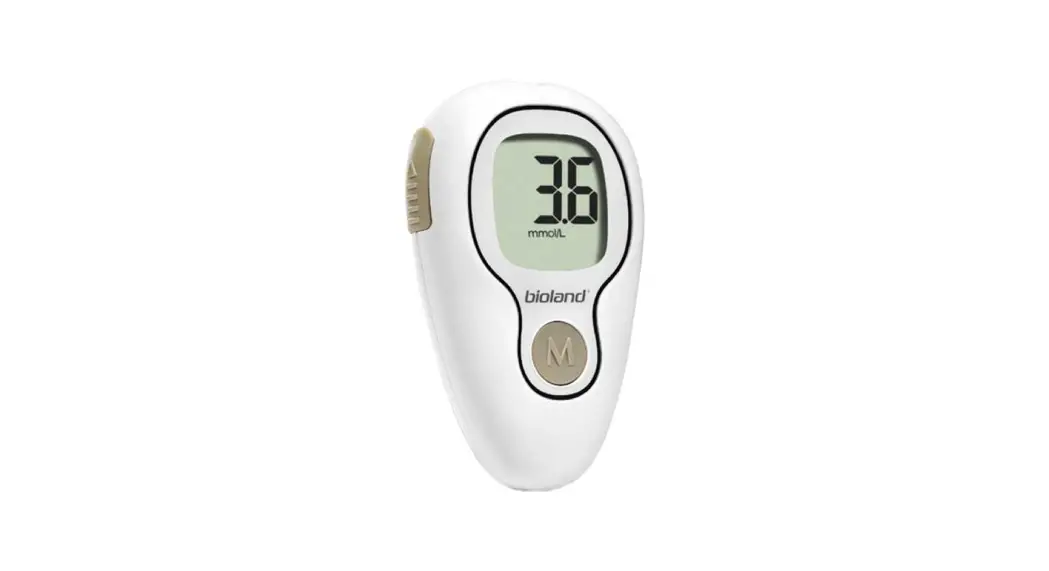
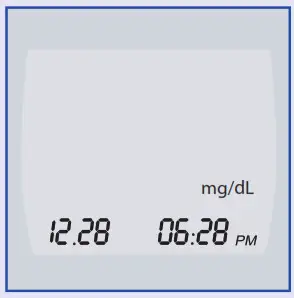 | Begin with the meter-off condition. Press the ‘M’ button to turn the meter on. |
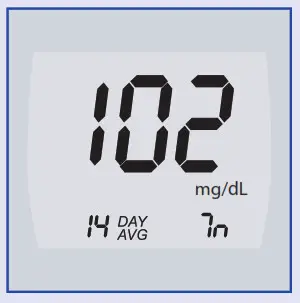 | Your last 14 days average result will be displayed. Press the ‘C’ button then the meter will display your most recent result. If you press ‘M’ button then the meter will turn off. |


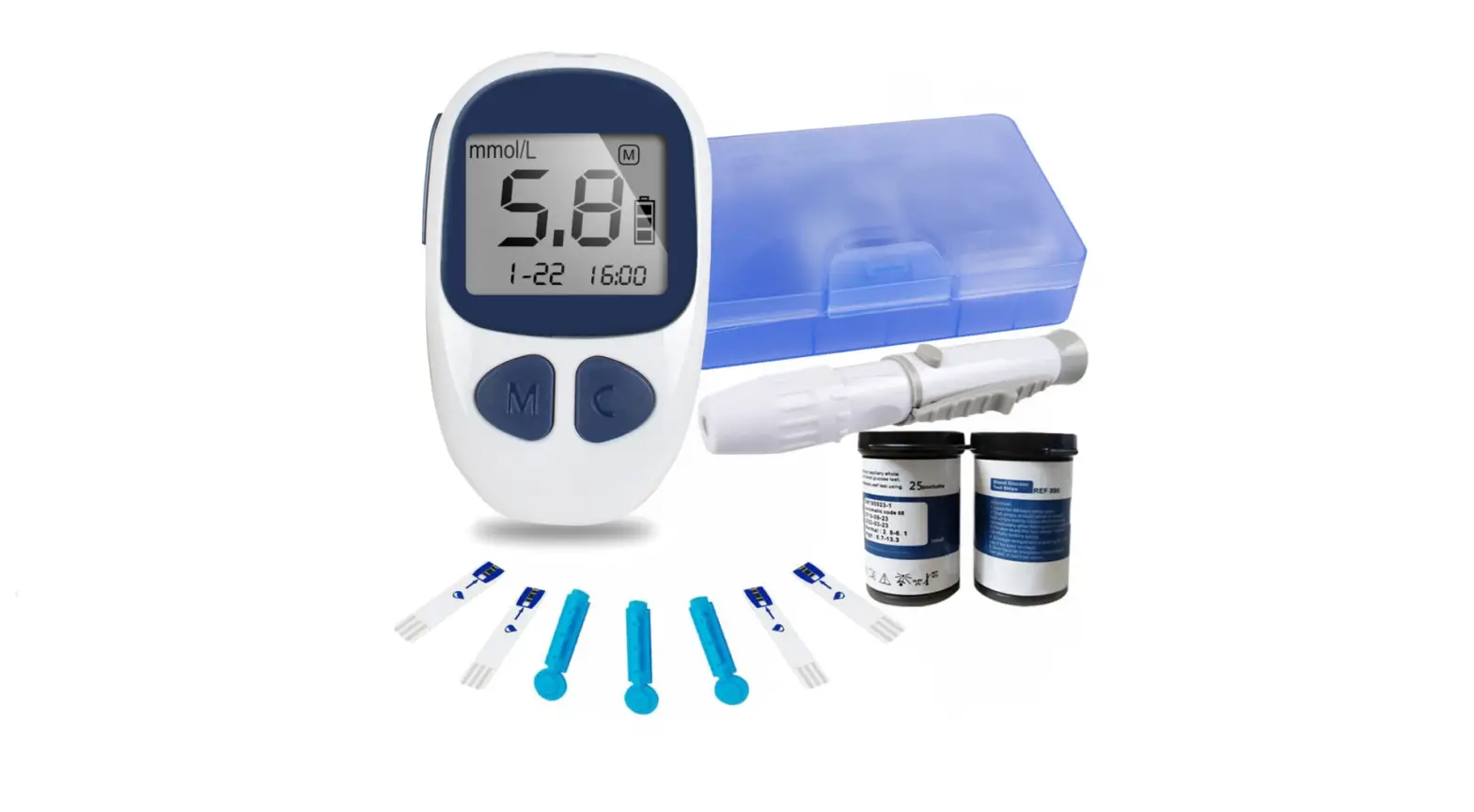
![Livongo Blood Glucose Monitoring System [pl00497] User Manual](https://static-data1.manualsee.com/1/img/99/20028/2020/12/Livongo-Blood-Glucose-Monitoring-System.png "Livongo Blood Glucose Monitoring System [pl00497] User Manual")