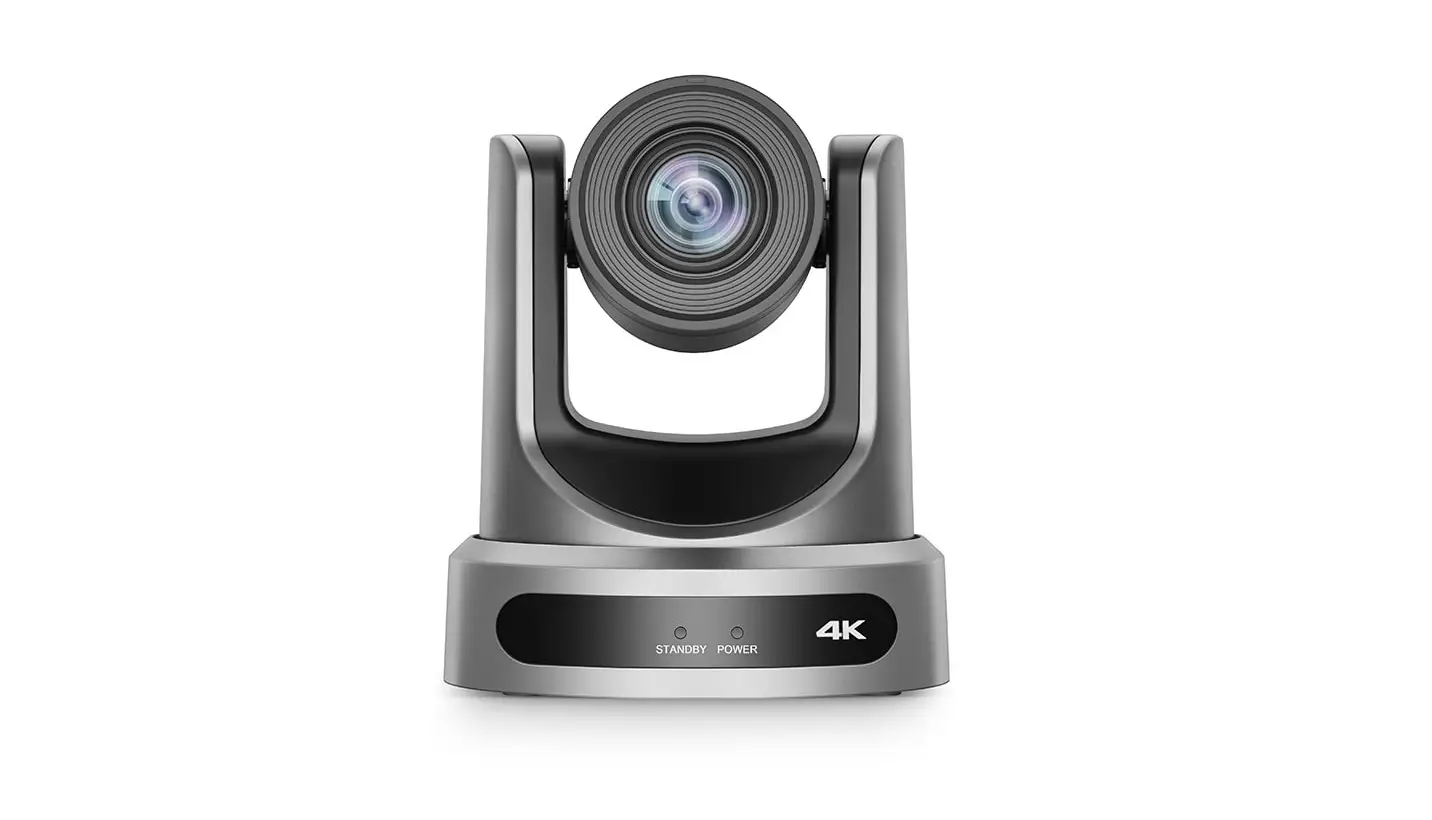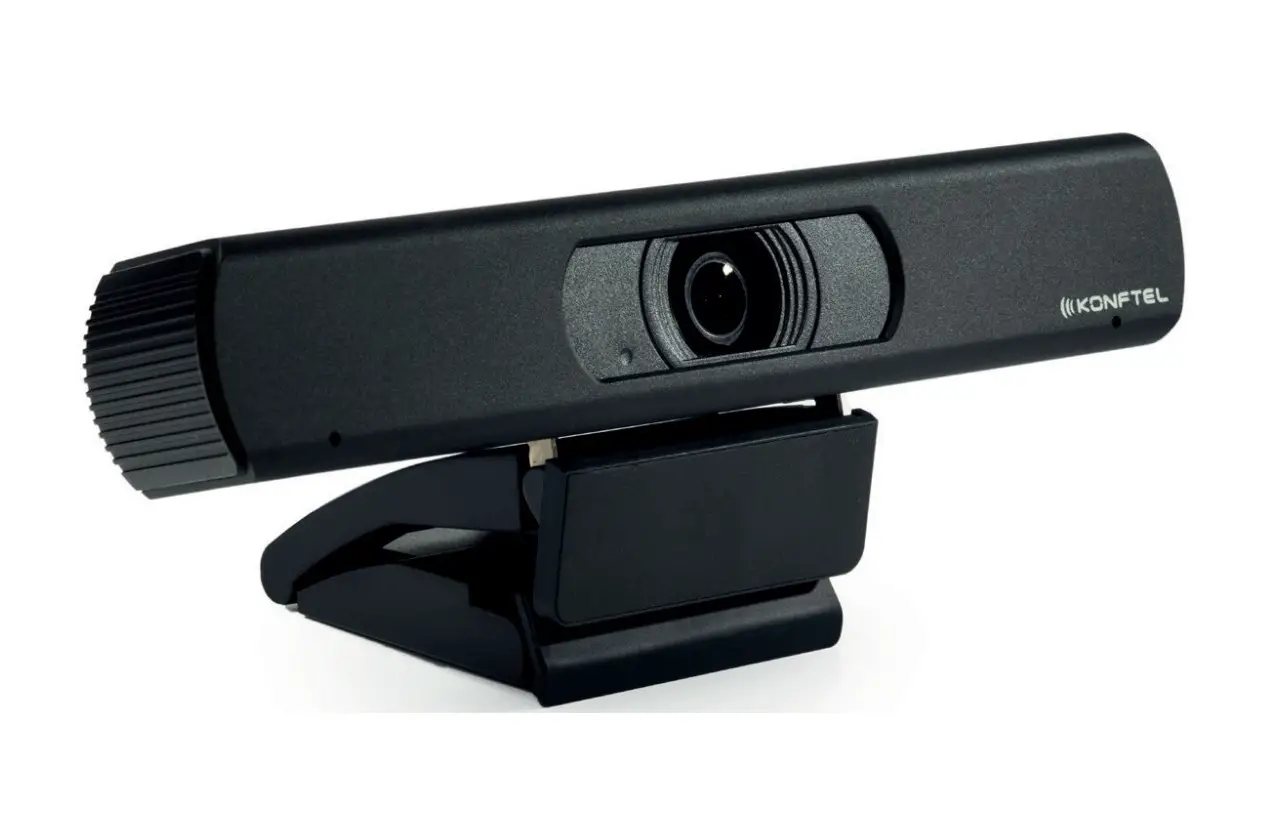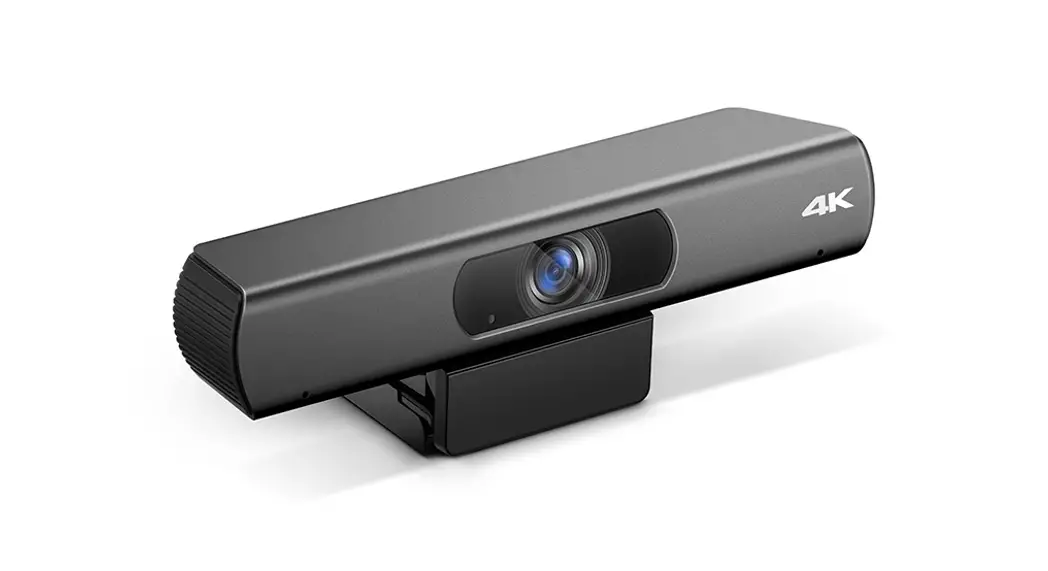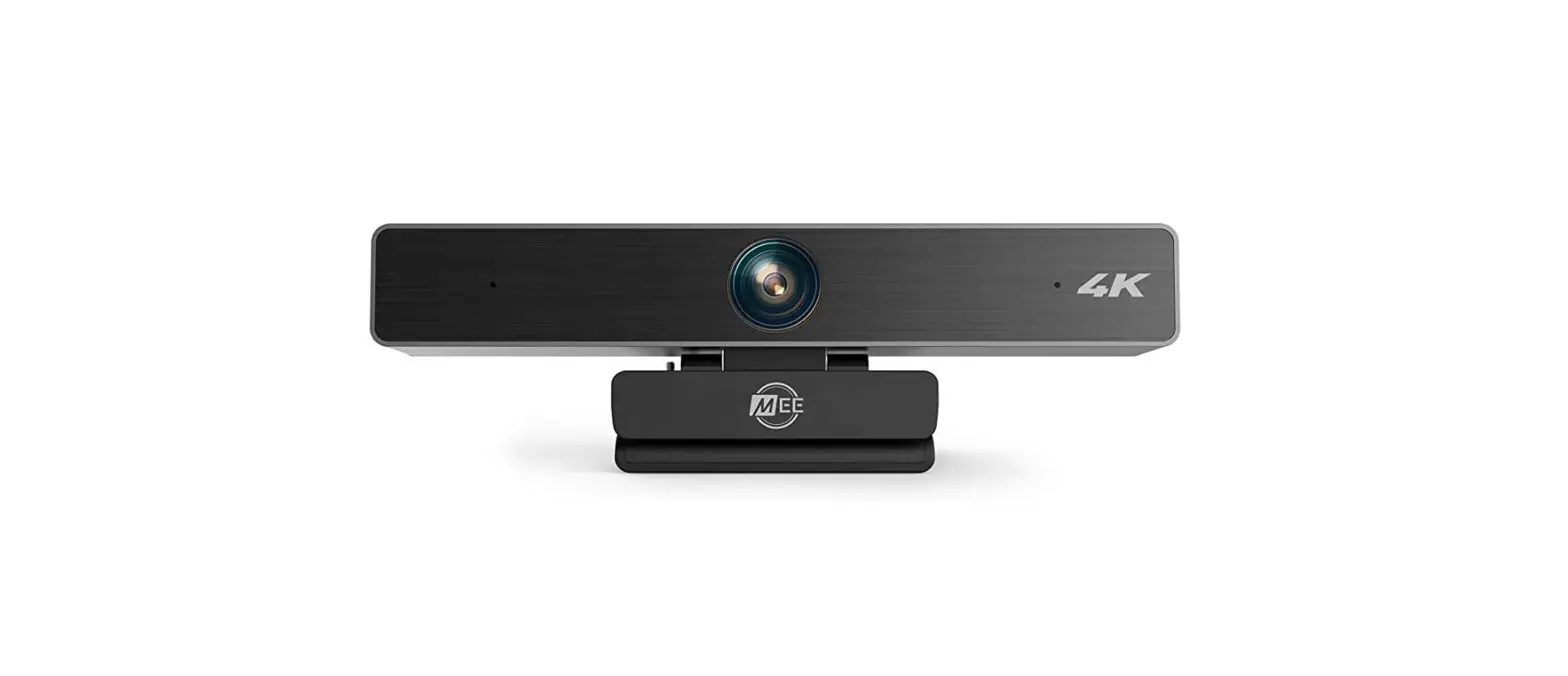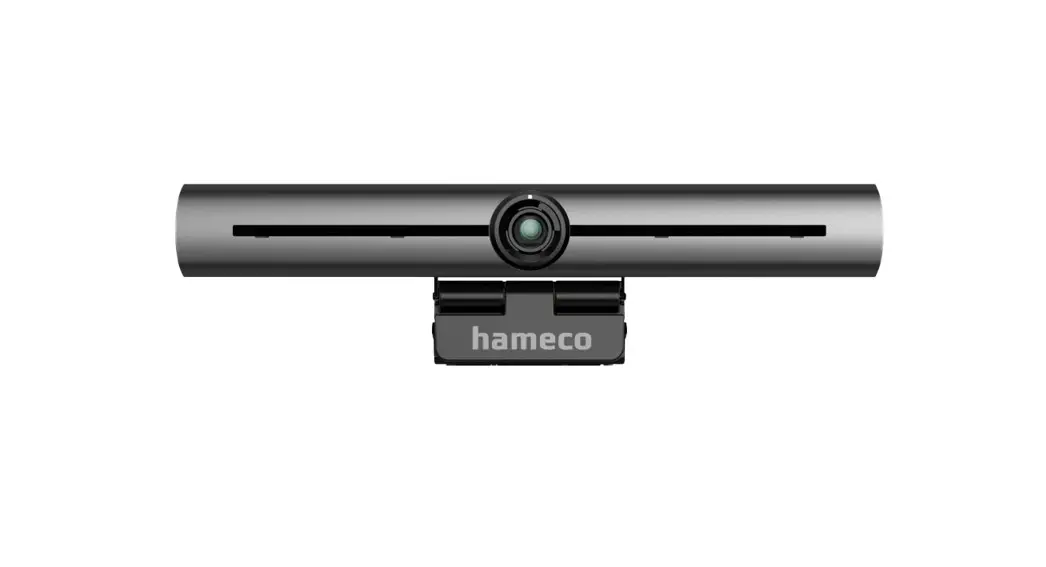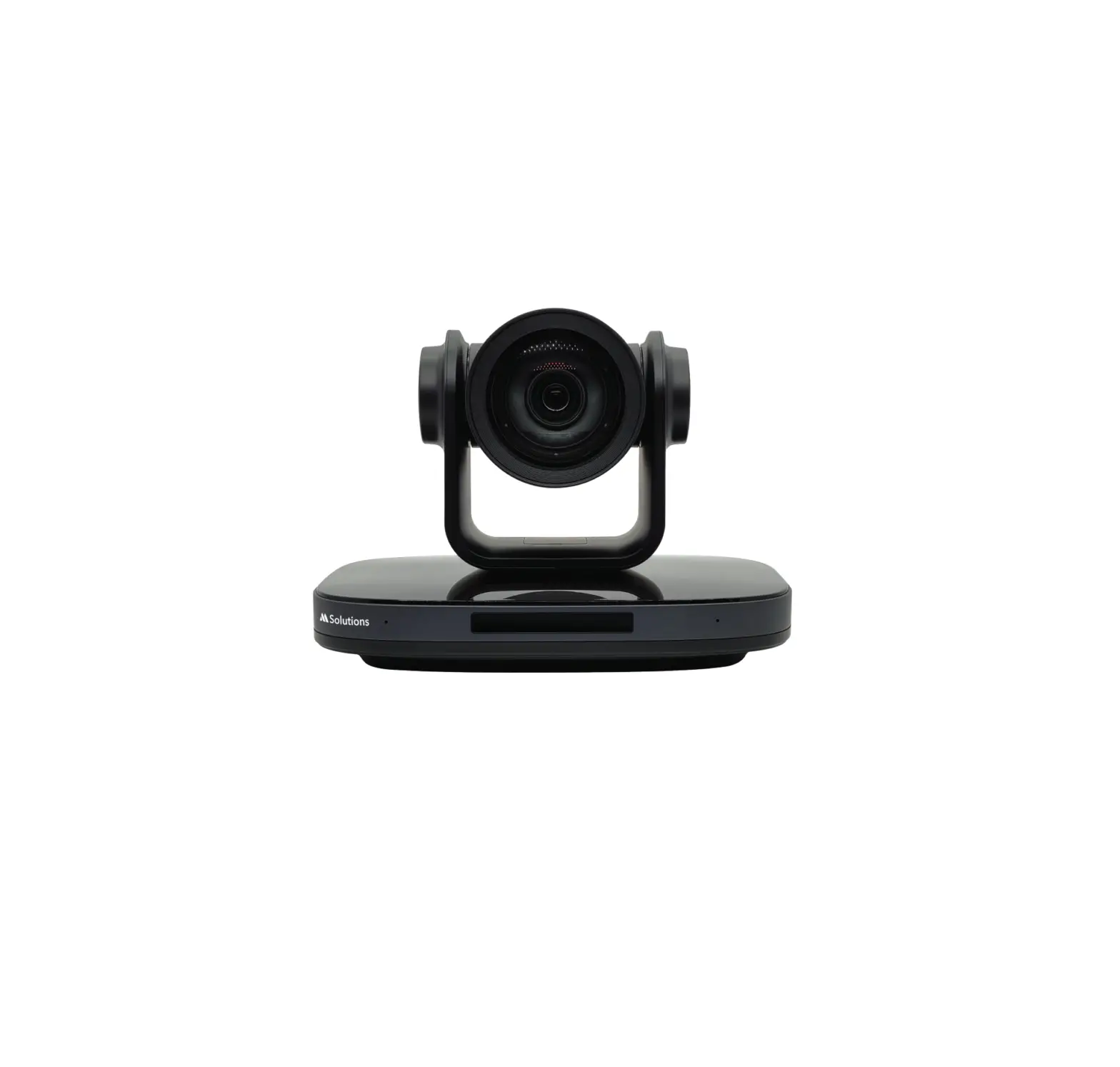
MS-4K81-12TR 4K Video Conference Camera
Product Information – MS-4K81-12TR 4K Video Conference
Camera
The MS-4K81-12TR is a high-quality video conference camera
designed for professional video conferencing and live streaming
applications. The camera supports 4K resolution and is equipped
with various input/output options such as HDMI, 3G-SDI, RS485, USB,
and LAN (PoE+). It also comes with an AC adapter, power cable, and
RS232 cable for easy installation and usage.
Product Usage Instructions
1. Setting up IP Address:
To set up the IP address, refer to section 6.4.1 of the user
guide. This section provides step-by-step instructions on how to
set up the IP address of the camera.
2. Visiting/Accessing Camera:
To access the camera, refer to section 6.4.2 of the user guide.
This section provides step-by-step instructions on how to access
the camera using a web browser.
3. Downloading Upgrade Program:
To download the upgrade program, refer to section 6.7 of the
user guide. This section provides step-by-step instructions on how
to download and install the upgrade program for the camera.
4. Maintenance and Troubleshooting:
For maintenance and troubleshooting, refer to section 7 of the
user guide. This section provides information on how to
troubleshoot common issues and perform maintenance tasks on the
camera.
5. Connecting Cables:
The camera comes with various input/output options such as HDMI,
3G-SDI, RS485, USB, and LAN (PoE+). Refer to the diagram in the
user guide to connect the appropriate cables to the camera.
6. Using with Other Devices:
The camera can be used with other devices such as computers,
TVs, VCRs with audio input jack, routers or switches, and speaker
microphones. Refer to the diagram in the user guide to connect the
camera to other devices.
User Guide
MS-4K81-12TR
4K Video Conference Camera
Revision: 1.0 – November 2022
Contents
MS-4K81-12TR USER GUIDE
1 Note…………………………………………………………………………………………………………………………………………..4 2 Packing List…………………………………………………………………………………………………………………………….4 3 Quick Start………………………………………………………………………………………………………………………………4 4 About Product………………………………………………………………………………………………………………………..6
4.1 Features………………………………………………………………………………………………………………………..6 4.2 Product Specification………………………………………………………………………………………………..6 4.3 Interfaces and Buttons………………………………………………………………………………………………8 4.4 Dimension……………………………………………………………………………………………………………………..8 4.5 Remote Control……………………………………………………………………………………………………………9 4.6 RS232 Interface………………………………………………………………………………………………………….10 4.7 VISCA Network…………………………………………………………………………………………………………..11 4.8 Serial Communication Control……………………………………………………………………………….11 5 GUI Settings…………………………………………………………………………………………………………………………..11 5.1 MENU……………………………………………………………………………………………………………………………11 5.2 EXPOSURE…………………………………………………………………………………………………………………..11 5.3 COLOR………………………………………………………………………………………………………………………….12 5.4 IMAGE………………………………………………………………………………………………………………………….12 5.5 P/T/Z……………………………………………………………………………………………………………………………13 5.6 NOISE REDUCTION………………………………………………………………………………………………..13 5.7 SETUP………………………………………………………………………………………………………………………….13 5.8 COMMUNICATION SETUP…………………………………………………………………………………….13 5.9 RESTORE DEFAULT…………………………………………………………………………………………………14 6 NetworkFunction………………………………………………………………………………………………………………….14 6.1 Operating Environment……………………………………………………………………………………………14 6.2 Equipment Installation……………………………………………………………………………………………..14 6.3 Internet Connection………………………………………………………………………………………………….14 6.4 Camera Controlled by LAN……………………………………………………………………………………14
6.4.1 Setup IP Address……………………………………………………………………………………………14 6.4.2 Visit/Access Camera…………………………………………………………………………………….15
[email protected] | www.m4sol.com
Contents
MS-4K81-12TR USER GUIDE
6.5 Camera Controlled by WAN……………………………………………………………………………………………..16 6.5.1 Setup IP Controlled by Dynamic DNS………………………………………………………………..16 6.5.2 Dynamic DNS Visit Camera……………………………………………………………………………………16 6.5.3 VLC Stream Media Player Monitor………………………………………………………………………16
6.6 Camera Parameter Setup…………………………………………………………………………………………………..17 6.6.1 Homepage Introduction…………………………………………………………………………………………..17 6.6.2 Video Settings…………………………………………………………………………………………………………….19 6.6.3 Image Settings……………………………………………………………………………………………………………19 6.6.4 Audio Settings…………………………………………………………………………………………………………..20 6.6.5 System Settings………………………………………………………………………………………………………..20 6.6.6 NetworkSettings………………………………………………………………………………………………………20 6.6.7 NDI® Config………………………………………………………………………………………………………………..22 6.6.8 Device Information…………………………………………………………………………………………………..22
6.7 Download the Upgrade Program…………………………………………………………………………………….22 7 Maintenance and Troubleshooting…………………………………………………………………………………22
[email protected] | www.m4sol.com
MS-4K81-12TR USER GUIDE
04
[email protected] | www.m4sol.com
ON
RESTORE
HDMI
3G-SDI
LINE IN
RS485
USB
OUT RS232 IN
LAN(PoE+)
DC 12V OFF
MS-4K81-12TR USER GUIDE
HDMI Cable (Not Supplied) 3G-SDI Cable (Not Supplied) 3.5mm Audio Cable (Not Supplied) RS485 Cable (Not Supplied)
USB Cable (Not Supplied)
AC Adapter (Supplied)
DC 12V IN
Power Cable (Supplied)
Network Cable (Not Supplied)
RS232 Cable (Supplied) RS232 Cable (Not Supplied)
Computer, TV, VCR with audio input jack, Routers or Switches, Speaker Microphone, etc.
[email protected] | www.m4sol.com
05
MS-4K81-12TR USER GUIDE
06
[email protected] | www.m4sol.com
MS-4K81-12TR USER GUIDE
[email protected] | www.m4sol.com
07
MS-4K81-12TR USER GUIDE
08
[email protected] | www.m4sol.com
MS-4K81-12TR USER GUIDE
[email protected] | www.m4sol.com
09
MS-4K81-12TR USER GUIDE
10
[email protected] | www.m4sol.com
MS-4K81-12TR USER GUIDE
[email protected] | www.m4sol.com
11
MS-4K81-12TR USER GUIDE
12
[email protected] | www.m4sol.com
MS-4K81-12TR USER GUIDE
[email protected] | www.m4sol.com
13
MS-4K81-12TR USER GUIDE
14
[email protected] | www.m4sol.com
MS-4K81-12TR USER GUIDE
[email protected] | www.m4sol.com
15
MS-4K81-12TR USER GUIDE
16
[email protected] | www.m4sol.com
MS-4K81-12TR USER GUIDE
[email protected] | www.m4sol.com
17
MS-4K81-12TR USER GUIDE
18
[email protected] | www.m4sol.com
MS-4K81-12TR USER GUIDE
[email protected] | www.m4sol.com
19
MS-4K81-12TR USER GUIDE
20
[email protected] | www.m4sol.com
MS-4K81-12TR USER GUIDE
[email protected] | www.m4sol.com
21
MS-4K81-12TR USER GUIDE
22
[email protected] | www.m4sol.com
MS-4K81-12TR USER GUIDE
[email protected] | www.m4sol.com
23
MS-4K81-12TR USER GUIDE
24
[email protected] | www.m4sol.com
www.m4sol.com
 Msolutions - Pro AV Solutions, HDBaseT Products and Tools!