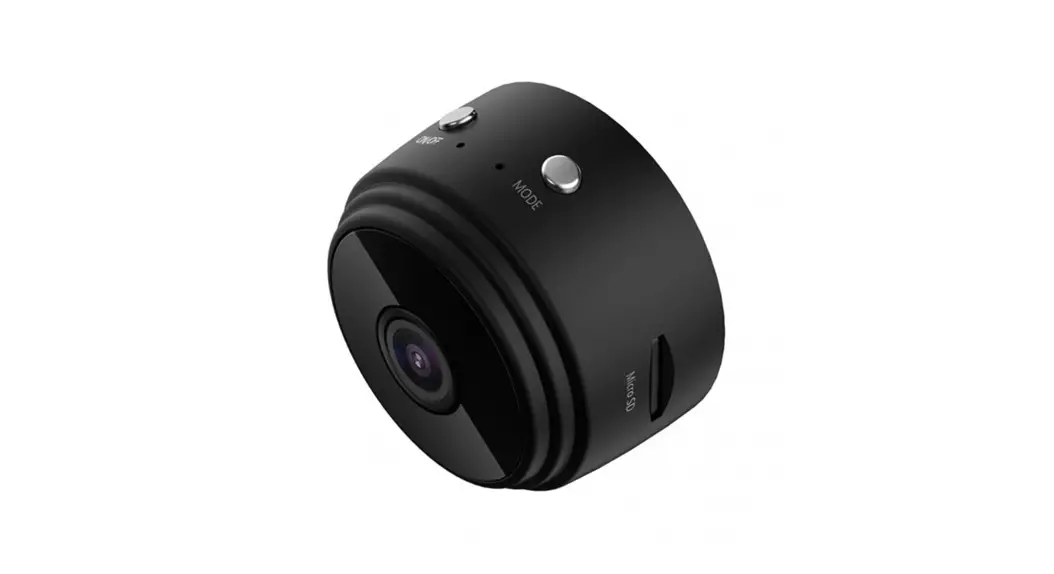

HD 1080P Security Wi-Fi Camera
User Manual
HD 1080P Security WiFi Camera
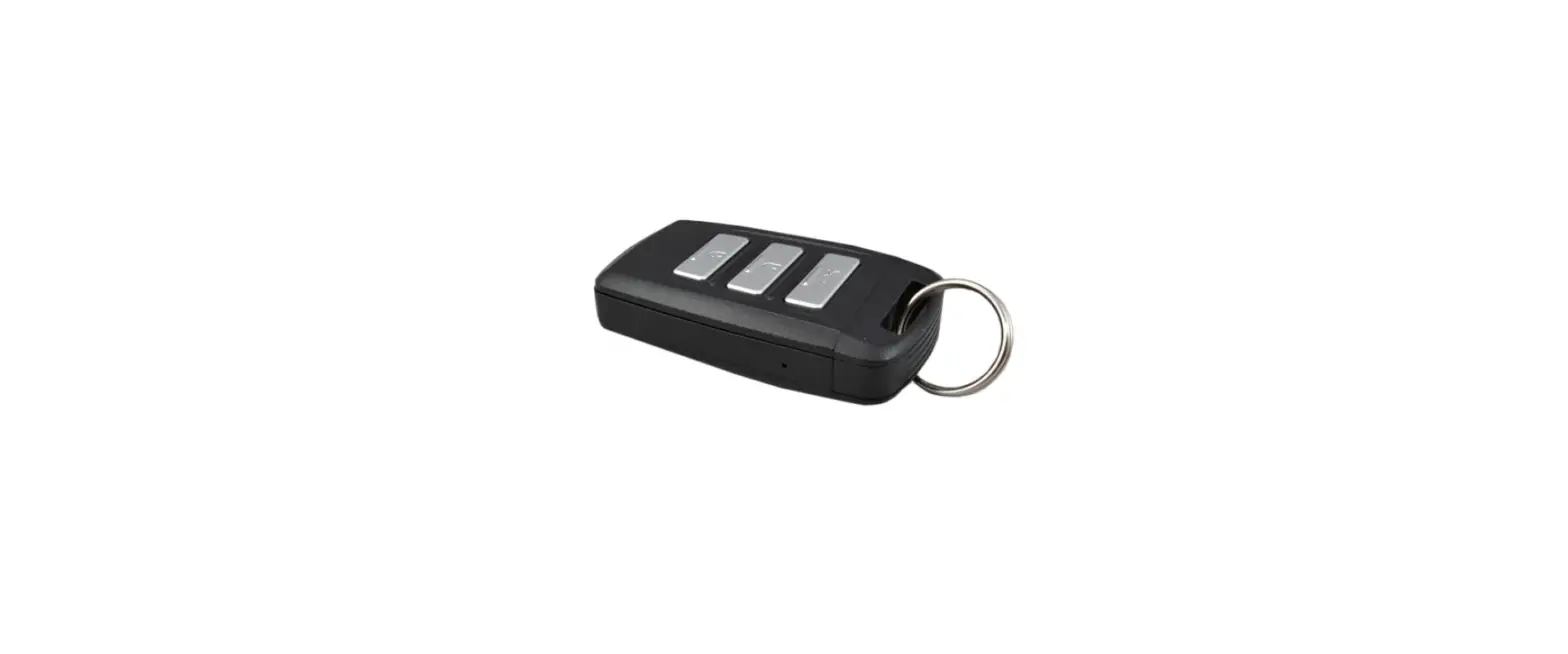
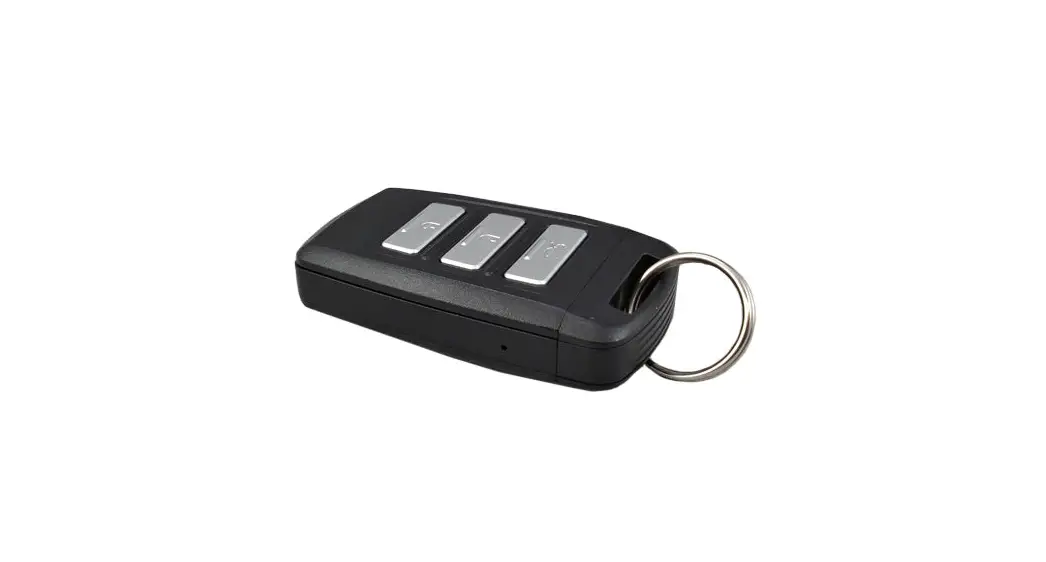
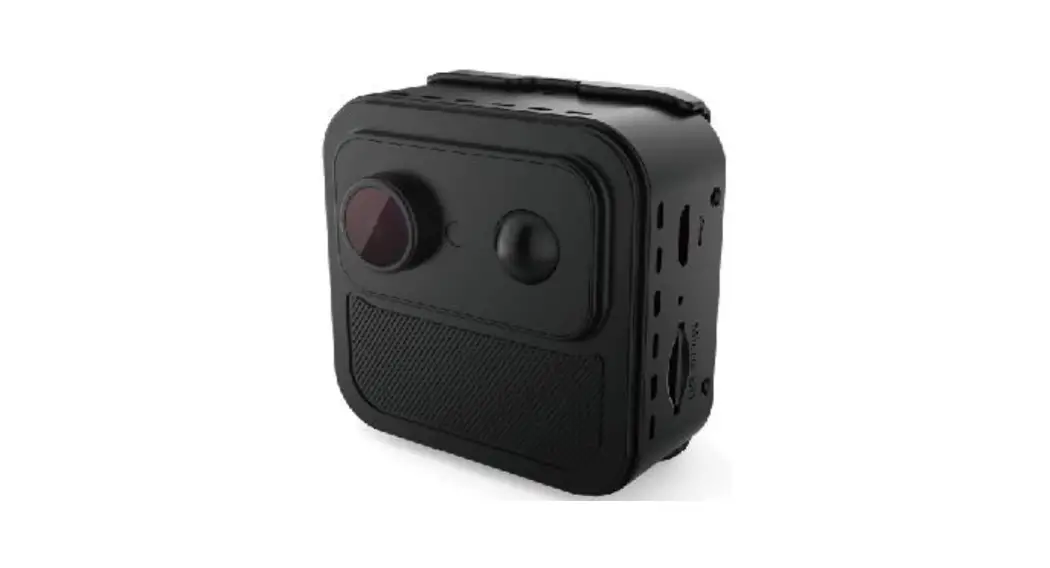
| Remote lamp | Stereo speaker |
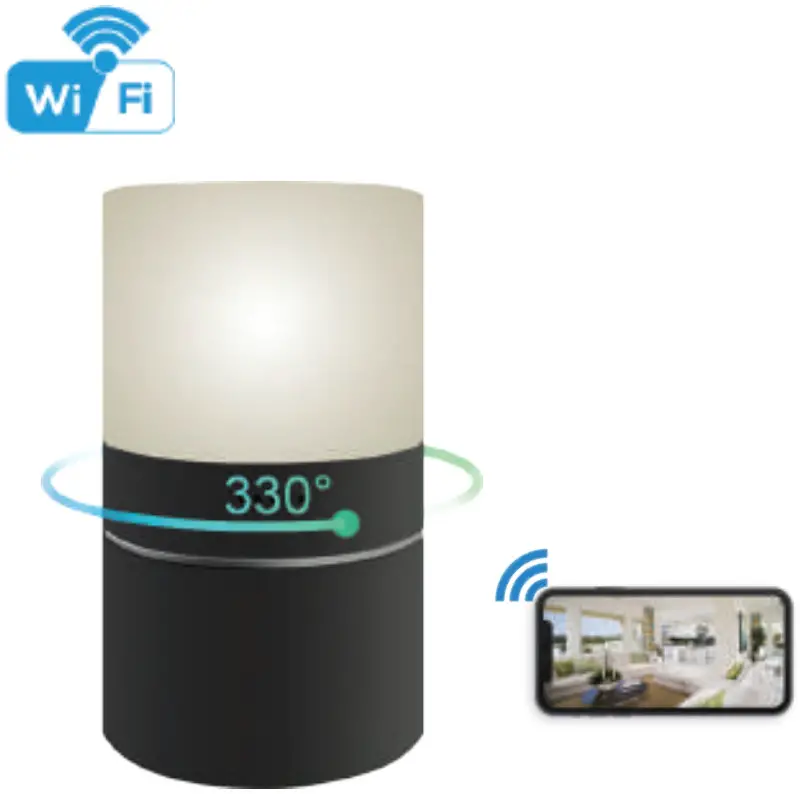 | 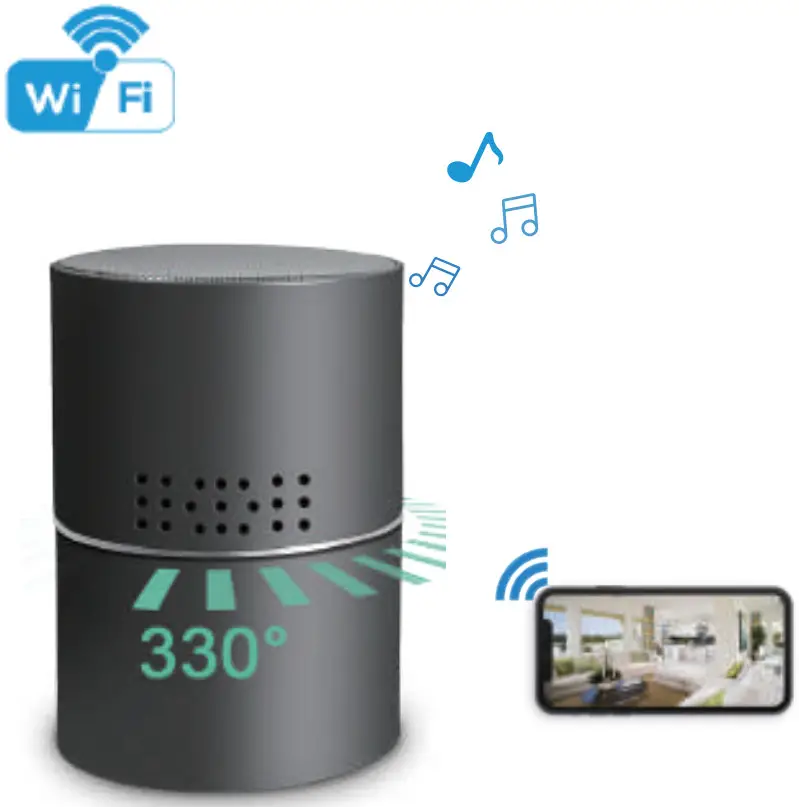 |
Overview:
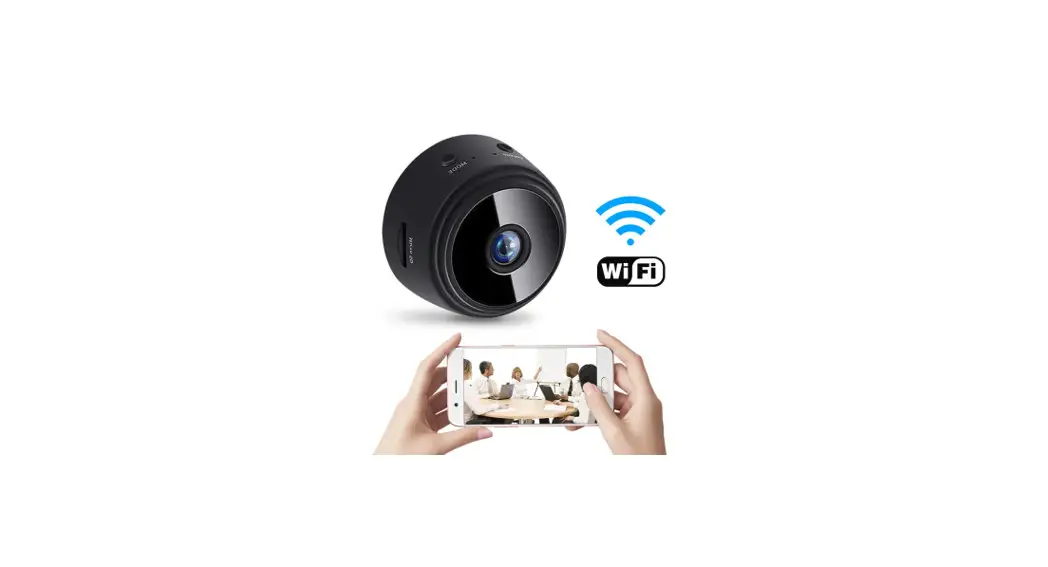
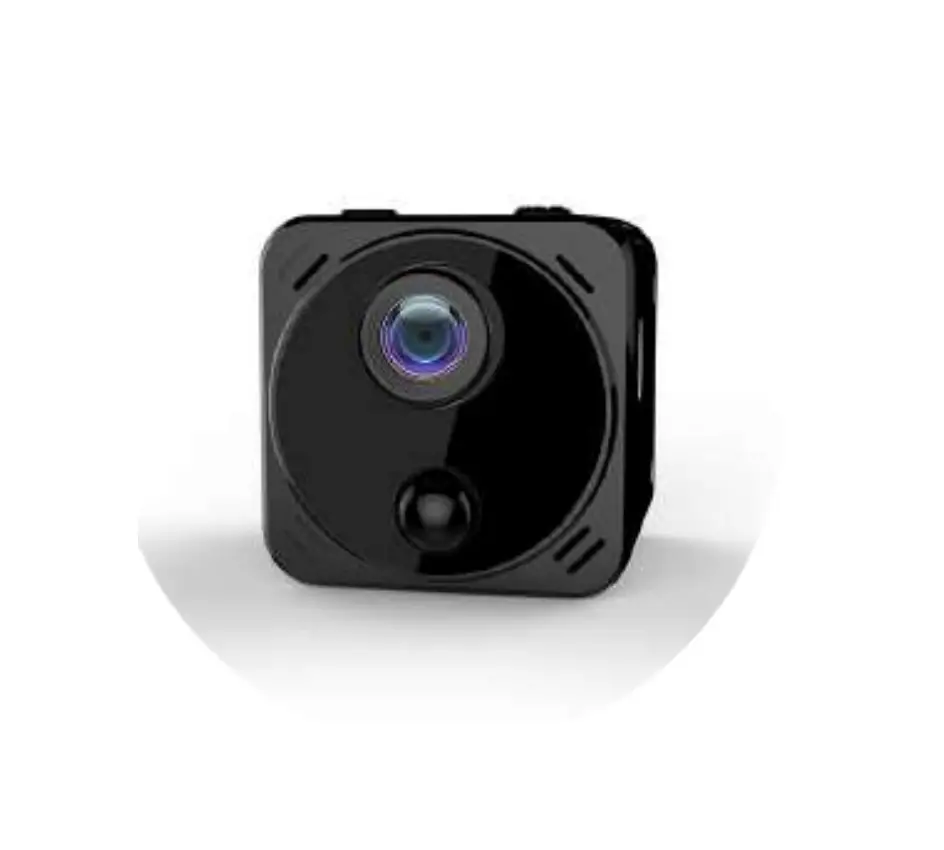
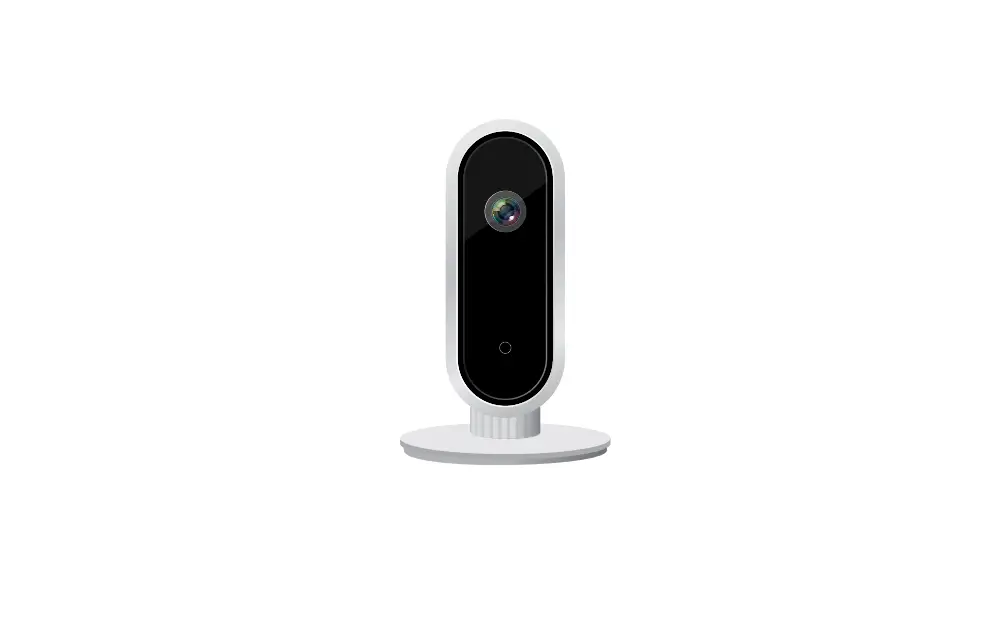
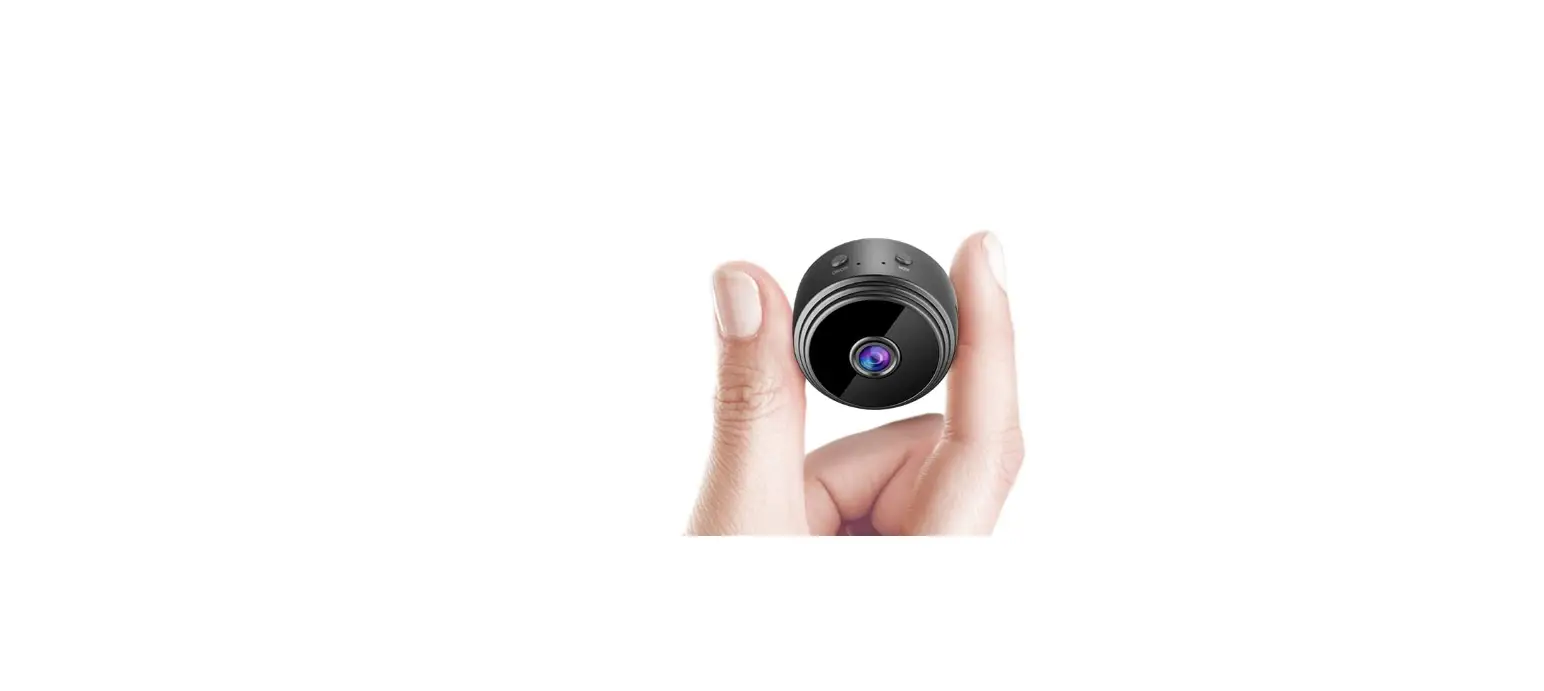
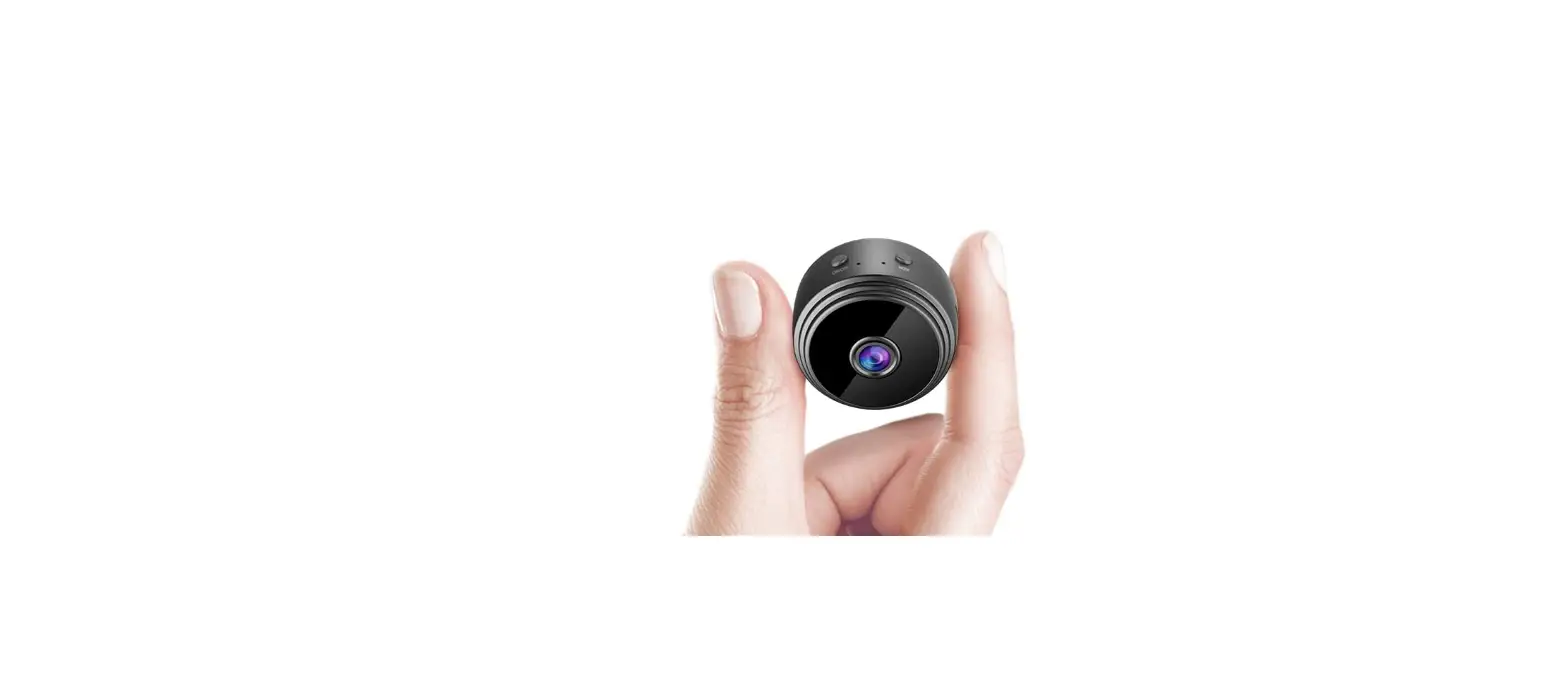
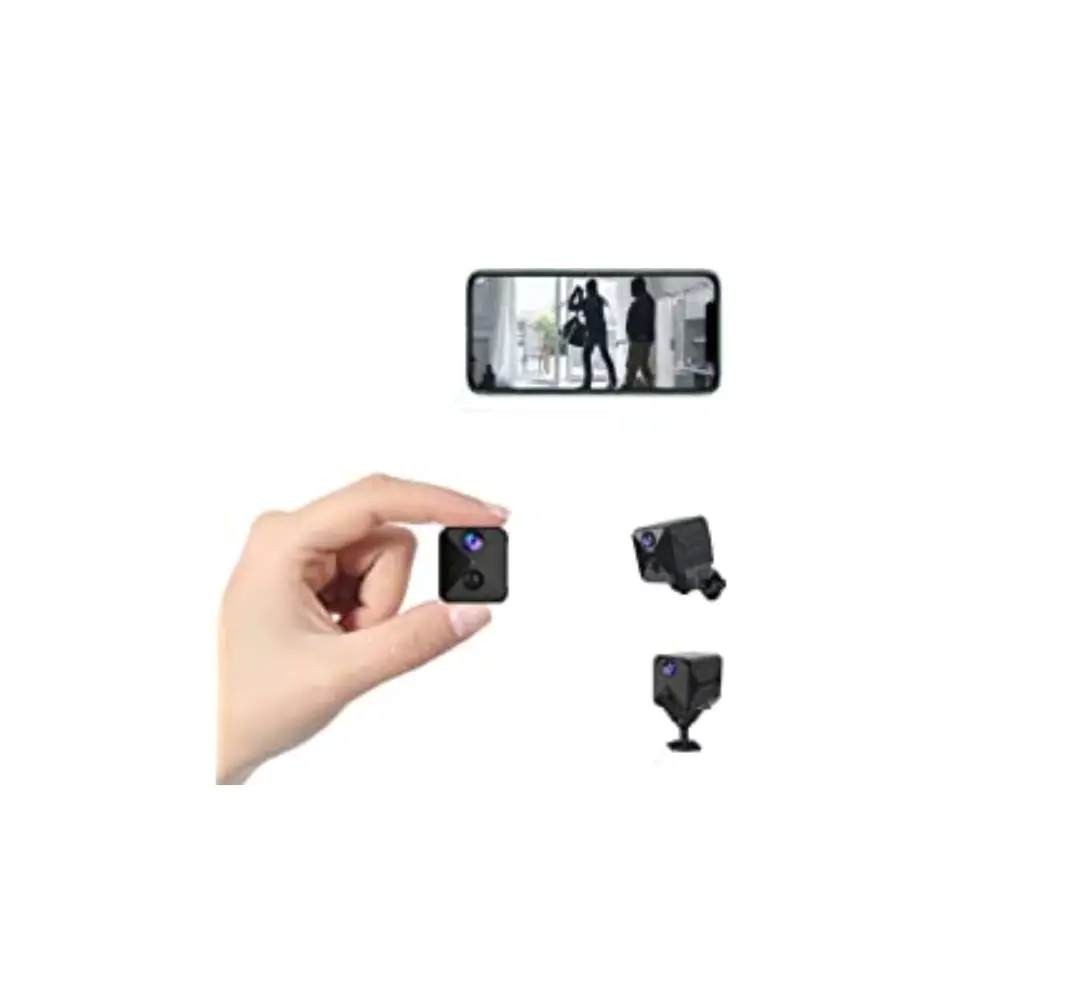
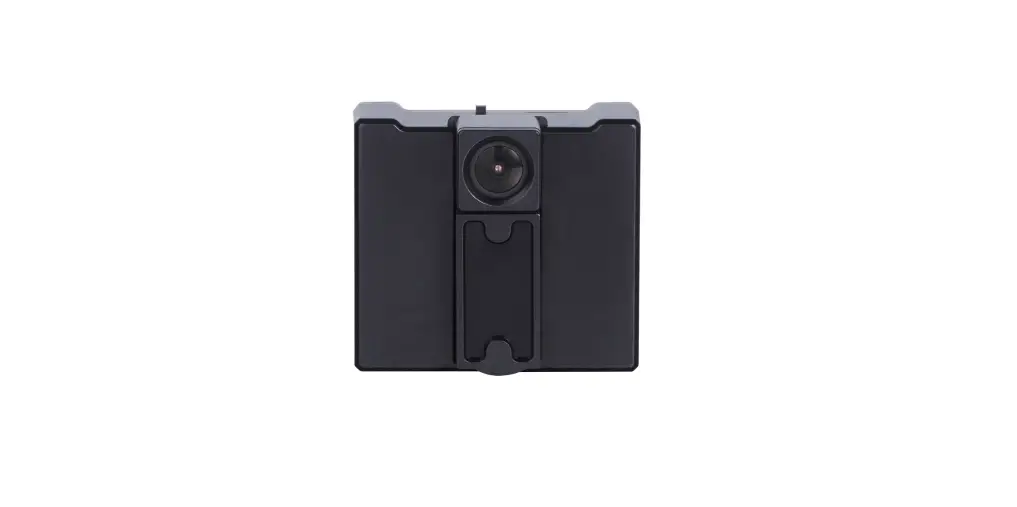
This security Wi-Fi camera kit is equipped with a powerful 1080p smart Wi-Fi camera for live streaming video, and it comes with motion detection video recording and alarm.
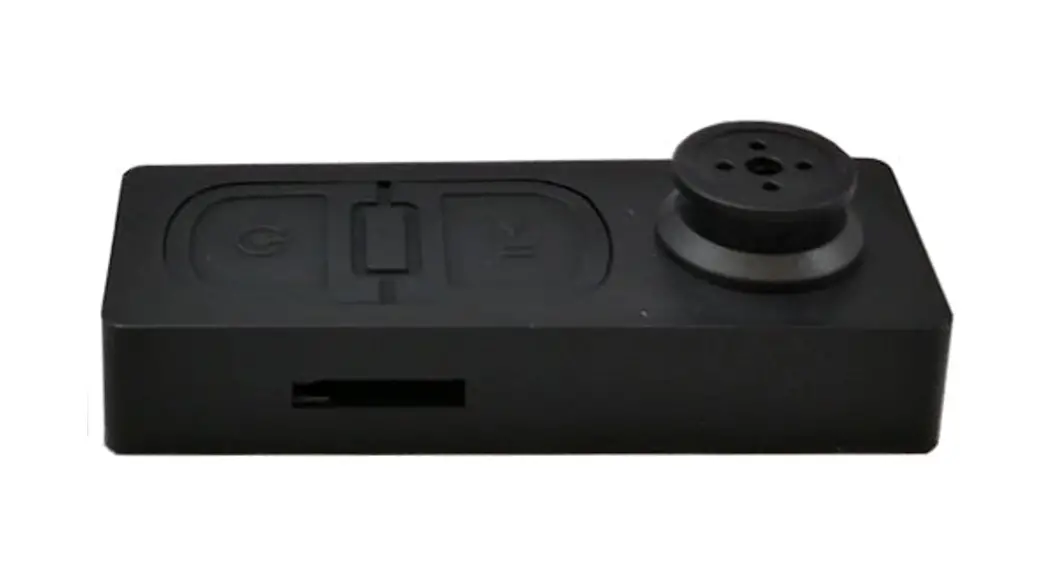
Mini design and easy hidden to DIY any kinds of unique and exclusive security cameras for home & business surveillance.
Usages: Nanny camera, home/ shop/ office/ warehouse surveillance camera……
Warning : ” illegal use is not allowed! Or, there will be consequences to bear! “
In the box:
- 1x Wi-Fi camera
- 1x USB cable
- 1 x Reset pin
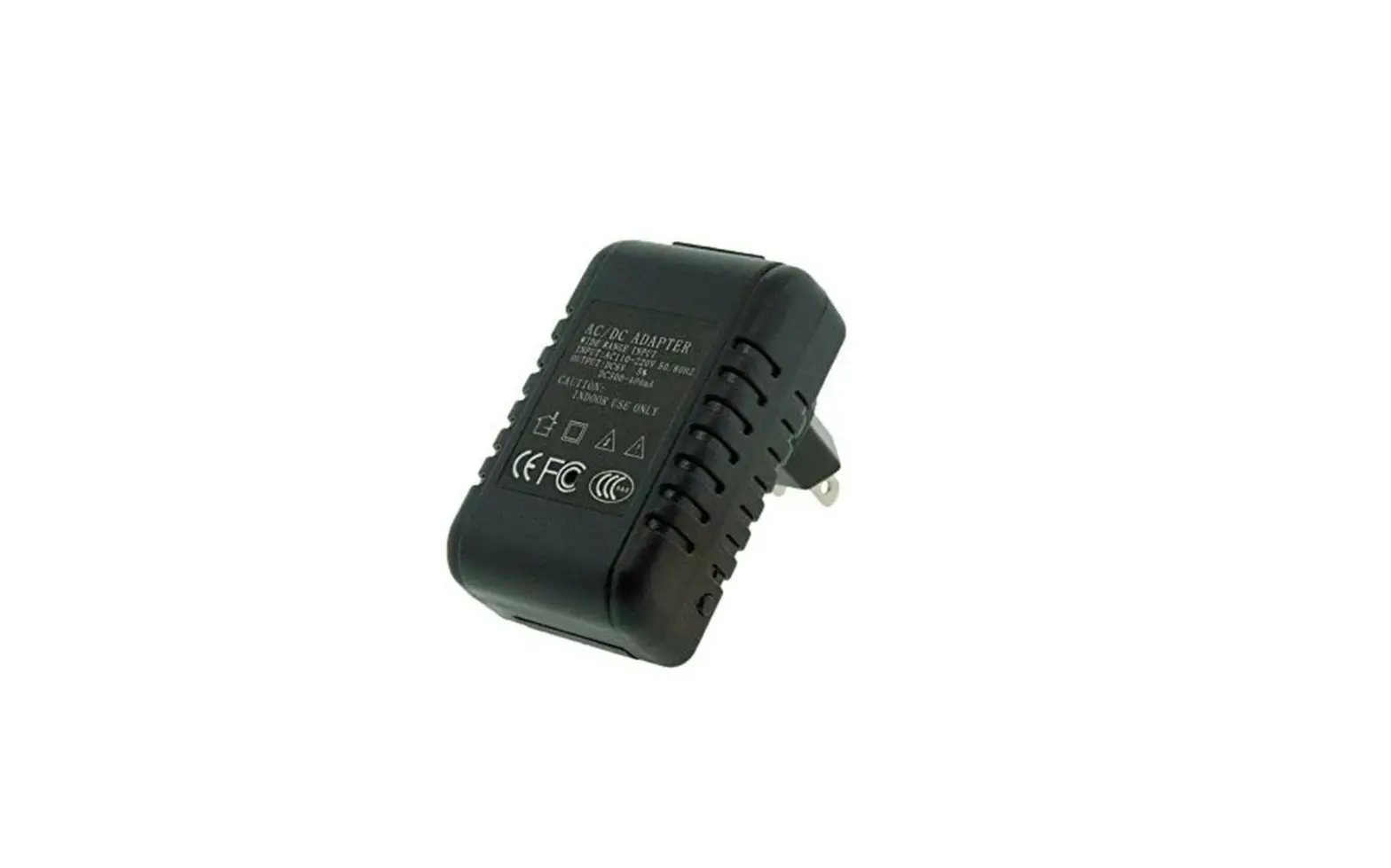
- 1x AC power adapter
- 1x User manual
- 1 x Micro SD Card Reader
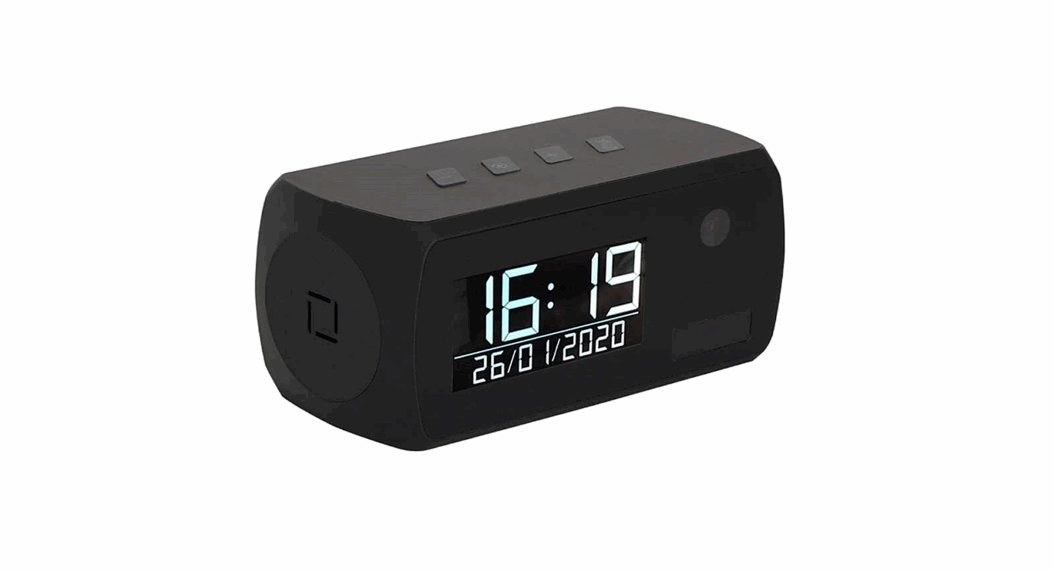
Product structure of Remote lamp
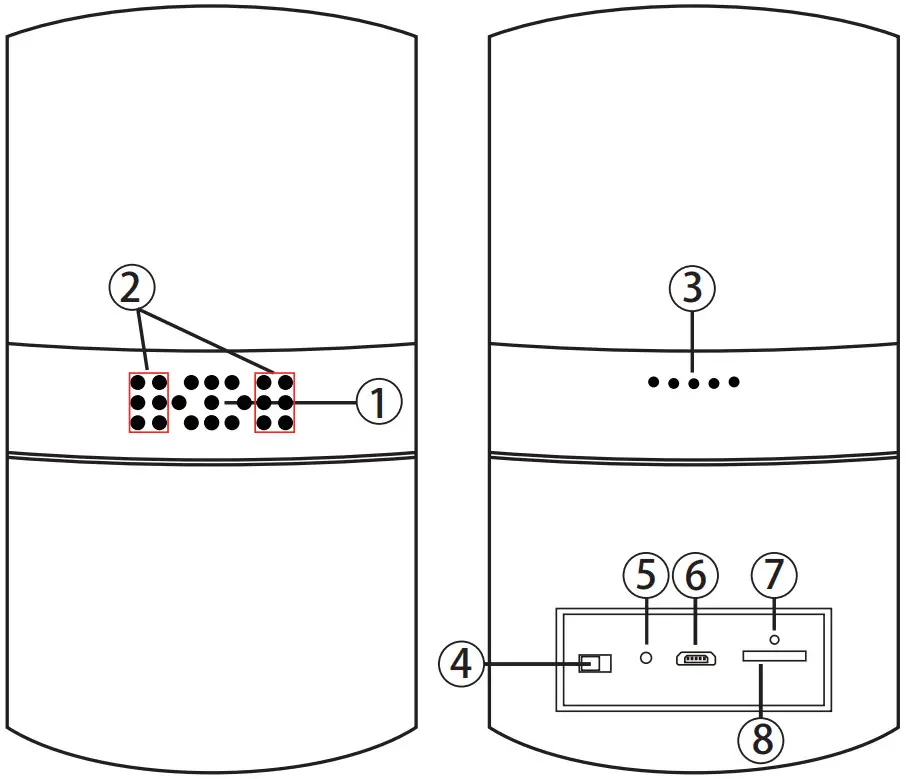
| 1. Camera 2. Invisible night vision led 3. Speaker 4. ON/OFF (For Wi-Fi Camera) | 5. Reset 6. USB port 7. Wi-Fi/ Power indicator light 8. Micro SD card slot |
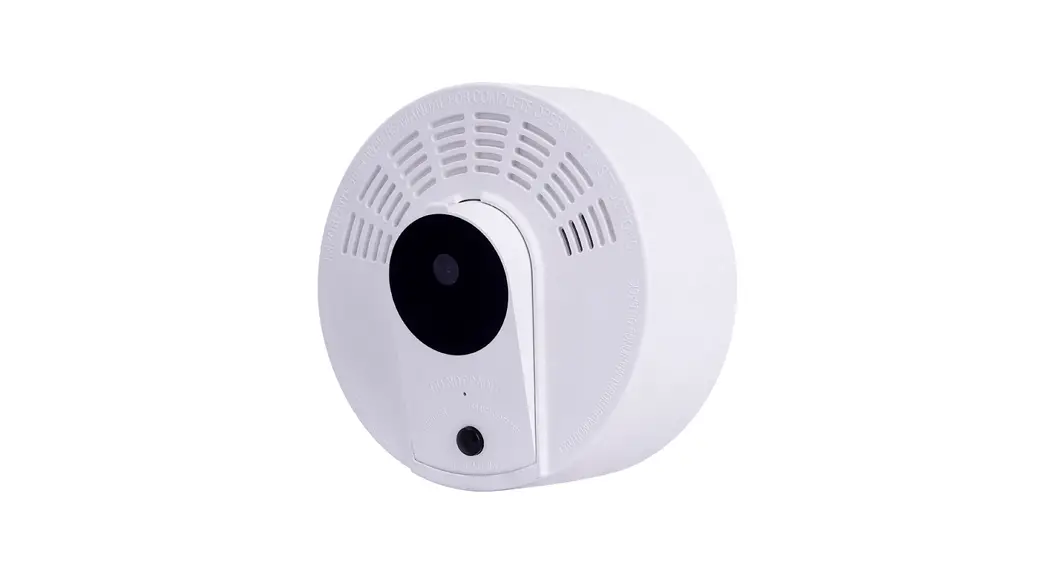
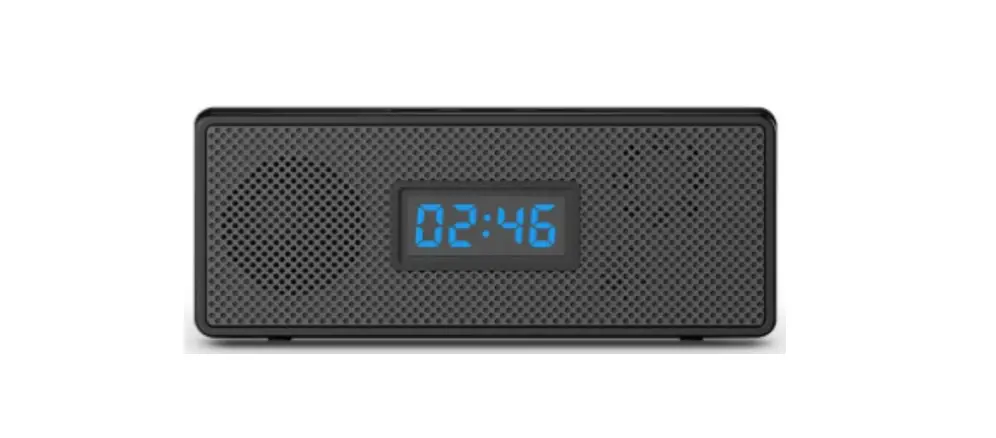
Product structure of Stereo speaker
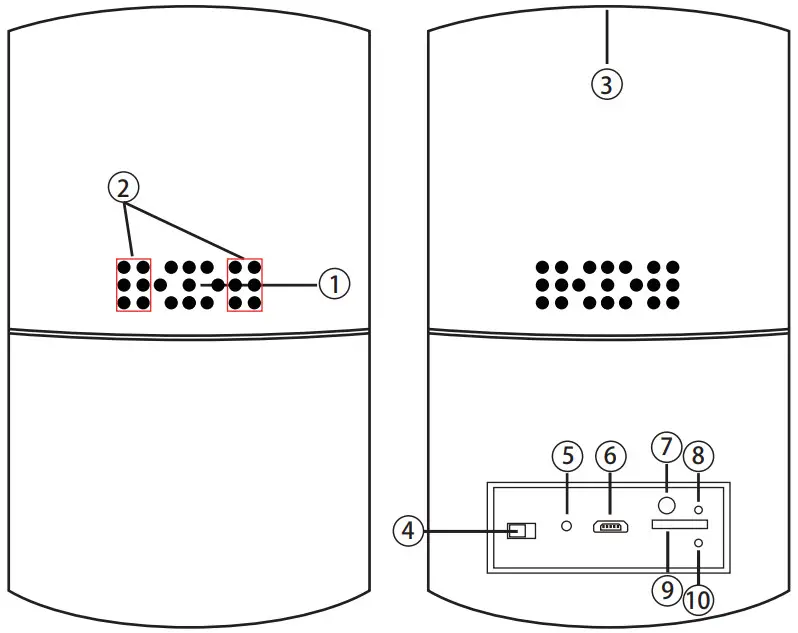
| 1. Camera 2. Speaker 3. ON/OFF (For Wi-Fi Camera) 4. Reset 5. Invisible night vision led | 6. USB port 7. Bluetooth switch 8. Wi-Fi/ Power indicator light 9. Micro SD card slot 10. Bluetooth indicator light |
Speaker Operation:
- Turn on speaker:
Short press back bluetooth button⑦ to turn on, it will say “Ding Dong” - Pair with smart phone:
Phone setting=>Bluetooth=>find signal 022BT=>click to connect; - Turn off speaker:
Short press back bluetooth button⑦ to turn off speaker; - Disconnect bluetooth:
Phone setting=>Bluetooth=>find signal 022BT=>click to disconnect; - Automatically be off:
a. Speaker is not paired with phone in 5 minutes after turned On;
b. There’s no paired phone in speaker‘s receiving range with in 5 minutes;
c. Speaker’s battery less then 5%.
Common fault solution:
- Cannot connect to the speaker
> Delete 022BT from the phone’s Bluetooth pairing list, and search 022BT again; - Cannot search the speaker
> Turn off speaker, and turn on again when heard “Ding Dong”, it will be found.
Getting started of Wi-Fi camera part
Step1: Download and install APP
Search and download free APP named “HD Smart IPC” in Apple APP store, Google play or Electronic market, and install it.

HD Smart IPC
Step 2: Plug in power and turn switch to ON, wait for 1 minute;
Step 3: Connect WiFi
- Open smartphone settings, search and connect the device’s wireless signal named “AI/LM……”,wait Wi-Fi connected, and phone status bar appear Wi-Fi
 symbol.
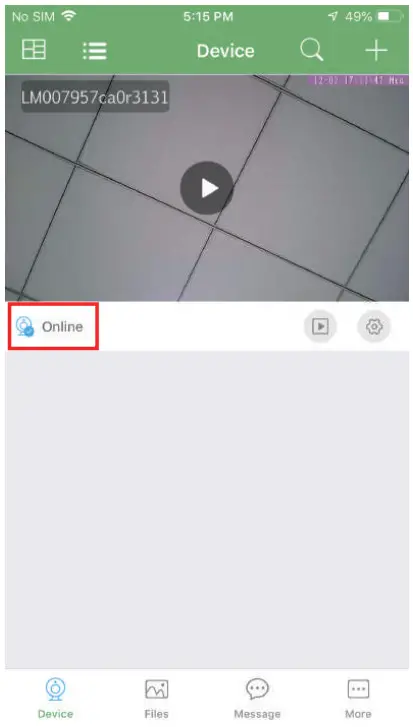
- Enter APP, app will add just connected camera automatically, Camera Online then;
 TIPS: This step = P2P mode, can check video locally when without Wi-Fi.
 - Press the gear icon
 after the camera and select Device settings ,select Wi-Fi Config.
- Select the router Wi-Fi and input password, camera will be connected to the router Wi-Fi. The smartphone will disconnect the signal from device and connect to the router Wi-Fi.
- Quit APP, and device restart automatically and ready again in 30 seconds.
- Enter APP and check live video locally or remotely anywhere.

 symbol.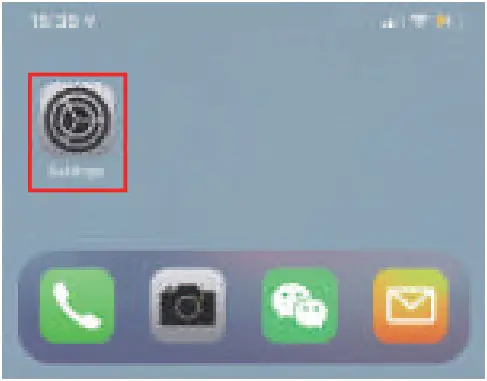
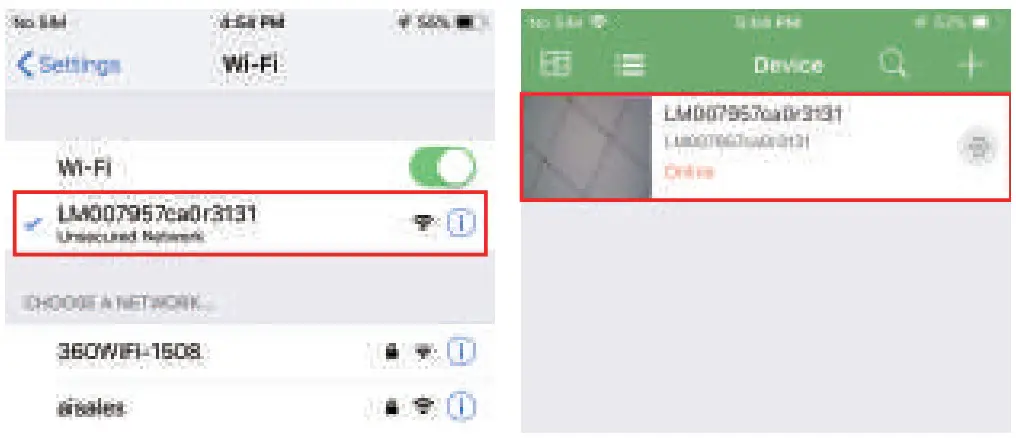 TIPS: This step = P2P mode, can check video locally when without Wi-Fi.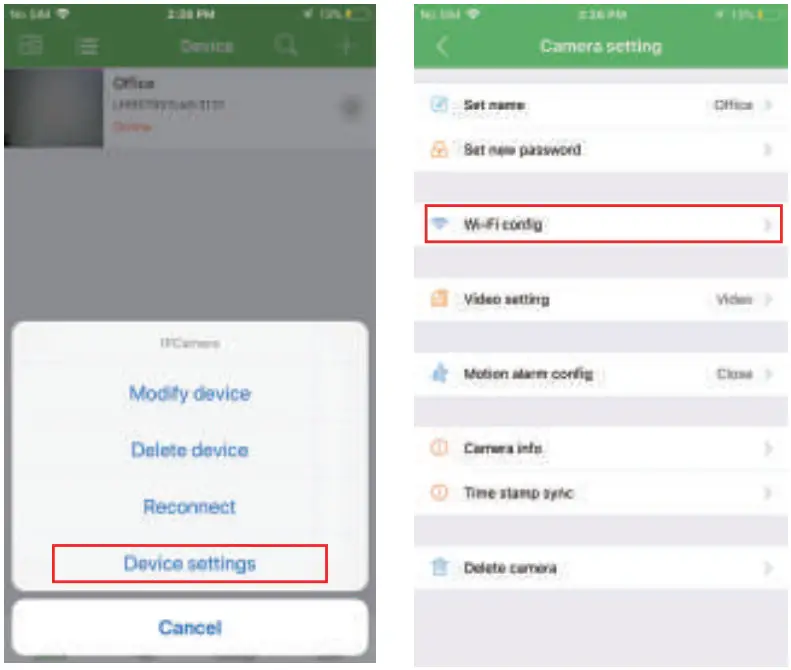
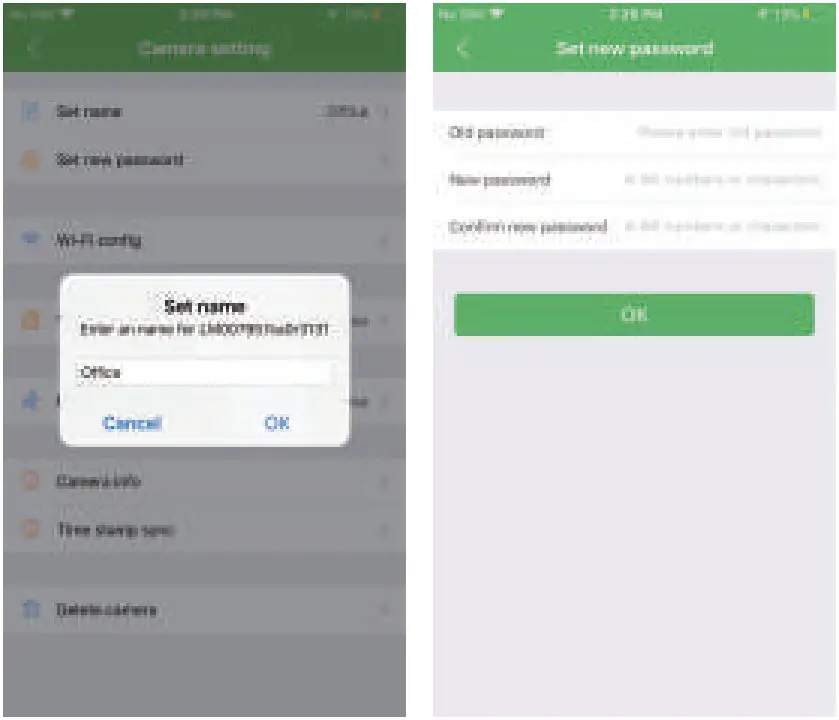
Set camera name and private code
Set name: Press the after the camera and select Device settings, select Set name, insert name like Office, Room……
Set new password: Press the after the camera and select Device settings, select Set new password and change it to new one. Default one is 8888.
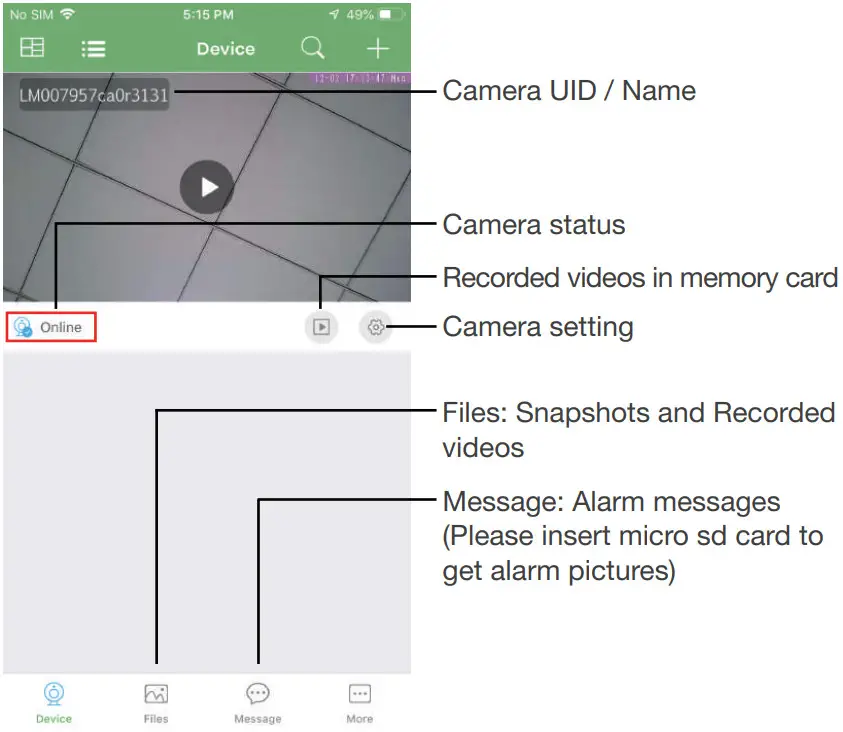
APP introduction
Live video page – Click camera to check
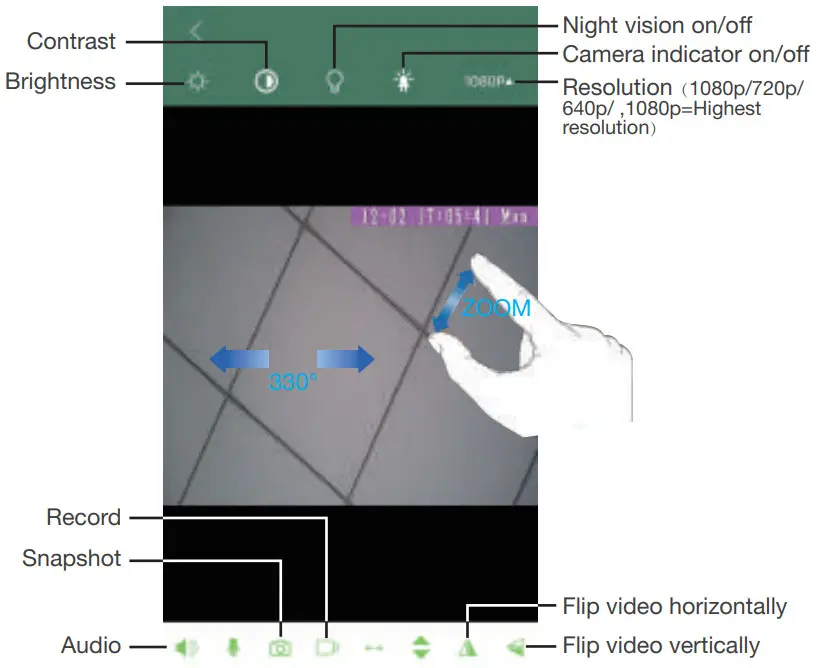
Slide your finger left and right to rotate the camera Pinch and expand to zoom in and out
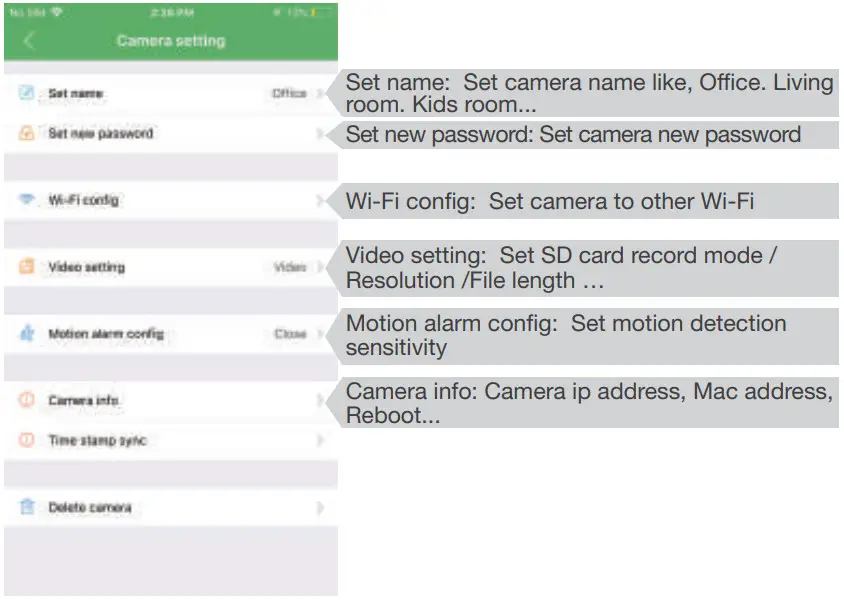
TIPS: Each setting in Device Settings, please scroll down and press ok to save the setting.
Set and watch by PC remotely (Windows Only)

Scan to download PC Clienthttps://drive.google.com/open?id=1-c45Oqa_G_e27q_z9zvCz5vZwdGrFUB3
Specification
| Item | Wi-Fi Security Camera |
| Lens | 2.0 Mega COMS |
| Resolution | 1920*1080 |
| Frames | Max 25fps |
| Compressed format | H.264 |
| View Angel | Rotatable 330 degree |
| Night Vision | Invisible 3M |
| Type of Memory Card | TF>=Class 4/10 HC Marked |
| Capacity of Memory Card | Max 128GB |
| PC operation system | Windows 7,8/Mac OS X |
| Mobile Phone operation system | Android/iOS |
| Video Player | VLC Player/SM Player |
| Battery Capacity | Rechargeable 5000mA |
| Recording | 1min/20mb |
| Working time | 8-10 hours |
| Charging time | 10-12 hours |
| Power adapter | 5V/2A |
FAQ
– A: Press reset key for 10 seconds and wait 1 minute.
– A: Select suitable resolution according to the real time network environment.
– A: 1). Set motion detect sensitivity in Motion alarm config;
– 2). When motion detected, camera will push a alarm message to your phone and take one picture for checking in the APP [ Page 12 – Message ]. (A micro sd card MUST be inserted for saving alarm pictures)
– A: 1). Use a card reader to read and play;
– 2). Use APP to play back [ Page 12 – ];
– 3). Play back in good speed network.
– A: Turn on camera and wait for 1 minute, press reset key around 10 seconds till back indicators off to restore factory default. Camera restarts and get ready again in 1 minute.
– A: Please contact local dealer for video guide.

The end!
Version: Jan, 2021