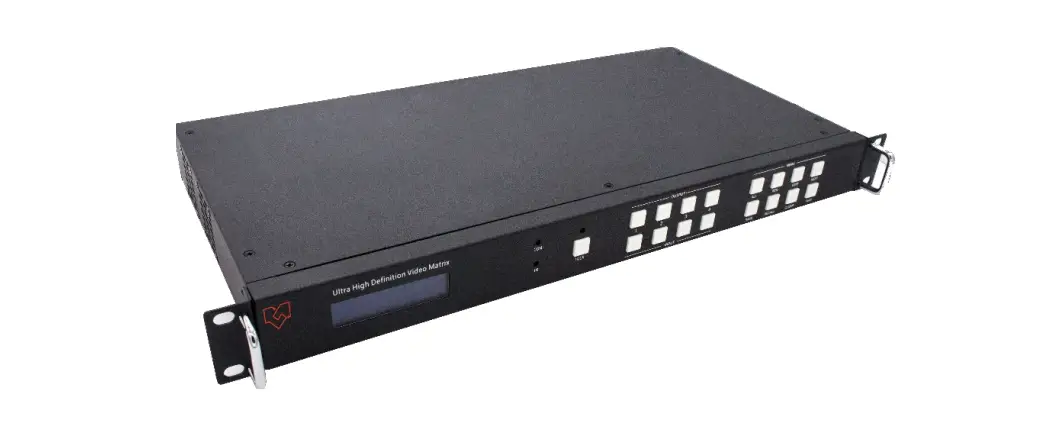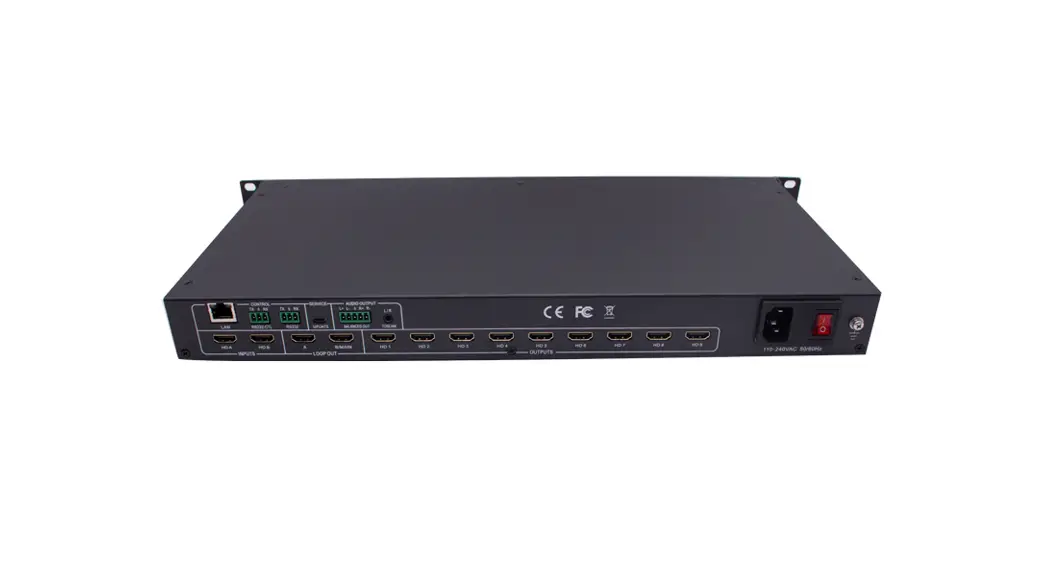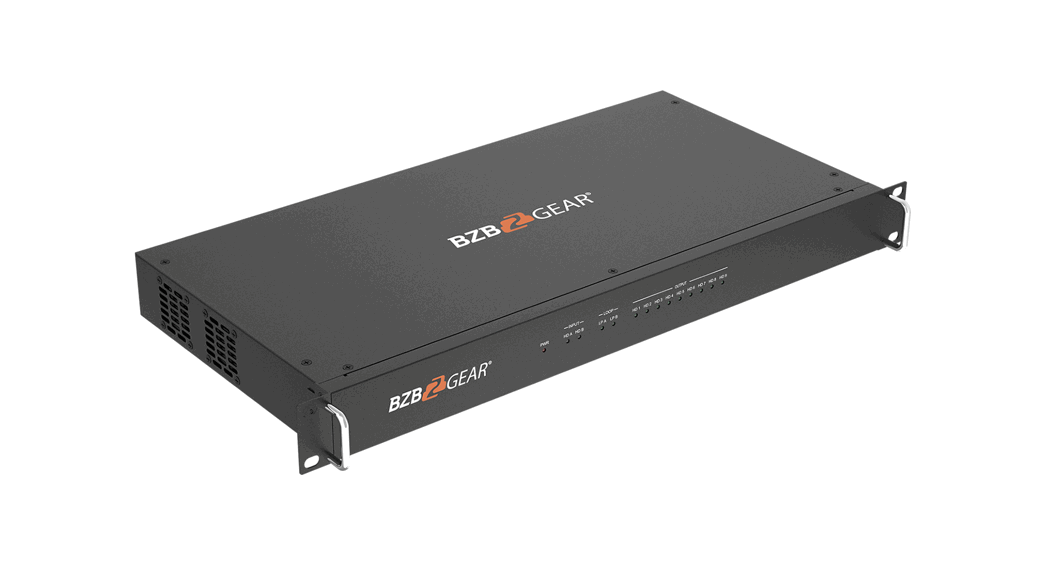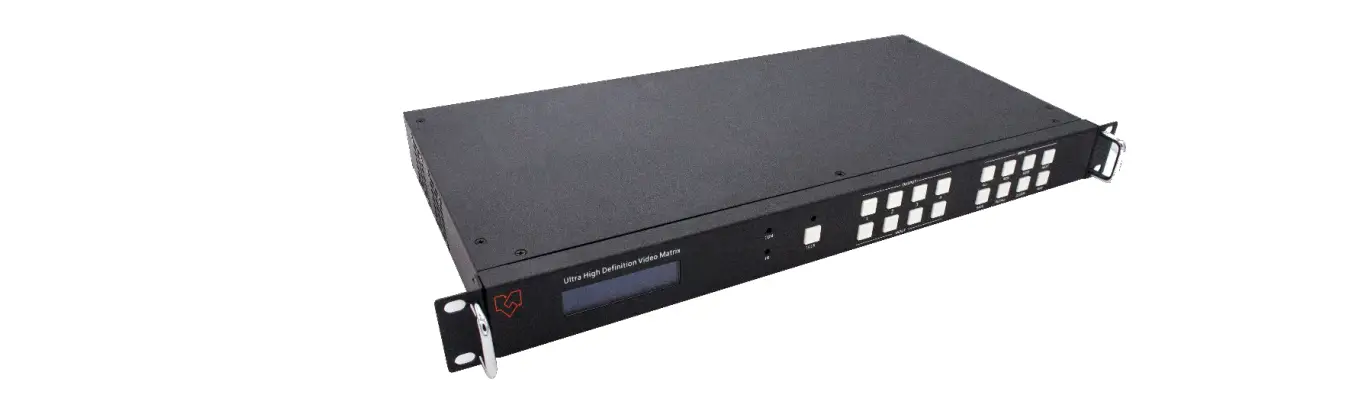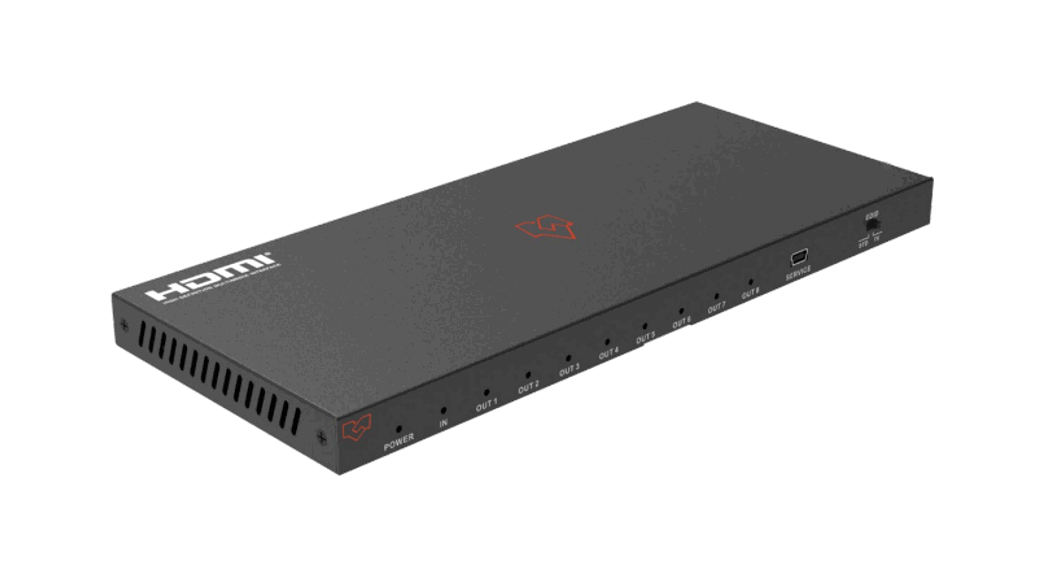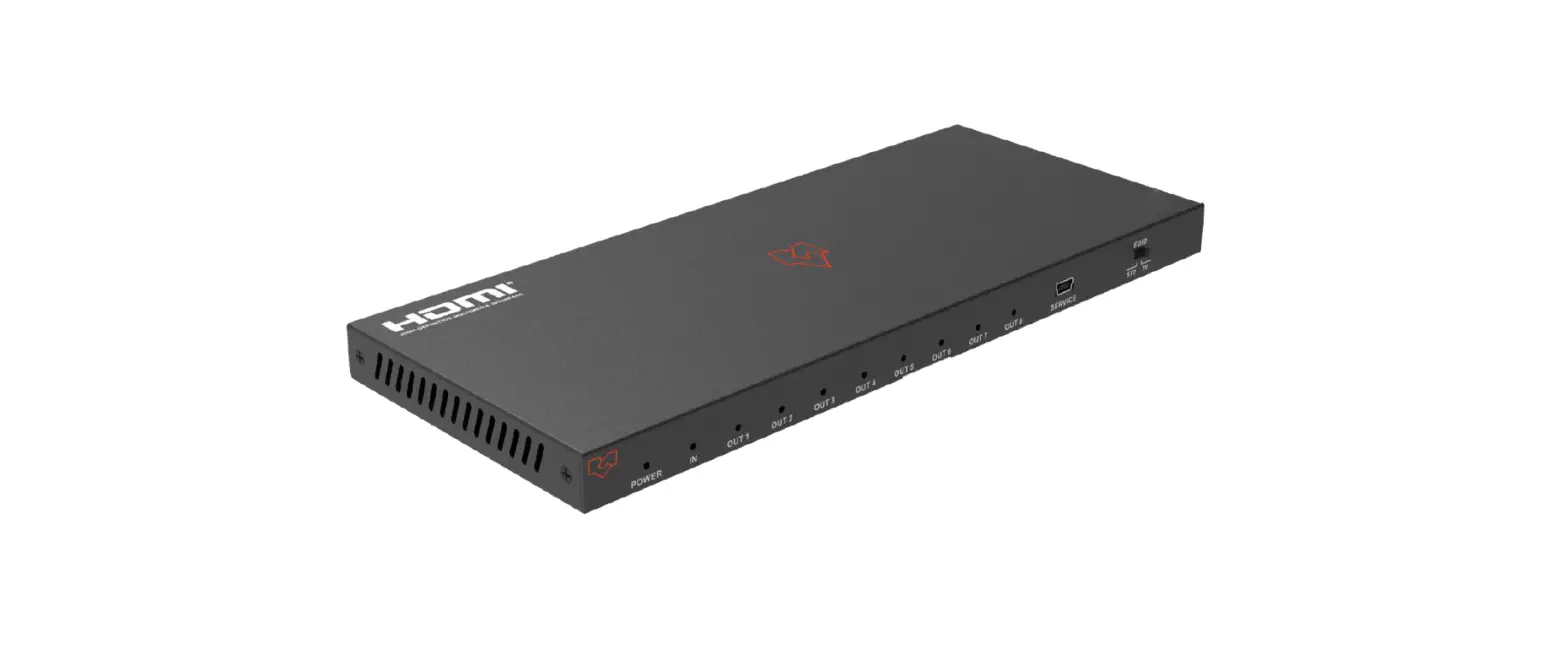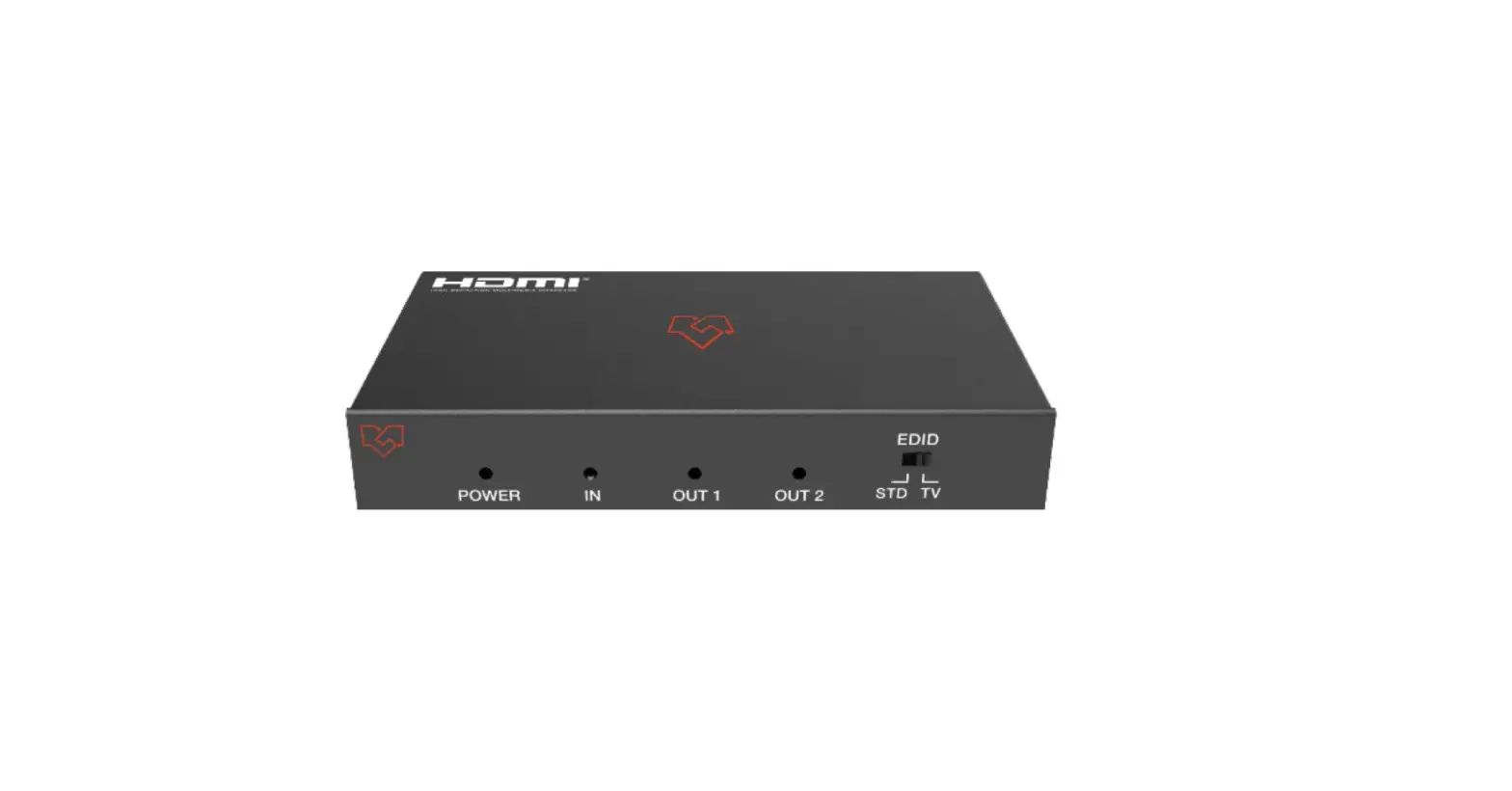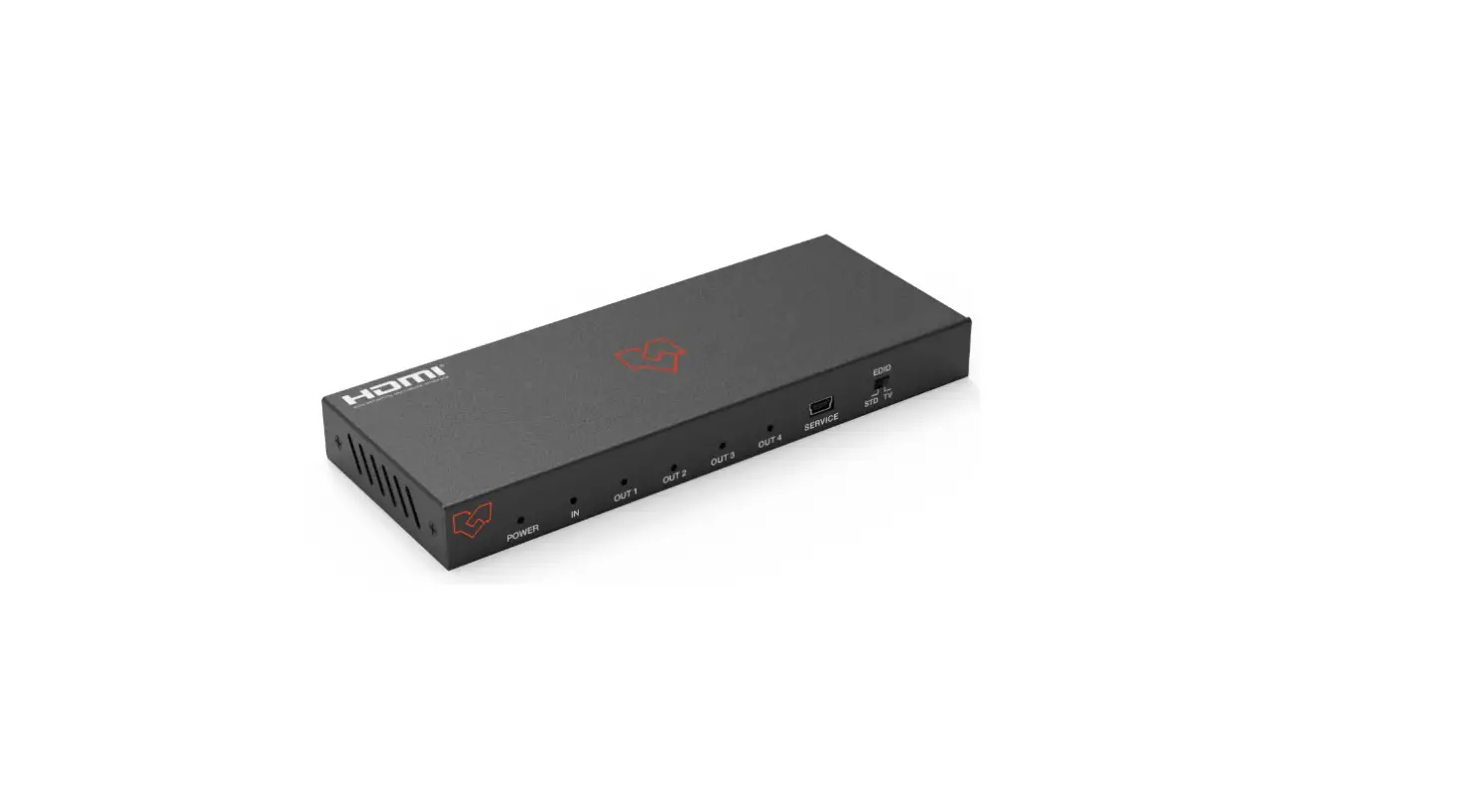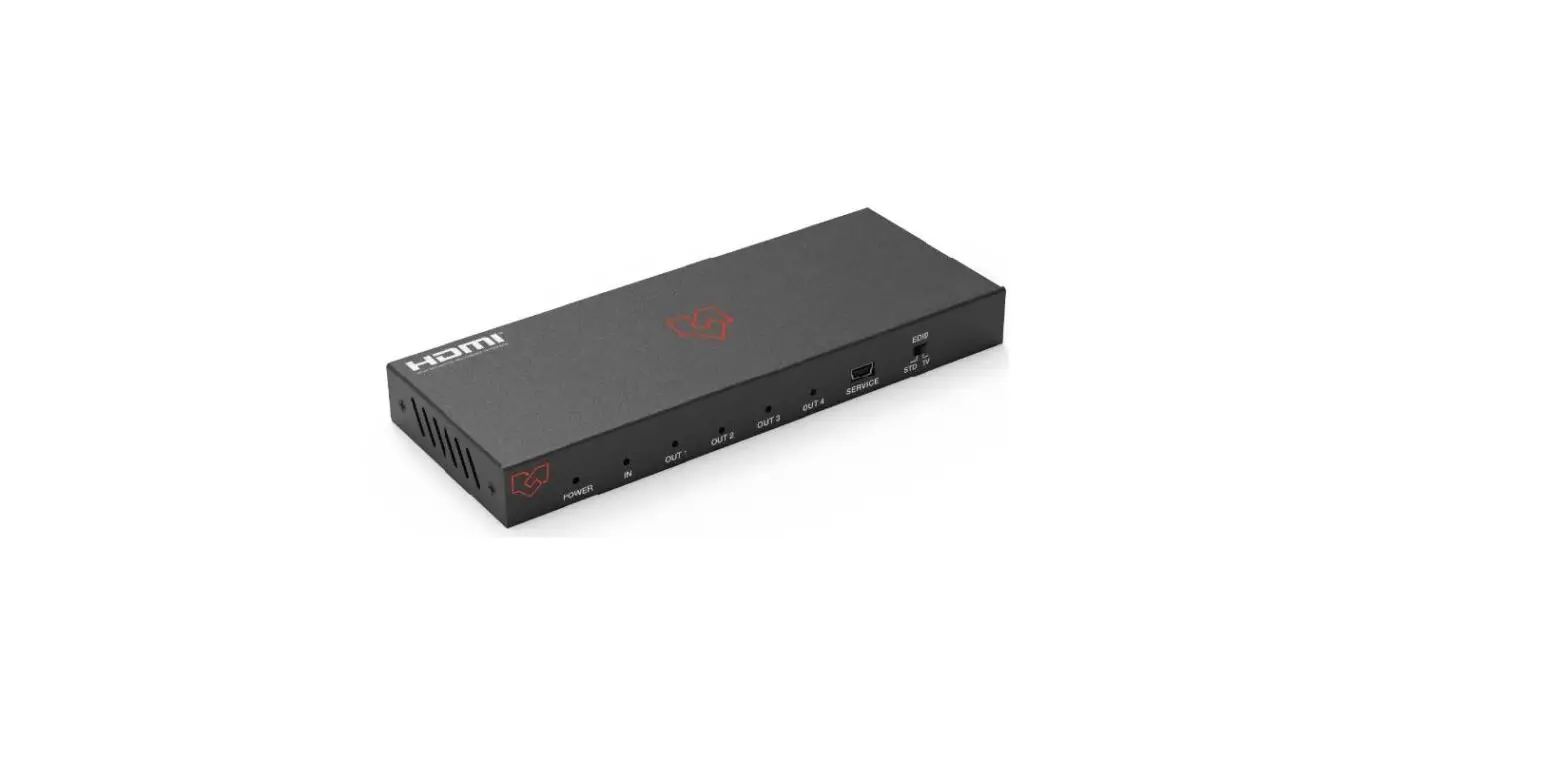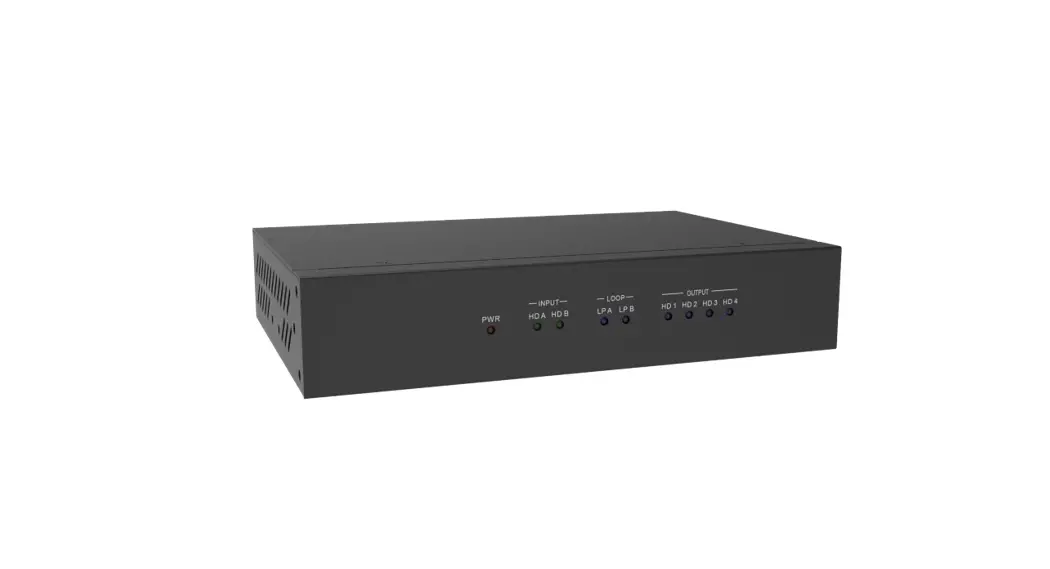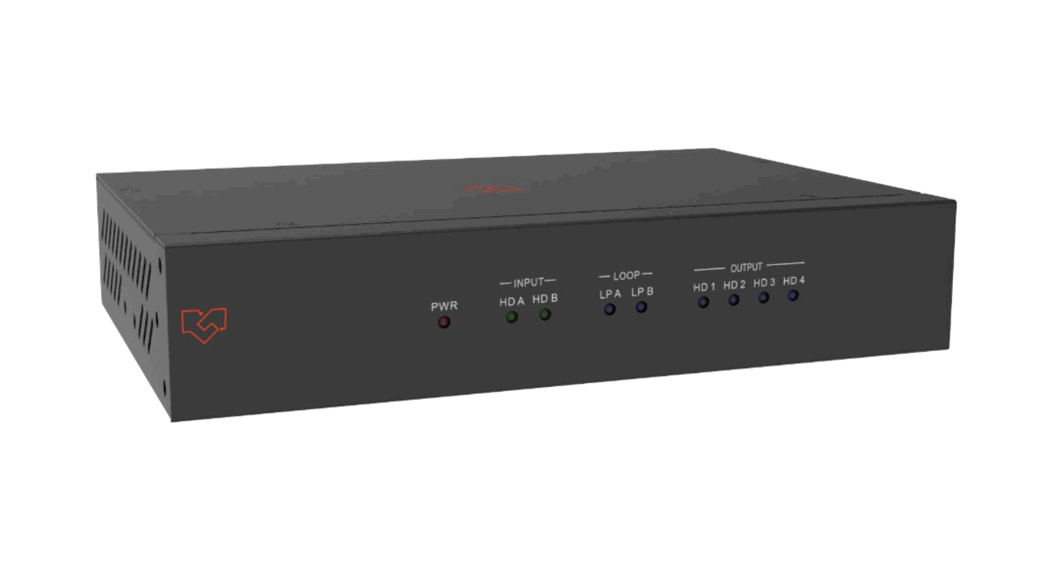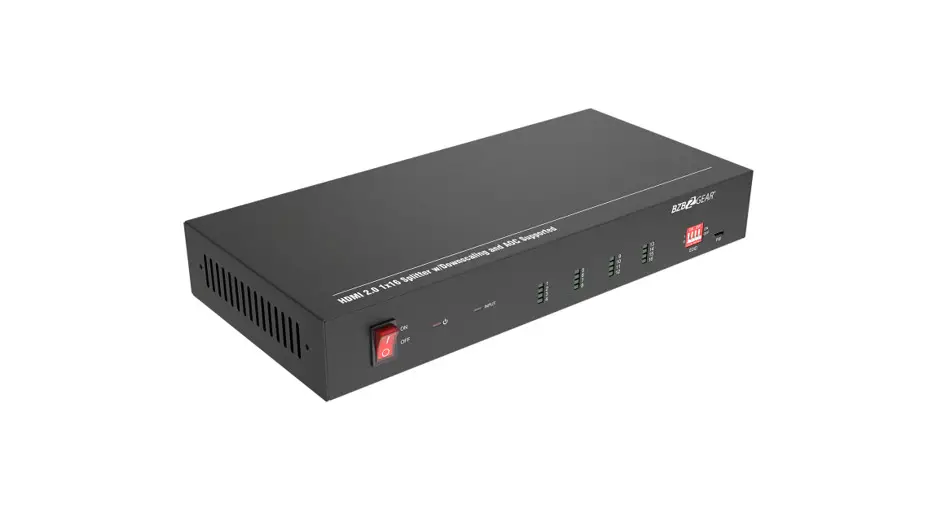

VigilLink VLMX-0202E 2×2 HDMI 2.0 Matrix 18Gbps
Introduction
The 18Gbps 2×2 HDMI Matrix switcher supports the transmission of video signals (up to 4K2K@50/60Hz YCbCr 4:4:4) from two HDMI sources to two HDMI displays simultaneously. This product supports audio extraction from output A to optical and analog output. It supports three modes of EDID setting (AUTO, COPY, and STD). Flexible control via panel buttons and IR remote; the corresponding LED indicator on the front panel will be illuminated.
Features
- HDCP2.2 / HDCP1.x, DVI 1.0 compliant.
- Supports 18Gbps video bandwidth
- Video resolution is up to 4K2K@50/60Hz (4:4:4).
- Supports digital and analog audio extract output from output A
- EDID can be selected with AUTO, COPY, and STD mode via the selector on the front panel.
- Supports analog audio PCM 2.0.
- Supported optical audio pass-through format: LPCM 2.0/2.1CH, Dolby 5.1, Dolby True HD, Dolby DD+, DTS 5.1, DTS-ES 6/DTS-HDMA 5.1, DTS HD-HRA 5.1.
- Supports HDR function
- Flexible control via panel buttons and IR remote.
Package Contents
- 1× 2×2 HDMI Matrix Switcher
- 1× 5V/1A Power Adapter
- 1× Matrix IR Remote
- 1× User Manual
Specifications
| Technical | |
| HDCP Compliance | HDCP 2.2 and HDCP 1.x |
| DVI Compliance | DVI 1.0 |
| Video Bandwidth | 594MHz / 18Gbps |
| HDMI Video Resolution | Up to 4K2K@50/60Hz YCbCr 4:4:4 |
| High Dynamic Range | HDR, HDR 10+, HLD, DOLBY VISION |
| Color Space | RGB, YCbCr 4:4:4, YCbCr 4:2:2, YCbCr 4:2:0 |
| Color Depth | 8-bit, 10-bit, 12-bit |
| HDMI Audio Formats | PCM2.0/5.1/7.1CH, Dolby 5.1, DTS5.1, Dolby-TrueHD, DTS-HD |
| L/R Audio Formats | Analog stereo PCM 2.0 |
| Optical Audio Formats | LPCM [2.0/2.1]CH, Dolby 5.1, Dolby True HD, Dolby DD+, DTS 5.1, DTS-ES 6, DTS-HDMA 5.1, DTS HD-HRA 5.1 |
| ESD Protection | Human-body Model: ±8kV (Air-gap discharge) , ±4kV (Contact discharge) |
| Connection | |
| Input ports | 2×HDMI Type A [19-pin female] 1×IR Receiver Window |
| Output ports | 2×HDMI Type A [19-pin female] 1×L/R [3.5mm Stereo Mini-jack] 1×OPTICAL OUT [Optical jack] |
| Mechanical | |
| Housing | Metal Enclosure |
| Color | Black |
| Dimensions | 144mm (W)×59.5mm (D)×18mm (H) |
| Weight | 208g |
| Power Supply | Input: AC100~240V 50/60Hz Output: DC5V/1A (US/EU standard, CE/FCC/UL certified) |
| Power Consumption | 2.7W |
| Operating Temperature | 0°C ~ 40°C / 32°F ~ 104°F |
| Storage Temperature | -20°C ~ 60°C / -4°F ~ 140°F |
| Relative Humidity | 20~90% RH (non-condensing) |
Operation Controls and Functions
Front Panel
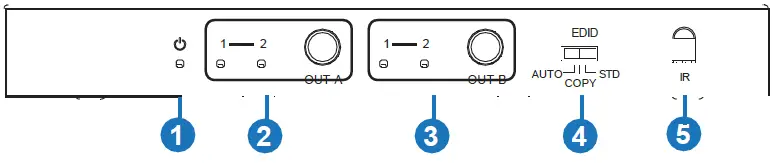
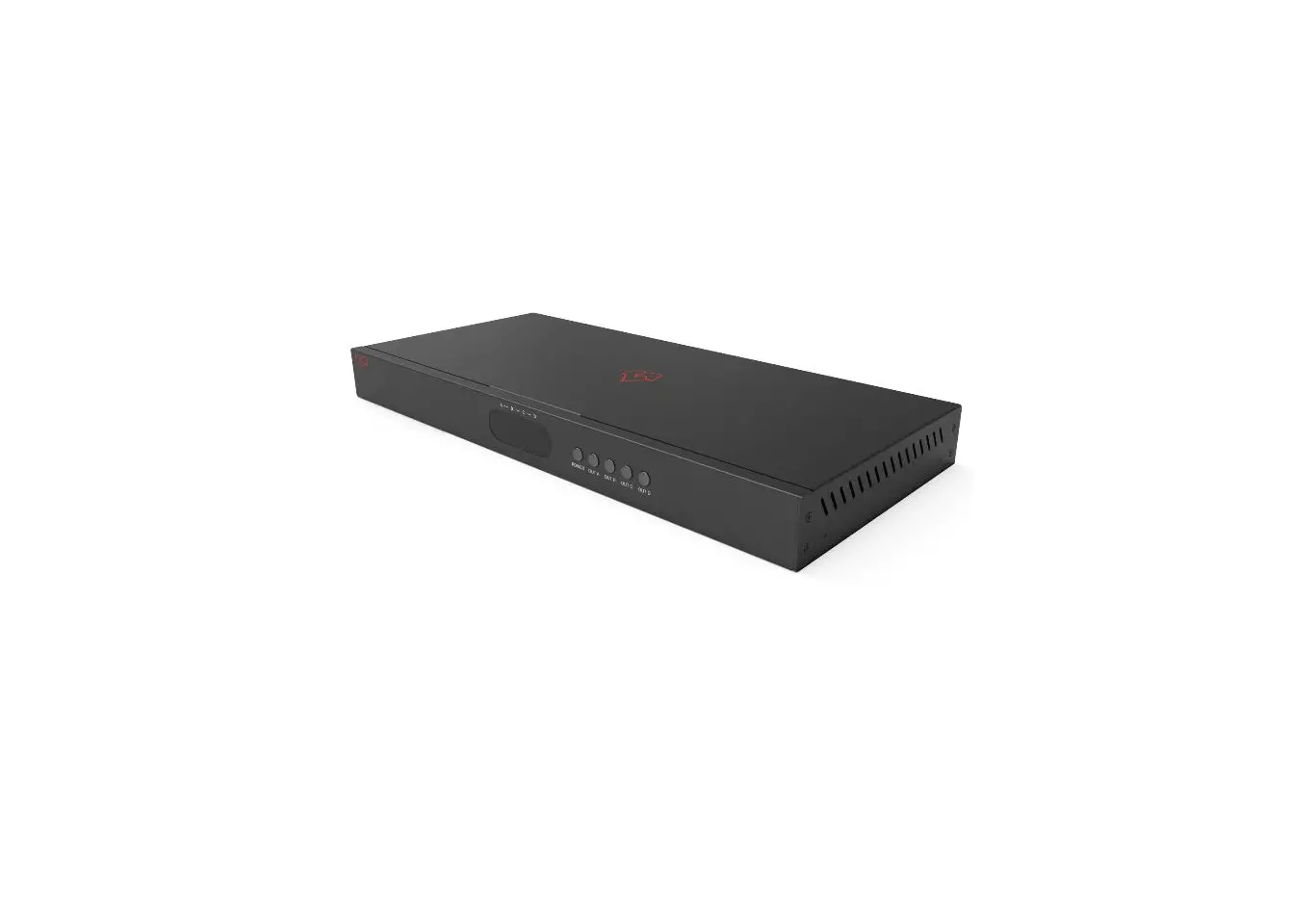
| Number | Name | Function Description |
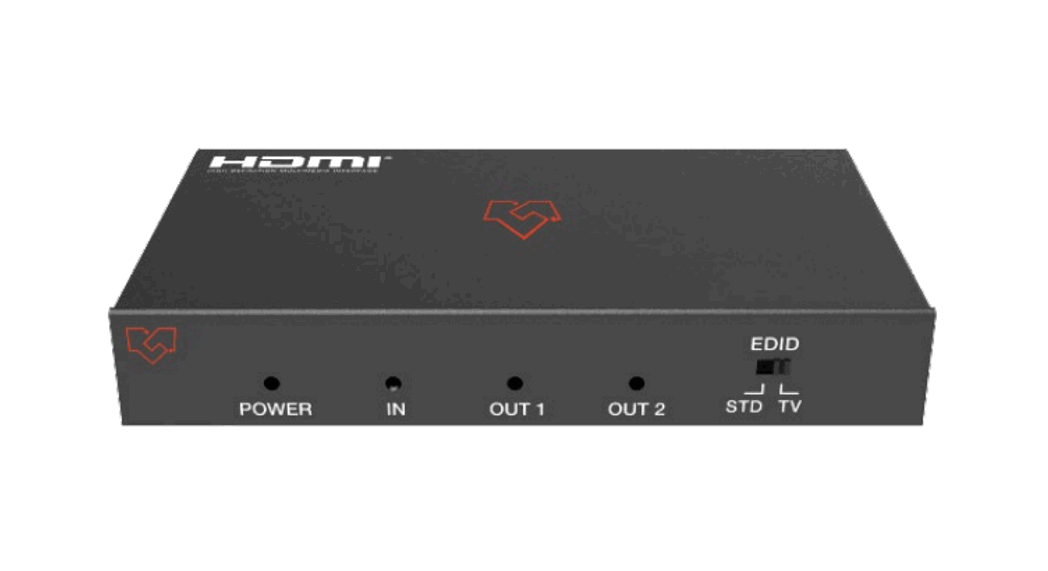
| 1 | POWER LED | Power LED indicator. Notice: The power LED illuminates red when the product is working or on standby. |
| 2 | OUTPUT A | Press the OUT A button to select 1 or 2 input sources; the corresponding LED indicator will illuminate in green. |
| 3 | OUTPUT B | Press the OUT B button to select 1 or 2 input sources; the corresponding LED indicator will be illuminated in green. |
| 4 | EDID AUTO/ COPY/STD | ▪ AUTO: When the selector is dialed to the AUTO position, the product will compare OUT A and OUT B EDID settings and output the lowest resolution to source devices, then the source devices will send the signal to all HDMI outputs. |
| Number | Name | Function Description |
|
4 |
EDID AUTO/ COPY/STD | ▪ COPY: When the selector is dialed to the COPY position, the product will copy the EDID setting of the HDMI OUT A display device (If no HDMI OUT A capable EDID is detected, the product will copy HDMI OUT B) to the source devices, then the source devices will send the signal to all HDMI outputs. ▪ STD: When the selector is dialed to the STD position, the source devices will send fixed 1080P/60Hz EDID to all HDMI outputs (audio for PCM 2.0 only). |
| 5 | IR | IR receiver window. It receives IR remote signal of this product only. |
Rear Panel

| Number | Name | Function Description |
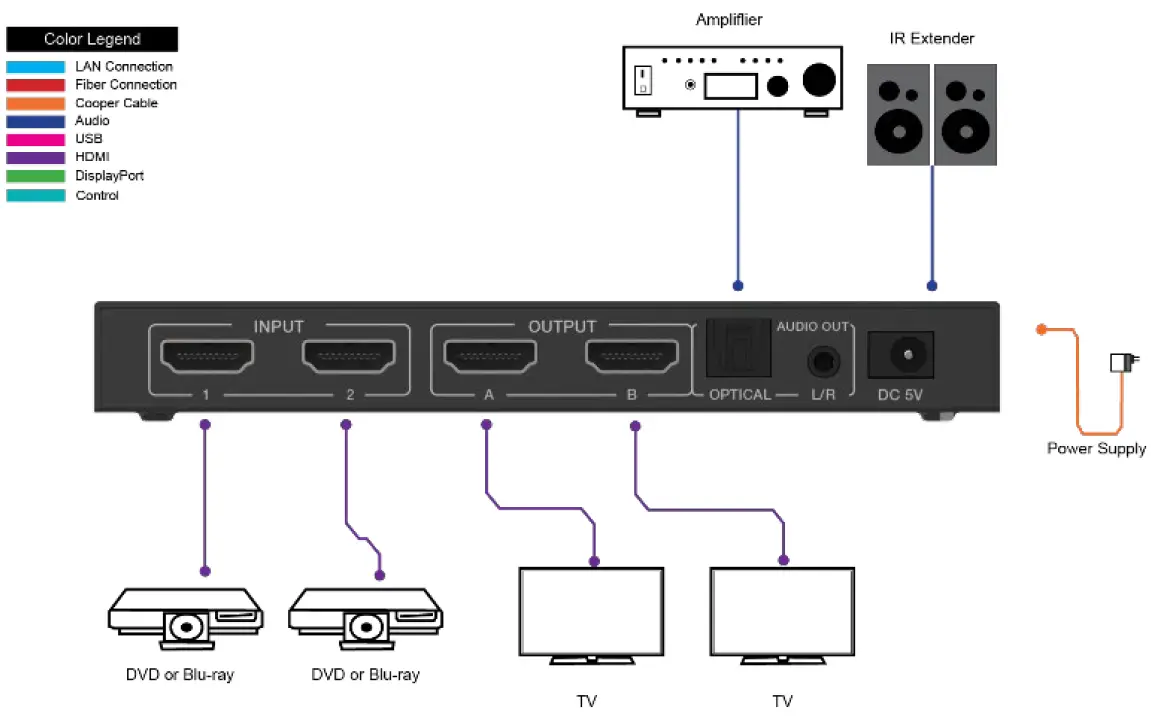
| 1 | INPUT 1 / 2 | Connect to HDMI sources devices such as DVD player or PS4 with an HDMI cable. |
| 2 | OUTPUT A / B | Connect to HDMI display device such as TV or monitor with an HDMI cable. |
| 3 | AUDIO OUT (OPTICAL / L/R) | ▪ OPTICAL: Optical audio output port. Connect to the audio amplifier. ▪ L/R: Analog audio output port. Connect to the audio amplifier. Notice: The audio output signal is from the OUTPUT A port. |
| 4 | DC 5V | Plug the 5V/1A DC power supply into the unit and connect the adapter to an AC outlet. |
IR Remote
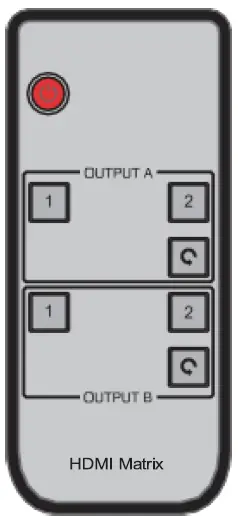
 | Power on the product or set it to standby status. |
| OUTPUT A | 1/2: Select input 1 or input 2 source signal to OUTPUT A port.
|
| OUTPUT B | 1/2: Select input 1 or input 2 source signal to OUTPUT B port.
|
Notice:
| |
 : Select circularly input 1 or input 2 source signal to OUTPUT A port.
FAQ
Q: Does this product require an HDMI cable length for the connection interface?
A: According to HDMI input/output cable length test, the most extended HDMI cable for 4K2K@60Hz / 8 bit YCbCr 4:4:4 is 5m, the most extended HDMI cable for 4K2K@ 30Hz / 8-bit is 10m, the most extended HDMI cable for 1080p@60Hz / 8-bit is 15m.
The use of the “Premium High-Speed HDMI” cable is highly recommended. The best distance for using the IR remote is 0~7m, and the best angle is ± 45°.
Application Example