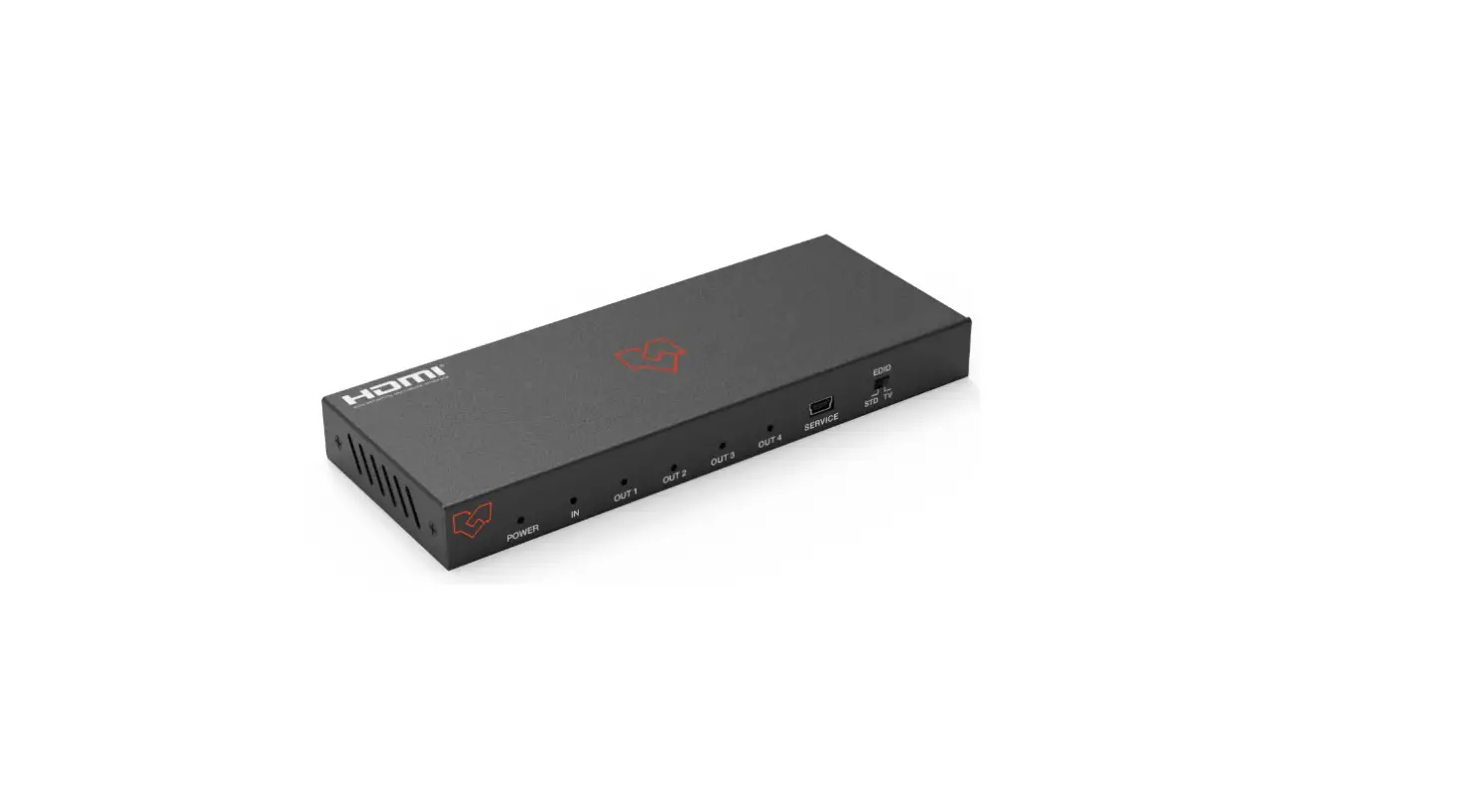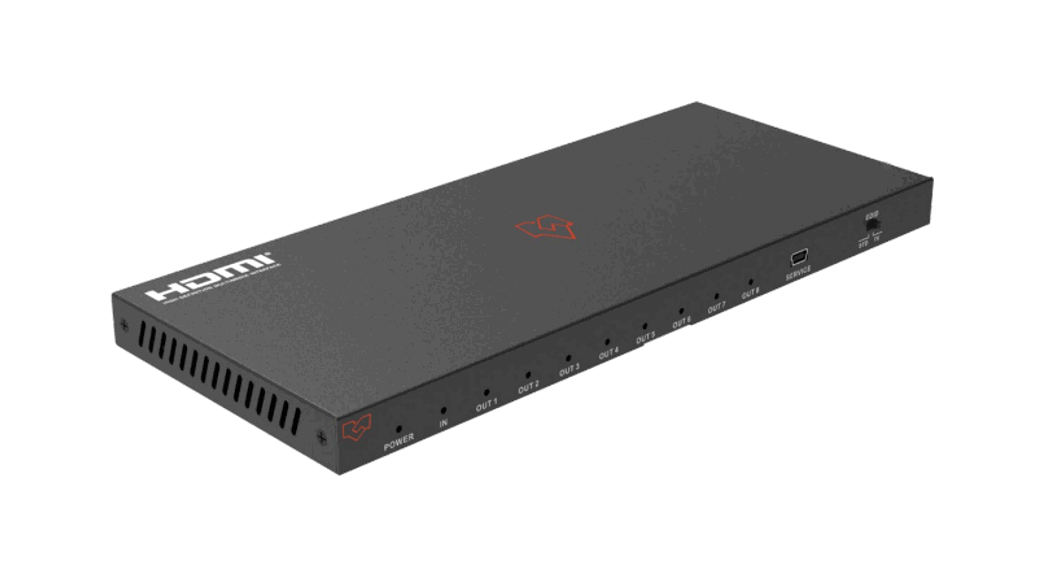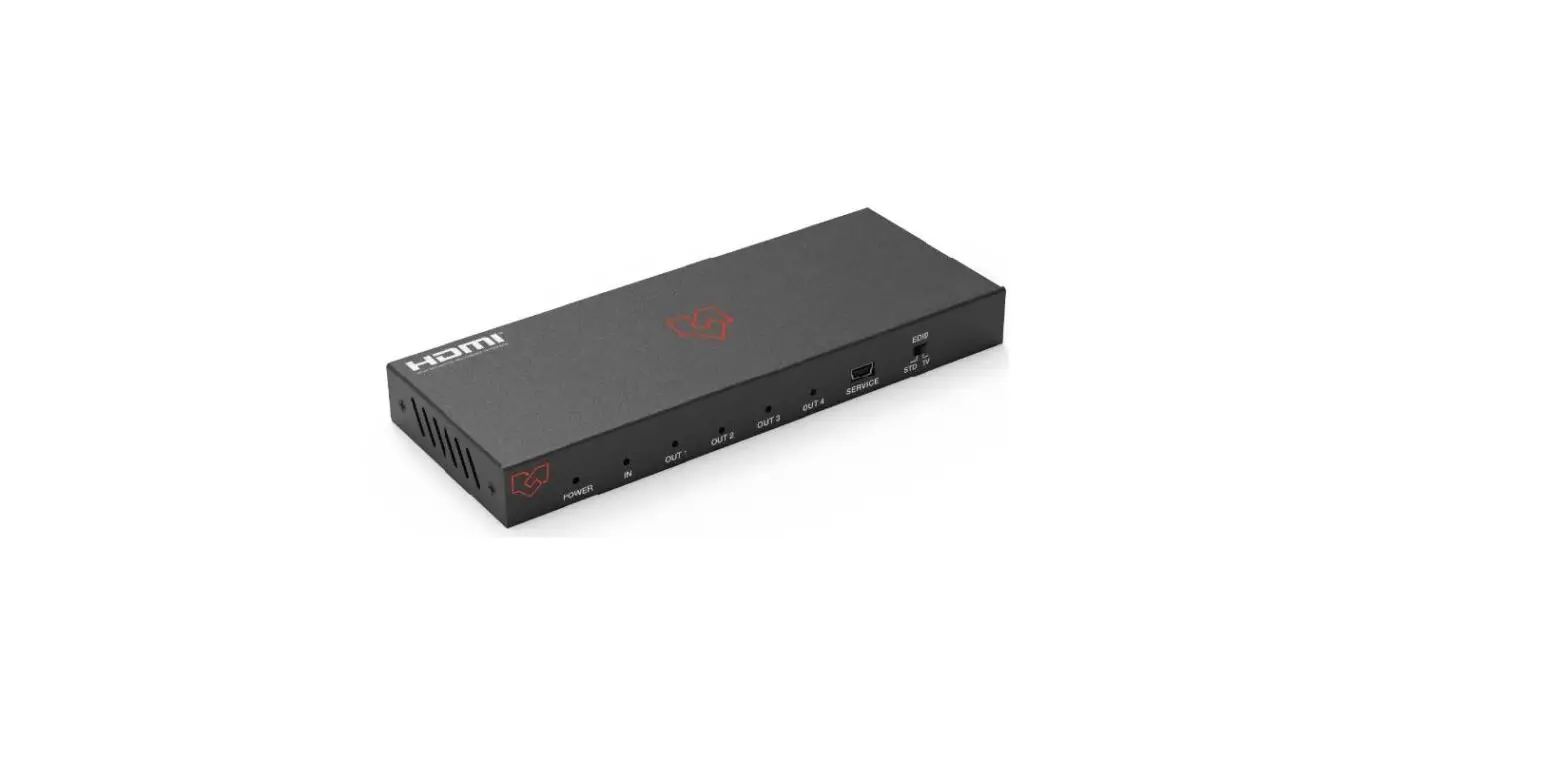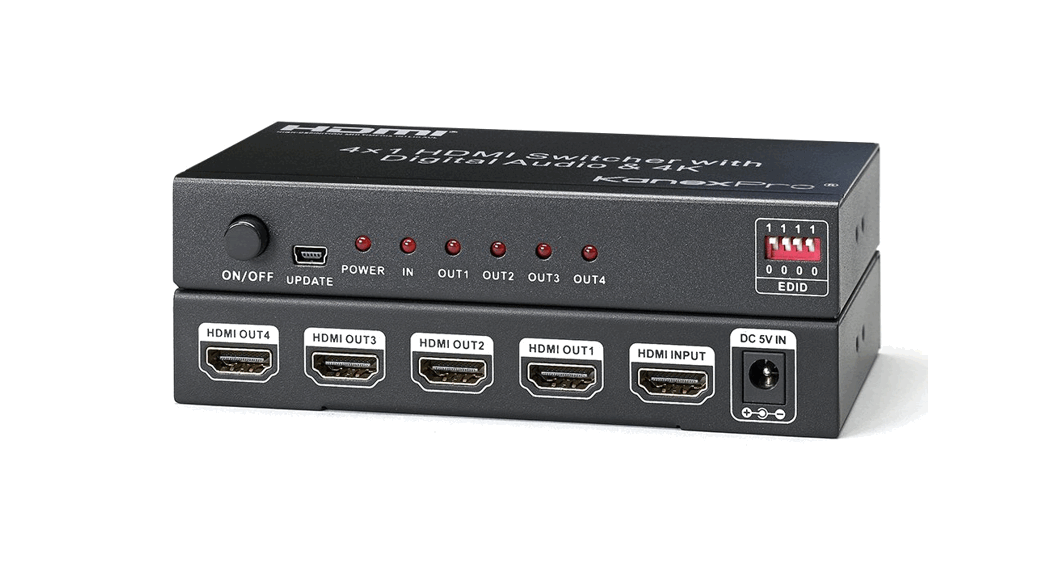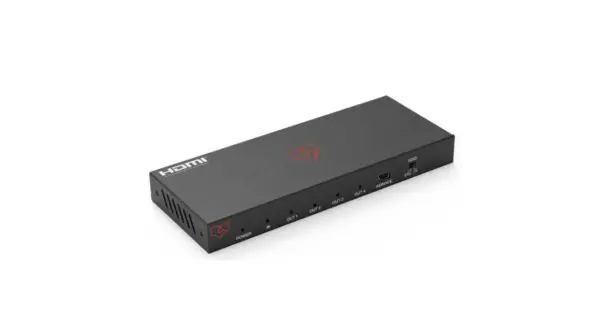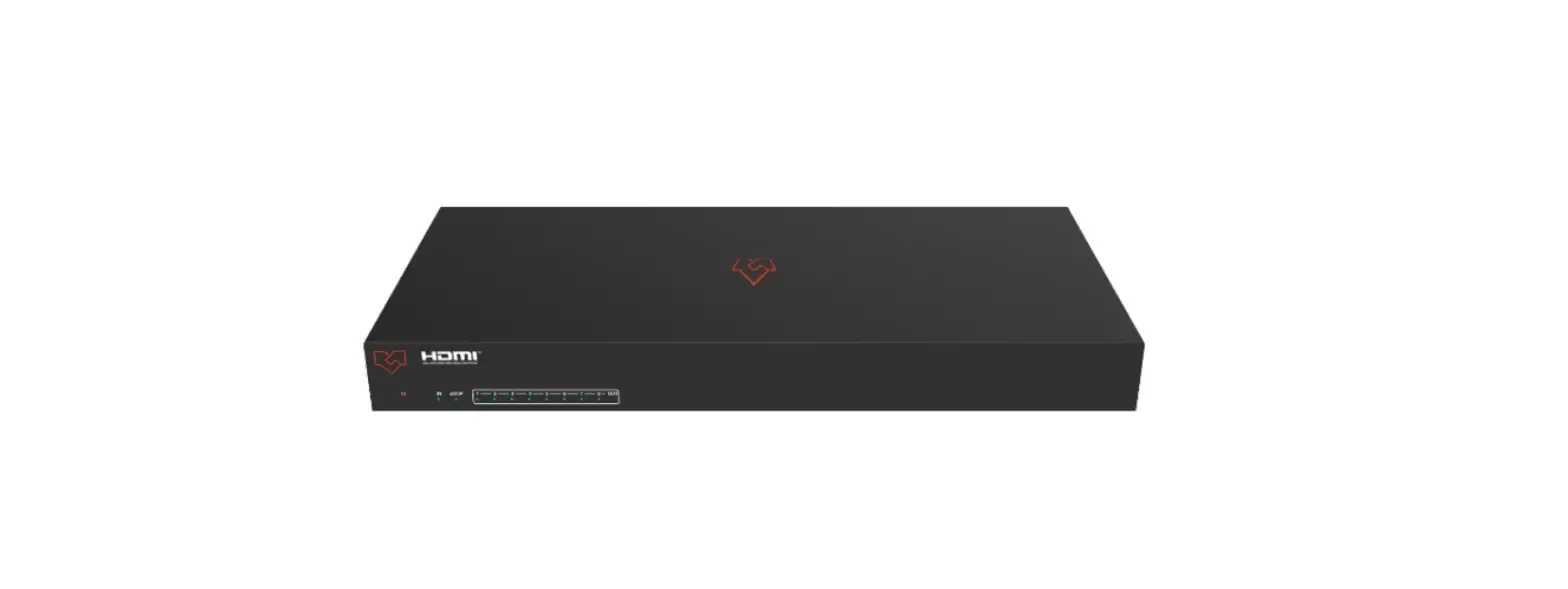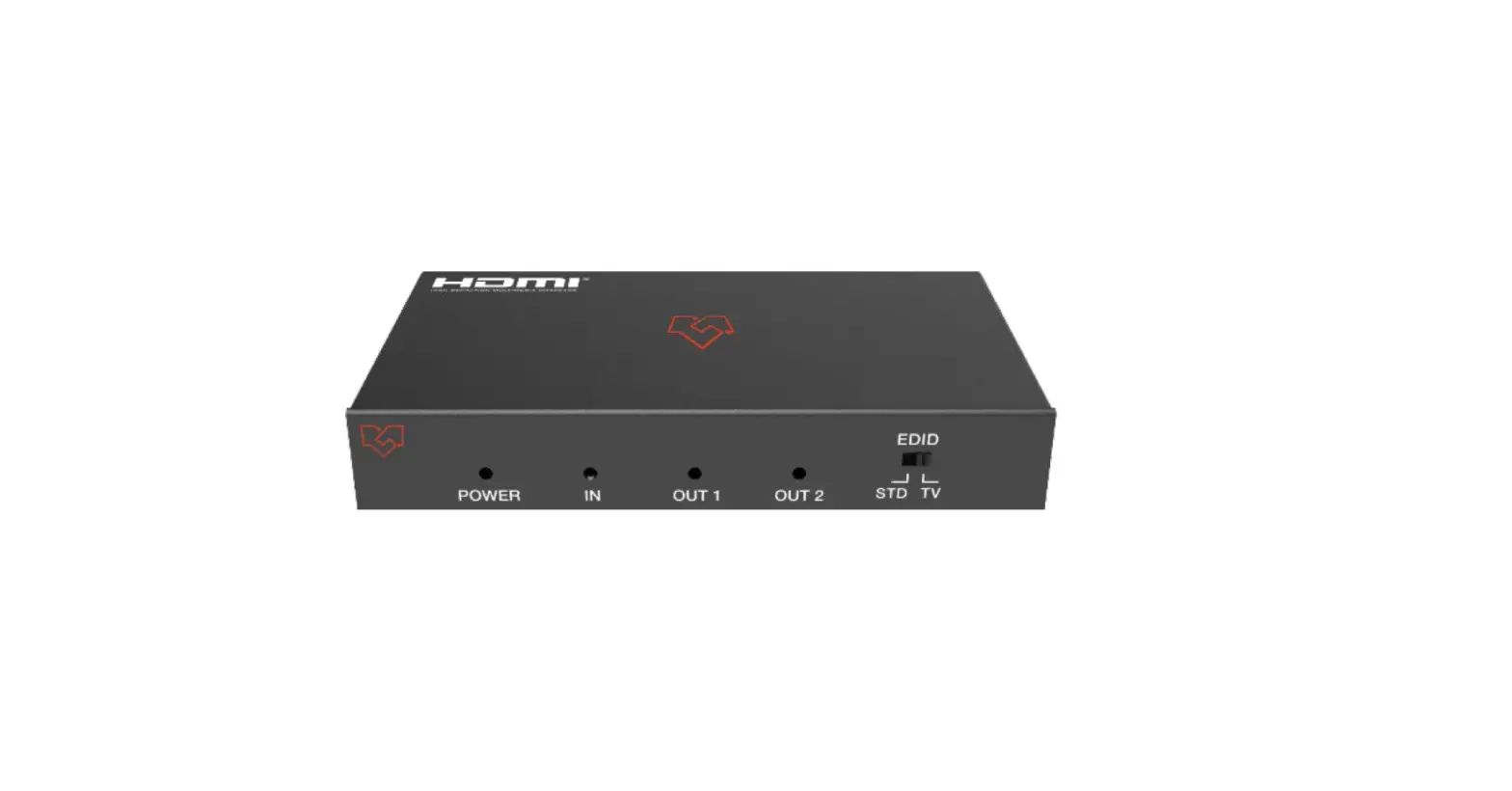

VigilLink VL-SP12-1 1×2 HDMI 2.0 Splitter 18Gbps

Thank you for purchasing this product
For optimum performance and safety, please read these instructions carefully before connecting, operating, or adjusting this product. Please keep this manual for future reference.
A surge protection device recommended
This product contains sensitive electrical components that may be damaged by electrical spikes, surges, electric shaking, lightning strikes, etc. The use of surge protection systems is highly recommended in order to protect and extend the life of your equipment.
Introduction
1×2 HDMI 18Gbps Splitter is an advanced solution for splitting an HDMI content to 2 HDMI outputs synchronously. It provides high-performance audio and video up to 4K2K@60Hz (4:4:4) and can receive, retiming, and transmit up to 18Gbps of bandwidth with no data loss.
Features
- HDMI 2.0b, HDCP 2.2 compliant
- Up to 4K2K@60Hz with 24bit RGB/YCBCR 4:4:4
- VESA format up to QSXGA@60Hz
- Supports LPCM 7.1CH, Dolby TrueHD, and DTS-HD Master Audio
- Built-in equalizer, retiming, and driver
- Smart EDID, STD (1080p) mode and TV (copy OUT1) mode
- Compact design for an easy and flexible installation
Package Contents
- 1× 1×2 HDMI 18Gbps Splitter
- 1× 5V/1A Power Adapter
- 1× User Manual
Specifications
| Technical | |
| Video Bandwidth | 600MHz/18Gbps |
| Input Port | 1×HDMI Type A (19-pin female) |
| Output Ports | 2×HDMI Type A (19-pin female) |
| Video Resolution | 4K2K@24/25/30/60Hz |
| ESD Protection | Human body model—±8kV (Air-gap discharge) &±4kV (Contact discharge) |
| Mechanical | |
| Chassis Material | Metal |
| Silkscreen Color | Black |
| Power Consumption | 2W |
| Weight | 165g |
| Power Supply | Input: AC100 – 240V 50/60Hz, Output: DC 5V/1A (US/EU standards, CE/FCC/UL certified) |
| Dimensions | 56 mm(W)×100 mm(D)×16mm(H) |
| Operating Temperature | 0°C ~ 40°C / 32°F ~ 104°F |
| Storage Temperature | -20°C ~ 60°C / -4°F ~ 140°F |
| Relative Humidity | 20~90% RH (non-condensing) |
Operation Controls and Functions
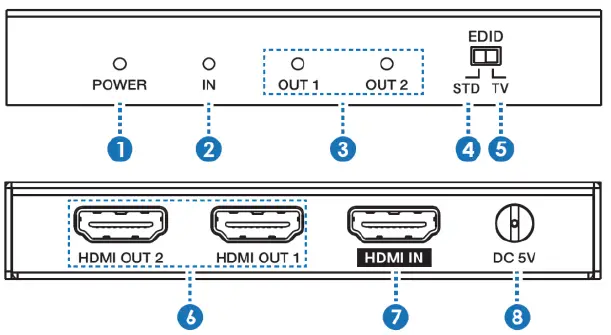
| No. | Name | Function Description |
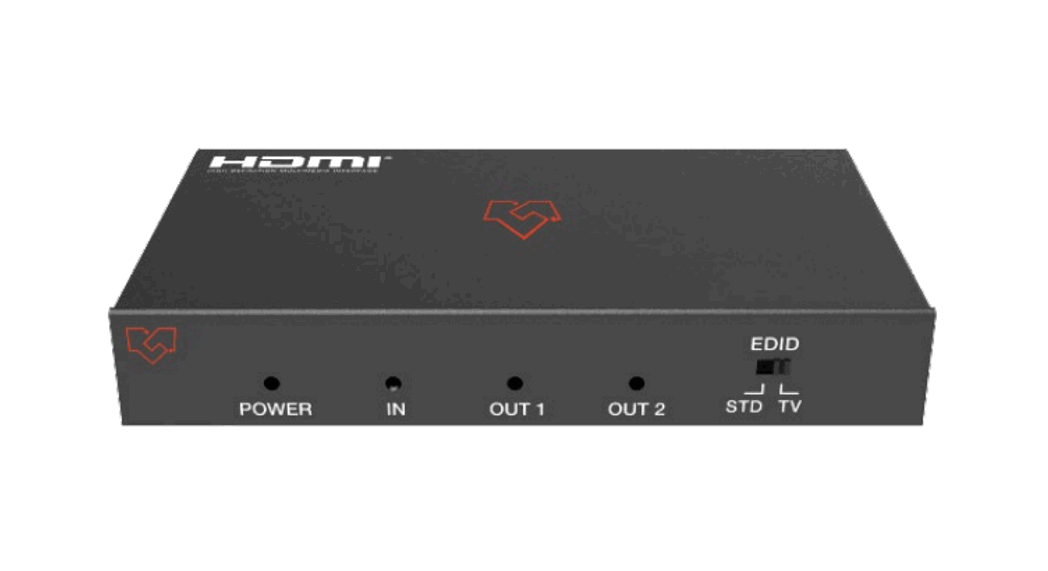
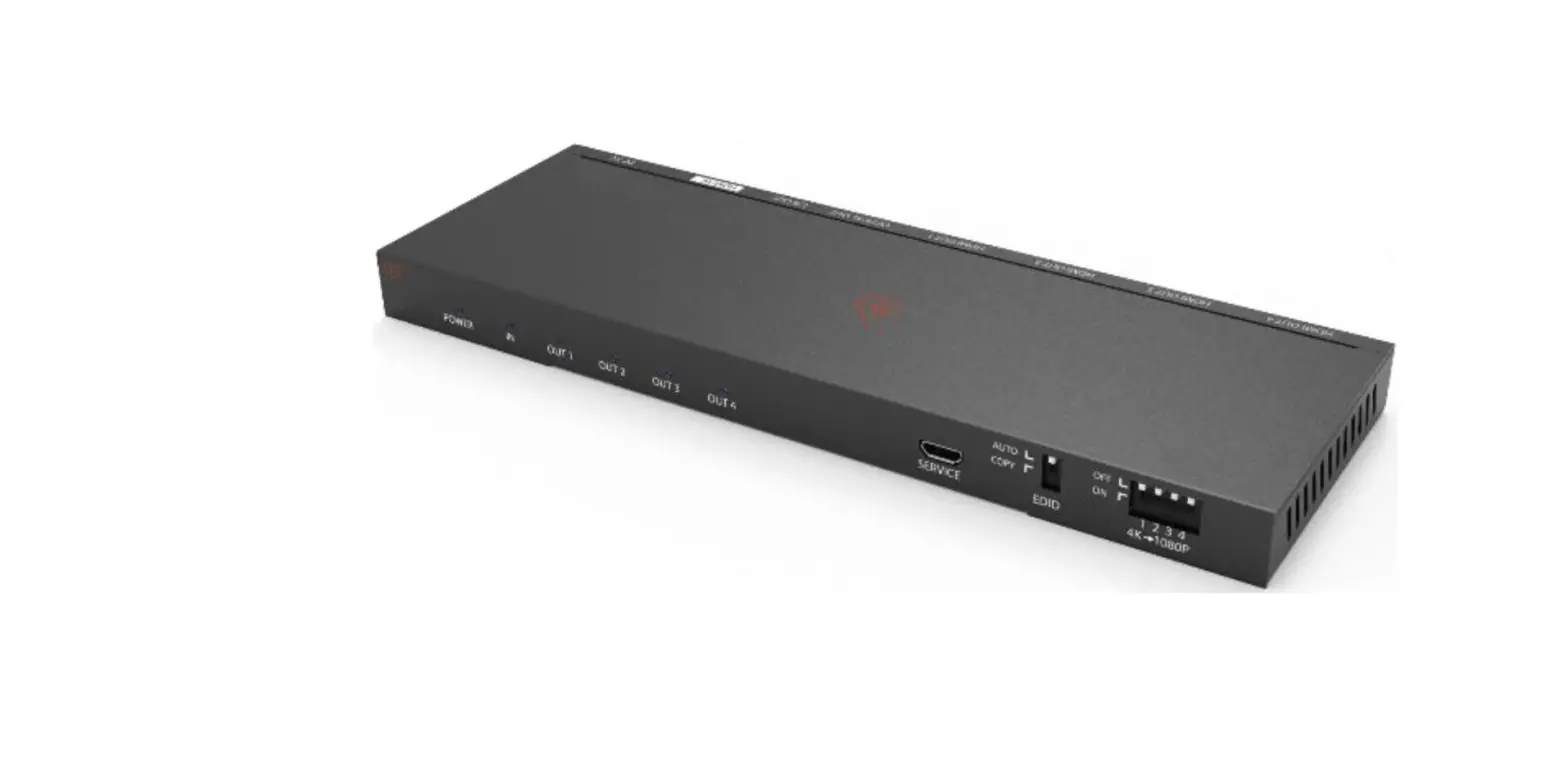
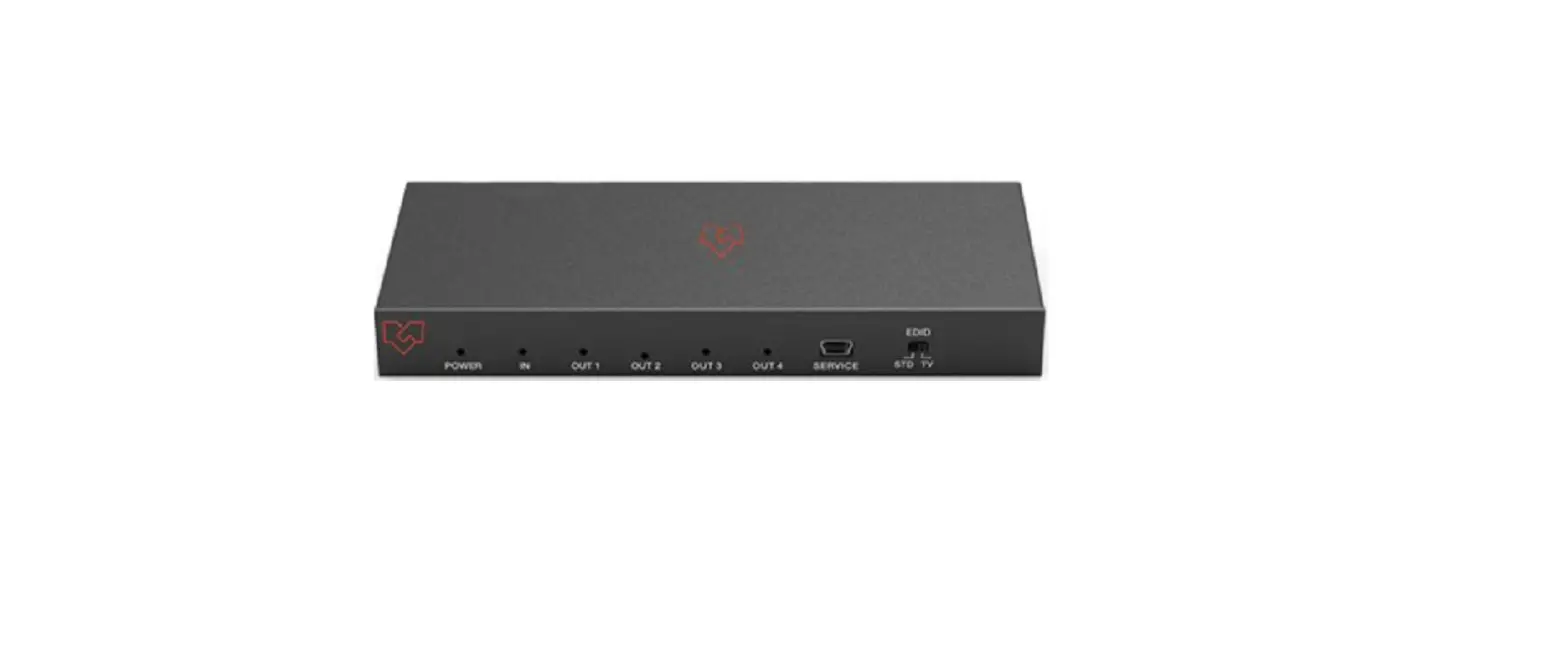
| 1 | Power LED | This blue LED illuminates when the device is connected to the power supply. |
| 2 | IN LED | This blue LED illuminates when the Source is connected to the device. |
| 3 | OUT LED | These blue LEDs will light up to indicate which HDMI output port is connected to an active TV/ display/monitor. |
|
4 |
EDID STD | When in ‘STD’ mode, the unit will use its own built-in EDID settings. In this mode, the video output will be sent to 1080p@60Hz and the audio output at LPCM 2CH Stereo. |
|
5 |
EDID TV | When in ‘TV’ mode (COPY OUT1), INPUT EDID is set to COPY OUT1, the unit supports the Downscaler function: If the HDMI OUT1 port is connected with 1080P TV, all output is bypass; If the HDMI OUT1 port is connected with 4K TV, 4K output is bypassed and, 1080P output will be Downscaled. |
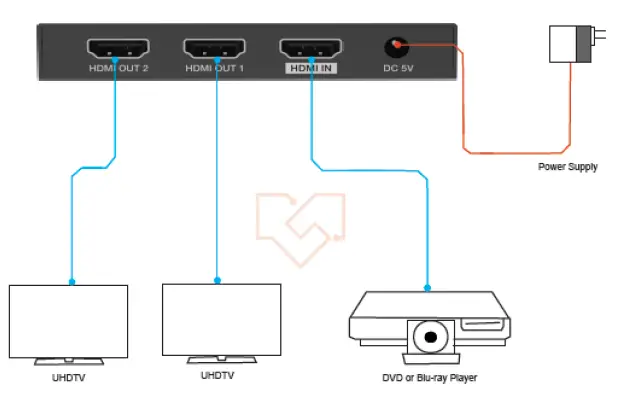
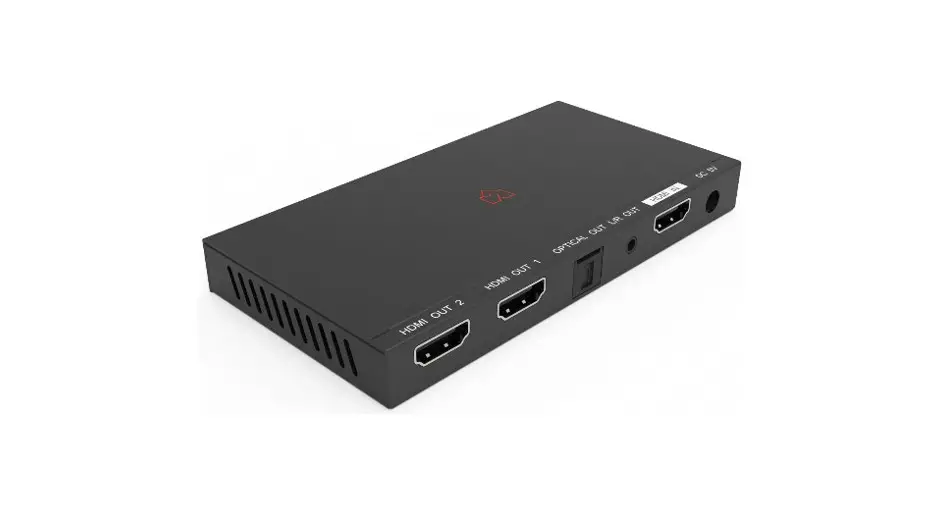
| 6 | HDMI OUT 1~2 | Connect each of the HDMI outputs to an HDMI display for simultaneous HDMI distribution, or cascade the output to another splitter to extend the operating distance. |
| 7 | HDMI IN | Connect the input port to the HDMI output of your source devices such as a DVD player or set-top box with an HDMI cable. |
| 8 | DC 5V | Plug the 5V DC power supply into the unit and connected the adaptor to an AC outlet. |