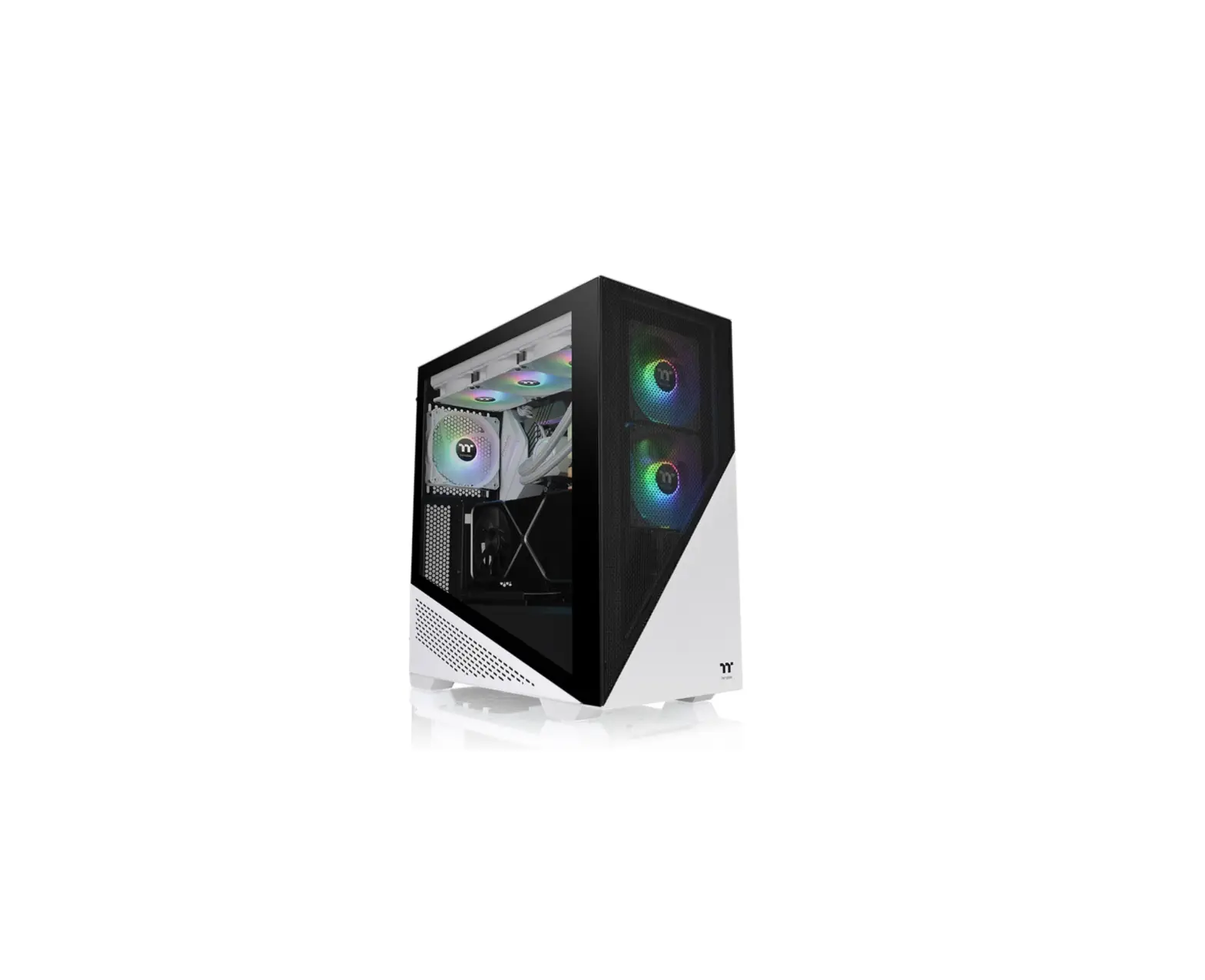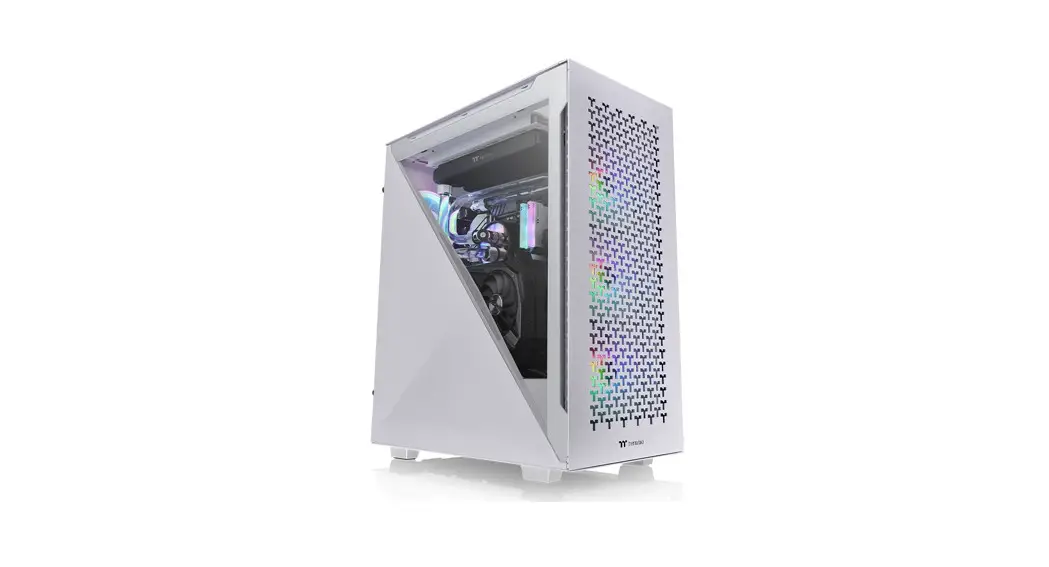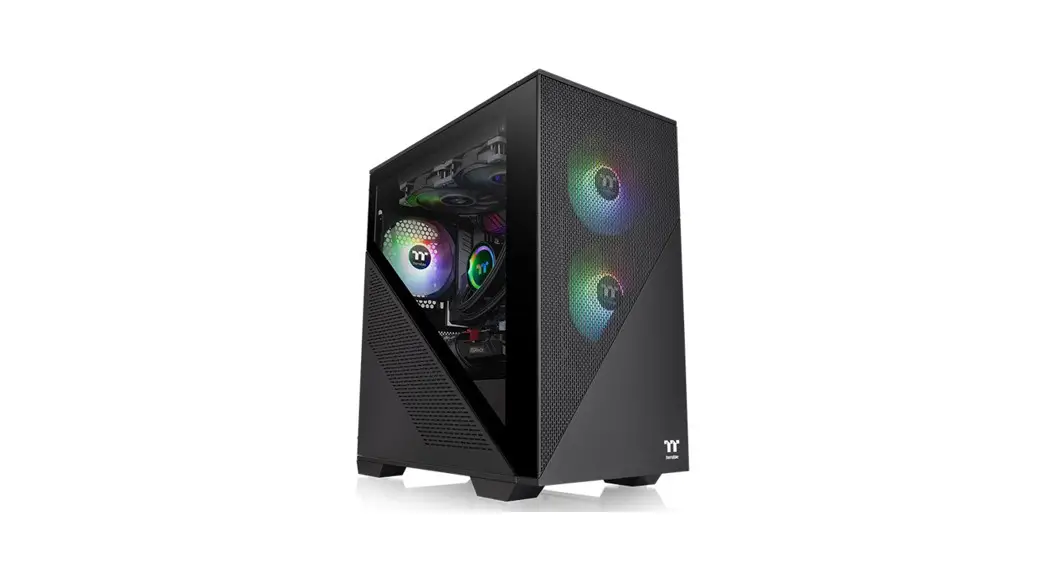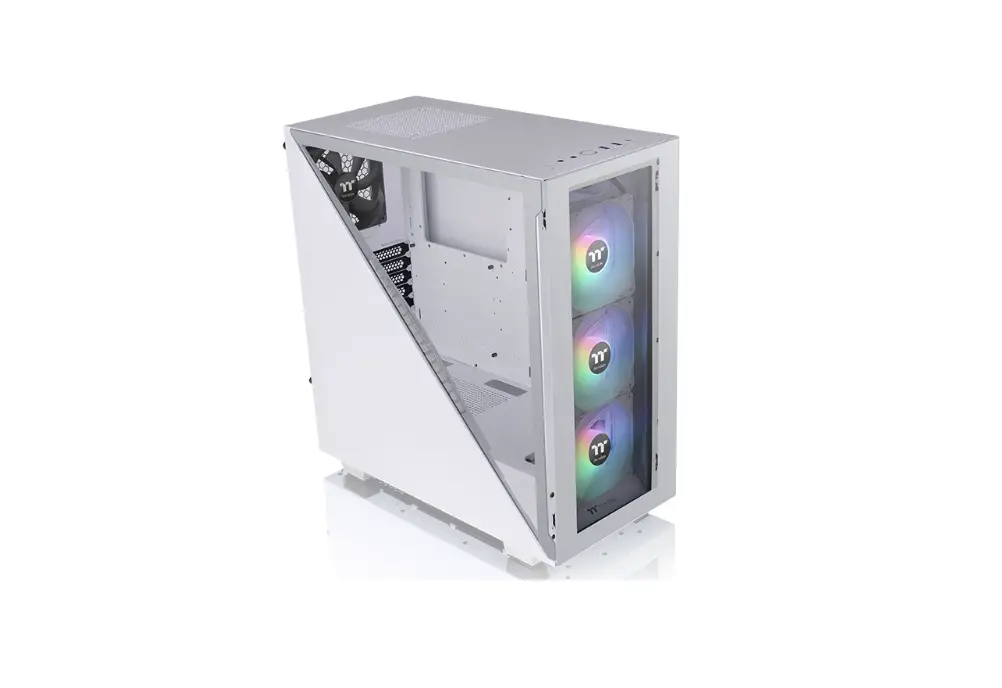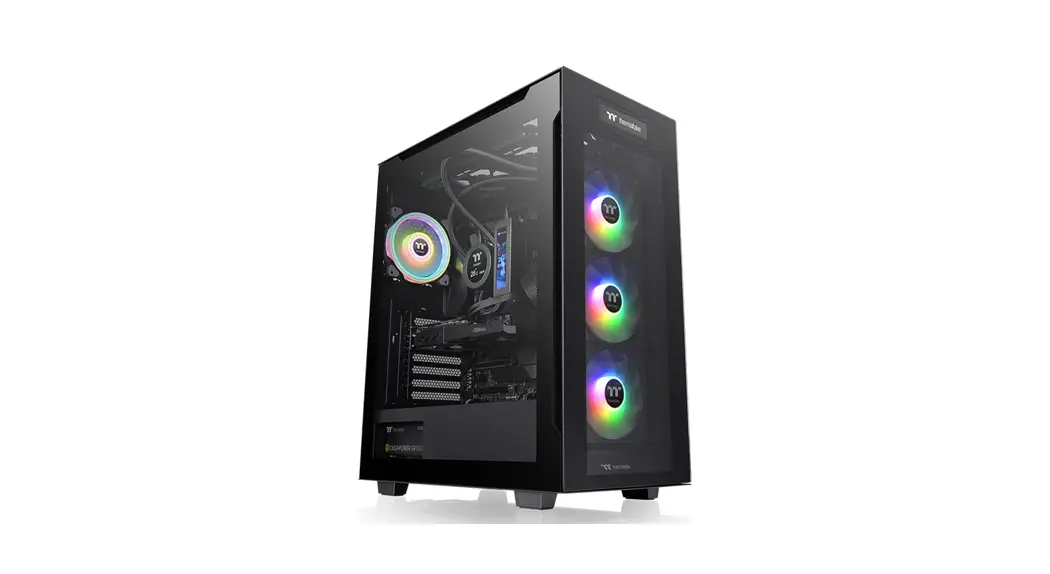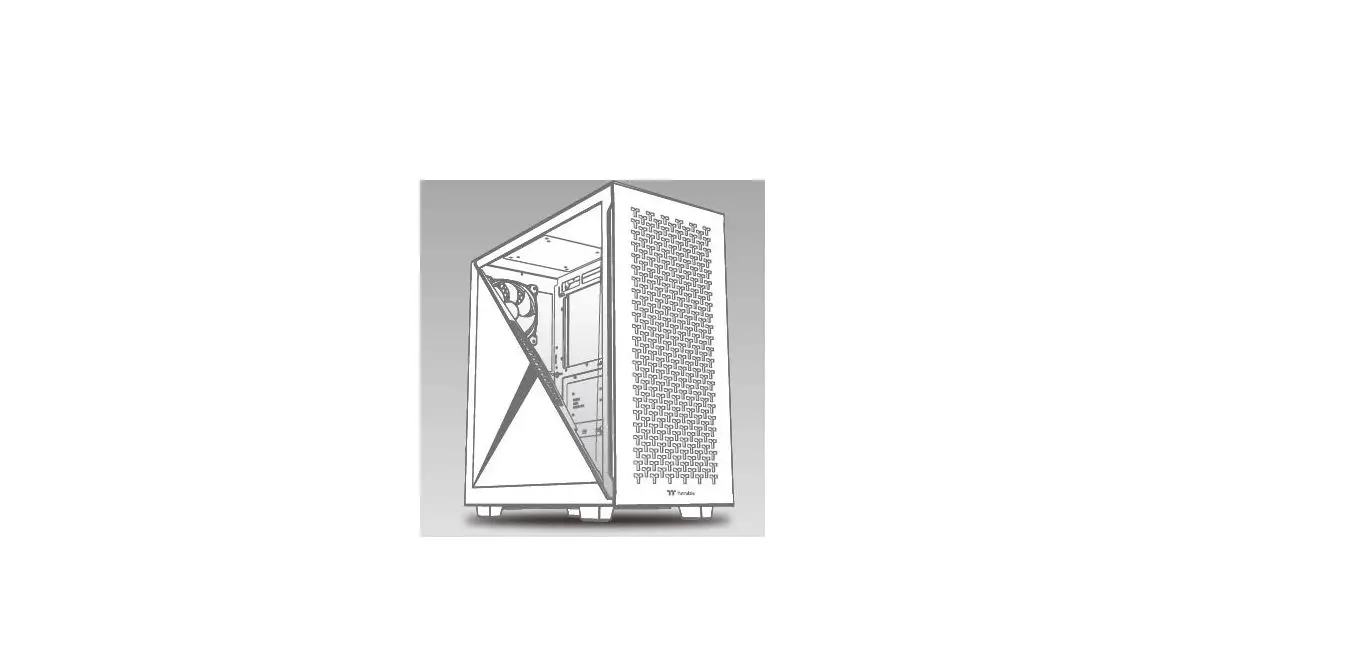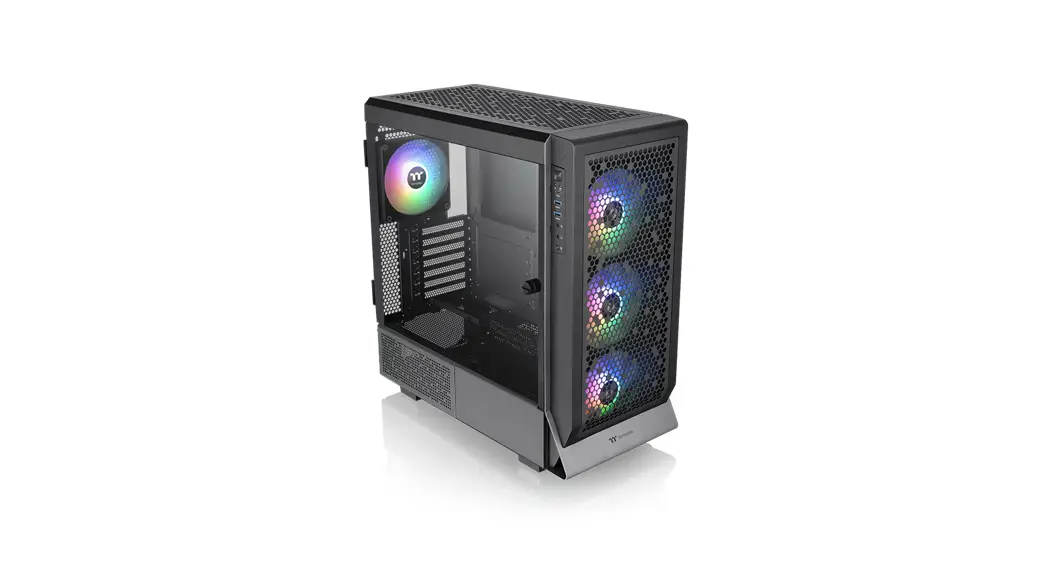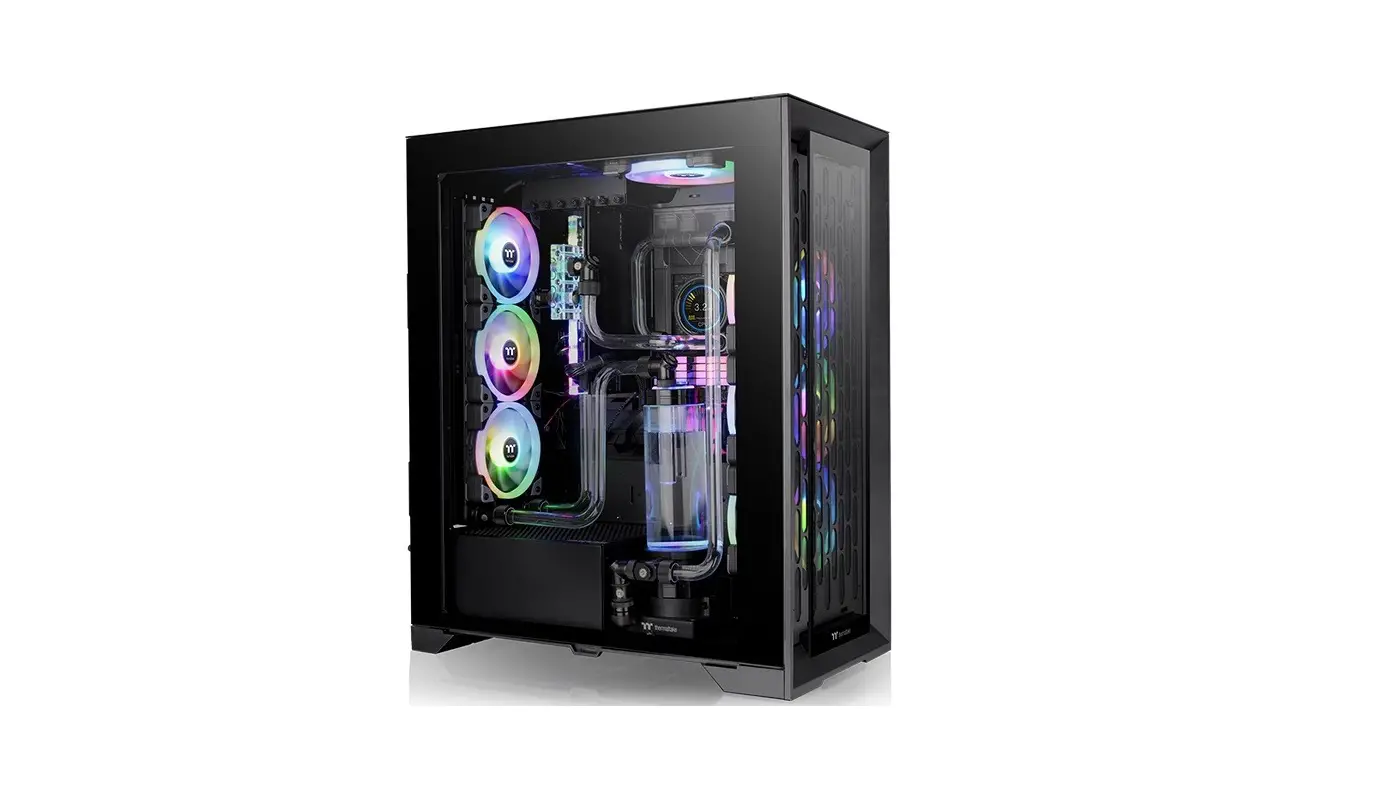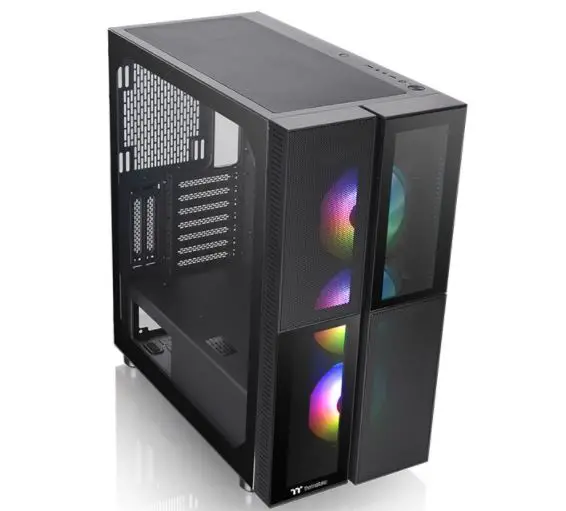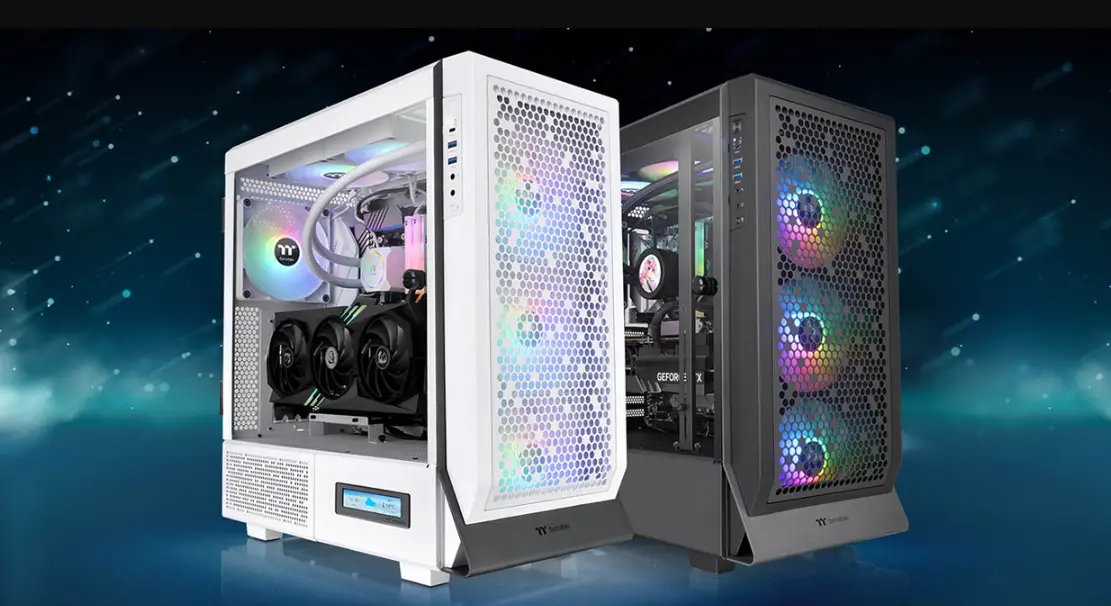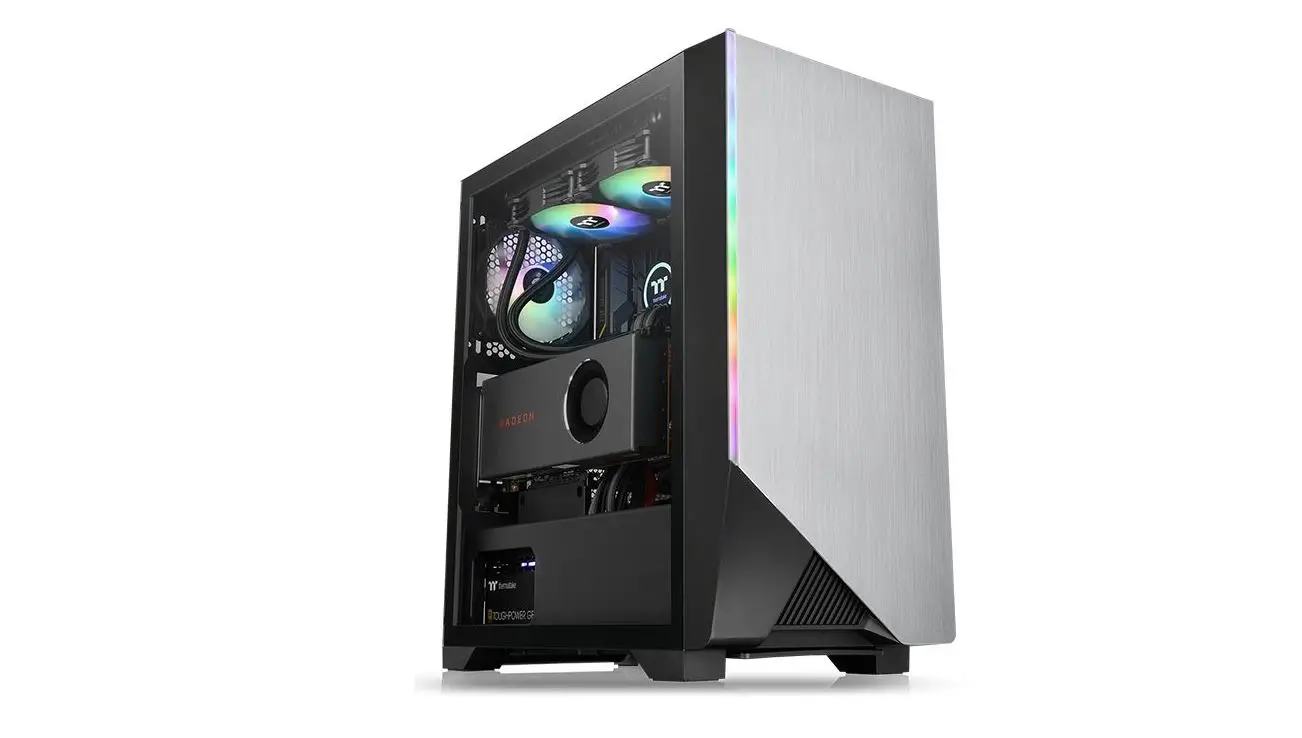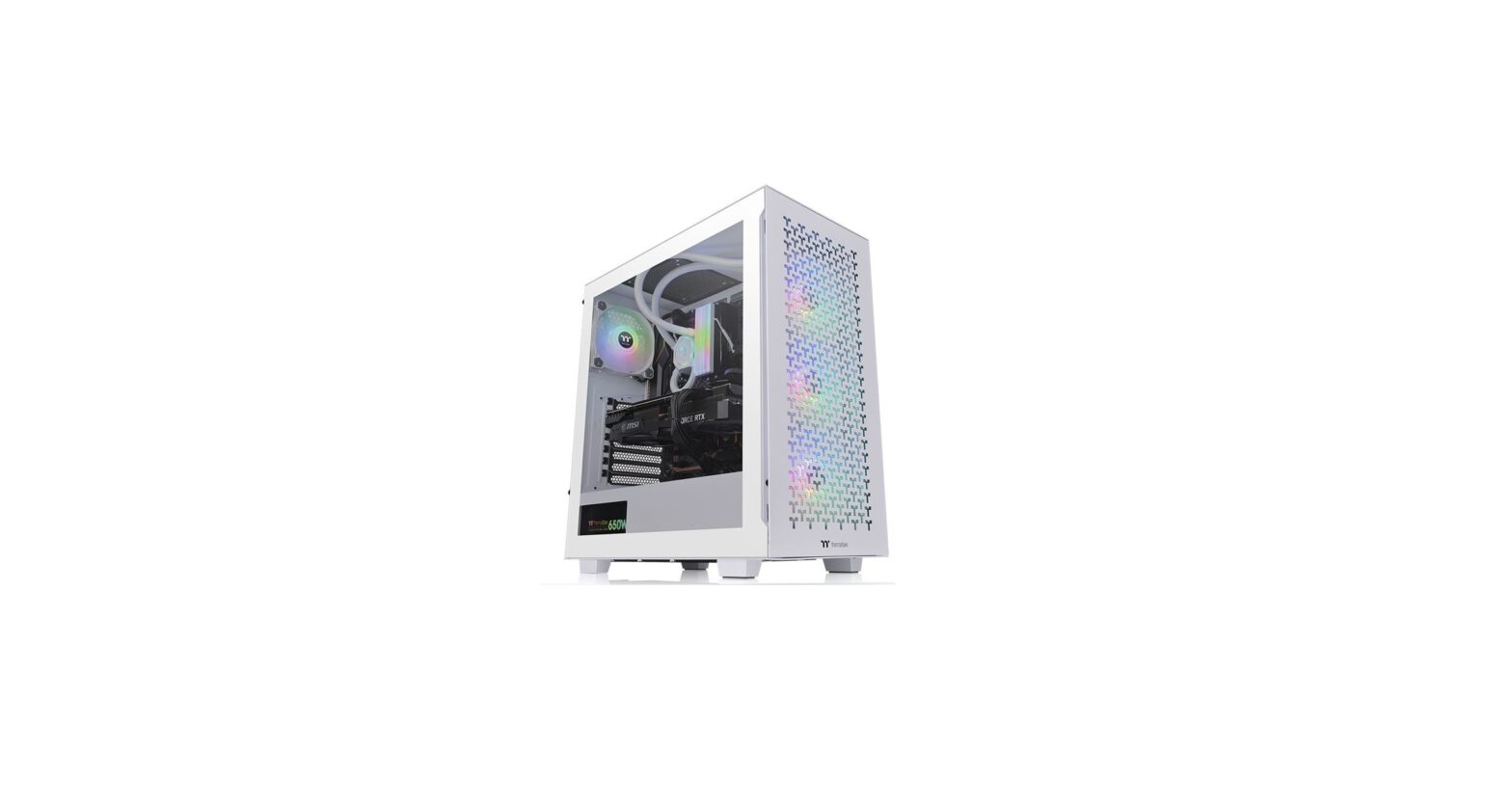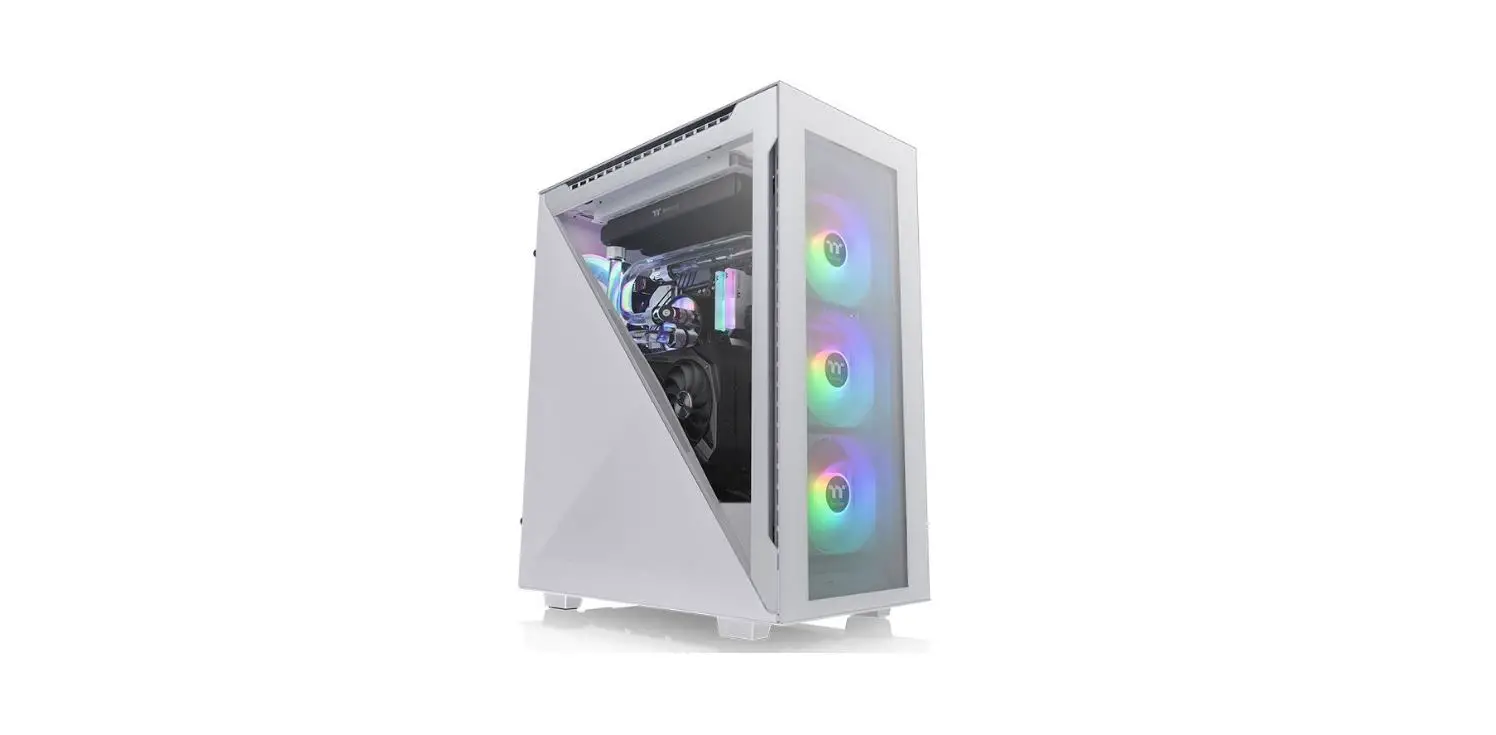

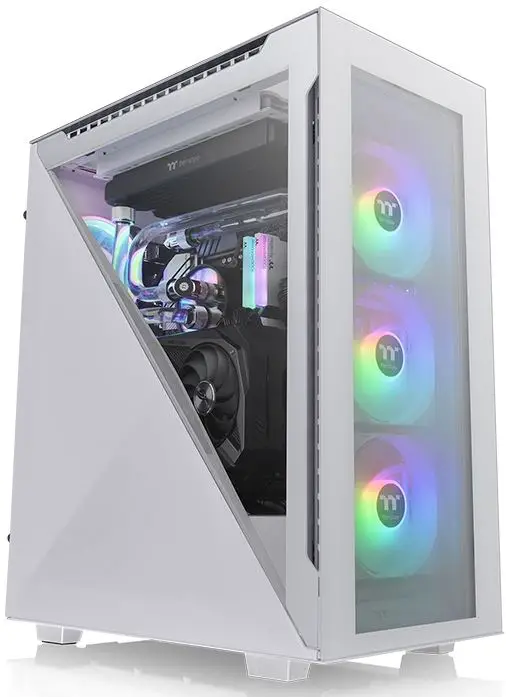
thermaltake Divider 500 TG ARGB Mid Tower
Specification
| Model | Divider 500 TG ARGB | Divider 500 TG ARGB Snow |
| Case Type | Mid Tower | |
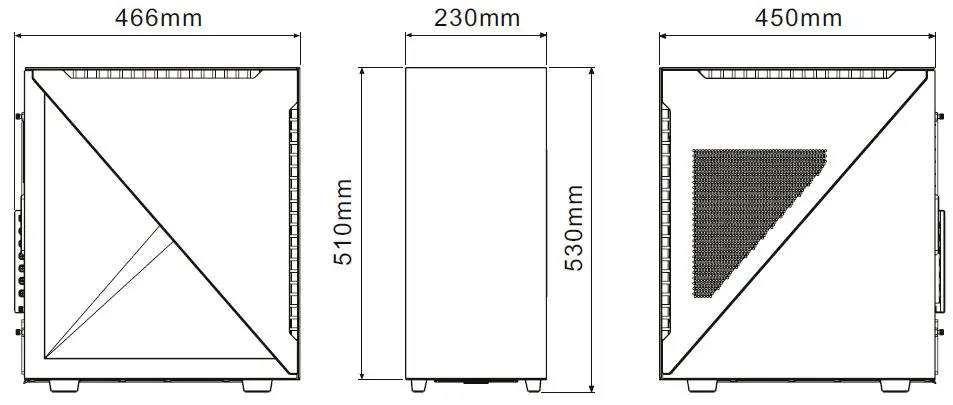
| Dimension (H x W x D) | 530 x 230 x 466 mm (20.9 x 9.1 x 18.3 inch) | |
| Side Panel | Tempered Glass x 4, Steel Side Panel x 2 | |
| Color | Black | White |
| Material | SPCC | |
|
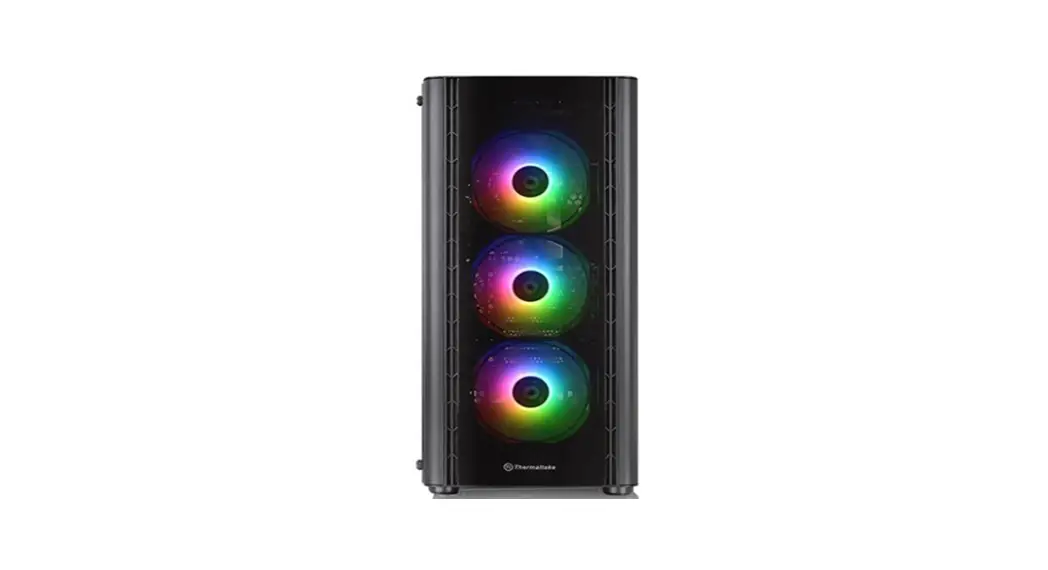
Cooling System | Front (intake) : 120 x 120 x 25 mm ARGB fan (1000rpm, 27.2 dBA) x 3 Rear (exhaust) : 120 x 120 x 25 mm fan (1000rpm, 16 dBA) x 1 | |
| Drive Bays | 2 x 3.5”, 5 x 2.5” or 7 x 2.5” | |
| Expansion Slots | 7 (Rotatable Patented Design) | |
| Motherboards | 6.7” x 6.7” (Mini ITX), 9.6” x 9.6” (Micro ATX), 12” x 9.6” (ATX) | |
| I/O Port | USB 3.2 (Gen 2) Type C x 1, USB 3.0 x 2, HD Audio x 1 | |
| PSU | Standard PS2 PSU (optional) | |
|
Fan Support | Front: 3 x 120 mm, 2 x 120 mm, 1 x 120 mm 3 x 140 mm, 2 x 140 mm, 1 x 140 mm Top: 2 x 120 mm, 1 x 120 mm 2 x 140 mm, 1 x 140 mm Right (M/B Side): 2 x 120 mm, 1 x 120 mm Rear: 1 x 120 mm | |
|
Radiator Support | Front: 1 x 360mm, 1 x 240mm, 1 x 120mm 1 x 280mm, 1 x 140mm Top: 1 x 280 mm, 1 x 140 mm 1 x 240 mm, 1 x 120 mm Right (M/B Side): 1 x 240mm, 1 x 120 mm Rear: 1 x 120mm | |
|
Clearance | CPU cooler height limitation: 150 mm VGA length limitation: 360 mm (With radiator) 390 mm (Without radiator) PSU length limitation: 180 mm (With HDD Cage) 220mm(Without HDD Cage) | |
Accessory
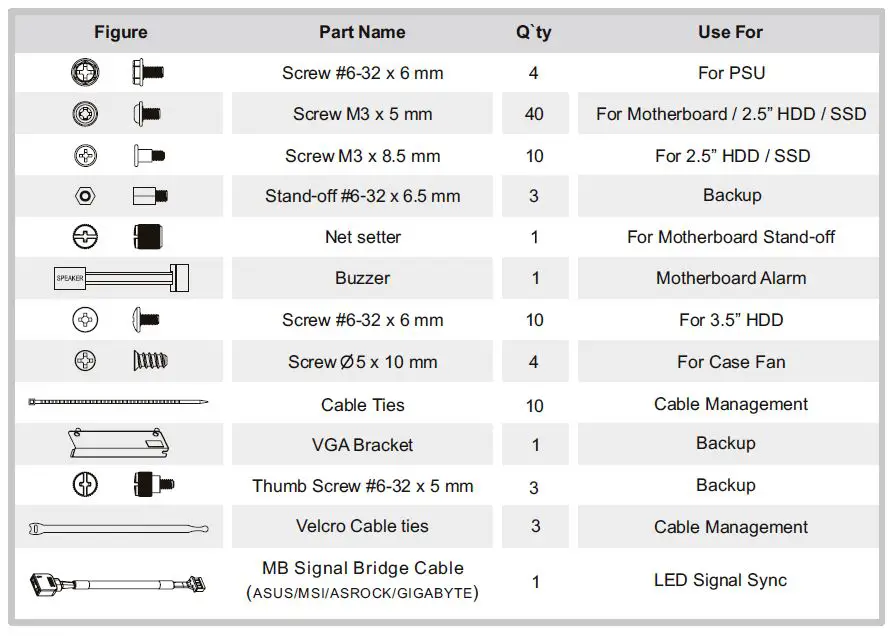
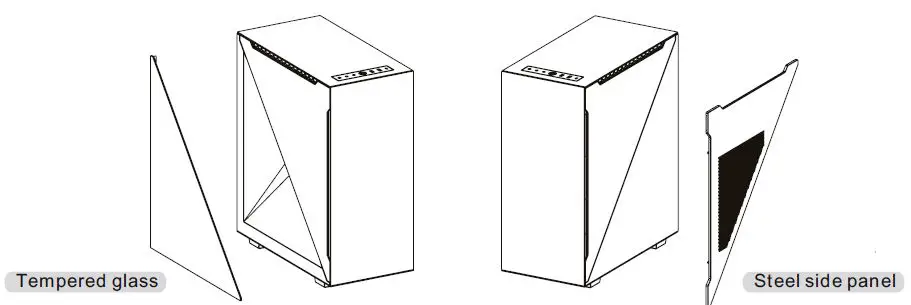
One extra left side tempered glass and one extra right side panel are included for more assembly options.
Warning and Notice
Chassis dimension
Motherboard Compatibility: ITX / mATX / ATX (Up to 244mm wide)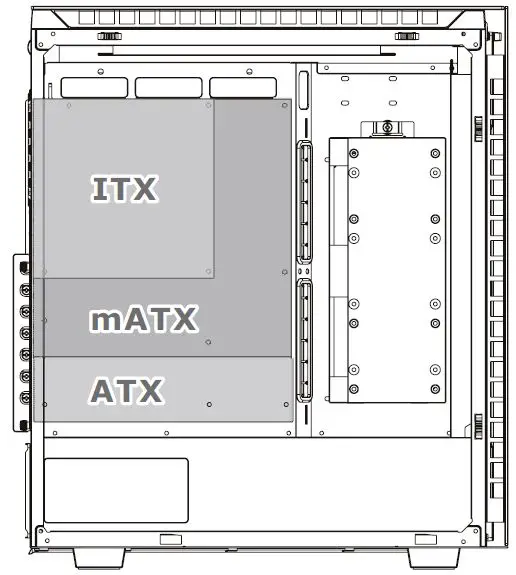
CPU cooler max height: 150mm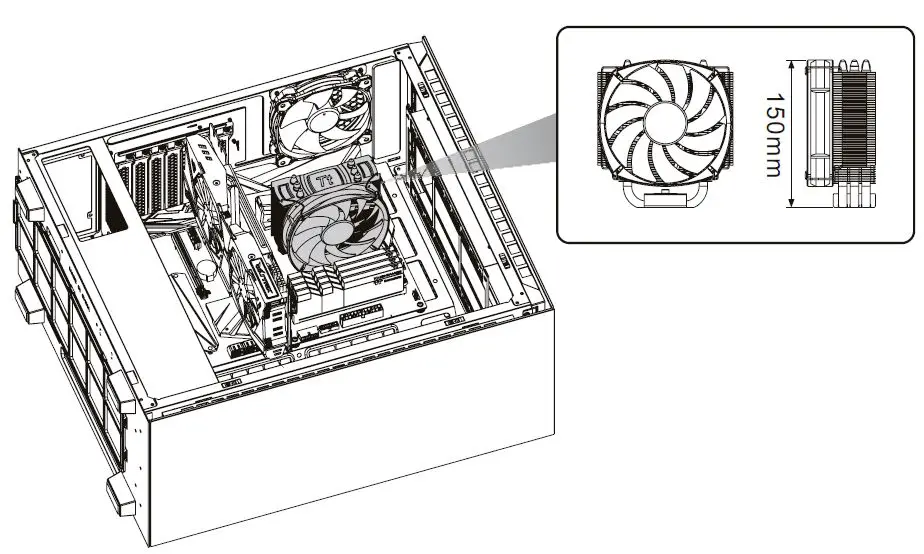
VGA length max length: 390mm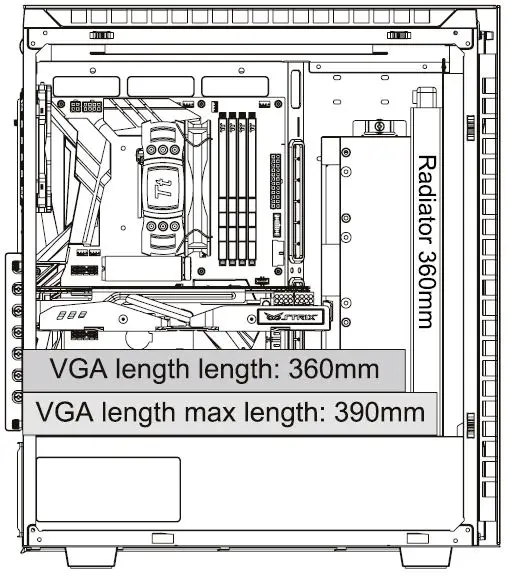
PSU max length: 180mm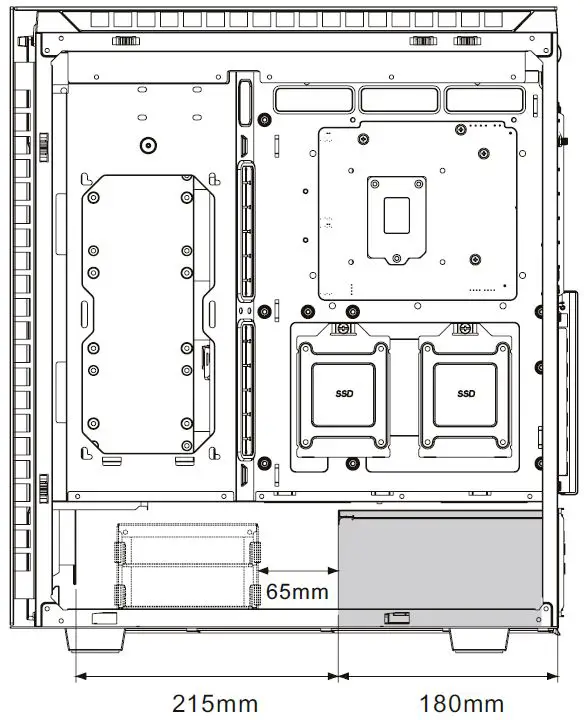
Remove Components
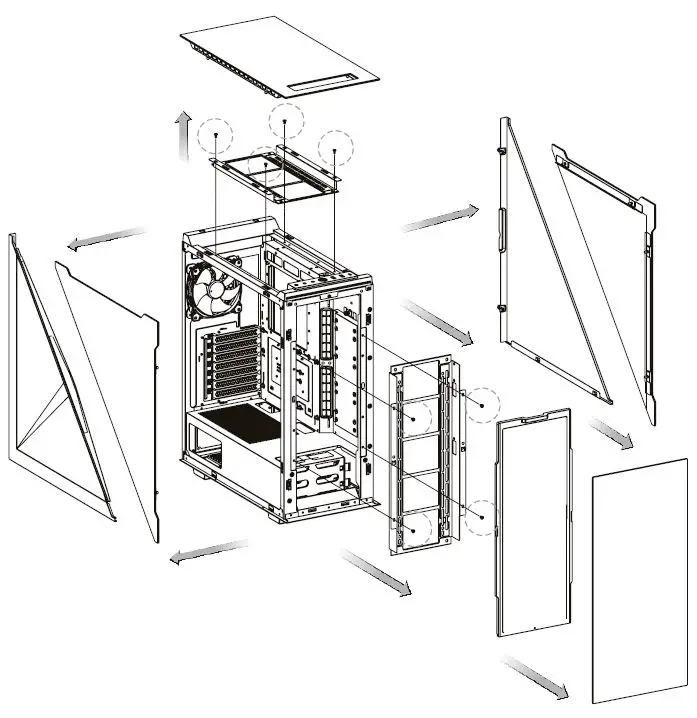
DIFFERENT INSTALLATION METHODS
Power Supply Unit Installation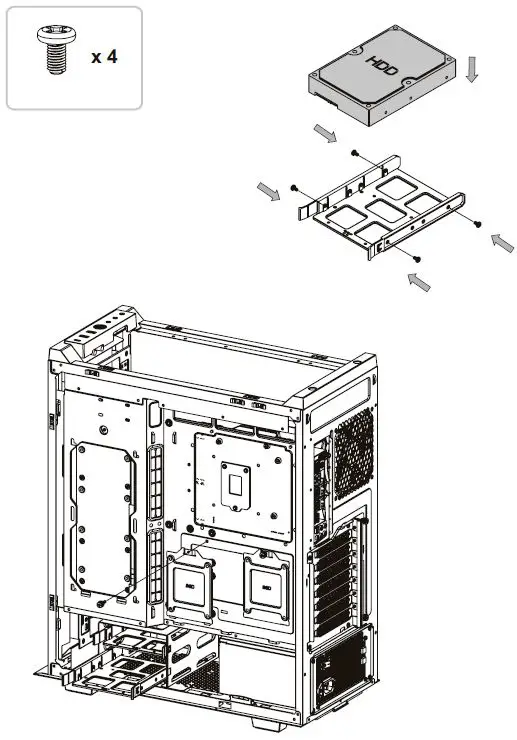
Motherboard Installation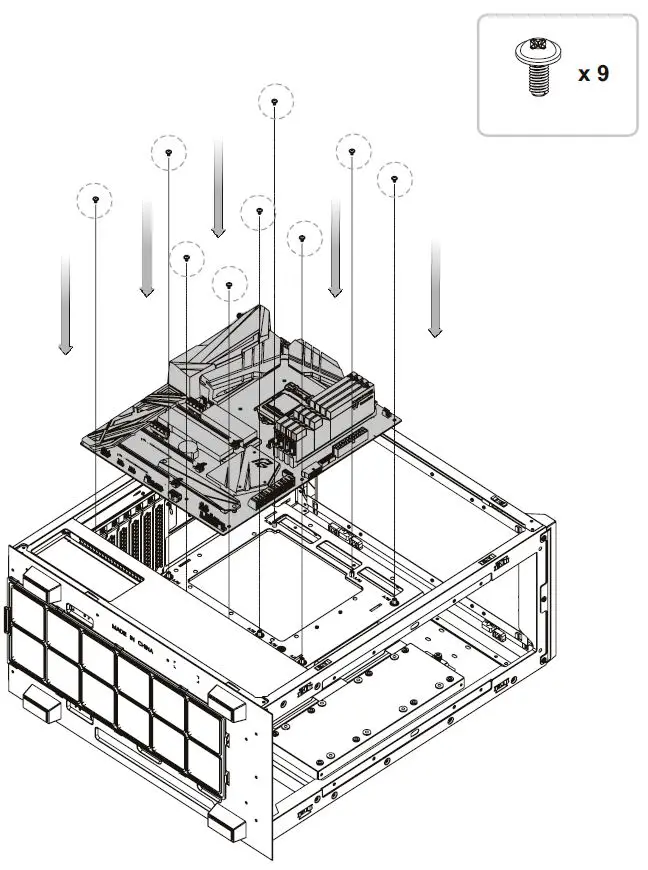
3.5” HDD Installation
2.5” HDD Installation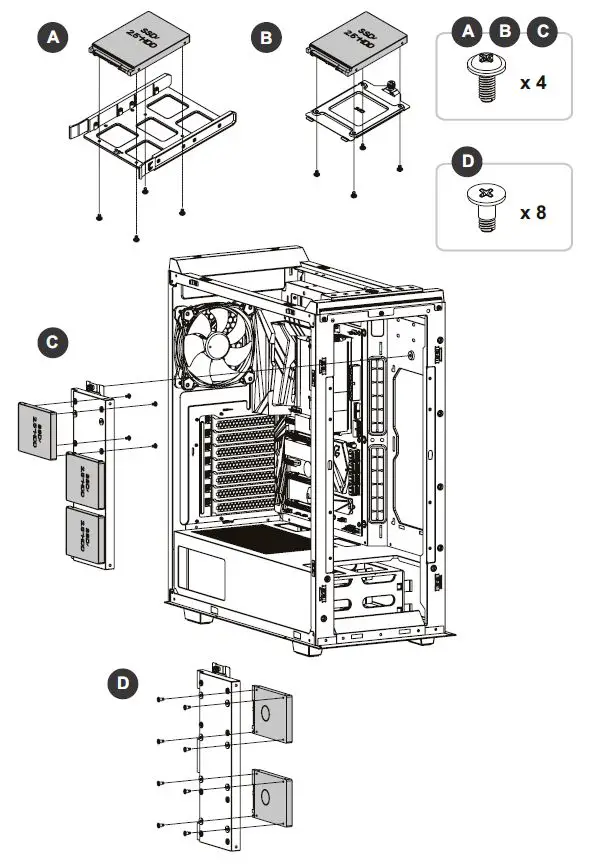
PCI Card Installation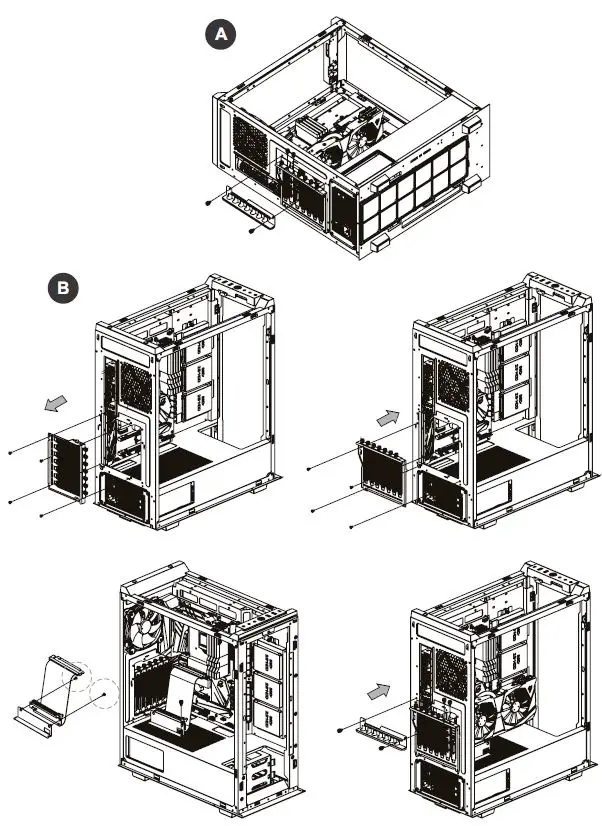
Air Cooling Installation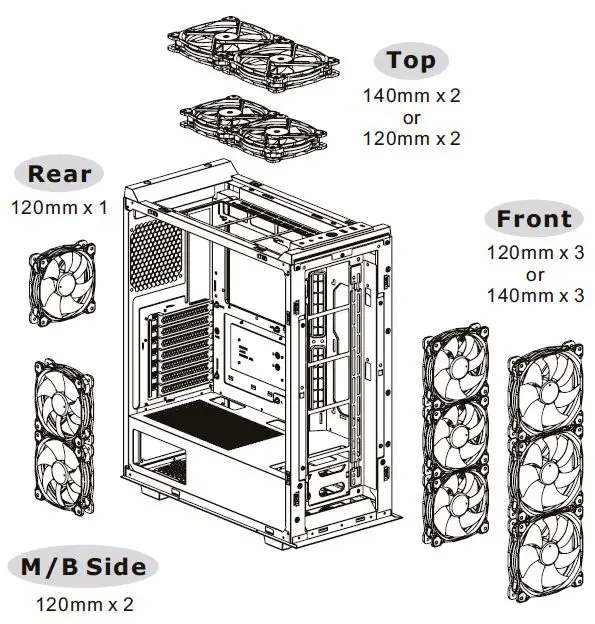
AIO Liquid Cooling Installation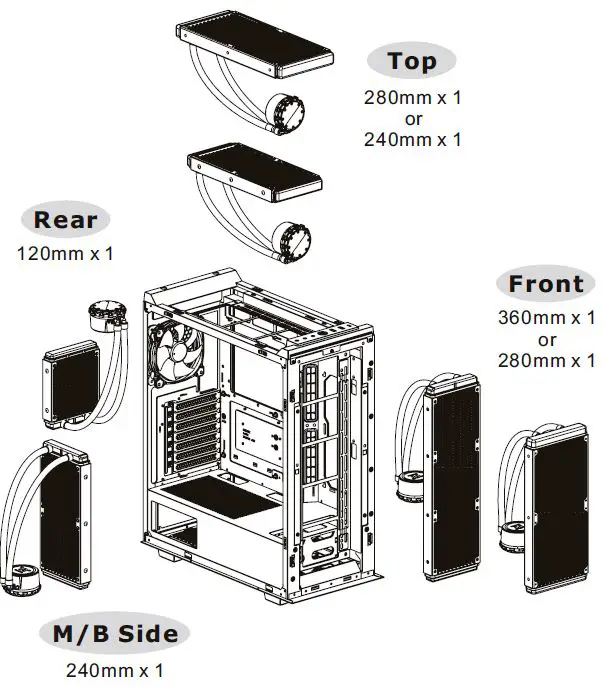
I/O Connection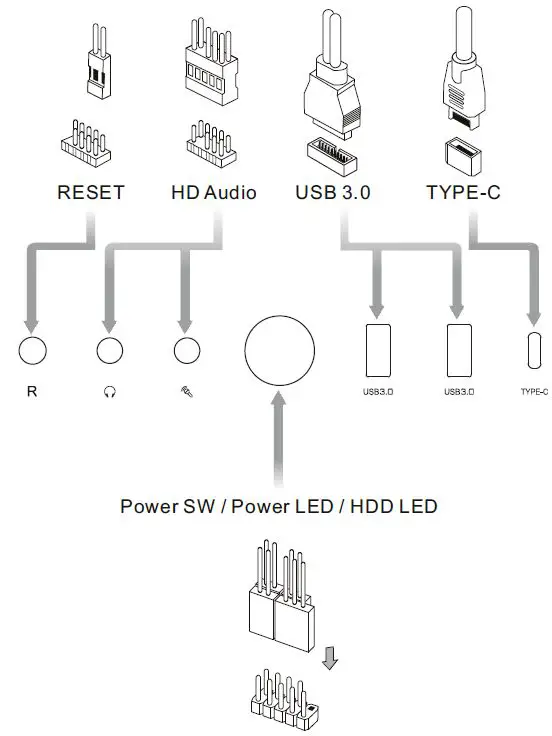
Remove Filters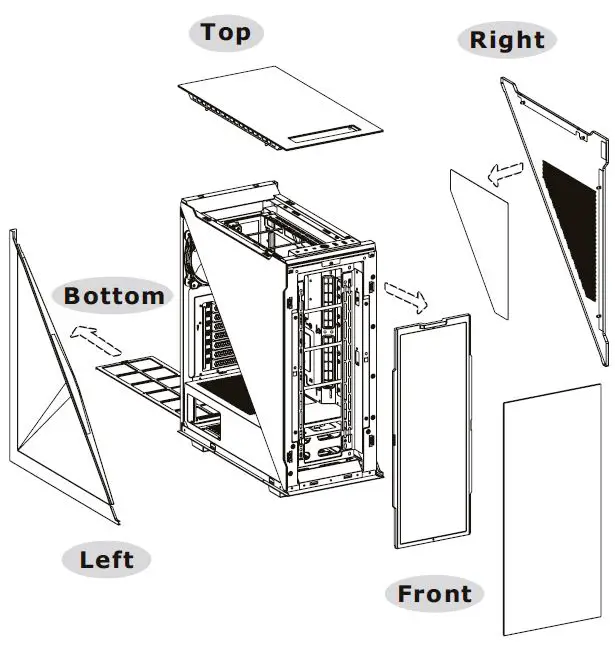
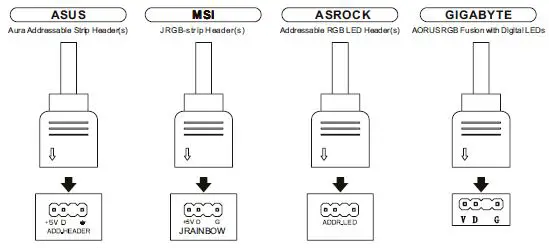
ARGB Control Instruction
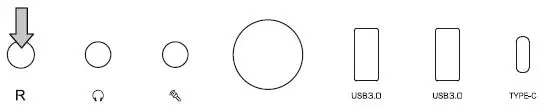
- Wave Mode Mode 1
- Flow Mode Mode 2
- RGB Lighting Mode 3 (Single Color)
- Radar Mode Mode 4-10 (Red, Yellow, Green, Cyan, Blue, White, Purple)
- Breath Mode Mode 11-18 (RGB, Red, Yellow, Green, Cyan, Blue, white, Purple)
- (Full Lighted Mode) Mode 19
- Single Color Mode 20-26 (Red, Yellow, Green, Cyan, Blue, White, Purple)
- Light Off Mode 27
Long press on the RGB button for 3 seconds, and the fan will blink twice which now are controlled by MB software. And vice versa.
 Forums - Tt Community
 ttpremium
 Thermaltake