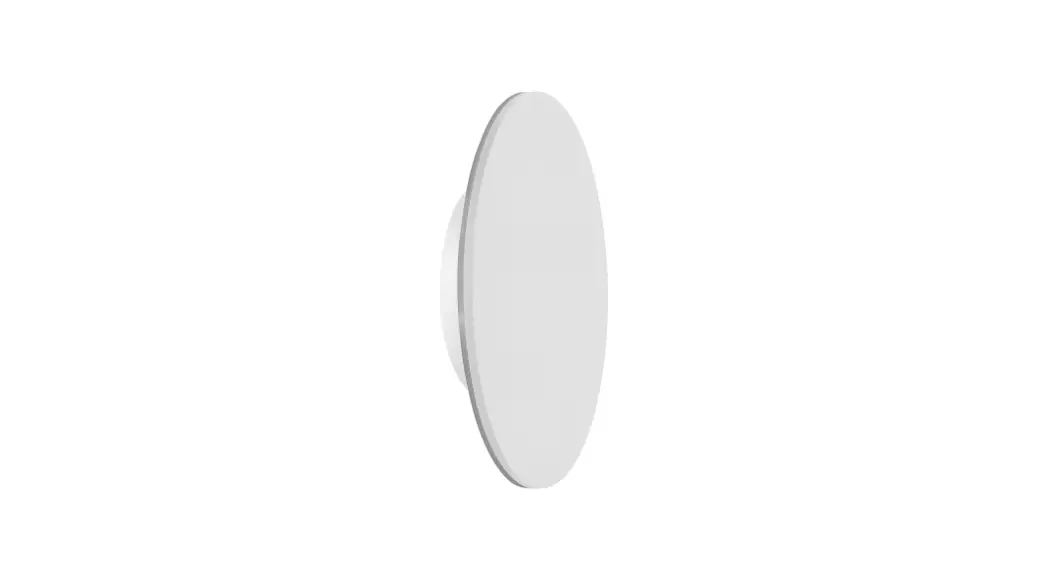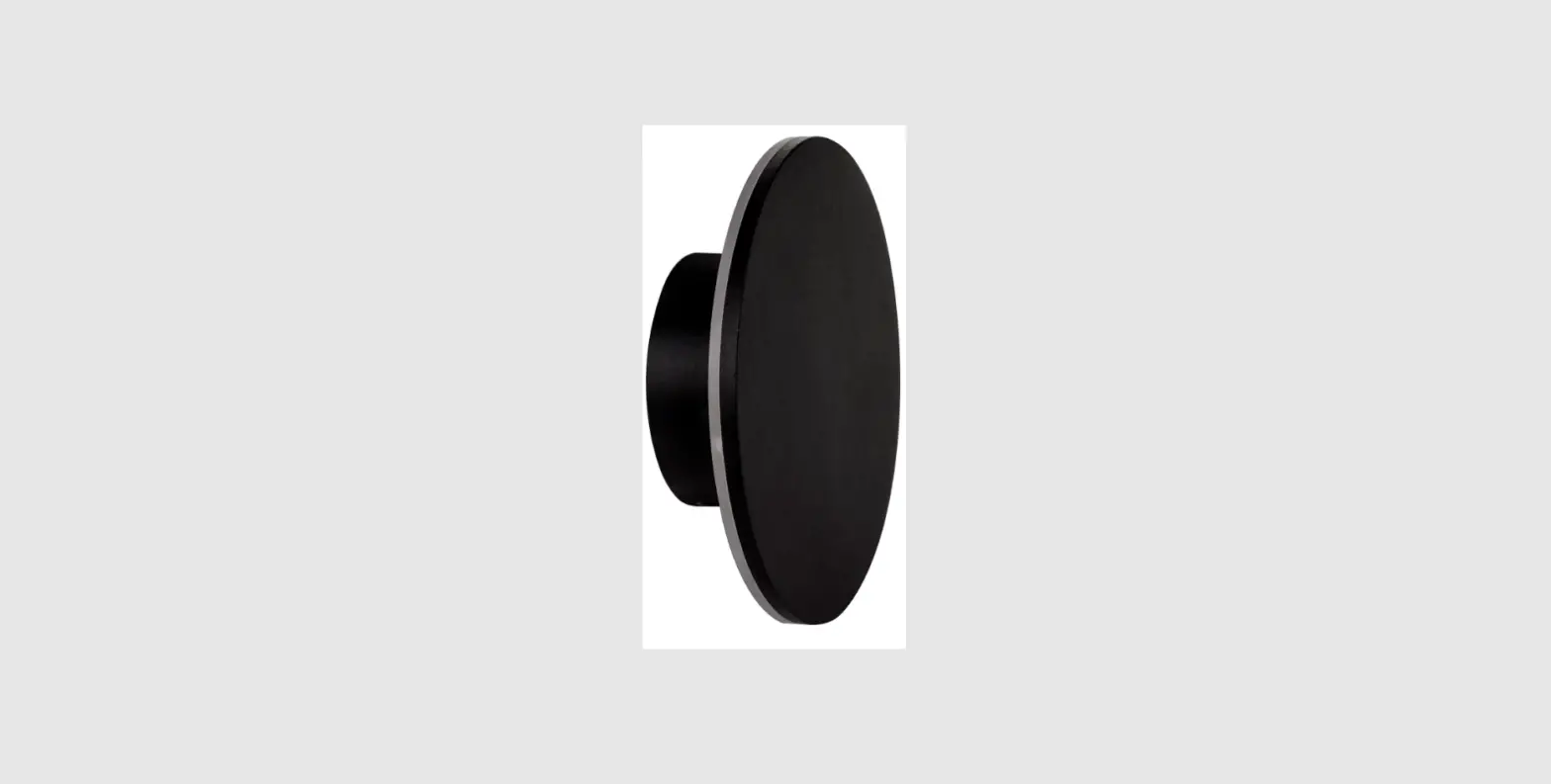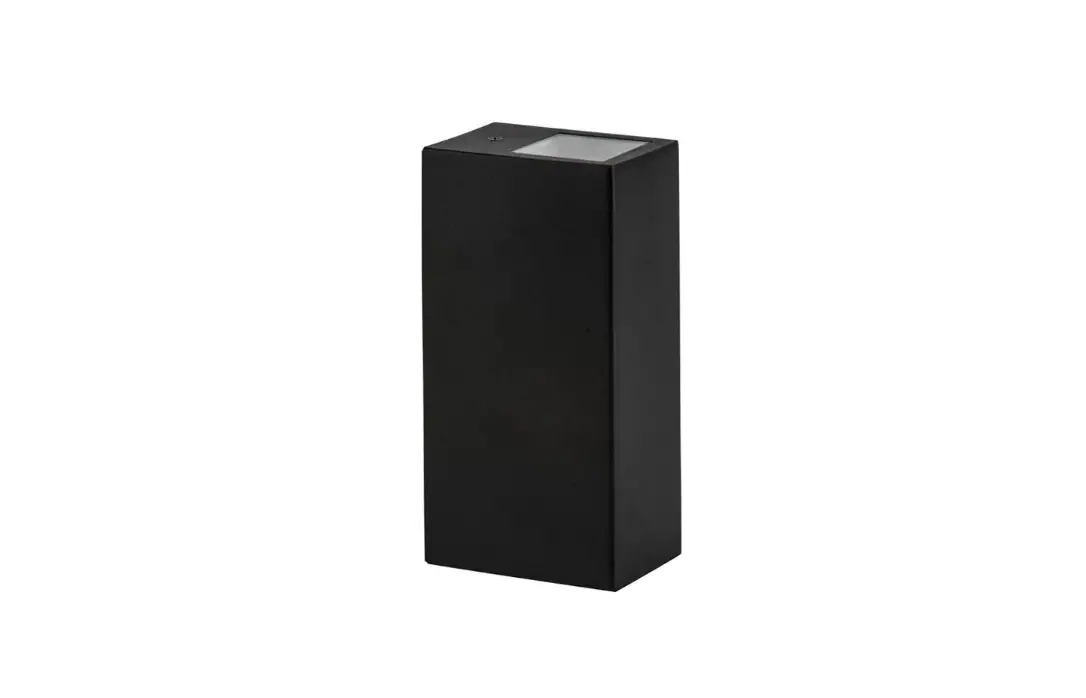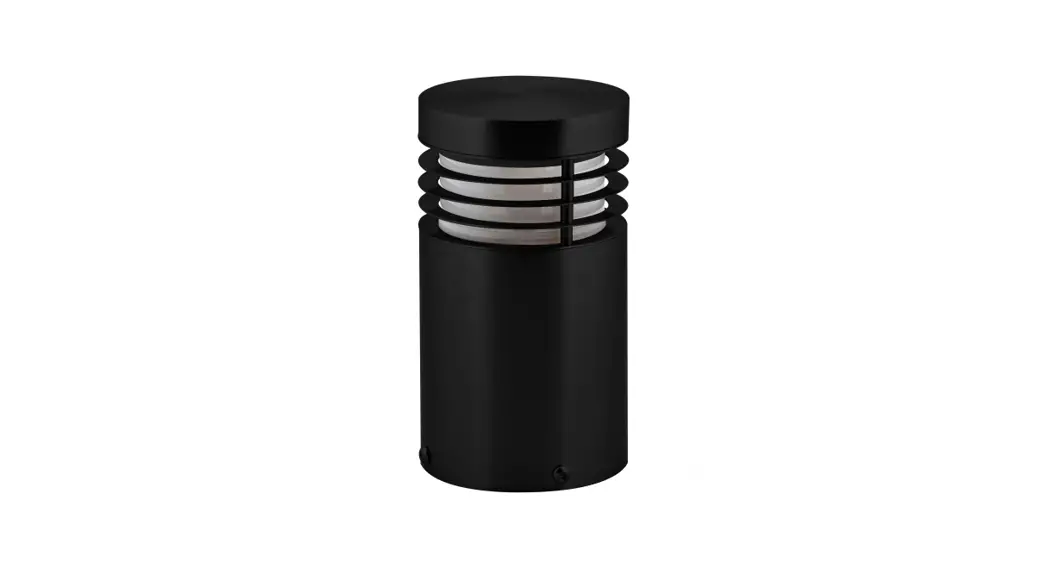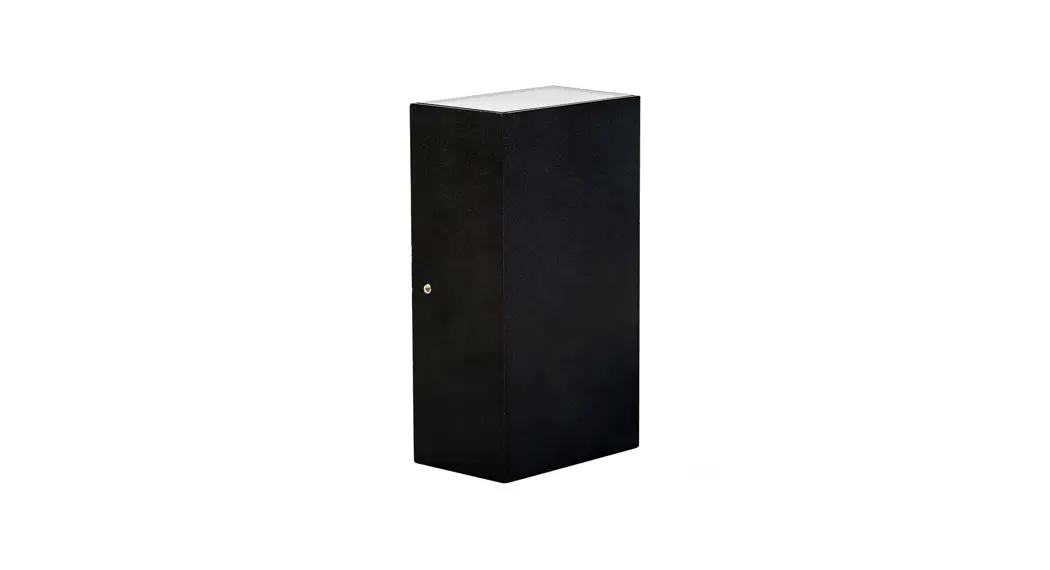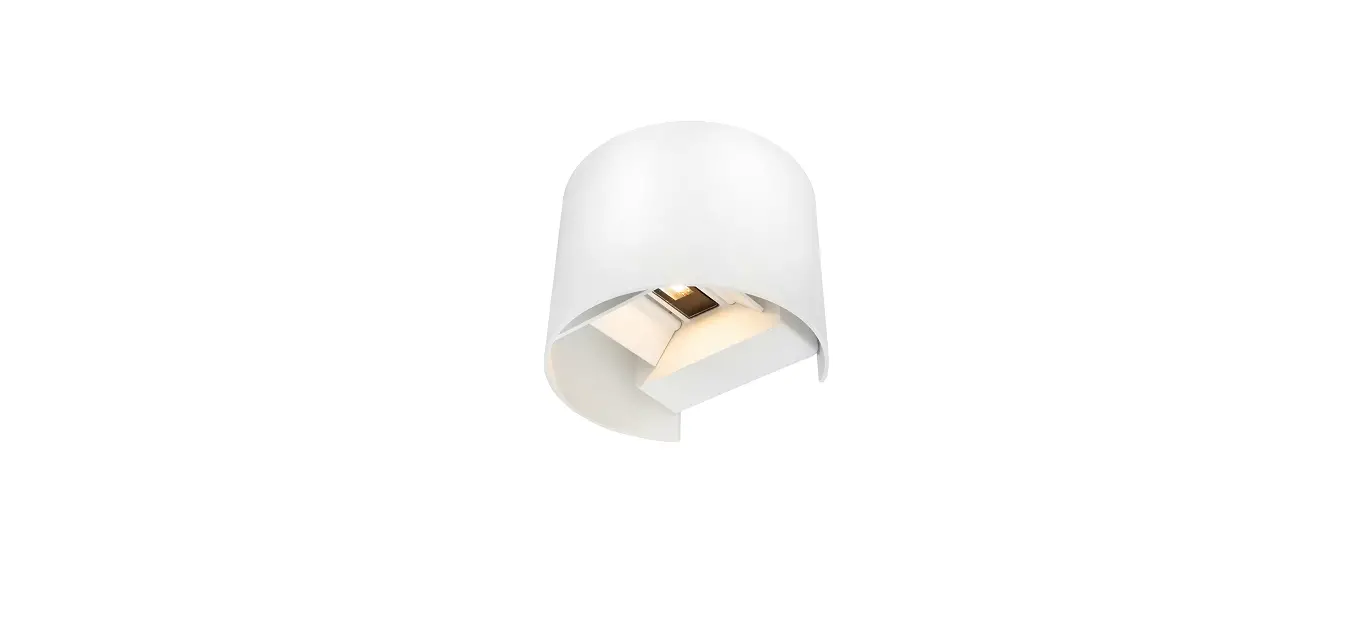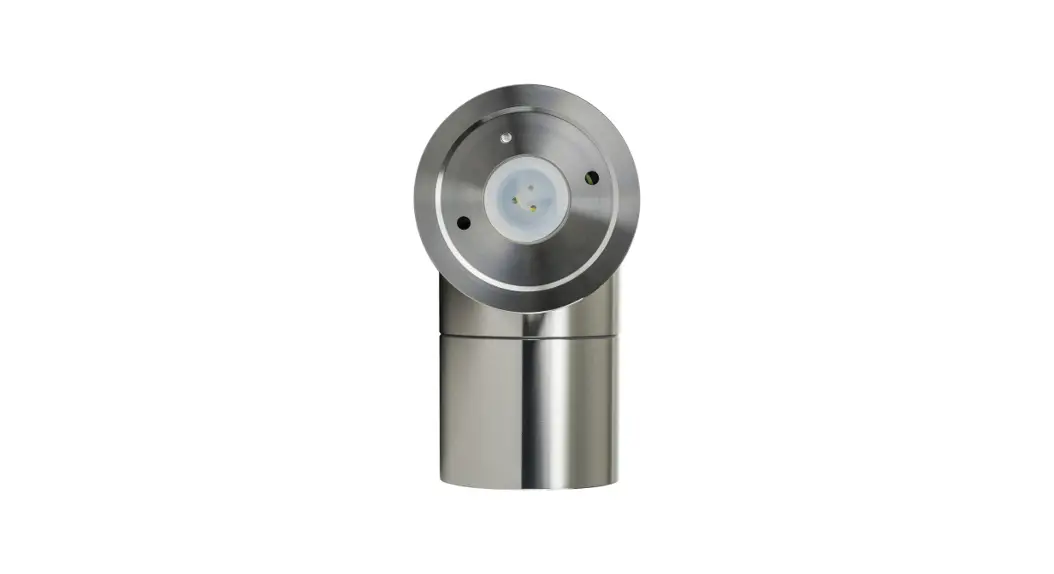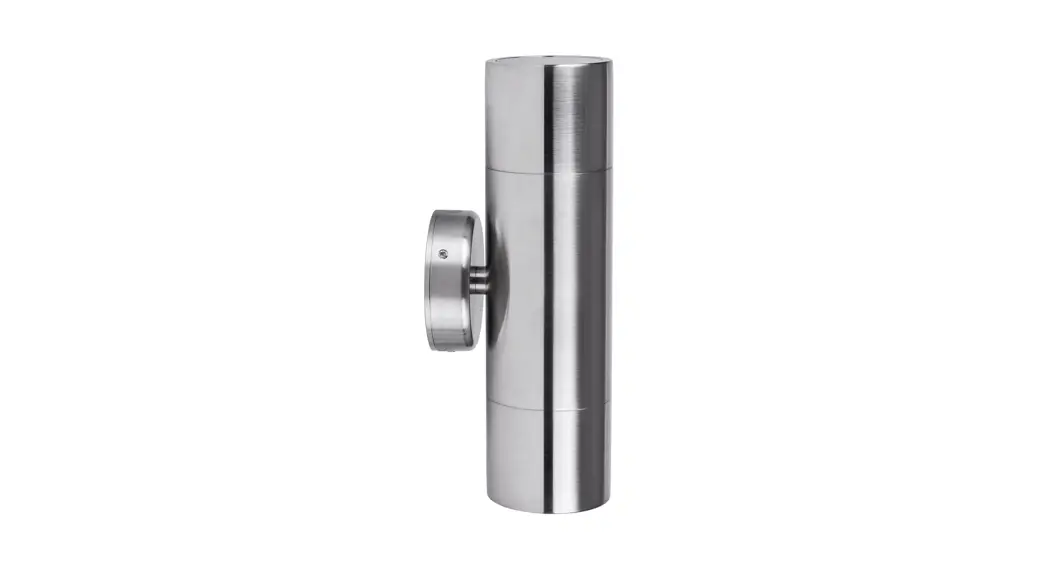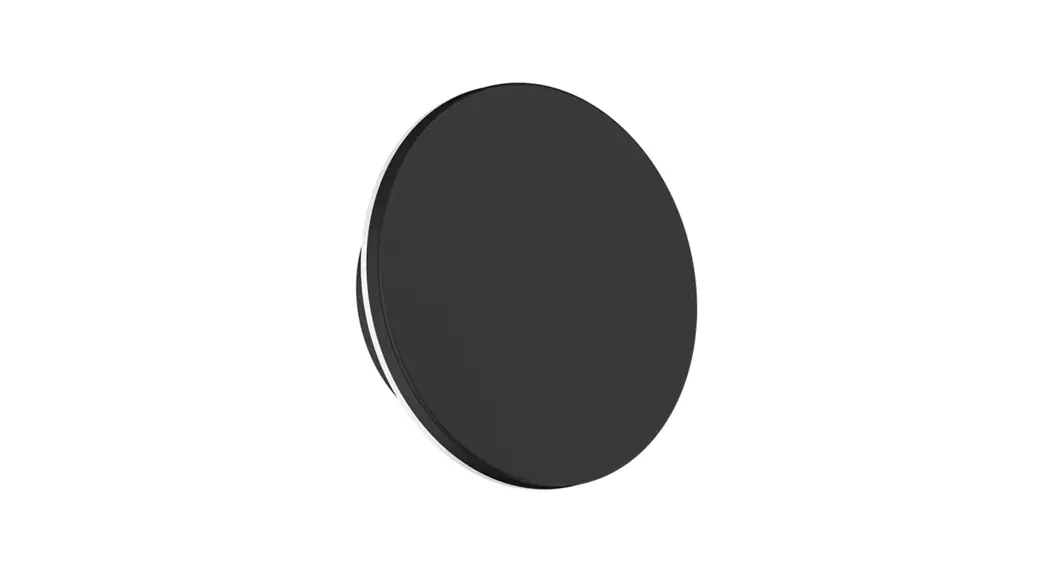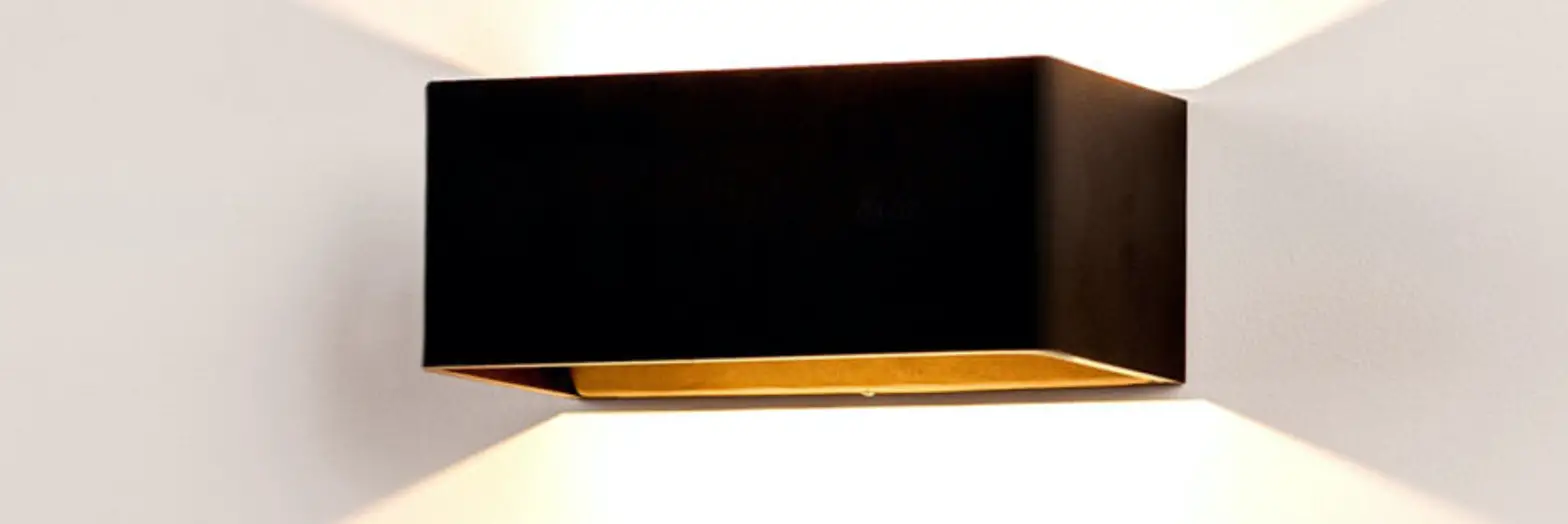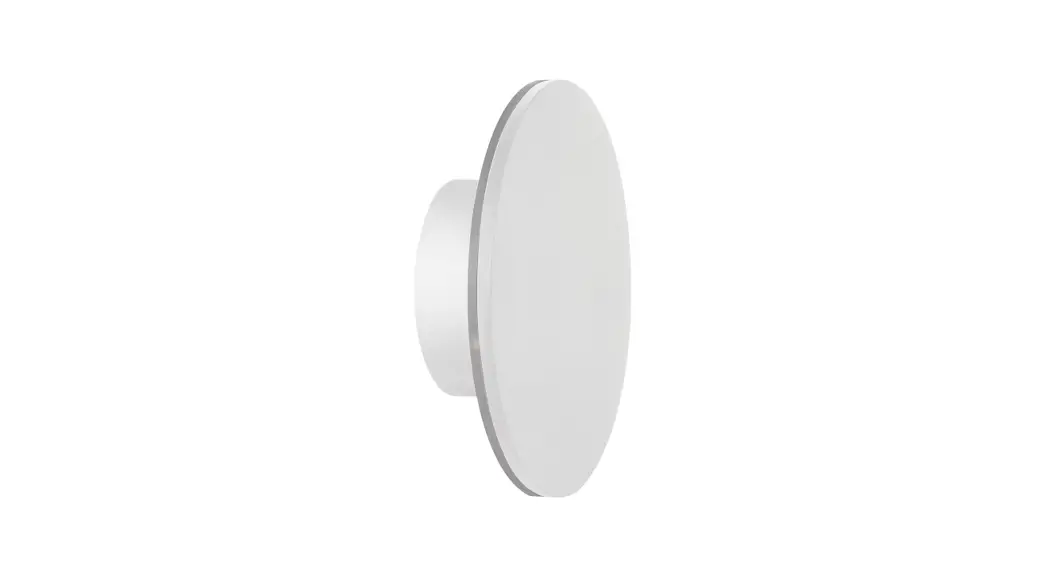
 Lighting HV3592RGBW-WHT Halo RGBW LED Wall Light
Instructions
Product Specifications
| Product Specifications | ||||||||
| Model No. | HV3591RGBW-BLK | HV3591RGBW-WHT | HV3592RGBW-BLK | HV3592RGBW-WHT | HV3593RGBW-BLK | HV3593RGBW-WHT | HV3594RGBW-BLK | HV3594RGBW-WHT |
| Name | Halo | |||||||
| Material | Aluminum | |||||||
| Colour | Black | White | Black | White | Black | White | Black | White |
| IP Rating | IP65 | |||||||
| Input Voltage | 12v DC | |||||||
| ProtectionClass | 3 (Low Voltage) | |||||||
| LampBase | Built-in LED | |||||||
| Lamp Wattage | 1x 7w | 1x12w | 1x18w | 1x24w | ||||
| Colour Temp | RGBW (Red, Green, Blue + 3000k) | |||||||
| Lumens | 250lm (3000k) | 300lm (3000k) | 350lm (3000k) | 400lm (3000k) | ||||
| CRI | > 80 | |||||||
| Wiring | Parallel | |||||||
| Dimmable | Yes | |||||||
| Warranty | 3 Years Replacement* | |||||||
| HV3591 Dimensions | HV3592 Dimensions |
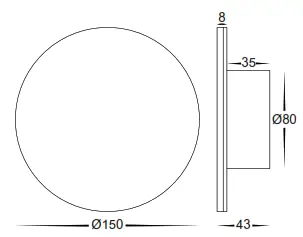 | 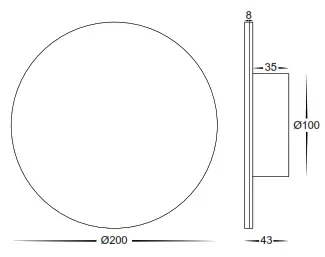 |
| HV3593 Dimensions | HV3594 Dimensions |
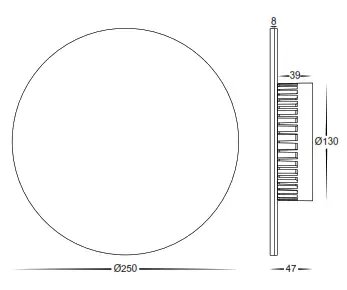 | 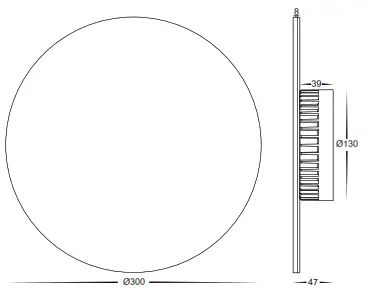 |
Important Safety Issues:
- This product must be installed by a qualified electrician according to AS/NZS 3000.
- Ensure all electrical mains are disconnected before any installation.
- Modification of this product will void any warranty.
- Havit Lighting does not take responsibility for wrong installation, incorrect use, or use of installation material that does not belong to the system.
- Aluminum and 304SS fittings must not be installed within 5km of any saltwater environments.
- All o-rings and seals must be in place correctly to maintain the warranty
- This form may be updated at any time due to product improvements, please check the online installation form for the most current version.
Steps for Installation:
- Make sure that the electrical circuit is free of voltage (master switch off )
- Loosen Allen screws on side of the fitting
- Remove base plate from fitting
- Install the base plate to the wall in the desired location using appropriate screws for application.
- Seal all holes including cable entry hole and mounting screws.
- Use an appropriate 12v DC LED Driver – DO NOT CONNECT LIGHT FITTING DIRECT TO 240V
- Connect the cable, Connect life then neutral wires.
- Reattach fitting to base plate making sure Allen screws are tight to avoid water penetration
- Apply silicon around the edge of the base to prevent any water from getting inside to electrical connections.
- See APP Installation Instructions for connection to tablet or smartphone.
- All connections must be carried out carefully, inspect all contacts before switching back on the electric circuit.
Must be installed by a licensed electrician
| Contact Details: | |
| 143 Beauchamp Road Matraville NSW 2036 Australia | Tel: 02 9381 8300 Fax: 02 9666 8881 Email: [email protected] Web: www.havit.com.au |
| Warranty Terms & Conditions* | Additional Information |
 |  |
| https://havit.com.au/pages/warranty-terms-and-conditions | https://havit.com.au/ |
Steps for Connection to Smartphone or Tablet:
| 1. Download EASYLIGHTING App from APP Store or Scan QR Code 2. Change WIFI to Easy lighting 3. Open the APP on Smartphone or Tablet 4. Use a direct connection with WIFI Controller 5. Press Learn button on the receiver 6. Press Wheel on APP 7. Light will flash when pairing is Successful. |  |
| Steps for Connection to Home Network: 1. Connect Controller to home network 2. Press I got it and then Yes 3. Select the WIFI you wish to connect to. 4. Enter Password 5. Close APP and Reopen 6. Controller will now be connected to Home Network | |
Controls for Smartphone or Tablet:
| Main User Interface to adjust colours and brightness | Music Play music and Fitting will change with the beat | Tape Change colours using the microphone |
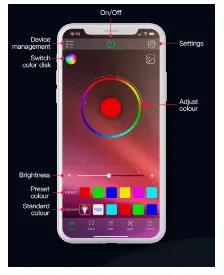 | 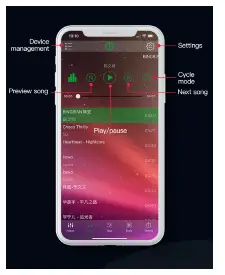 | 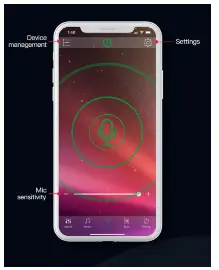 |
| Saved Modes Change Colour with saved modes | Timers Set timers for automatic on/off control | Shake Shake phone to change colours |
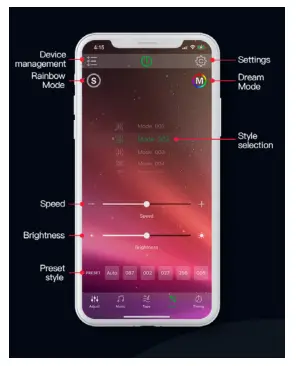 | 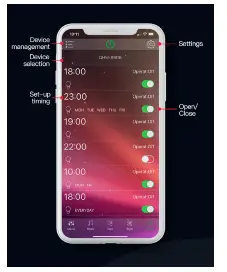 | 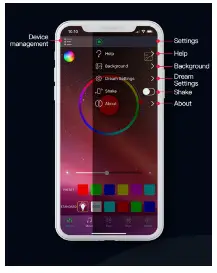 |
| Dream Setting When dream mode is active, LED Strip can be set to individual settings | |
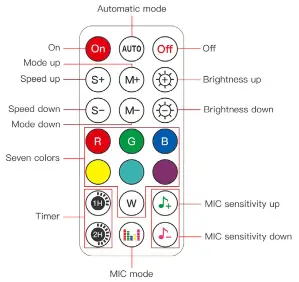 | Remote Remote control settings | |
Must be installed by a licensed electrician
Contact Details:
143 Beauchamp Road
Matraville NSW 2036
Australia
Tel: 02 9381 8300
Fax: 02 9666 8881
Email: [email protected]
Web: www.havit.com.au
| Warranty Terms & Conditions* | Additional Information |
 https://havit.com.au/pages/warranty-terms-and-conditions https://havit.com.au/pages/warranty-terms-and-conditions | https://havit.com.au/ |
 Havit Lighting