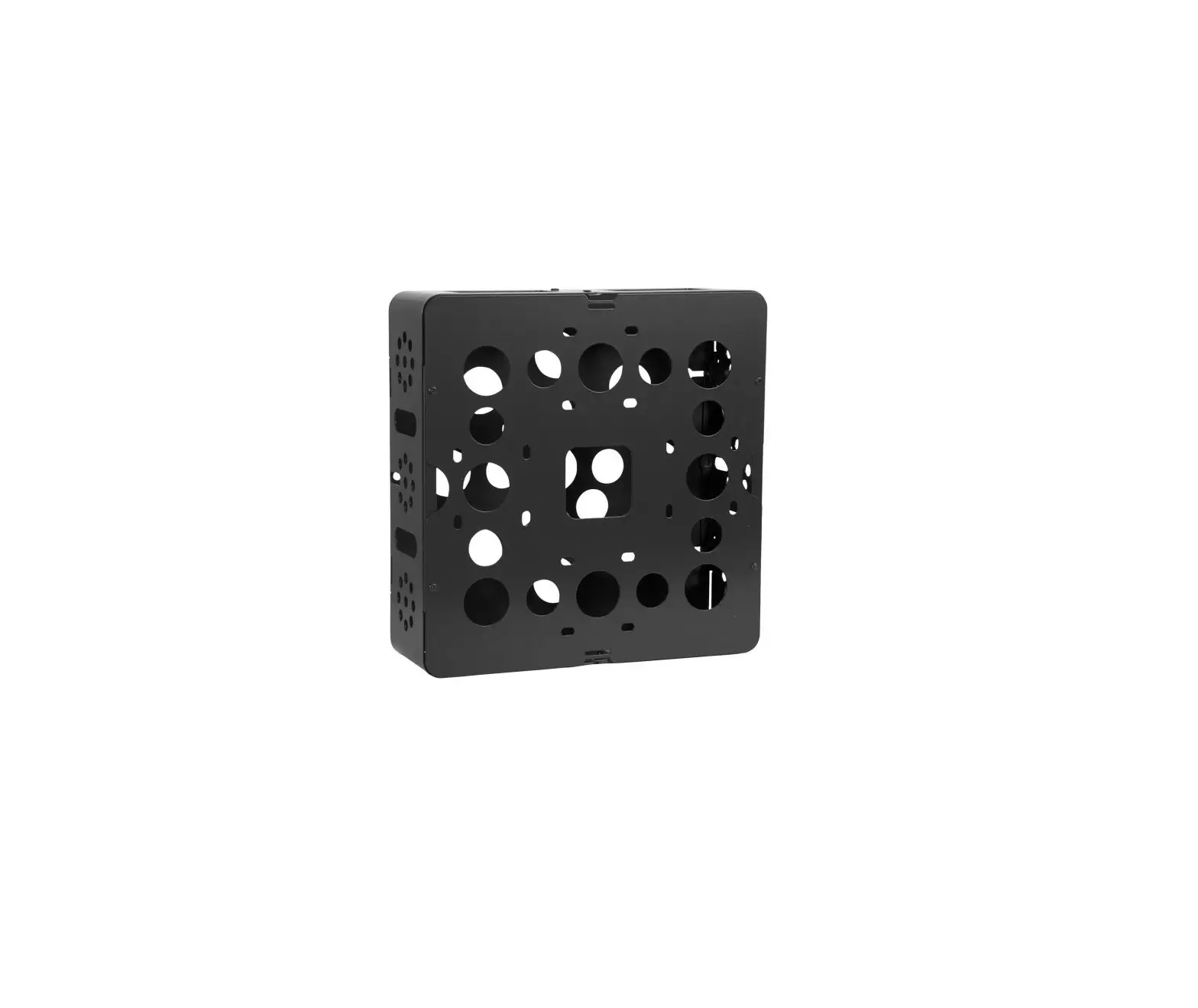
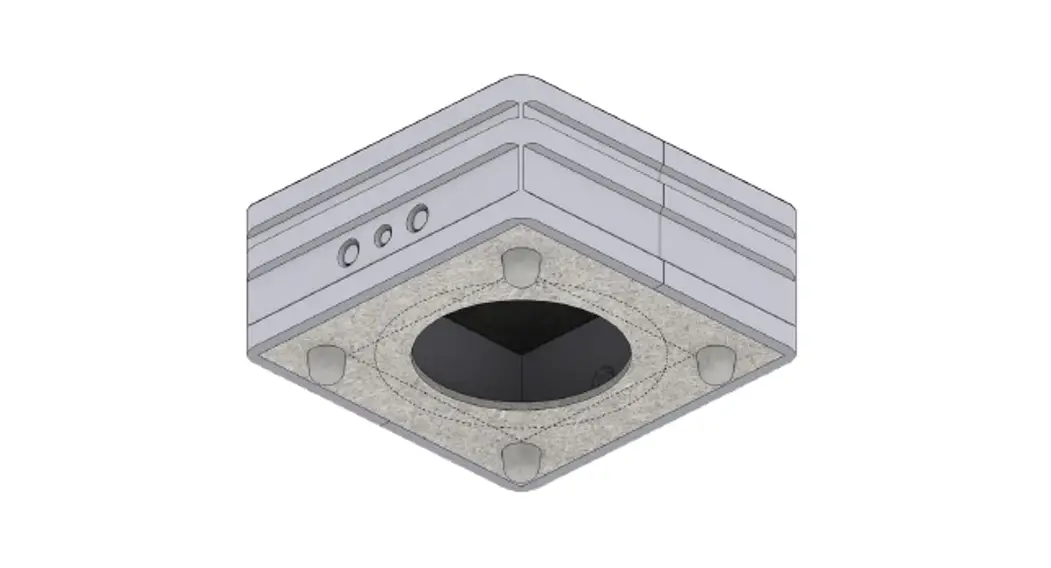
RAKBox-B2 Enclosure
Product Information
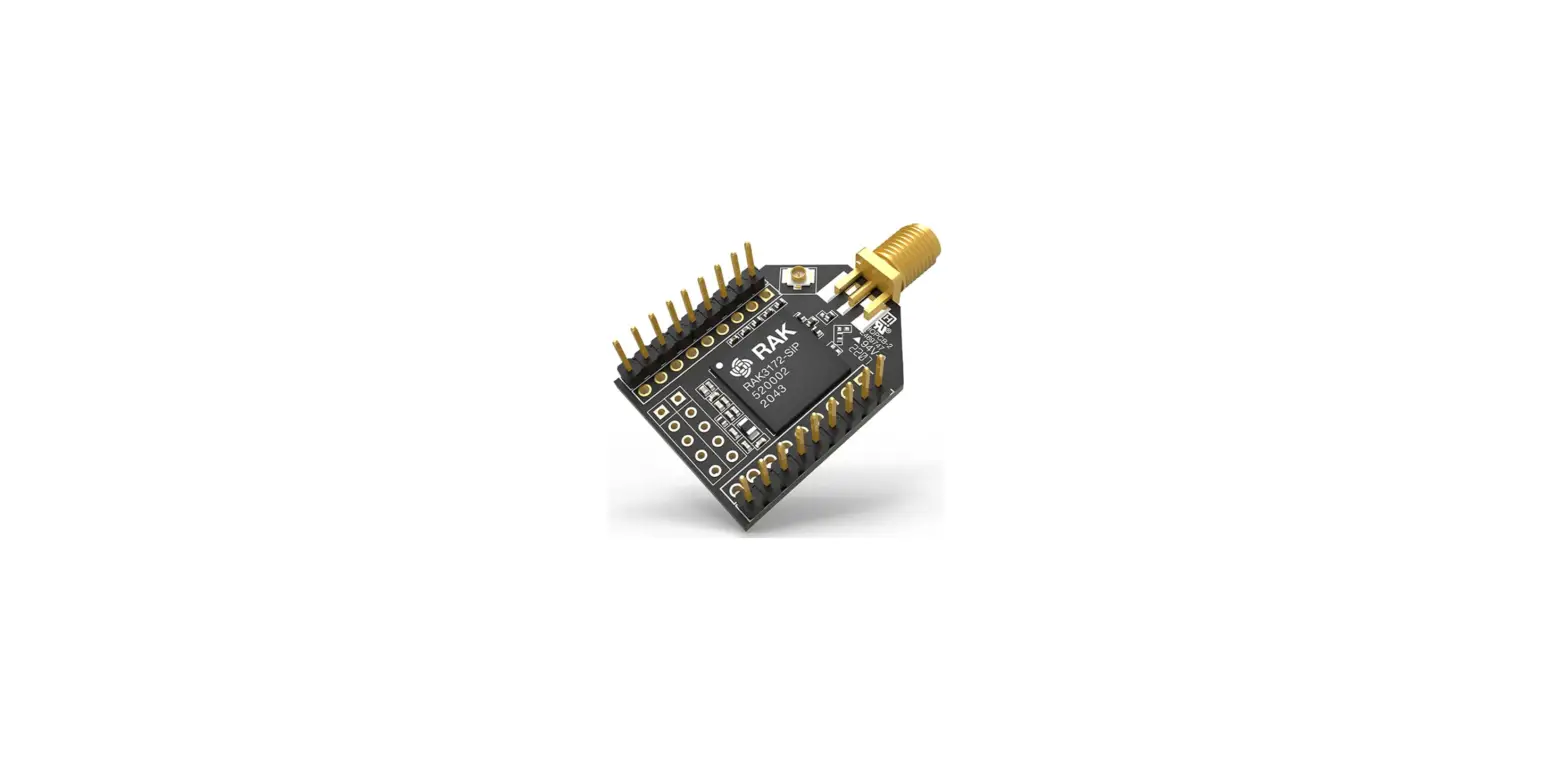
The product is a WisBlock module assembly that consists of
various components for creating an IoT device. It includes a plate,
WisBlock IO module, WisBlock module, enclosure, antennas, battery
plate, battery, and cover. The assembly can be mounted on a wall or
a pole using the provided installation kit.
Product Usage Instructions
Assembly
- Install the plate with two M4*5 screws. Refer to Figure 2 for
guidance.
- Fix the WisBlock IO module with three M1.2*3 screws. For
detailed assembly method and precautions, please refer to the
RAK5005-O Baseboard Installation Guide. Figure 3 illustrates the
fixation of RAK1920.
- Fix the WisBlock module on the plate with M2.5*4 screws. The
number of screws depends on the WisBlock IO module type, so please
confirm according to the actual module.
- If an external connection is required, such as an external
sensor, remove the plug on the longer side of the enclosure and
replace it with the gland. Pull the cable to the external device
through the gland and ensure that the lid of the gland is closed
properly to prevent water and humidity damage to the WisBlock.
- Stick the antennas of the WisBlock Core module on the inner
wall of the enclosure. Note that Figure 6 is for illustration
purposes only.
- Install two M2.5*15+6 hexagon standoffs for the battery
plate.
- Plug the battery cable into the socket on the PCB. If a solar
panel enclosure is used, connect the cable of the solar panel to
the PCB. Then, fix the battery plate on the standoff with two
M2.5*4 screws. Make sure to connect the battery and solar cable
first before installing the battery plate.
- Stick the battery on the battery plate using double-sided
adhesive stickers.
- Close the cover, tighten the screws, and complete the
assembly.


Installation
Wall Mounting
- Fix the installation kit on the bottom of the enclosure with
four M5*10 screws. Ensure that the Z-shaped mounting bars are
extruding from the enclosure as shown in Figure 11.
- Drill four holes in the wall according to Figure 12.

- Fix the enclosure to the wall using the four screws.


Pole Mounting
- Fix the installation kit on the bottom of the enclosure with
four M5*10 screws. Ensure that the Z-shaped mounting bars are not
extruding from the enclosure as shown in Figure 14. - Slide the steel band clamp through the rectangular hole of the
mounting bar. Wrap the band clamps around the pole, lock them, and
then tighten the clamps using a screwdriver. Refer to Figure 15 for
guidance.


Documentation Center
Installation Guide
Assembly List
Figure 1: Assembly list
Assembly
Step 1: Install the plate with two M4*5 screws.
Figure 2: Installing the Plate
Step 2: Fix the WisBlock IO module with three M1.2*3 screws; For assembly method and precautions, please refer to RAK5005-O Baseboard Installation Guide.. The figure shows the fixation of RAK1920.
Figure 3: Attaching WisBlock IO
Step 3: Fix the WisBlock module on the plate with M2.5*4 screws.
NOTE
The number of screws is depending on the WisBlock IO module type, please confirm according to the actual module.
Documentation Center
Figure 4: Attaching WisBlock Module
Step 4: If an external connection is required, for example an external sensor, remove the plug on the longer side of the enclosure and replace it with the gland. Pull the cable to the external device through the gland and make sure the lid of the gland is closed properly. If the gland is not closed properly, there is a chance for water and humidity to enter into the enclosure and damage the WisBlock.
Figure 5: Attaching the Gland
Step 5: Stick the antennas of WisBlock Core module on the inner wall of the enclosure, and the figure below is only for illustration;
Figure 6: Installing the Antennas to the Enclosure
Step 6: Install two M2.5*15+6 hexagon standoffs for the battery plate.
Documentation Center
Figure 7: Installing standoff screws
Step 7: Plug the battery cable into the socket on the PCB (if the solar panel enclosure is used, connect the cable of solar panel to the PCB), and then fix the battery plate on the standoff with two M2.5*4 screws.
WARNING
Be sure to connect the battery and solar cable first, otherwise the cable cannot be connected after installing the battery plate.
Figure 8: Attaching battery and Solar Panel
Step 8: Stick the battery on the battery plate with double side adhesive stickers.
Figure 9: Attaching the Battery
Step 9: Close the cover, tighten the screws and complete the assembly.
Documentation Center
Figure 10: Attaching the Cover
Installation
Wall Mounting
Step 1: Fix the installation kit on the bottom of the enclosure with four M5*10 screws. Make sure that the Z-shaped mounting bars are extruding from the enclosure as shown in the image.
Figure 11: Installing the Bracket
Step 2: Using a Ø5mm drill bit, drill 4 holes on the wall according to the dimension of the following picture and then plug the screw anchors in the wall.
Figure 12: 4 Drill Holes
Step 3: Fix the enclosure with the 4 screws to the wall.
Documentation Center
Figure 13: Attaching the Enclosure to the Wall
Pole Mounting
Step 1: Fix the installation kit on the bottom of the enclosure with four M5*10 screws. Make sure that the Z-shaped mounting bars are NOT extruding the enclosure, as shown in the image.
Figure 14: Attaching the Installation Kit
Step 2: Slide the Steel band clamp through the rectangular hole of the mounting bar, wrap the band clamps around the pole, lock them and then tighten the clamps using a screwdriver.
Figure 15: Attaching the Clamp to the Pole
Last Updated: 10/11/2021, 4:28:25 AM
 RAK5005-O Baseboard Installation Guide | RAKwireless Documentation Center