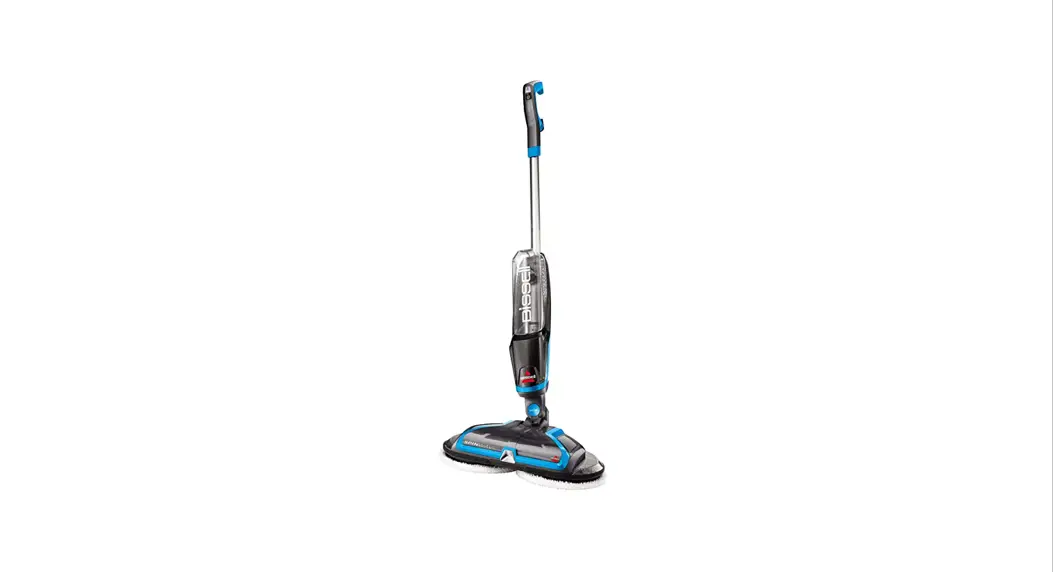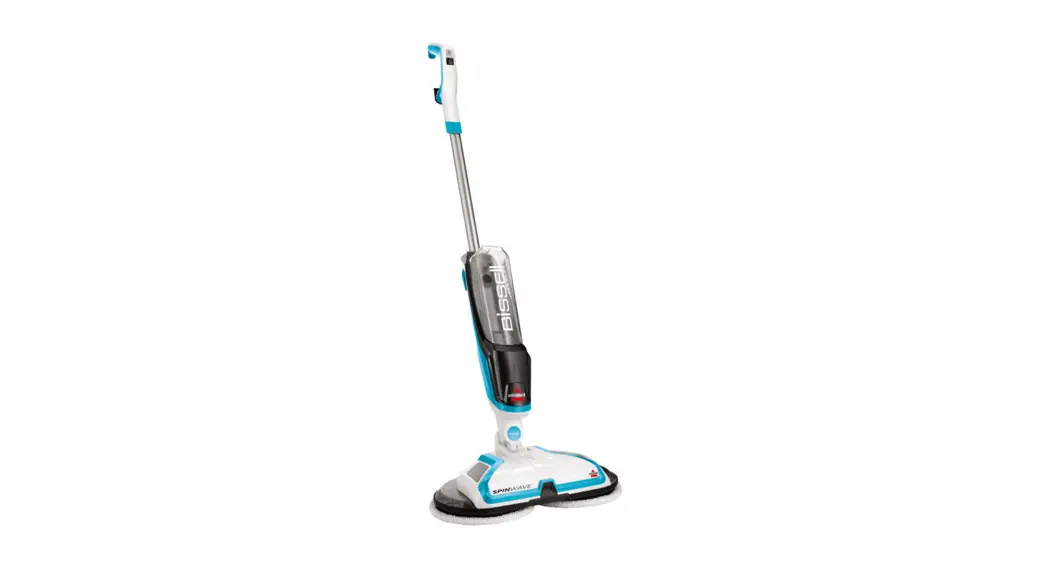
- Press power on a fully charged machine – a full blue light will turn on
- If only part of the light turns on and the pads spin then turn off, the machine need to be charged (When plugged in the blue indicator light flashes and fills until fully charged, if not test a different working outlet)
- If the pads don’t spin and the light is blinking, this indicates the pads stopped spinning from:
- Pushing down or stepping on the foot
- Using on carpet or rugs
- Using without pads on bare floors
- Recline machine within 10 seconds – power turns off after 10 seconds when upright to save battery power
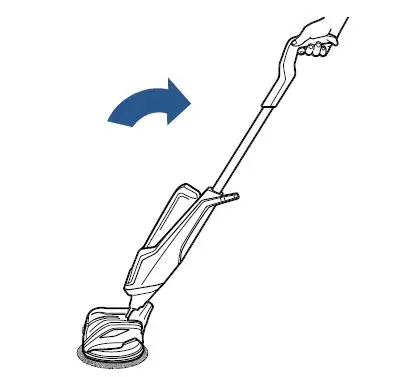
- Hold spray button
If it is not charging:
- Unplug machine
- Run hand along entire length of power cord, it should be smooth
- Check plug for damage
- If either the cord (not smooth or exposed wires) or plug (prongs) are damaged, visit a BISSELL Authorized Service Center or Contact Us
- Check to see if outlet is working:
- Test this by plugging in a cell phone charger or small appliance
- If no power to outlet, test a different outlet in a separate room
- Reset circuit breaker if needed
If machine still does not have power, Contact Us
If discs are wobbly:
- Check to make sure rectangular Velcro pads are not raised/out of place
- If they are, they can be pushed back into place and should lay flat on the disc
- If you cannot push them back to lay flat, a new disc will need to be ordered
If your machine is making a grinding noise:
- Clear any debris under the mop pads and discs
- Check the discs for any cracks, if the rotating discs are cracked they will have to be removed
SpinWave RPM:
Free run – 214 RPM average
With load – 190 RPM average