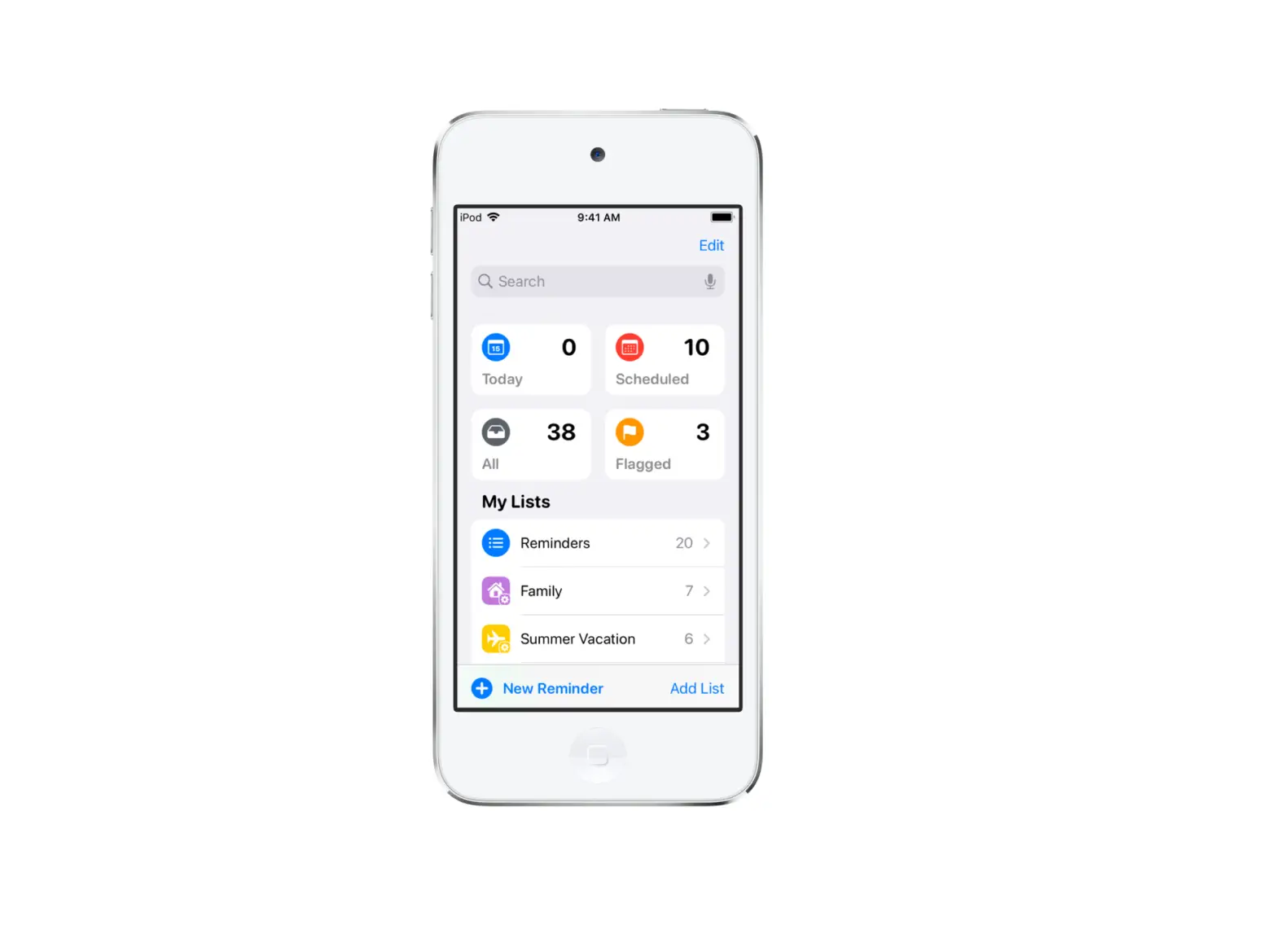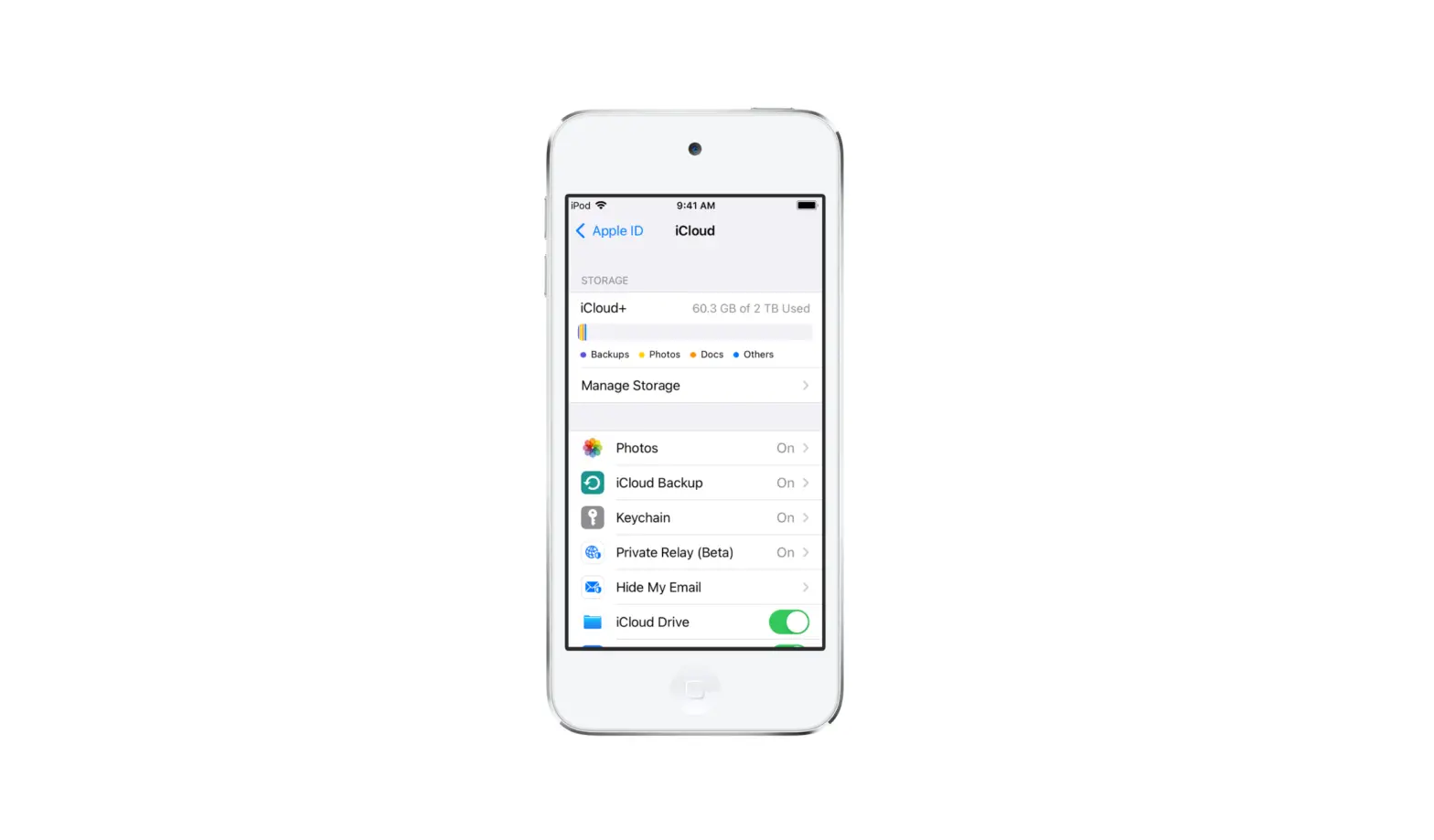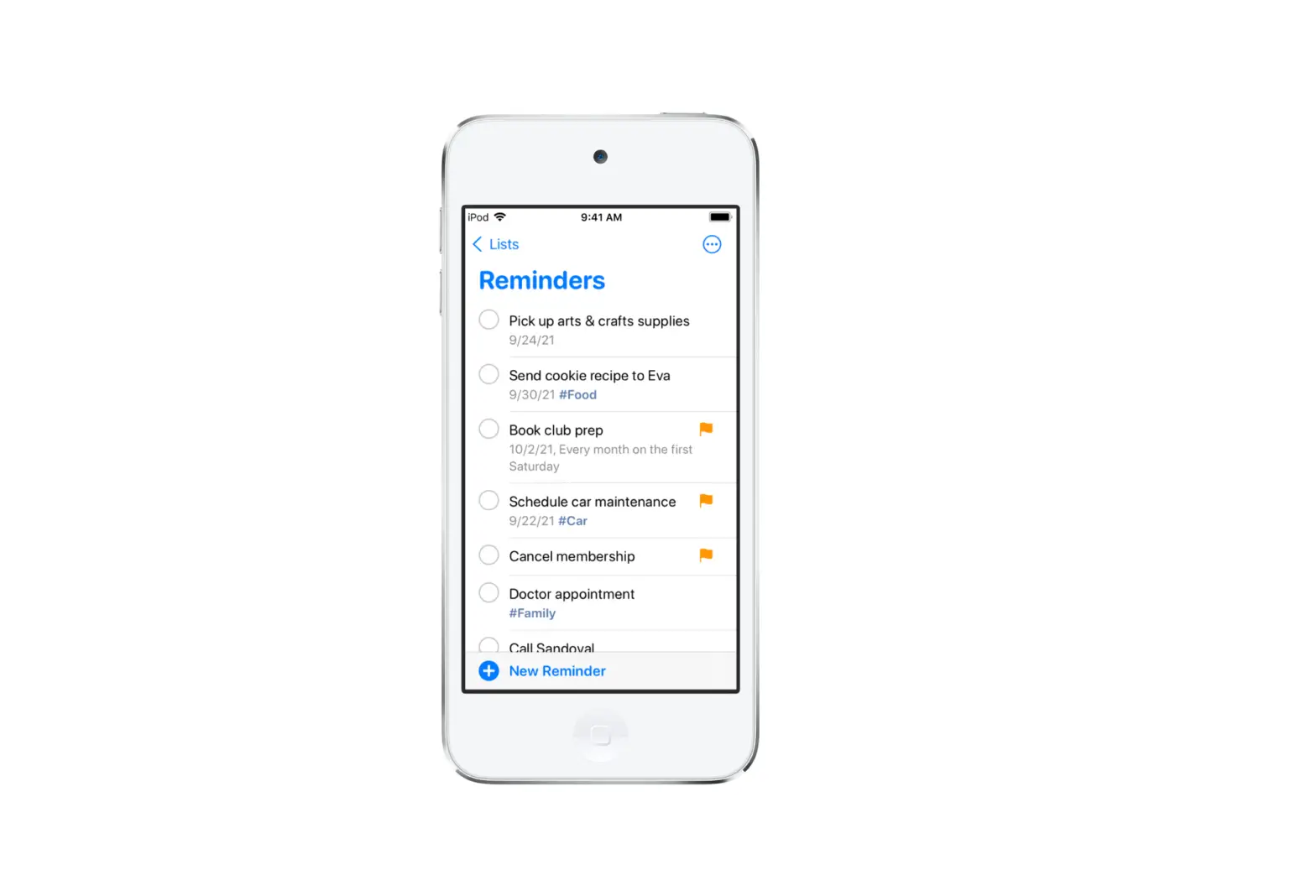
You can use the Reminders app to manage your reminders from other accounts, such as Microsoft Exchange, Google, and Yahoo.
- Go to Settings
 > Reminders > Accounts > Add Account.
 - Do any of the following:
- Choose an account provider, then sign in to your account.
- If your account provider isn’t listed, tap Other, tap Add CalDAV Account, then enter your server and account information.
 > Reminders > Accounts > Add Account.
Note: Some Reminders features described in this guide aren’t available in accounts from other providers.
To stop using an account, go to Settings > Reminders > Accounts, tap the account, then turn off Reminders. Reminders from the account no longer appear on your iPod touch.