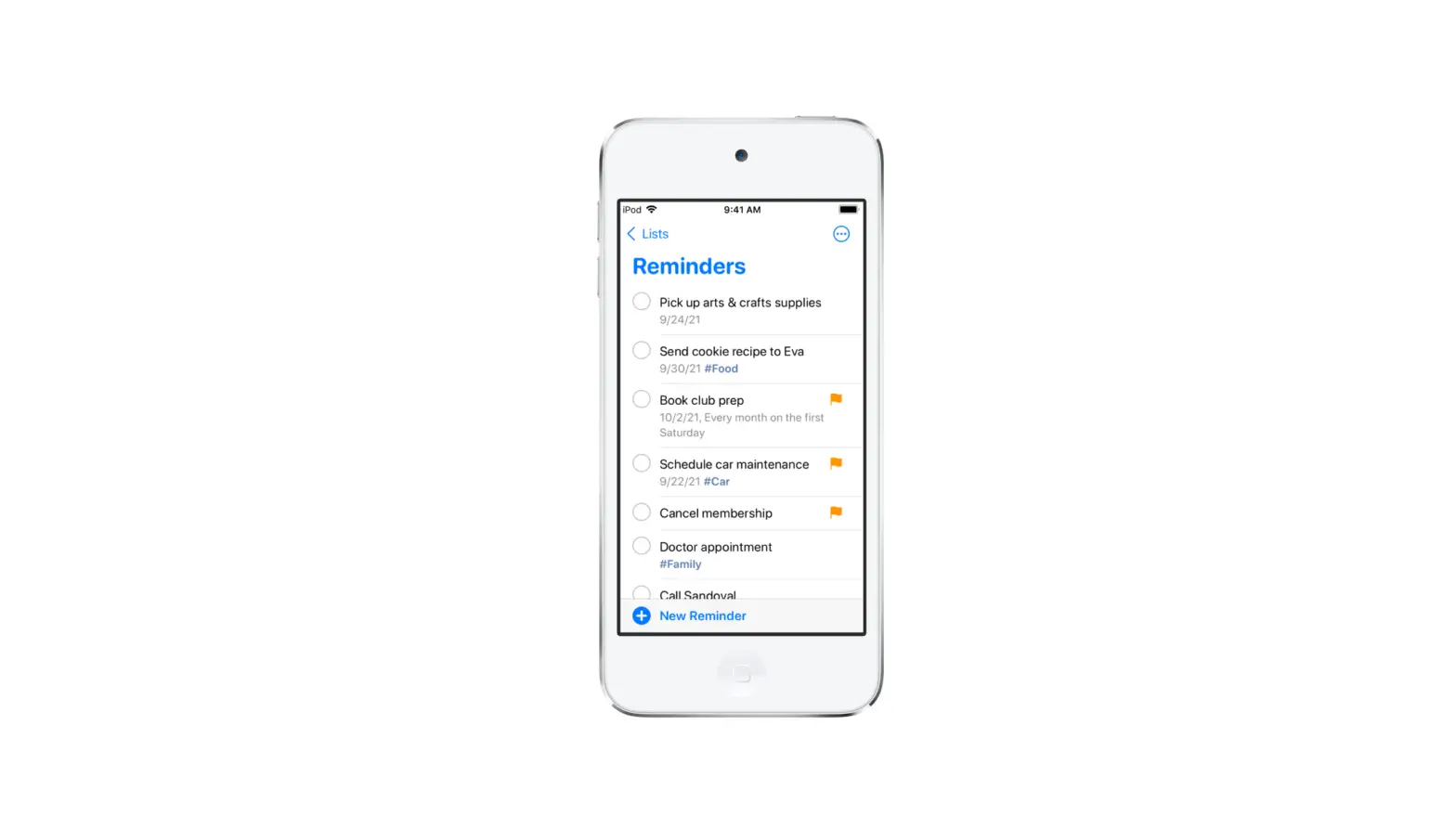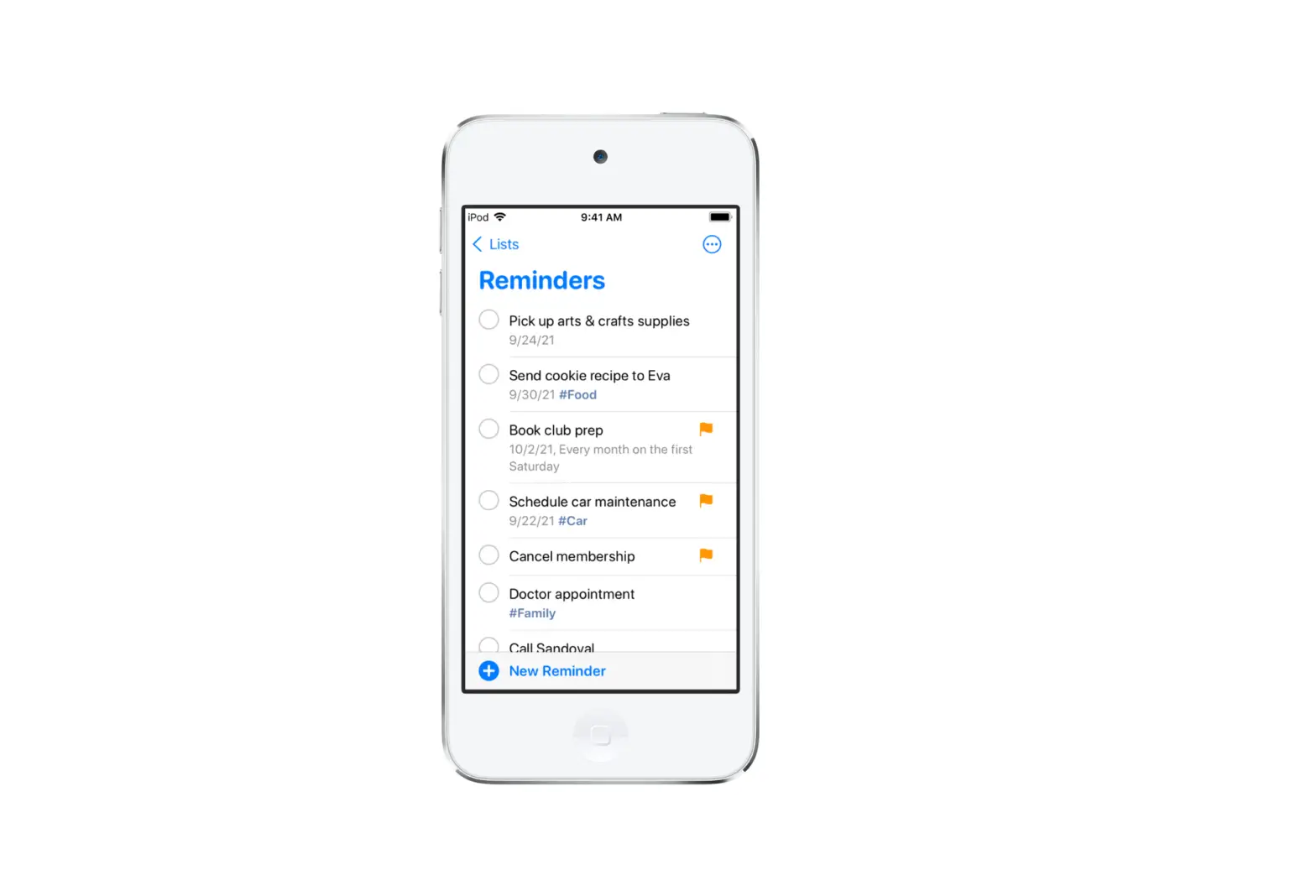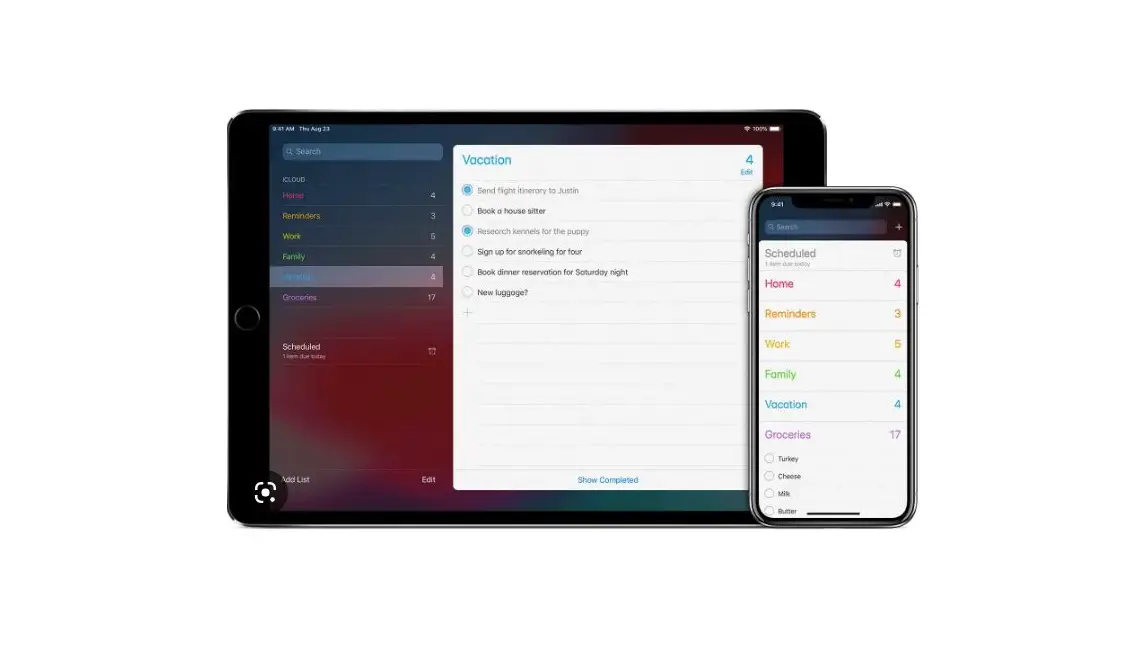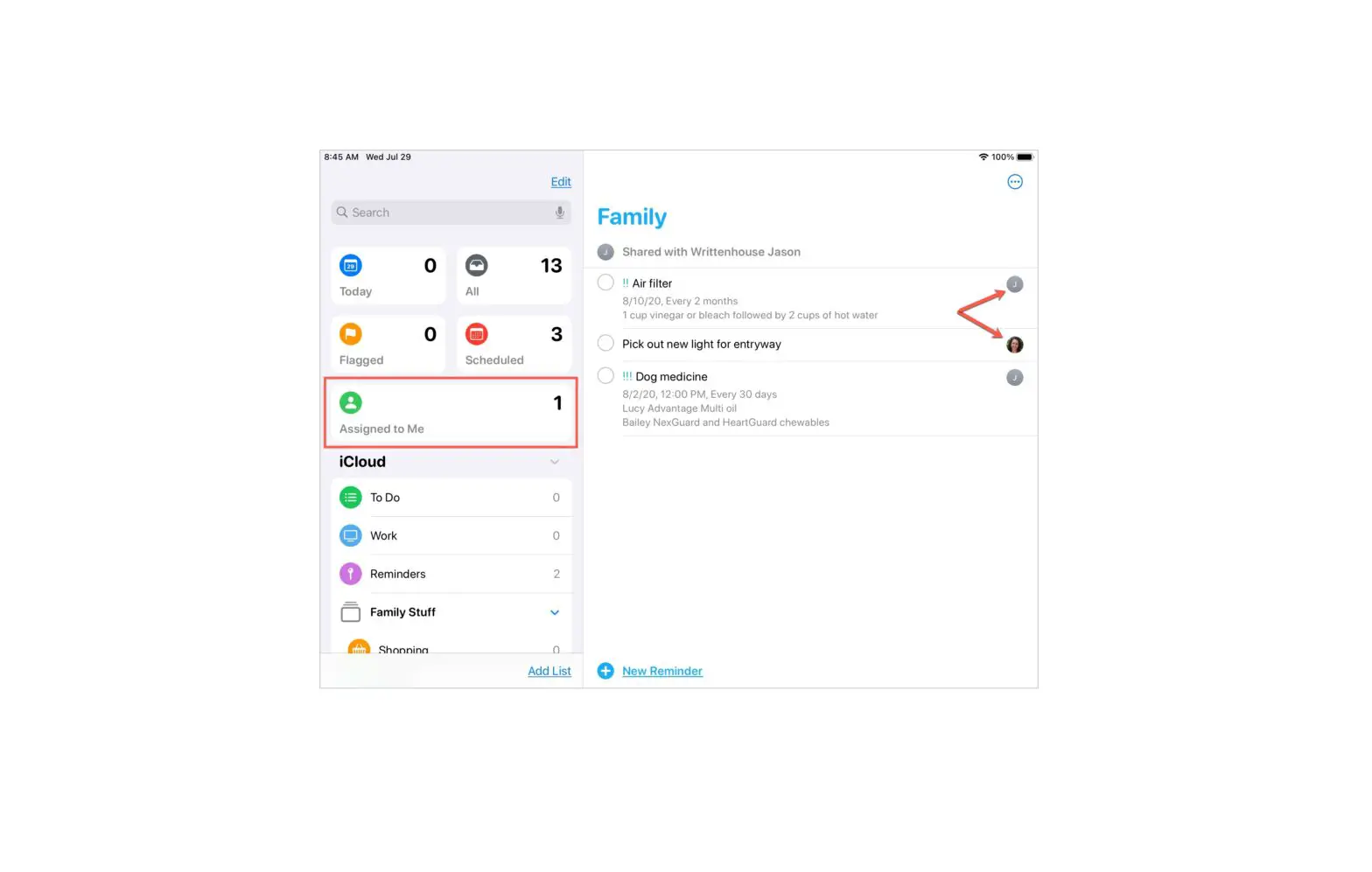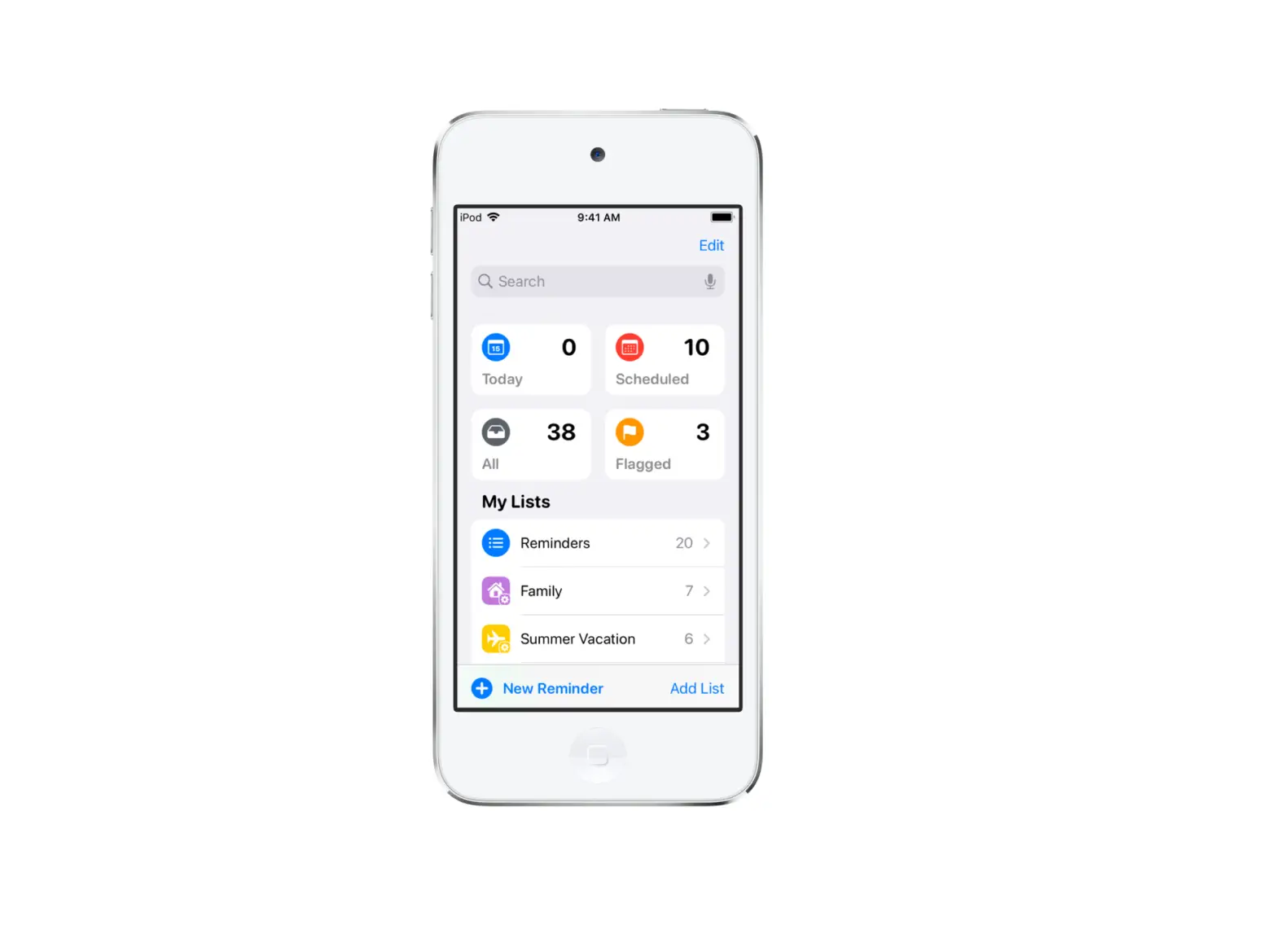
Reminders are automatically organized in Smart Lists. You can see specific reminders and track upcoming reminders with the following Smart Lists:
- Today: See reminders scheduled for today and overdue reminders.
- Scheduled: See reminders scheduled by date or time.
- Flagged: See reminders with flags.
- Assigned to Me: See reminders assigned to you in shared lists.
- Siri Suggestions: See suggested reminders detected in Mail and Messages.
- All: See all your reminders across every list.
To show, hide, or rearrange the Smart Lists, tap Edit.