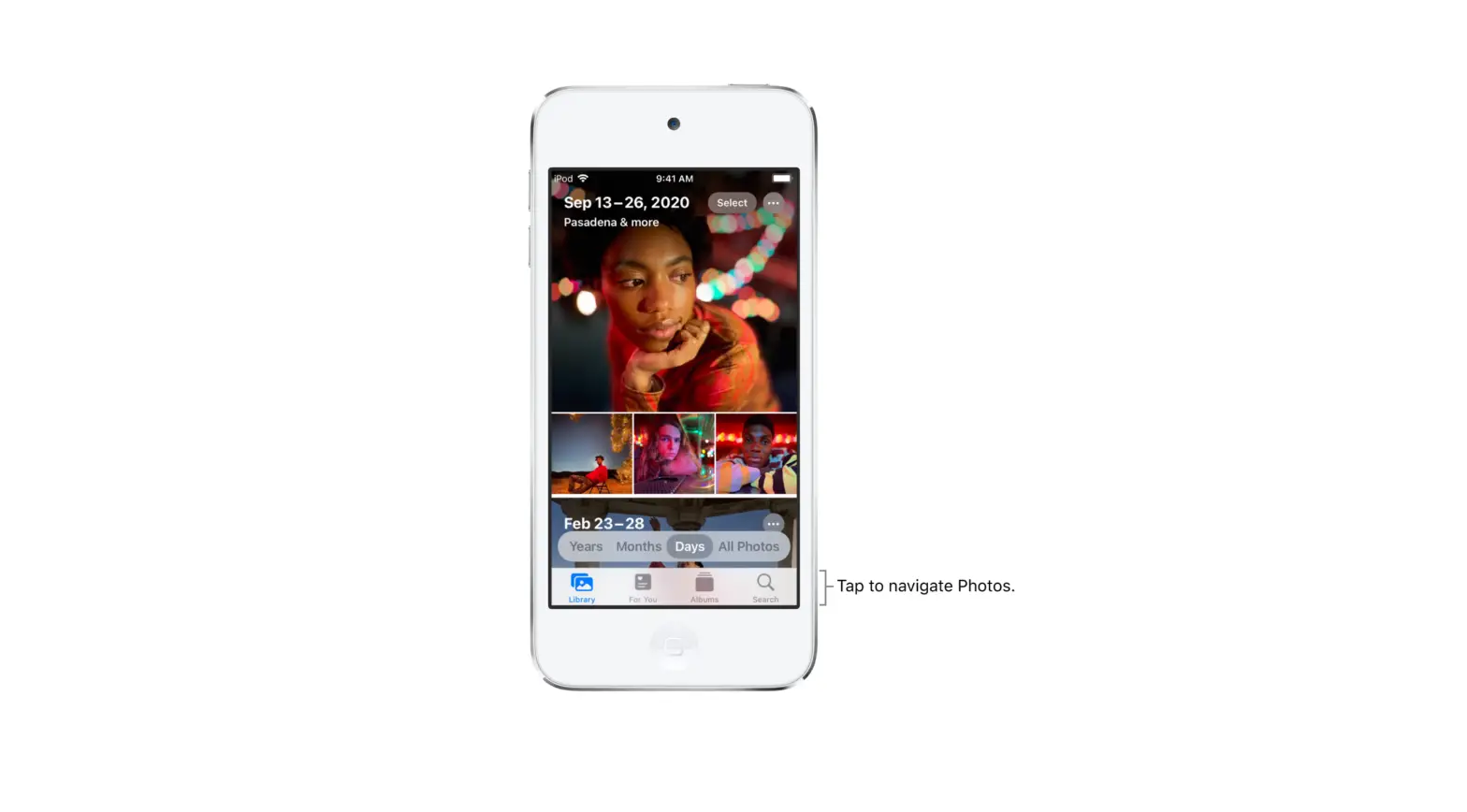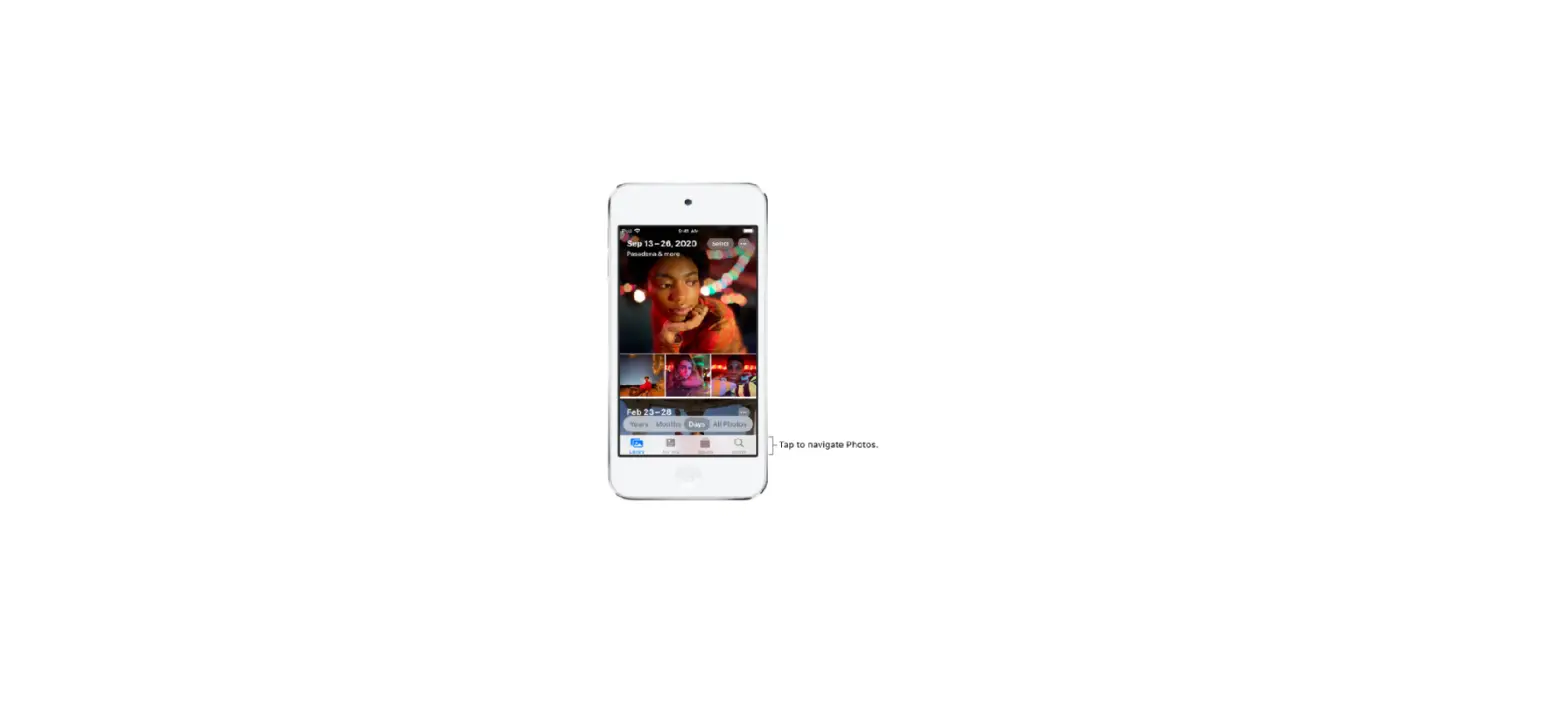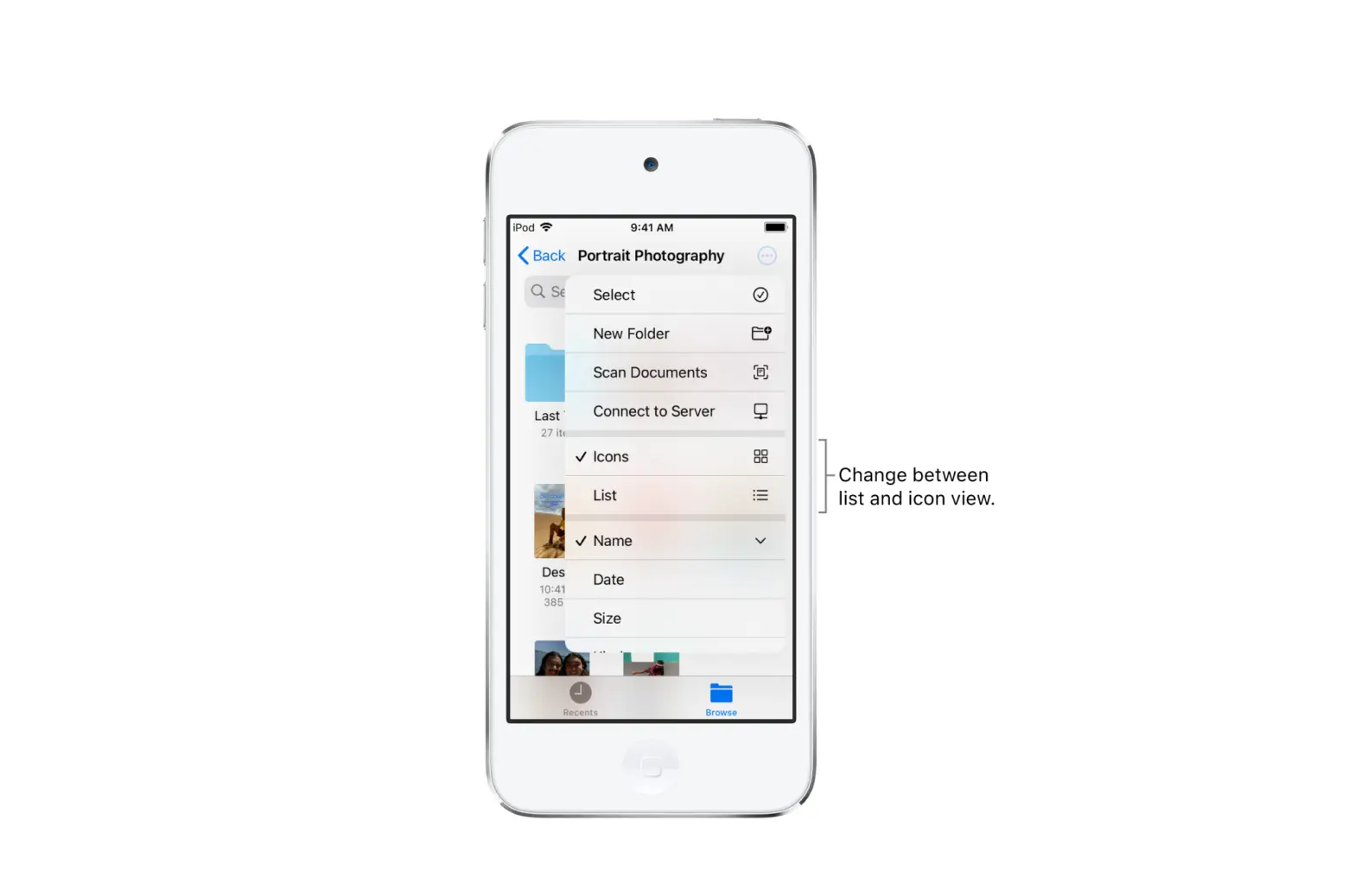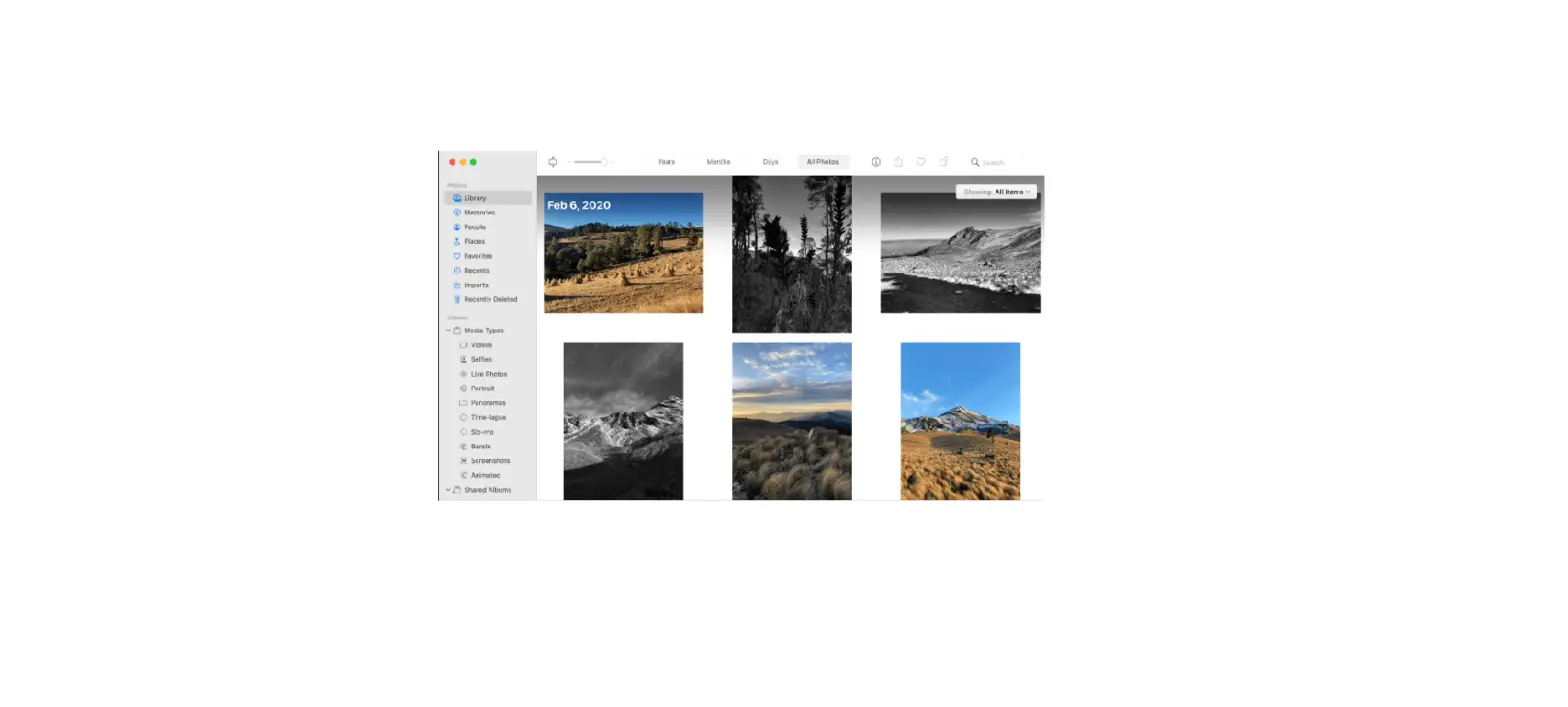
You can filter photos and videos in an album by favorites, edited, photos, and videos.
- Tap the Albums tab, then select an album.
- Tap
 , then tap Filter.
 - Choose how you want to filter the photos and videos in the album, then tap Done.
 ,
, To remove a filter from an album, tap  , tap All Items, then tap Done.