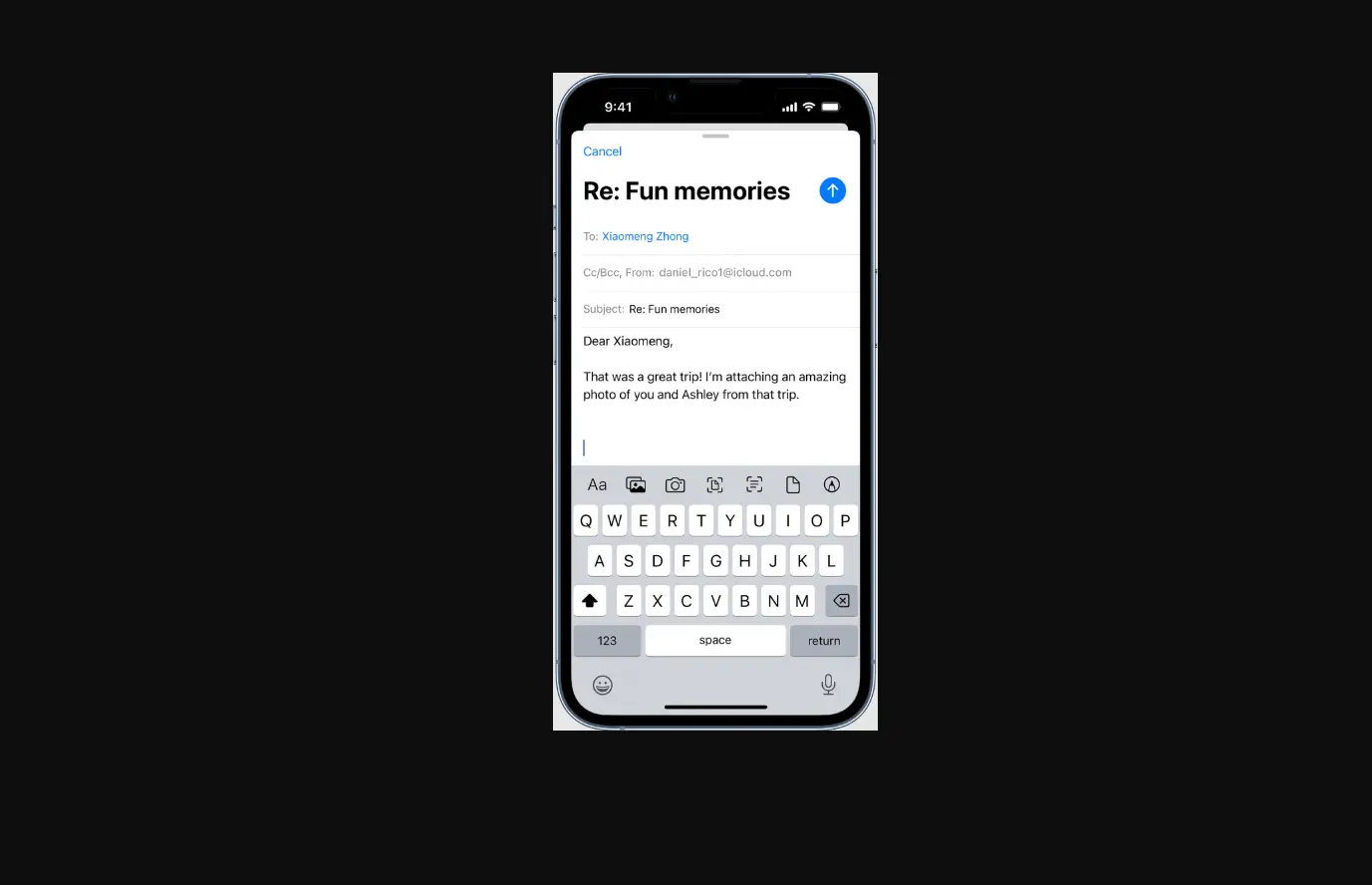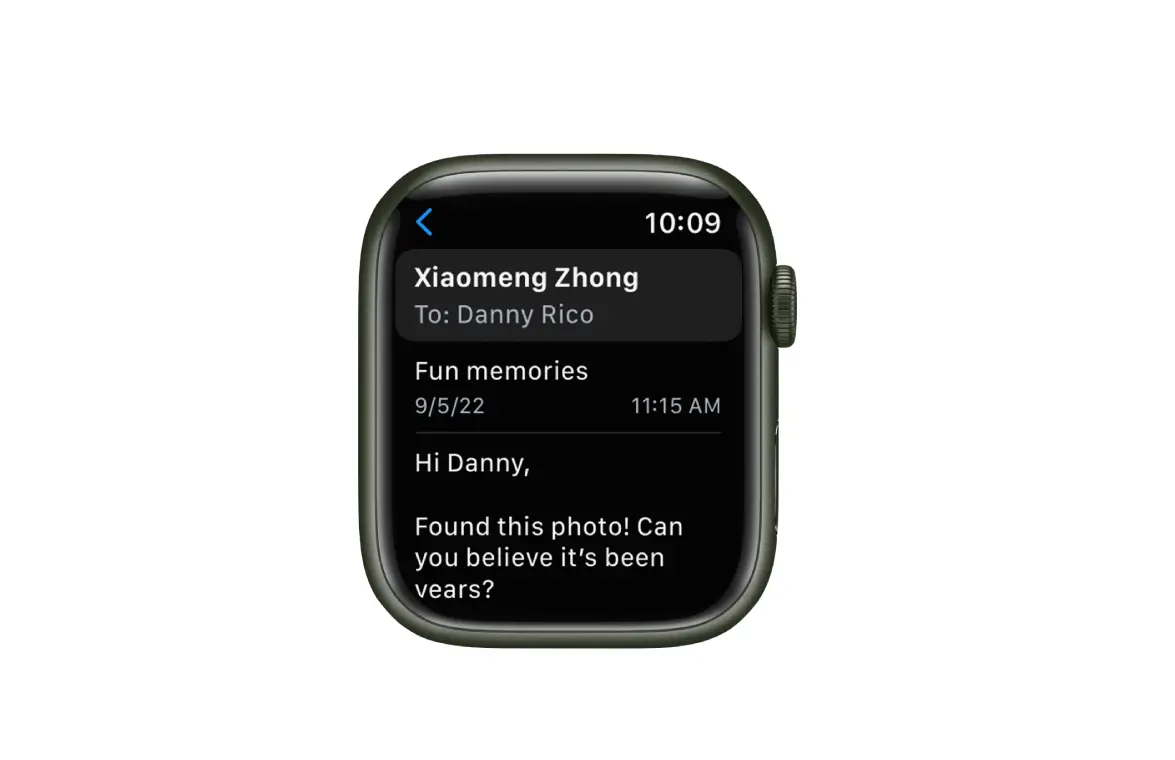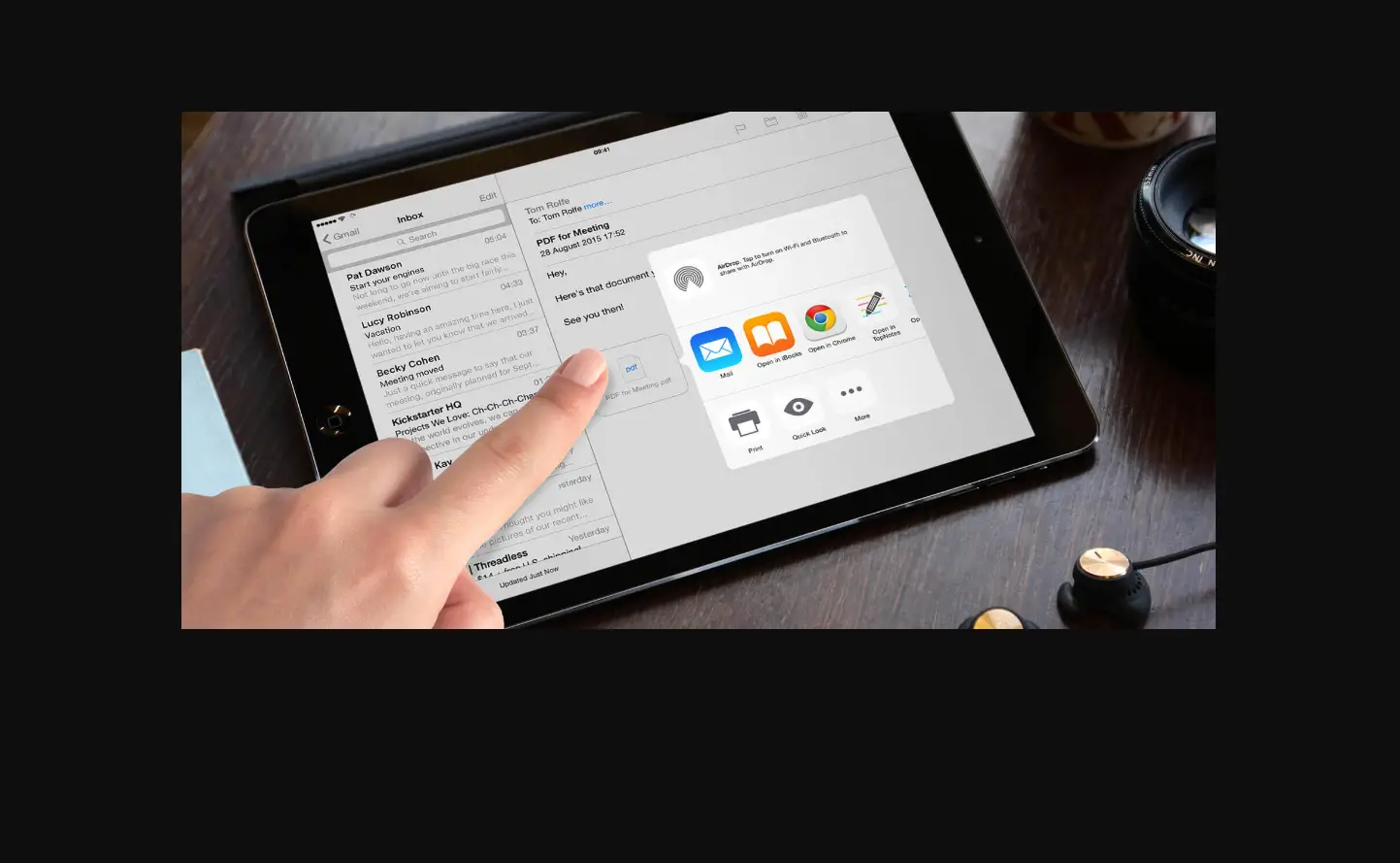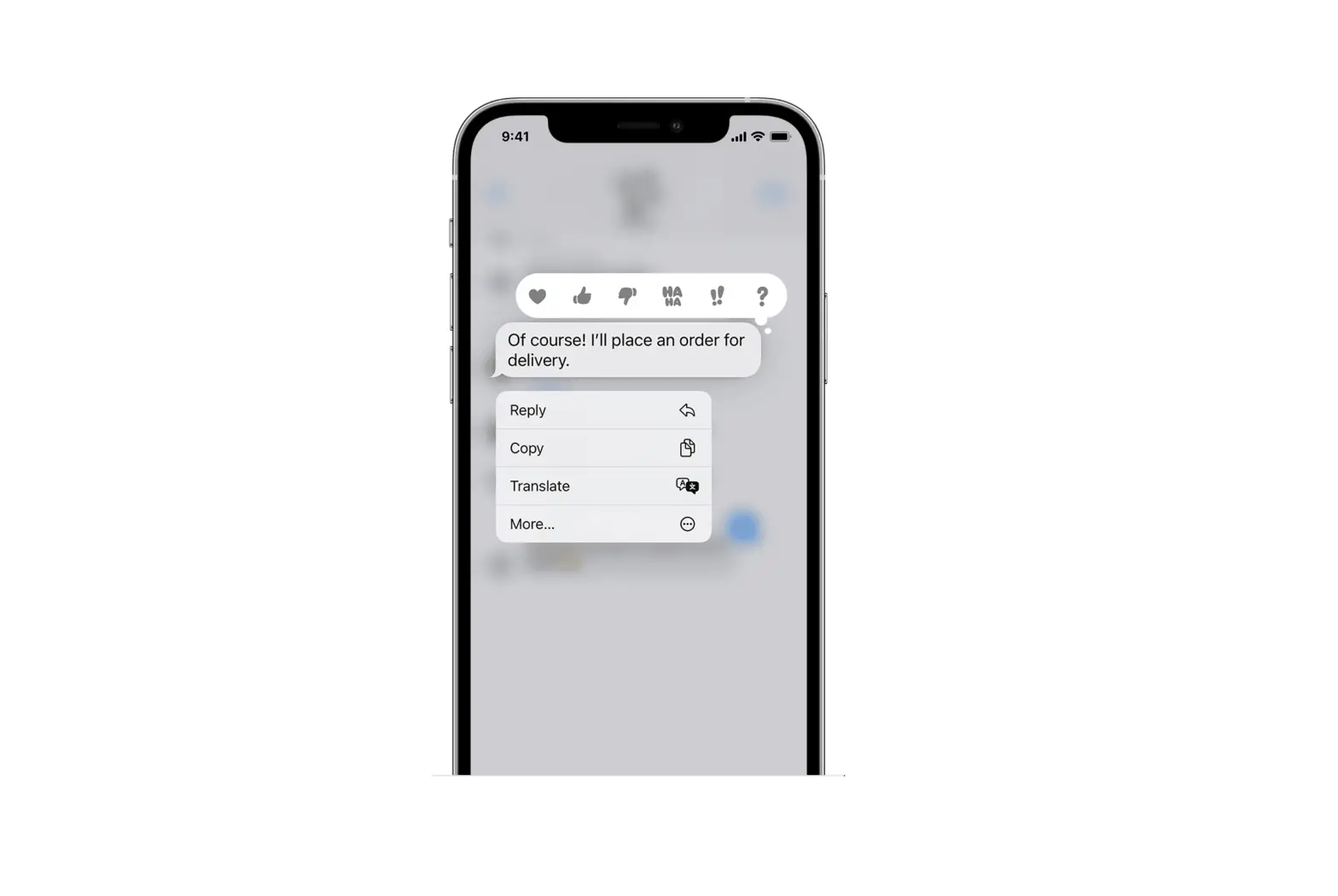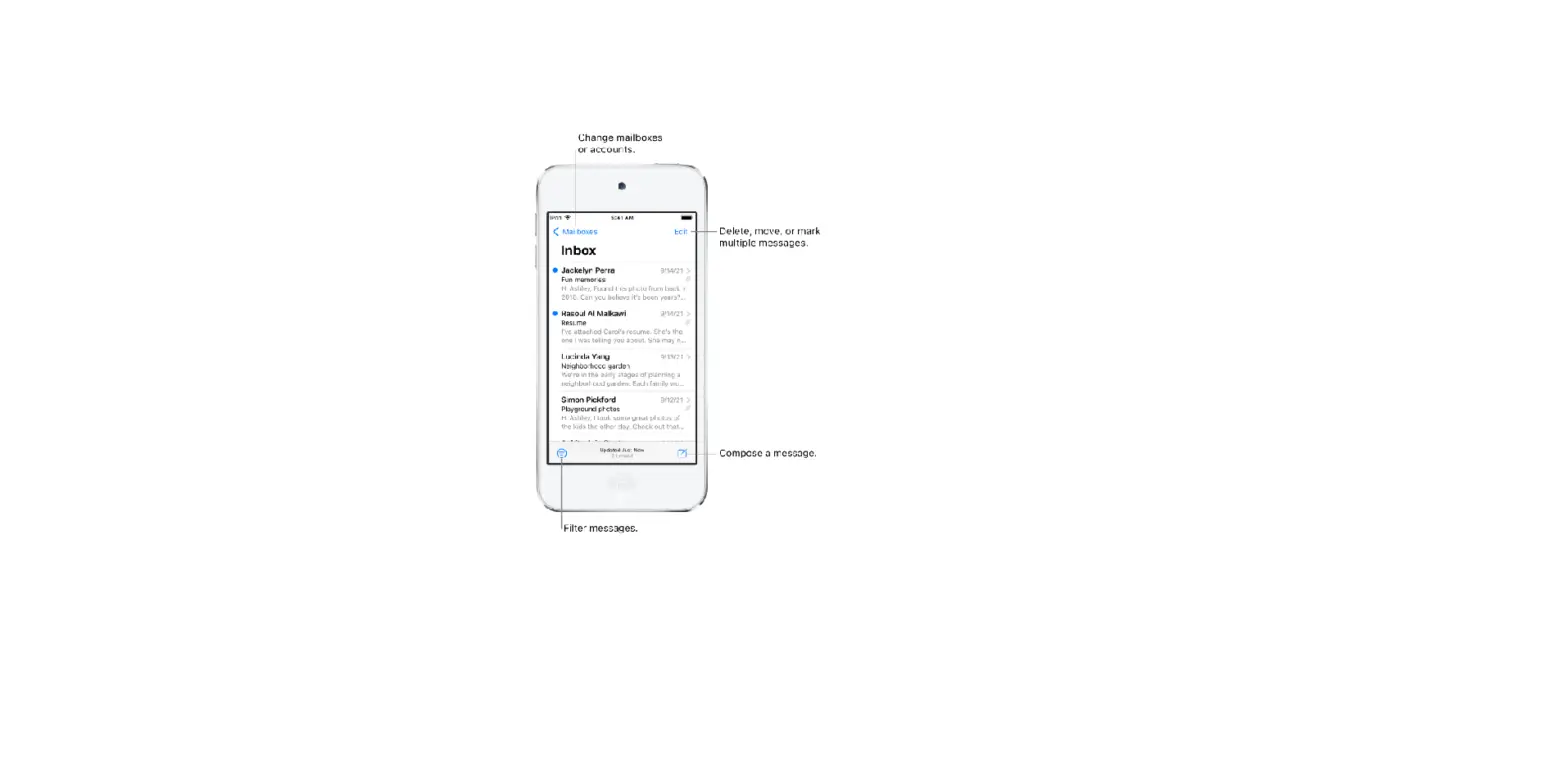
When you reply to an email, you can include text from the sender to clarify what you’re responding to.
- In the sender’s email, touch and hold the first word of the text, then drag to the last word. (See Select and edit text on iPod touch.)
- Tap
 , tap Reply, then type your message.
 ,
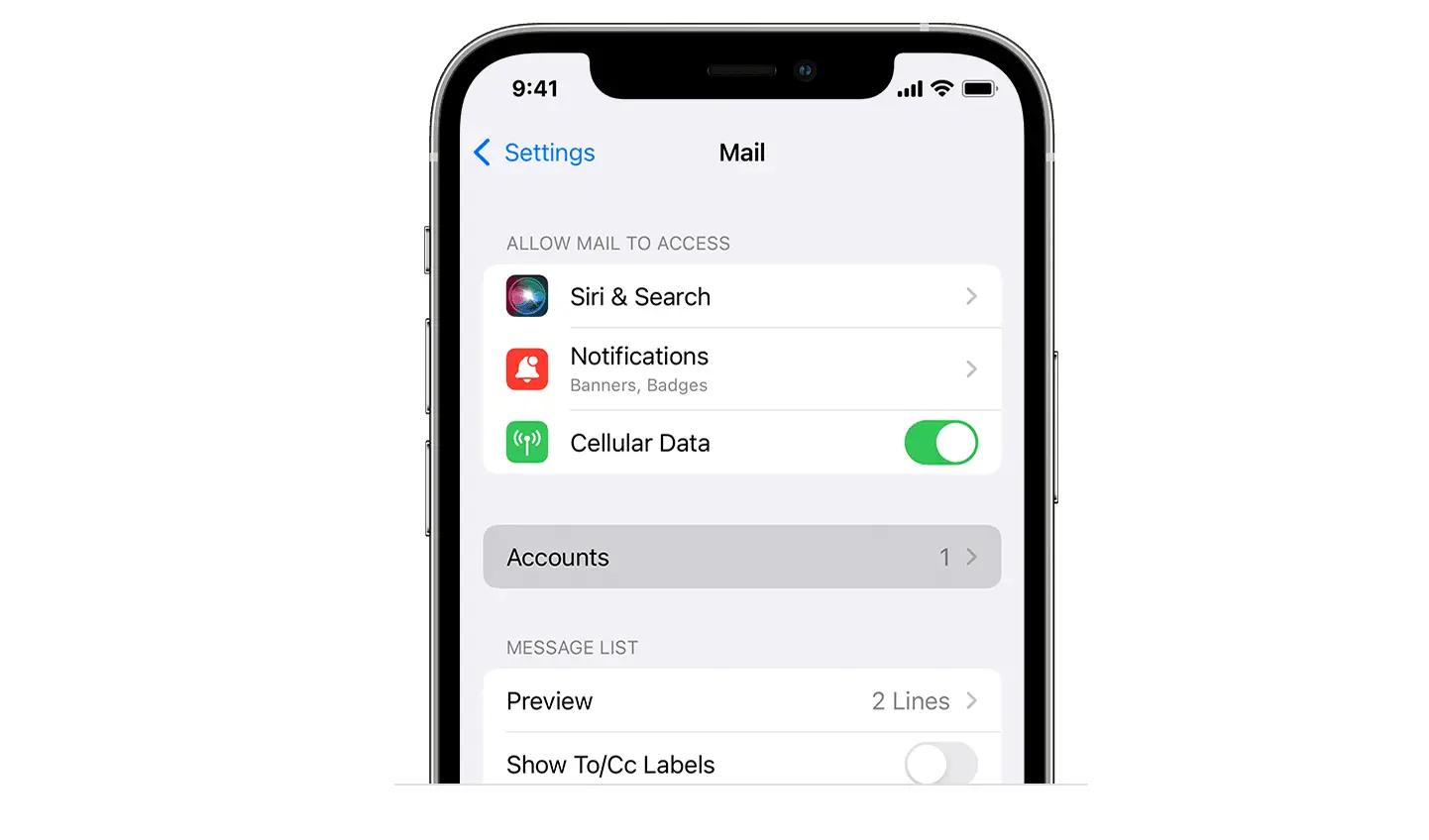
, To turn off the indentation of quoted text, go to Settings  > Mail > Increase Quote Level.