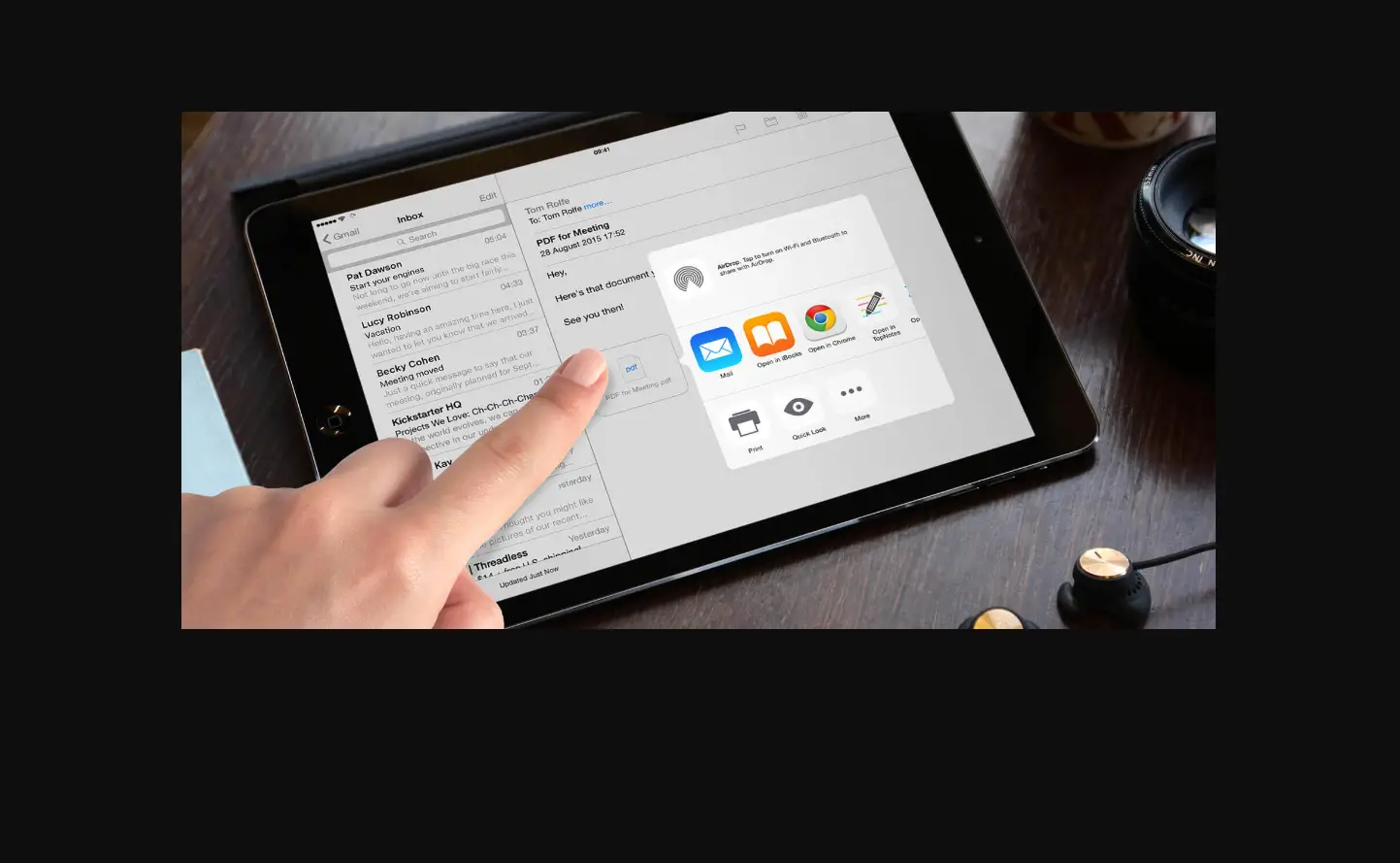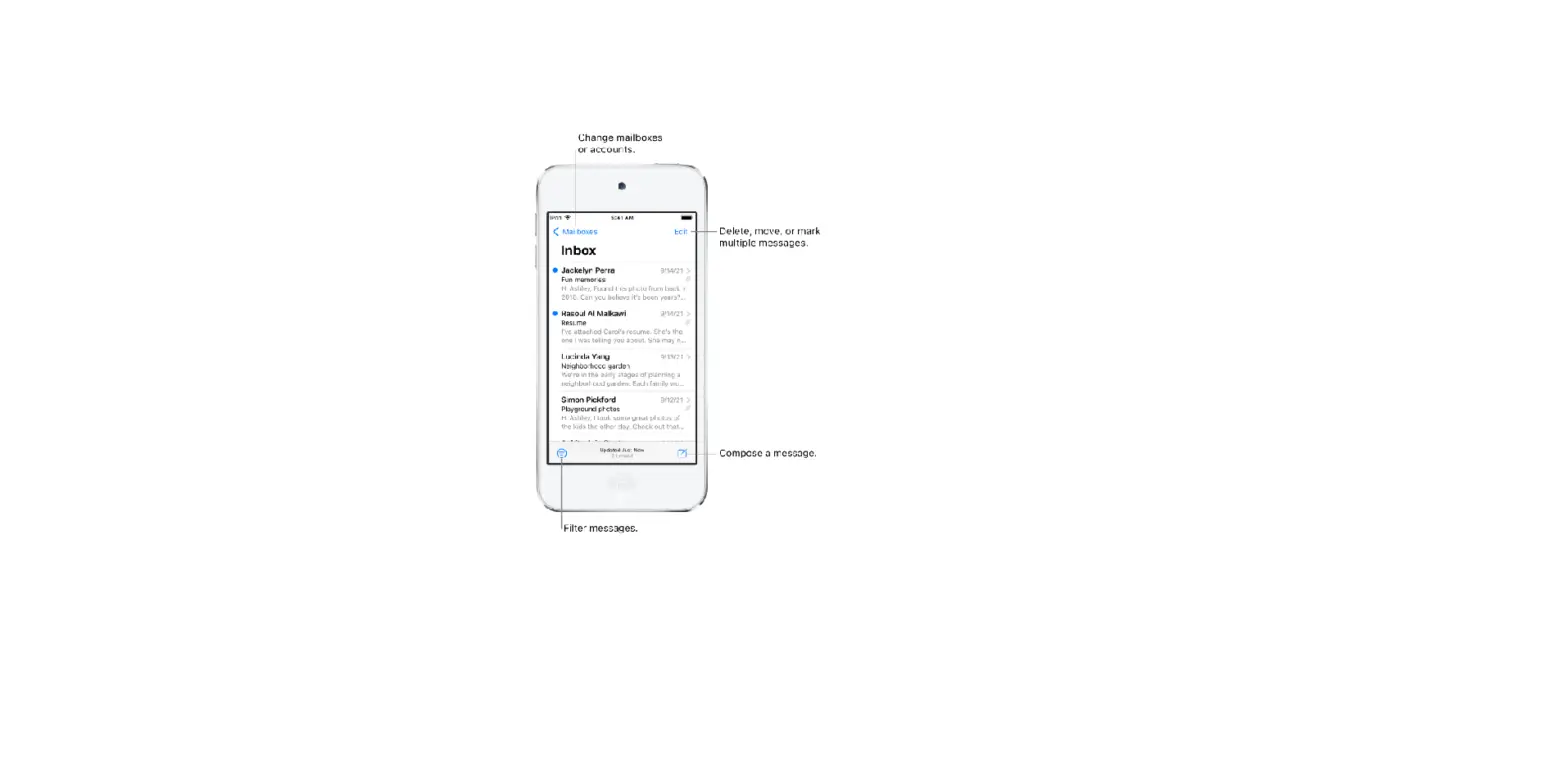
Mail Drop is an iCloud feature you can use to send files exceeding the maximum size allowed by your email account.
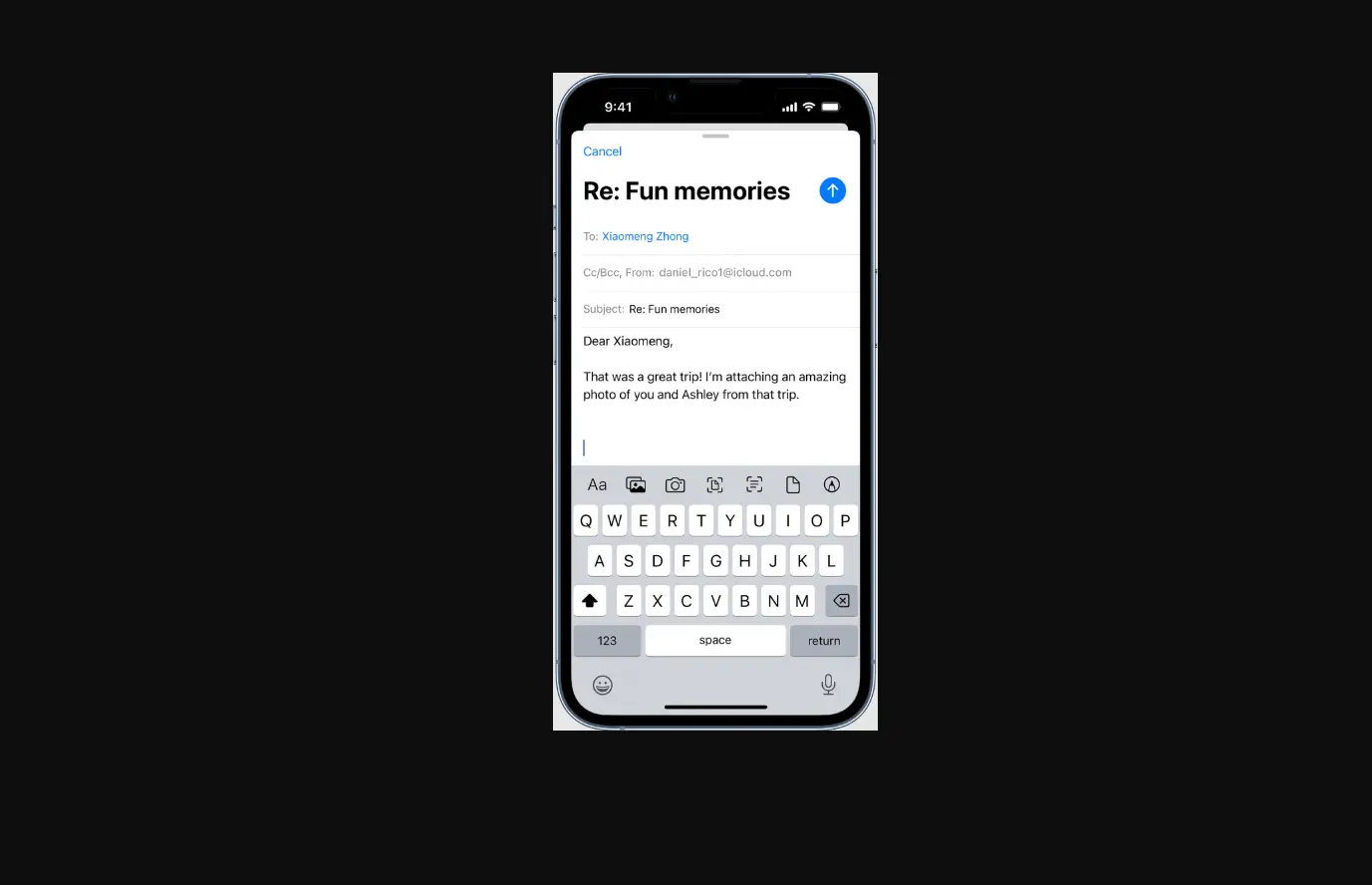
To use Mail Drop, tap Send when you’re ready to send an email with large attachments, then follow the onscreen instructions.
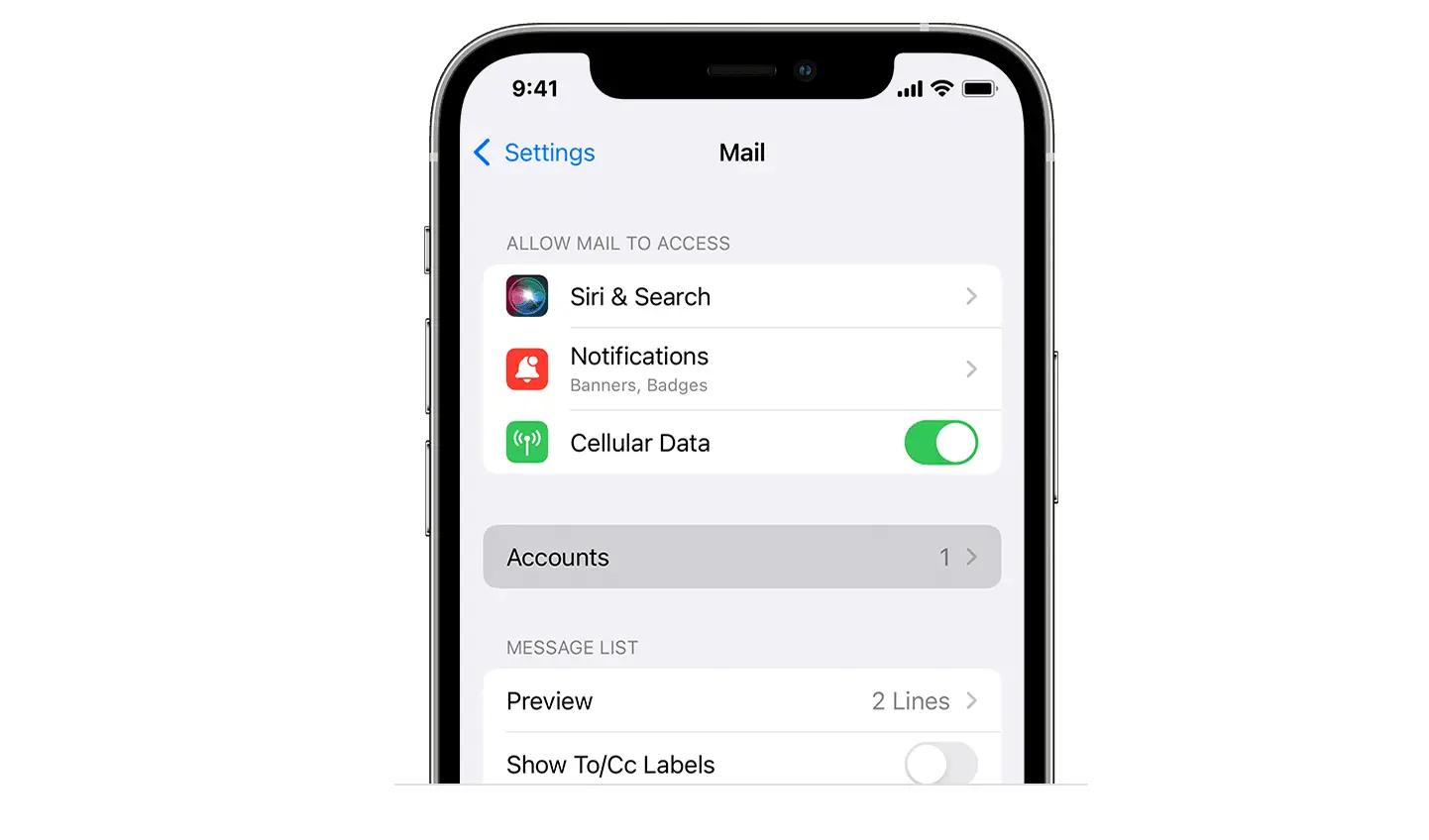
Mail must be turned on in Settings  > [your name] > iCloud. See the Apple Support article Mail Drop limits.
To learn how to send any attachment, see Add attachments to an email on iPhone.