If the screen isn’t working on your iPhone or iPad
Learn what to do.
If your screen is too sensitive or responds intermittently to touch
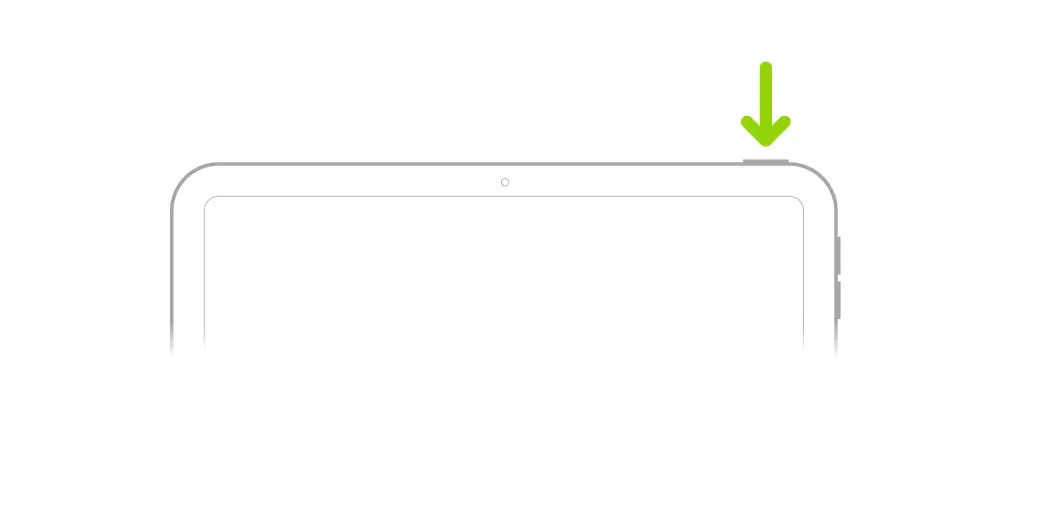
- Restart your device.
- Make sure your screen is clean and free of any debris or water.
- Disconnect any Lightning or USB-C accessories. If your screen works after removing an accessory, try using a different outlet, cable, or charger.
- Remove any cases or screen protectors.
If part of your screen doesn’t respond, responds intermittently, or responds even when it’s not touched, contact Apple Support for your iPhone or iPad.
If your screen is cracked or shattered
Published Date: