You can take a full-page, scrolling screenshot of a webpage, document, or email that exceeds the length of your iPhone screen. The screenshot is saved as a PDF.
- Do one of the following:
- On an iPhone with Face ID: Simultaneously press and then release the side button and volume up button.
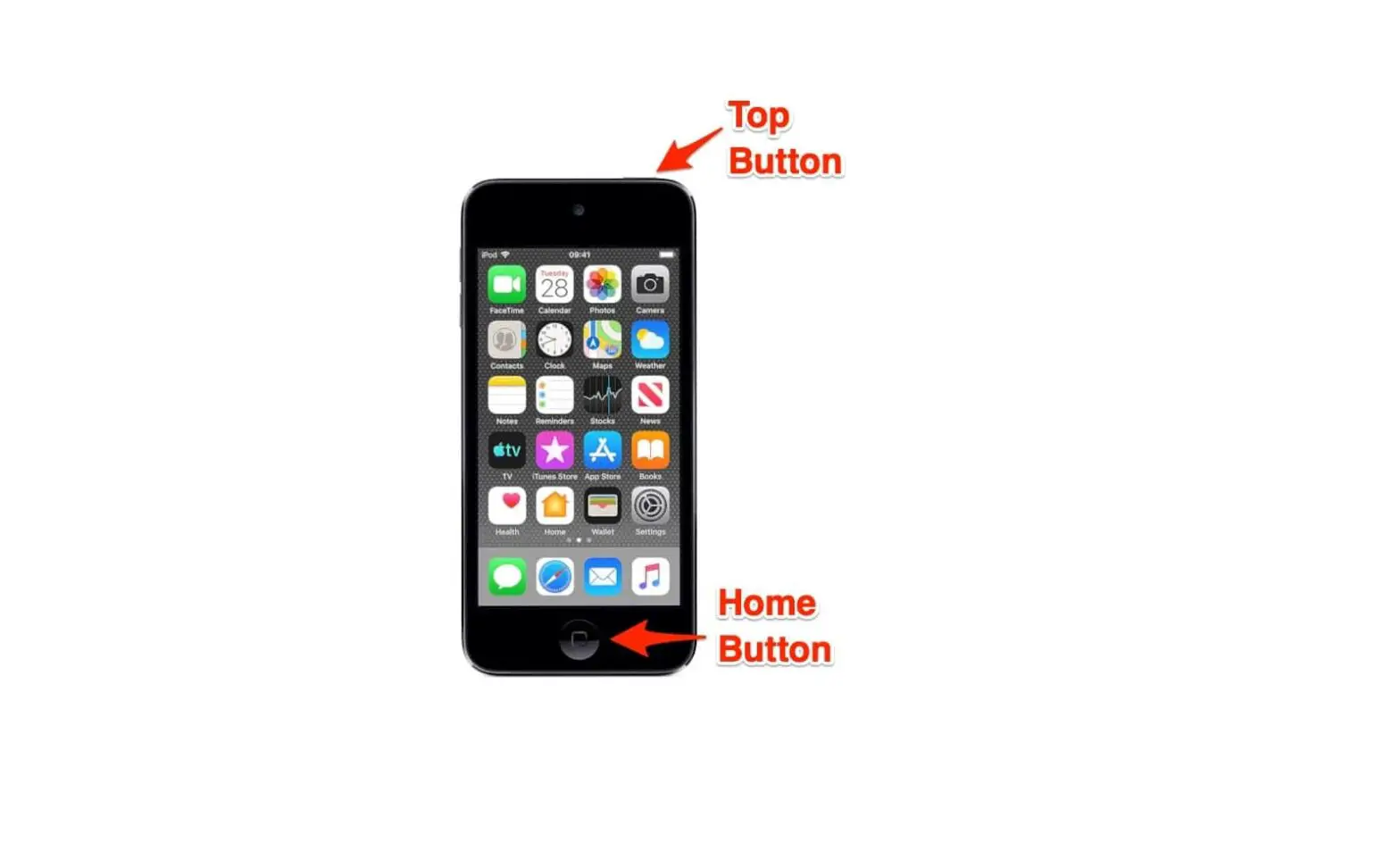
- On an iPhone with a Home button: Simultaneously press and then release the Home button and the side button or Sleep/Wake button (depending on your model).
- Tap the screenshot in the lower-left corner, then tap Full Page.
- Do any of the following:
- Save the screenshot: Tap Done, choose Save PDF to Files, choose a location, then tap Save.
- Share the screenshot: Tap
 , choose a sharing option (for example AirDrop, Messages, or Mail), enter any other requested information, then send the PDF.
 ,
,