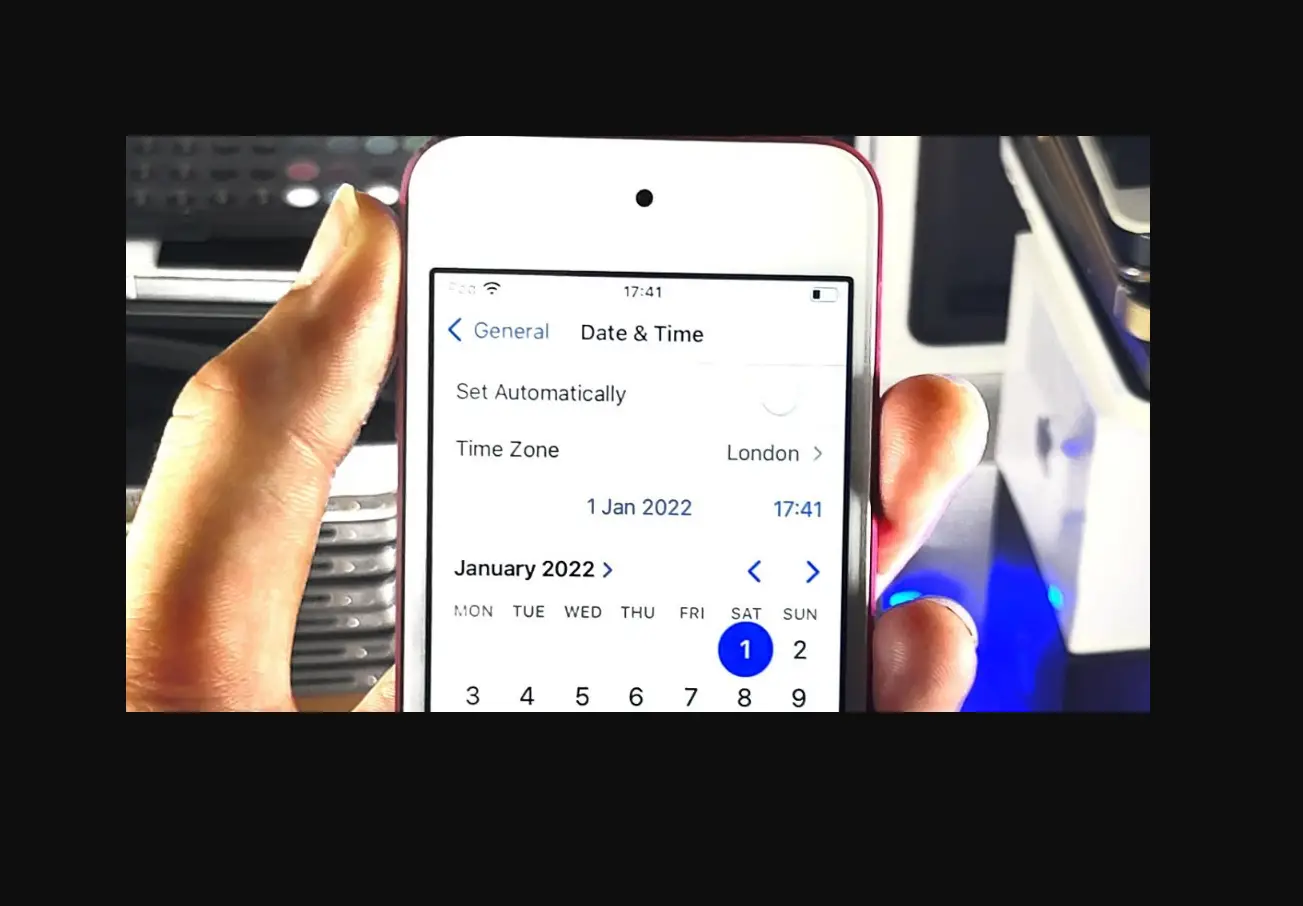
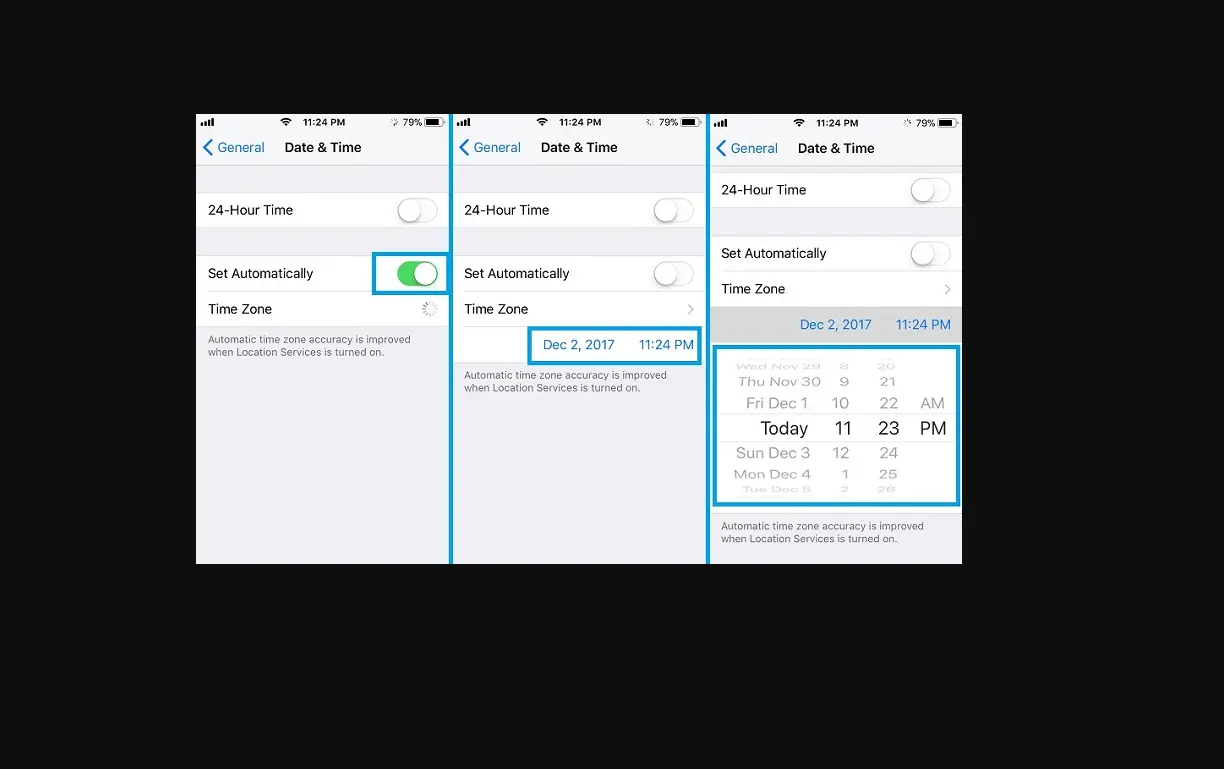
Home » Blog » Set The Date And Time On Ipod Touch Set The Date And Time On Ipod Touch By default, the date and time, visible on the Lock Screen, are set automatically based on your location. If they’re incorrect, you can adjust them.To change the default date and time, turn off Set Automatically, then change the date and time displayed. Documents / Resouces Download manual Here you can download full pdf version of manual, it may contain additional safety instructions, warranty information, FCC rules, etc. To access the pdf donwload links, solve the captcha. Related Manuals Set The Date And Time On Iphone Set The Date And Time On Ipad Set Up Screen Time For A Family Member On Ipod Touch Use Screen Time On Your Iphone, Ipad, Or Ipod Touch Setting The Date And Time - Huawei Mate 10 Adjust Touch Settings On Ipod Touch Set Up Your First Sleep Schedule In Health On Ipod Touch Set Up Screen Time For Yourself On Iphone Create And Edit Events In Calendar On Ipod Touch Add Or Change Sleep Schedules In Health On Ipod Touch Turn On And Set Up Ipod Touch Turn On And Set Up Ipod Touch Tell Time On Apple Watch Tell Time On Apple Watch Set Up Facetime On Ipod Touch Turn Off Alarms And Delete Sleep Schedules In Health On Ipod Touch Set Up Reminders Accounts On Ipod Touch Set Up Reminders Accounts On Ipod Touch Choose Ipod Touch Settings For Travel Add Reminders On Ipod Touch