You can automatically route the audio of FaceTime calls to your headphones, speaker, or hearing devices.
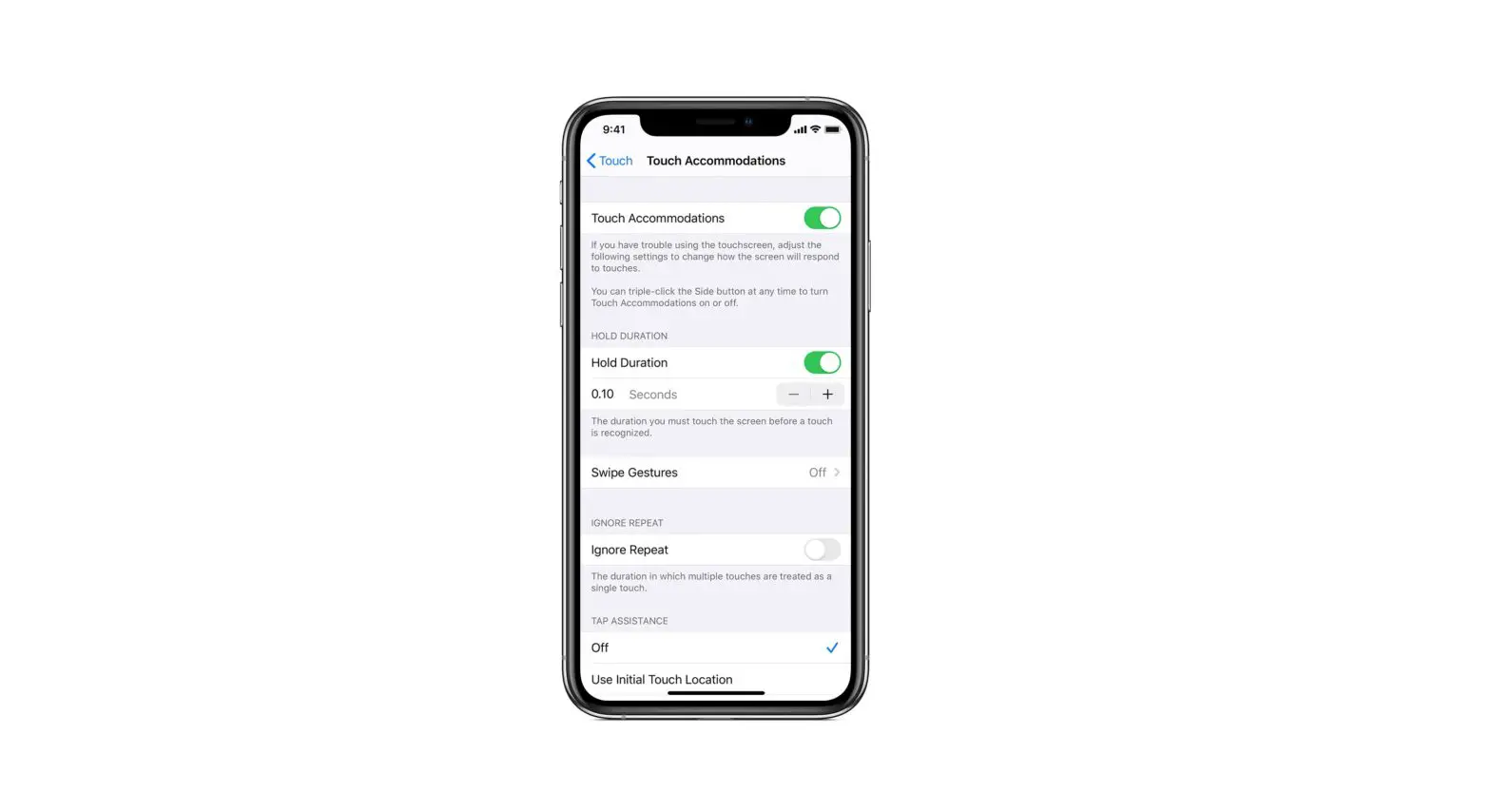
- Go to Settings
 > Accessibility > Touch > Call Audio Routing.
 - Choose an audio destination for calls.
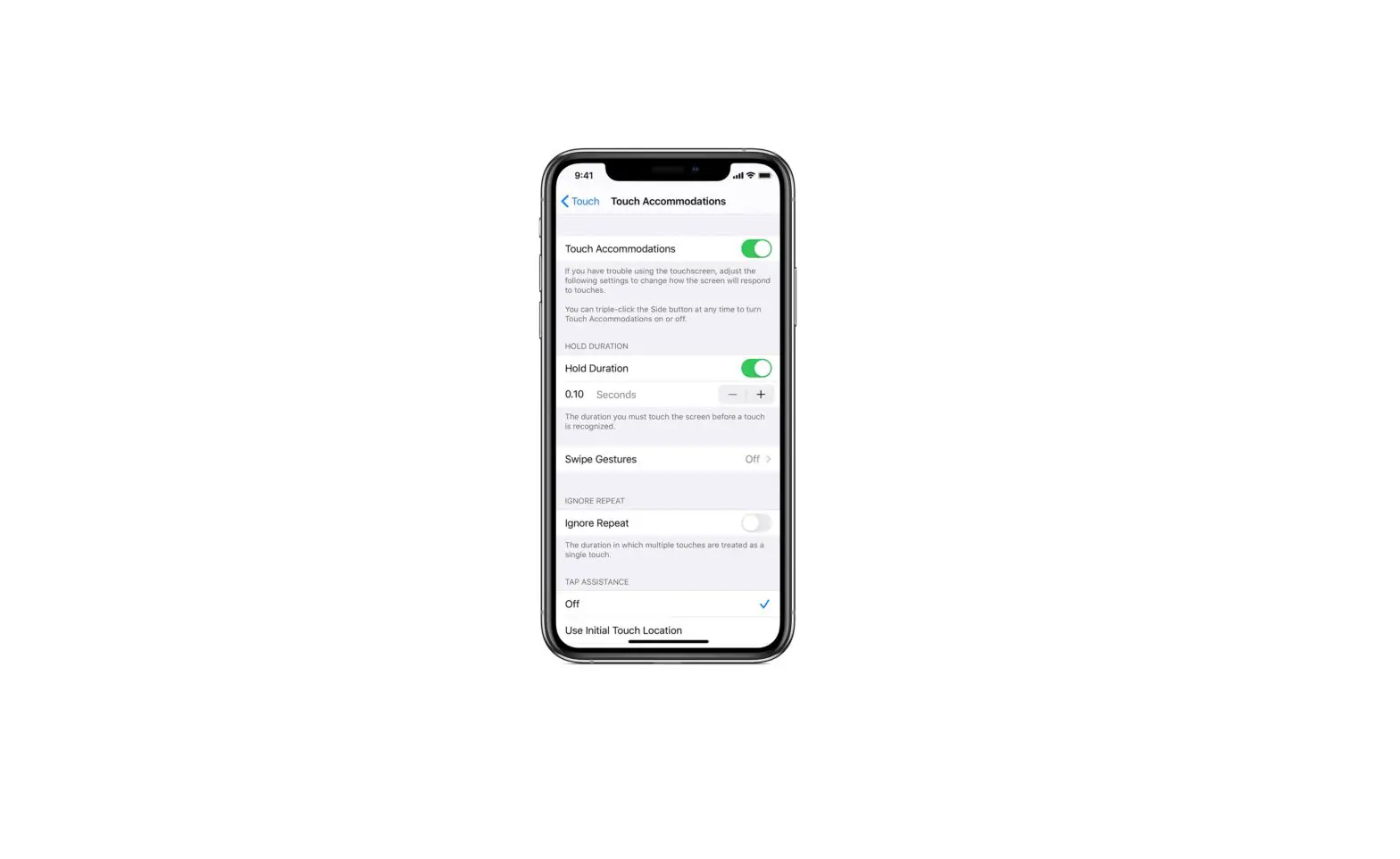
- To have iPod touch answer calls automatically, tap Auto-Answer Calls, turn on Auto-Answer Calls, then tap
 or to set the duration of time before the call is answered.
 > Accessibility > Touch > Call Audio Routing.
 or
or  to set the duration of time before the call is answered.
During a call, you can switch the audio routing from your hearing aid to the iPod touch speaker by removing the hearing aid from your ear. See Use hearing devices with iPod touch.