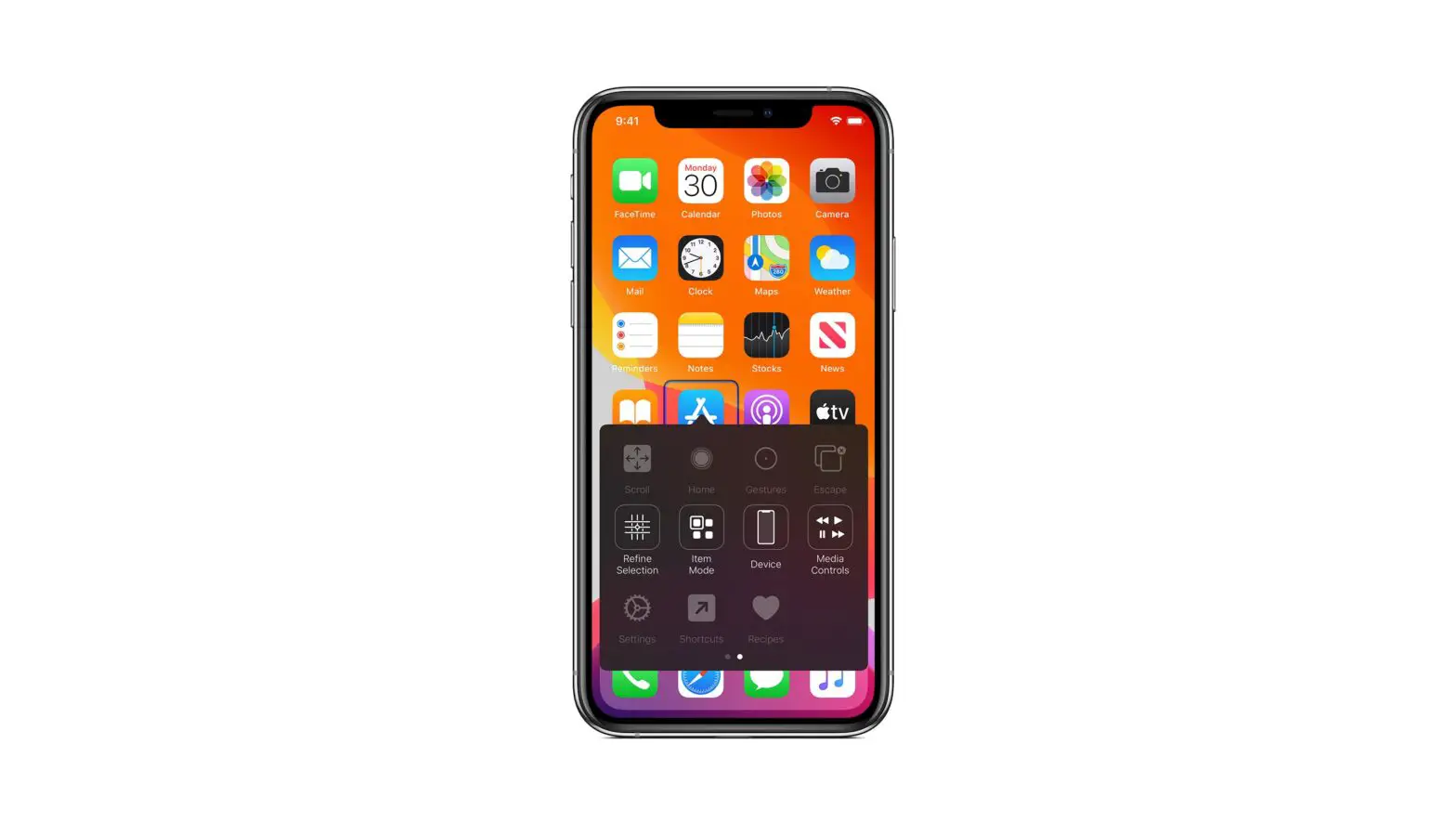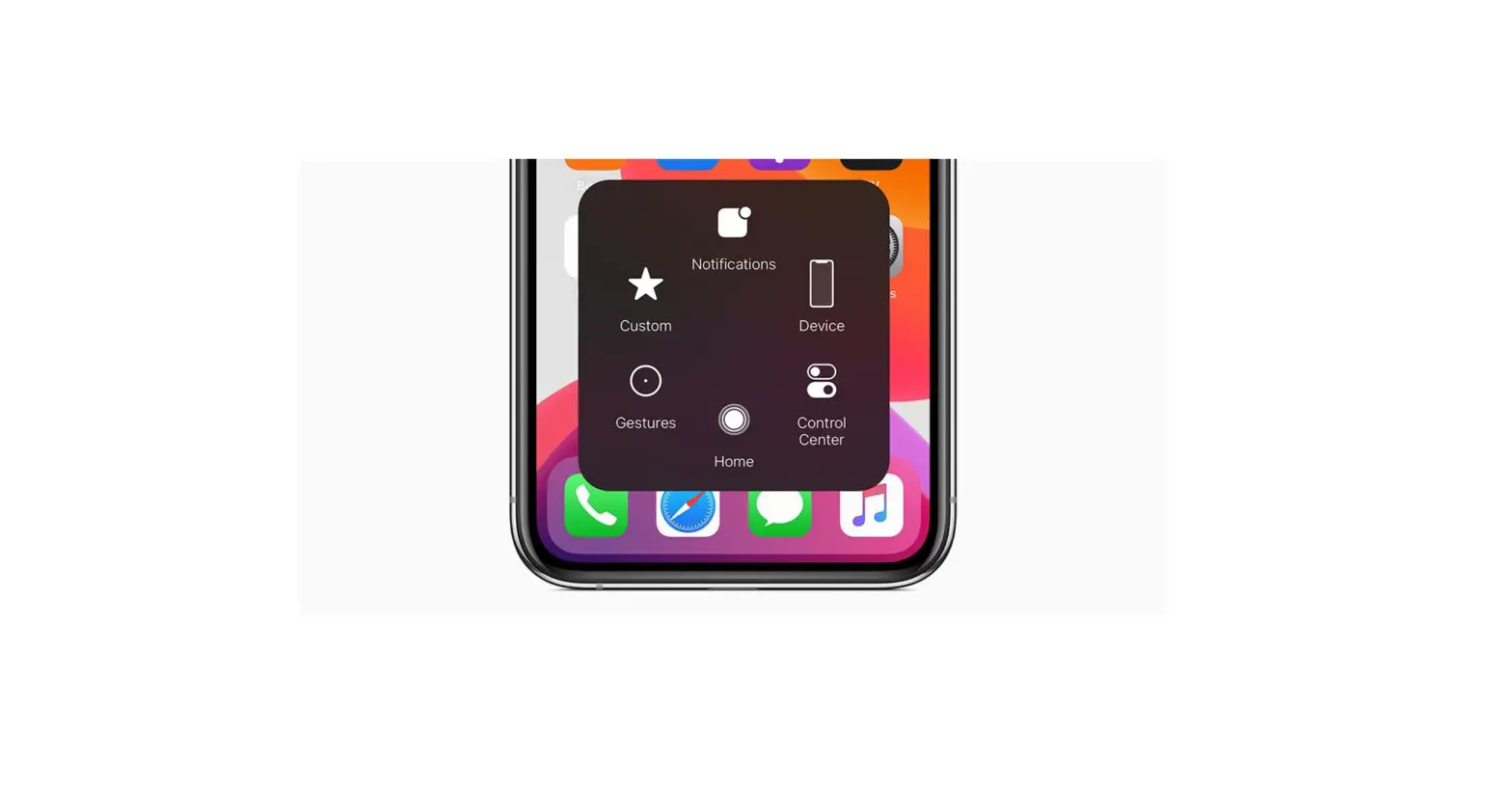
You can double-tap or triple-tap the back of iPhone to perform certain actions—such as scroll up or down, take a screenshot, open Control Center, activate a shortcut in the Shortcuts app, or turn on an accessibility feature.
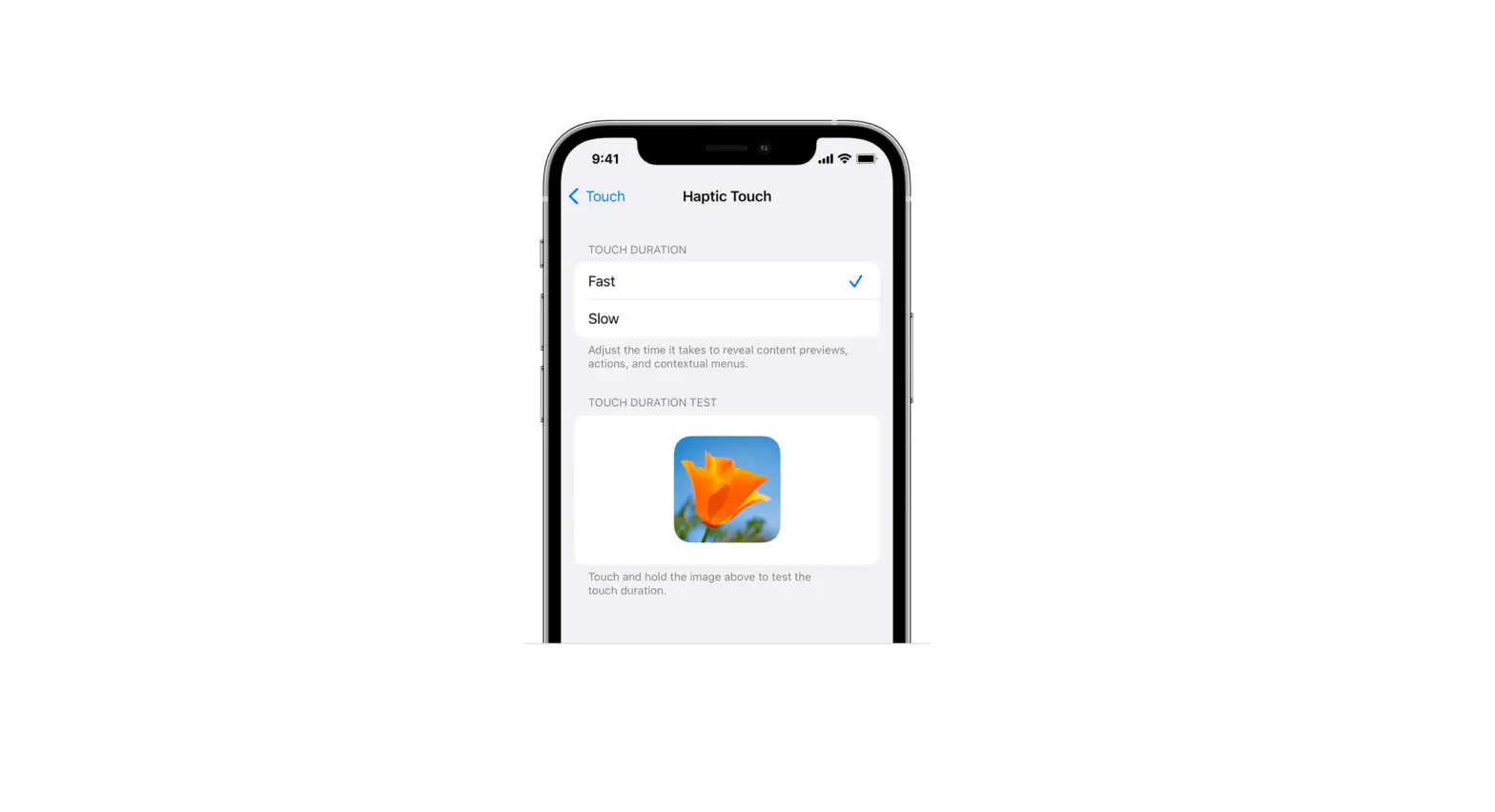
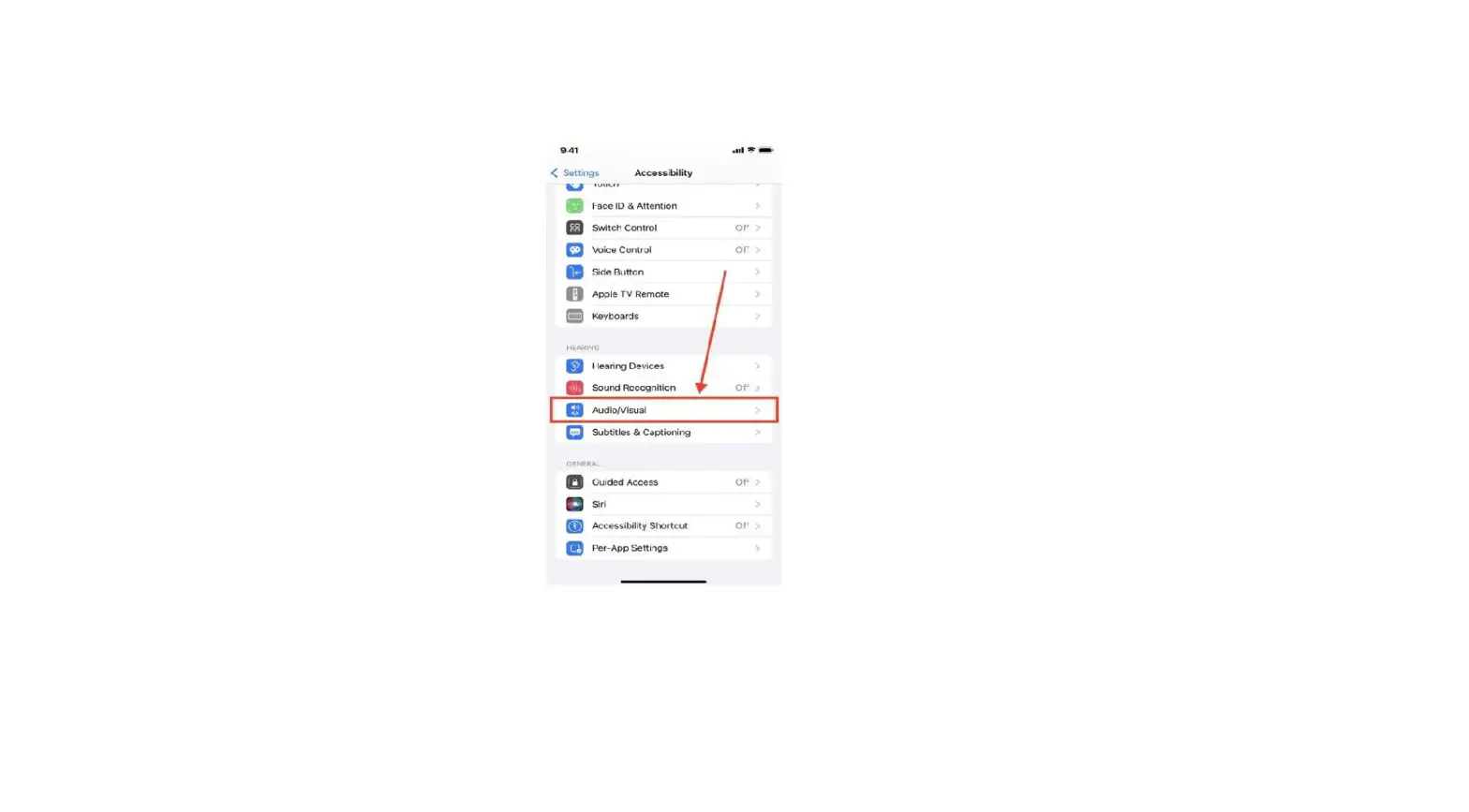
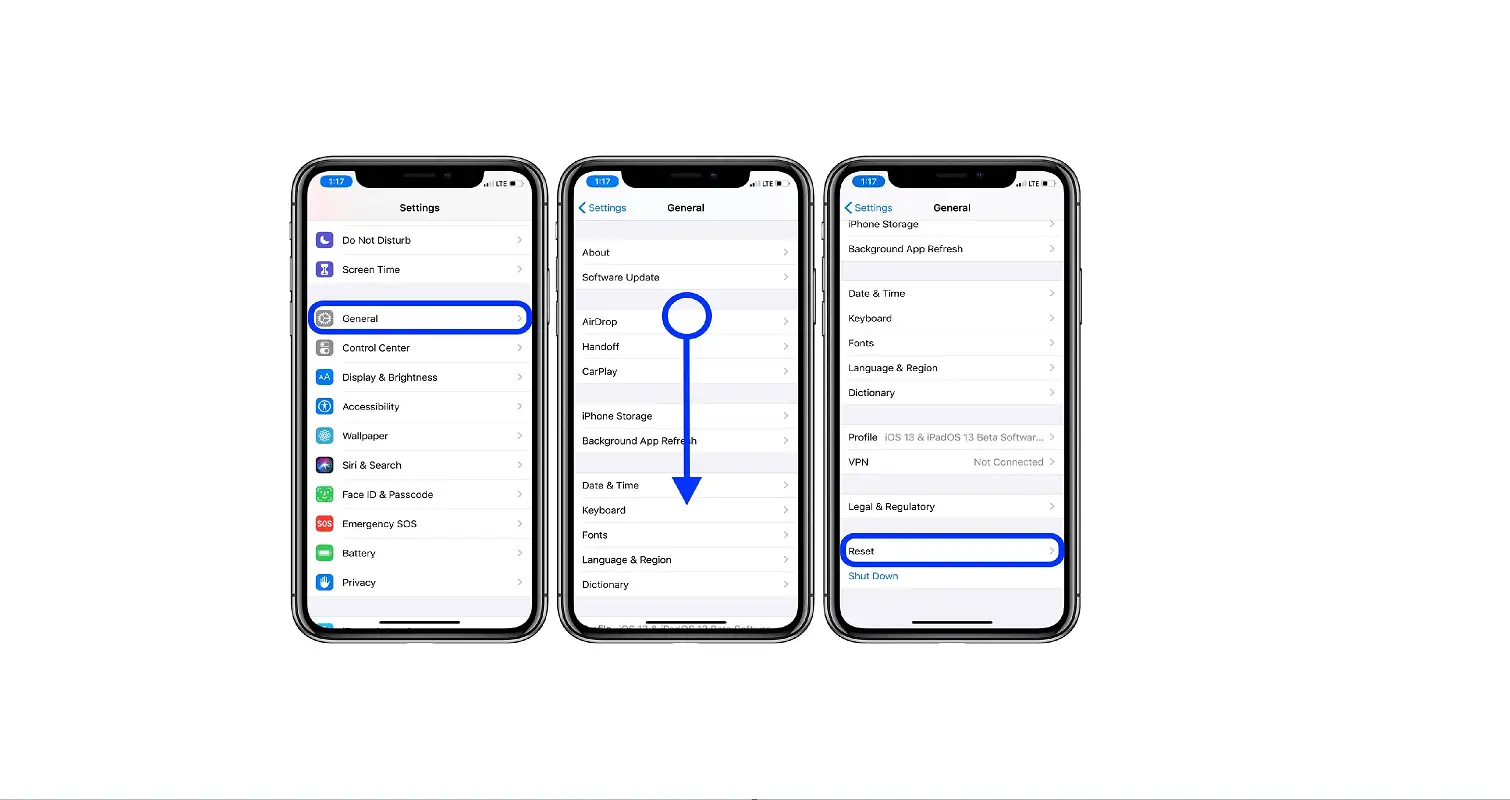
- Go to Settings
 > Accessibility > Touch > Back Tap.
 - Choose Double Tap or Triple Tap, then choose an action.
 > Accessibility > Touch > Back Tap.