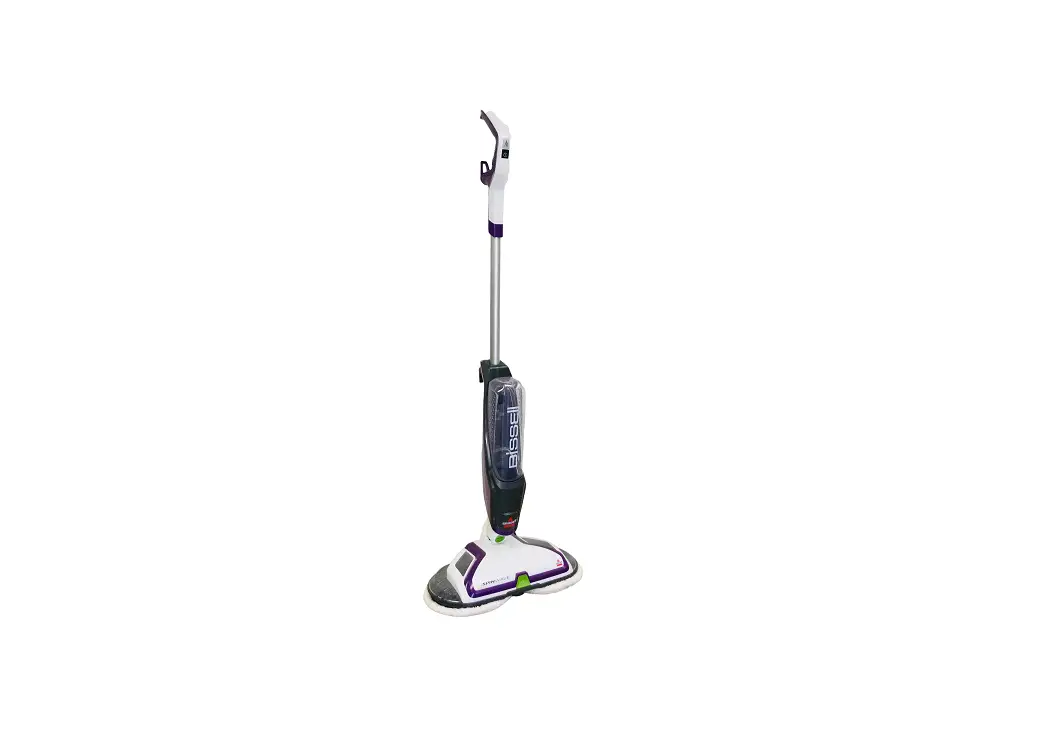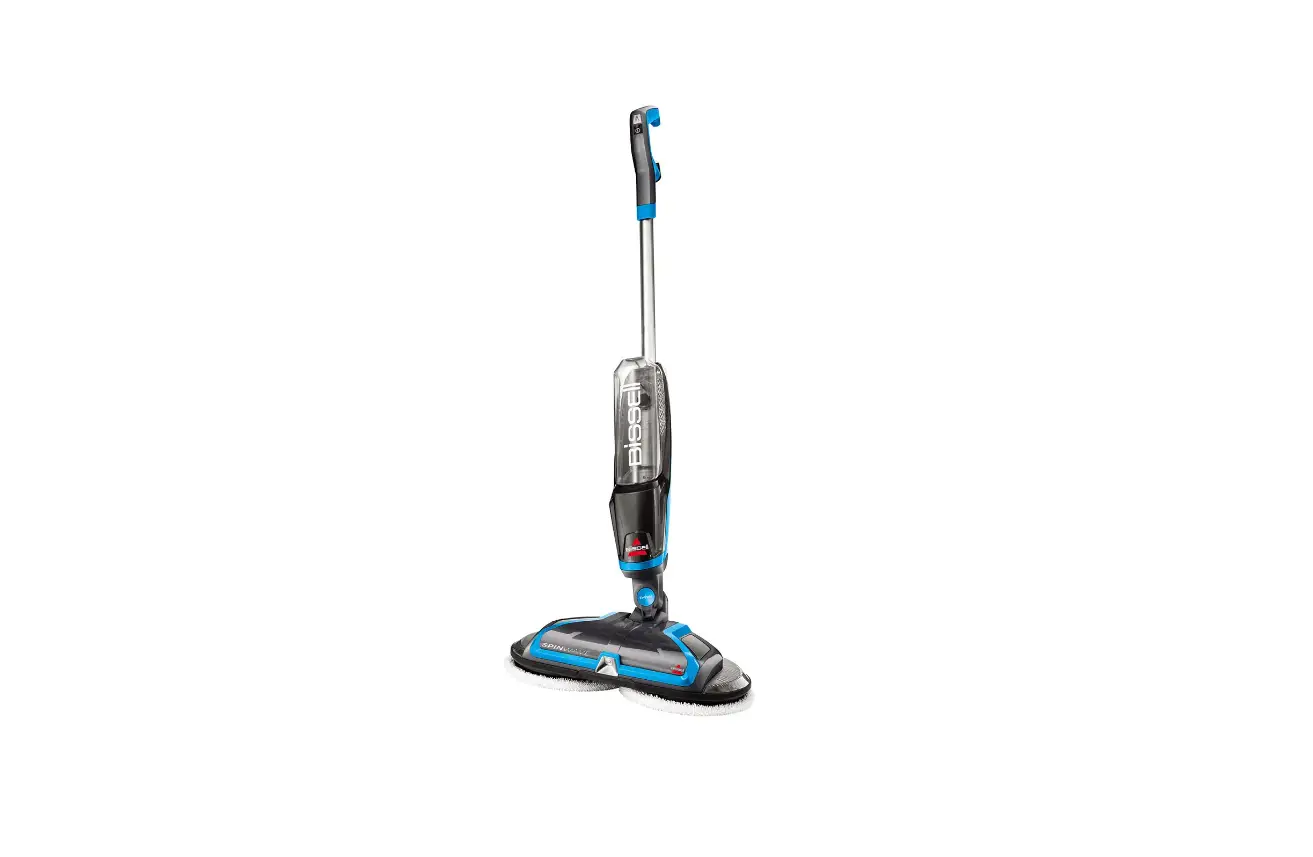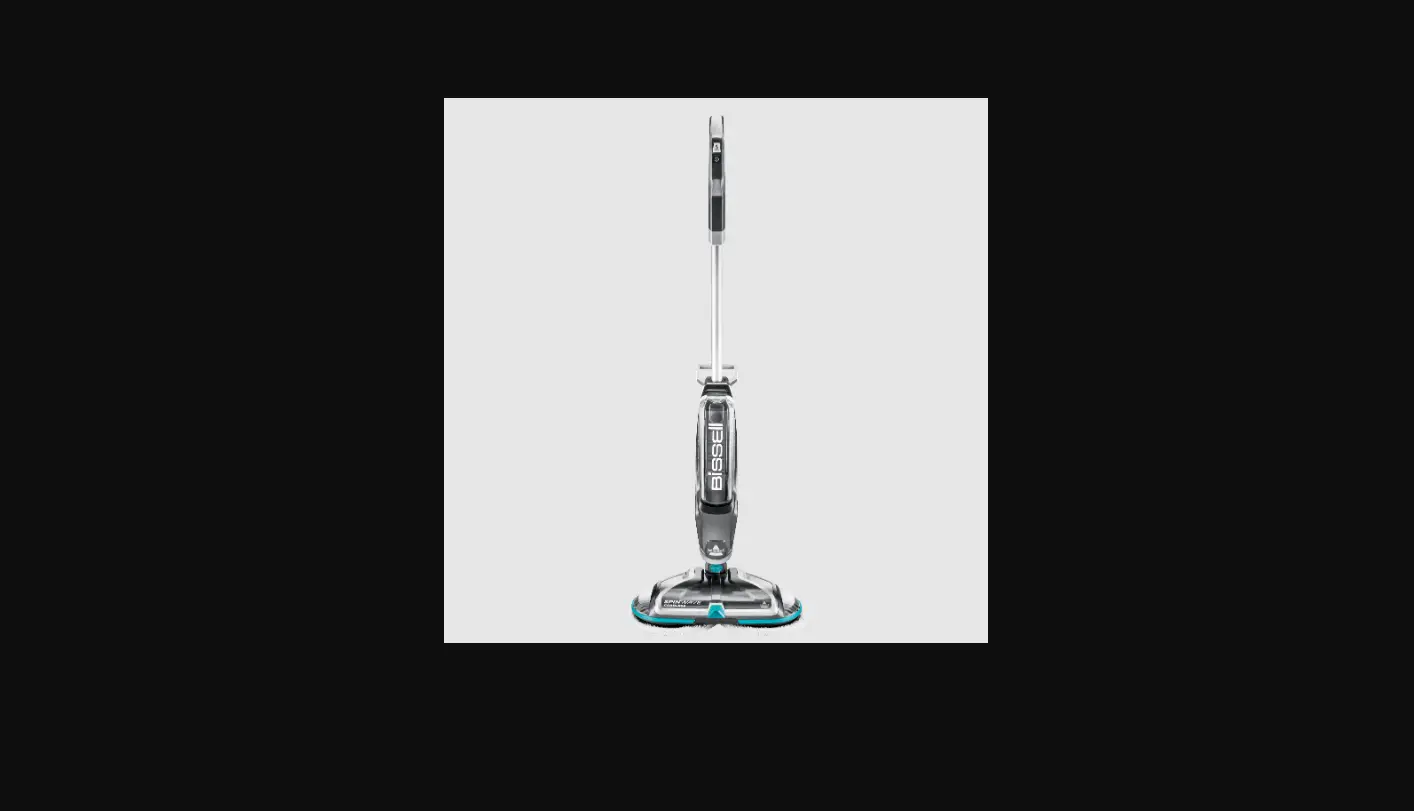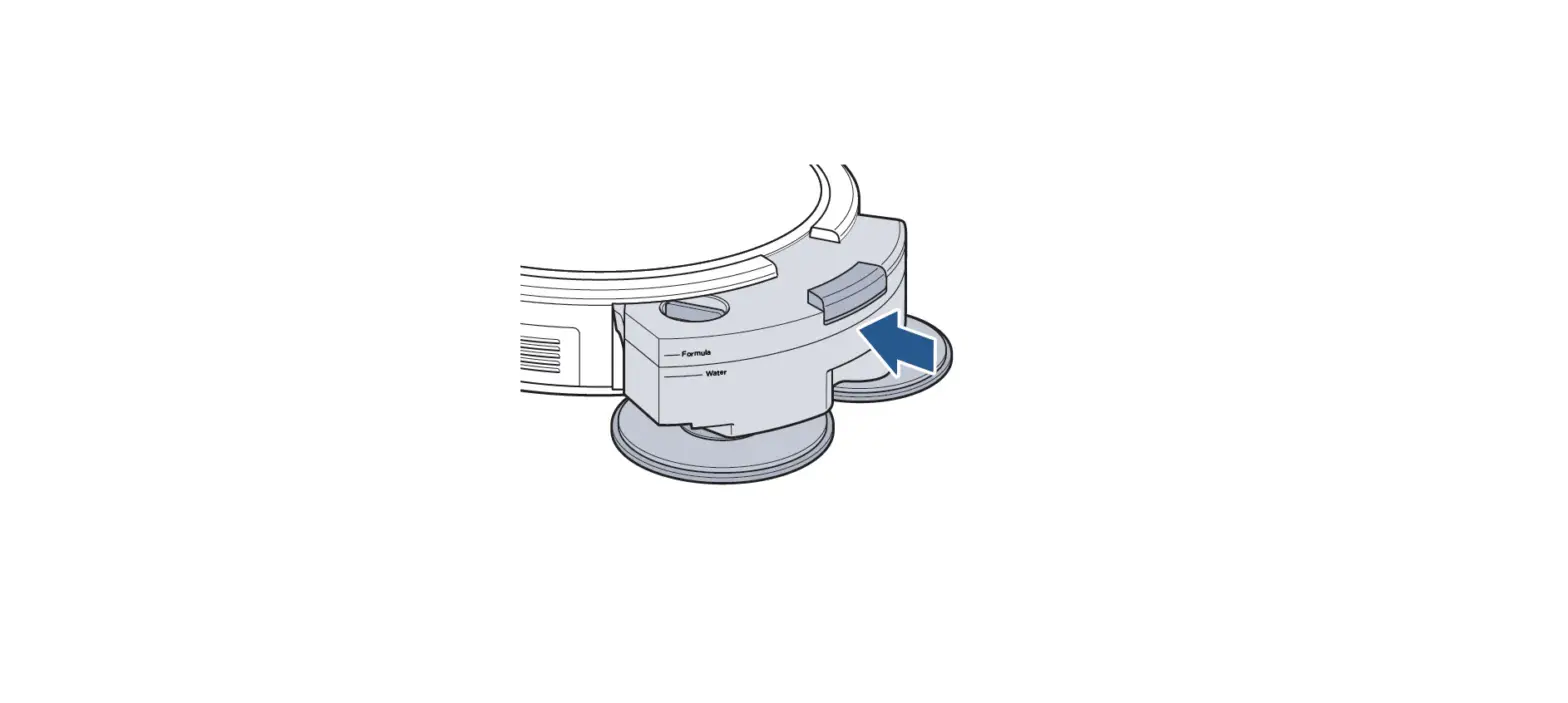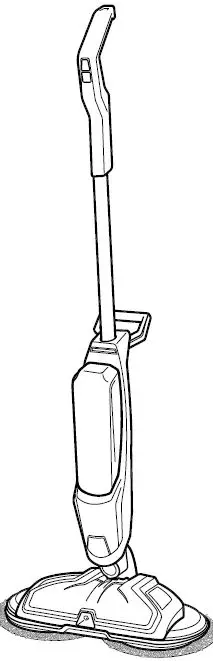
- Unplug the machine
- Lay machine on its back

- Remove pads
- Unscrew the right disc screw by twisting it counter clockwise
- Unscrew the left disc screw by twisting it clockwise
- Discs will need to be pried up to be removed, this will not break the machine
- Pry discs from both sides by pulling straight off the foot of the machine
- A flathead screwdriver can be used to gently pry up discs to get a hand hold on each end
- Line up the flat sides of the metal posts into the slots on the new disc
- Firmly press discs into place
- Screw the right disc screw clockwise until tight to secure disc
- Screw the left disc screw counter clockwise until tight to secure disc
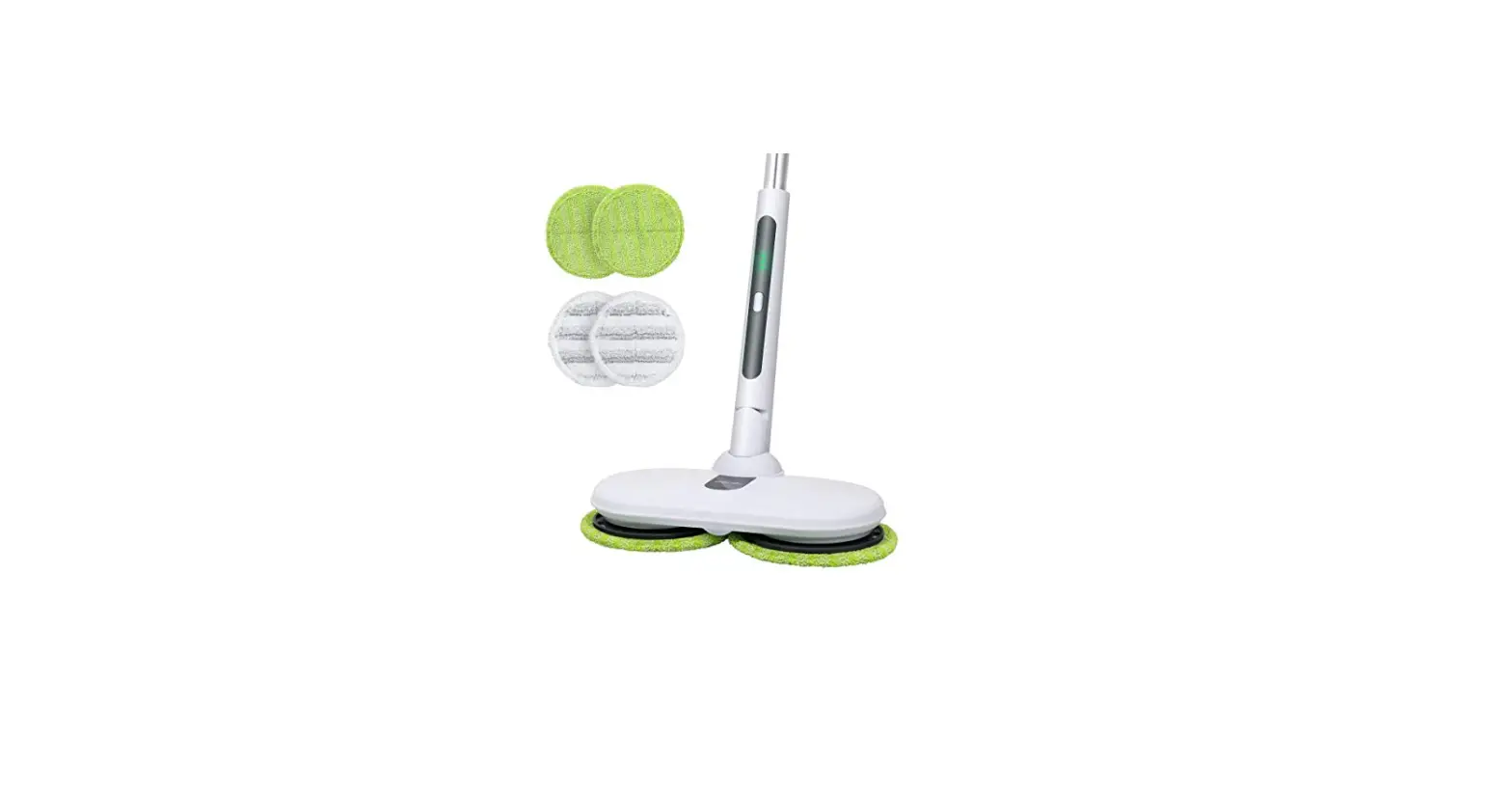
- Fold pads in half and line up the grey dot in the center of mop pads to the screw in the center of the disc


HANDLE WON’T STAY IN PLACE
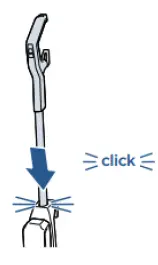
- Handle must click into place – take handle out if possible
- To remove handle use a screwdriver to press the button under the handle on the SpinWave Cordless or under the cord wrap on SpinWave Cordless, and pull up on the handle

- If you are having trouble inserting the handle into the machine:
- remove the handle
- attempt to re-install the handle into the machine until it clicks
- Check plastic latch at the base of the handle tube for crack/damage
- If damaged, visit a BISSELL Authorized Service Center or Contact Us
- If there is no damage, reinsert handle with some force until there is a click