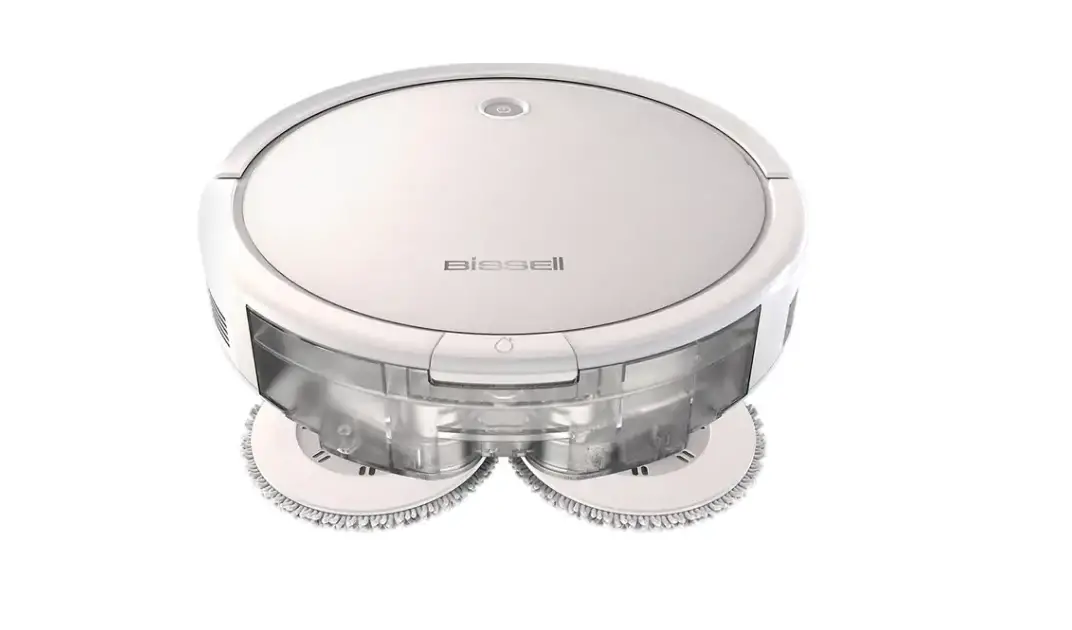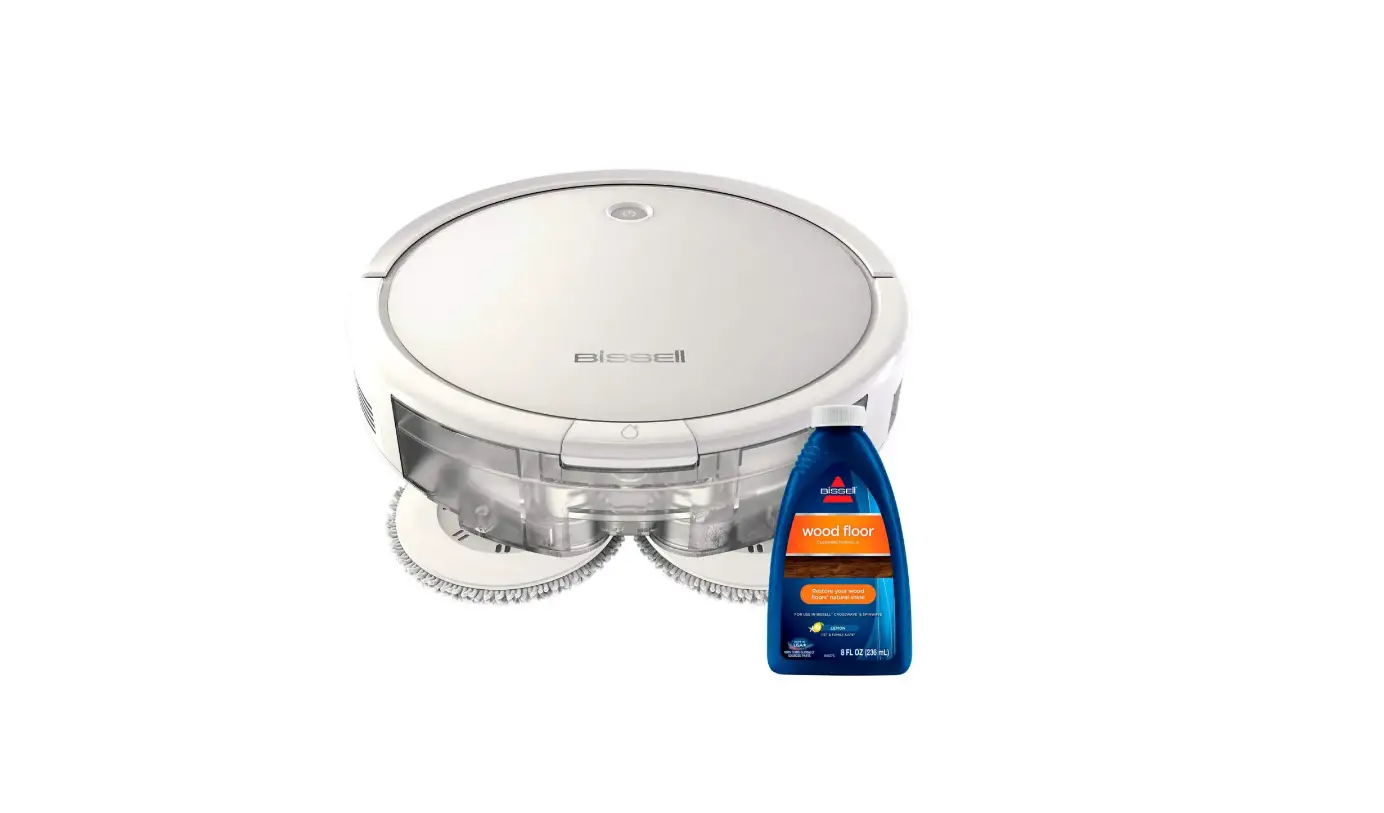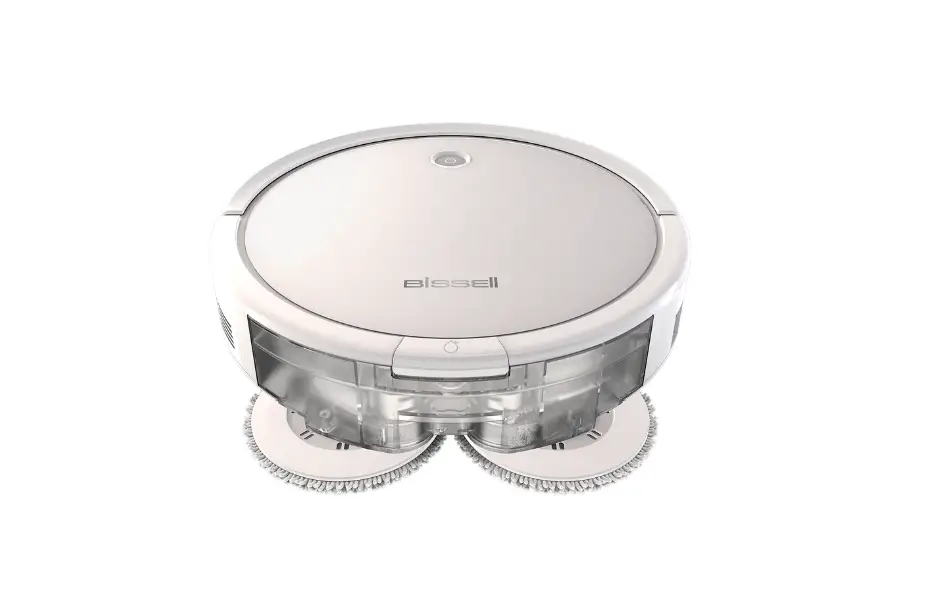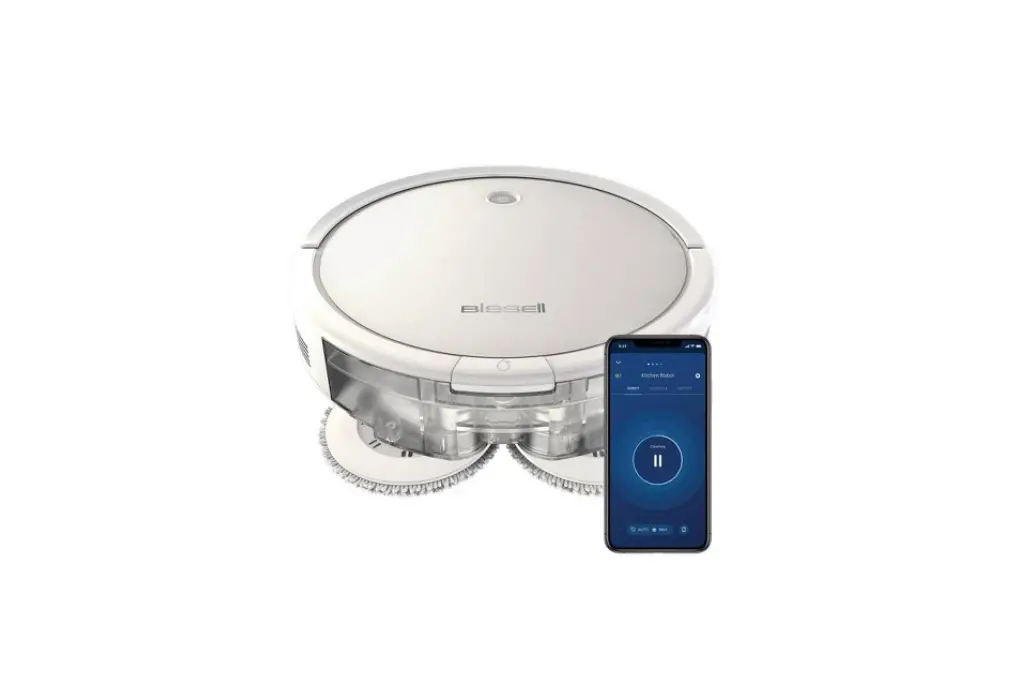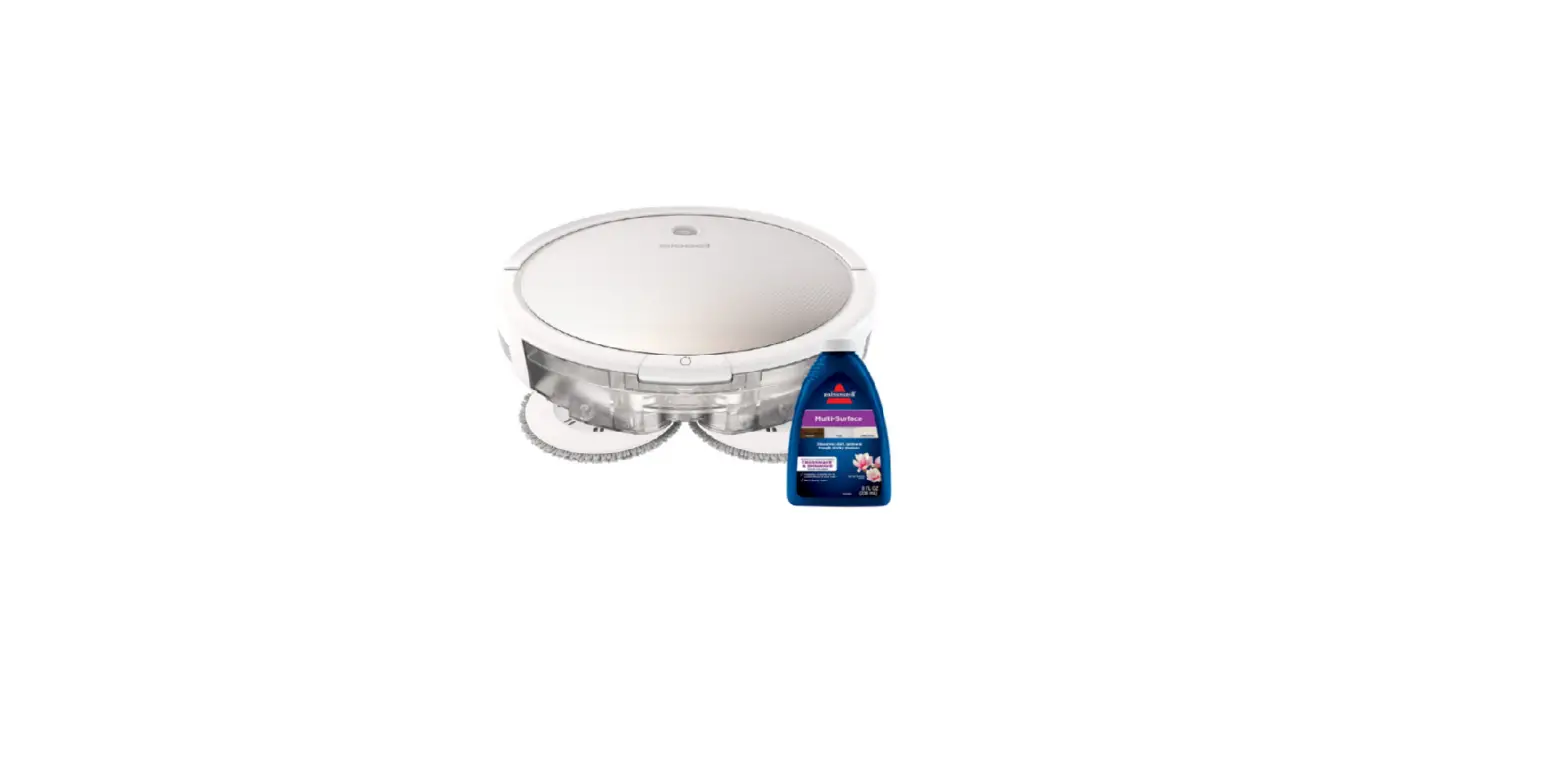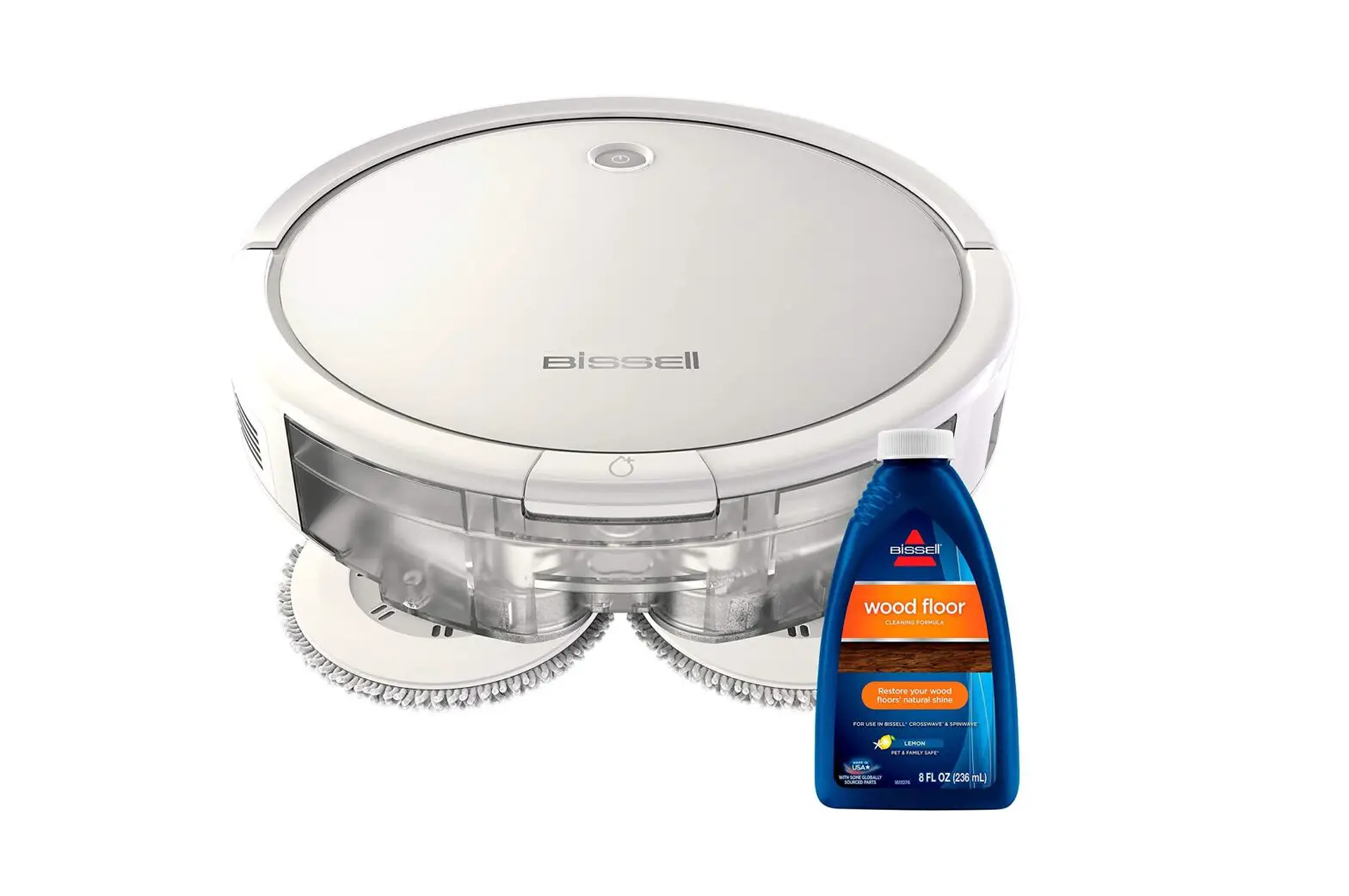
If the SpinWave Robot’s pads are not spinning in mop mode, follow the steps below to resolve:
- Is your machine beeping or giving an error message?
- Yes > Go to SpinWave Light Indications & Errors
- No > Turn Machine Off
- Mop pads should begin spinning when the machine leaves the dock to begin cleaning session
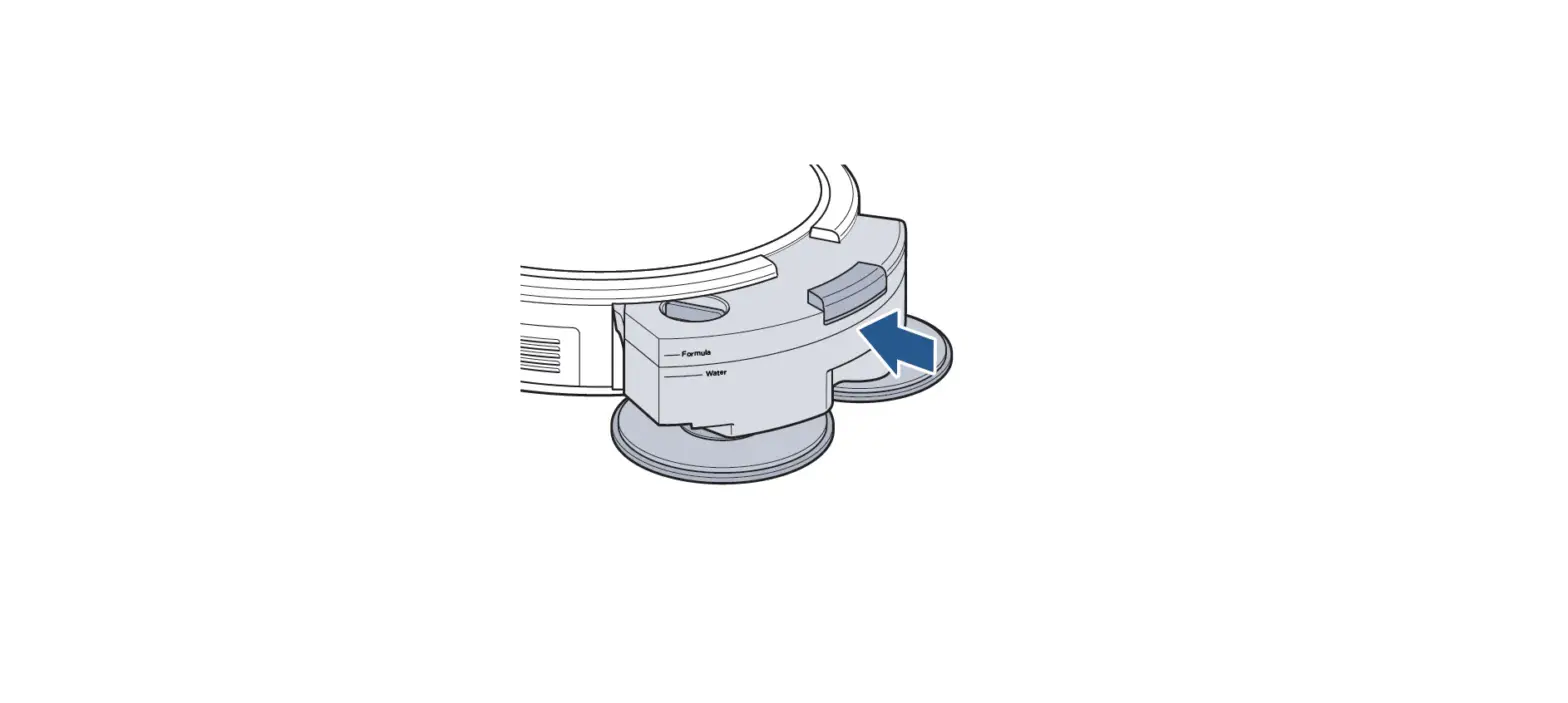
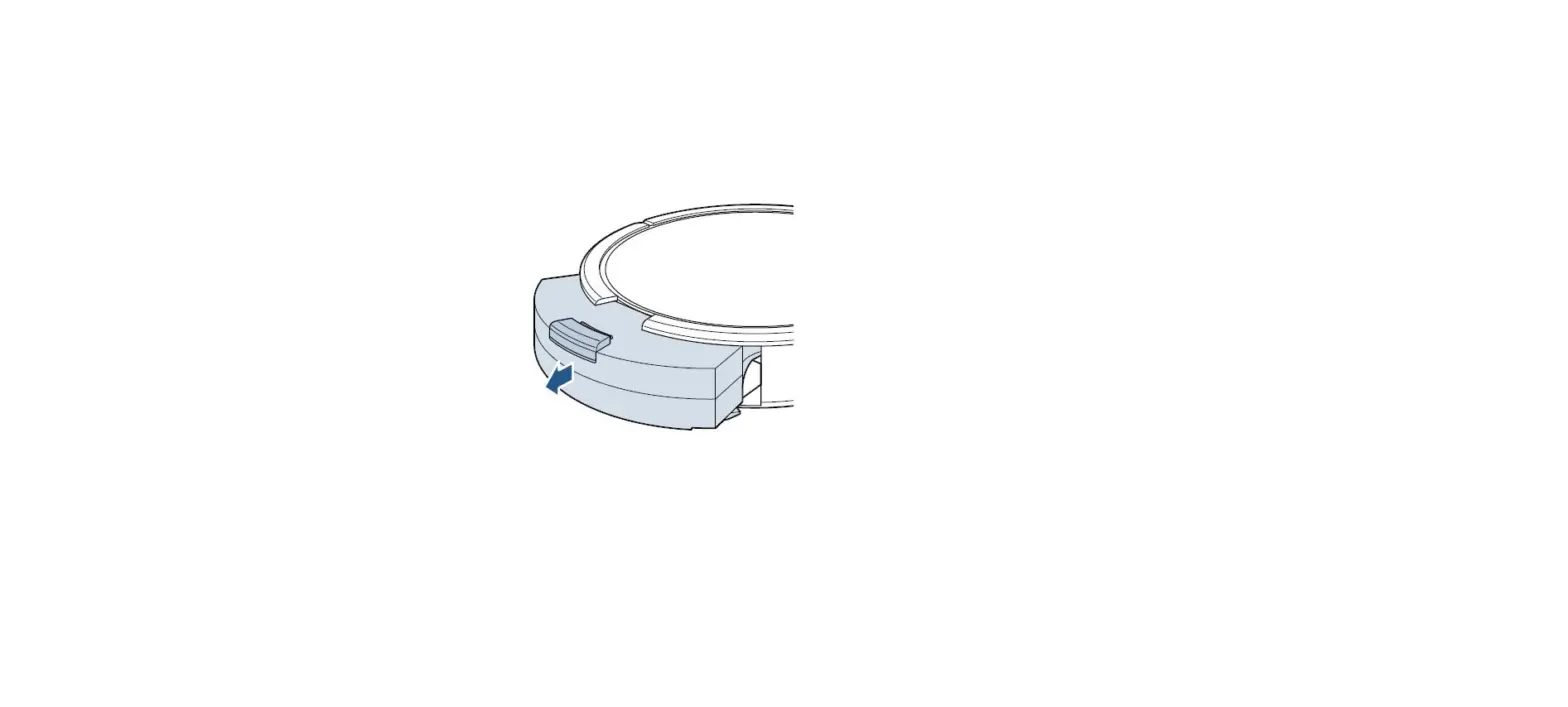
- Remove Clean Water Tank with pads attached
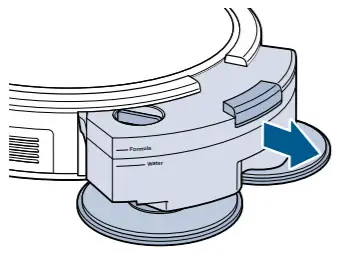
- Turn Clean Water Tank Over > Remove Mop Pads and set aside
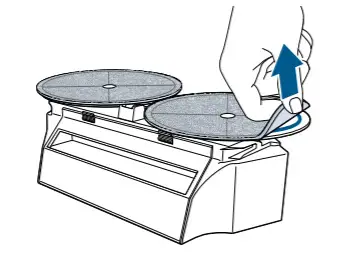
- Remove any debris from the Mop Pad Drivers
- Remove any hair or debris that may be wrapped around the Mop Pad Drivers where they connect to the machine
- Reseat Wet Tank into robot until it clicks
- Has this resolved the issue?
- Yes > Great! Glad we could get you back to cleaning!
- No > Visit a BISSELL Authorized Service Center or Contact Us