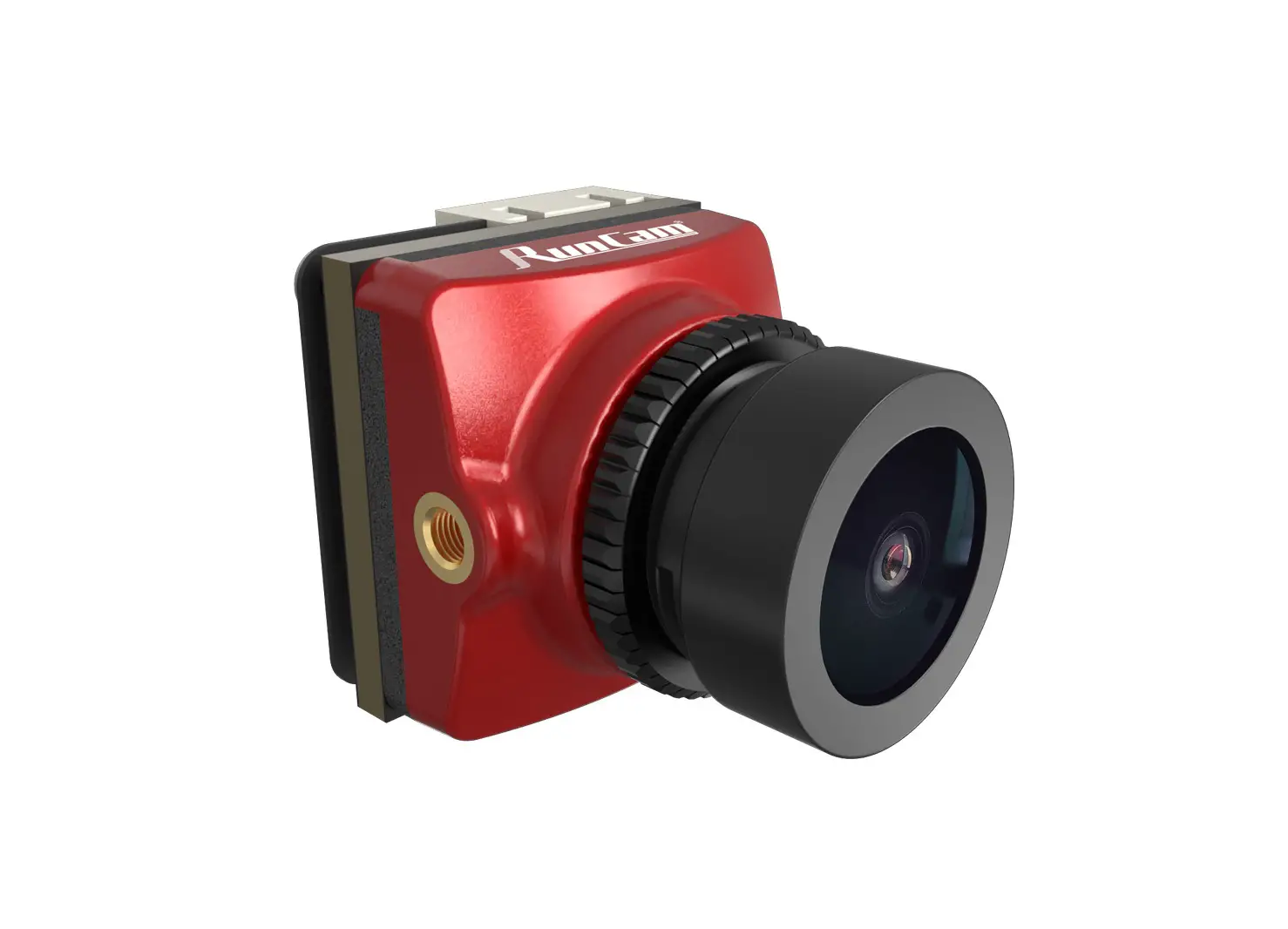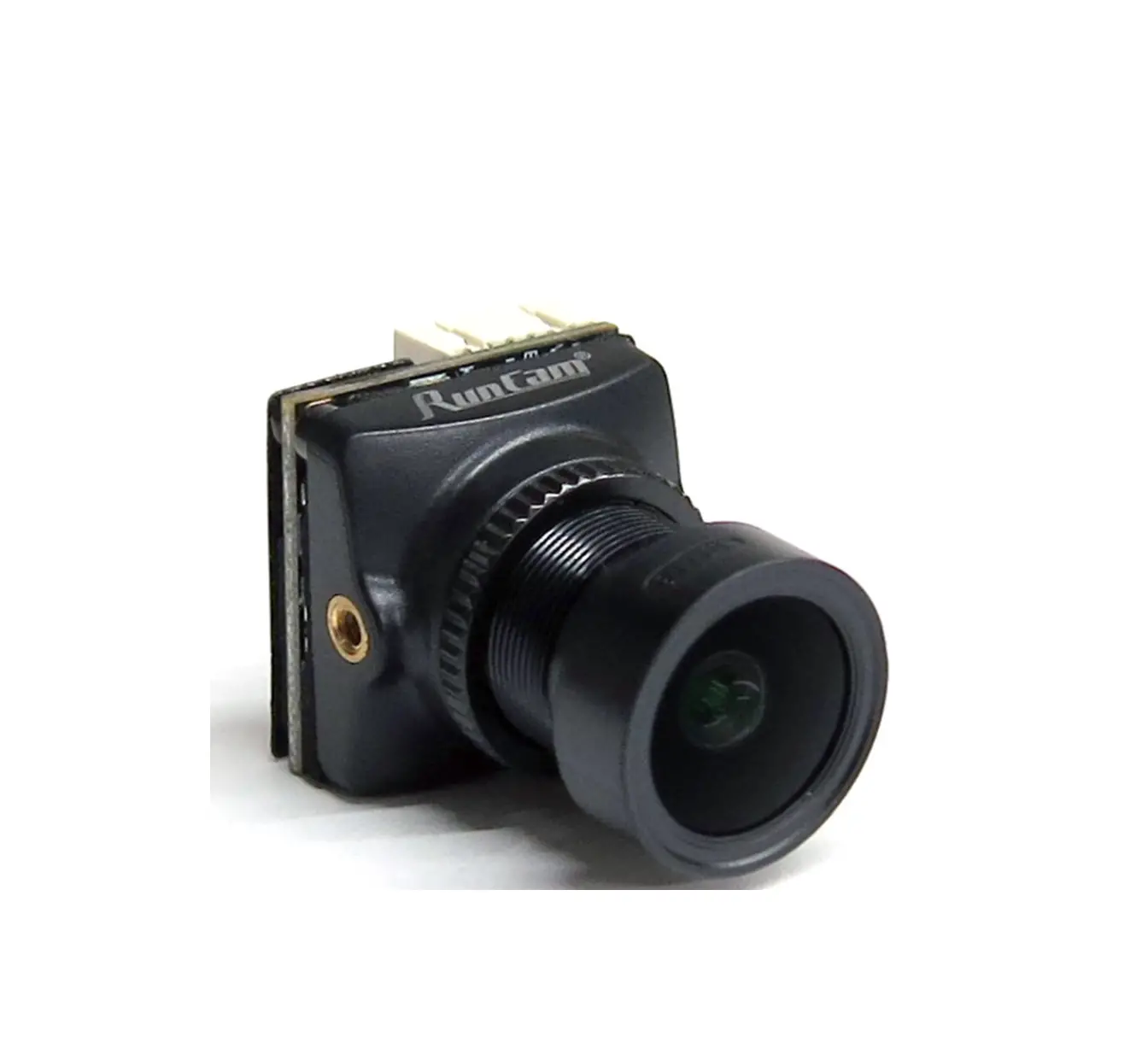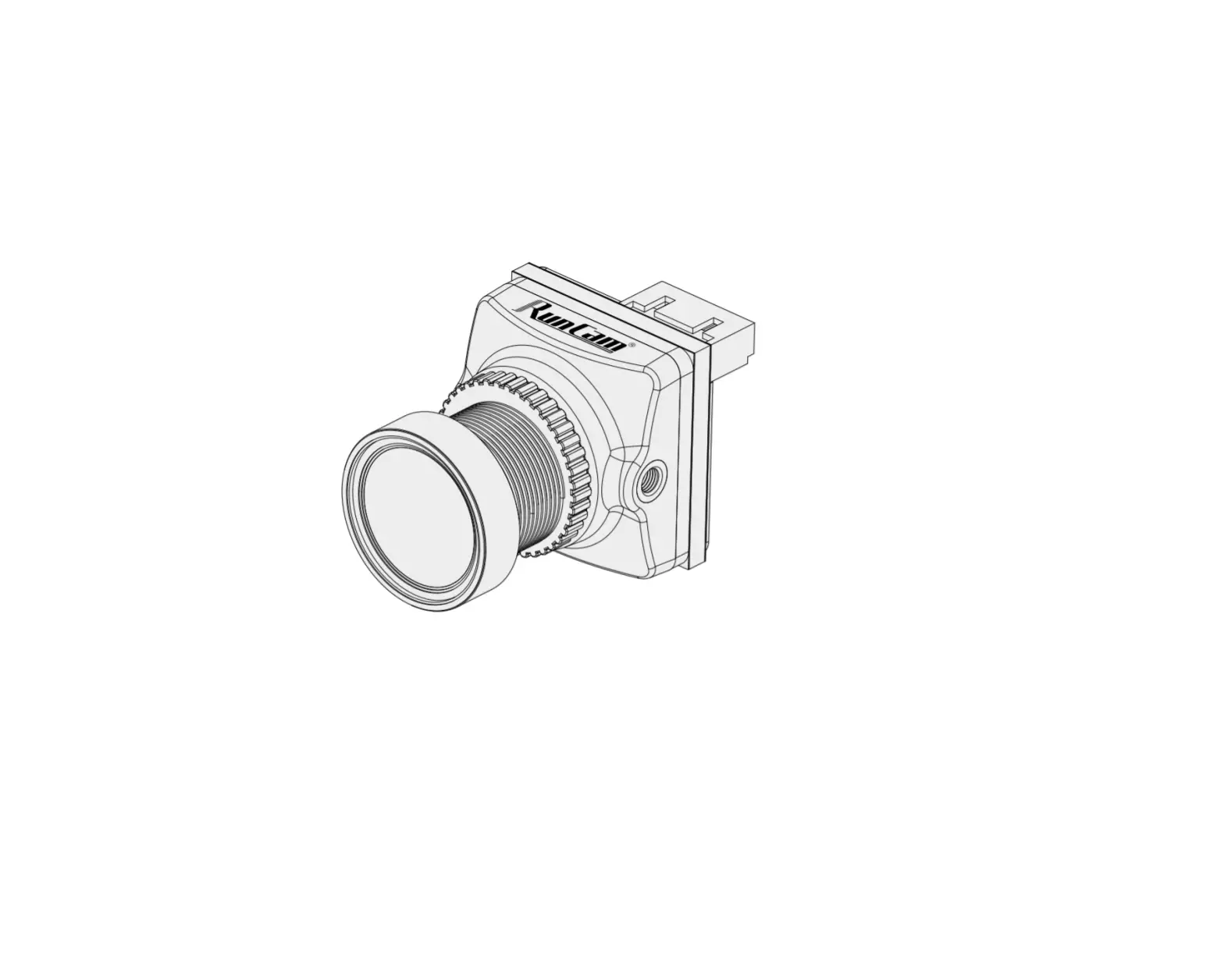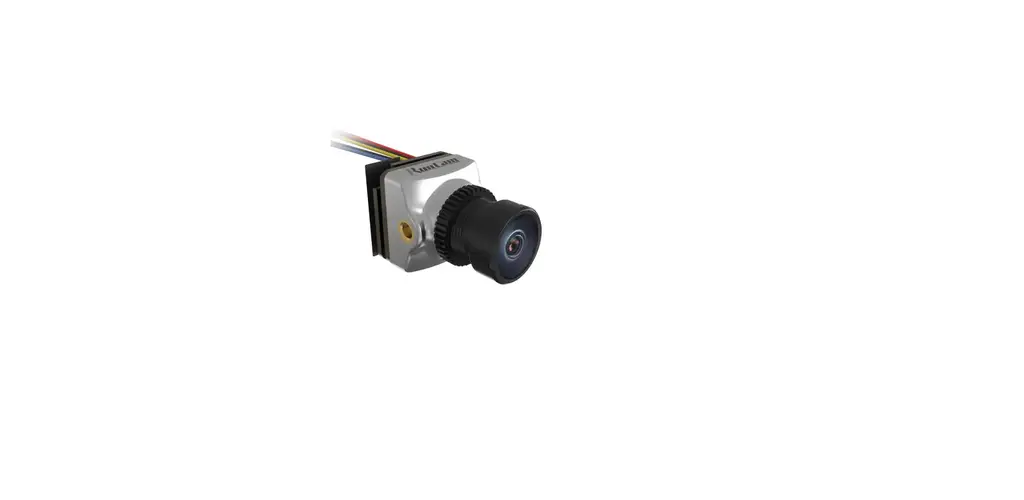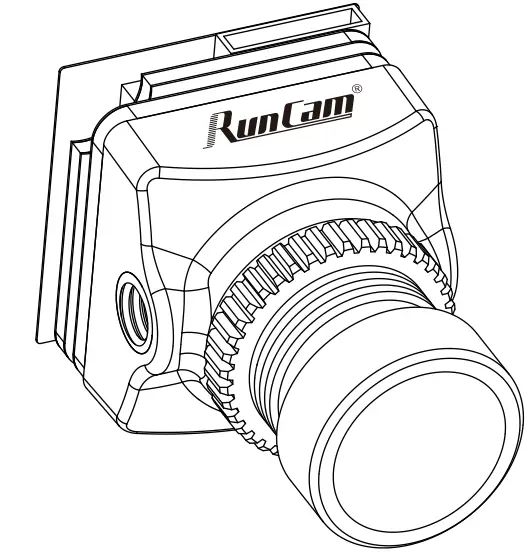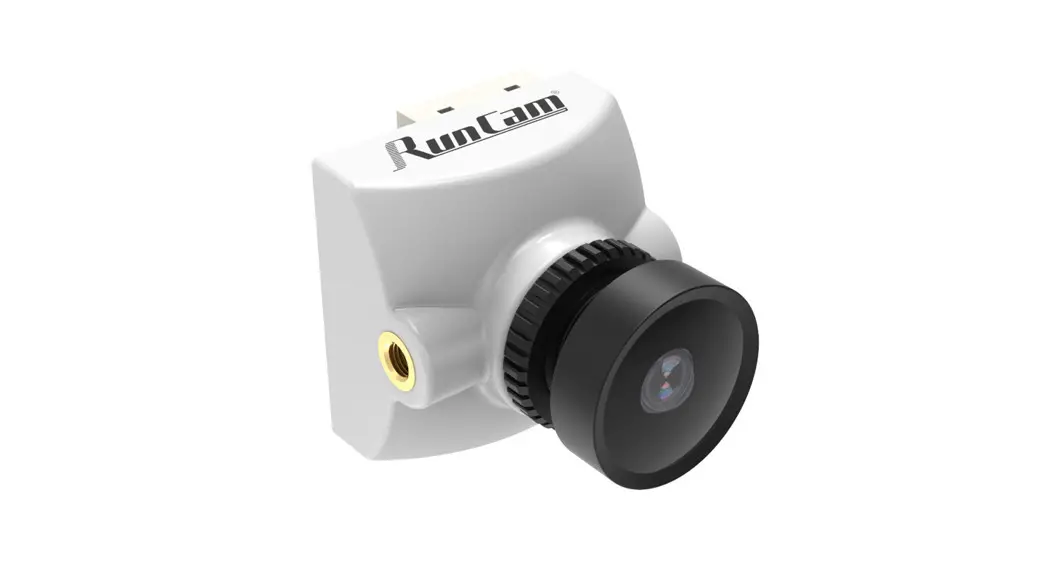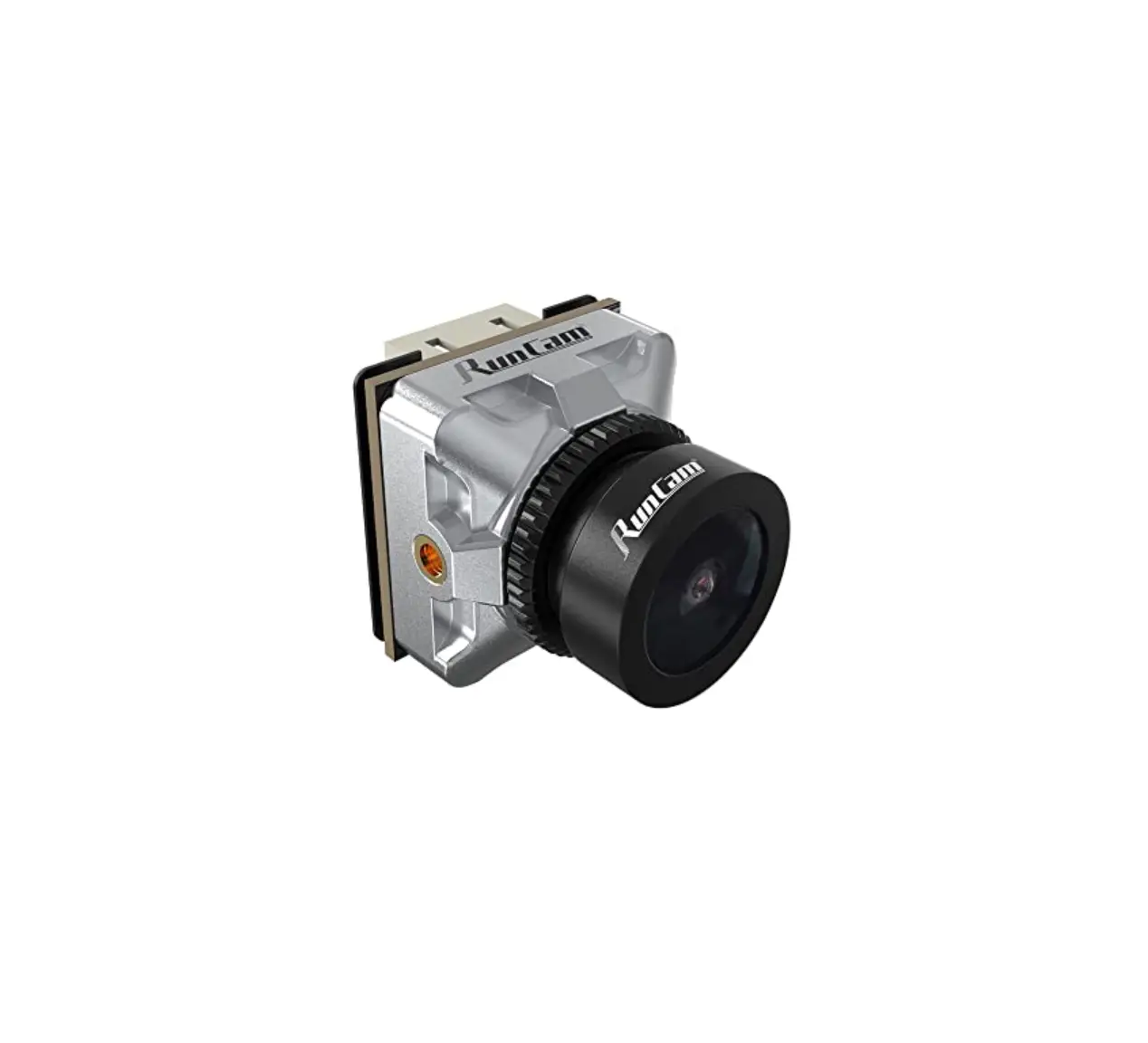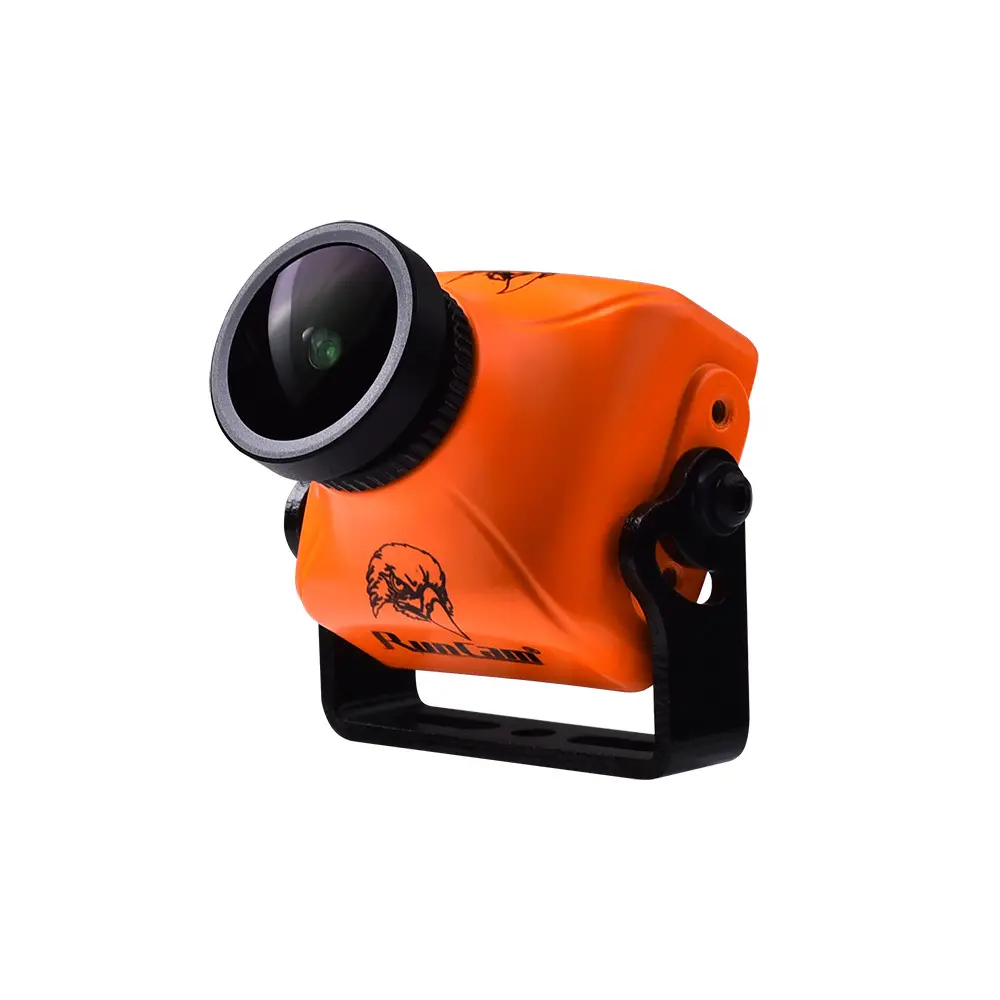

RunCam Night Eagle 2 Pro User Manual

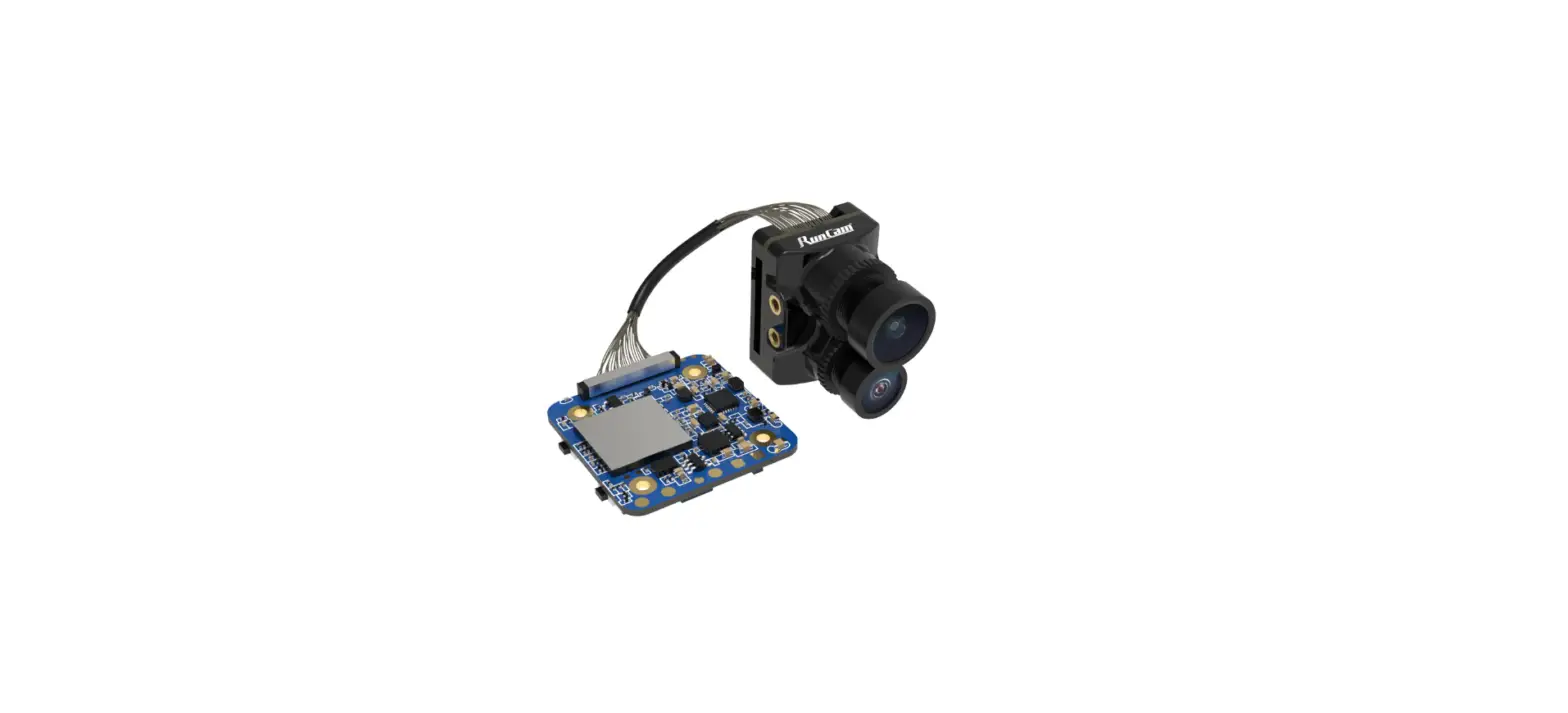
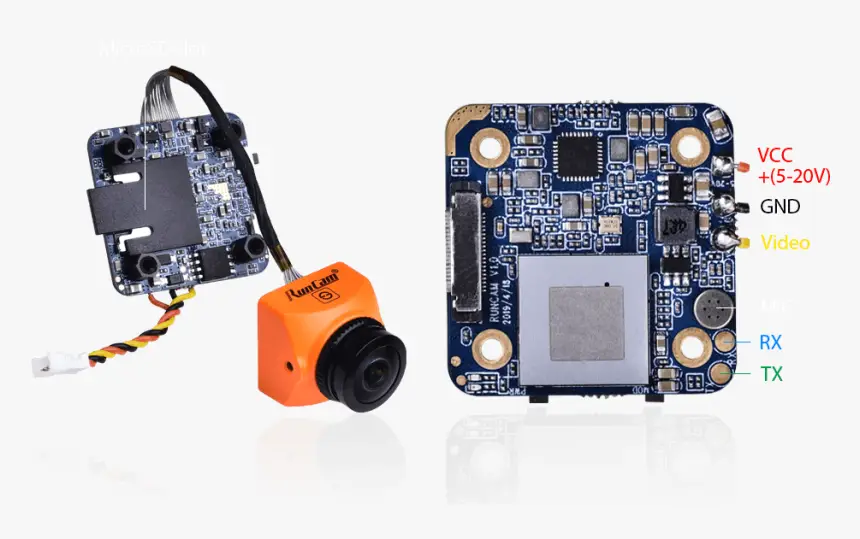
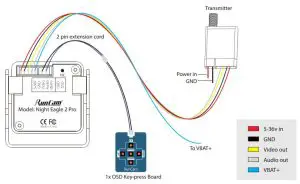
Connection
* Unplug the 5D-OSD menu cable after OSD setting.
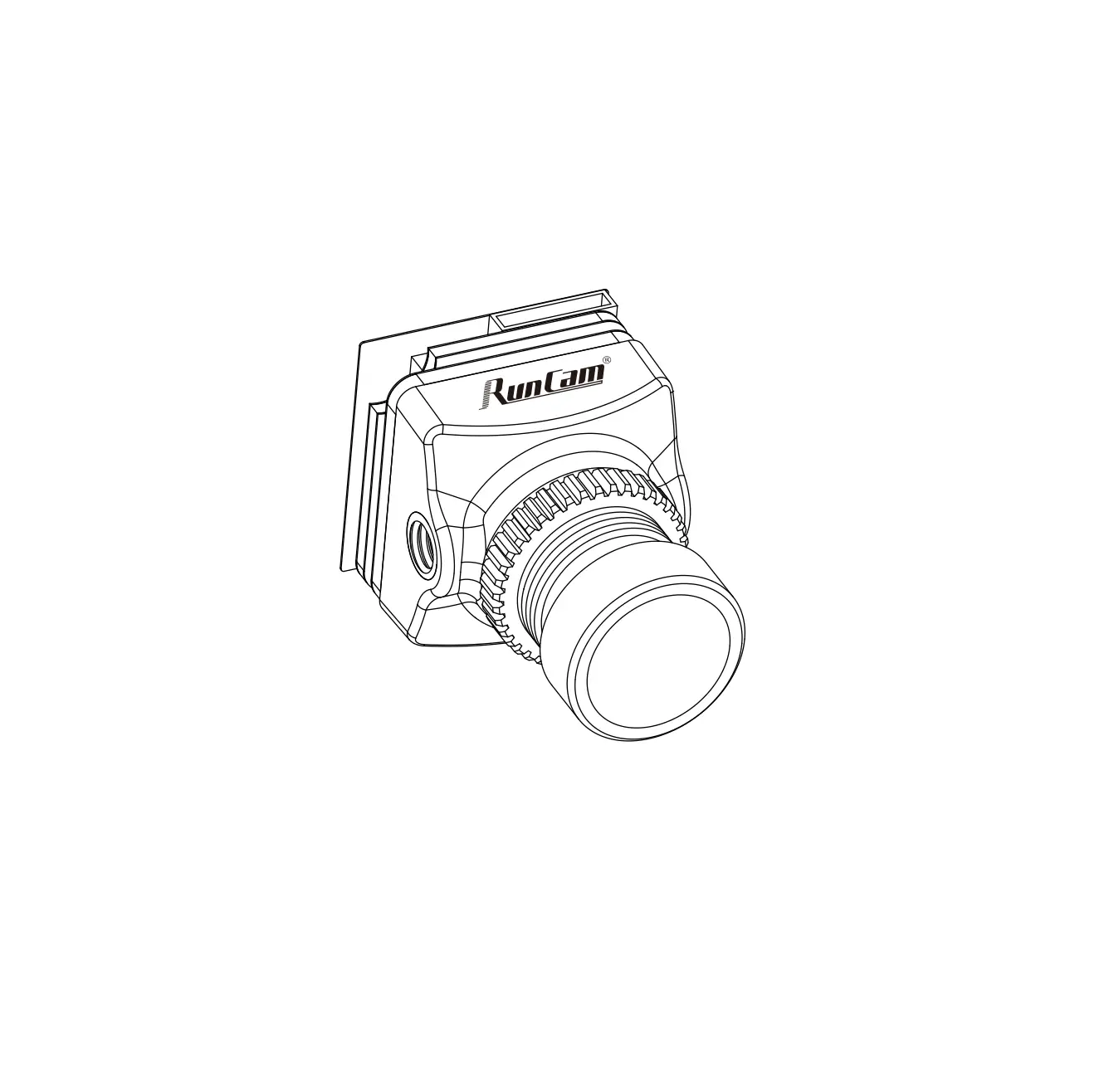
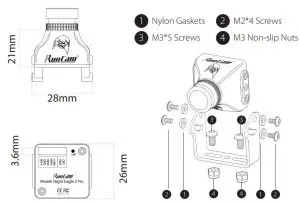
Dimensions & Installation
Quick settings:
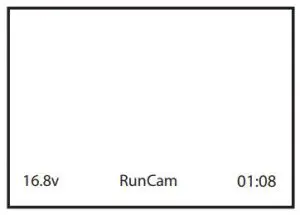
Long press the LEFT/DOWN/RIGHT button for 2 seconds to activate the VOLTAGE/PILOT /TIMER, then you can use the UP, DOWN, LEFT and RIGHT buttons to move it to the appropriate location on the screen, and press the CENTER button to exit.
Voltage Calibration
- Press and hold the RIGHT button for 2 seconds to select the voltage
- Press and hold the CENTER button for 2 seconds, the voltage starts to flash, now you can adjust the Voltage:
- Reduce (LEFT button) or increase (RIGHT button) 0.1V each press. Maximumadjustment range: ± 1v
- After adjustment, press the CENTER button to select the voltage, then press it again to save and exit.
The OSD displays by default the input voltage of the camera. If the VBAT + cable is connected to the battery’s positive side, it displays the battery voltage instead.
OSD Setting: Press and hold the UP button for 2 seconds to enter OSD setup menu.
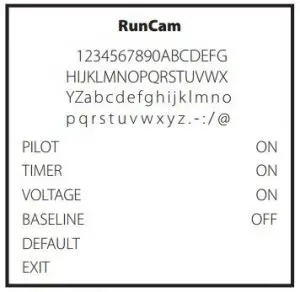
PILOT: ON/OFF
- TIMER: ON/OFF
- VOLTAGE: ON/OFF
- BASELINE: OFF/1-9
EXIT: Save the current settings and exit
Customize the PILOT name: Use the UP, DOWN, LEFT and RIGHT buttons to navigate through the letters and confirm with the CENTER button.
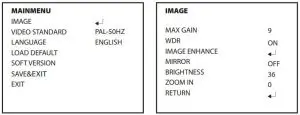
VIDEO STANDARD (PAL-50Hz/NTSC-60Hz)
- LANGUAGE (English/中文)
- MAX GAIN (9 / 1-9)
- WDR (ON/OFF)
- MIRROR (OFF/ON)
- BRIGHTNESS (36 / 8-250)
- ZOOM IN (0 / 0-5
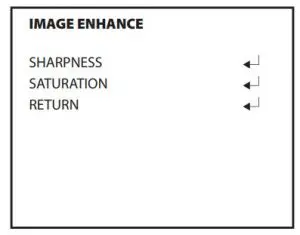
- SHARPNESS (AUTO/MANUAL: 0-15)
- S SATURATION (AUTO/MANUAL: 0-15)
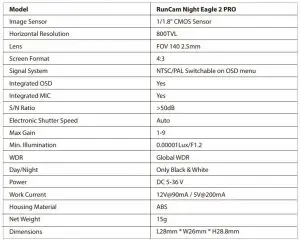
Specifications
Read More About This Manual & Download PDF:
 RunCam