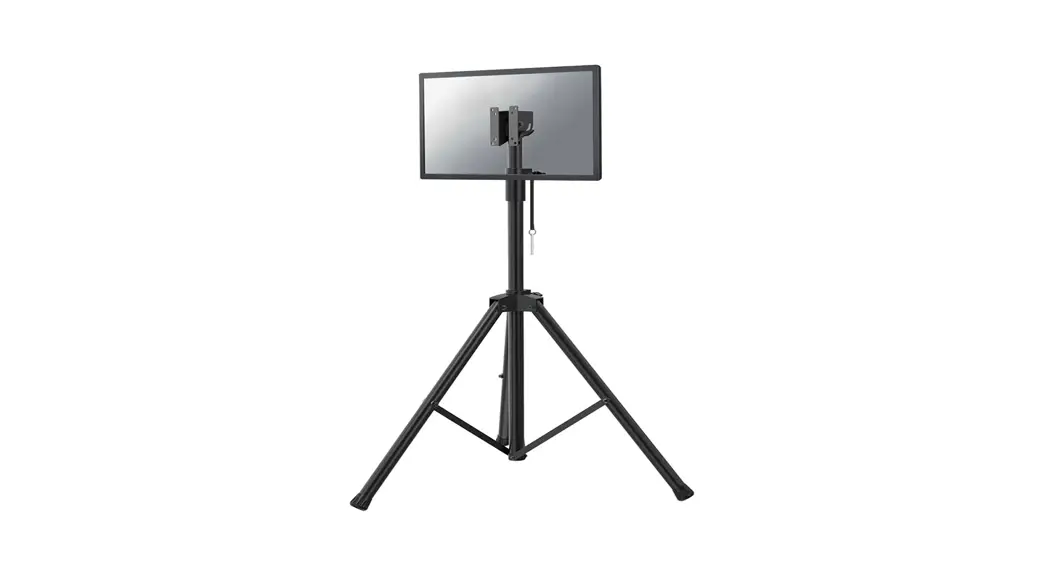
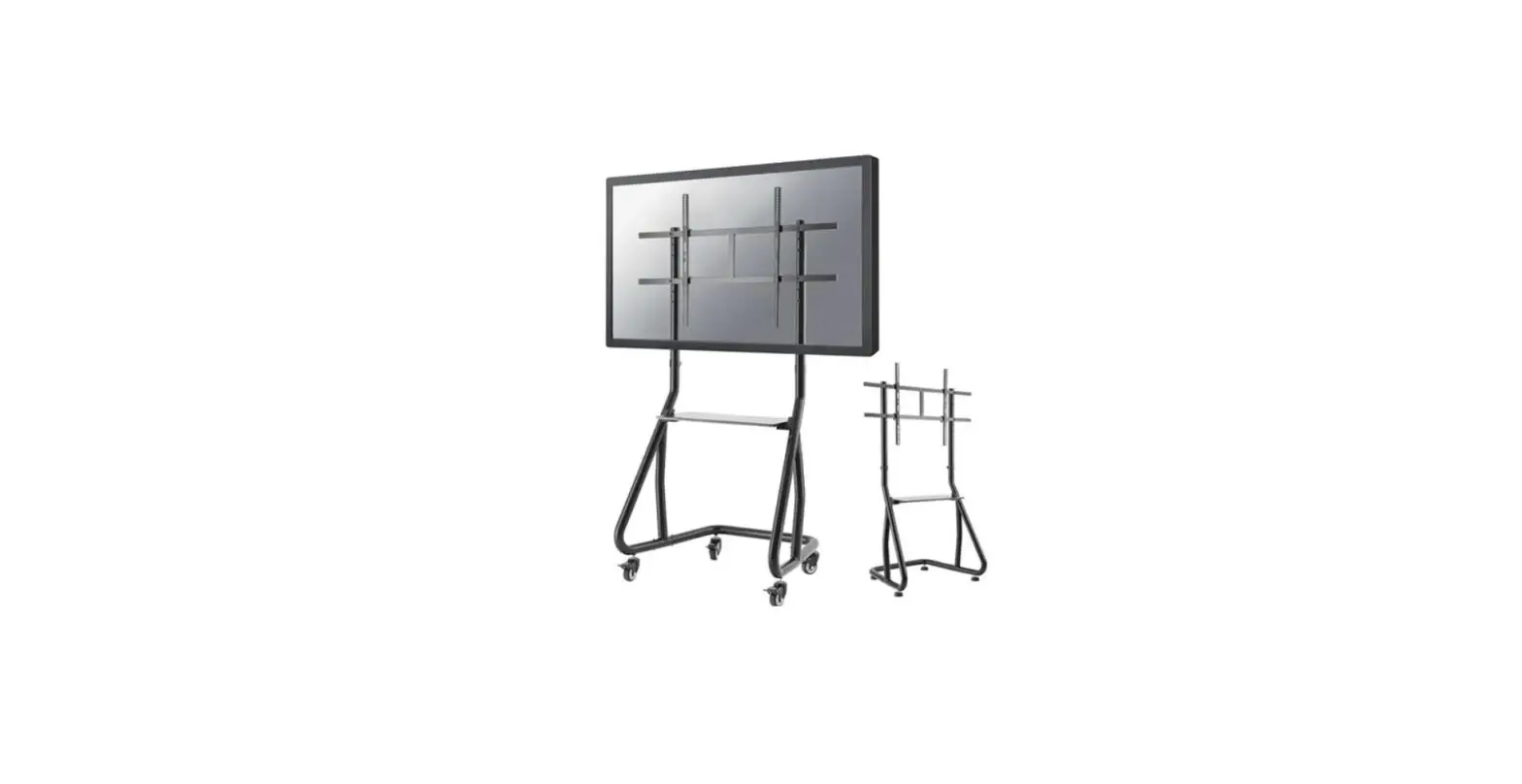
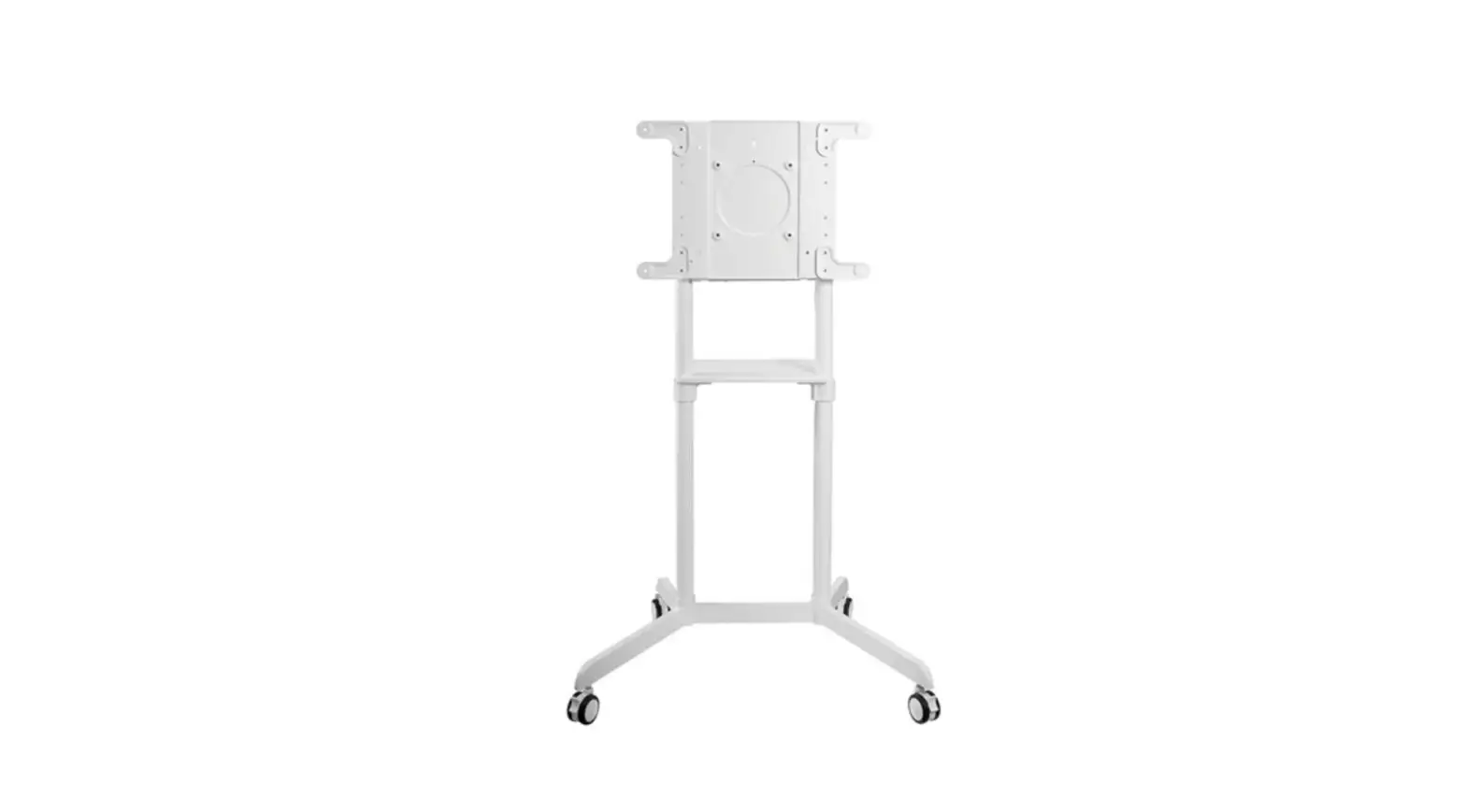
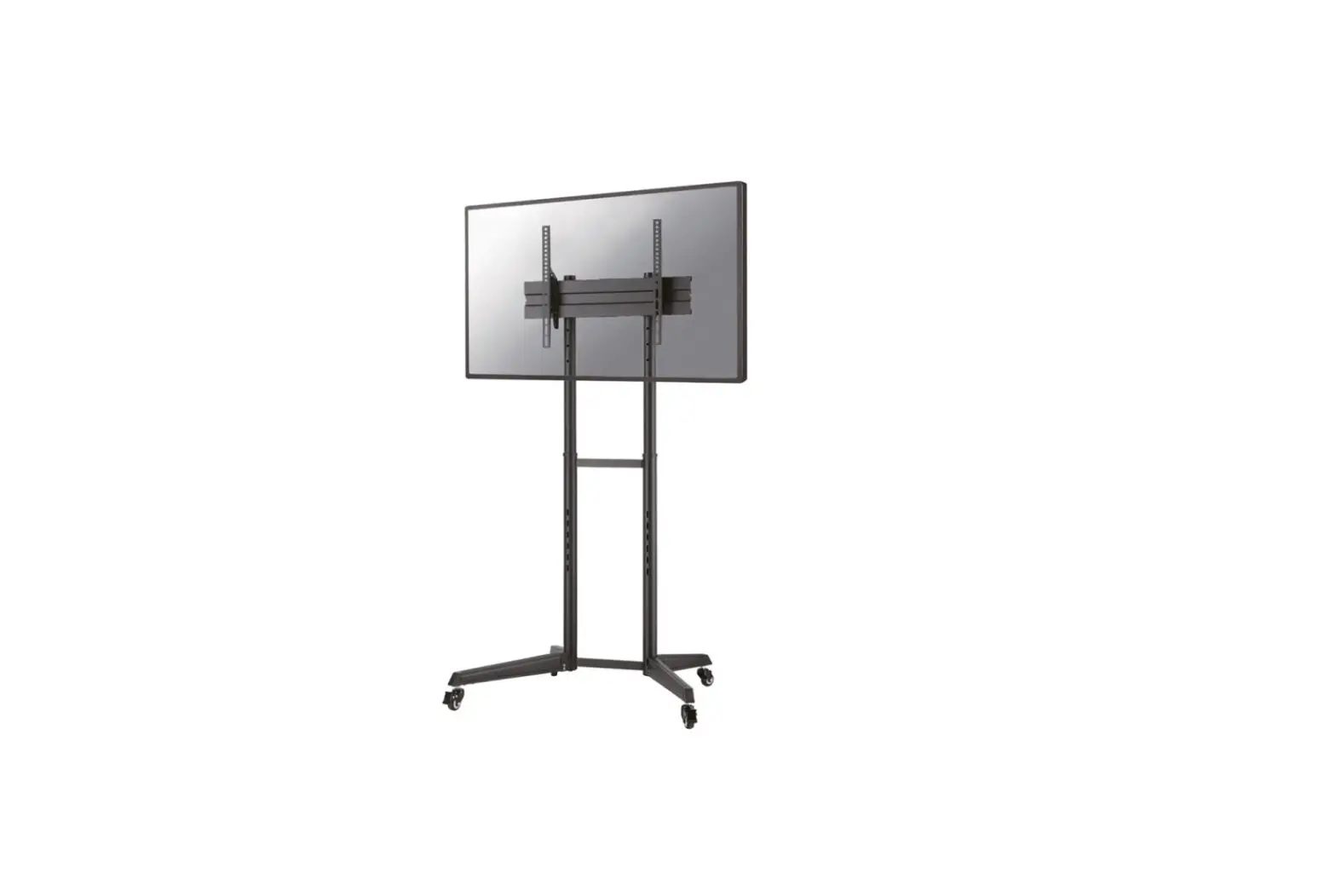
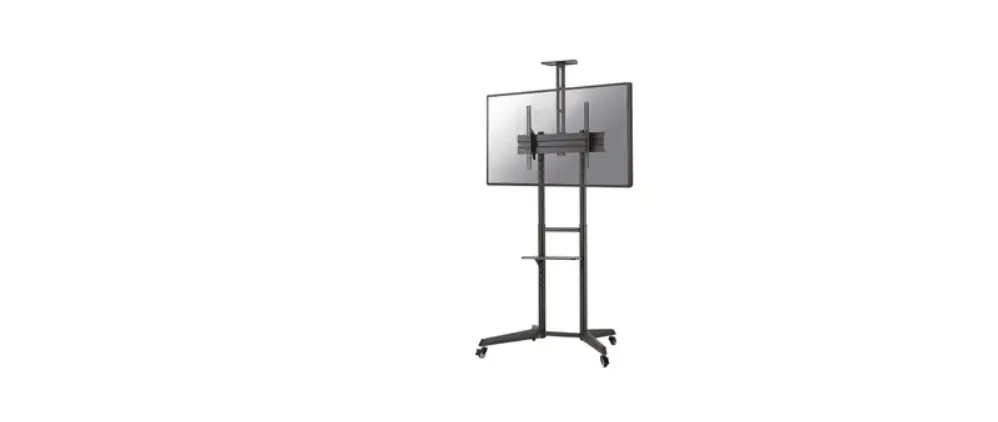
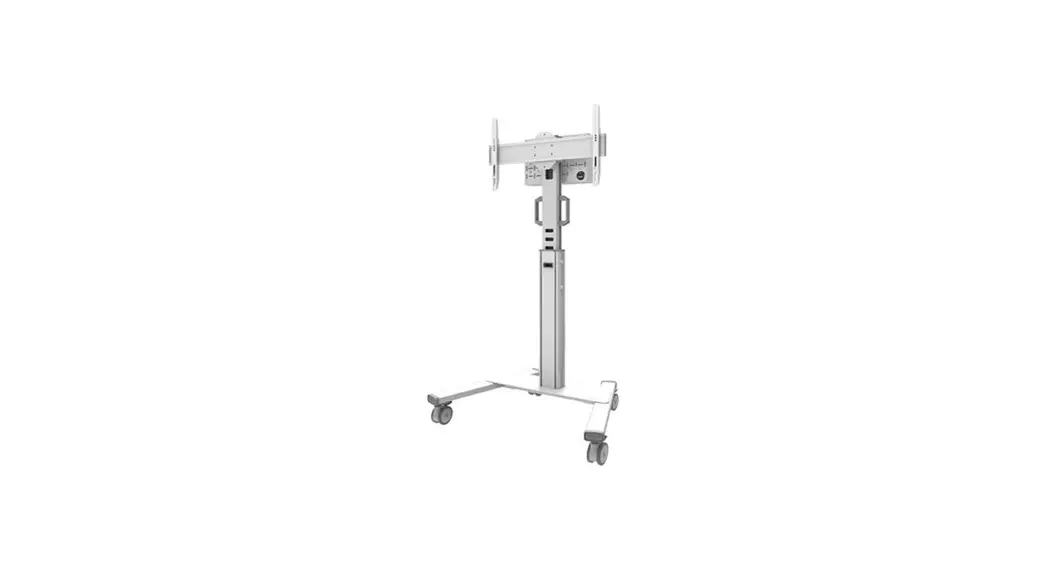
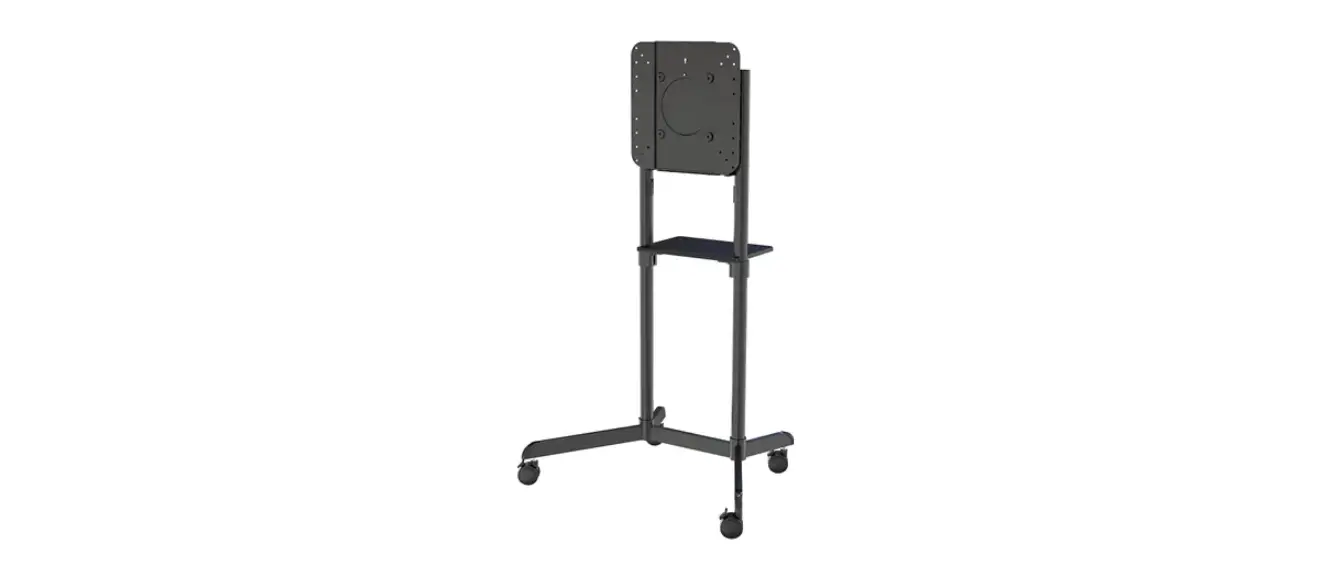
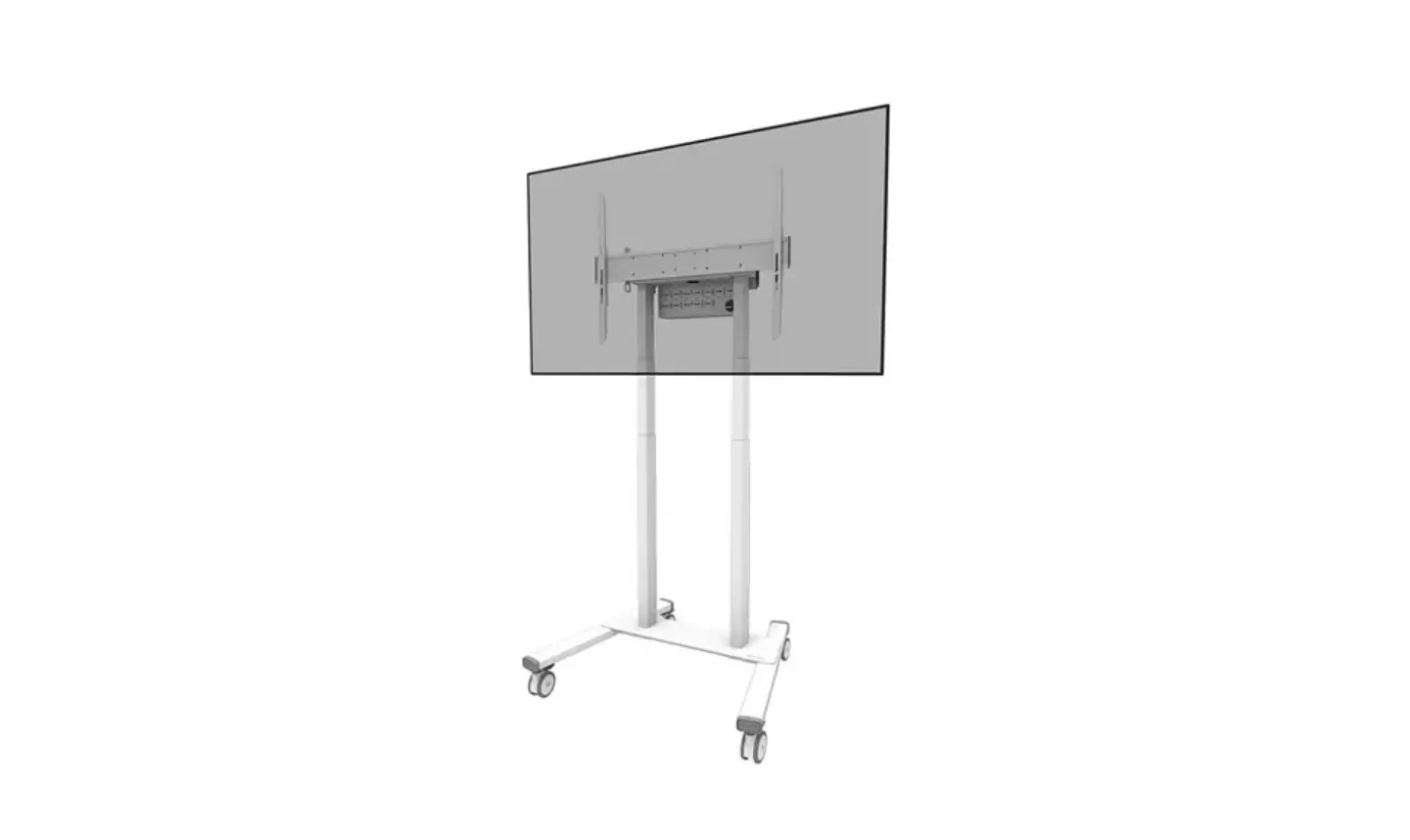
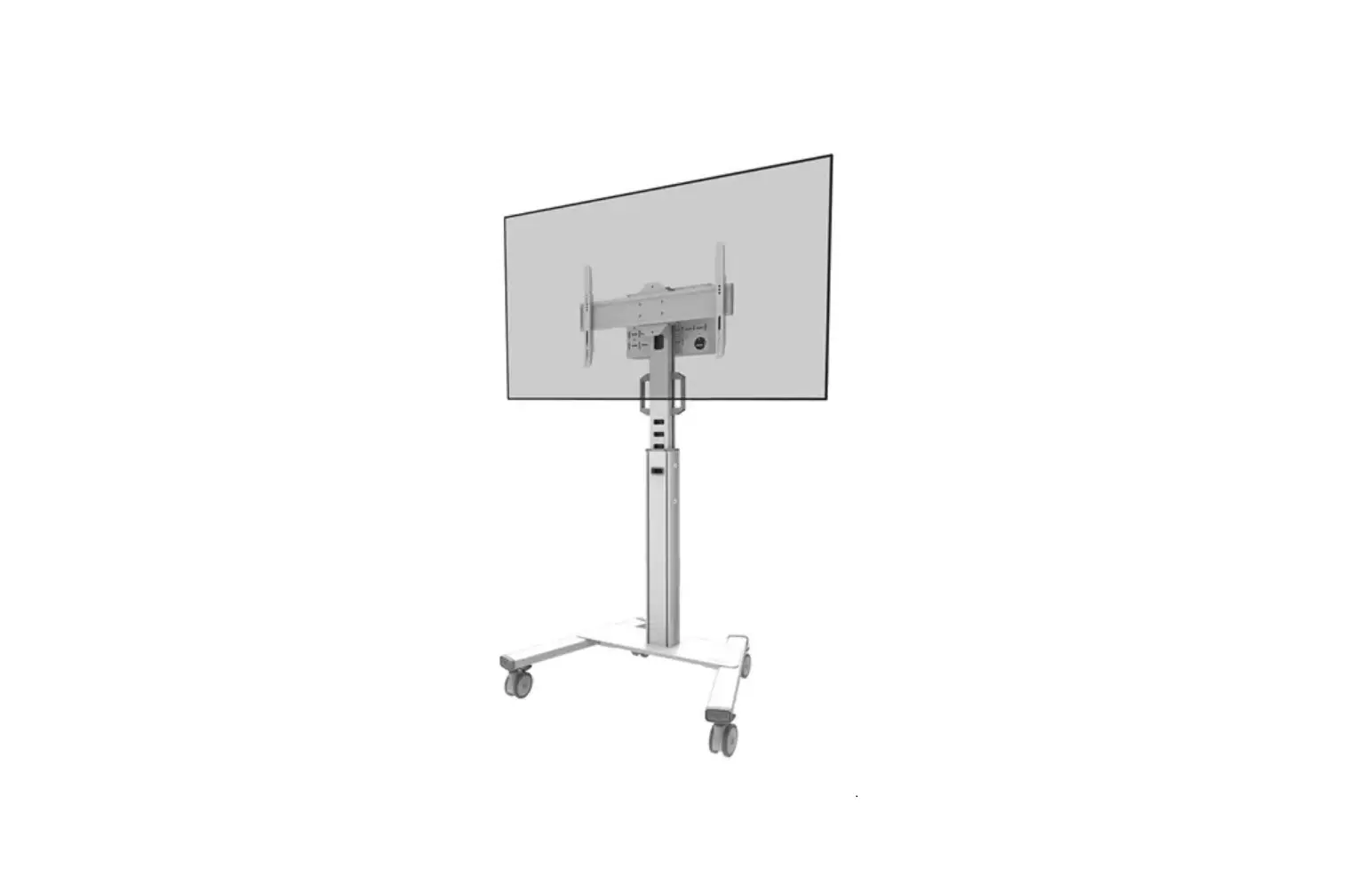
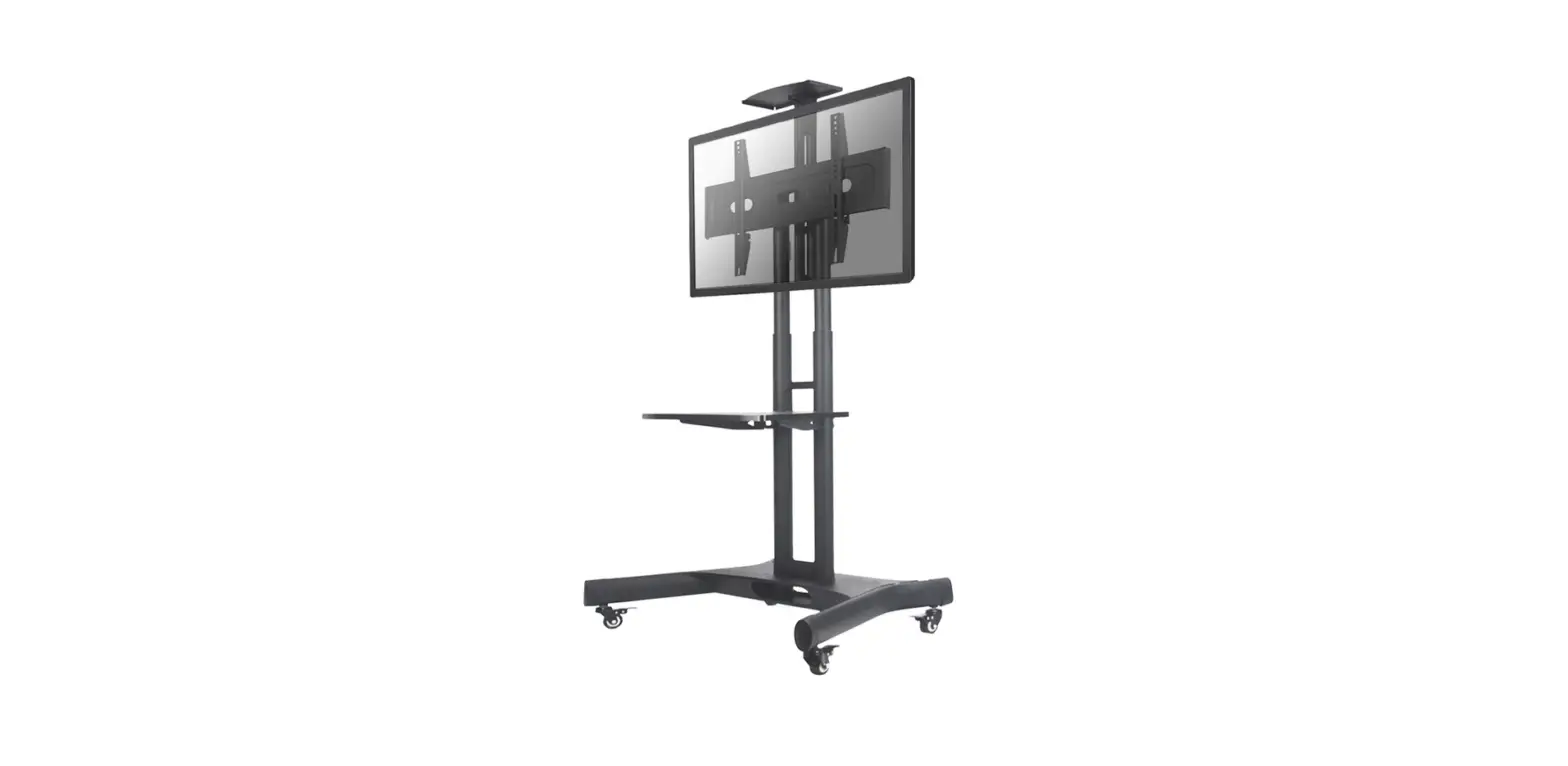
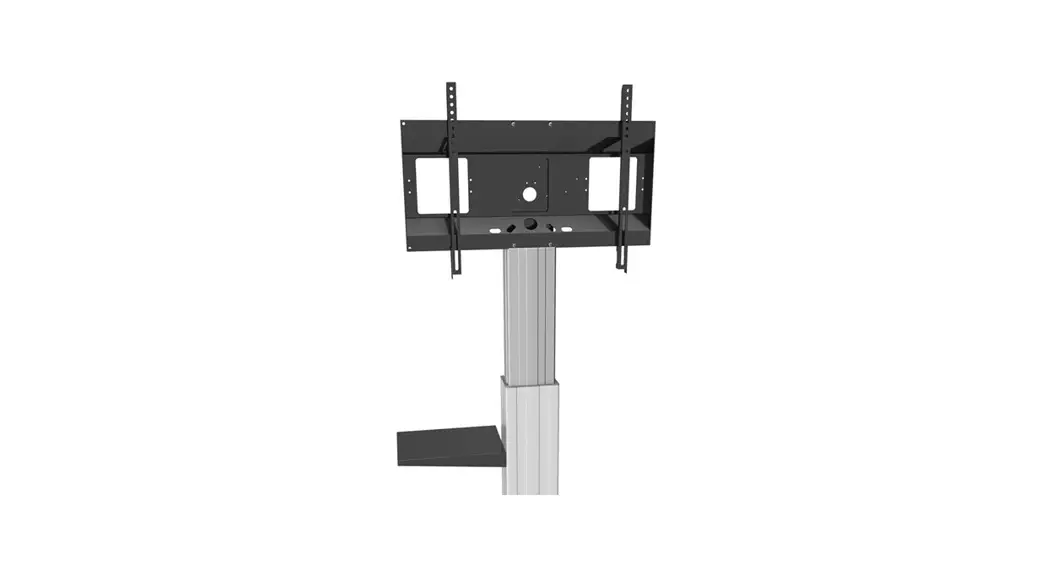
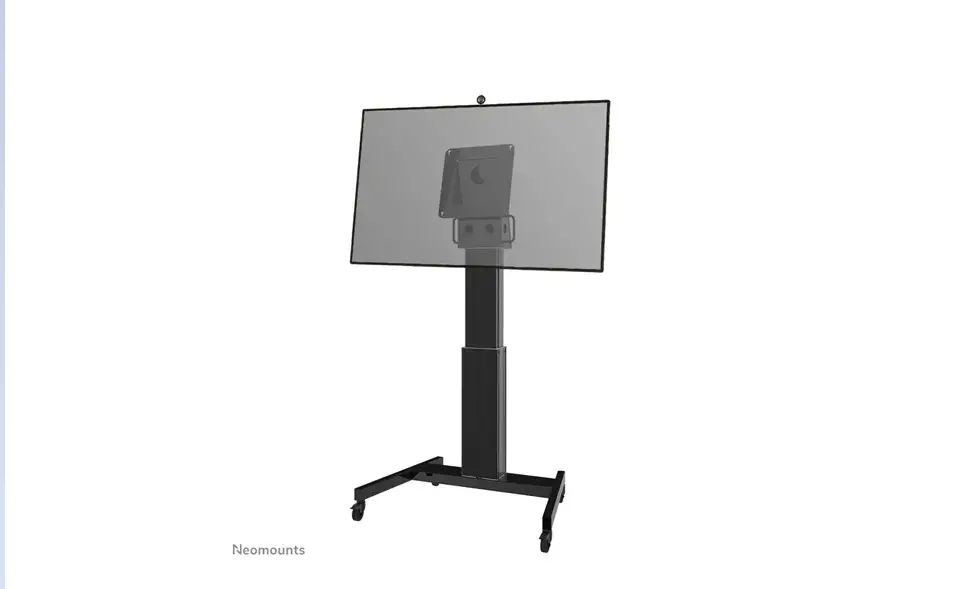
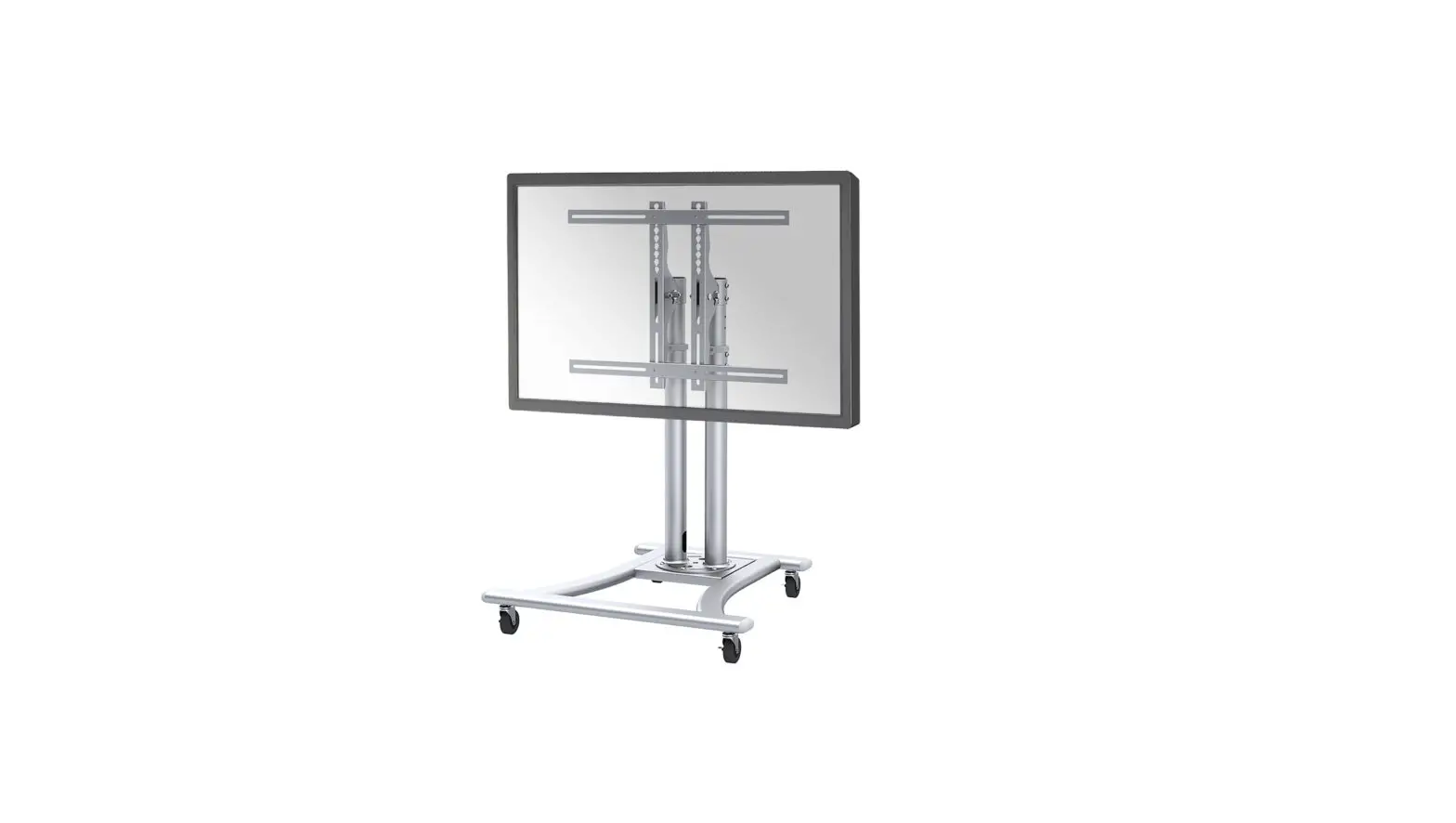
NS-FS100BLACK Floor Stand
Product Information:
The product is a NS-FS100BLACK TV floor stand manufactured by
Neomounts. It is designed to hold screens with VESA mounting
patterns of 75×75, 100×100, 200×200, 300×300, and 400×400 mm. The
stand has an adjustable height range of 750mm to 1240mm and can
support screens weighing between 0 and 20 kg. The stand comes with
various parts including brackets, screws, and a decorative
cover.
Product Usage Instructions:
- Step 1: Assemble the necessary screws using the provided parts
(M-A, M-B, M-C, M-D, M-E, M-F, M-G). - Step 2: Remove the screws and pull out the inner pole.
- Step 3: Place the decorative cover and reinsert the inner
pole. - Step 4: Attach the screen to the bracket and secure it.
- Step 5: Install the adapter brackets and attach the combination
to the screen. - Step 6: Attach the screen to the bracket and secure it.
- Step 7: Optional step – Attach additional accessories or cables
as needed.
Note: The user manual provides instructions in multiple
languages. The provided instructions are in English.
INSTRUCTION MANUAL
min750mm-max1240mm 75mm
100mm 200mm 300mm 400mm 428mm
42341000720000580mmmmmmmmmmmm
30° 0° Ø32mm
Ø38mm
502mm
454mm
NS-FS100BLACK
EN Floor stand NL Vloersteun DE Bodenständer FR Support au sol IT Supporto da pavimento ES Soporte de suelo PT Suporte de chão DK Gulvstander
NO Gulv stativ SE Golvstativ FI Lattiateline PL Stojak podlogowy CS Podlahový stojan SK Podlahový stojan RO Stativ pentru podea
WWW.NEOMOUNTS.COM
NS-FS100BLACK
PARTS
A. (x1)
B. (x2)
Tool
75×75 400×400 mm
0-20 kg
75-124 cm
C. (x1)
D. (x1)
E. (x2)
F. (x2)
G. (x1)
H. (x8)
I. (x5)
J. (x5)
K. (x5)
L. (x1)
M. (x4)
N. (x1)
O. (x1)
STEP 1
EN Assemble the base NL Monteer de voet DE Montieren Sie die Basis FR Assemblez la base IT Montare la base ES Montar la base PT Montar a base PL Zló podstaw
M-A. (x4) M4x14mm
M-B. (x4) M5x14mm
M-C (x4) M6x14mm
M-D (x4) M8x20mm
M-E. (x4)
M-F. (x4)
M-G. (x8)
B A
I
J K O
STEP 2
EN Remove the screws and pull out the inner pole NL Draai de schroeven los en trek de binnenstang
uit de buitenstang DE Entfernen Sie die Schrauben und ziehen Sie
die innere Stange heraus FR Retirez les vis du tube inférieur et enlevez le
tube supérieur IT Rimuovere le viti ed estrarre il palo interno ES Quite los tornillos y saque el poste interior PT Remova os parafusos e puxe o tubo interno PL Wykr ruby i wycignij wewntrzn slupek
O N
STEP 3
EN Place the decorative cover and place the inner pole
back again
NL Plaats de decoratieve afdekkap en plaats de binnen-
stang terug
DE Bringen Sie die dekorative Abdeckung an und legen
Sie den innere Stange wieder zurück
FR Placez le couvercle décoratif et remettez le poteau
G
intérieur en place
IT Posizionare il coperchio decorativo e ricollocare l’asta
interna
ES Coloca la cubierta decorativa y vuelve a colocar el
poste interior
PT Colocar a tampa decorativa e voltar a colocar o pólo
interior
PL Zaló pokryw dekoracyjn i ponownie umie slupek
wewntrzny
O N
STEP 4
EN Attach the pole to the base NL Bevestig de stang aan de voet DE Befestigen Sie die Stange an der Basis FR Fixez le tube sur la base IT Attaccare il palo alla base ES Adjunte el poste a la base PT Anexe o tubo à base PL Przymocuj slupek do podstawy
N M
OK J I
STEP 5 A
EN Attach the VESA plate to the screen NL Bevestig de VESA plaat aan het scherm DE Befestigen Sie die VESA-Platte am Bildschirm FR Fixez la plaque VESA sur l’écran IT Collegamento del piatto VESA al monitor ES Coloque la placa VESA en la pantalla PT Colocar a placa VESA no monitor PL Monta plytki VESA do monitora
M-A M-B
M-E
* Not Included
VESA 75×75/200×200 mm
STEP 5 B
EN Install the adapter brackets and attach the combination
to the screen
F
NL Bevestig de adaptersteunen en bevestig de combinatie
aan het scherm
DE Montieren Sie die Adapterhalterungen und befestigen
Sie die Kombination an den Bildschirm
FR Installez les supports d’adaptation et fixez la combinai-
son à l’écran
IT Installare le staffe di adattamento e fissare la combina-
zione allo schermo
ES Instale los soportes adaptadores y fije la combinación a
la pantalla
PT Instale os suportes do adaptador e fixe a combinação ao
ecrã
PL Zainstaluj wsporniki adaptera i przymocuj kombinacj
E
do ekranu
E
* Not Included
H
400mm F
400mm
VESA 300×300/400×400 mm
M-E M-F
M-A M-C M-B M-D
M-D M-F
M-G
M-D M-F
M-G
STEP 6
EN Attach the screen to the bracket and secure it
NL Bevestig het scherm op de beugel en zet vast
DE Befestigen Sie den Bildschirm an der Halterung
und sichern Sie ihn
FR Attachez l’écran au support et fixez-le
IT Fissare lo schermo alla staffa e fissarlo
L
ES Coloque la pantalla en el soporte y fíjela
PT Fixar o ecrã ao suporte e fixá-lo
PL Przymocuj ekran do uchwytu i zabezpiecz go
O
STEP 7
EN Adjust the mount to the desired position NL Stel de steun in op de gewenste positie DE Stellen Sie die Stütze in die gewünschte Position FR Réglez le support dans la position souhaitée IT Regolare il supporto nella posizione desiderata ES Ajuste el soporte a la posición deseada PT Ajustar o suporte à posição desejada PL Ustawi podpor w danej pozycji
L O
-3° +3° 30° 0°
 Neomounts