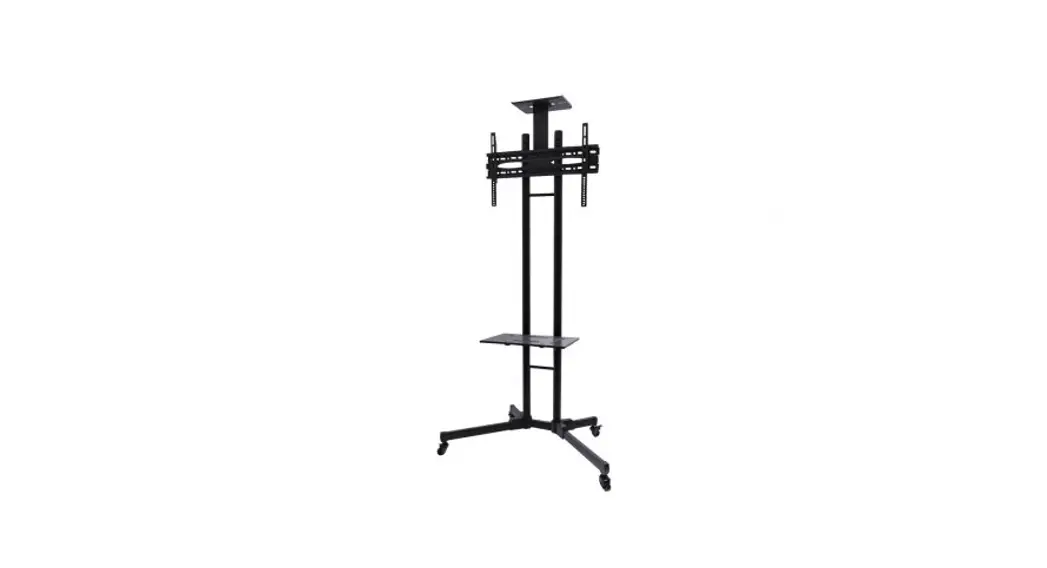
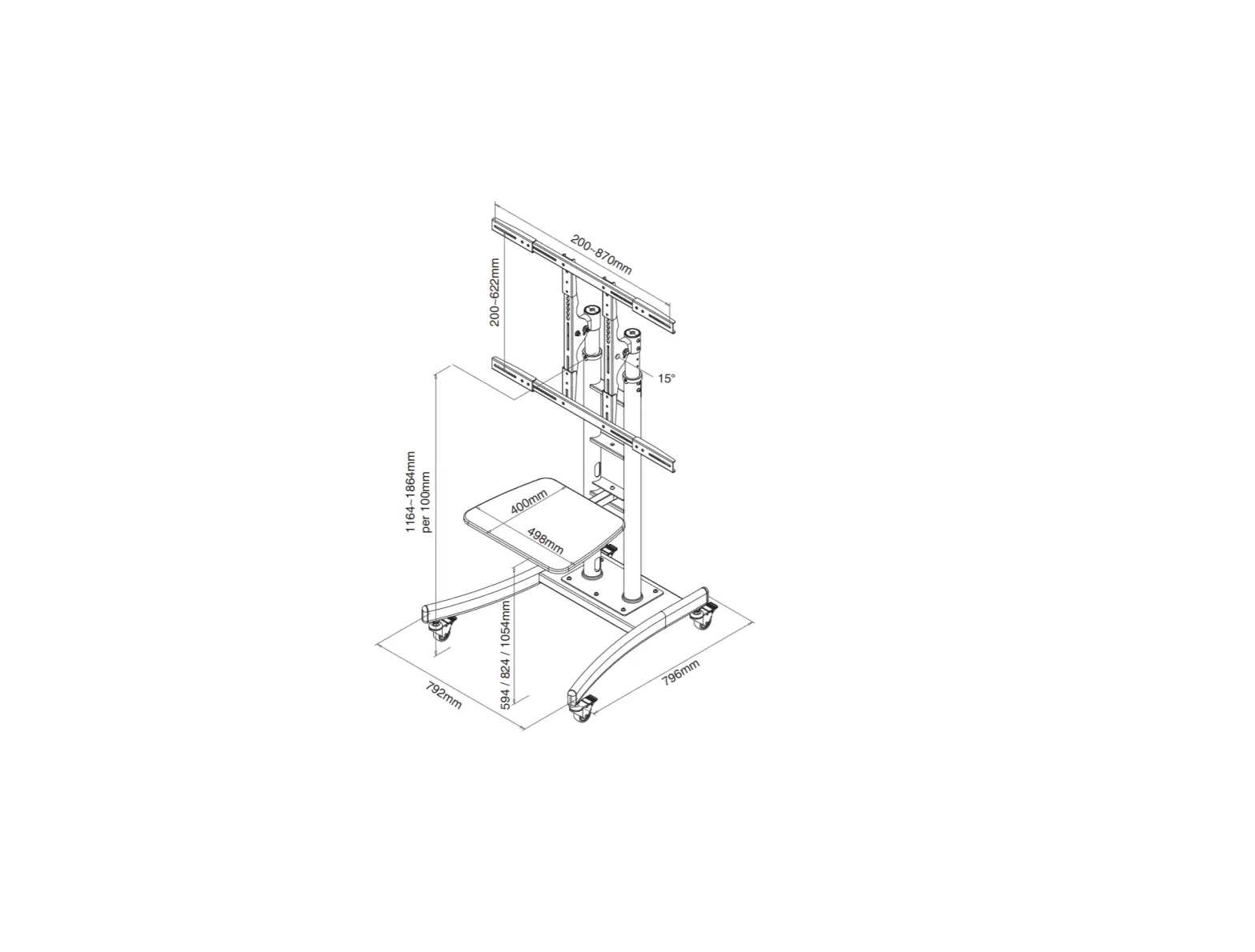
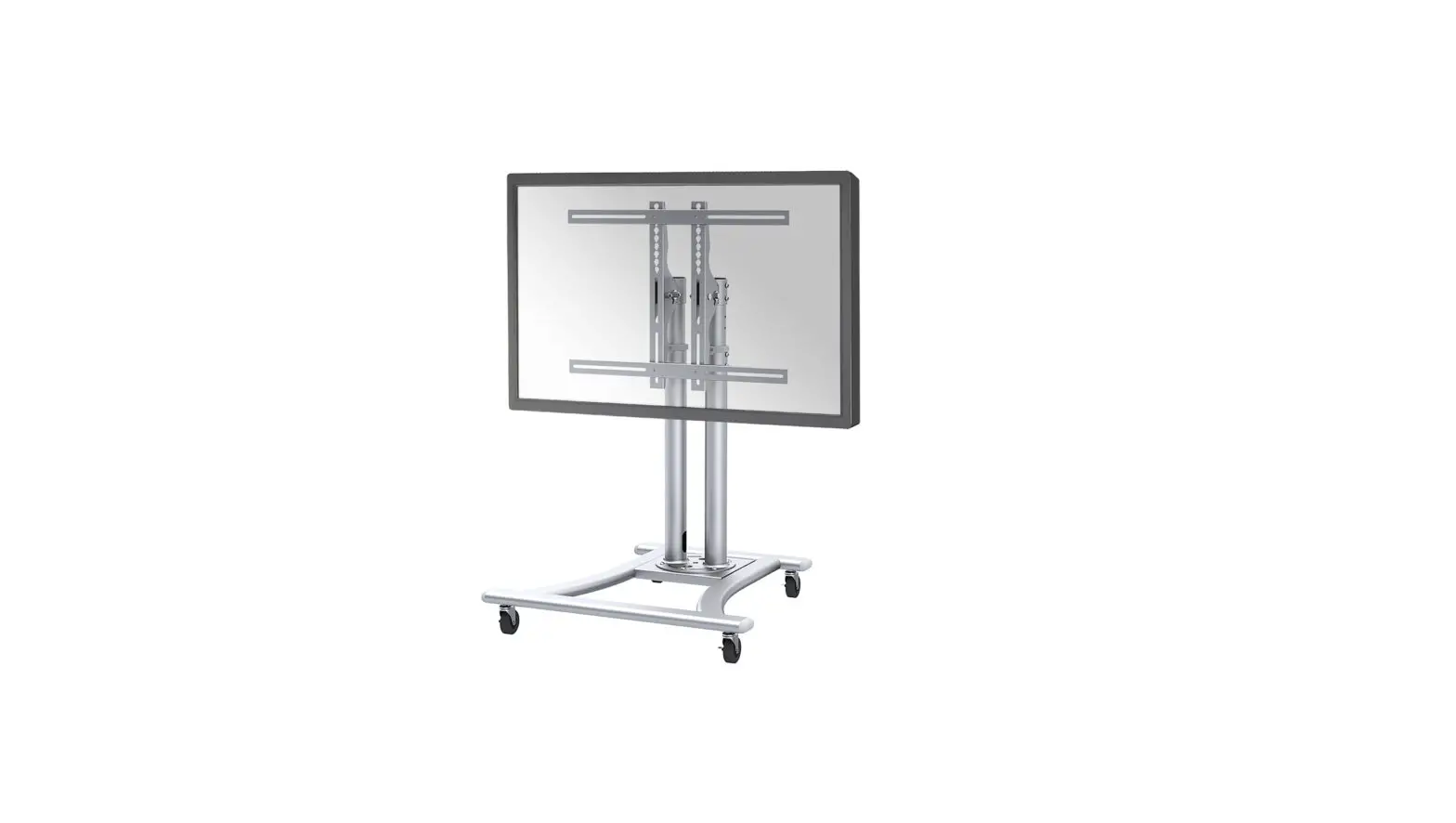
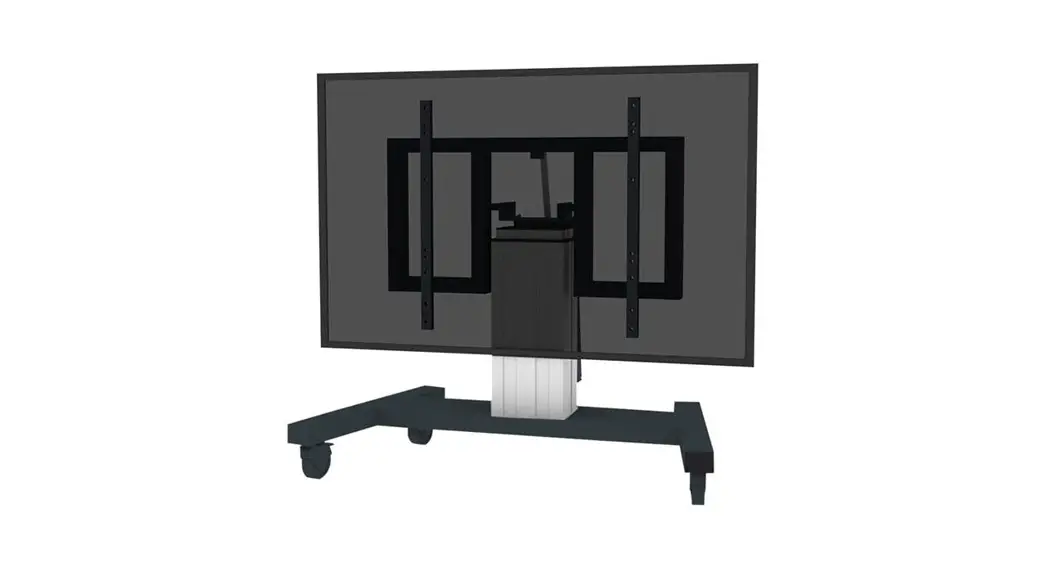
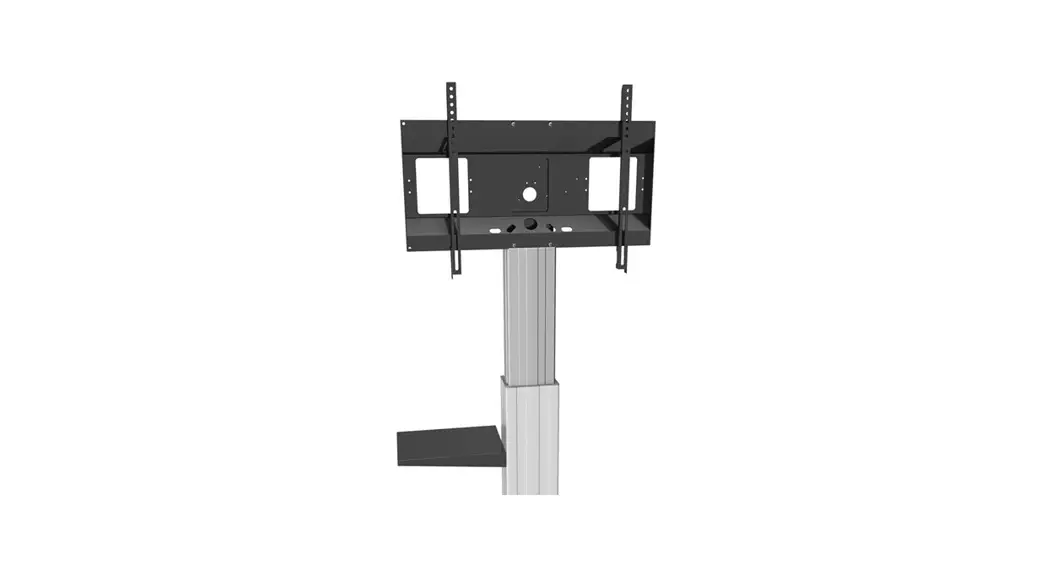
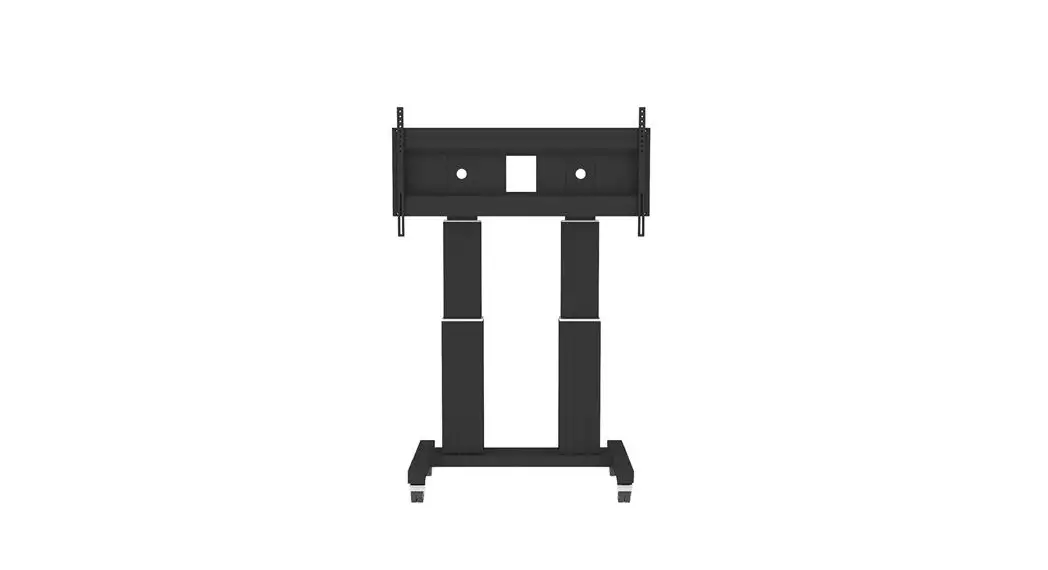
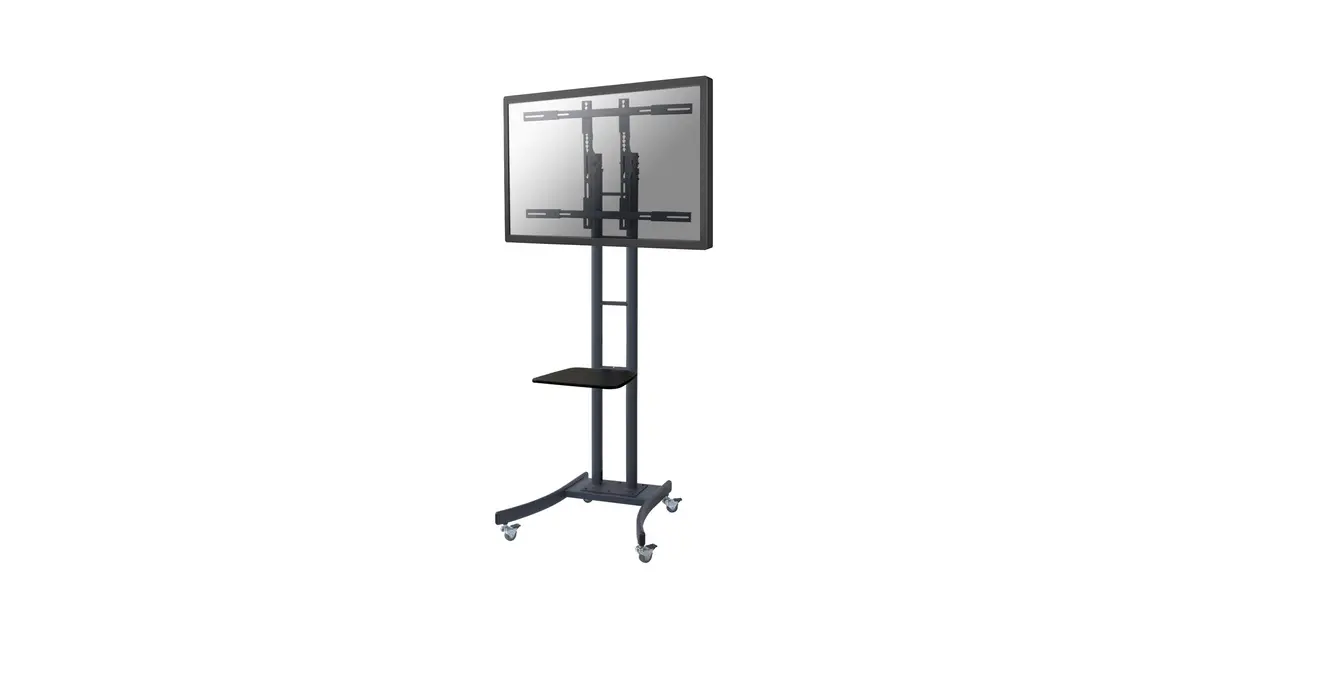
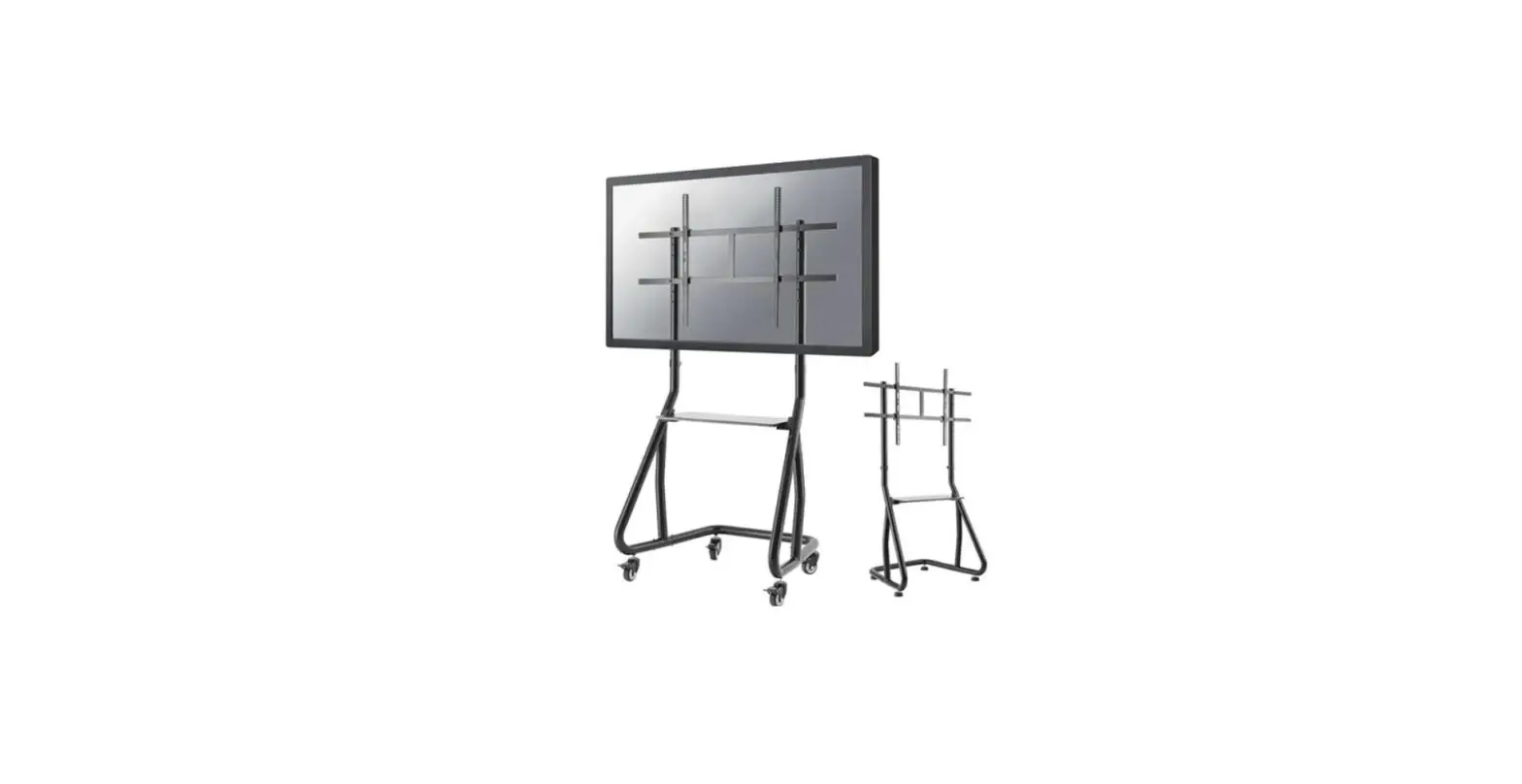
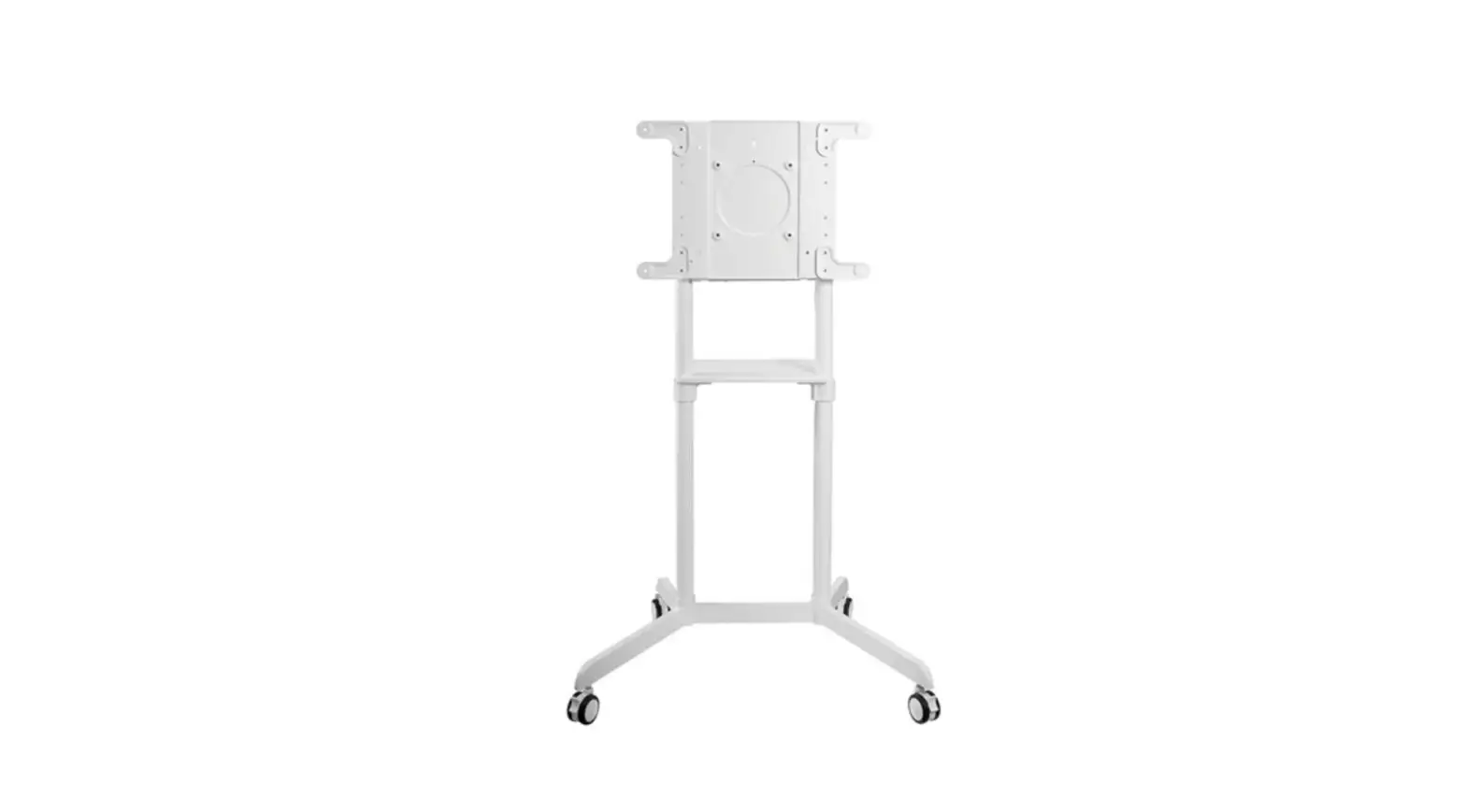
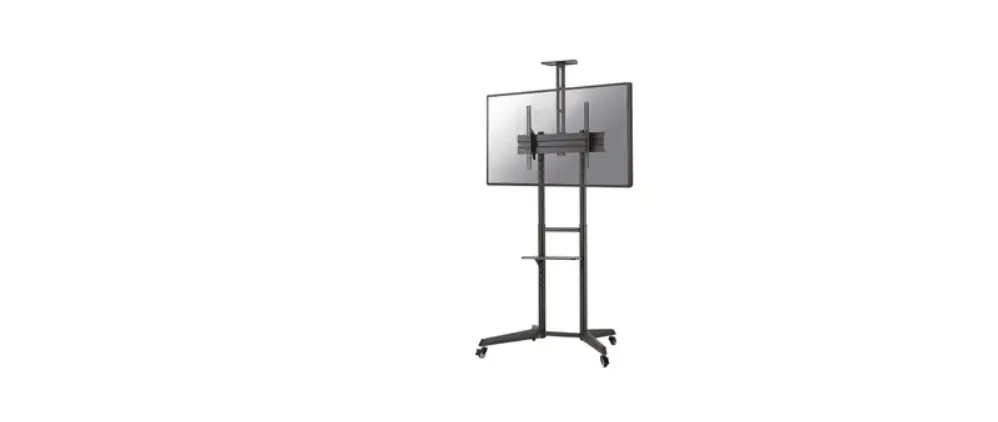
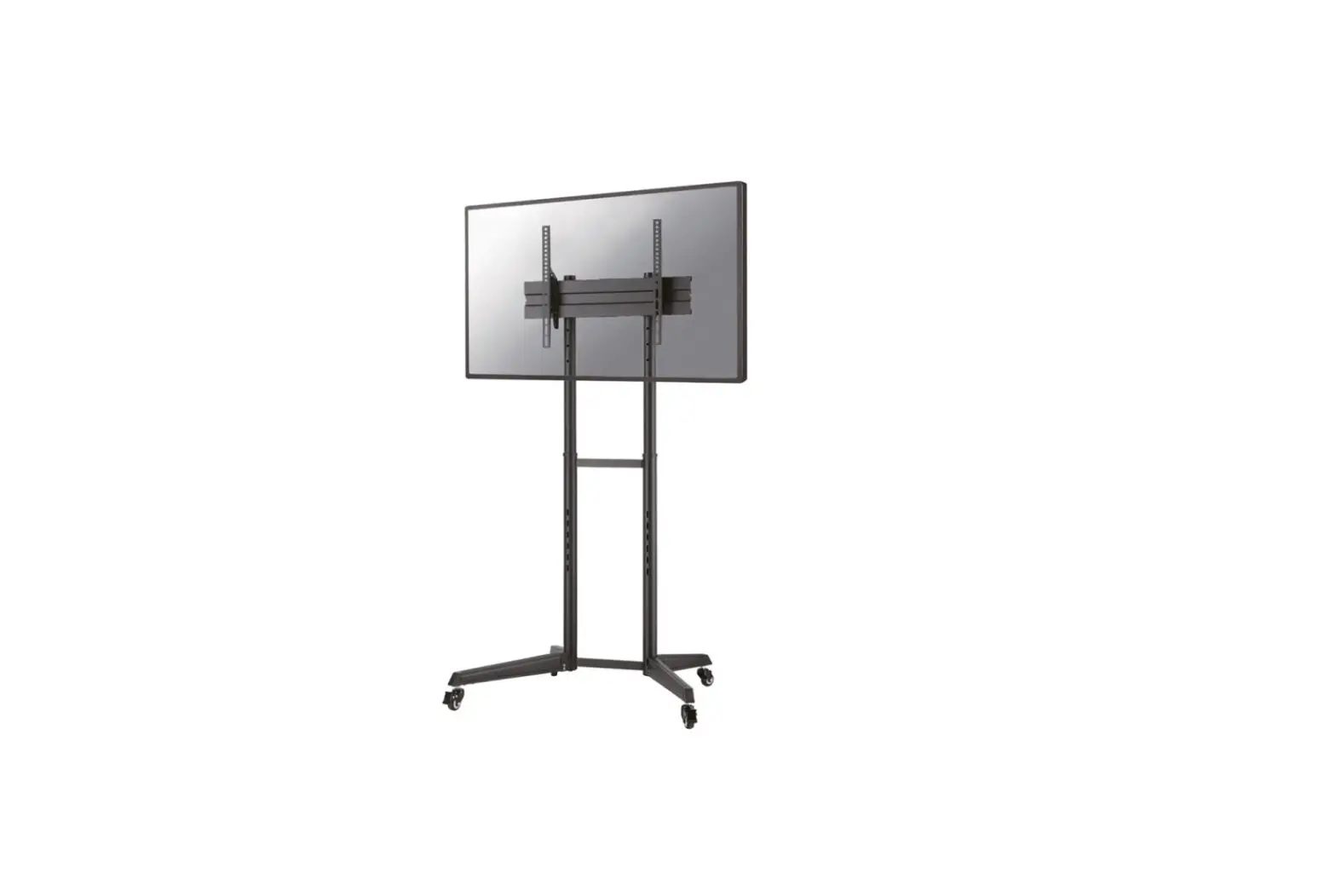
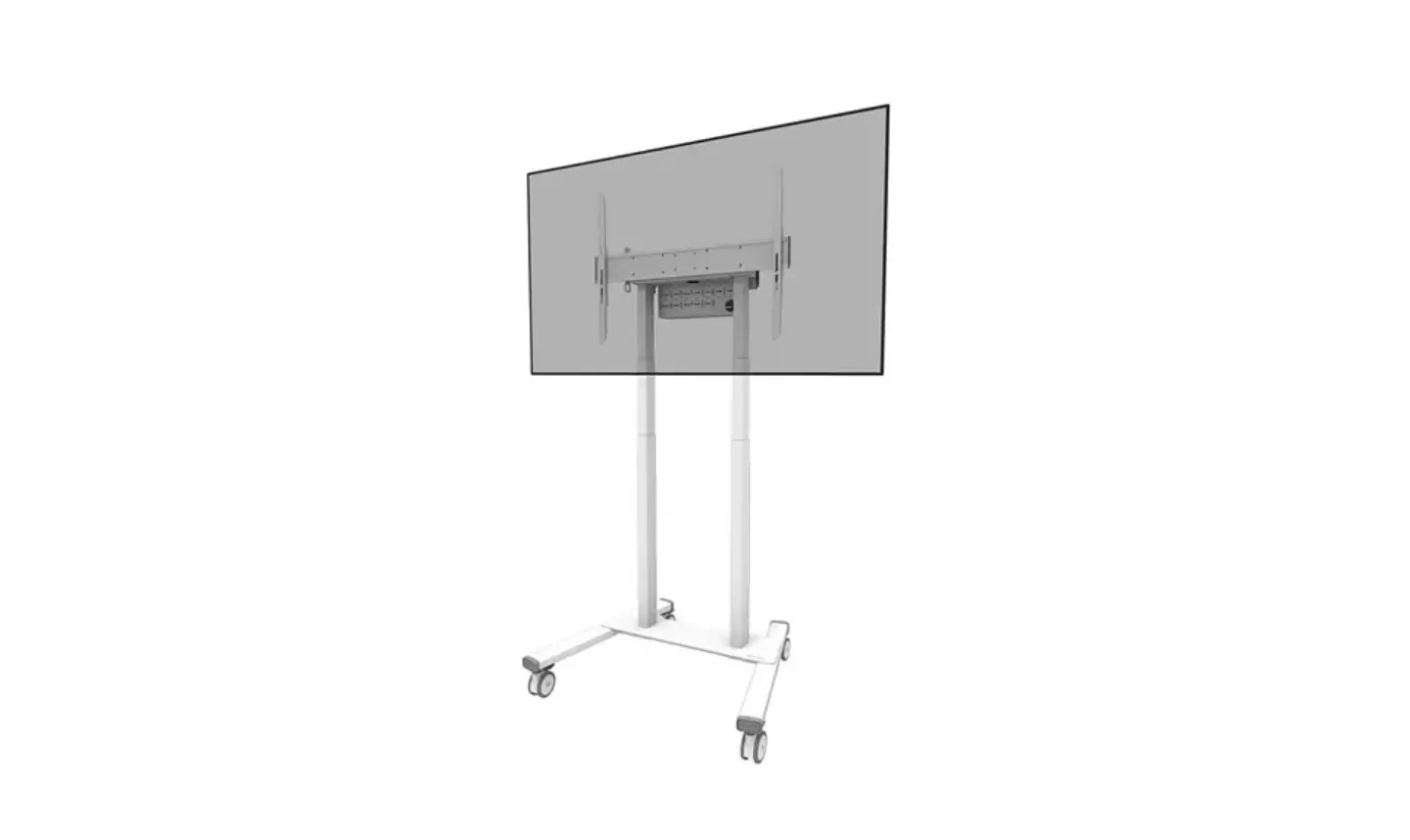
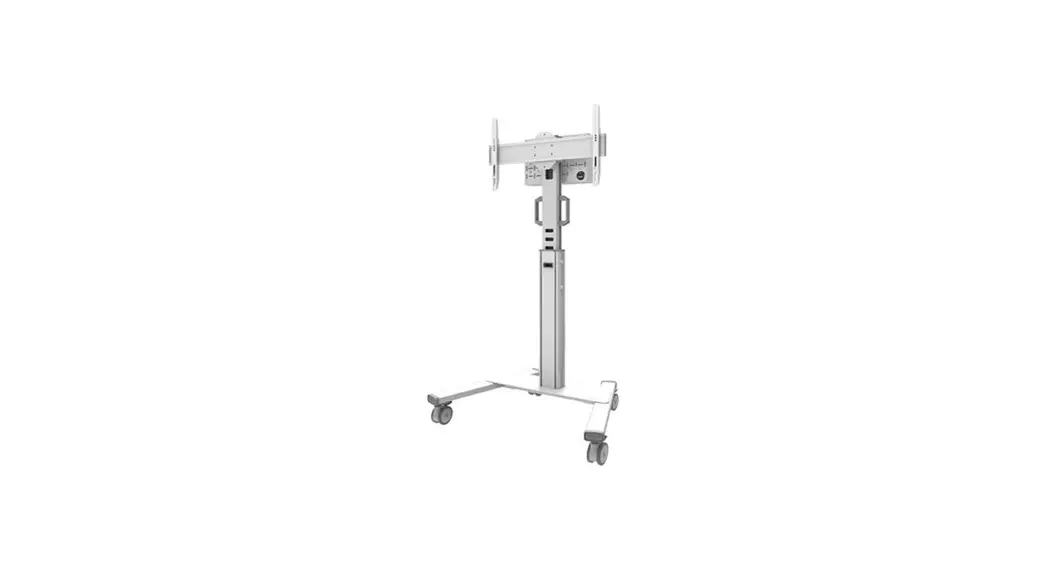
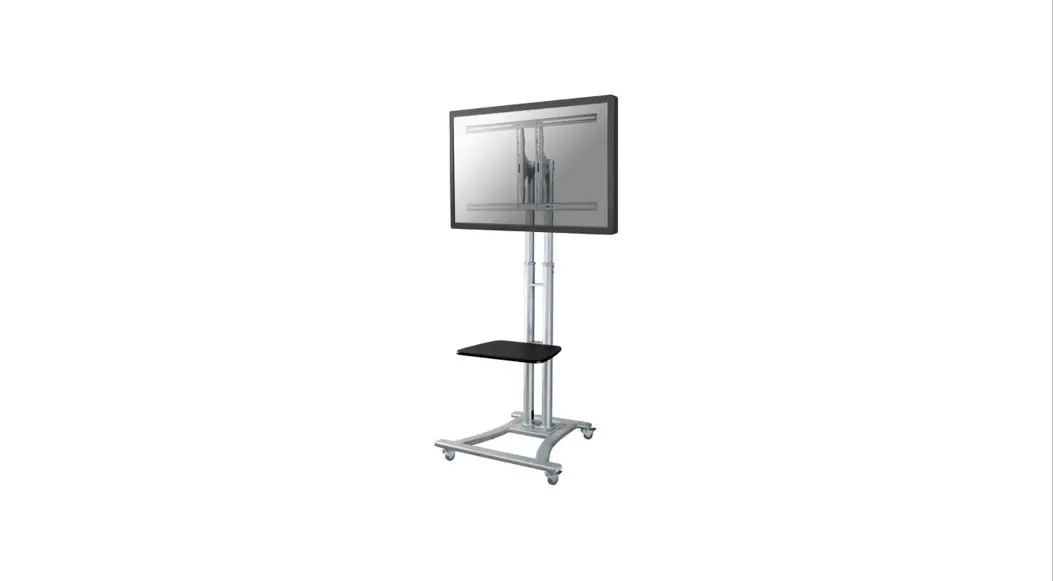
PLASMA-M1950E Floor Stand
Product Information
| Product Name | PLASMA-M1950E |
|---|---|
| Product Dimensions | 1055mm x 150mm x 285mm |
| Minimum to Maximum Height | 200mm to 1000mm |
| Maximum Height (with extension) | 2365mm |
| Minimum to Maximum Width | 1365mm to 1685mm |
| Screen Size Compatibility | 200x200mm to 1000x600mm |
| Weight Capacity | 0kg to 100kg |
Product Usage Instructions
- Install the casters/wheels.
- Tighten the safety screw.
- Attach the inner column and pin.
- Secure the inner column and pin.
- Attach the screen to the bracket and secure it.
- Install additional optional parts (if applicable).
- Install the DVD player (if applicable).
- Adjust the display panel center height according to your
preference.
Note: Please refer to the provided user manual for detailed
step-by-step instructions and illustrations.
INSTRUCTION MANUAL
1055mm
150mm 285mm
min200~max1000mm
max2365mm min1365~max1685mm
150mm min200~max605mm
630mm
50mm 60mm 335mm
100mm 110mm
430mm
710mm
75mm 1220mm
PLASMA-M1950E
EN Floor stand NL Vloersteun DE Bodenständer FR Support au sol IT Supporto da pavimento ES Soporte de suelo PT Suporte de chão DK Gulvstander
NO Gulv stativ SE Golvstativ FI Lattiateline PL Stojak podlogowy CS Podlahový stojan SK Podlahový stojan RO Stativ pentru podea
WWW.NEOMOUNTS.COM
PLASMA-M1950E PARTS
Tool
200×200 1000×600 mm
0-100 kg
134-166 cm
A. (x1)
B. (x4)
C. (x1)
D. (x2)
E. (x2)
F. (x1)
G. (x1)
H. (x1)
I. (x1)
J. (x1)
K. (x1)
L. (x1)
M. (x1)
N. (x2)
O. (x4)
P. M8x30 (x8)
Q. M6x14 (x2)
R. M6x25 (x4)
S. M6x14 (x6)
T. M6x8 (x4)
U. M8x65 (x4)
V. D8 (x4)
W. D6 (x2)
X. 5mm (x1)
Y. (x1)
M-A. M5x14 (x4)
M-B. M6x14 (x4)
M-C. M6x30 (x4)
M-D. M8x30 (x4)
M-E. M8x50 (x4)
M-F. (x4)
M-G. (x8)
M-H. (x8)
STEP 1
EN Install the casters
NL Installeer de wielen
DE Montieren Sie die Rollen
FR Installez les roulettes
BB
IT Installare le ruote
ES Instalar las ruedas
AA
PT Instale as rodas
PL Zainstaluj kólka
YY
STEP 2
EN Attach the upright supports to the chassis NL Bevestig de staanders aan het onderstel DE Bringen Sie die aufrechten Stützen am Fahrgestell an FR Fixer les supports verticaux au châssis IT Fissare i supporti del montante al telaio ES Fije los soportes verticales al chasis PT Fixar os suportes verticais ao chassis PL Przymocuj wsporniki pionowe do obudowy
HH
GG
PP XX
pin
H
GG
inner column
pin
XX
Tighten the safety screw.
STEP 3
EN Attach the crossbar to the supports NL Bevestig de crossbar aan de staanders DE Befestigen Sie die Querstange an den Stützen FR Fixer la barre transversale aux supports IT Fissare la traversa ai supporti ES Fije el travesaño a los soportes PT Fixar a travessa aos suportes PL Przymocowa poprzeczk do wsporników
SS LL
XX
STEP 4
EN Place the decorative covers NL Plaats de decoratieve afdekkapjes DE Legen Sie die dekorativen Abdeckungen FR Placer les couvercles décoratifs IT Posizionare le coperture decorative ES Coloque las cubiertas decorativas PT Colocar as capas decorativas PL Umieci oslony dekoracyjne
STEP 5
EN Attach the crossbar NL Bevestig de crossbar DE Befestigen Sie die Querstange FR Fixer la barre transversale IT Fissare la traversa ES Fije el travesaño PT Fixar a travessa PL Przymocowa poprzeczk
E O
V U
STEP 6
EN Install the adapter brackets NL Bevestig de adapter steunen DE Montage die Halterungsschienen FR Installation des supports d’adaptateur IT Il montaggio del adattatore ES Coloque los soportes del adaptador PT Instalação de braços adaptadores PL Zainstaluj ramiona uchwytu
M-AA M-FF
M-B MM-F
* Not Included
JJ II
OPTION
EN Use spacers if necessary NL Gebruik afstandhouders indien nodig DE Montage der Distanzscheiben wenn nötig FR Utilisez des entretoises si nécessaire IT Utilizzare distanziatori, se necessario ES Utilice separadores si es necesario PT Utilize separadores se necessário PL Uyj dystansów jeli jest taka potrzeba
STEP 7
EN Attach the screen to the bracket and secure it NL Bevestig het scherm op de beugel en zet vast DE Befestigen Sie den Bildschirm an der Halterung und
sichern Sie ihn FR Attachez l’écran au support et fixez-le IT Fissare lo schermo alla staffa e fissarlo ES Coloque la pantalla en el soporte y fíjela PT Fixar o ecrã ao suporte e fixá-lo PL Przymocuj ekran do uchwytu i zabezpiecz go
* Not Included
M-C M-D
M-C M-D
M-C M-D
M-F M-G
M-E M-FF
MM-H
M-F M-H
MM–EE
MM-FF
M-G M-H
MM–EE
MM–F
MM-F
M-G MM-HH
M-G M-H
D
STEP 8
EN Install the plateau to the top of the mount NL Bevestig het plateau aan de bovenzijde van de steun DE Befestigen der Platte am oberen Ende die Halterung FR Installation du plateau supérieur à la hauteur désirée IT Attaccare l’altopiano alla parte superiore del supporto ES Instale la meseta en la parte Superior del soporte PT Instale o platô na parte Superior do suporte PL Zainstaluj pólk do kamery u góry stojaka
STEP 9
EN Attach the shelf to the supports NL Bevestig het plateau aan de staanders DE Befestigen Sie den Regalboden an den Stützen FR Fixer l’étagère aux supports IT Fissare il ripiano ai supporti ES Fije la balda a los soportes PT Fixar a prateleira aos suportes PL Przymocowa pólk do wsporników
K
W RR
M TT
FF N
RR SS NN
STEP 10
EN Route the cables NL Geleid de kabels DE Verlegen Sie die Kabel FR Guidez les câbles IT Guidare i cavi ES Guíe los cables PT Guiar os cabos PL Poprowadzi kable
DVD
STEP 11
EN Adjust the mount to the desired position NL Stel de steun in op de gewenste positie DE Positionieren die Halterung in der gewünschten Position FR Ajustez le support à la position souhaitée IT Regolare il supporto nella posizione desiderata ES Establecer el soporte en la posición deseada PT Ajuste o suporte na posição desejada PL Dostosuj pozycj uchwytu do twoich wymaga
+5° -10°
Display panel center height measured from floor.
 Neomounts