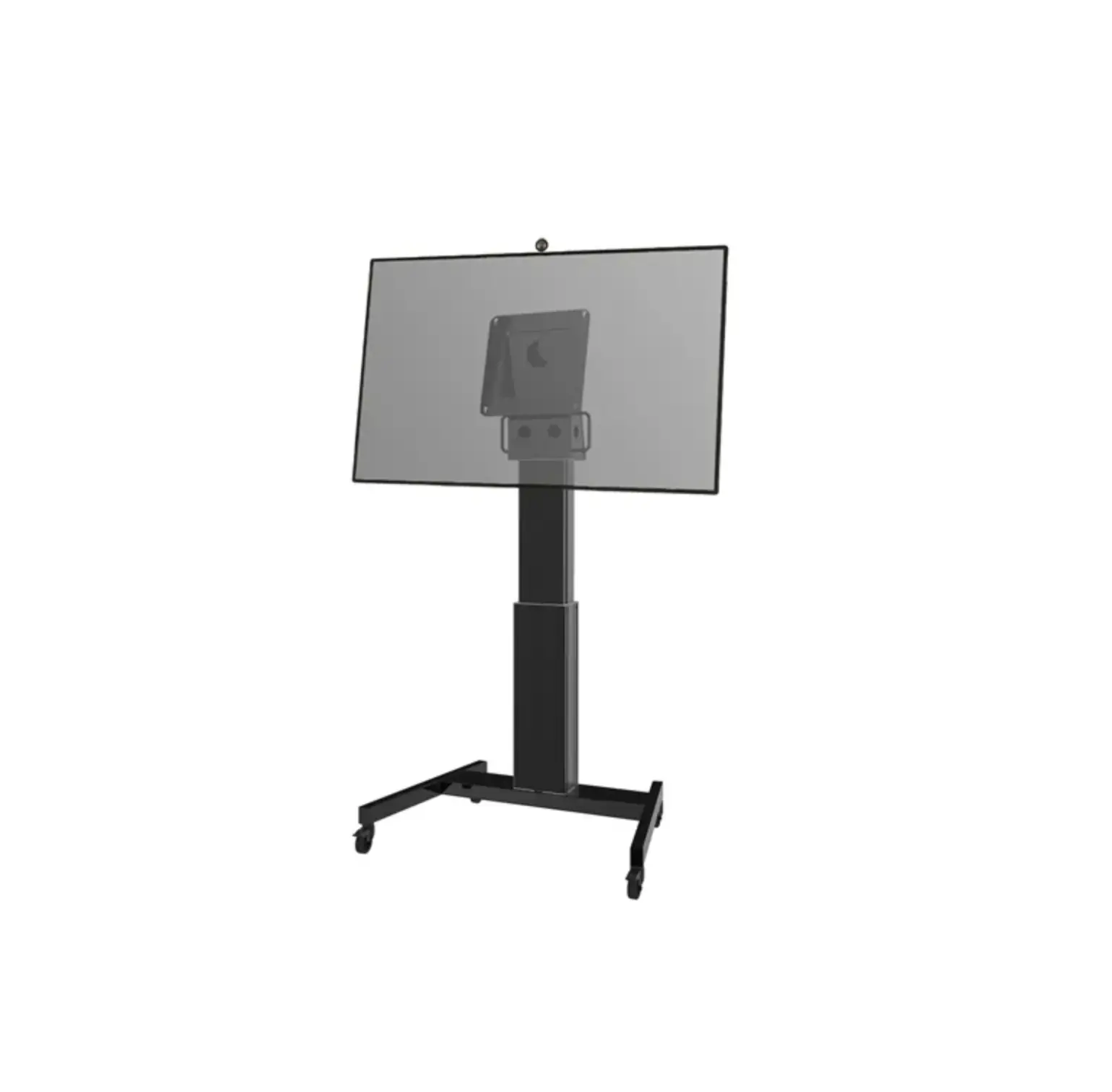
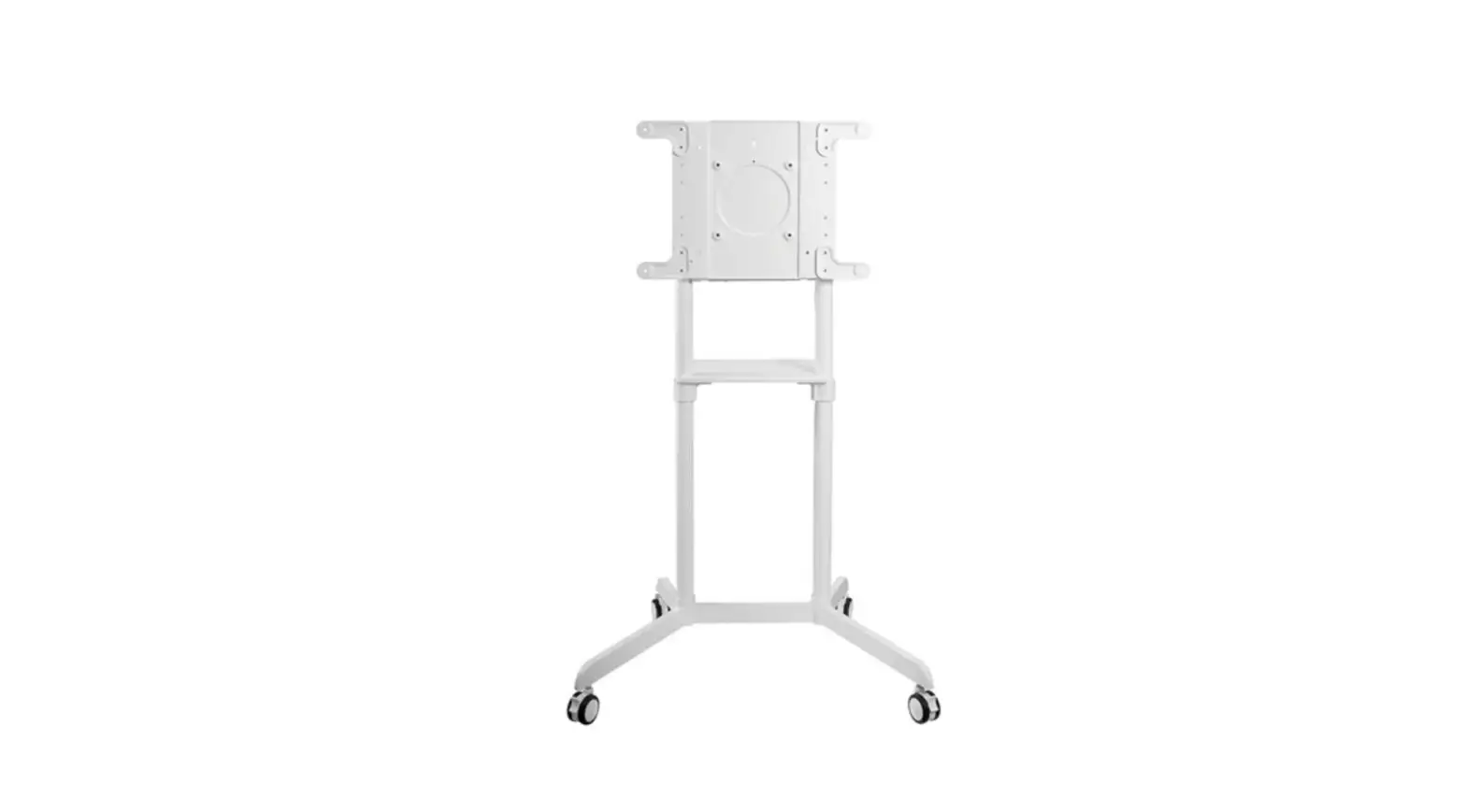
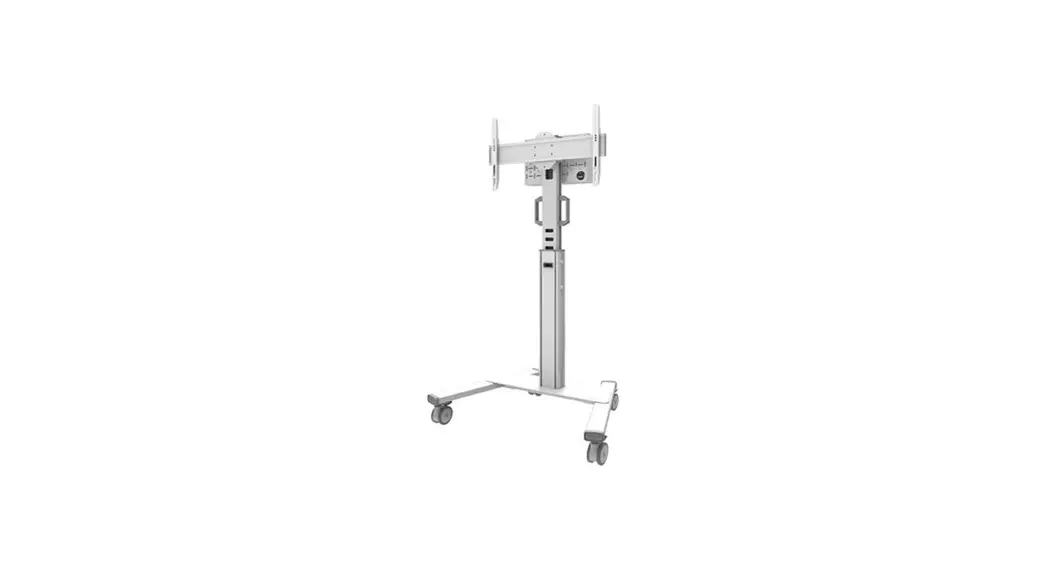
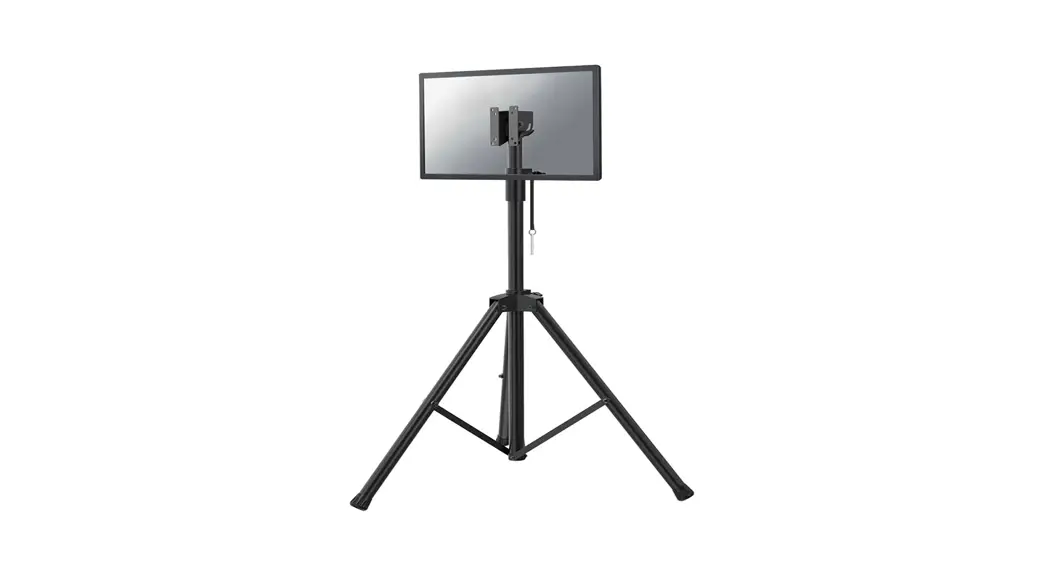
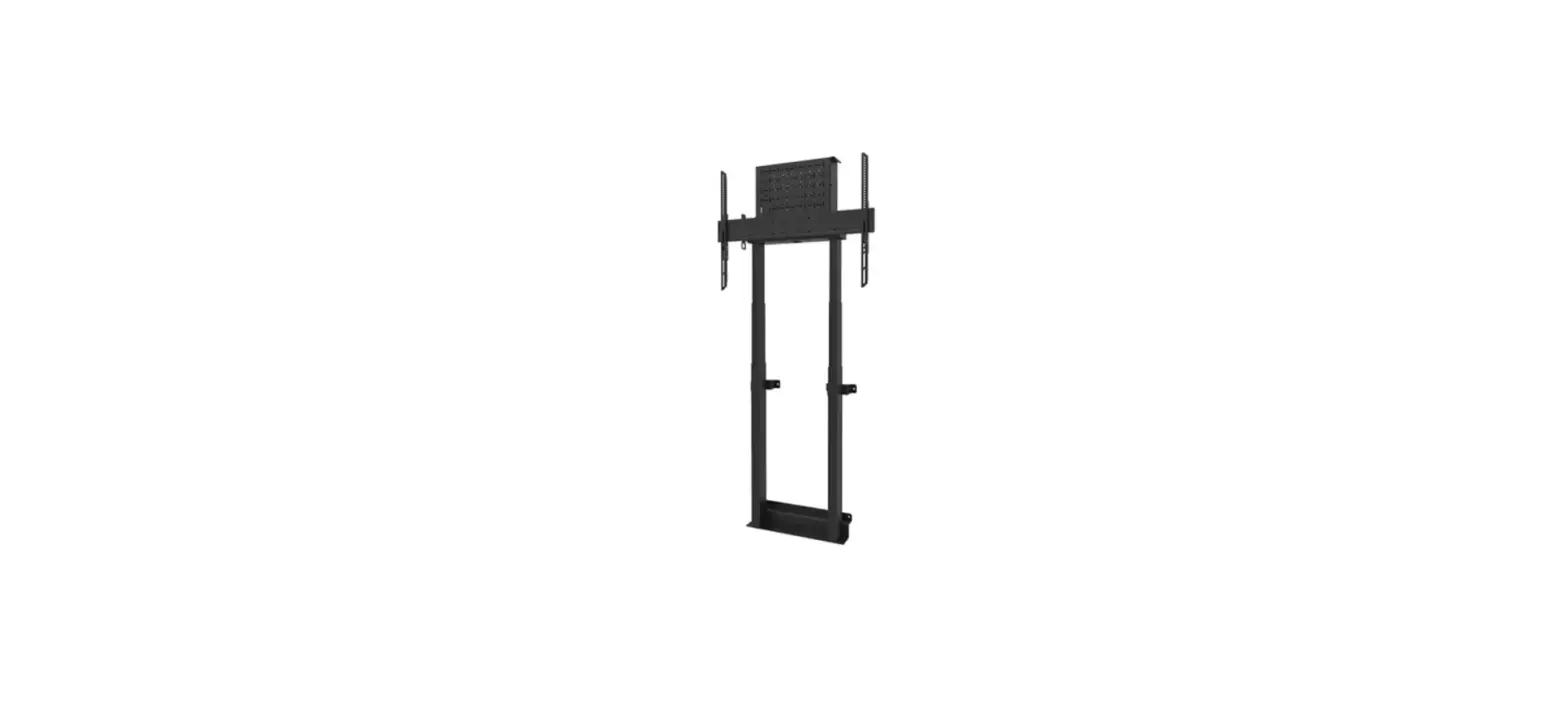
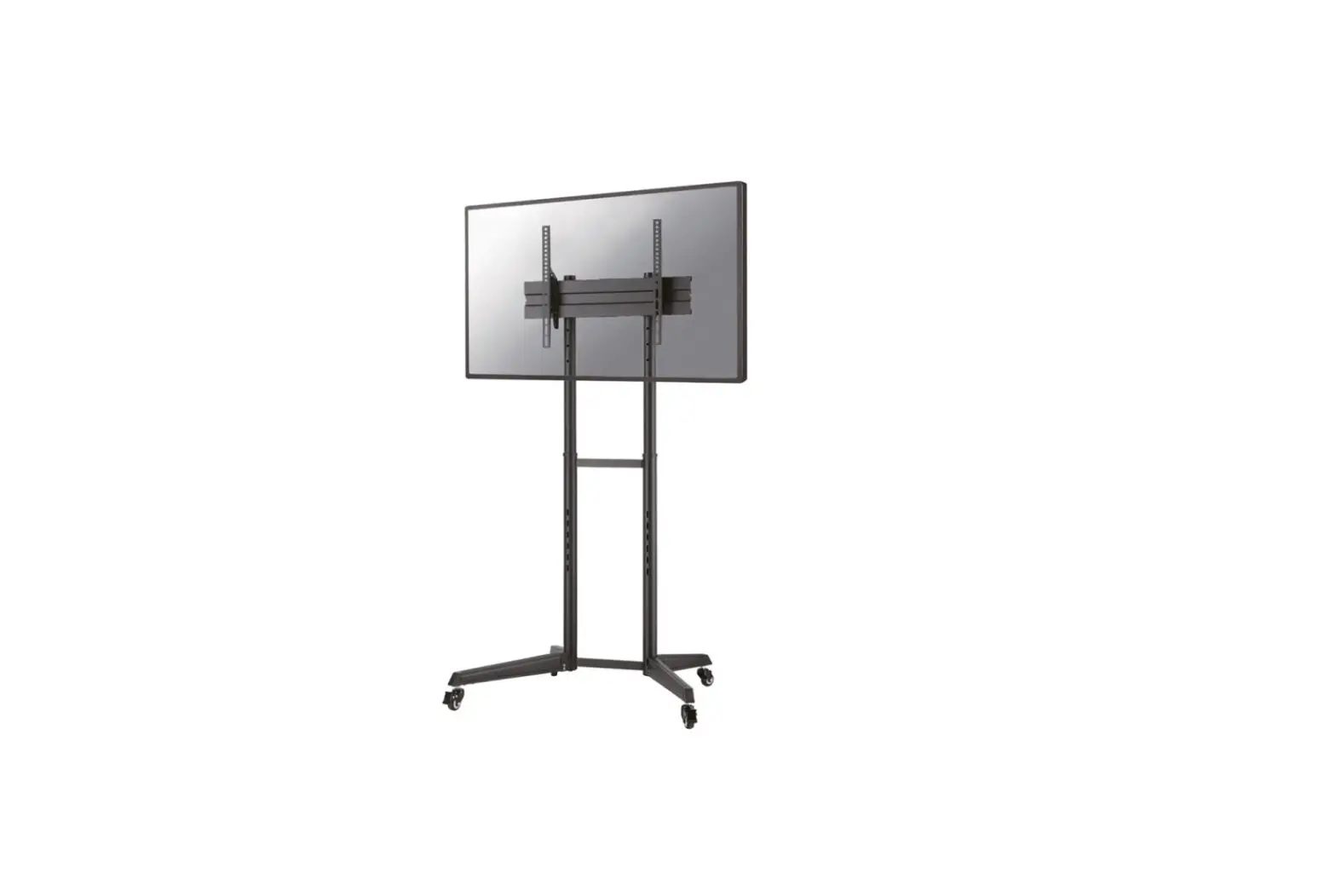
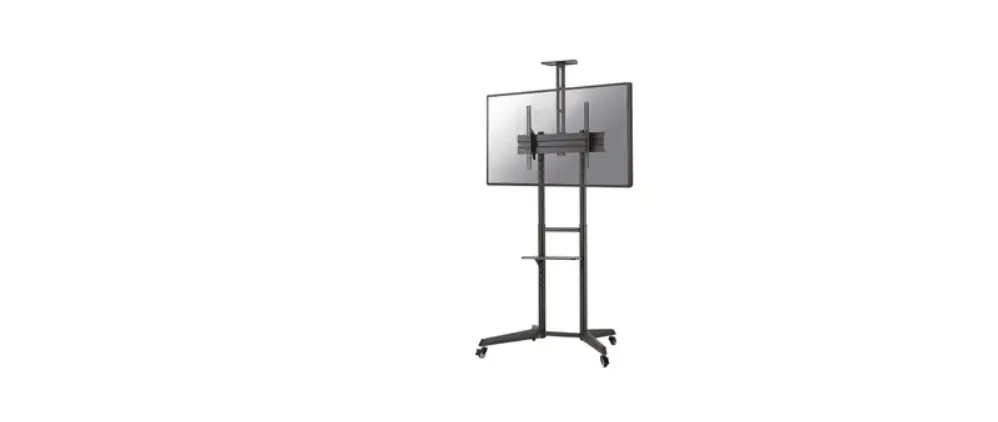
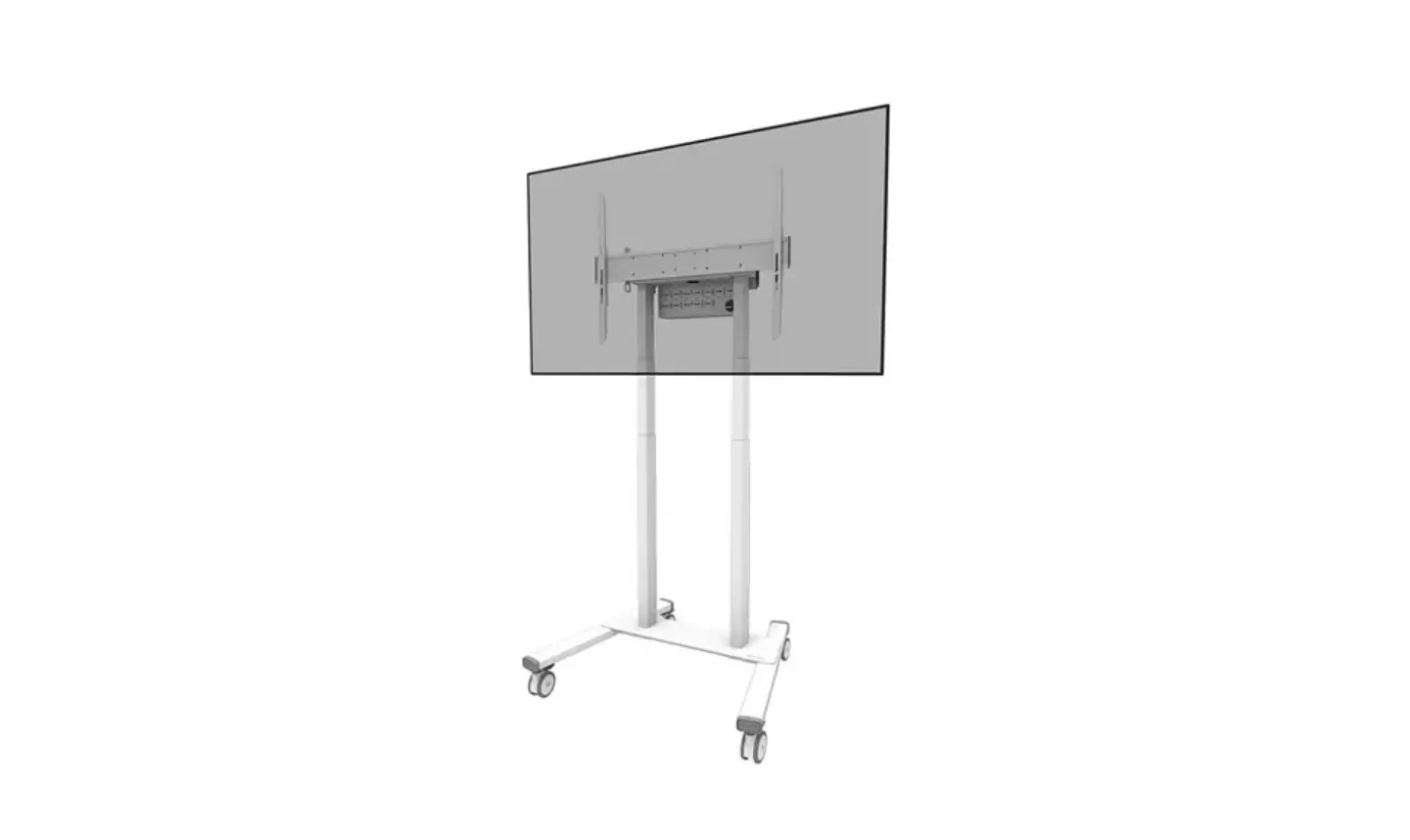
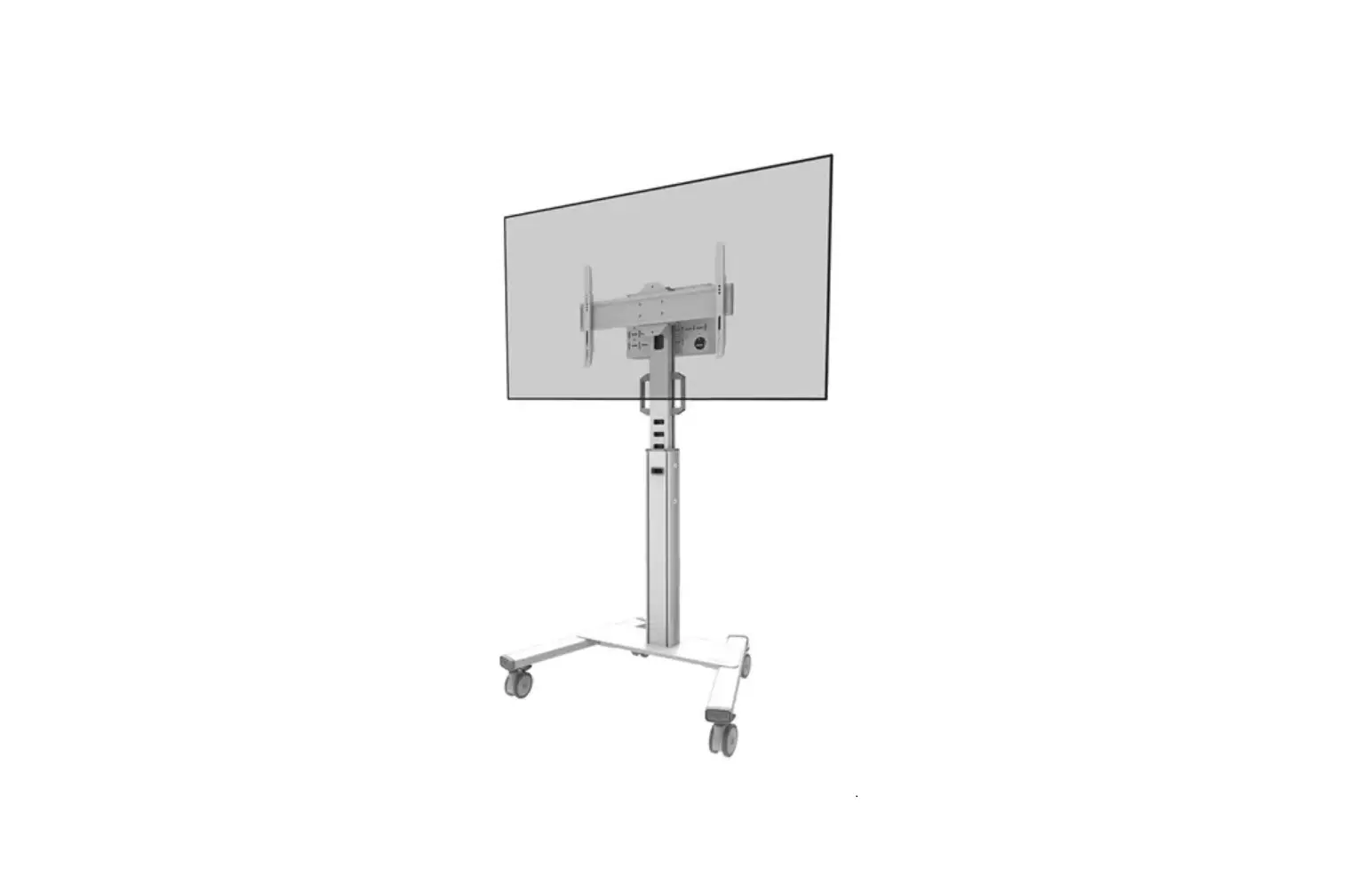
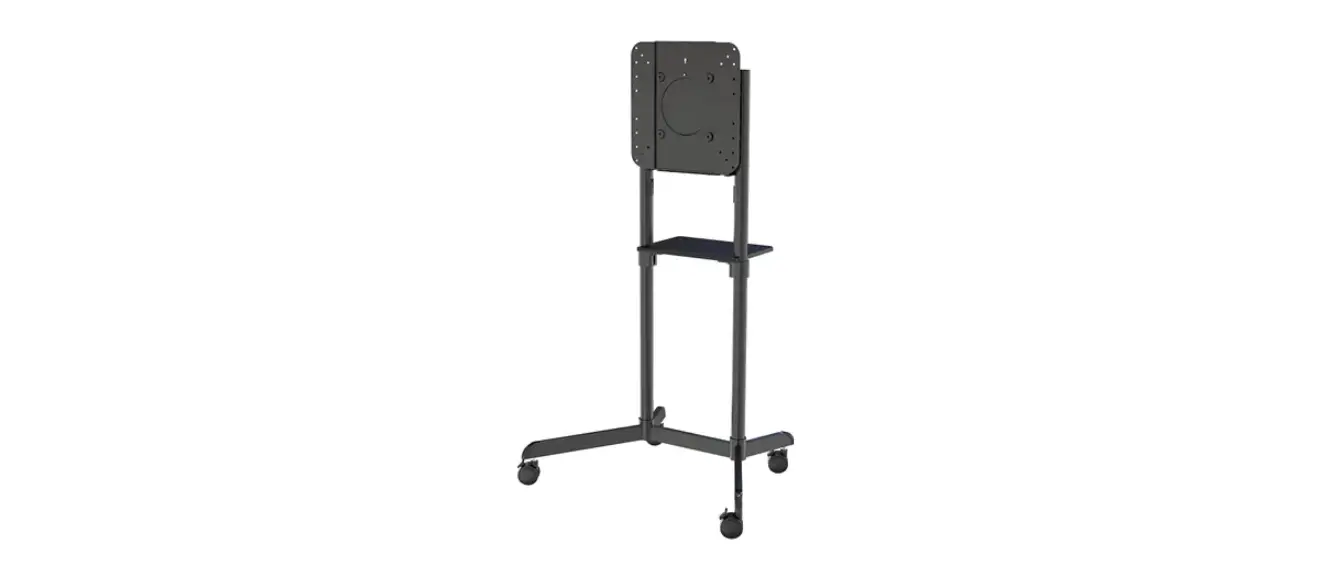
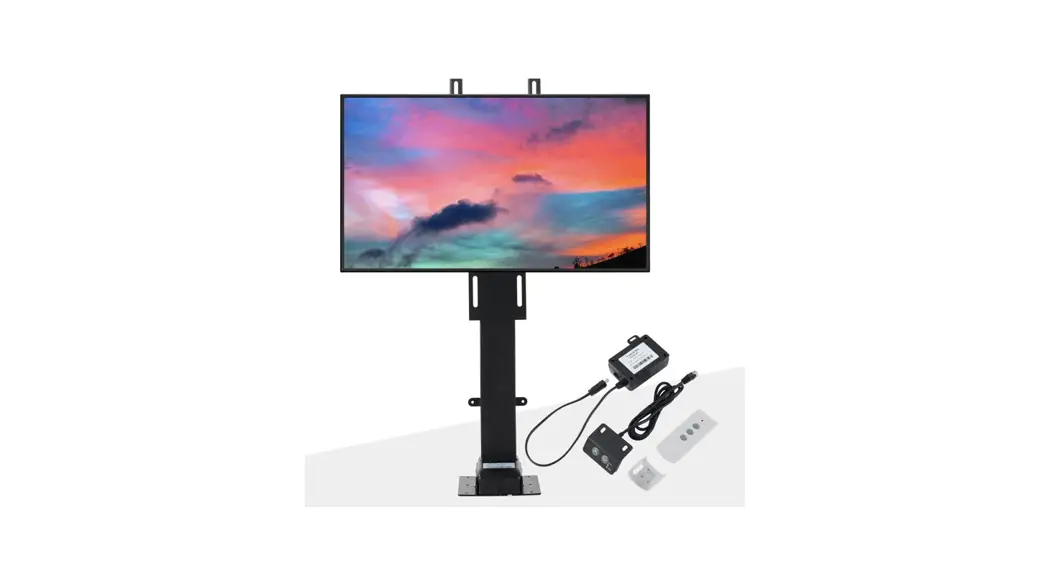
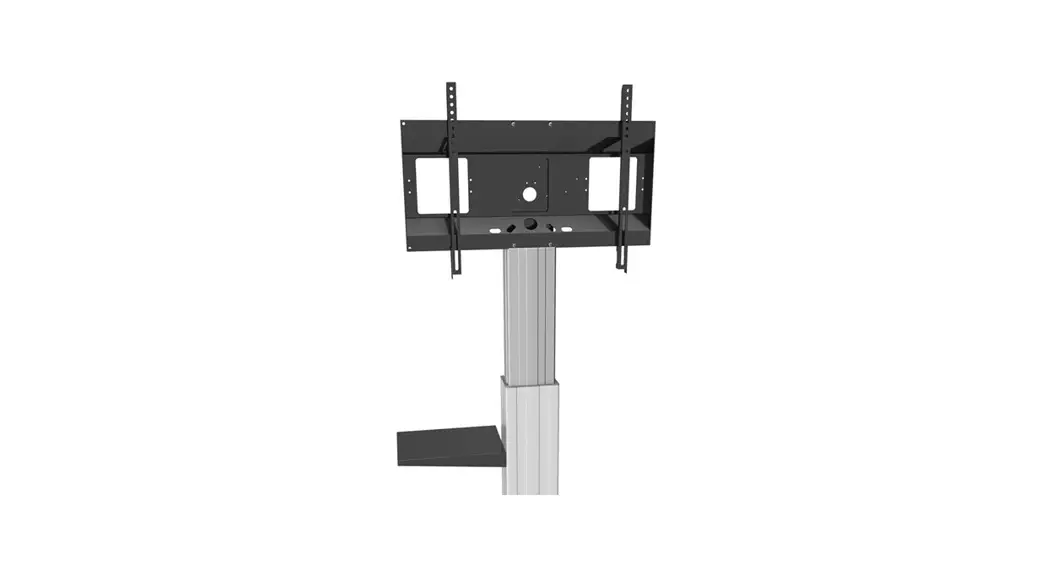
NM-HUB2LIFTBLACK Select Motorized Floor Stand
Product Information
Product Name: NM-HUB2LIFTBLACK/SILVER
Manufacturer: Neomounts
Website: www.neomounts.com
Weight Capacity: 0-150 kg | 0-330.7 lbs
Screen Size Compatibility: 350×350 mm
Height Adjustment Range: 134-184 cm
Product Usage Instructions
- Step 1: Prepare the following tools and parts:
- Drill
- (x1) Part 1
- (x1) Part 2
- (x1) Part 3
- (x1) Part 4
- (x1) Part 5
- (x1) Part 6
- (x8) Part A (M8x40)
- (x4) Part B (M6x16)
- (x2) Part C (M6x8)
- (x2) Part D (M4x16)
- Step 2: Remove the cover by following the instructions provided
in multiple languages. - Step 3: Place the cover back on.
- Step 4: Attach the screen onto the bracket and secure it.
- Step 5: Tighten four screws (Part B) in the back of the screen,
keeping approximately 3 mm of space. - Step 6: Attach the screen to the bracket and secure it.
- Step 7: Connect the power cable (Part 4) with the column and
socket. - Step 8: Follow the instructions provided in multiple languages
to complete the installation process. - Step 9: Follow additional instructions provided in multiple
languages to ensure safety and avoid accidents. - Step 10: Dispose of the product according to the instructions
provided.
Note: For moveable and free-standing units, operate the unit on
plane and stable floors. Lock brakes of front wheels when operating
the unit to prevent tilting. For wall-mounted units, use
appropriate wall mounting material and ensure experienced personnel
handle the installation process.
INSTRUCTION MANUAL
NM-HUB2LIFTBLACK/SILVER
EN Floor stand NL Vloersteun DE Bodenständer FR Support au sol IT Supporto da pavimento ES Soporte de suelo PT Suporte de chão DK Gulvstander
NO Gulv stativ SE Golvstativ FI Lattiateline PL Stojak podlogowy CS Podlahový stojan SK Podlahový stojan RO Stativ pentru podea
WWW.NEOMOUNTS.COM
NM-HUB2LIFTBLACK/SILVER PARTS
1. (x1)
2. (x1)
3. (x1)
STEP 1
EN Connect the trolley (3) to the column (2) NL Monteer de trolley (3) aan de kolom (2) DE Verbinden Sie Fahrgestell (3) und Pylone (2) FR Fixez le socle à roulettes (3) à la colonne (2) IT Colleghi il carrello (3) alla colonna (2) ES Conecte el carro (3) a la columna (2) PT Encaixe o carrinho (3) à coluna (2) PL Podlczy podstaw wózka (3) do kolumny (2)
Tool
Drill
350×350 mm
0-150 kg | 0-330,7 lbs
134-184 cm
4. (x1)
5. (x1)
6. (x1)
A. M8x40 (x8)
B. M6x16 (x4)
C. M6x8 (x2)
D. M4x16 (x2)
STEP 2
EN Remove the cover NL Verwijder de afdek DE Entfernen Sie die Abdeckung FR Retirez le capuchon IT Rimuovere le coperte ES Retire la tapa de la cubierta PT Remova a tampa PL Zdejmij oslon
2 3
A
STEP 3
EN Attach the frame to the bracket NL Bevestig het frame op de steun DE Den Frame an die Halterung befestigen FR Fixez le cadre sur le support IT Fissare il frame alla staffa ES Colocación de la placa en el soporte PT Colocar a placa no suporte PL Monta plytki do uchwytu
1
1 A
2
STEP 4
EN Place the cover NL Plaats de afdekkap DE Abdeckung montieren FR Placez le capuchon de protection IT Metti le coperte ES Coloque la tapa de la cubierta PT Coloque a tampa PL Umie oslon
STEP 6
EN Attach the screen onto the bracket and secure it
NL Bevestig het scherm aan de steun en zet vast
DE Montage und Sicherung des Bildschirmes an die Halterung
FR Accrochez l’écran sur le cadre et fixez-le
IT Appendere lo schermo sulla staffa e fissarlo
ES Cuelgue la pantalla en el soporte y asegúrela
PT Pendure a tela no suporte e prenda-a
1
PL Zawie monitor na wsporniku i zabezpiecz go
STEP 5
EN Tighten four screws (B) in the back of the screen and keep
approximately 3 mm of space
NL Draai vier schroeven (B) in de achterzijde van het scherm en
behoud plusminus 3 mm ruimte
DE Anziehen der vier Schrauben (B) auf der Rückseite des Bildschirms
B
und ca. 3 mm Abstand halten
FR Serrez les quatre vis (B) à l’arrière de l’écran et gardez environ
3 mm d’espace
IT Stringere quattro viti (B) nella parte posteriore dello schermo e
mantenere circa 3 mm o spazio
ES Aprieta los cuatros tornillos (B) en la parte posterior de la pantalla
B
y conserva más espacio de 3 mm
PT Aperte quatros parafusos (B) na parte de trás da tela e mantenha
aproximadamente 3 mm de espaço
PL Dokr cztery ruby (B) z tylu ekranu i zachowaj okolo 3 mm
wolnej przestrzeni
STEP 7
EN Attach the control unit holder NL Bevestig de afstandsbediening houder DE Befestigen Sie die Bedieneinheit Halter FR Fixez le support de l’unité de command IT Attaccare il supporto per l’unità di controllo ES Coloque el soporte de la unidad de control PT Prenda o suporte da unidade de controlo PL Dolcz uchwyt zespól sterujcy
1 B
C
6
STEP 8
EN Attach the control unit NL Bevestig de afstandsbediening DE Befestigen Sie de Bedieneinheit FR Fixez l’unité de commande IT Collegare l’unità di controllo ES Conectar la unidad de control PT Fixar a unidade de controlo PL Przymocowa zespól sterujcy
STEP 9
EN Connect the plug of the control unit (5) with the column NL Verbind de stekker van de afstandsbediening (5) met de kolom DE Verbinden Sie den Stecker der Bedieneinheit (5) mit der Säule FR Connecter la prise de la télécommande (5) sur la colonne IT Collegare la spina dell’unità di controllo (5) con la colonna ES Conecte el enchufe de la unidad de control (5) con la columna PT Conecte o plugue da unidade de controle (5) com a coluna PL Podlcz wtyczk sterownika (5) do kolumny
5
6 5
D
STEP 11
EN Install the cable clips and run the cable through NL Bevestig de kabelclips en leid de kabel(s) er doorheen DE Installieren Sie die Kabelklemmen und führen Sie das
Kabel durch FR Installez les clips sur les pieds pour le passage des
câbles et positionnez vos câbles dans ces clips IT Fissa la clip del cavo e far passare il cavo attraverso ES Instale las abrazaderas y pase el cable PT Instale as braçadeiras e passe o cabo PL Przymocuj klipsy kablowe i przeprowad kabel
STEP 12
EN Adjust the tilt mechanism to the desired position NL Stel het kantelmechanisme naar wens in DE Stellen Sie den Kippmechanismus auf die gewünschte Position ein FR Ajustez le mécanisme d’inclinaison àla position souhaité IT Regolare il meccanismo di inclinazione nella posizione desiderata ES Ajuste el mecanismo de inclinació a la posició deseada PT Ajuste o mecanismo de inclinaçã para a posiçã desejada PL Ustaw mechanizm przechylania w anej pozycji
STEP 10
EN Connect the power cable (4) with column and socket
NL Verbind de stroomkabel (4) met de kolom en het stop-
contact
DE Verbinden Sie den Stomkabel (4) mit der Säule und
der Steckdose
FR Branchez le câble d’alimentation (4) sur la colonne
IT Colleghi il cavo di alimentazione (4) con la colonna e
la presa
ES Conecte el cable de alimentación (4) con la columna
y el zócalo
PT Conecte o cabo de alimentação (4) com coluna e soquete
PL Podlcz kabel zasilajcy (4) kolumn do gniazdka
4
prdowego
15°
IMPORTANT HAZARD & SAFETY NOTES
Please carefully read the below hazard and safety notes before using the height adjustment unit. This contributes to make the unit work failure-free and avoids accidents.
Electrical safety Connect unit to a free accessible 110 230 V / 50 Hz grounded power outlet only. Make sure, the unit can be immediately separated from the power outlet. Only use unit in dry rooms, protect unit from water and other liquids. Only wipe unit with dry cloth. Do not open lift unit. RISK OF ELECTRIC SHOCK. There are no serviceable parts inside. In case of disfunction unplug unit from power outlet and call an authorised technical service person. Do not overrun line cord or damage in any other way. Replace damaged line cords immediately with new one from same type.
The socket connections of the unit and the wall socket must be easily accessible.
The device is not dripping or splash water protected. Do not place objects filled with liquids on or spray the device.
General tips for mechanical safety Do not improperly load unit. Do not mount other than original parts (whiteboard, wings, interactive board, interactive monitor, projector) in conjunction with original mounting parts. Do not hang on unit. VERY HEAVY UNIT. Severe risk of injury when unit falls over due to improper usage. Only use original mounting parts provided with the system. Max load of lift unit is 150 kg/ 330 lbs. Do not exceed. Assure installation of unit by authorized service person only. Before moving the unit up or down ashure at least a safety distance of 20 cm/ 7.9 from any part of the unit to any other fitment in order to avoid shear traps or squeezing points. In case of accident please release operating panel. Movement of unit will stop immediately.
Special tips for moveable und free standing units Only operate unit on plane and stable floors. Move unit on plane floors only. Risk of tilting when overrunning floorunevennesses, door sills and similar. VERY HEAVY UNIT. Severe risk of injury when unit falls over. Lock brakes of front wheels when operating unit.
Special tips for wall mounted units Use appropriate wall mounting material only. Choose douwels and screws according to the wall type and material. Using improper mounting material may result in tilting of the unit and severe risk of injury. Wall mounting must be done by experienced personnel only.
Instructions for disposal
Do not dispose to consumer waste.
GEFAREN- & SICHERHEITSHINWEISE
Lesen Sie die nachfolgenden Gefahren- & Sicherheitshinweise vor der Verwendung der Höhenverstellungseinheit sorgfältig durch. Dies trägt dazu bei, dass die Einheit störungsfrei arbeitet & Unfälle vermieden werden.
Elektrische Sicherhe Anschluss der Einheit nur an eine frei zugängliche schutzgeerdete Steckdose mit 110 230 Volt / 50 Hz, damit das Gerät im Notfall direkt, ohne Verzögerung vom Stromnetz getrennt werden kann. Betrieb der Einheit nur in trockenen Räumen erlaubt, vor Wasser & anderen Flüssigkeiten schützen. System zur Reinigung nur trocken abwischen. Gerät nicht öffnen. STROMSCHLAGGEFAHR. Es befinden sich keine wartbaren Teile im Inneren der Hubsäule. Im Störungsfall die Hubeinheit vom Stromnetz trennen und einen authorisierten technischen Kundendienst benachrichtigen. Netzkabel nicht überfahren oder auf andere Art beschädigen. Beschädigte Netzkabel nicht mehr verwenden und sofortdurch neue gleichen Typs ersetzen.
Die elektrischen Anschlüsse an der Hubsäule und an der Wand müssen stets frei zugänglich sein.
Das Gerät ist nicht gegen Tropf- und Spritzwasser geschützt. Keine mit Flüssigkeit gefüllten Gegenstände darauf abstellen oder das Gerät besprühen.
Allgemeine Hinweise zur mechanischen Sicherheit Höhenverstellungseinheit nicht unsachgemäß belasten. Keine Teile außer den dafür bestimmten und geeigneten Teilen verwenden (Projektionsfläche, Tafelflügel, interaktives Board, Monitor, Projektor). Nicht an Tafelflügel, Mittelfläche oder Projektorhalterung hängen. ACHTUNG: Hohes Gewicht. Durch Umfallen der Einheit besteht ernsthafte Verletzungsgefahr. Nur mitgeliefertes OriginalBefestigungsmaterial und Originalteile verwenden. Die maximale Belastung der Hubeinheit von 150 kg nicht überschreiten. Aufbau und Anschluss des Systems nur durch den authorisierten Fachhandel. Beim Hoch- & Herunterfahren der Höhenverstellung mindestens einen Abstand von 20 cm zu allen am System anmontierten Teilen einhalten um Quetsch- & Scherstellen zu vermeiden. Stellen Sie die Einsehbarkeit des Arbeitsbereiches sicher. Im Gefahrenfall sofort die Bedieneinheit loslassen. Die Bewegung der Hubsäule stoppt sofort (Totmannschaltung).
Besondere Hinweise für fahrbare und freistehende Systeme Die Einheit nur auf ebenen & standsicheren Untergründen betreiben. Fahrbare Systeme nur auf ebenen Untergründen bewegen. Es besteht insbesondere Kippgefahr beim Überfahren von Bodenunebenheiten, Türschwellen o.ä. Hohes Gewicht. Durch Umfallen der Einheit besteht ernsthafte Verletzungsgefahr. Bei Benutzung von fahrbaren Einheiten vor Benutzung der Einheit Feststellbremsen betätigen.
Besondere Hinweise für wandmontierte Systeme Nur geeignetes Wandbefestigungsmaterial verwenden. Je nach bauseitigen Gegebenheiten und Eigenschaften der Wand müssen geeignete Dübel und Schrauben verwendet werden Bei der Verwendung von ungeeignetem Befestigungsmaterial besteht ernsthafte Verletzungsgefahr durch Umkippen der Einheit. Wandmontage nur durch ausgebildetes Fachpersonal ausführen lassen.
Entsorgungshinweis
Gerät nicht im Hausmüll entsorgen, sondern einer speziellen Wiederverwertung für Elektroschrott zuführen.
 Neomounts