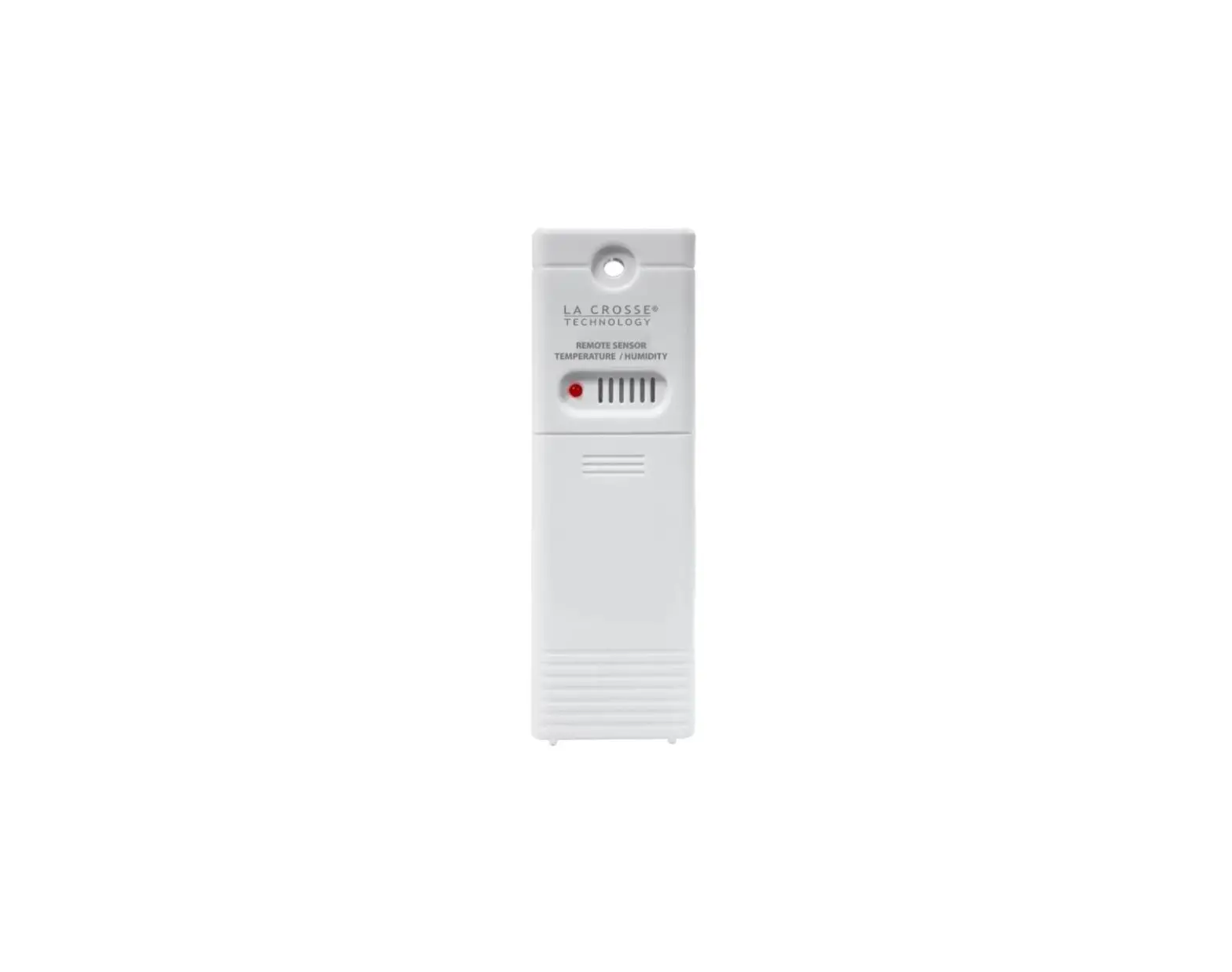
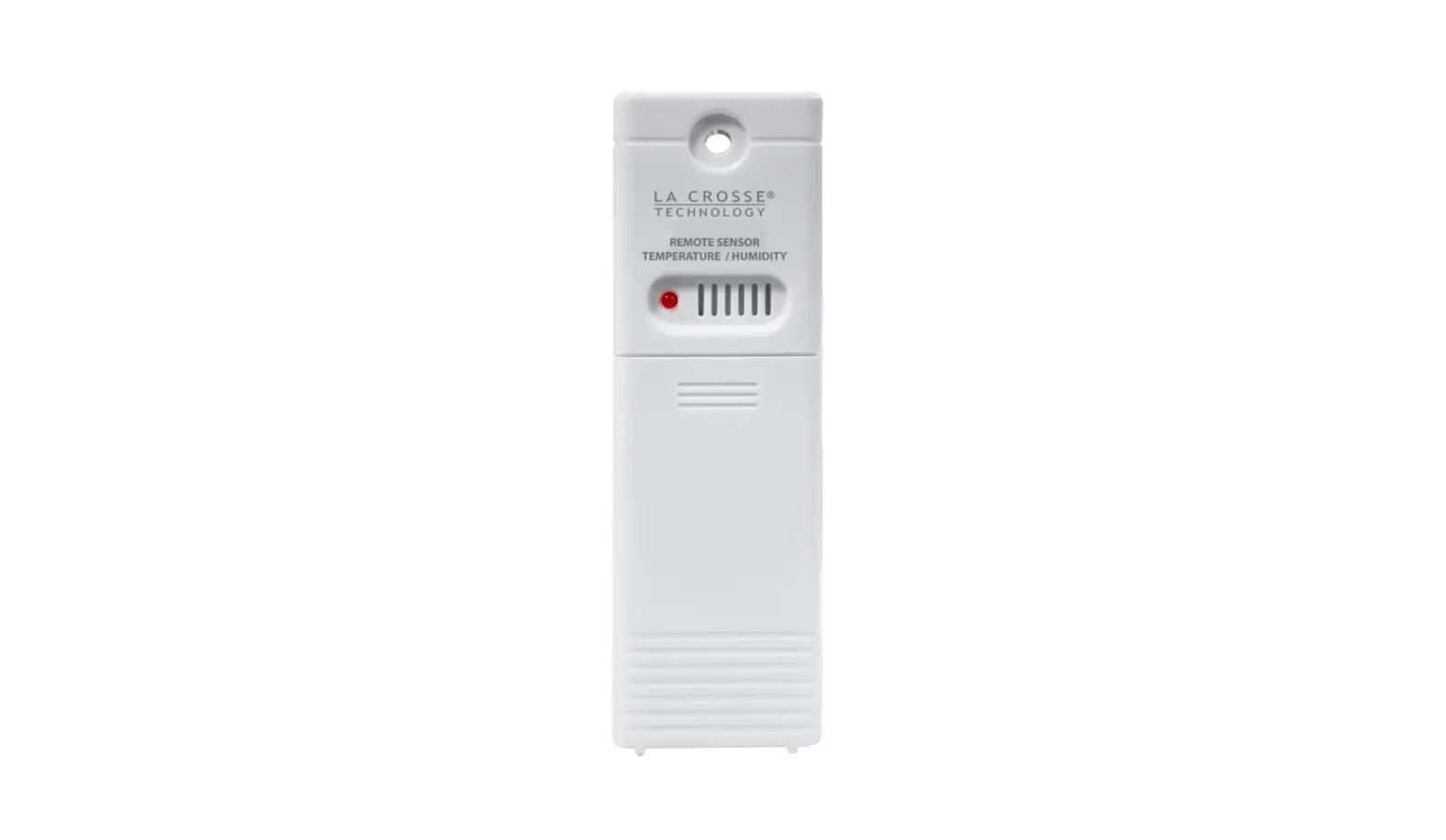
LTV-THP1-T1 Temperature or Humidity Sensor with Temperature Probe
Product Information:
The Temperature/Humidity Sensor with Temperature Probe (Model:
LTV-THP1-T1) is a device that allows you to measure temperature and
humidity levels. It comes with a temperature probe that can be
inserted into the sensor port. The sensor is powered by 2 AA
batteries and has a battery compartment for easy replacement. The
device has a TX button for manual transmission, an F/C button for
choosing between Fahrenheit and Celsius display, and an LCD screen
for viewing the readings.
The sensor can be used by itself or with the included probe
wire. When the probe wire is attached, the temperature and humidity
readings from the sensor will alternate on the top. When using the
sensor only, both the temperature and humidity will be
displayed.
The sensor has a La Crosse View icon that indicates the power
status. When solid, it means the sensor has power. When flashing
twice, it indicates that the sensor is sending a signal.
Product Usage Instructions:
- Power Up:
- Slide the Battery Cover down to remove it.
- Insert the Temperature Probe into the sensor port.
- Extend the probe wire through the guides straight down or to
either side of the sensor. - Insert 2 – AA batteries into the sensor according to polarity
markings. Replace the Battery Cover.
- LCD: The LCD screen displays the temperature
and humidity readings. When using the probe wire, the readings will
alternate on the top. When using the sensor only, both readings
will be displayed. - Positioning: Place the sensor in a suitable
location where you want to measure the temperature and
humidity. - Connect to the La Crosse ViewTM App:
- If you already own a La Crosse View connected display, open the
La Crosse View app and go to the Main Menu. - Scroll to ADD/EDIT and select DEVICES.
- Select the ADD DEVICE or PLUS (+) button on the Devices
page. - Scan the Barcode on your Sensor or manually type in the Device
ID. - Confirm the sensor image and Device ID, and add a Device Name
and Location Name. Select DONE.
- If you already own a La Crosse View connected display, open the
- Show Readings on a La Crosse ViewTM Station:
If you already own a La Crosse View connected station with an Extra
Sensor area, follow the instructions on your specific station for
adding sensors. - Care & Maintenance: Dispose of the product
responsibly by following local recycling centers and government
regulations.
If you require additional assistance, you can contact La Crosse
Technology’s customer support team through their self-help
resources, online contact form, or phone number provided in the
user manual. The customer support team is available Monday to
Friday, 8am-6pm CST.
For warranty information and patents related to the product,
visit the provided links. The product is compliant with FCC Rules,
and any modifications not approved by the responsible party may
void the user’s authority to operate the equipment.
CA WARNING: This product contains chemicals
known to the State of California to cause cancer and birth defects
or other reproductive harm. For more information, visit the
provided link.
Stay connected with La Crosse Technology through their social
media outlets for questions, setup videos, and feedback.
Temperature/Humidity Sensor with Temperature Probe
SET UP GUIDE MODEL: LTV-THP1-T1
Power Up
1. Slide the Battery Cover down to remove.
2. Insert the Temperature Probe into the sensor port.
3. Extend the probe wire through the guides straight down or to either side of the sensor.
4. Insert 2 – AA batteries into the sensor according to polarity markings. Replace the Battery Cover.
1. TX button: Press to manually transmit.
2. F/C button: Press to choose Fahrenheit or
Celsius display.
3. Port for Probe wire.
4. Battery compartment.
5. Guides for Probe Wire.
2
LCD
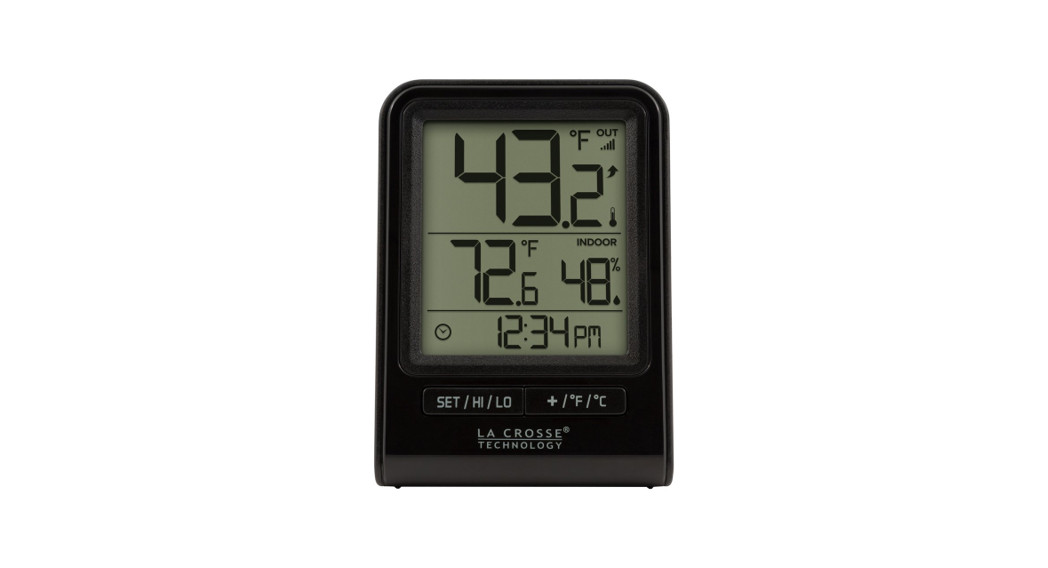
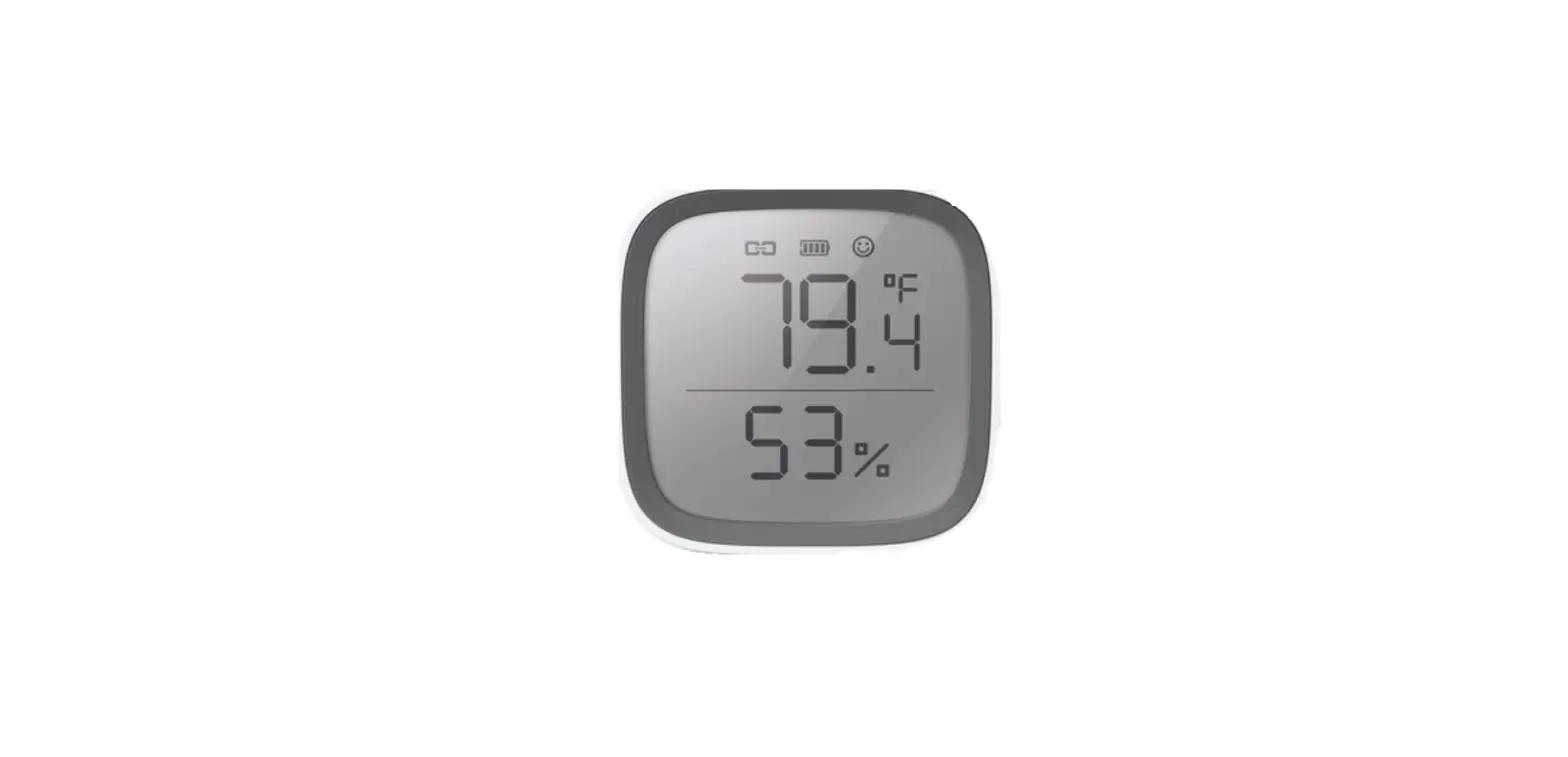
The LTV-THP1 sensor can be used by itself or with the included Probe Wire. When the Probe Wire is attached the temperature/humidity readings from the sensor will alternate on the top. When using the sensor only, the Temperature and Humidity will both show.
The La Crosse View Icon Solid: Sensor has power Flashes Twice: Sending a signal
3
Positioning
· Insert a screw though the mounting hole at the top of the LTV-THP1 sensor, to securely mount the sensor to desired surface. To hang with a nail; utilizing the nail-head hanging hole on back of the LTV-THP1 sensor.
· Outdoor: Mount the sensor vertically in a protected well-shaded area. Keeping it out of direct weather elements such as sunlight, rain, snow, etc. will help avoid inaccurate readings.
· The sensor itself should not submerged or placed in a location that could be submerged in water.
· Indoor: Mount the sensor vertically. Keeping it away from heat or cold sources such as vents and windows to avoid inaccurate readings.
· Place the probe wire in your desired location, please note the temperature is measured from the metal tip of the probe, not the entire cord. Probe wire can be placed in a variety of locations to monitor temperature, such as an aquarium, cooler, lake, freezer and much more! The probe wire is not intended to be used in high heat areas; DO NOT place in an oven/grill/other high heat zones.
· The maximum wireless transmission range to the display is up to 400 feet (121.92 m) in open air, not including walls or floors.
· For additional protection against weather elements, a Sensor Weather Shield (bit.ly/weather-shield) is available for purchase.
· For video instructions, visit: bit.ly/th_sensor_mounting
4
Connect to the La Crosse ViewTM App
If you already own a La Crosse View connected display, you can use your La Crosse View App to monitor your Sensor and Probe Wire readings right on your phone. 1. Open your La Crosse View app. On the Main Menu, scroll to ADD/EDIT
and select DEVICES. 2. On the Devices page, select the ADD DEVICE or PLUS (+) button. 3. Scan the Barcode on your Sensor or type in the Device ID manually. 4. Confirm the sensor image and Device ID and add a Device Name and
Location Name. Select DONE.
123456-ABC
123456-ABC
Show Readings on a La Crosse ViewTM Station
If you already own a La Crosse View connected station with an Extra
Sensor area, you can monitor your Sensor and Probe Wire on the
station. Follow the instructions on your specific station for adding
sensors.
Sensor
Probe Wire
5
Specifications
Sensor (LTV-THP1) Temperature Range: -40°F to 140°F (-40°C to 60°C) Humidity Range: 10% to 99% RH Transmission Range: Over 400 feet (121 meters) in open air RF 915MHz Update Interval: About every 51 seconds Power: 2-AA, IEC, LR6 batteries (not included) Battery Life: Over 24 months Dimensions: 2.16″ L x 0.84″ W x 5.47″ H ( 5.50cm L x 2.15cm W x 13.88cm H) Temperature Probe Range: -40°F to 140°F (-40°C to 60°C) Do Not Use in Oven or Grill Probe Wire Length: 43″ (109.20cm) long
6
We’re Here to Help
If you require additional assistance, get in touch with our friendly customer support team based in La Crosse, WI.
Self Help: bit.ly/ltv-thp1-t1_support Online: bit.ly/contact_techsupport Phone: 1.608.782.1610
Our knowledgable customer support team is available: Mon-Fri 8am-6pm CST
SCAN HERE Additional Info
and Support
Stay in Touch!
Ask questions, watch setup videos, and provide feedback on our social media outlets. Follow La Crosse Technology on YouTube, Twitter, Facebook and Instagram.
Warranty & Patents
La Crosse Technology, Ltd. provides a 1-year limited time warranty (from date of purchase) on this product relating to manufacturing defects in materials & workmanship. La Crosse Technology, Ltd, 2830 S. 26th St., La Crosse, WI 54601
For Full Warranty Details, Visit: www.lacrossetechnology.com/pages/warranty Patents: www.lacrossetechnology.com/pages/patents
CA WARNING:
This product can expose you to chemicals including acrylonitrile, butadiene, and styrene,
which are known to the State of California to cause cancer and birth defects or other
reproductive harm. For more information, go to: www.P65Warnings.gov
7
Care & Maintenance
When batteries of different brand or type are used together, or new and old batteries are used together, some batteries may be over-discharged due to a difference of voltage or capacity. This can result in venting, leakage, and rupture and may cause personal injury. · Do not mix Alkaline, Lithium, Standard, or Rechargeable battteries. · Always purchase the correct size and grade of battery most suitable for the intended use. · Always replace the whole set of batteries at one time, taking care not to mix old and new ones, or
batteries of different types. · Clean the battery contacts and also those of the device prior to battery installation. · Ensure the batteries are installed correctly with regard to polarity (+ and -). · Remove batteries from product during periods of non-use. Battery leakage can cause corrosion and
damage to this product. · Remove used batteries promptly. · For recycling and disposal of batteries, and to protect the environment, please check the internet or your
local phone directory for local recycling centers and/or follow local government regulations.
FCC Statement
This equipment has been tested and found to comply with the limits for a Class B digital device, pursuant to part 15 of the FCC Rules. These limits are designed to provide reasonable protection against harmful interference in a residential installation. This equipment generates, uses and can radiate radio frequency energy and, if not installed and used in accordance with the instructions, may cause harmful interference to radio communications. However, there is no guarantee that interference will not occur in a particular installation. If this equipment does cause harmful interference to radio or television reception, which can be determined by turning the equipment off and on, the user is encouraged to try to correct the interference by one or more of the following measures:
· Reorient or relocate the receiving antenna.
· Increase the separation between the equipment and receiver.
· Connect the equipment into an outlet on a circuit different from that to which the receiver is connected.
· Consult the dealer or an experienced radio/TV technician for help.
FCC Radiation Exposure Statement This device complies with FCC radiation exposure limits set forth for an uncontrolled environment and it also complies with Part 15 of the FCC RF Rules. This equipment must be installed and operated in accordance with provided instructions and the antenna(s) used for this transmitter must be installed to provide a separation distance of at least 20 cm from all persons and must not be co-located or operating in conjunction with any other antenna or transmitter. End-users and installers must be provided with antenna installation instructions and consider removing the no-collocation statement.
This device complies with Part 15 of the FCC Rules. Operation is subject to the following two conditions: (1) This device may not cause harmful interference, and (2) This device must accept any interference received, including interference that may cause undesired operation. Caution: Any changes or modifications not expressly approved by the party responsible for compliance could void the user’s authority to operate the equipment.
8
 La Crosse Technology (@lacrossetechnology) • Instagram photos and videos
 Patents – La Crosse Technology
 P65Warnings.ca.gov