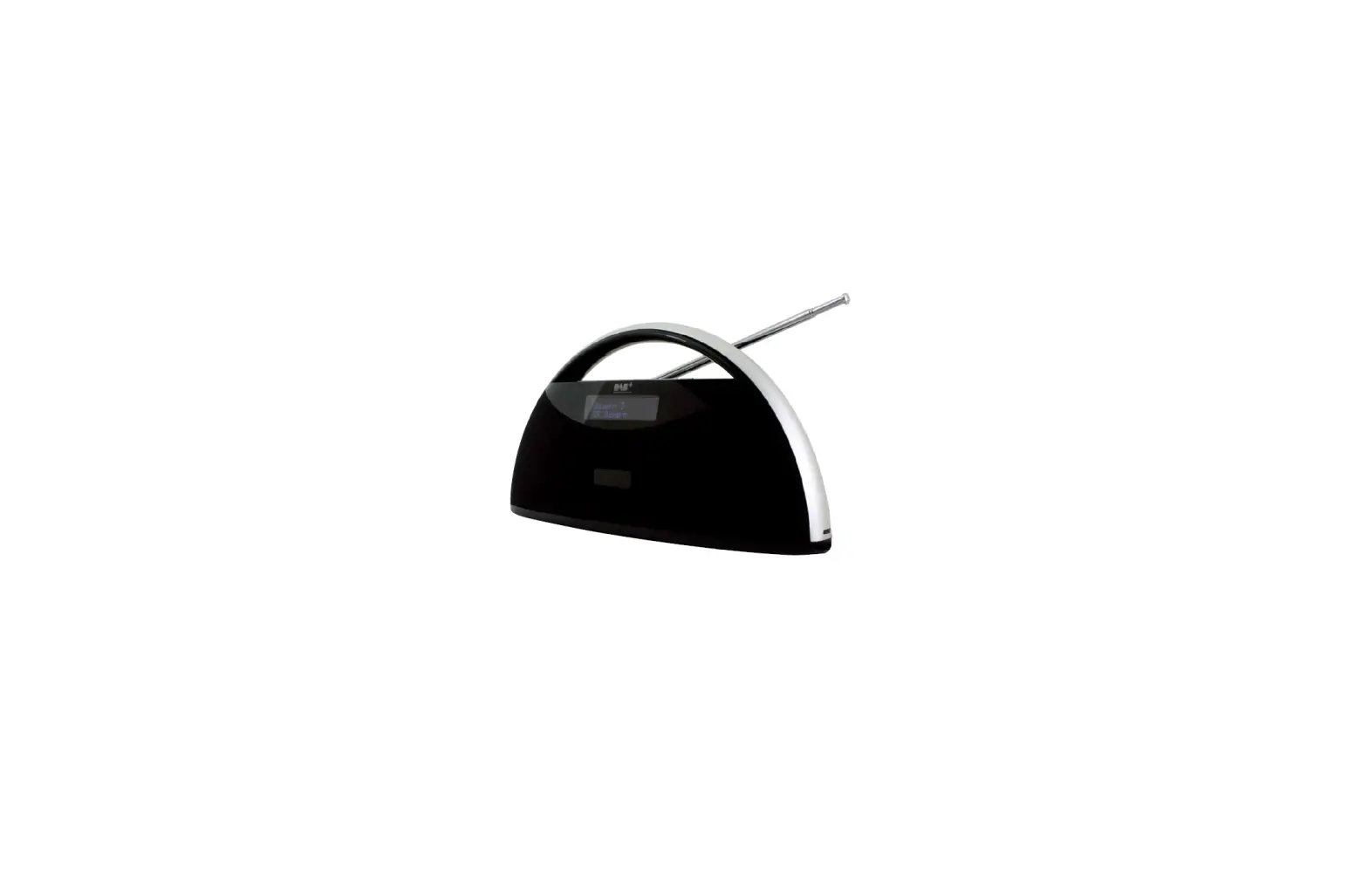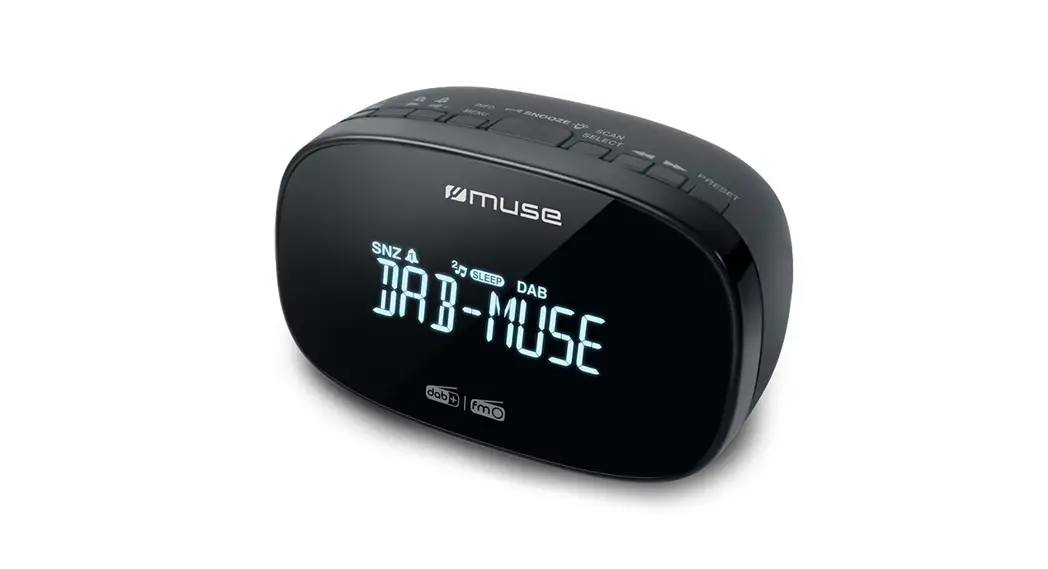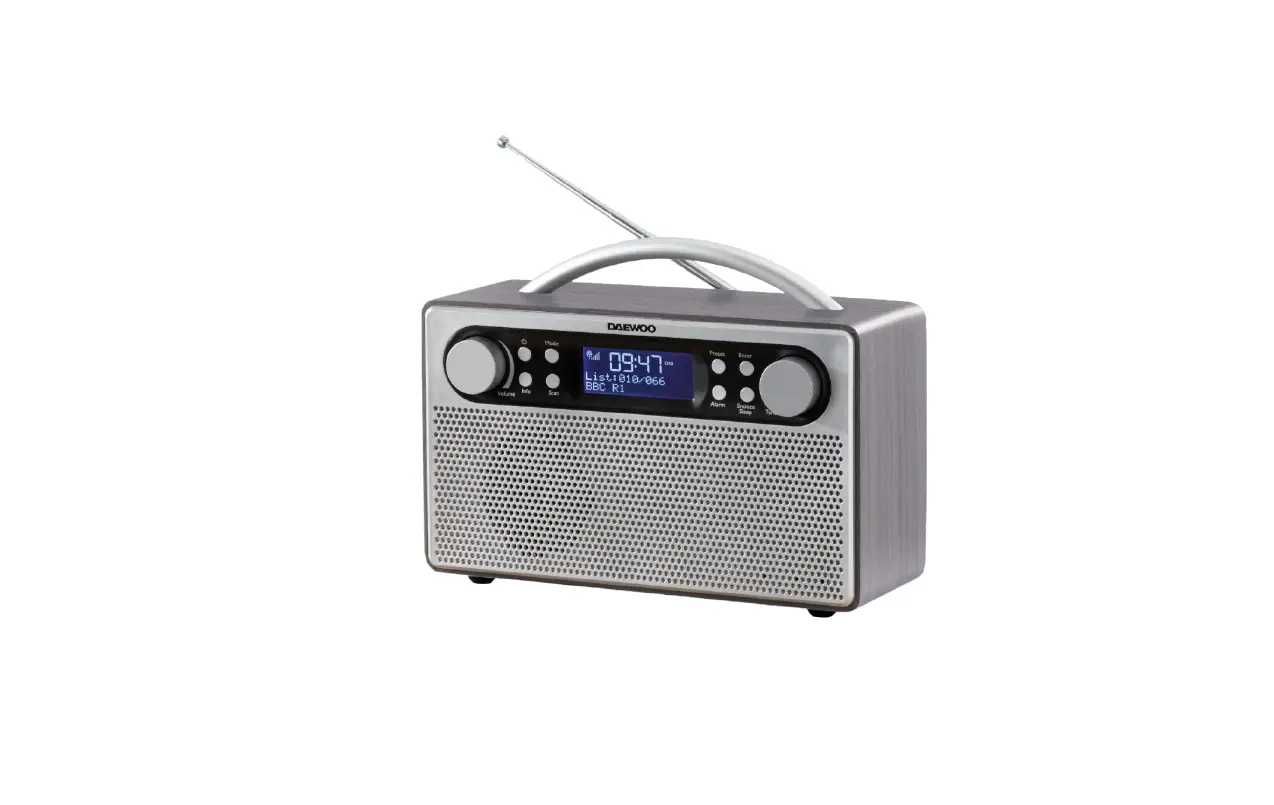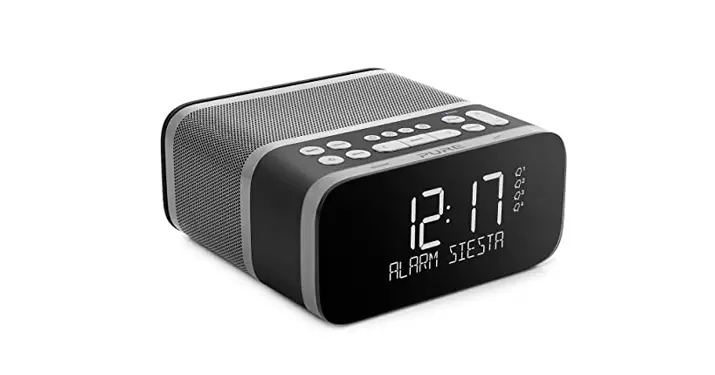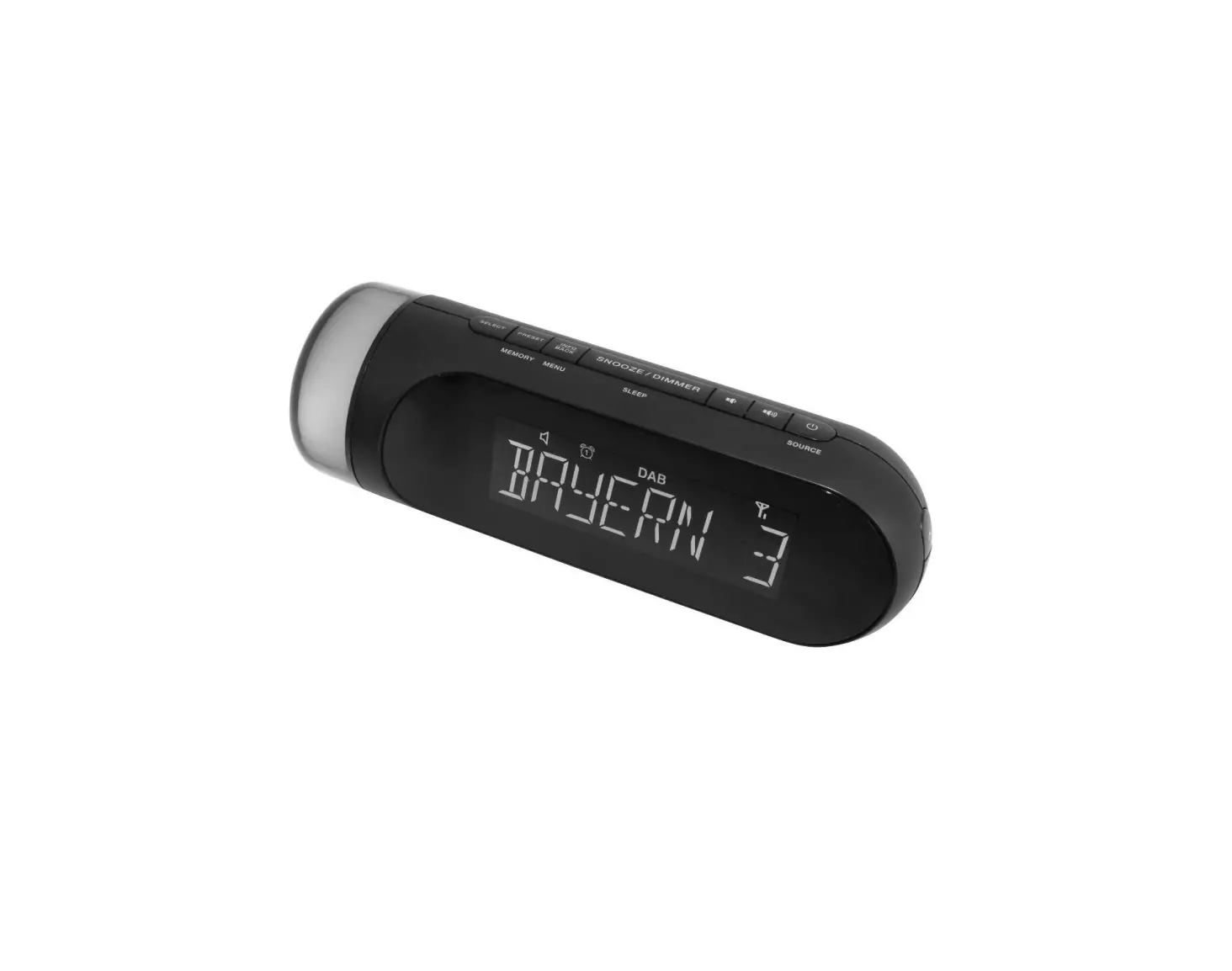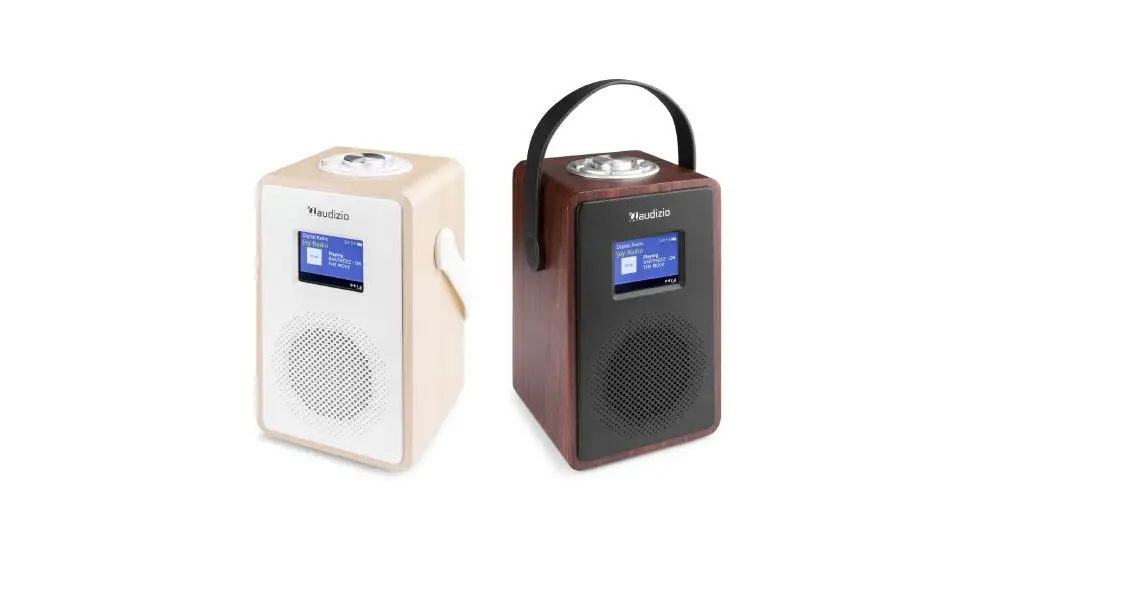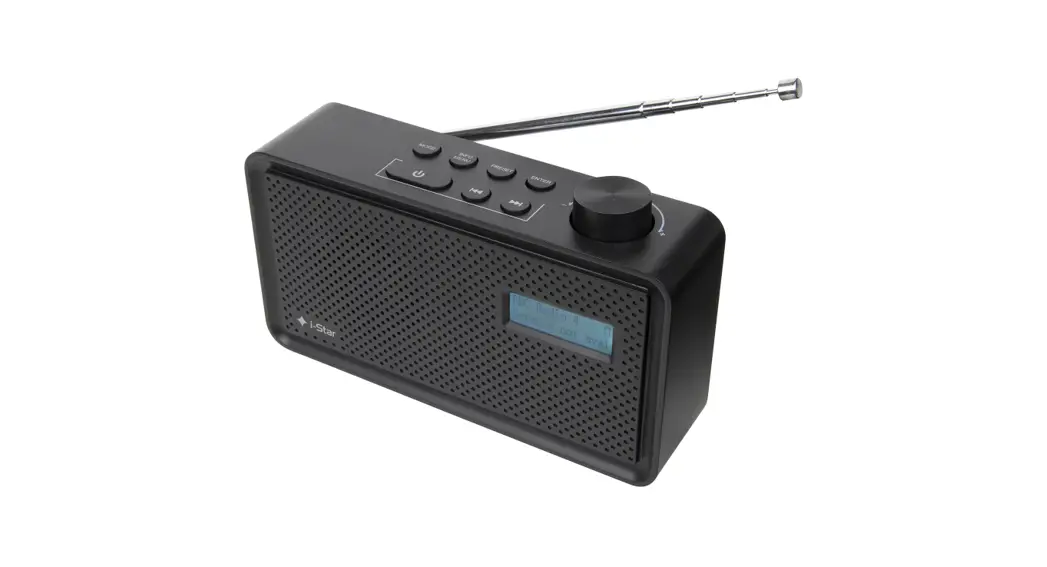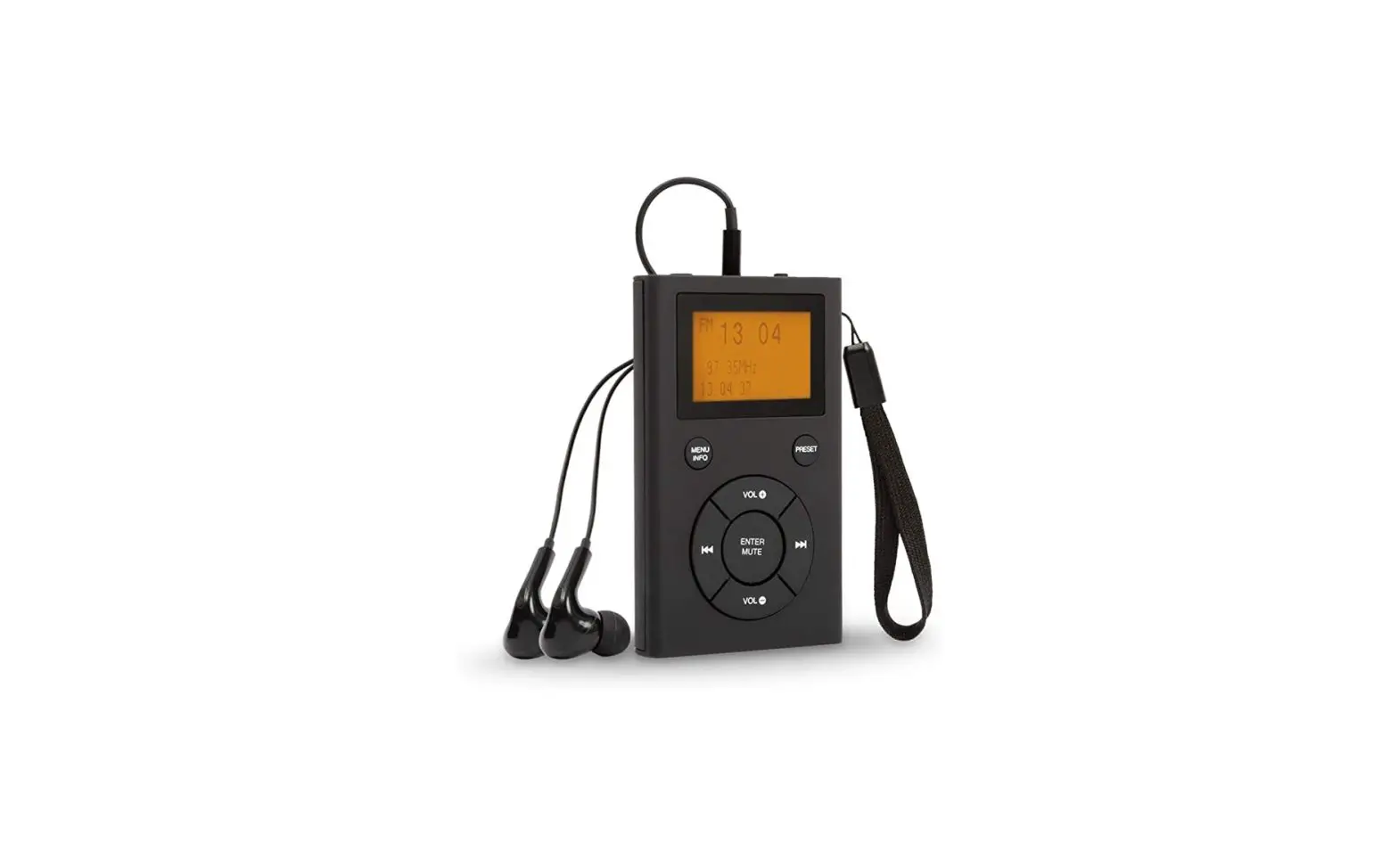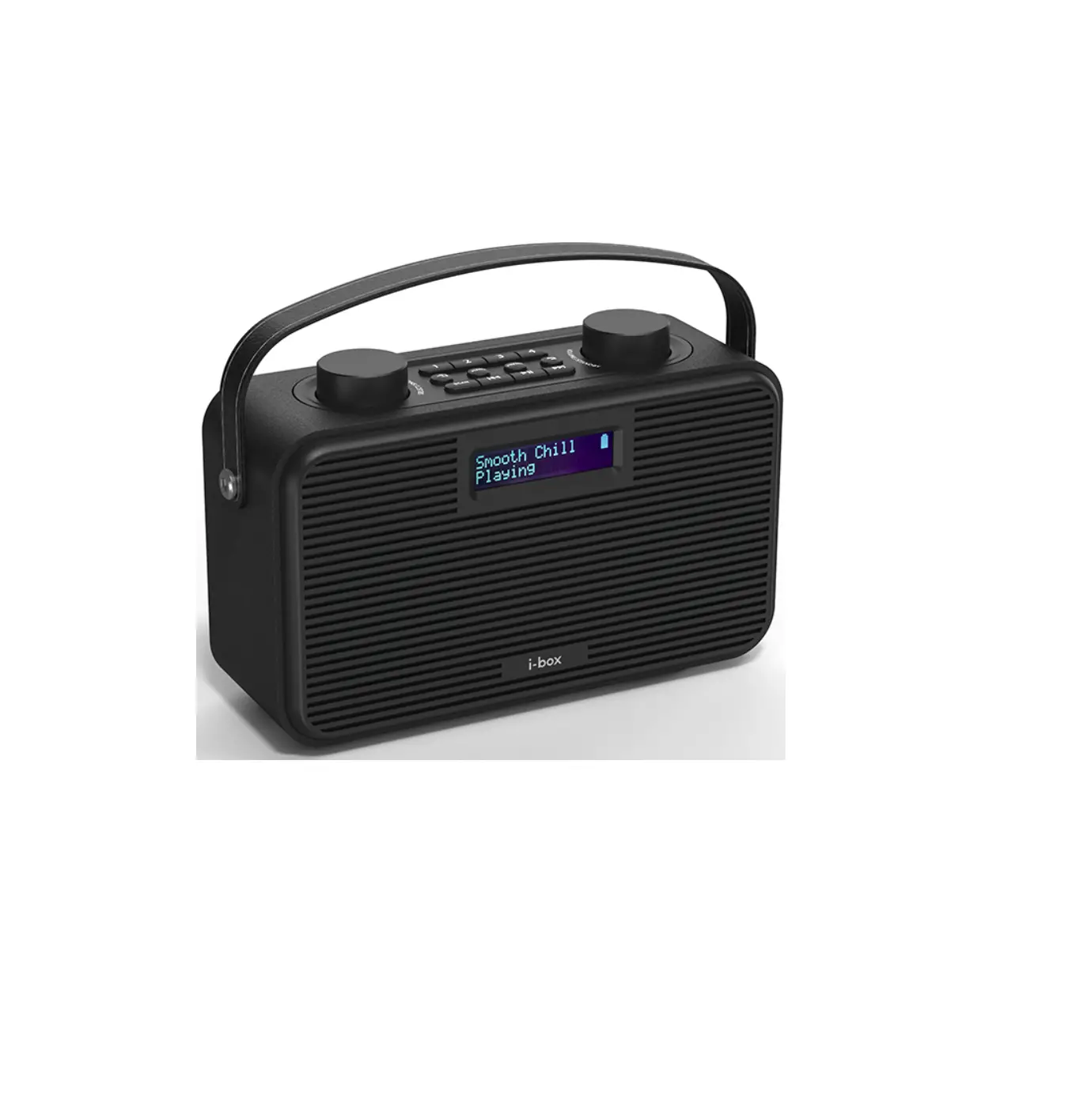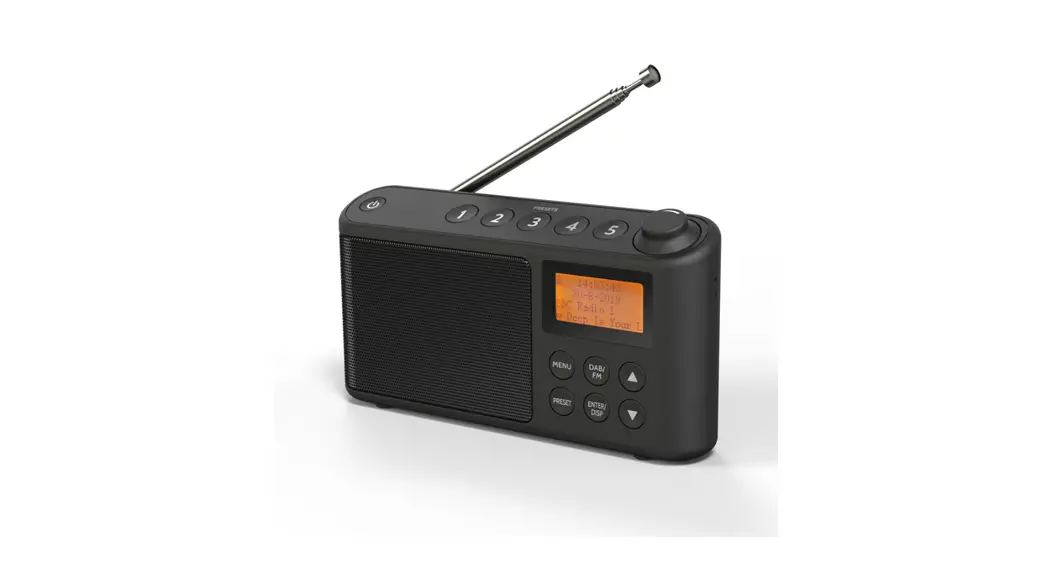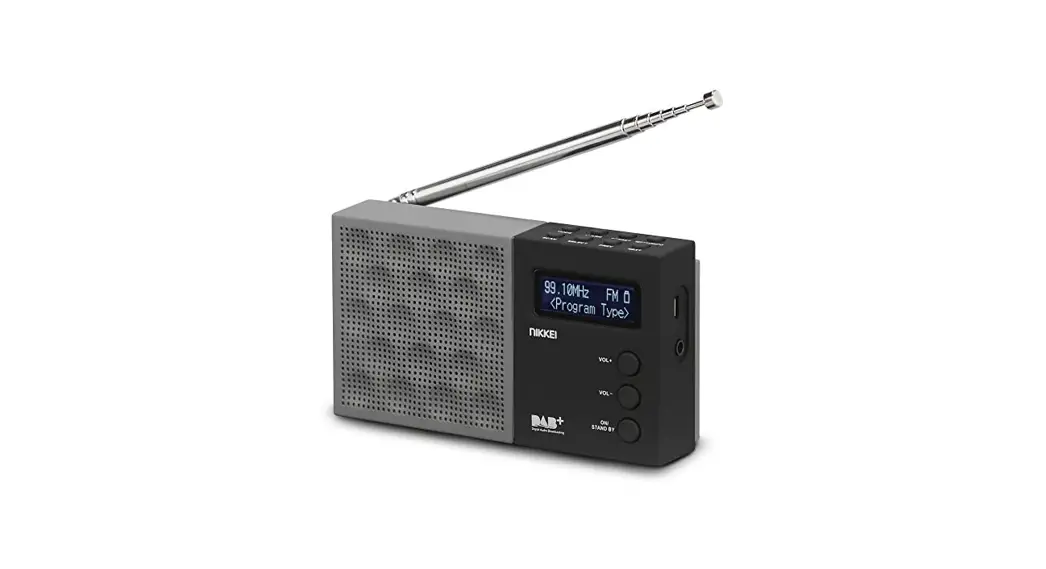

Nikkei Ndb30 Portable Dab+ Radio Alarm Clock Radio User Guide

Nikkei Ndb30 Portable Dab+ Radio Alarm Clock Radio User Guide

NIKKEI logo

Quickstart guide
NDB30 DAB radio
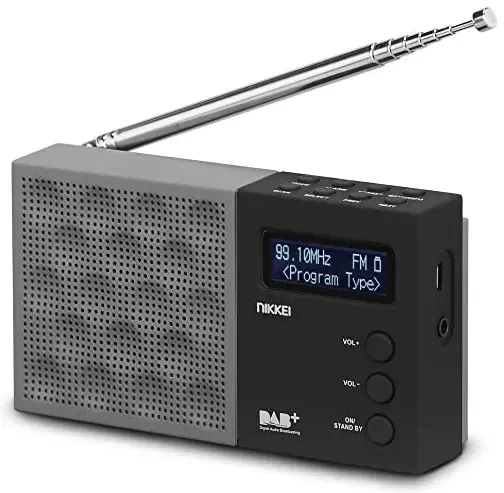
NIKKEI NDB30 Portable DAB Radio Alarm Clock Radio

For more information see www.nikkei.eu


CE SYMBOLDustbin Icon

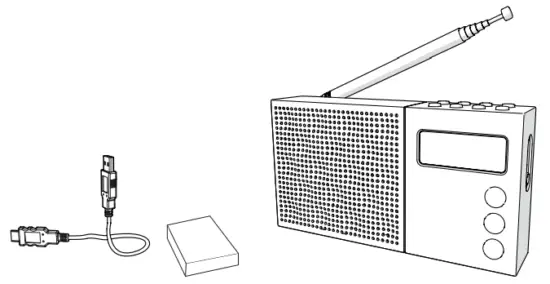
Check the contents

NIKKEI NDB30 Portable DAB Radio Alarm Clock Radio - contents

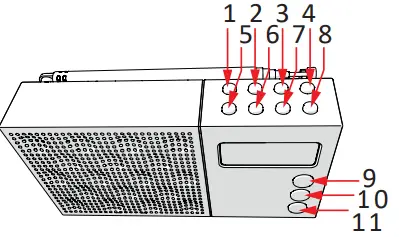
The buttons

NIKKEI NDB30 Portable DAB Radio Alarm Clock Radio - buttons

1MODE
2ALARM
3PRESET
4MENU/INFO
5SCAN
6SELECT
7PREV
8NEXT
9VOL +
10VOL –
11ON/STAND-BY

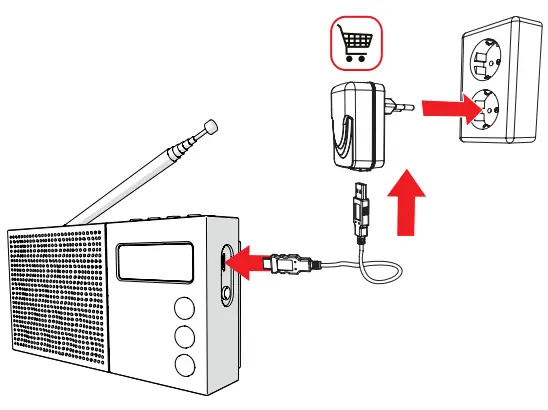
Insert the batteries/connect to the mains
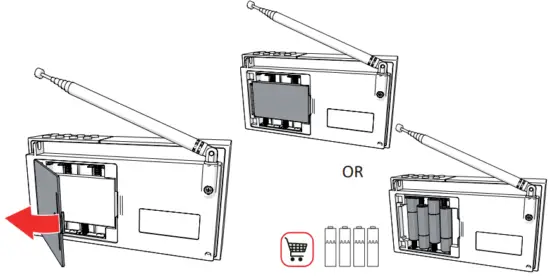
NIKKEI NDB30 Portable DAB Radio Alarm Clock Radio - Fig 1NIKKEI NDB30 Portable DAB Radio Alarm Clock Radio - Fig 2

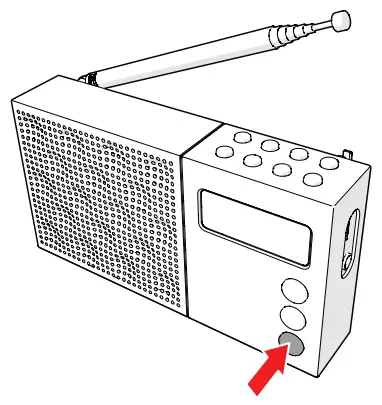
Turn the radio ON

NIKKEI NDB30 Portable DAB Radio Alarm Clock Radio - Fig 3

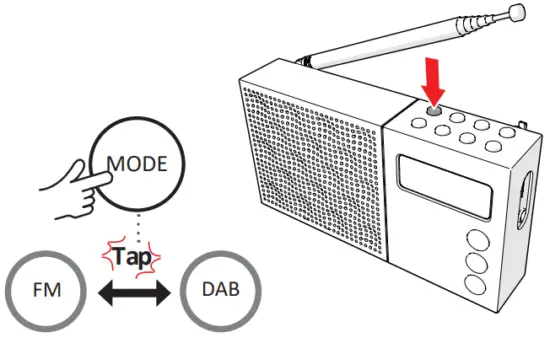
The Mode Button

NIKKEI NDB30 Portable DAB Radio Alarm Clock Radio - Fig 4

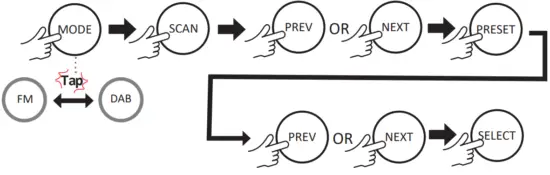
Save a radio station into the memory
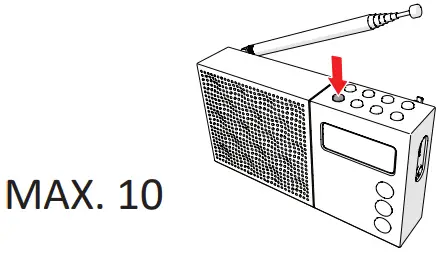
NIKKEI NDB30 Portable DAB Radio Alarm Clock Radio - Fig 5NIKKEI NDB30 Portable DAB Radio Alarm Clock Radio - Fig 6

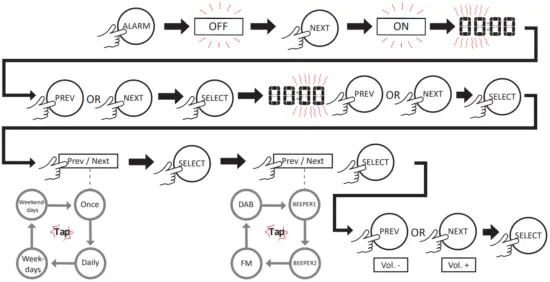
Setting the alarm

NIKKEI NDB30 Portable DAB Radio Alarm Clock Radio - Fig 7

Setting the alarm on

NIKKEI NDB30 Portable DAB Radio Alarm Clock Radio - Fig 8

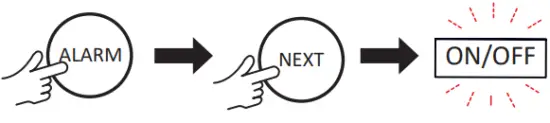
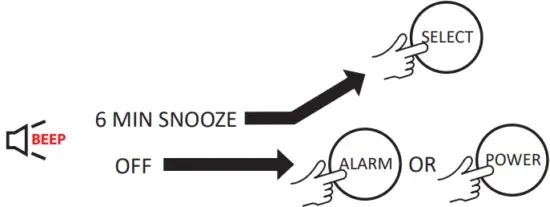
Switching the alarm Off or Snooze

NIKKEI NDB30 Portable DAB Radio Alarm Clock Radio - Fig 9

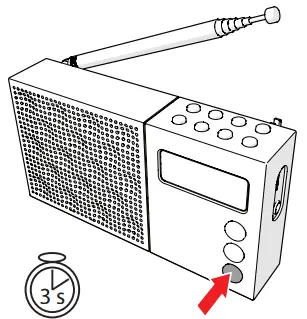
Turn the radio OFF

NIKKEI NDB30 Portable DAB Radio Alarm Clock Radio - Fig 10

See www.nikkei.eu

Recall station presets

NIKKEI NDB30 Portable DAB Radio Alarm Clock Radio - Fig 11

Specifications

Power supply:
AC 220V-240V ~ 50 Hz
LCD Display
Earphone jack
Alarm clock
DAB+/M Radio
Weight: 732 g
Dimensions: 210x130x80 mm
Warranty: 24 months

References

Documents / Resouces

Download manual
Here you can download full pdf version of manual, it may contain additional safety instructions, warranty information, FCC rules, etc.


Related Manuals