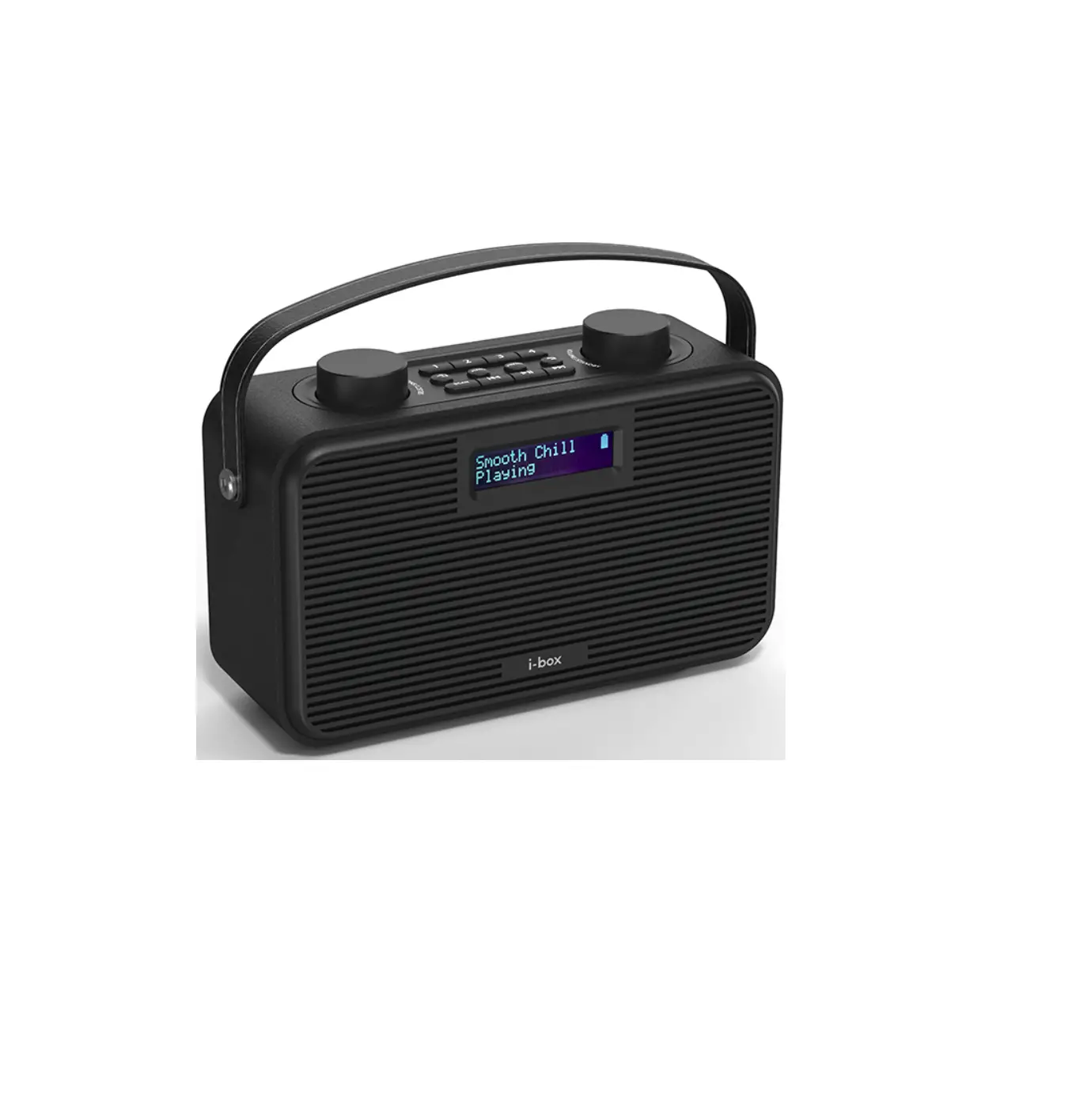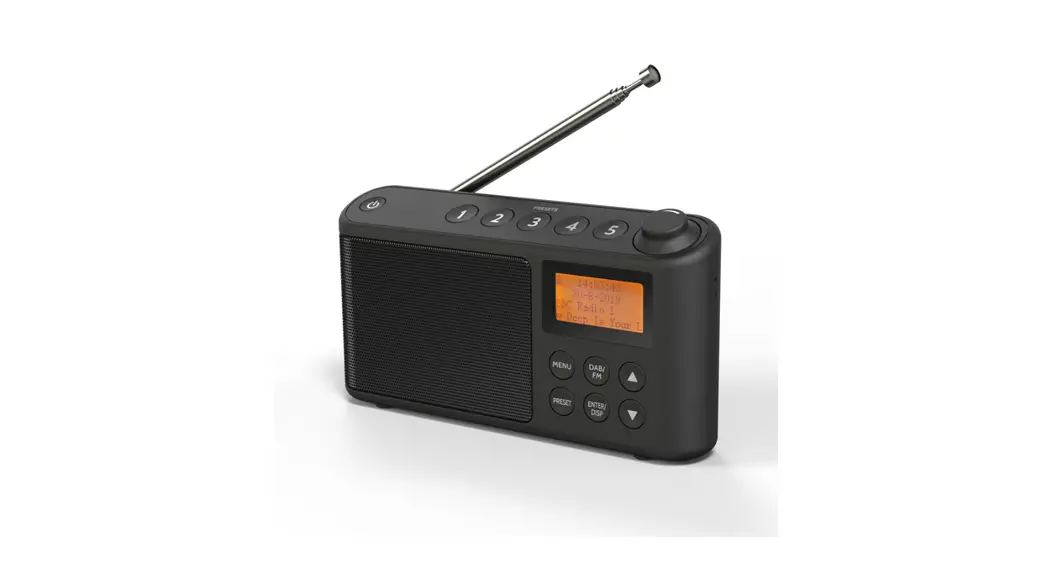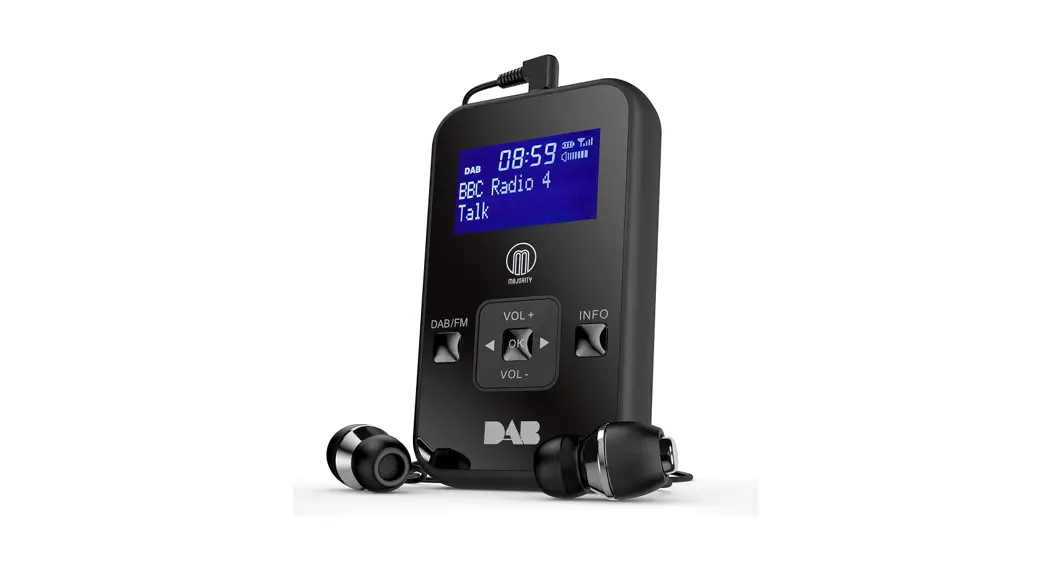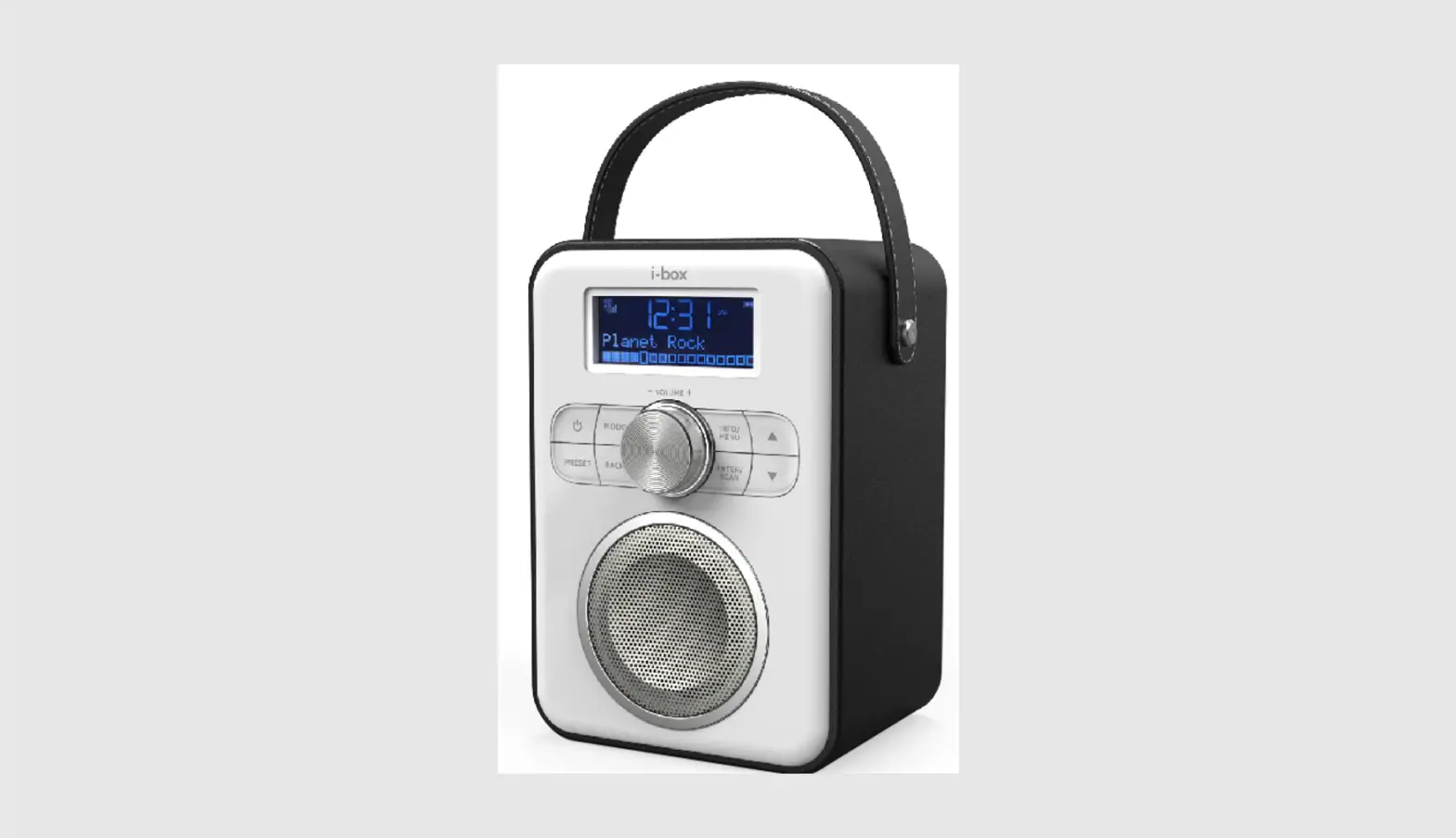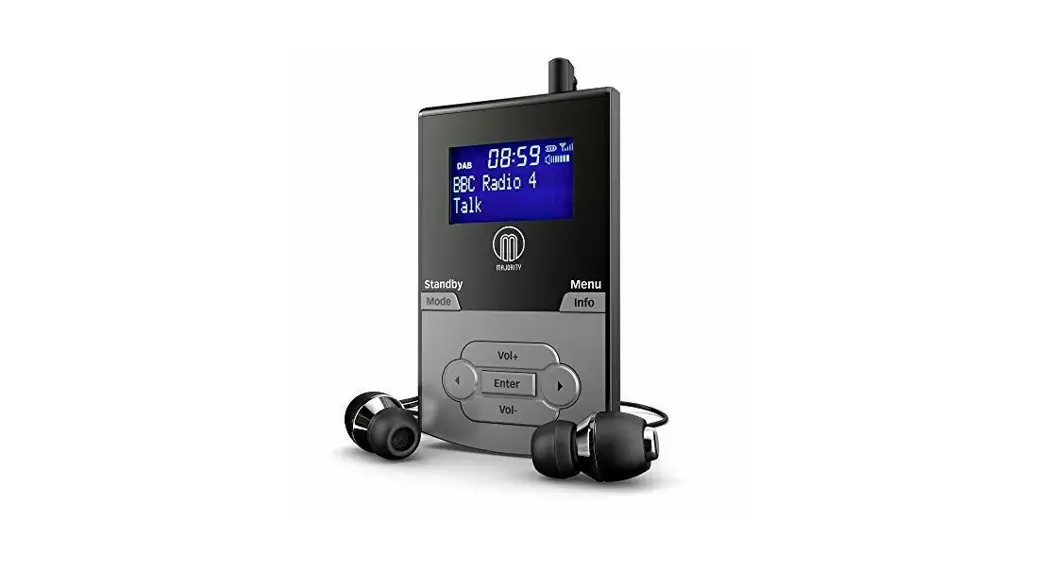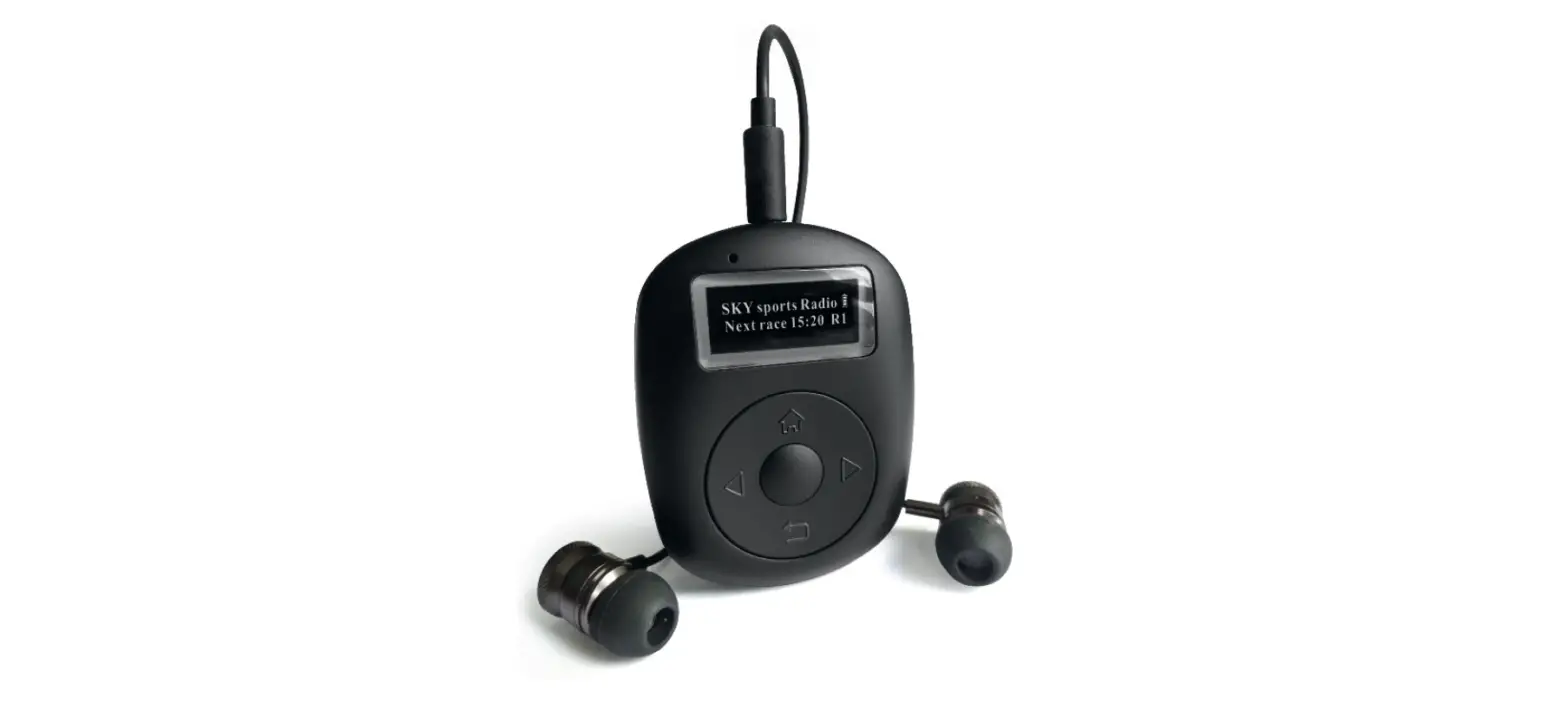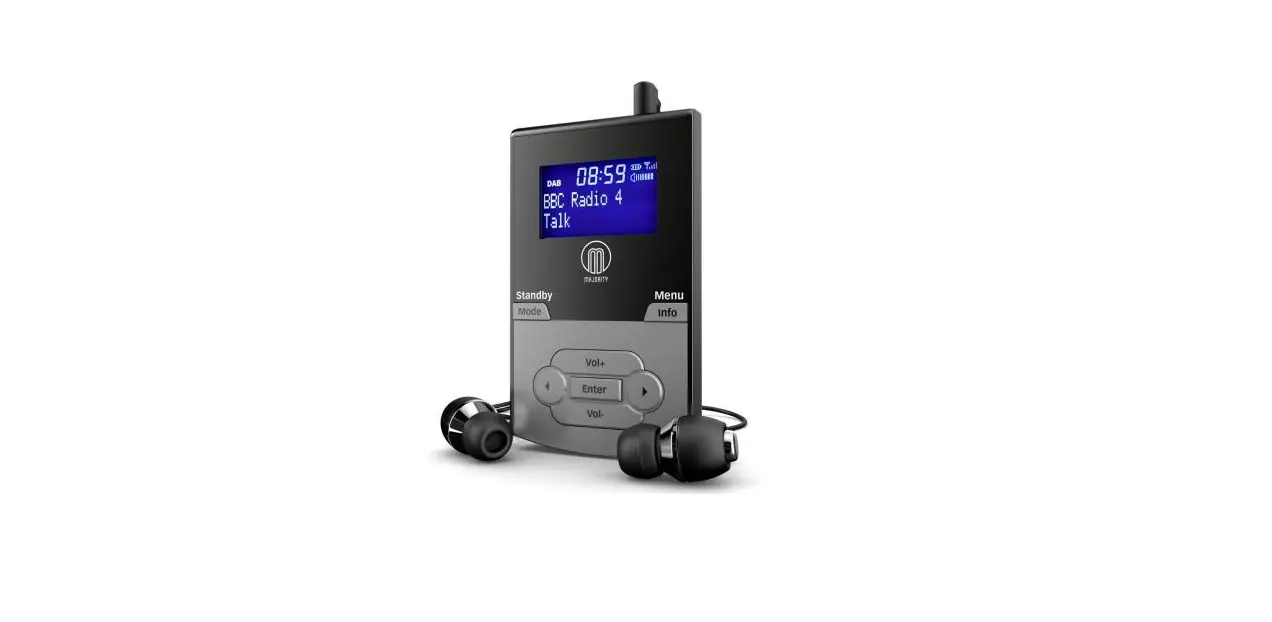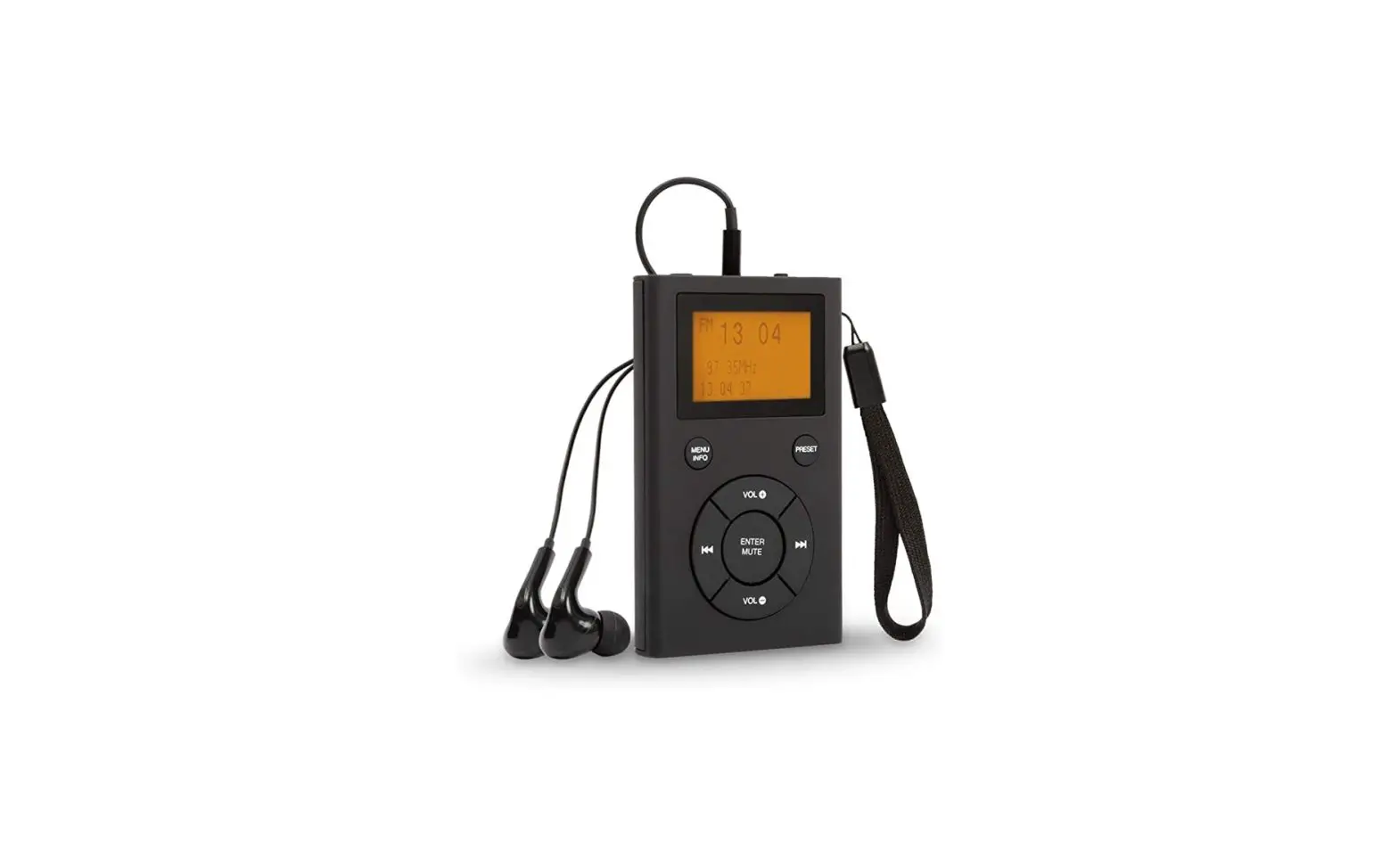
i-box 79244PI Pocket Personal DAB Radio User Guide
Caring for your Radio
Important Safety Information
- Important – Please read these instructions fully before operating your radio.
- Do not expose to dripping or splashed fluids.
- The unit should not be exposed to direct sunlight, very high or low temperature, moisture, vibrations, strong magnetic fields, high frequencies and dusty environments.
- Do not disassemble or modify the radio, there are no user serviceable parts and the battery is non replaceable.
- If the radio is damaged in anyway or malfunctions do not use. Consult a qualified service engineer.
- Do not use abrasives, benzene, thinner or other solvents to clean the surface of the unit. To clean, wipe with clean soft cloth and a mild detergent solution.
- This product contains a Li-ion battery. It must be used and charged properly. The battery could catch fire if Improperly used.
- As this product contains a Li-ion battery it should be disposed of appropriately. Do not dispose of it with household waste, at the end of its life cycle; hand it over to a collection centre for the recycling of electrical and electronic appliances with batteries.
- Please check with your Local Authority for recycling advice.
Introduction
The i-box Pocket DAB/DAB+/FM Radio is ideal for listening to the radio on the move. It has a compact, lightweight design with a large LCD display. 30 DAB/DAB+ and 30 FM preset stations can be set for easy recall.
Box Contents
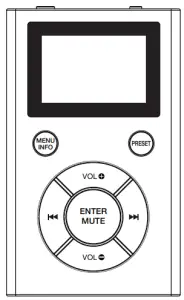
- 1x i-box Pocket

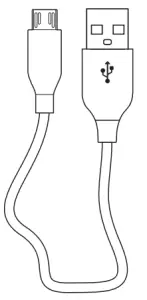
- 1x Micro USB cable

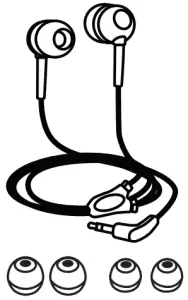
- 1x Earphones with 3 pairs of Gel Buds

Features and Controls
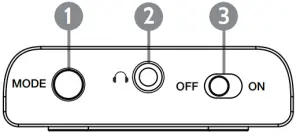
- Mode button
- 3.5mm Socket for earphones
- OFF/ON switch
Top
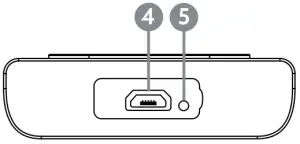
- Micro USB charging port
- Charging LED
Base
Front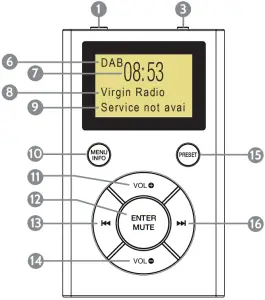
- Mode button
- 3.5mm Socket for earphones
- OFF/ON switch
- Micro USB charging port
- Charging LED
- Mode DAB/FM display
- Time display
- Station/Frequency display
- Info/Volume level display
- Menu / Info button
- Volume + button
- Enter / Mute button
 Back button, CH14. Volume – button
- Scan / Preset button
- Forward button, CH+
 Back button, CH14. Volume – button
 Forward button, CH+
Earphone connection
Please Note: The earphone lead acts as an aerial. So you will need to connect the earphones (supplied ) before tuning your radio.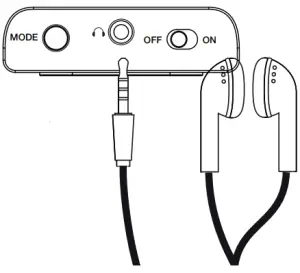
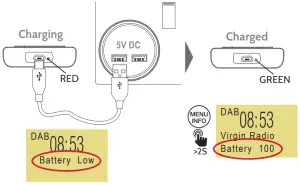
Charge
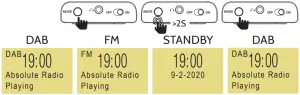
Power on

DAB Auto scanning

Mode
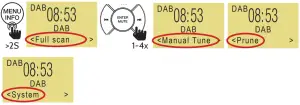
Full Scan:

Selecting a Station CH-/CH+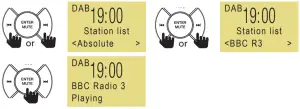
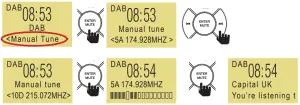
DAB Manual tune:
Prune
The Prune function enables you to delete all unavailable stations from the Station List next time you scan.
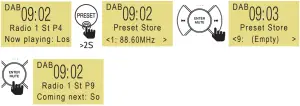
Preset Store 1-30

Preset Recall 1-30

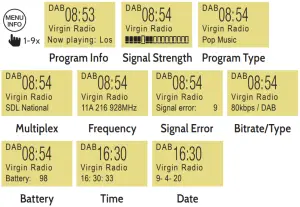
Info (DAB playing)
Scan Setting – All Stations or Strong Stations
All stations (15dB+), Strong stations (19dB+). Selected option indicated by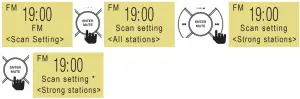
FM Auto Scan
Stations found are stored to Preset automatically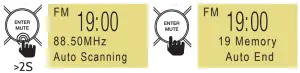
Preset Recall 1-30

Preset Store 1-30
Selected option indicated by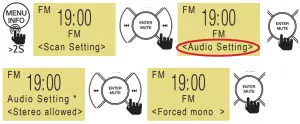
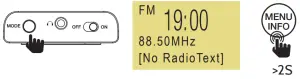
Info (FM playing)
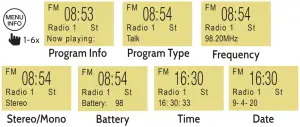
System (DAB and FM)
System – Sleep Function
Sets the radio to switch off automatically after the selected time (in minutes) has elapsed.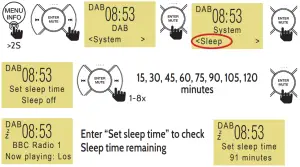
System – Set Time
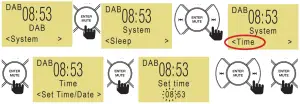
System – Backlight
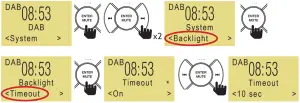
10, 20, 30, 45, 60, 90, 120, 180 sec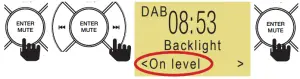
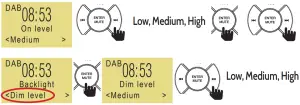
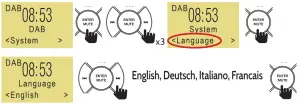
System – Language
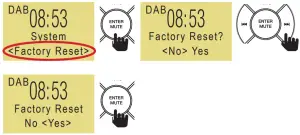
System – Factory Reset
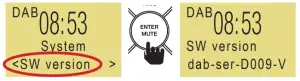
System – Software Version
Troubleshooting
Problem | Solutions | |
| No DAB reception | If “no DAB service” is displayed, perform a “Factory Reset” on the radio | Move closer to a window |
No sound | Check radio is switched on / try Increasing the volume | Try tuning to another radio station / check earphone is properly connected |
| The radio does not turn on | Try connecting radio to a powered USB socket to charge the battery | |
Poor sound | Move radio away from equipment which may cause interference | Try rescanning |
Tips
New stations are frequently being launched so it‘s a good idea to rescan from time to time to make sure you don’t miss out on the latest additions.
Technical support
For further help, advice, information or live chat visit www.iboxstyle.com
Specifications
| Property | Specification |
| DAB frequency range: | 174.928MHz (5A) – 239.200MHz (13F) supports DAB and DAB+ |
| FM frequency range: | 87.5-108MHz |
| Power input: | 5V1A |
| Battery type: | Lithium |
| Battery power: | 600mAh |
| Audio socket: | 3.5mm earphone jack |
| Dimensions: | 57 x 96 x 16 mm (W x H x D) |
Disclaimer
Updates to Firmware and/or hardware components are made regularly. Therefore some of the instructions, specifications and pictures in this documentation may differ slightly from your particular situation. All items described in this guide are for illustration purposes only and may not apply to your particular situation. No legal right or entitlements may be obtained from the description made in this manual.
Declaration of conformity
Hereby, Philex Electronic Ltd. declares that the radio equipment: i-box Pocket Personal DAB Radio for radio broadcast reception is in compliance with the Radio Equipment Directive 2014/53/EU. The full text of the EU declartion of conformity is available at the following internet address: www.philex.com/doc
Waste electrical and electronic products should not be disposed of with household waste.
Please recycle where facilities exist.
Check with your Local Authority for recycling advice.


UK distributor
Kingfisher Wharf, London Road,
Bedford, MK42 0NX UK
Made in China.
EU distributor
Philex Electronic Ireland Ltd.,
Robwyn House, Corrintra, Castleblayney,
Co. Monaghan, A75 YX76, Ireland.
© Philex Electronic Ltd 2021. vb1.1