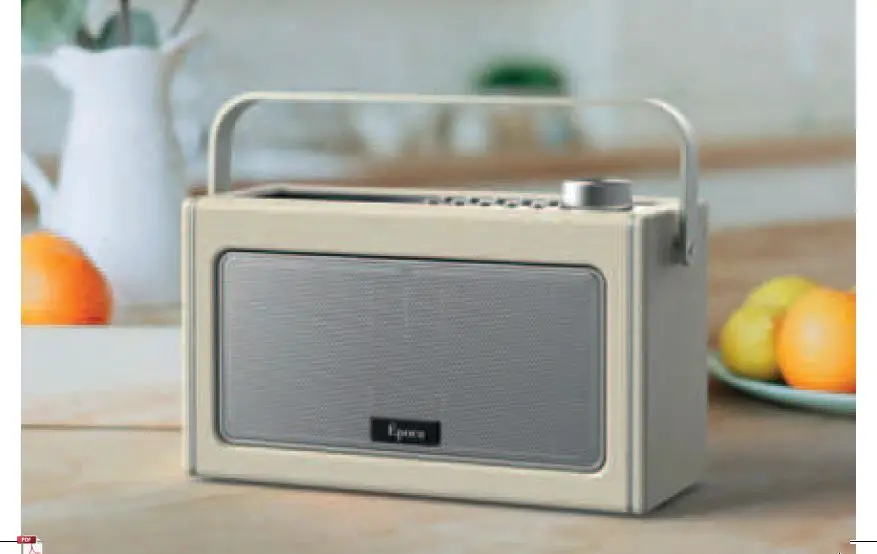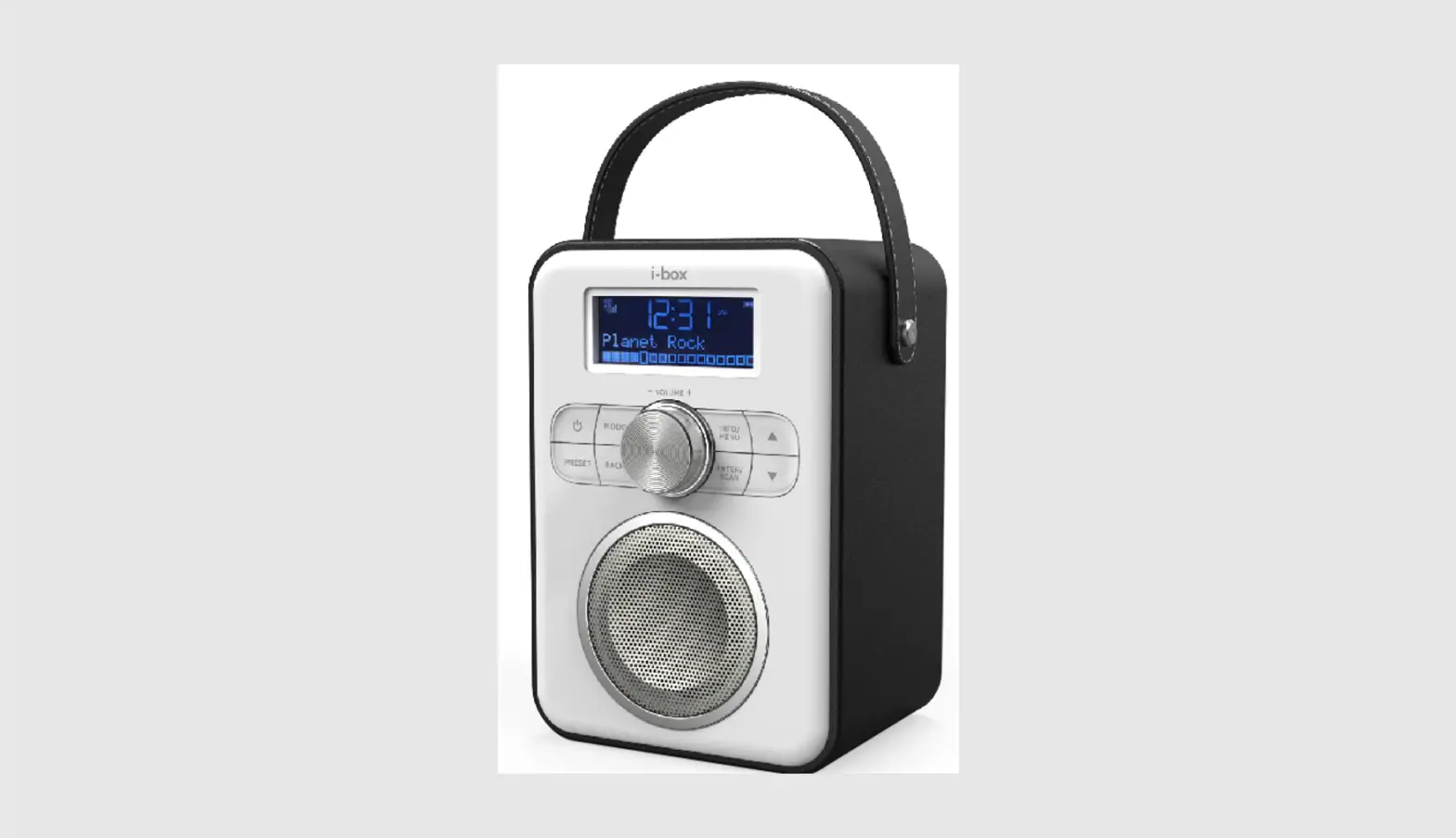

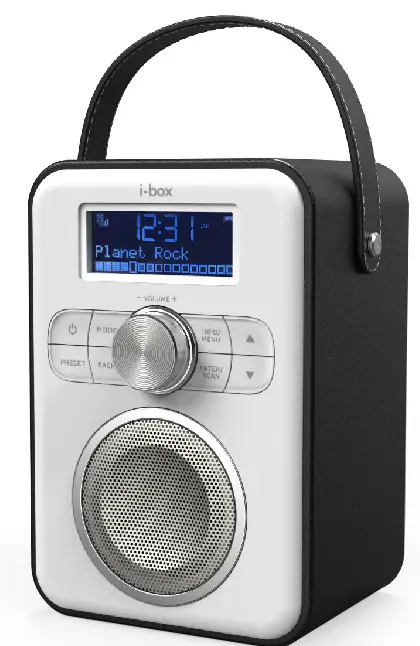
i-box 79313PI Attune Portable DAB FM Radio with Bluetooth 
INTRODUCTION
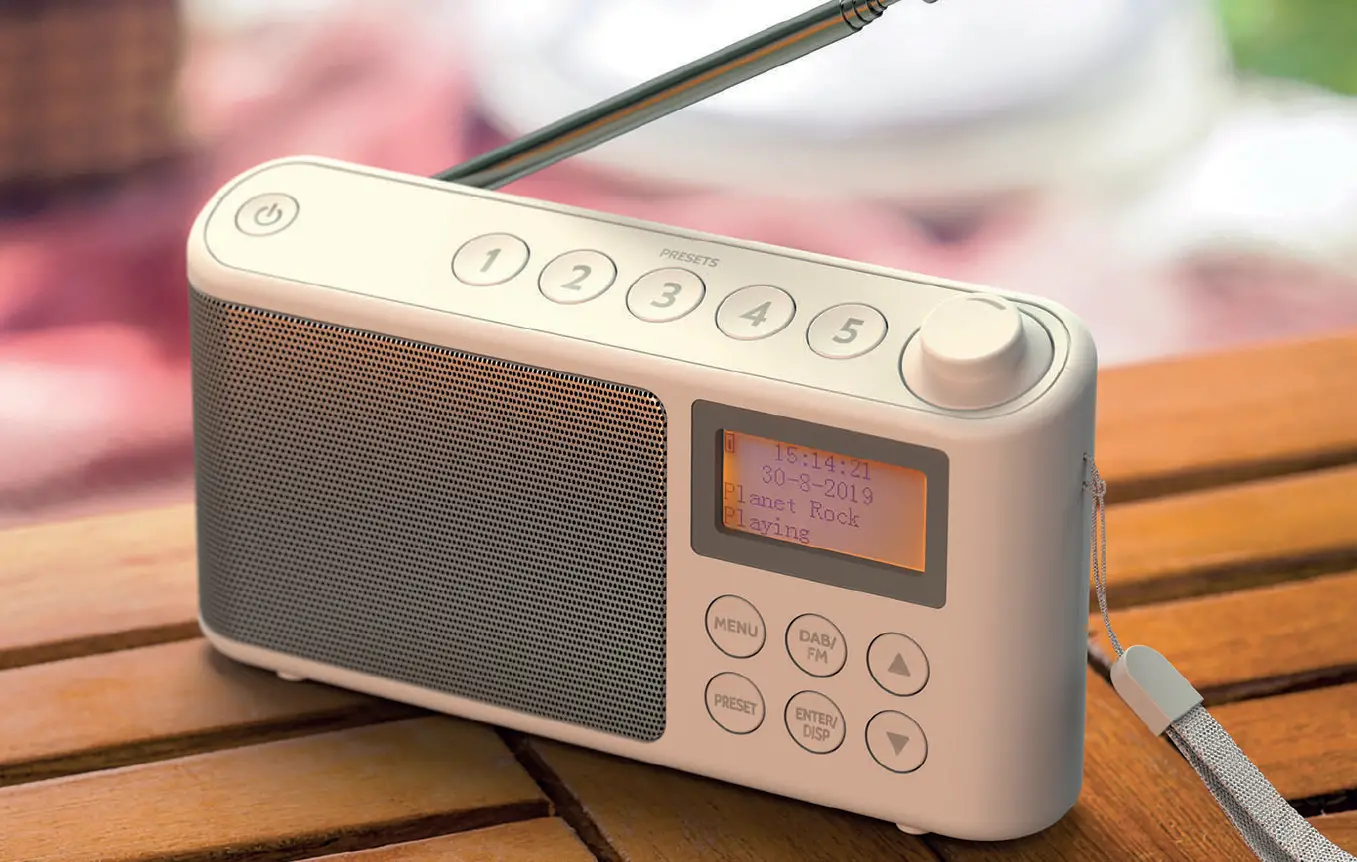
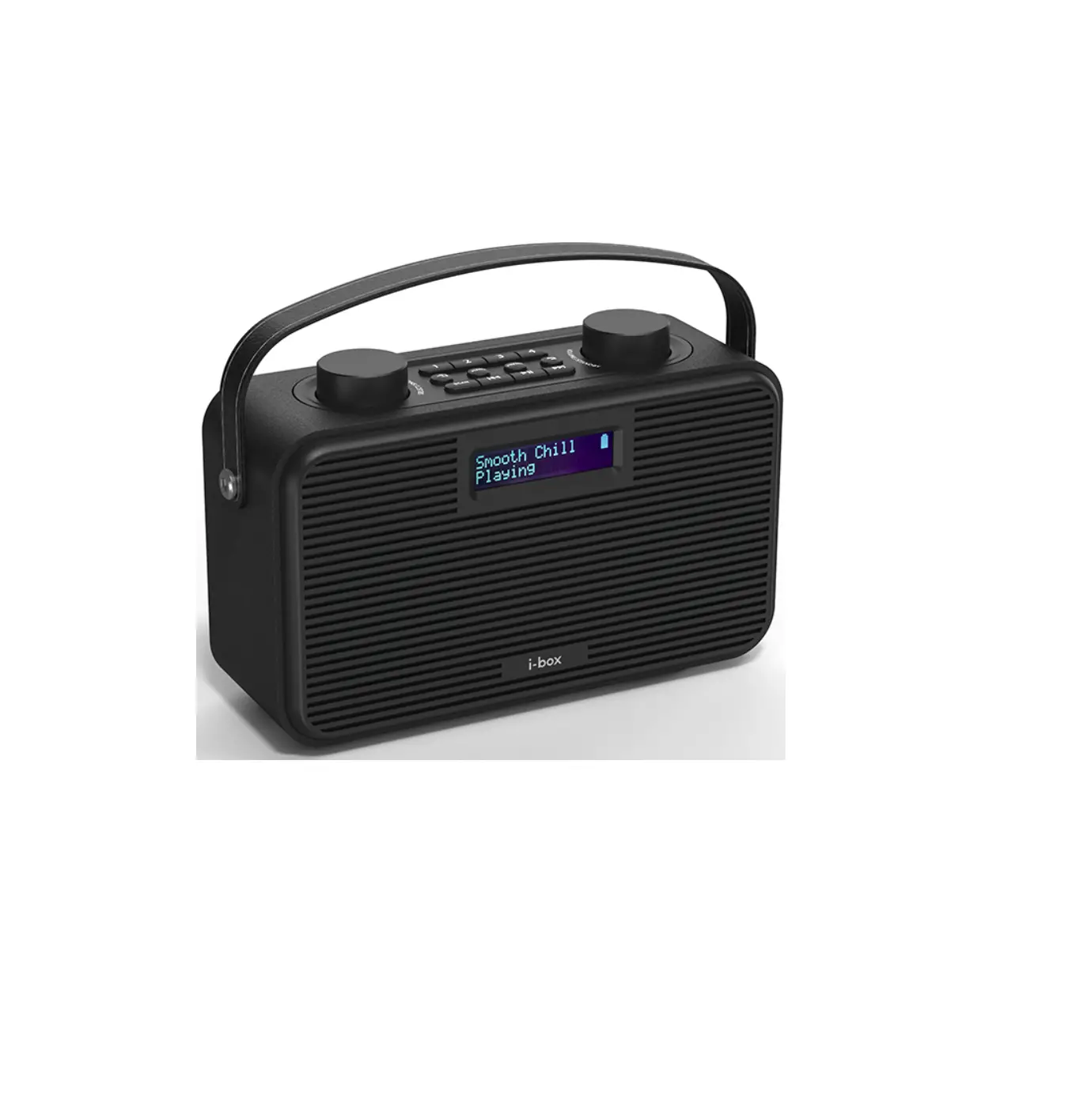
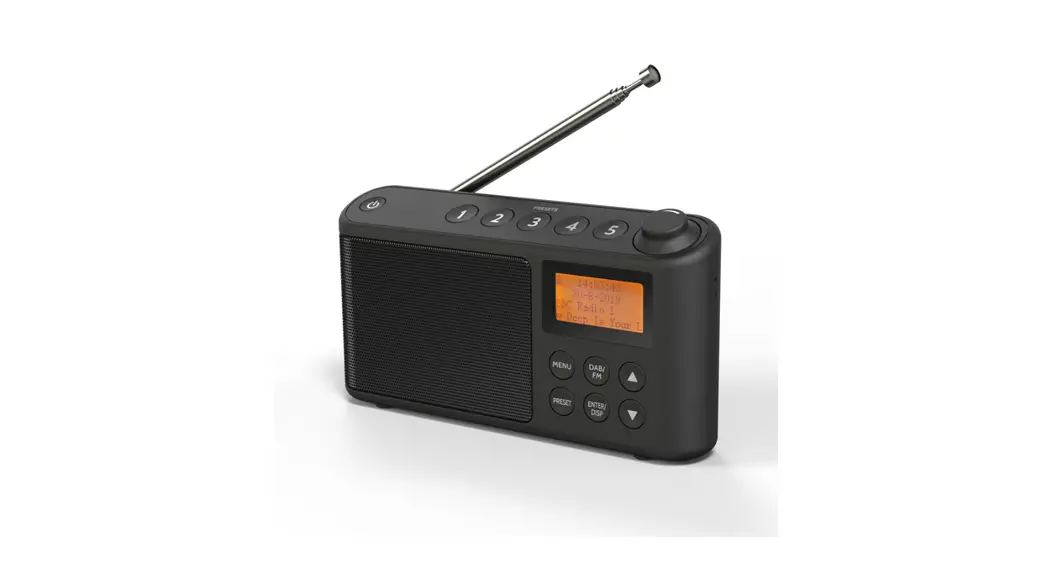
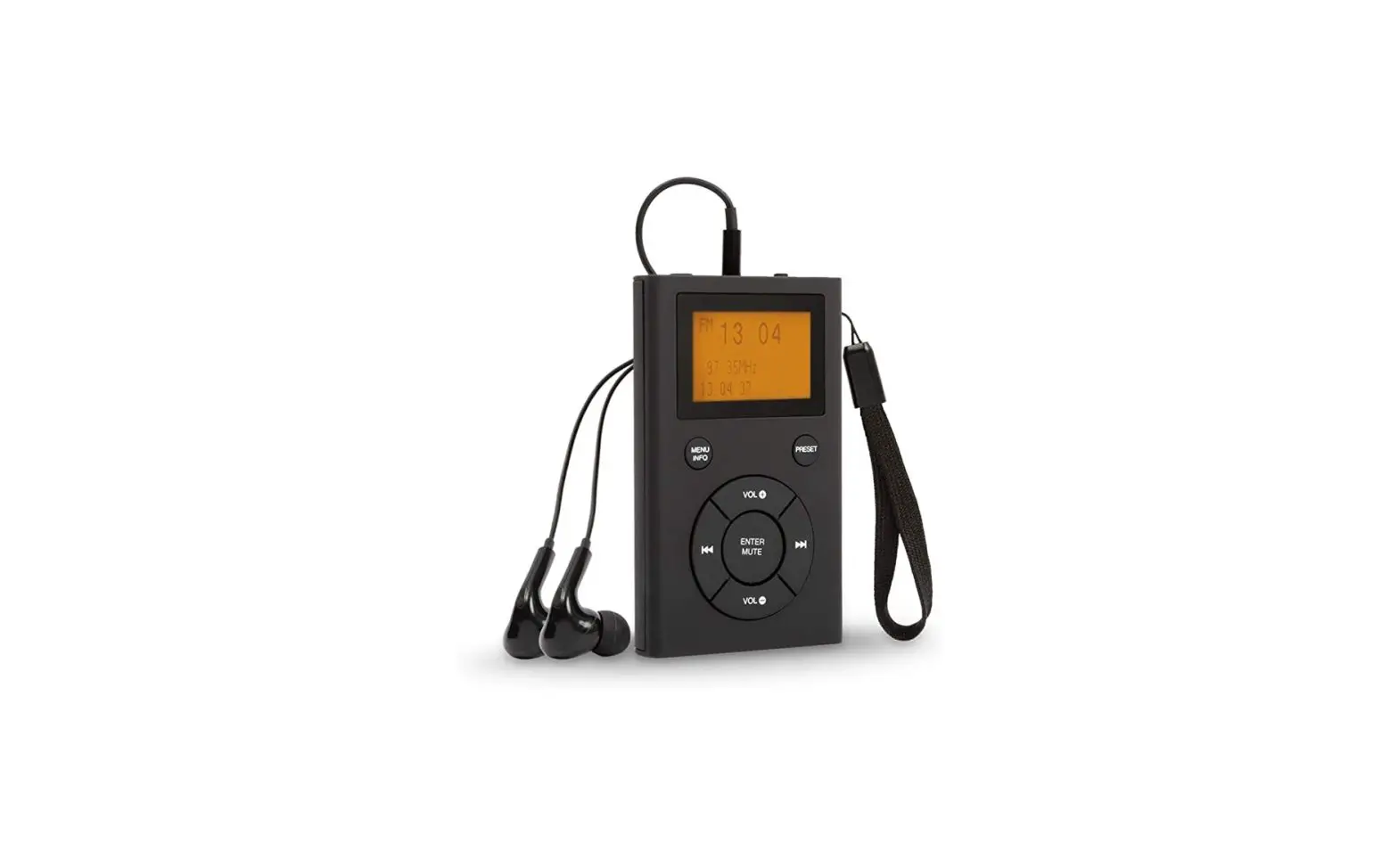
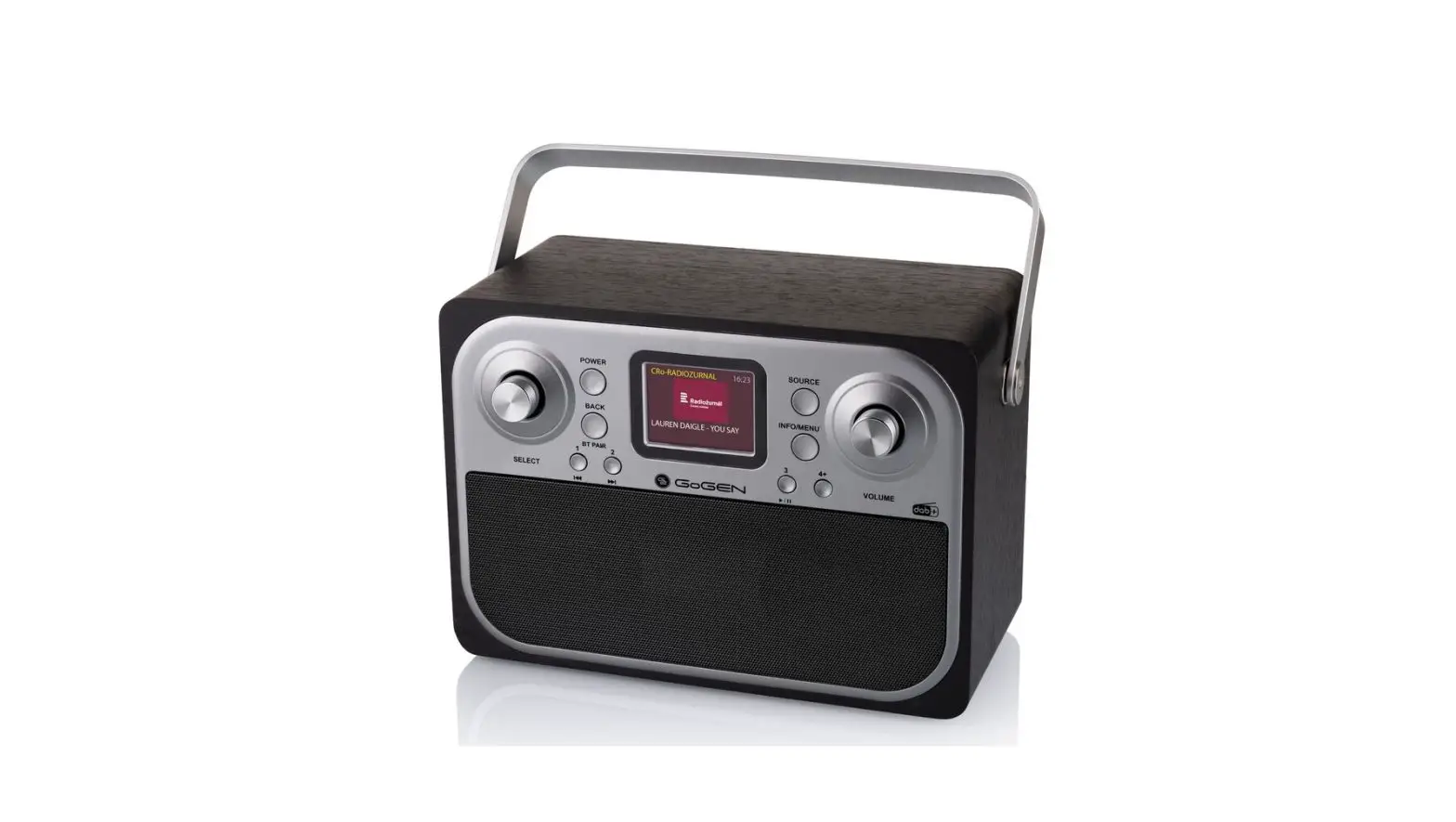
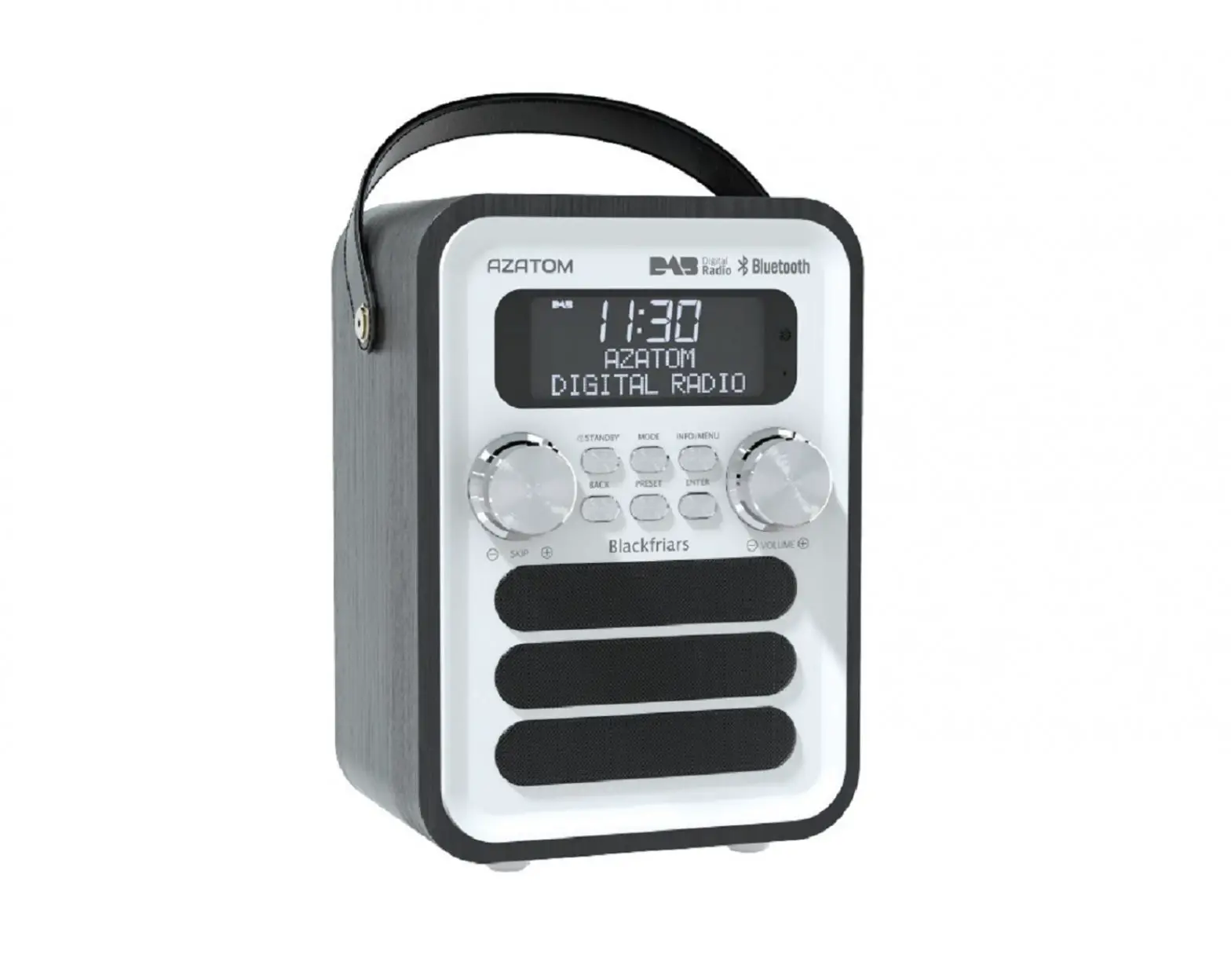
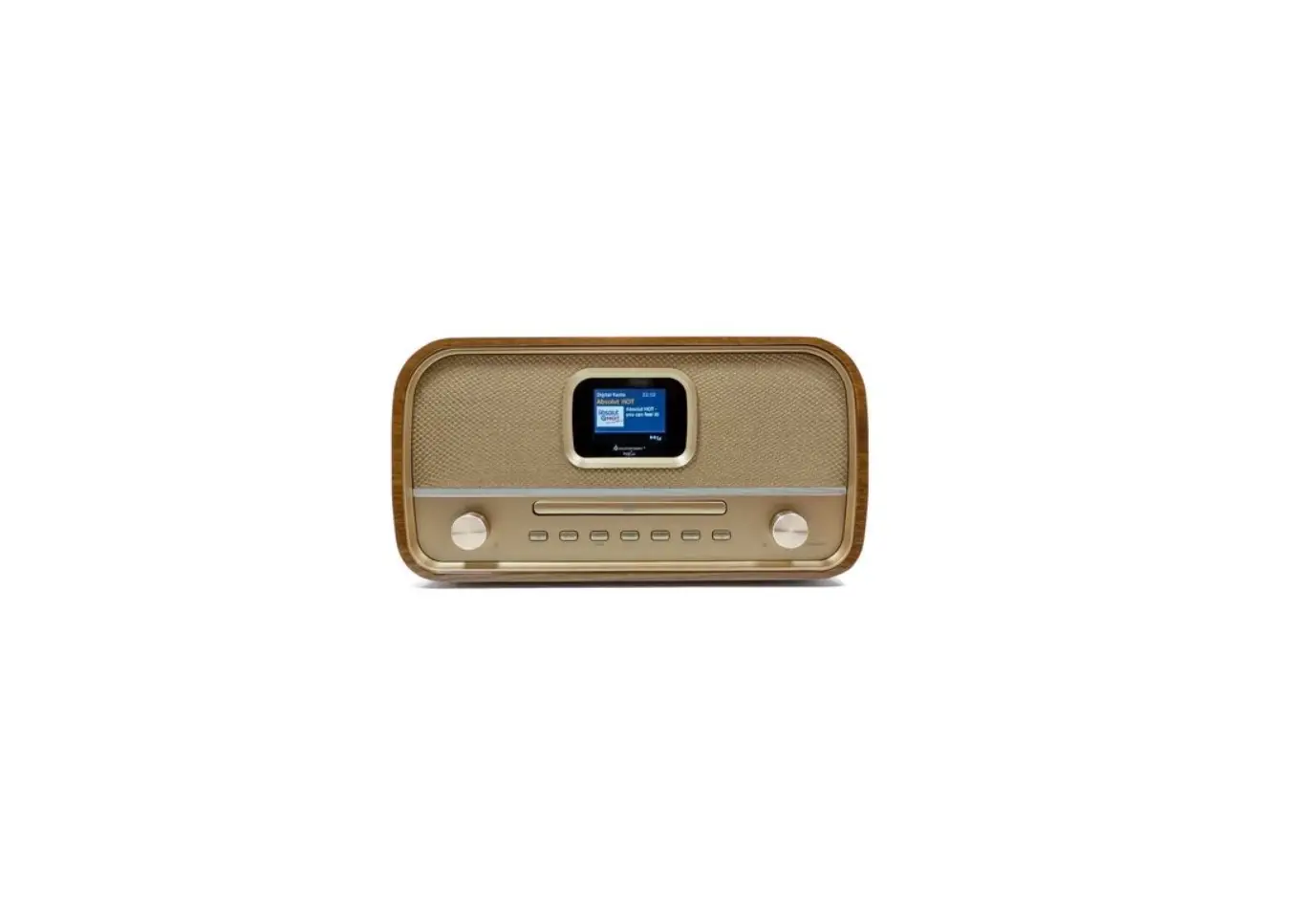
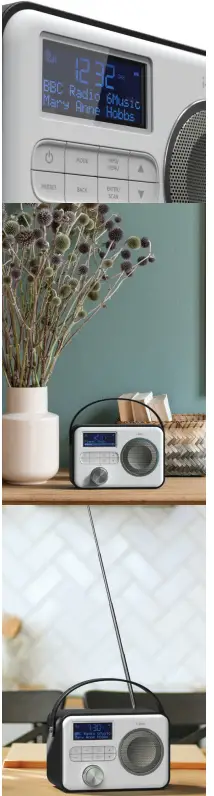
The i-box Attune is a stylish and easy-to-use portable DAB/DAB+ and FM radio. The DAB+ radio function offers you crisp and clear audio quality at the touch of a button and automatically searches for all available radio stations, displaying them on the large LCD display so you know exactly which one you’re listening to. If you prefer to play your own selection of music the Attune also offers playback via Bluetooth and AUX IN. While the built-in 2,200mAh rechargeable lithium battery and handy leather strap, make it easy to listen to your favourite tracks and stations from anywhere around the home
USER GUIDE
CARING FOR YOU ATTUNE RADIO
- Please read these instructions fully before operating your radio
- Do not place naked flame sources, such as lighted candles on or near the radio.Keep away from dripping or splashed liquids.
- The unit should not be exposed to direct sunlight, very high or low temperatures, moisture, strong magnetic fields high frequencies and dusty environments.
- Always leave sufficient space around the unit for ventilation.
- Do not use abrasives, benzene, thinner or other solvents to clean the unit.
- To clean, wipe with a clean soft cloth. Never attempt to insert wires, pins or other such objects into the vents or opening of the unit.
- Do not disassemble or modify the unit, there are no user-serviceable parts.
- If the radio is damaged or malfunctions do not use. Consult a qualified service engineer.
- This product contains a built-in Li-ion battery.
- It must be used and charged properly. Improper use can cause the battery to catch fire or explode resulting in serious or fatal injury.
- Do not dispose of this product with household waste at the end of its life cycle; hand it over to a collection center for the recycling of electrical and electronic appliances with batteries.
- Please check with your Local Authority for recycling advice.

CONTROL & FEATURES
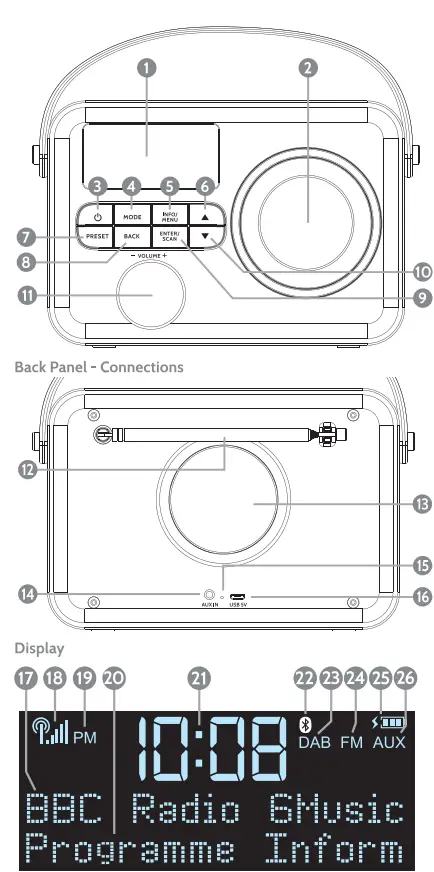
FRONT PANEL / BACK PANEL /DISPLAY
Connections & Features
- LCD Display
- Speaker
- On/OFF/ Standby
- Mode
- Info. / Menu
- Next
- Preset- store/recall
- Back- go to previous menu
- Enter/Play/ Pause / Scan
- Previous
- Volume +/-
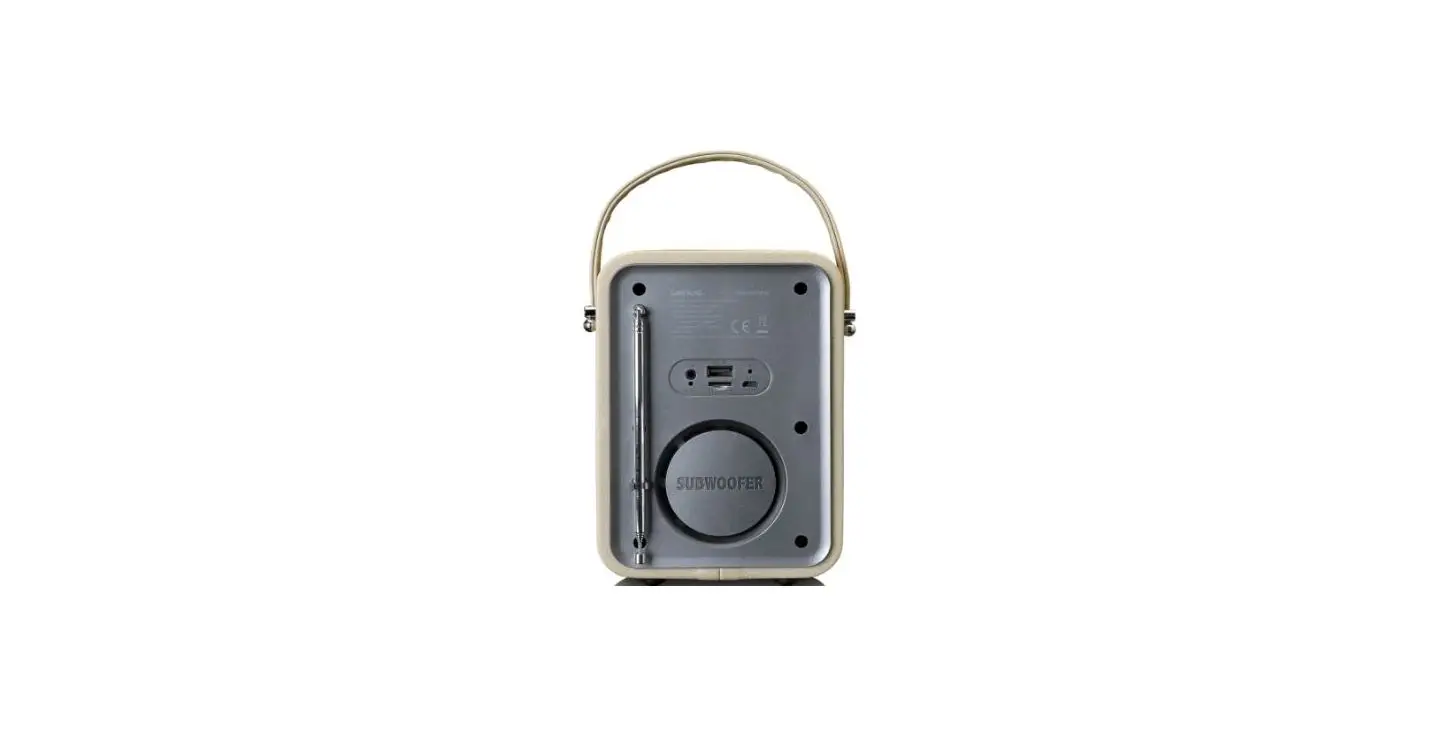
- Telescopic Antenna
- Bass Port
- AUX In Port
- Charge Indicator
- Micro USB charging port
- Radio Station
- Signal Indicator
- AM/PM Indicator
- . Radio Station Info
- Time
- Bluetooth Indicator
- DAB Indicator
- FM Indicator
- Battery Indicator
- AUX In Indicator


Charging
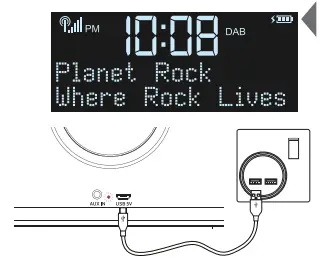
Your Attune Radio has a 2,200mAh built-in, non user replaceable, Lithium battery. For best results, the first time you use the Attune, let it charge for 4-5 hours until fully charged. During charging a battery/charging icon swill be displayed in the top righthand corner of the screen which will change to a
  full battery icon when the battery is fully charged.
- Connect your Attune to a powered USB port on a USB charger or computer.
- For mobile use, disconnect the USB cable when the battery is fully charged.
- The charging LED indicator lights red during charging
- The LED will go off when the unit is fully charged.

Setting the clock automatically
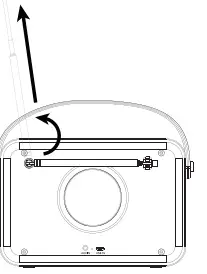
Once the Attune is powered and the aerial is extended the clock will set automatically after 50 seconds.
To change the operating language
The default operating language is English, to change enter the System menu scroll to <Language> select and Lchoose from <Enolish><Deutsch><ltaliano><Francais>
Standby /ON/OFF
- Press the
 Standby/Power button 3 to switch on your radio in the mode last used.
 - While connected to a USB power source press again to enter Standby.
- If the radio is disconnected from the USB power source press Standby/Power button to switch radio ON/OFF.

Selecting the mode
Press the MODE key repeatedly to switch between modes.
Navigating Menus
- Press MENU 5 then
 10/ 6 to scroll through menu options.
 - Press ENTER 9 to select an option or enter a sub menu,
DAB Radio mode
DAB Full scan:
Long Press MENU6 then press ENTER 9 to Full scan or long press ENTER/SCAN to Auto scan for all available stations.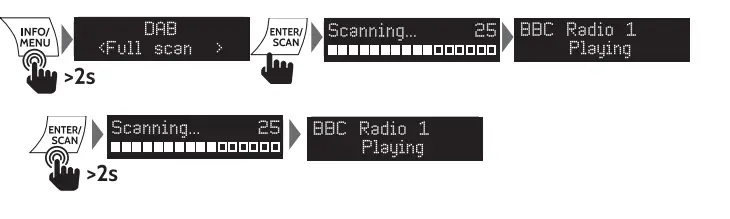
DAB Station list
The LCD displays the long name of the station playing and program information. Use the previous/next keys  10/6 to scroll through the list of stations found during scanning, the short name will be shown. Press ENTER to listen to the station shown.
DAB Radio saving presets:
You can now save the station playing to one of the 30 DAB presets. Long press the PRESET and use the previous or next key 10/6to scroll to an empty reset position, press ENTER to store.
DAB Radio playing presets:
Short press PRESET and use the previous or next key 10/ to scroll through preset positions, press ENTER to play.
DAB Manual tune menu option:
lf you know the frequency of a station you can search for it using this option.Press MENU 5 then ENTER to enter the DAB menu press next 6 then ENTER to enter <Manual tune. Use 1O/6 keys to scroll through DAB frequencies for the one you want. Press ENTERto play. Press the MENU key 6 to exit the search.
DRC:
Dynamic Range Control can make quieter sounds easier to hear when your radio is used in a noisy environment. This function is only available for some DAB stations. Choose high/low/off current selected option will be marked with an asterisk “.
Prune:
Setting Prune to <Yes> clears stations with no signal reception from the DAB “Station list” when you next perform a Full scan. Select Prune in the Menu and press next A 6 to select Yes/No press ENTERto confirm, then press the MENU key to exit.
FM Radio Mode:
Auto scanning:
In FM Mode long press SCAN to auto search for FM stations. Stations found will be saved to Preset positions, see 2.5 on the next page to play Presets.
Scan setting:
Or long press MENU then ENTER to enter the Scan setting menu, choose <AU stations> or <Strong stations only> press ENTER , MENU then long press ENTER/SCANto scan. Note: If you have a strong signal you may want to choose “strong stations only” to limit the number of stations found and make sure they have a clear signal. Stations found will be saved to the preset positions up to 30 if this many are found.
FM Manual tune:
Long press previous or next key /A O/6 to tune the next available station short press to fine-tune. Save the station found to Preset if you want to keep it.
Saving FM Radio presets:
You can now save the station playing to one of the 30FM presets. Long press the PRESET and use the previous or next key O/6 to scroll to an mpty preset position. press ENTER to store.
FM Audio setting:
In the FM menu press next A 6 then press ENTER to enter Audio then use next A 6 and ENTER to select and choose <Stereo allowed> or <Forced mono>, then press the MENU key 6 to exit. Note: If you have a weak signal “Forced mono”‘ may give a clearer, better balanced sound.
Bluetooth mode
- Use the MODE key to select Bluetooth you will hear an audio tone will indicate the Attune is ready to connect make sure your device is in Bluetooth mode. The Attune will search for the last connected device.
- If the last connected device is not available. The Attune will search for other devices and will appear in your device’s Bluetooth menu as “i-box Attune”.
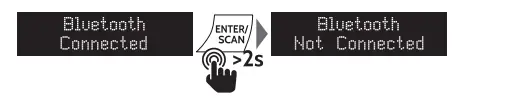
- Select the Attune anda “Connected” message will appear in the display and you will hear a second audio tone when the connection is successful.
CONNECT

- Play audio on your Bluetooth device, see below for playback options on your Attune.

- To disconnect your device press and hold down the ENTER key 9 for 2 seconds.

AUX In mode
Connect any audio device to the 3.5mm socket 1 on the back of your Attune use the MODE key to access this mode: Select and play audio on the device, see below for playback options on your Attune.
System menu
- Sub menus/options are <Sleep><Time><Backlight><Language><Factory reset><SW version>
- Use A 10/6 keys to scroll through options. Press ENTER to select an option or enter a sub-menu.
- Use 0/6 keys to scroll through sub-menu options, press enter to select an option.


Sleep Function:
Allows you to set a period of time after which your Attune will switch off or enter standby automatically. Use 0/6 keys to scrol through options: <Sleep off>«15 minutes><30 minutes>c45 minutes><60 minutes><90 minutes , press ENTER to select an option. To cancel Sleep re-enter the menu and set to Sleep off. Note: Sleep will function for Bluetooth as well as DAB and FM modes.
Time
Should set automatically. Use this menu to set time manually if required.
Backlight
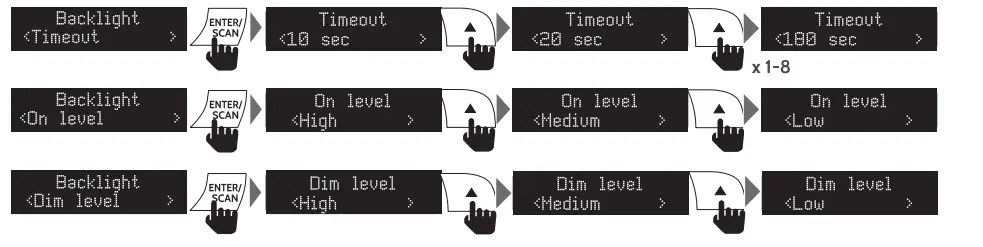
- Controls are <Timeout> (duration)<On level> (brightness) <Dim level> (brightness)
- Timeout settings: <10 sec><20 sec><30 sec><45 sec><60 sec>«90 sec><120 sec><180 sec><On>(stays on)
- On level settings: <High><Medium><Low>
- Dim level settings: <Medium><Low><High>

Language
Factory Reset
Use this function to clear all settings, station lists and presets.
Software version operating
Tips
New stations are frequently being launched so it’s a good idea to rescan from time to time to make sure you don’t miss out on the latest additions.
Troubleshooting
| Troubleshooting | |||
| Radio reception is poor | Check that the antenna is extended for the maximum signal strength and improved reception. | Adjust the antenna direction to improve the signal. Move the radio closer to a window. | Check that the radio is not close to microwaves, fluorescent lights or other equipment which may cause interference. |
| No sound | Check if the volume is turned down. Increase the volume. | Check that the radio is switched on. | Try tuning to another radio station. |
| The radio does not turn on | The battery is flat and the radio is not securely connected to a powered USB socket. | Connect the USB port on the radio to a powered USB socket. | Connect the USB port on the radio to a higher output powered USB socket. |
SPECIFICATION
| SPECIFICATION | |
| POWER INPUT | Micro USB SVDC |
| PLAYING TIME | up to 10hrs@ 60% Vol |
| SPEAKER OUTPUT | 3W |
| DAB/DAB+ Frequency Range: | 174.928MHz (SA) – 239.200MHz (13F) |
| FM Frequency Range: | 87.5 -108MHz |
| Presets: | 30 DAB,30 FM |
| Built-in Rechargeable Battery: | Lithium Ion 2,200mAh |
Disclaimer
Updates to Firmware and/or hardware components are made regularly. Therefore some of the instructions, specifications and pictures in this documentation may differ slightly from your particular situation. Allitems described in this guide are for illustration purposes only and may not apply to your particular situation. No legal right or entitlements may be obtained from the description made in this manual.
Declaration of conformity
Hereby, Philex Electronic Ltd. declares that the radio equipment:Attune Radio for radio broadcast reception in domestic premises is in compliance with the Radio Equipment Directive 2014/53/EU. The full text of the EU declaration of conformity is available at the following internet address: www.philex.com/doc
Technical support
For further help, advice, information or live chat visit www.iboxstyle.comm