 User guide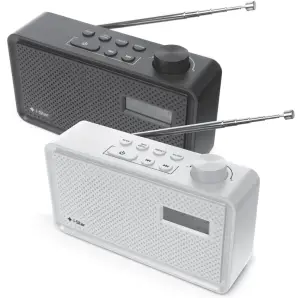
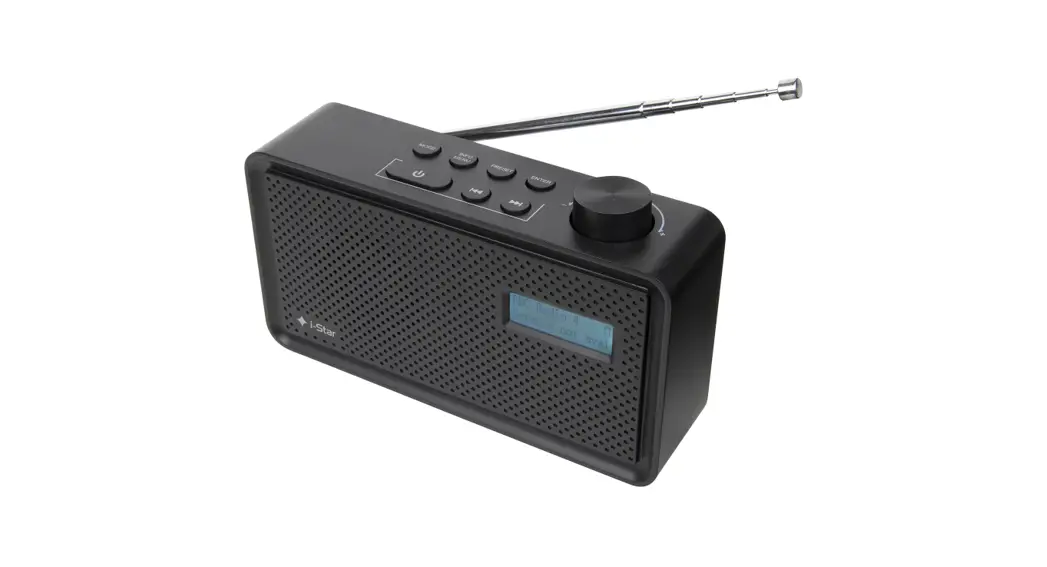
PORTABLE DAB RADIO
90058PI & 90059PI
Warnings and advice
Keep away from flame sources such as lighted candles. Do not expose to dripping or splashing fluids. Objects filled with liquids, such as vases, should not be placed close to the radio. The unit should not be exposed to direct sunlight, very high or low temperature, moisture, vibrations, strong magnetic fields, high frequencies, and dusty environments. Do not place the radio in enclosed spaces without proper ventilation. Ventilation should not be impeded by covering the ventilation openings with items, such as newspapers, tablecloths, curtains, etc. Never attempt to insert wires, pins, or other such objects into the vents or openings of the unit. Do not disassemble or modify the radio, there are no user-serviceable parts and the battery is nonreplaceable. If the radio is damaged in any way or malfunctions do not use it. Consult a qualified service engineer. Do not use abrasives, benzene, thinner, or other solvents to clean the surface of the unit. To clean, wipe with a clean soft cloth and a mild detergent solution. This product contains a Li-ion battery and should be disposed of appropriately. Do not dispose of it with household waste, at the end of its life cycle; hand it over to a collection center for the recycling of electrical and electronic appliances with batteries. Please check with your Local Authority for recycling advice.
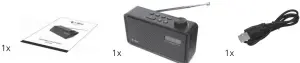
BOX CONTENTS
 Introduction
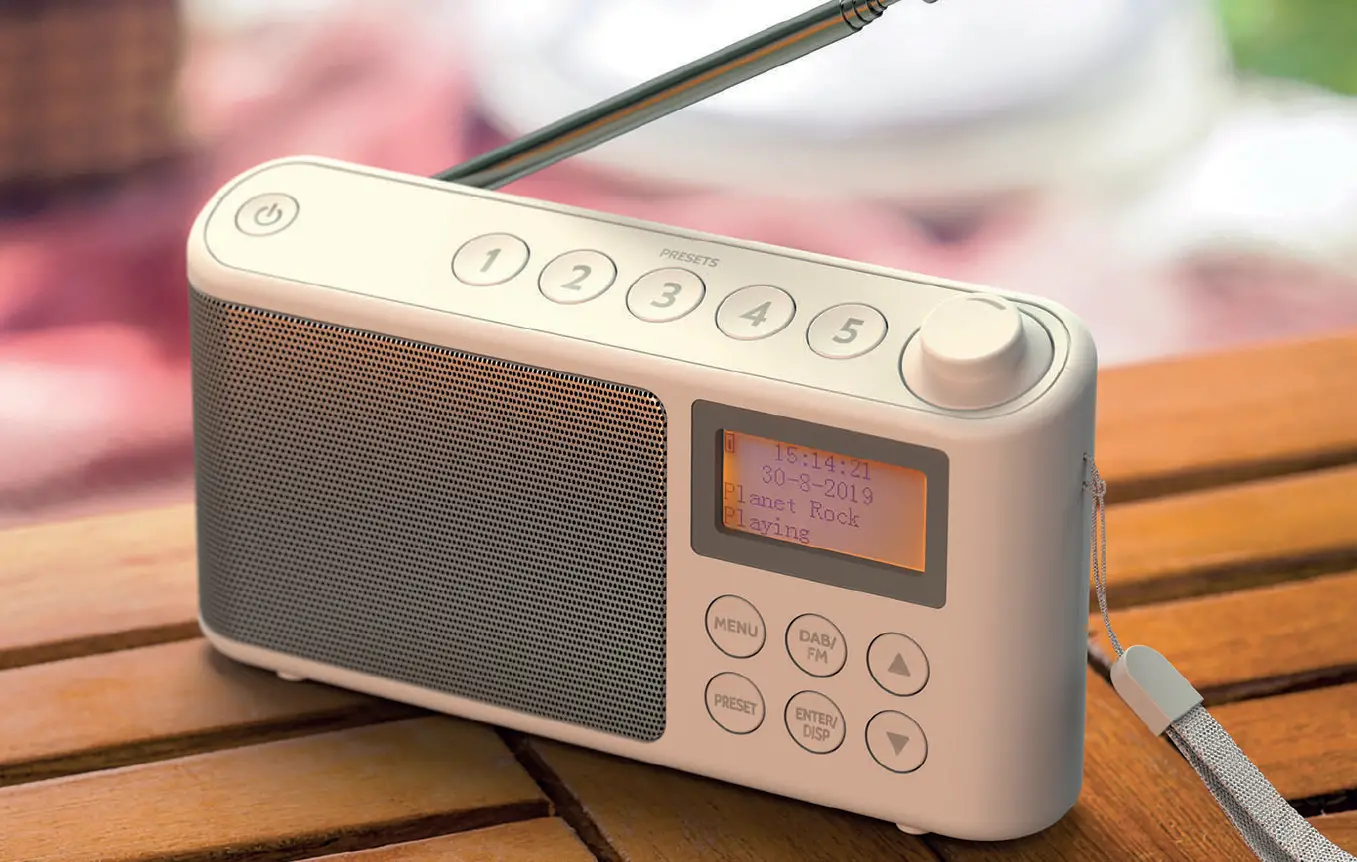
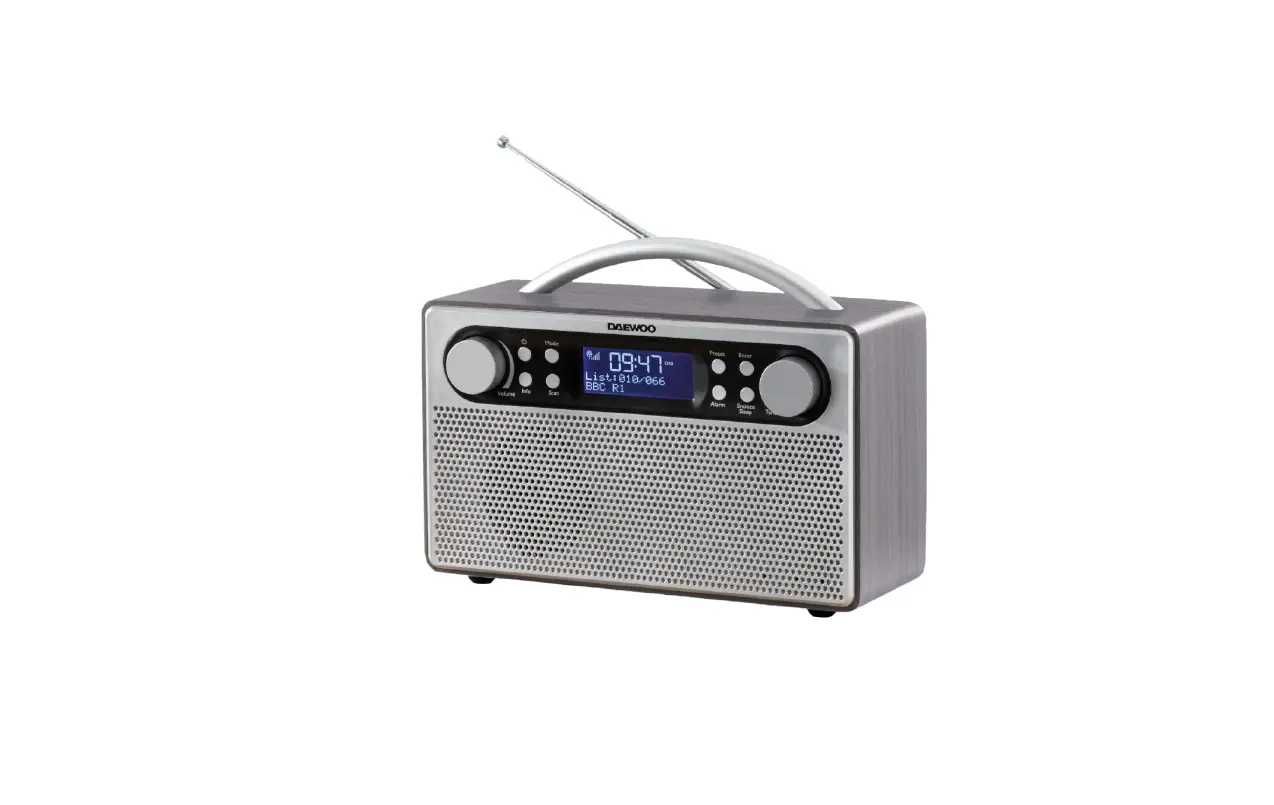
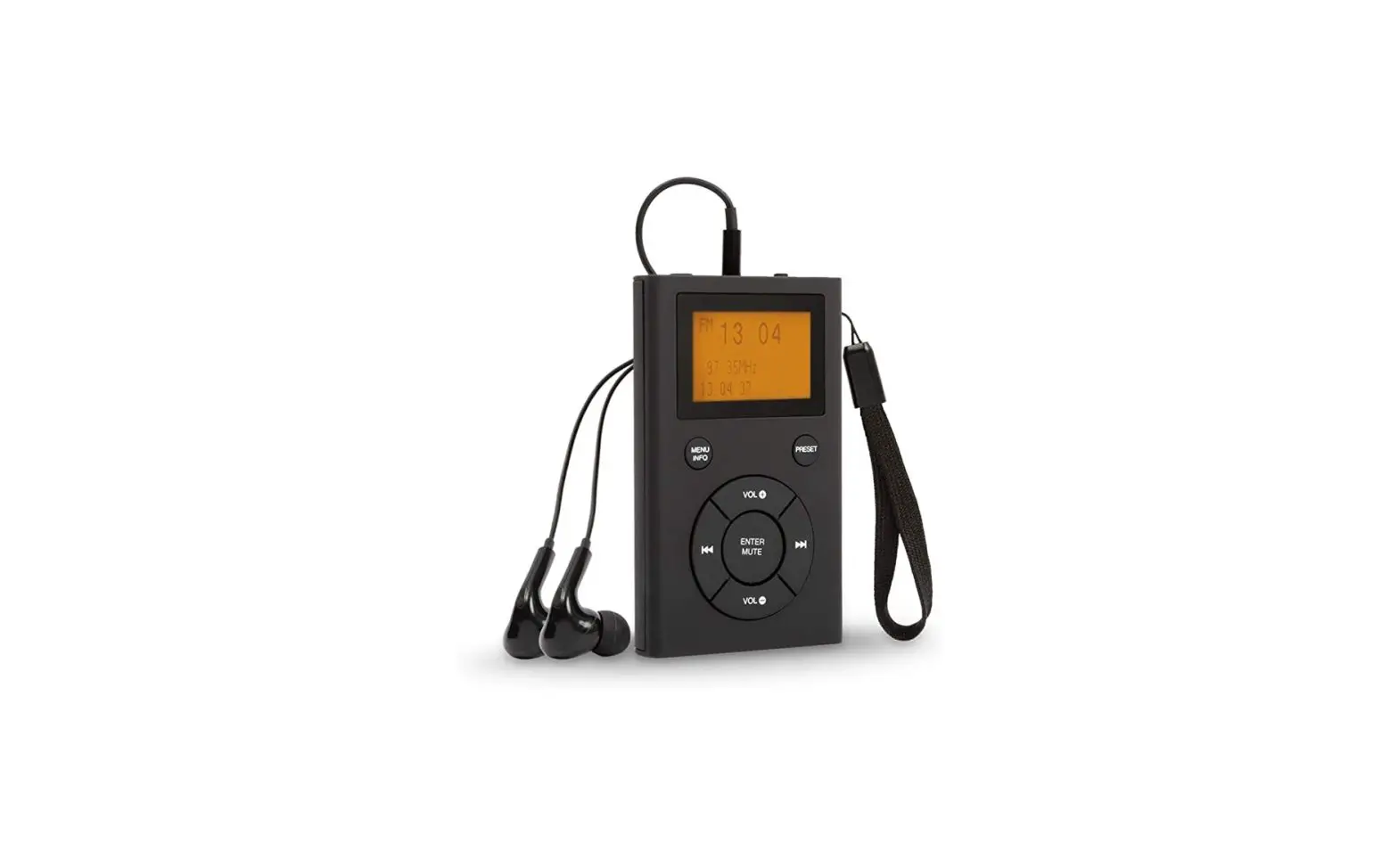
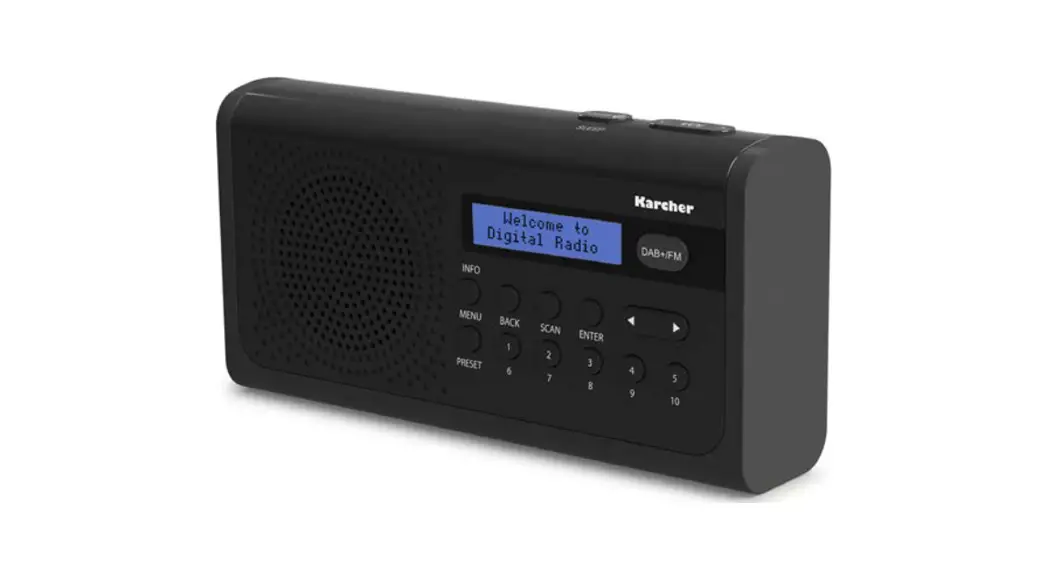
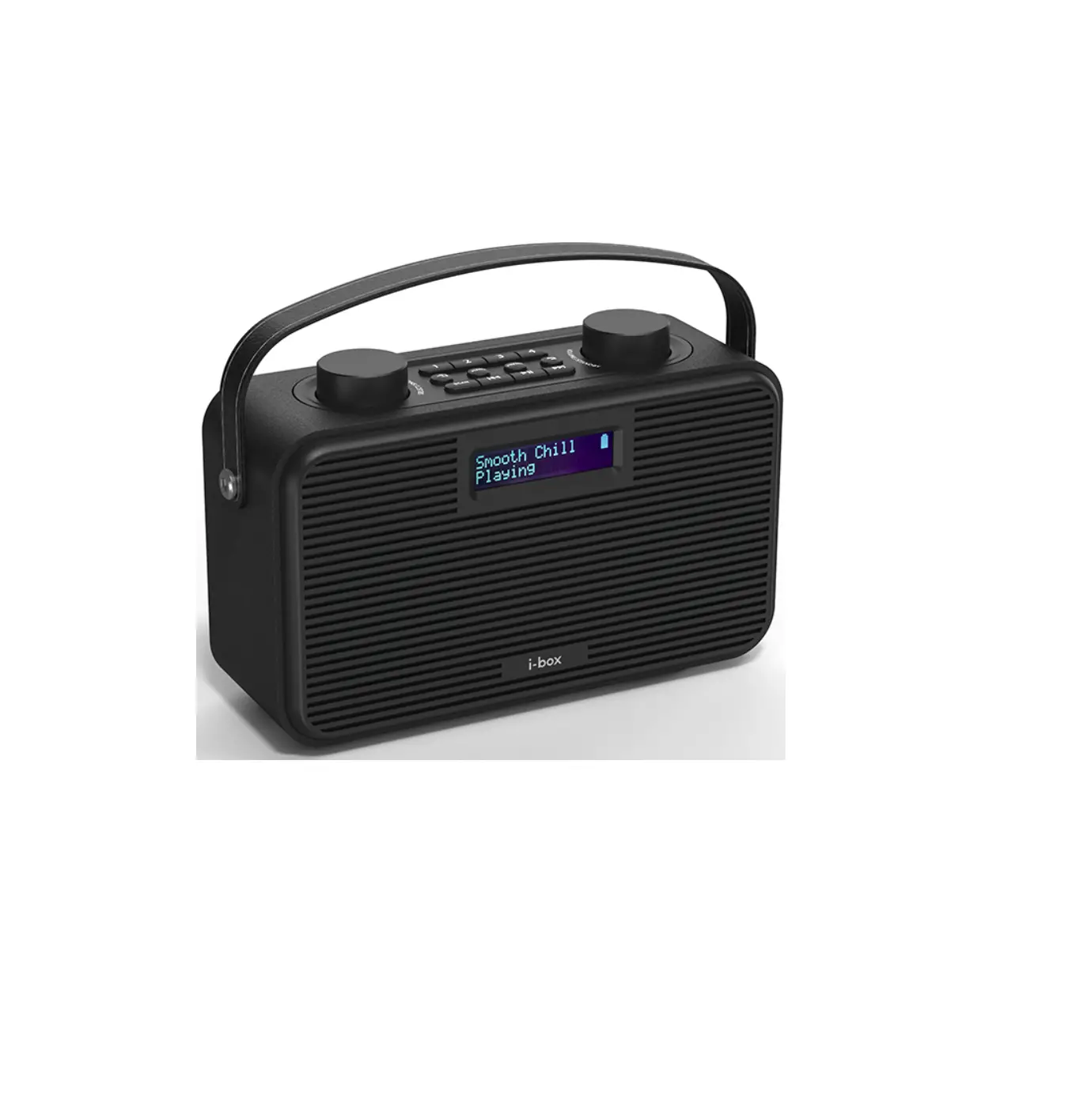
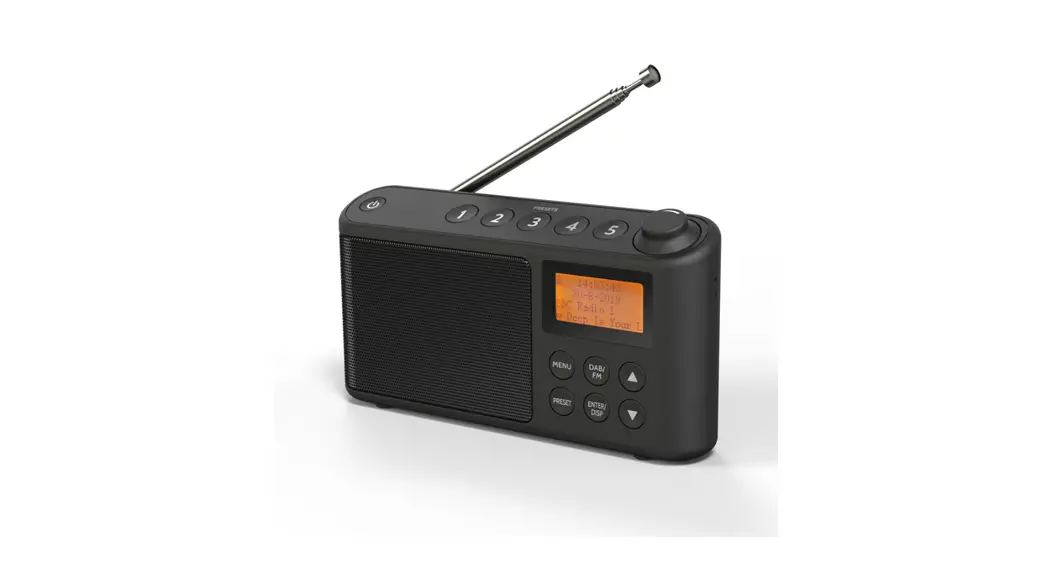
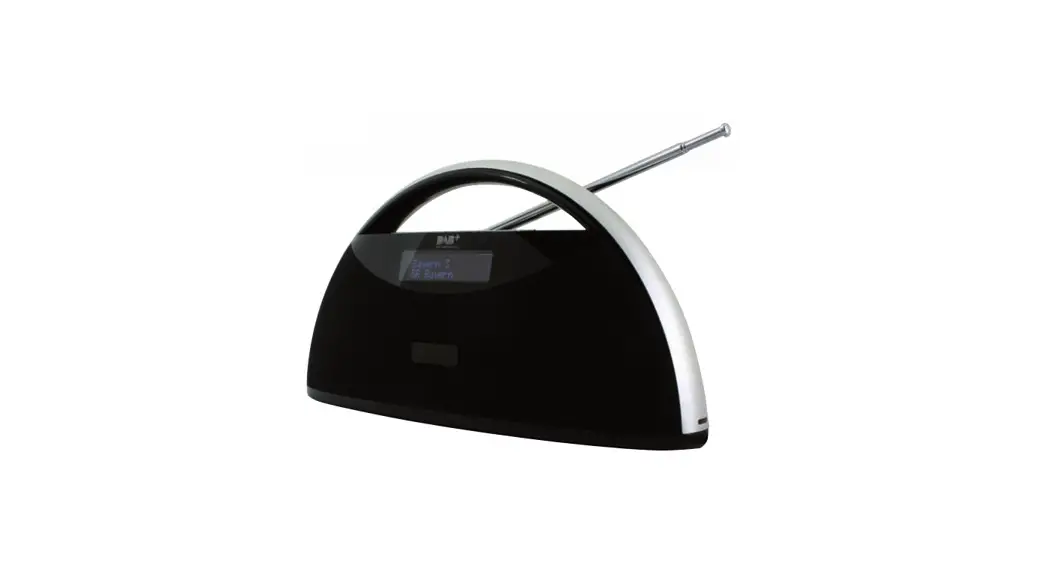
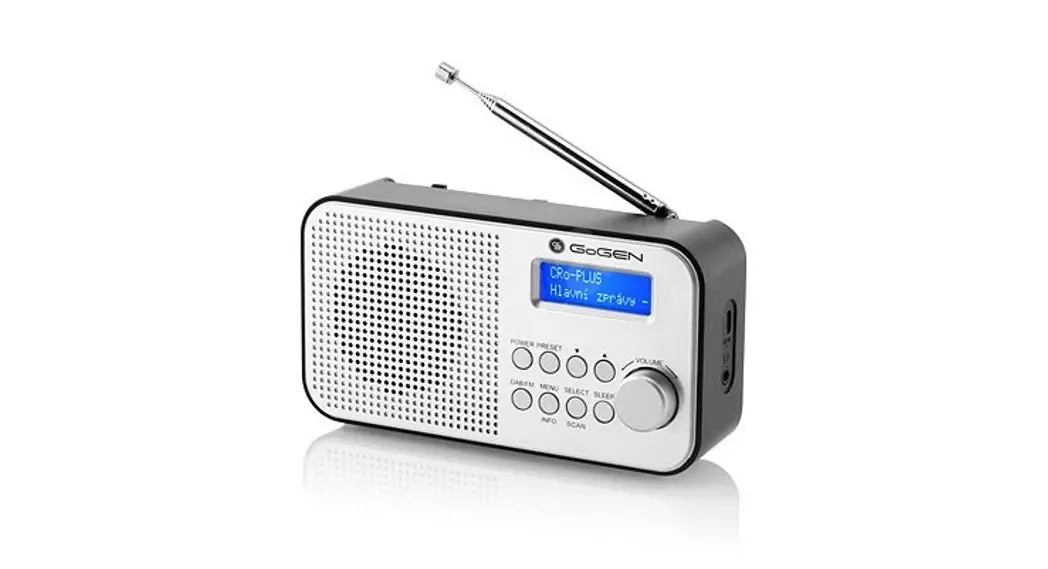
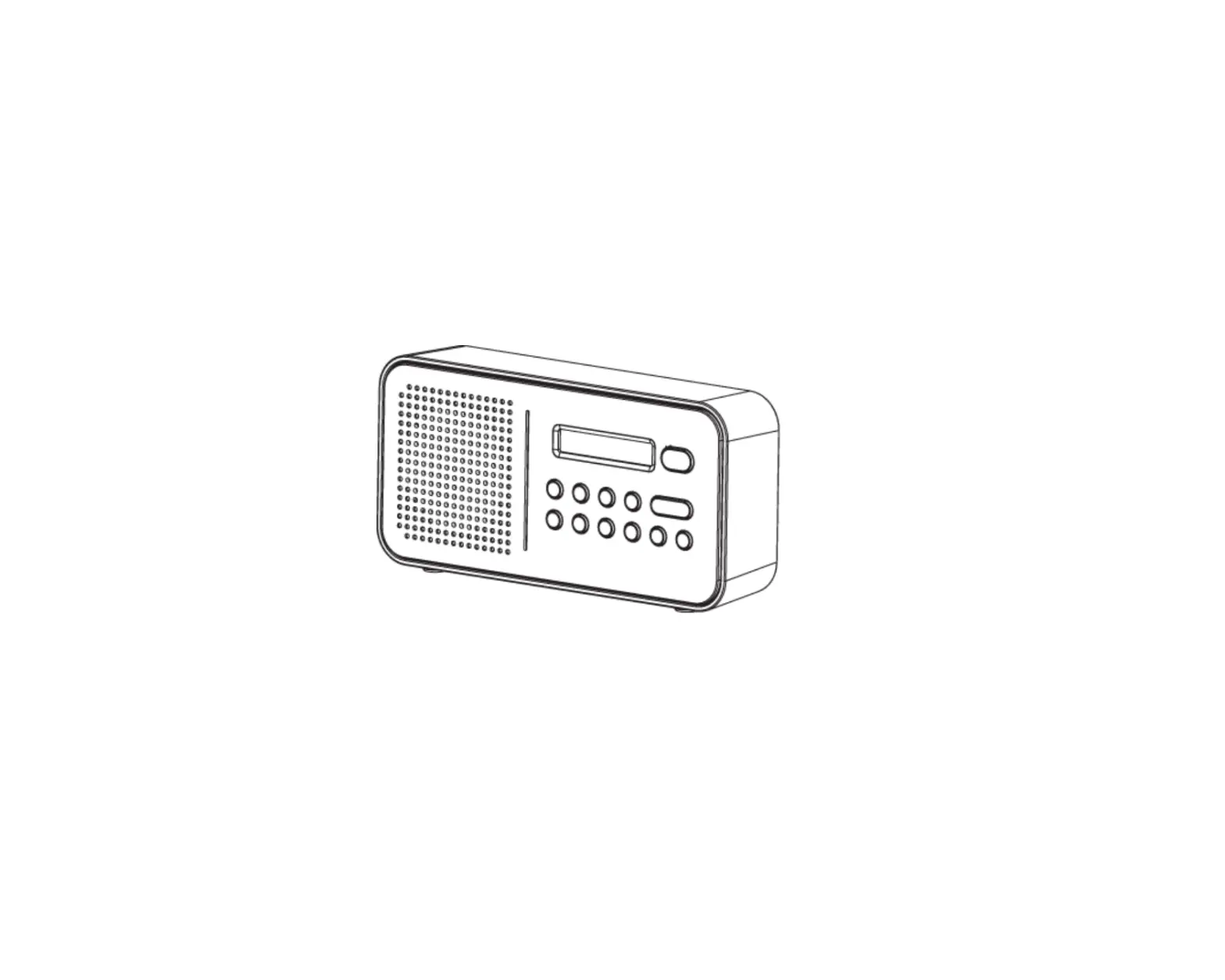
Your new radio receives DAB+, DAB, and FM stations and has a built-in rechargeable Lithium battery giving you approximately 4 hours of playing time (at under 70% volume). You can also store your favorite 30 DAB and 30 FM stations for quick recall.
Features and controls
TOP VIEW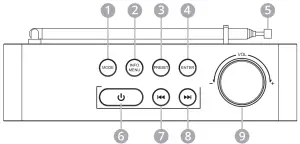 Front view
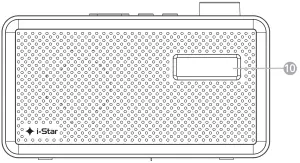 Back view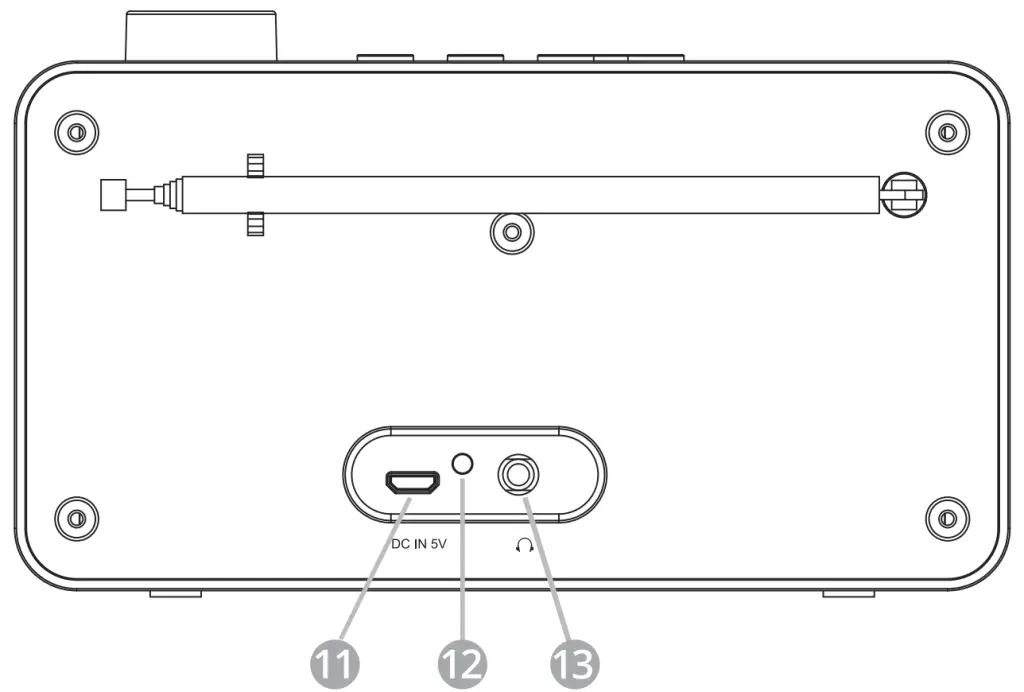
 DAB/FM
 To show INFO
  Enter MENU
 To enter PRESET Select
 To enter PRESET Store
- To confirm the selection
 To Auto scan DAB or FM
 - Antenna – Fully extend before tuning
 Radio ON
 POWER OFF
 Skip to the previous station/Skip to the previous menu item
 Manual scan downward
 Skip to next station//Skip to next menu item
 Manual scan upwards
 Volume-/+ Control
- LCD Display
- USB Charging Port
- LED: RED = charging,
- Headphone socket
 DAB/FM
 To show INFO
  Enter MENU
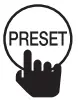 To enter PRESET Select
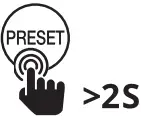 To enter PRESET Store
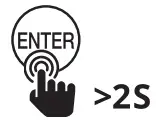 To Auto scan DAB or FM
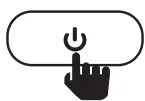 Radio ON
 POWER OFF
 Skip to the previous station/Skip to the previous menu item
 Manual scan downward
 Skip to next station//Skip to next menu item
 Manual scan upwards
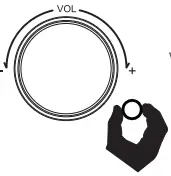 Volume-/+ Control
Charging
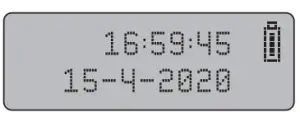
Your i-Star radio has a built-in non-user-replaceable Lithium battery. For best results, the first time you use the radio, let it charge for 4-5 hours until fully charged. During charging the LED indicator (12) will be lit RED and will go out when the battery is fully charged and the battery/charging icon will appear as full in the top right-hand corner of the screen. Icon changes to when power is low.
1. Connect the Spectrum to a powered USB port on a USB charger or computer.
2. For mobile use disconnect the USB cable when the battery is fully charged.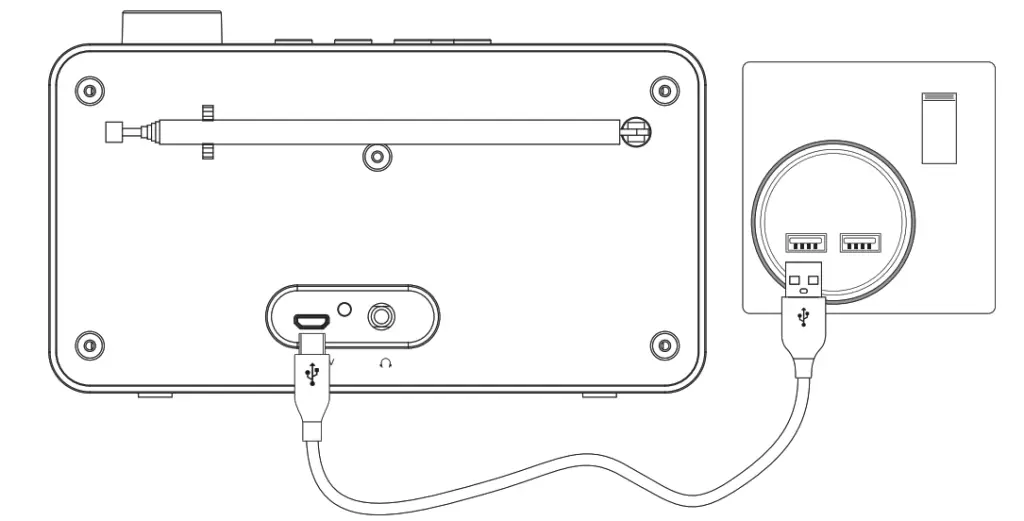
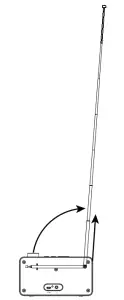
Before using your radio for the first time please fully extend the antenna (5)
Power On – First time – DAB Autoscan
Power On – After DAB Autoscan
Tuning DAB Stations
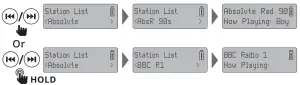 DAB Menu Options
 DAB Menu Options – Full Scan
 DAB Menu Options – Manual Tune
 DAB Menu Options
DRC Dynamic Range Control can make quieter sounds easier to hear when your radio is used in a noisy environment. This function is only available for some DAB stations.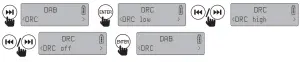 DAB Menu Options – Prune
When you select Yes in the Prune menu all unavailable stations are deleted from the Station List the next time you perform a scan. Preset – Store
 Preset – Recall
Info – DAB Paying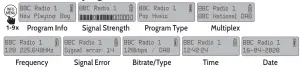 Switching DAB / FM
 FM Menu Options
 FM Menu Options – Scan Setting
 FM Menu Options – Audio Setting
 Preset – Recall
 Preset – Store/Change
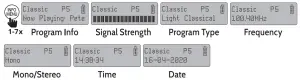
 FM Info
 System Menu Options (DAB & FM)
System Options – Sleep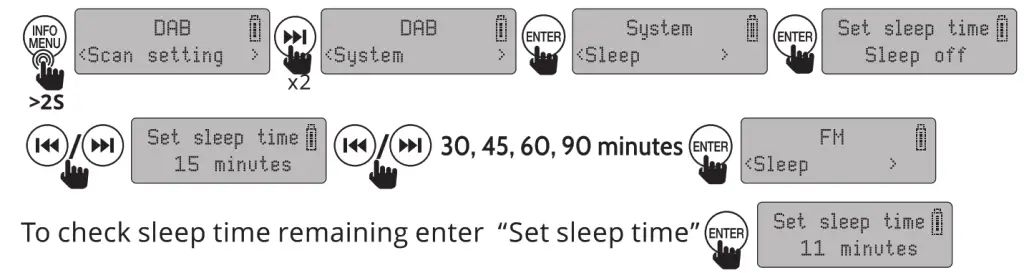 System Options – Time
 System Options – Backlight Level
 System Options – Auto Backl’ght
If the backlight level is set to High or Medium and Auto Backlight is set to On the backlight will dim to Low 20 seconds after controls are used and brighten when controls are used again.
System Options – Language System Options – Factory Reset
 System Options – Software Version
Troubleshooting
If you are experiencing problems with your DAB radio there are some quick and easy checks that you can do, which may help to solve the problem.
| Problem | Solutions | ||
| No DAB reception | If it “no DAB service” is displayed, perform a “Factory Reset” on the radio, | Fully extend the antenna to get better reception | Move the radio closer to a window |
| Radio reception is poor | Check the antenna is extended for maximum signal strength and reception, adjust the antenna direction to improve the signal | Try rescanning | Check that the radio is not close to microwaves, fluorescent lights, or other electrical equipment which causes interference. |
| No sound | Check if the volume is turned down. Increase the volume. | Check that the radio is switched on | Try tuning to another radio station |
| The radio does not turn on | The battery is flat – Charge the battery | When charging make sure the cable is properly connected and the Red LED comes on |
Tips
New stations are frequently being launched so it’s a good idea to rescan from time to time to make sure you don’t miss out on the latest additions.
Specifications
| Property Specification | |
| DAB Frequency range: | 174.928MHz (5A) – 239.200MHz (13F), supports DAB and DAB+ |
| FM frequency range: | 87.5-108MHz |
| Presets: | DAB/DAB+ 30 Presets, FM 30 Presets |
| Power input: | 5V-1A |
| Battery type: | Lithium |
| Battery power: | 1200mAh |
| Audio socket: | 3.5mm earphone jack |
| Dimensions: | 160 x 95 x 52 mm (W x H x D) |
Disclaimer
Updates to Firmware and/or hardware components are made regularly. Therefore some of the instructions, specifications, and pictures in this documentation may differ slightly from your particular situation. All items described in this guide are for illustration purposes only and may not apply to your particular situation. No legal rights or entitlements may be obtained from the description made in this manual.
Declaration of Conformity
Hereby, Philex Electronic Ltd. declares that the radio equipment: model 90058PI & 90059PI i-Star DAB portable radios for radio broadcast reception in domestic premises are in compliance with the Radio Equipment Directive 2014/53/EU. The full text of the EU declaration of conformity is available at the following internet address: www.istarproduct.co.uk/doc
Technical Support
If you experience problems setting up or using your DAB radio, please visit our technical website at www.philex.com/support to send us a message or live chat during office hours. Waste electrical and electronic products should not be disposed of with household waste. Please recycle where facilities exist. Check with your Local Authority for recycling advice.
© Philex Electronic Ltd. MK42 ONX 2020 V1.4