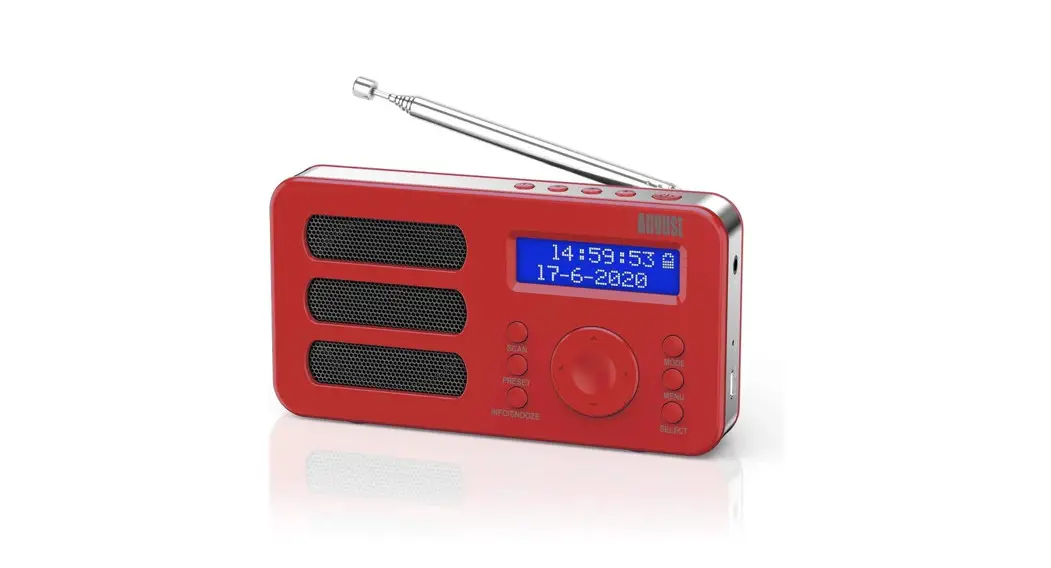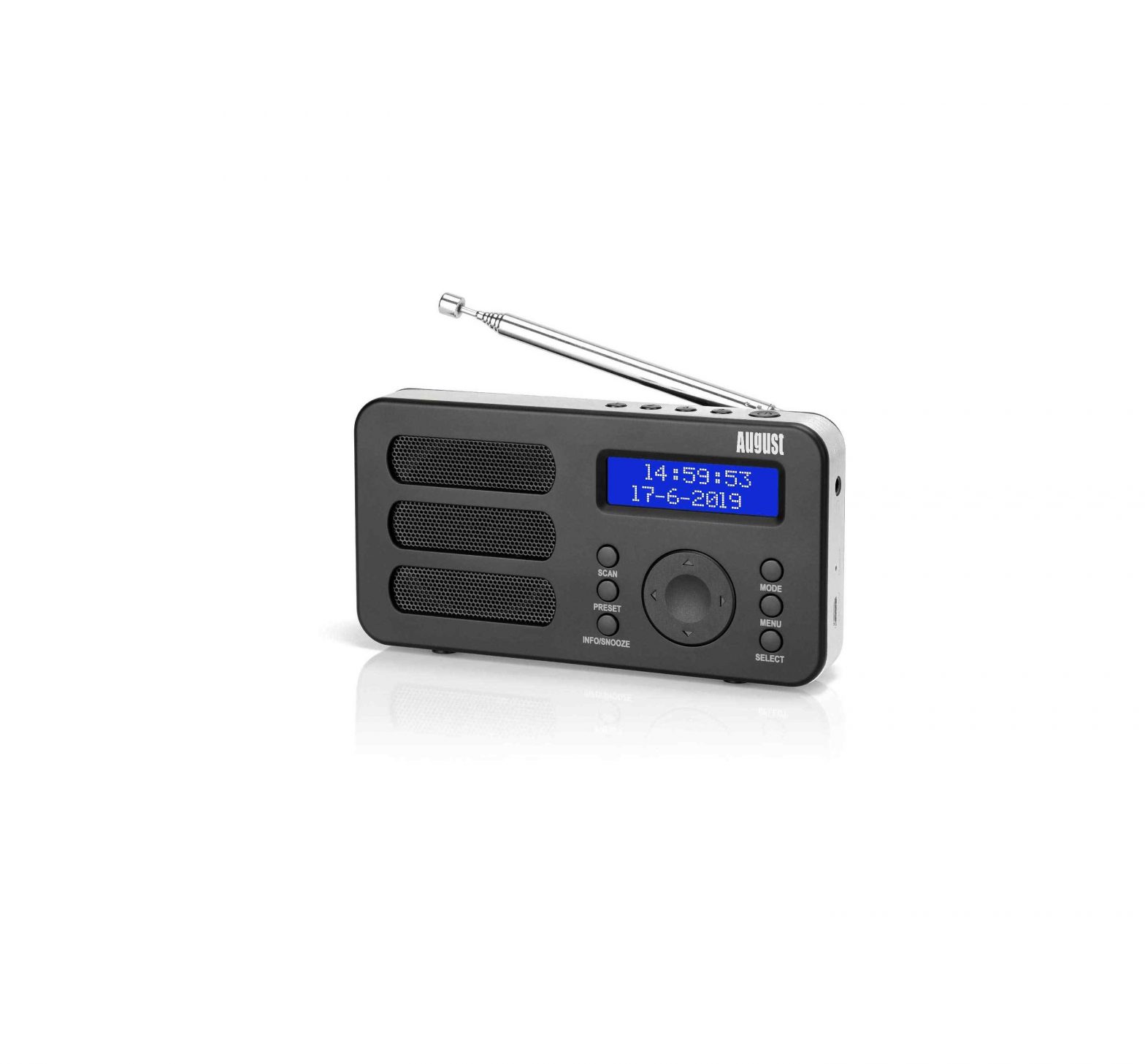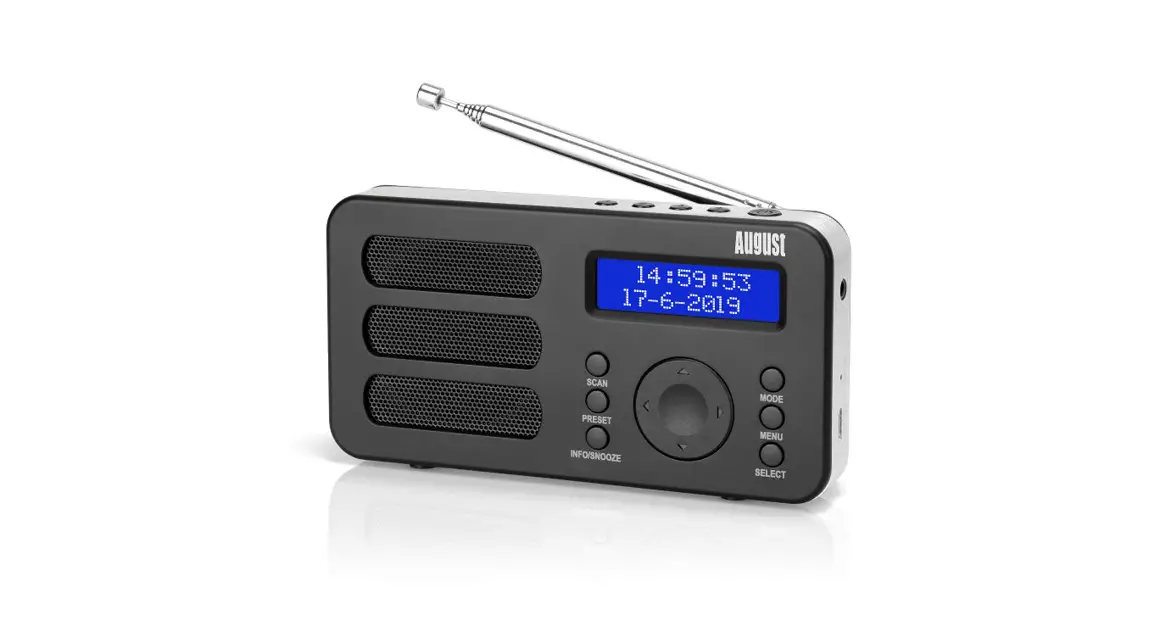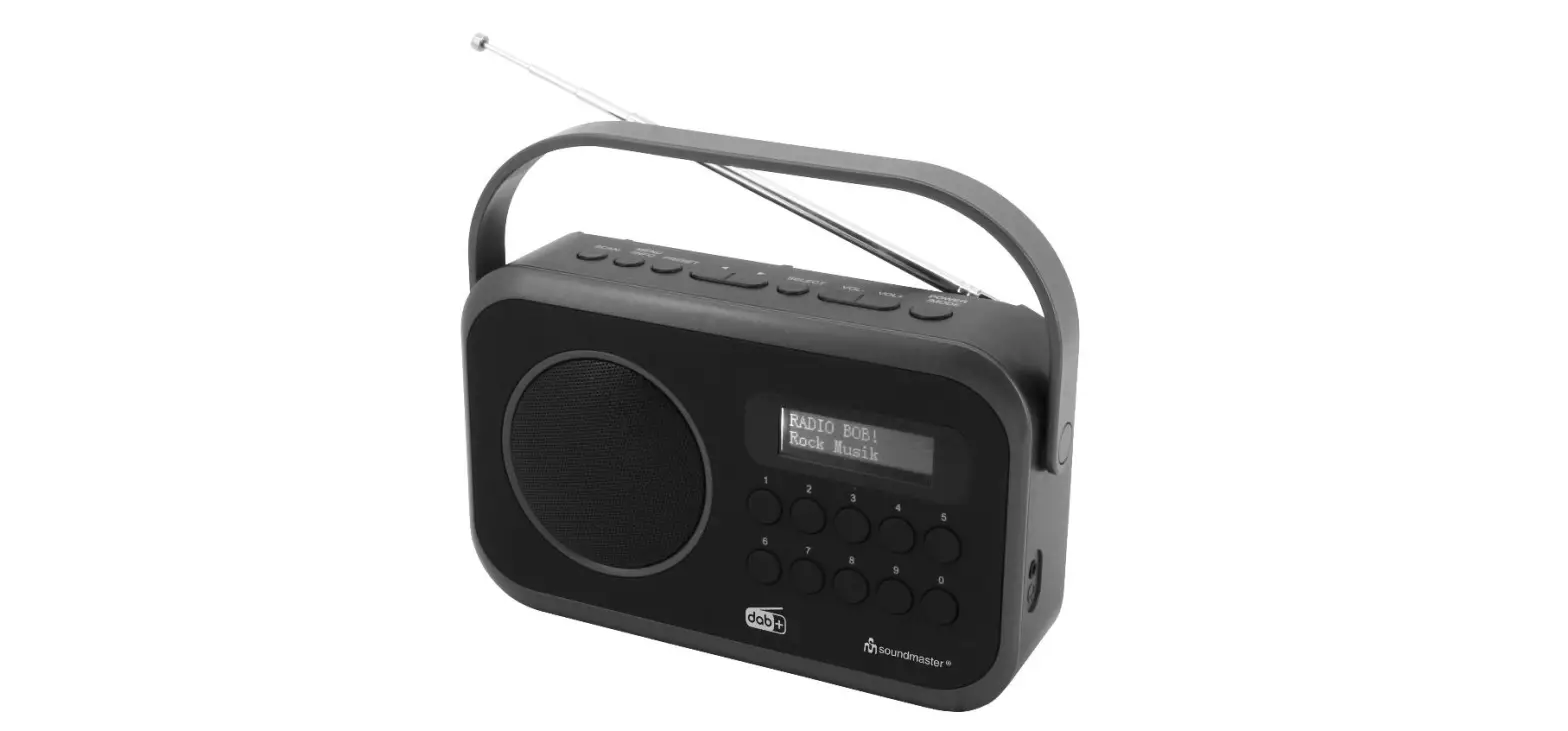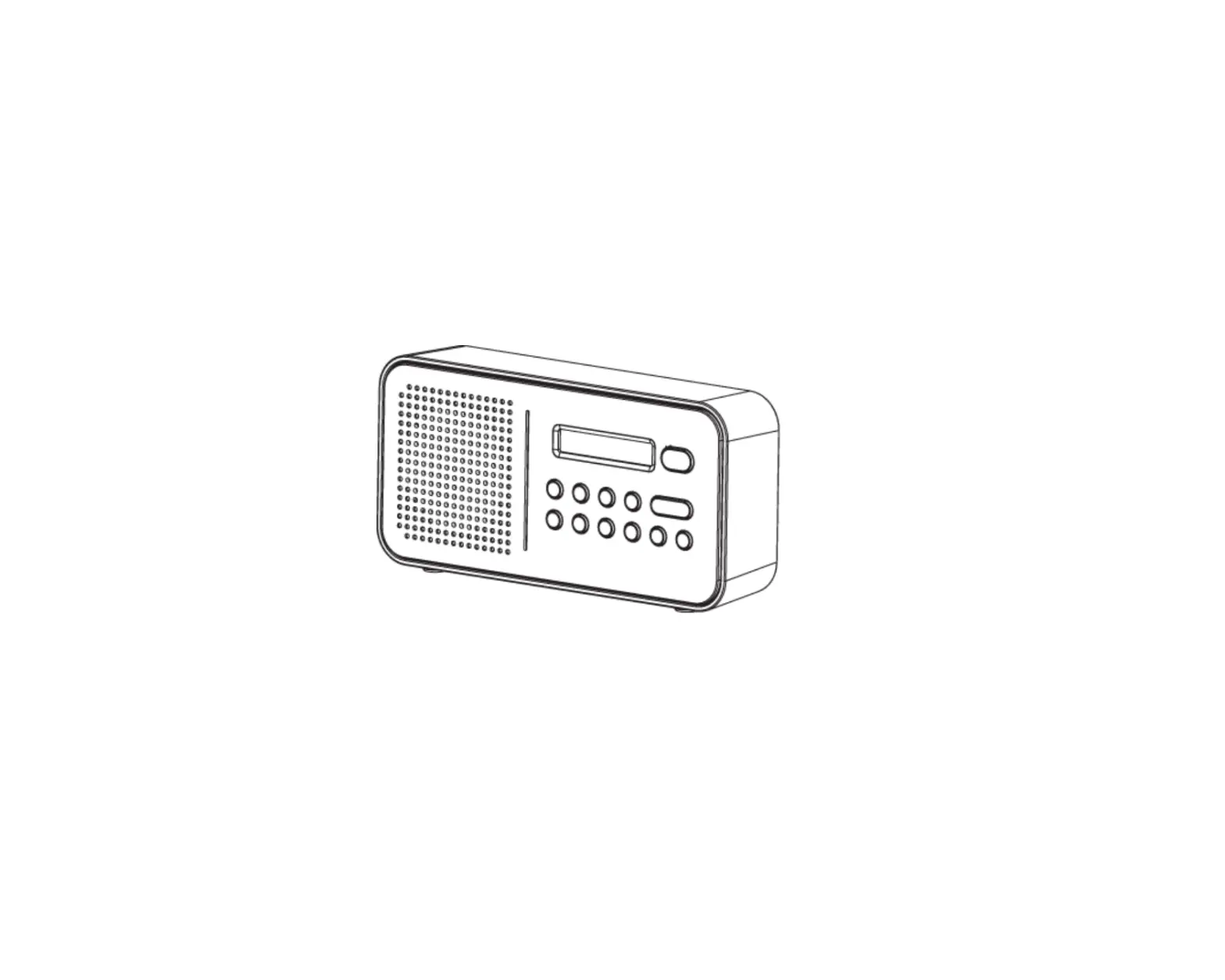
 MB225B Portable DAB or DAB+ or FM Alarm Clock Radio
User Manual

Thank you for purchasing the August MB225 Portable DAB/DAB+
Dual Alarm Clock Radio. This user manual is designed to familiarize you with all the features of this device. Please take the time to read this user manual carefully, even if you are already familiar with a similar product.
Safety
To ensure the safety of you and others, please read the Safety Instructions before using this device. Please do not disassemble the theMB225, it can be unsafe and will invalidate the manufacturer’s warranty.
Disposal
Please ensure the product and accessories are disposed of in compliance with the WEEE (Waste Electrical and Electronic Equipment) Directive and any other regulations applicable to your country. Always check with the environmental agency and any other relevant authorities for current disposal regulations.
Declaration of Conformity
The Declaration of Conformity can be found on our website at http://augustint.com/en/declaration/
Customer Service
You can contact us by phone on: +44 (0)845 250 0586 or by email at: [email protected] should you require further technical support or customer service.
Safety Instructions
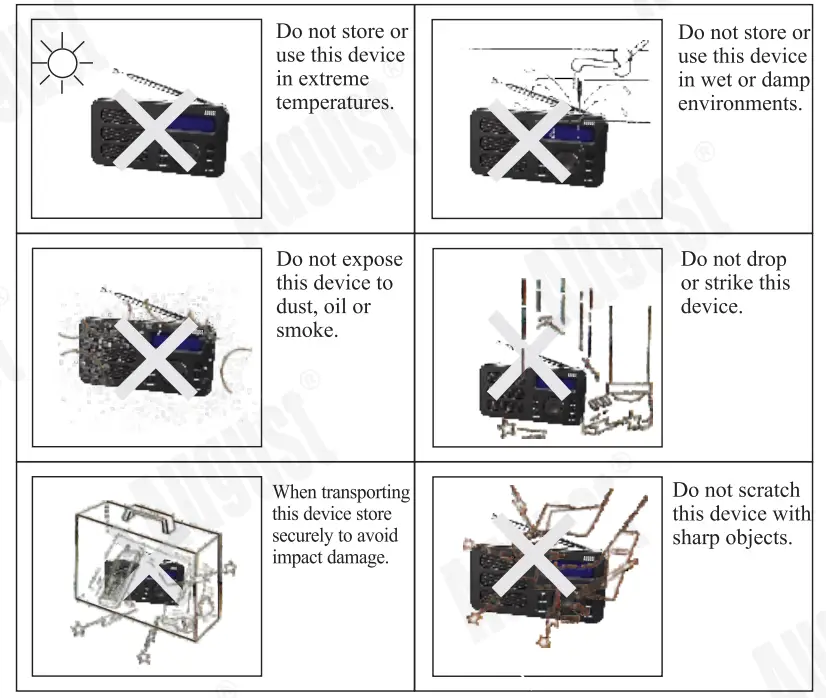
Storage and Use
Maintenance
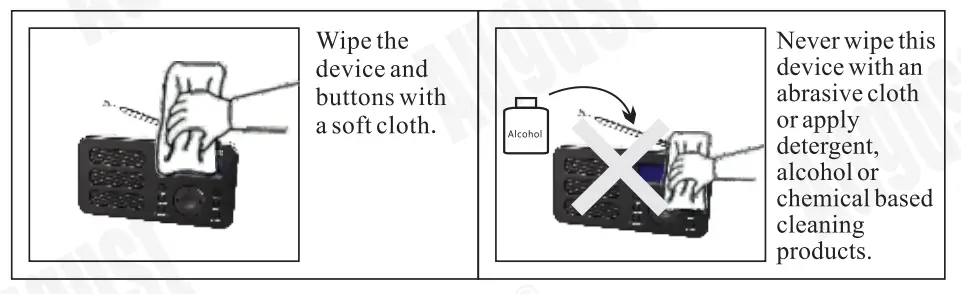
Please unplug all leads before cleaning this device.
Main Features
- DAB/DAB/FM Enabled Radio with Automatic Scanning
- Dual Alarm Functionality with Snooze Feature
- Digital LCD Display with Adjustable Backlight
- Personalize the Alarm to a Preset Station or Buzzer
- Sleep Timer with Multiple Configurations
- Built-in Rechargeable Battery
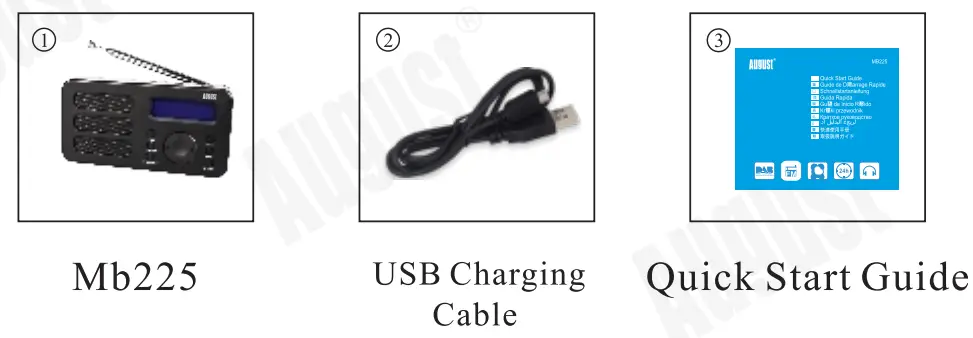
Box Contents
Part Names and Functions
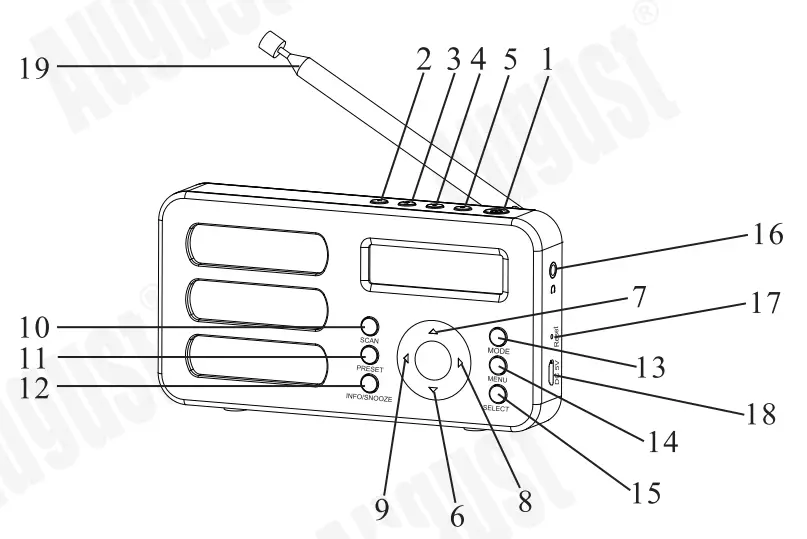
| 1. Power Button/ Standby | 11. PRESET |
| 2. Preset station 1 | 12.INFO/SNOOZE |
| 3. Preset station 2 | 13. MODE |
| 4. Preset station 3 | 14. MENU |
| 5. Preset station 4 | 15. SELECT |
| 6. Next | 16. Earphone Socket |
| 7. Previous | 17. Reset |
| 8. Volume Up | 18. Power USB Socket |
| 9. Volume Down | 19. Telescopic antenna |
| 10. SCAN |
Operation
Power
Please fully charge the MB225 before first use or if left unused for a long period of time.
To charge, use the USB power cable to connect the MB225 to a powered USB port.
Whilst charging, the battery logo on the screen indicates the charging state and turns to a full battery state once fully charged.
Ensure the output voltage from the USB port or the charger is 5V.
Charging voltage greater than 5V may damage the radio.
Switch On/ Off/ Standby
Press Power for 3 seconds to switch on the Mb225.
Press Power to switch between Working mode and Standby mode. The selected mode will show up on the screen.
Under the Standby mode, press and hold Power for 3 seconds to switch off the MB225.
DAB/DAB+ Radio
DAB/DAB+ mode allows you to listen to Digital Audio Broadcasts. DAB radio stations have a higher sound quality and less interference than their FM equivalent.
Press Mode to switch to DAB mode. The display will show DAB and tuning the DAB stations.

Press either Previous or Next to cycle through the stations, and press Select to select the station.
Note: If no DAB/DAB+ stations can be received currently, please refer the 5 .3 .1 quick scan or 5 .3 .2 full scan. DAB/DAB+ radio reception is not universal, you can check the signal strength in your postcode here:
www.ukdigitalradio.com./coverage/postcodesearch/
Having stations available in your area does not guarantee reception as thick walls, distance from the transmitter and other environmental factors can all influence the reception at a specific location.
Quick scan
- Fully extend the telescopic antenna.
- Press Scan to carry out a quick scan. ‘Scanning’ will be displayed and a progress bar will show the progress of the scan.
- Once the scan has been completed. The channels will be saved and the device will begin playing the first channel found.
Full scan
- Fully extend the telescopic antenna.
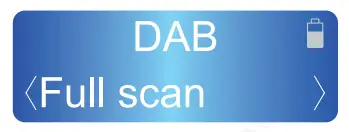
- Press Menu and press Previous or Next to scroll to ‘Full Scan’.

- Press Select to carry out the full scan. The display will display ‘Scanning’. A progress bar will show the progress of the scan.
- The channels will be saved and the device will begin playing the first channel found.
Prune
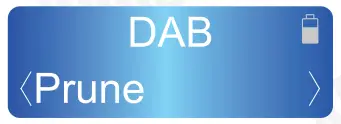
The Prune function can be used to remove any stations that are saved to your DAB/DAB+ radio list but not available. This function will remove all stations that display ‘Service not available.
- Press Menu and press Previous or Next to scroll to ‘Prune’.

- Press Select and press Previous or Next to scroll to <Yes>, then press Select to confirm.
DAB/DAB+ Station Presets
The unit allows you to store up to 20 DAB/DAB+ stations for quick tuning.
Note: Storing DAB/DAB+ station presets does not overwrite FM station presets
Save a station
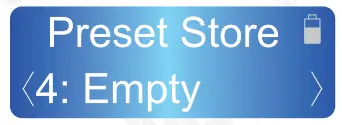
- Whilst the station you would like to save is playing, press and hold the Preset until the Preset Store displays on the LCD.

- Press Previous or Next to choose the preset memory position then press Select to confirm.

- If you want access to the 4 preset buttons on top
– Select your favorite station
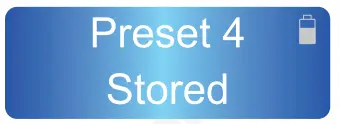
– Press and hold the selected preset button for 3 seconds
– Stored should appear on the screen when completed
Recall a station
- Press Preset whilst in DAB mode to open the list of preset stations.
- Press Previous or Next to select the preset station.
- Press Select to confirm.
Station Information
To access additional information broadcast by a DAB/DAB+ radio station, press INFO, this will cycle through all the DLS (Dynamic Label Segment) being broadcast.|
Press INFO cycles through D LS text D L Plus information ( this is only displayed if broadcast by the station), signal strength, program type, ensemble name, channel number/ frequency, signal error rate, bit rate, codec/DAB variant, time and date.
Note: DL Plus presents additional information that can be broadcast by stations and stored temporarily on your radio.
Dynamic range compression (DRC)
DRC balances the differences in volume between the loudest and quietest audio being broadcast. This can reduce the need to adjust volume when the sound being broadcast changes volume.
Note: DRC is managed by the broadcaster and may not be utilized by all stations.
Changing the DRC Setting
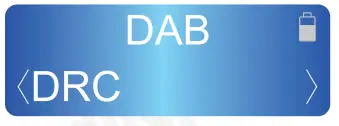
- Press Menu then use Previous or Next to scroll to ‘DRC’
- Press Select to confirm.

- Press Previous or Next to scroll the available options: DRC high,
DRC low, DRC off.
DRC Off: DRC is switched off
DRC Low: DRC is set to 50%
DRC High: DRC is switched on - Press Select to confirm.
- Press Menu to Now Playing screen.
FM Radio
FM radio mode allows you to listen to FM broadcasting (87.5- 1 08MHz) and view RDS (Radio Data System) information.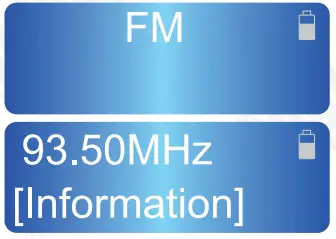
Scan
- Fully extend the aerial wire.
- Press the Mode button to select FM mode.
- Press the Scan button or press and hold the Previous or Next button to scan for a station, the radio will tune to the next station found.
- Press the Previous or Next button to tune the radio up or down at 50 kHz for fine-tuning.
- To improve radio reception, you can reposition the aerial or radio if necessary.
Scan setting
The scan setting function allows you to tailor which stations will be detected when performing scans. All stations mean all stations will be scanned. Strong stations mean only stations with a strong signal will be scanned.
Press Menu then use Previous or Next to scroll to ‘Scan setting’, then press Select to confirm.

Press Previous or Next to scroll to ‘All stations’ or ‘Strong stations’, then press Select to confirm.

FM stations presets
The unit allows you to store up to 20 FM stations for fast tuning.
Note: Storing FM station presets do not overwrite DAB station presets.
Save a station
Whilst the station you would like to save is playing, press and hold the Preset until the Preset Store displays on the LCD.
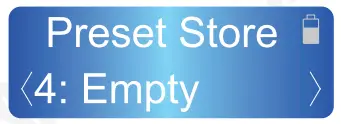
Press Previous or Next to choose the preset memory position then press Select to confirm.

Recall a station
- Press Preset whilst in FM mode to open the list of preset stations.
- Press Previous or Next to select the preset station.
- Press Select to confirm.
Audio setting
- Press Menu then use Previous or Next to scroll to ‘Audio setting’, then press Select to confirm.
- Press Previous or Next to scroll to ‘Forced mono’ or ‘Stereo allowed’, then press Select to confirm.
Stereo allowed: Any stations broadcast in stereo with a strong enough signal will be played in stereo.
Forced mono: All stations will be played in mono.
Stations information
To access additional information broadcast by an FM radio station, press INFO, this will cycle through all the information of the station being broadcast.
Press INFO cycles through Radio text, Programme type, Programme name, Audio mode, time, and date.
Clocking setting
- Press Menu and press Previous or Next to scroll to ‘System’, then press Select to confirm.
- Press Previous or Next to scroll to ‘System’, then press Select to confirm.
- Press Previous or Next to scroll ‘Set Time/Date’, ‘Auto Update’, ‘Set 12/24 Hour’, and ‘Set Date Format’
Set Time/Date
- The Hour digit flashes, press the Previous or Next buttons to set, then press the Select to confirm.
- Than the Minute digit flashes, press the Previous or Next buttons to set, then press the Select to confirm.
- Then the AM/PM digit flashes, press the Previous or Next buttons to set, then press the Select to confirm.
- Then the date digit flashes, press the Previous or Next buttons to set, then press the Select to confirm.
- Then the month digit flashes, press the Previous or Next buttons to set, then press the Select to confirm.
- Then the year digit flashes, press the Previous or Next buttons to set, then press the Select to confirm.
- Then the clock setting is saved.
Auto Update
Press the Previous or Next buttons to choose ‘Update from any’, ‘Update from DAB’, ‘Update from FM’ or ‘No update’, then press the Select to confirm.
Set Date Format
Press the Previous or Next buttons to choose ‘DD-MM-YYYY’ or ‘MM-DD-YYYY’.
Set 12/24 Hour
Press the Previous or Next buttons to choose ‘Set 12 hours’ or ‘Set 24 hours’.
Alarm Clock
The alarm clock can be set with two different alarm times. Each alarm can be configured to a buzzer, FM, or DAB station.
Set the Alarm Clock
- Press Menu then use Previous or Next to scroll to ‘System’, then press Select to confirm.
- Press Previous or Next to scroll to ‘Alarm’, then press Select to confirm.
- Press Previous or Next to scroll to ‘Alarm 1 setup’ or ‘Alarm 2 setup’, then press Select to confirm.
- The alarm wizard prompts you for the following information: Select a value for each in tum by using the Previous or Next button and press Select to confirm and move on to the next parameter:
-On-time hours, minutes, and AM/PM
-Duration 15, 30, 45, 60, 90 minutes. The alarm will automatically stop after the selected time.
-Source Buzzer, FM, DAB.
-Once, Daily, on Weekdays, and Weekends, set the repeat mode. If Once selected, you will be asked to set the date of this alarm.
-Volume Set the volume for your alarm
-Alarm Off or On - Select your desired settings in tum using the Previous or Next and the Select button. After selecting Off or On, the alarm will be saved.
Stop/Snooze
When the alarm sounds, press the Standby button to stop the alarm or press the Snooze button to snooze the alarm for 9 minutes.
Sleep Timer
- Press Menu then use Previous or Next to scroll to ‘System’, then press Select to confirm.
- Press Previous or Next to scroll to ‘Sleep’, then press Select to confirm.
- Press Previous or Next to choose the sleep delay time, in minutes, from off/ 15/ 30/ 45/ 60/ 90.
- Press Select to confirm: whilst the sleep timer is active, “S”+ “remaining time before the device shut down in minutes” will display on the LCD.
Backlight Setting
- Press Menu then use Previous or Next to scroll to ‘System’, then press Select to confirm.
- Press Previous or Next to scroll to ‘Backlight’, then press Select to confirm.
- Press Previous or Next to choose from: Time out, Dim level, On level.
Time out
Press Previous or Next to choose the time, in seconds, from: on/ 10/ 20/ 30/ 45/ 60/ 90/ 120/ 180, then press Select to confirm.
Dim level
Press Previous or Next to choose the dim level, from Low/ Medium/ High, then press Select to confirm.
On level
Press Previous or Next to choose the on level, from Low/ Medium/High, then press Select to confirm.
Language Setting
- Press Menu then use Previous or Next to scroll to ‘System’, then press Select to confirm.
- Press Previous or Next to scroll to ‘Language’, then press Select to confirm.
- Press Previous or Next to choose the language from English, French, German and Italian, then press Select to confirm.
Factory Reset
A factory reset clears all user-defined settings, replacing them with the original default values, so time/date, DAB/FM stations list, and preset stations are all lost.
- Press Menu then use Previous or Next to scroll to ‘System’, then press Select to confirm.
- Press Previous or Next to scroll to ‘Factory Reset’, then press Select to confirm.
- Press Previous or Next to choose ‘Yes’, then press Select to confirm.
Specification
| Display | LCD display |
| DAB radio frequency | 174-240MHz |
| FM radio frequency | 87 .5-108MHz |
| Output power | 1.5W |
| Telescopic antenna | 7-section, 45 cm |
| Batteries | 2000mAh |
| Working time | 25 Hours |
| Dimension | 205 x 73 x 155 mm |
Troubleshooting
| Problem | Solution |
| No power | Charge the MB225 |
| No sound | Increase the volume |
| The poor sound quality in Radio mode | Adjust aerial |
| Hiss in FM mode or intermittent cut-out in DAB | Adjust aerial Relocate radio Rescan for channels |
Warranty
This product is guaranteed for twelve months from the date of the original purchase. In the unlikely event of any defect arising due to faulty materials or workmanship, the unit will be either replaced or repaired free of charge ( where possible) during this period. An alternative product will be offered in case the product is no longer available or repairable.
This warranty is subject to the following conditions:
- The warranty is only valid within the country where the product is purchased.
- The product must be correctly installed and operated in accordance with the instructions given in this user manual.
- The product must be used solely for domestic purposes.
- The warranty only covers the main unit and does not cover the accessories.
- The warranty does not cover the damage caused by misuse, negligence, accident, and natural disaster.
- The warranty will be rendered invalid if the product is resold or has been damaged by inexpert repairs. The manufacturers disclaim any liability for incidental or consequential damages.
- Please consult our customer adviser before returning any product; we are not responsible for any unexpected product returns.
- Any faulty product must be kept and returned in the original packaging with all the accessories and the original copy of the purchase receipt.
The warranty is in addition to, and does not diminish, your statutory or legal rights.
Customer Service:
Telephone: +44 (0) 845 250 0586
Email: [email protected]
This product is in compliance with the essential requirements and other relevant provisions of Directive 2014/53/EU. The Declaration of conformity may be consulted online at
http://www.augustint.com/en/declaration
Industry Canada Statement
This device complies with Industry Canada license-exempt RSS standard(s). Operation is subject to the following two conditions: (1) this device may not cause interference, and (2) this device must accept interference, including interference that may cause undesired operation of the device.
Note: This equipment has been tested and found to comply with the limits for a Class B digital device, pursuant to part 15 of the FCC Rules. These limits are designed to provide reasonable protection against harmful interference in a residential installation. This equipment generates uses and can radiate radio frequency energy and, if not installed and used in accordance with the instructions, may cause harmful interference to radio communications. However, there is no guarantee that interference will not occur in a particular installation. If this equipment does cause harmful interference to radio or television reception, which can be determined by turning the equipment off and on, the user is encouraged to try to correct the interference by one or more of the following measures:
- Reorient or relocate the receiving antenna.
- Increase the separation between the equipment and receiver.
- Connect the equipment into an outlet on a circuit different from that to which the receiver is connected.
- Consult the dealer or an experienced radio/TV technician for help.
No Unauthorized Modifications: Do not make any changes or modifications to this product without the prior express written approval of August International Ltd. Any changes or modifications made without express written approval could void the user’s authority to operate this product.
For details of further relevant technical standards, please contact us at the address above.
August international Ltd.
Rawmec Business Park
Hoddesdon EN11 0EE
United Kingdom
Tel. +44(0) 845 250 0586
EU Distributor
Daffodil Germany GmbH
Bayern. 10
0-30855 Langenhagen
Germany
Tel +49(0)511 97812978