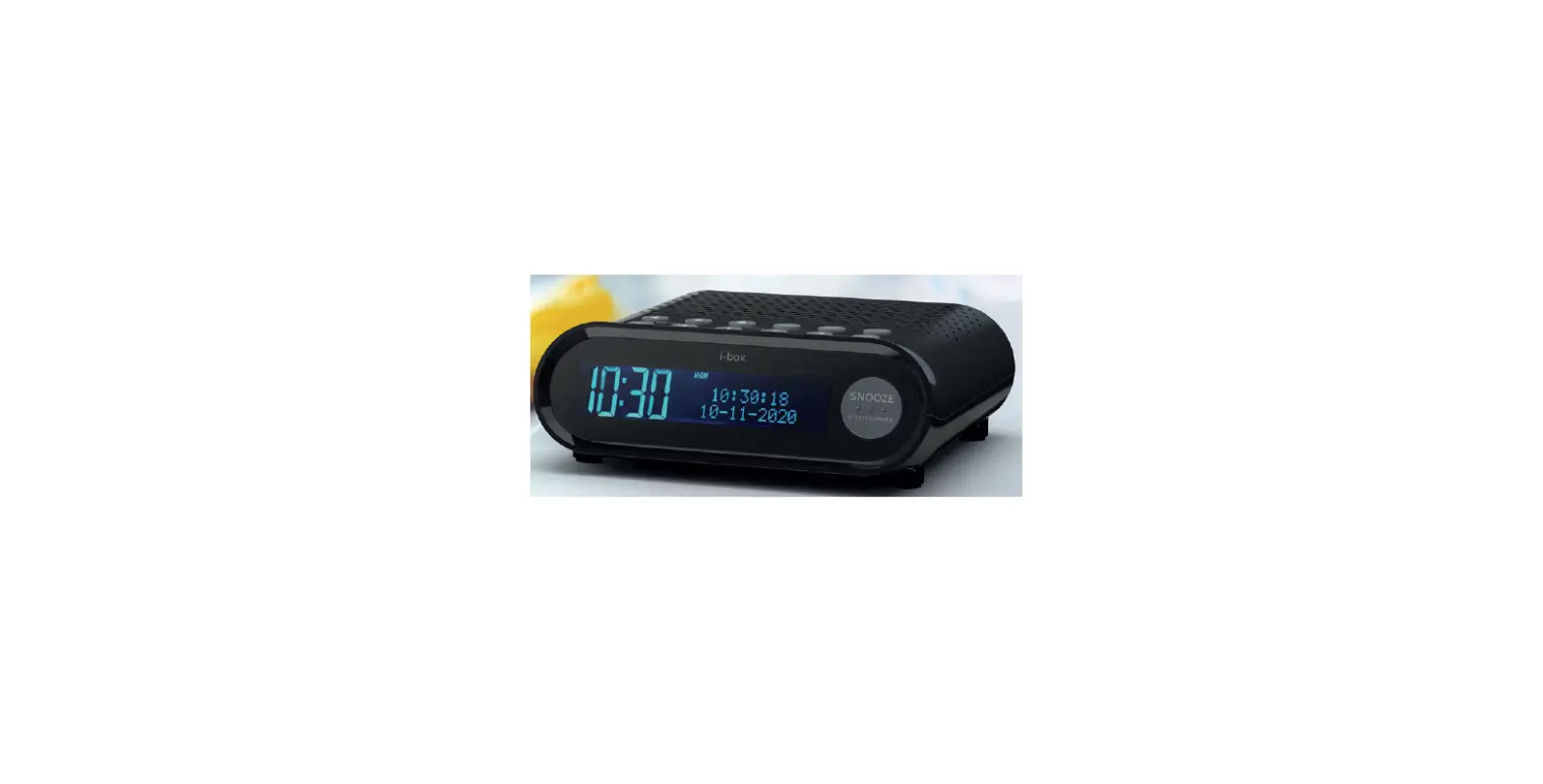

i-box 79260PI Sunrise Alarm Clock with DAB Radio
Introduction
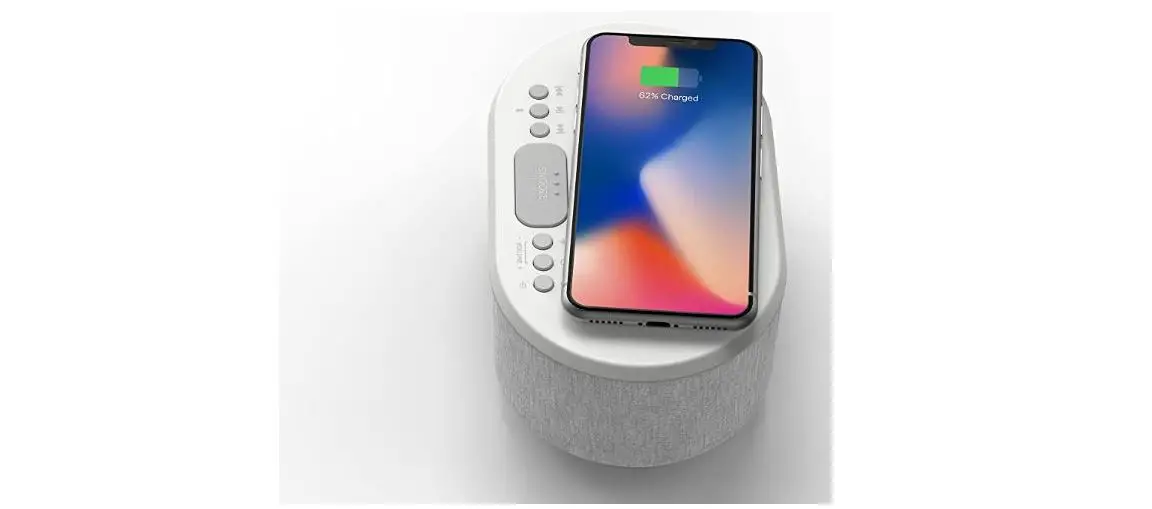
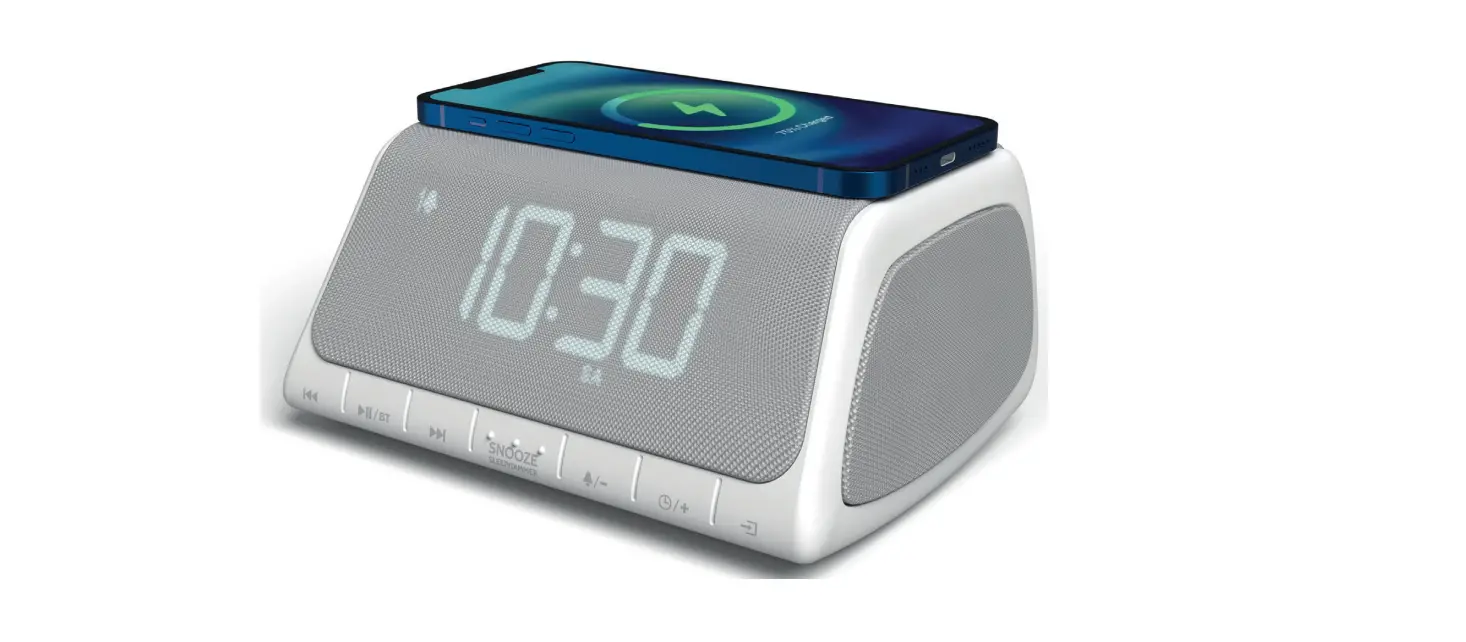
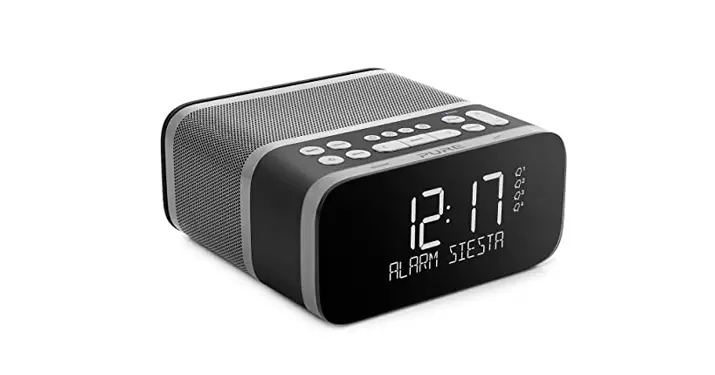
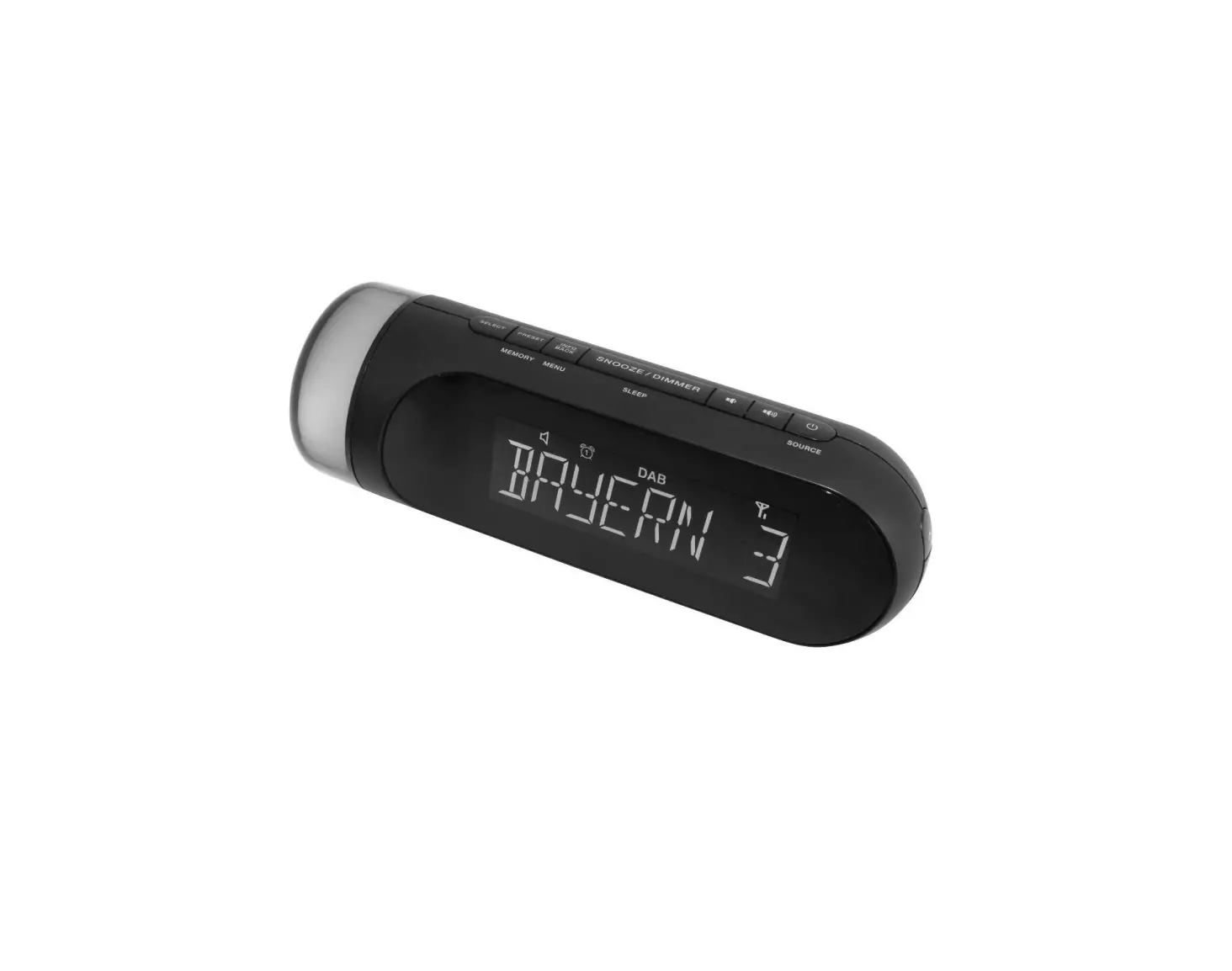
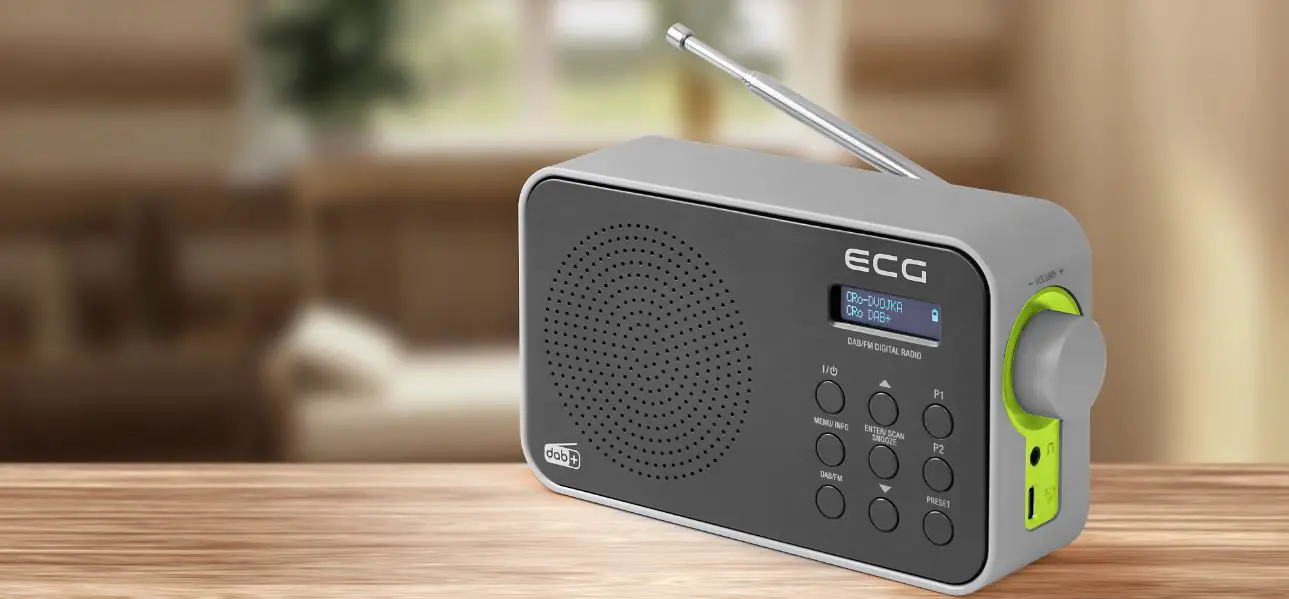
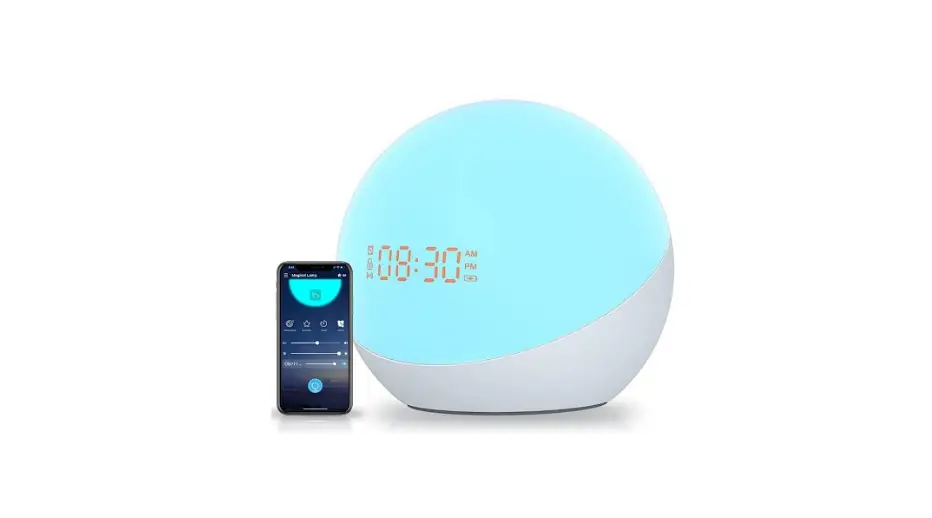
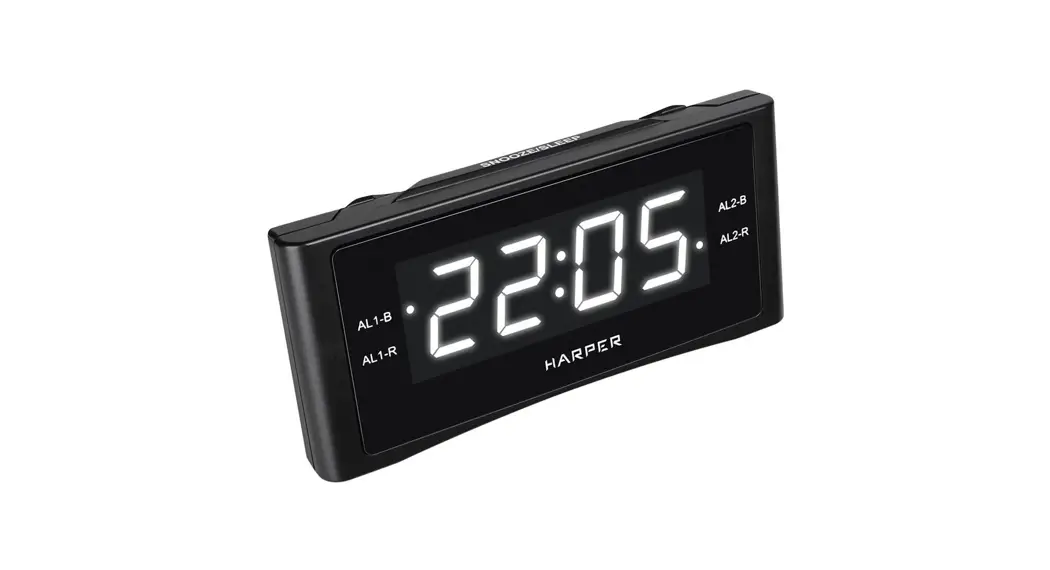
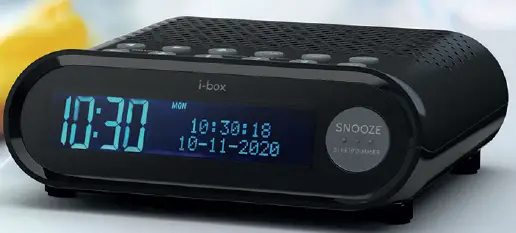
The i-box Sunrise combines a digital LCD display clock with dual alarm and DAB/FM radio, perfect for waking you up in the morning,
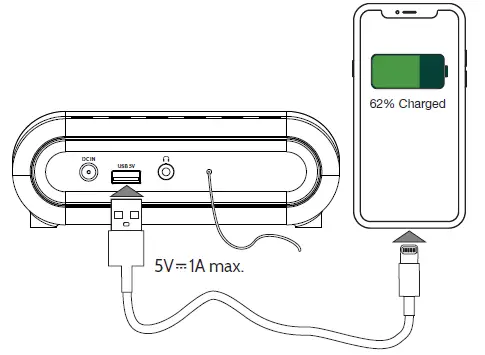
The compact design fits neatly on bedside tables and the built-in USB port is ideal for charging your smartphone while you sleep.
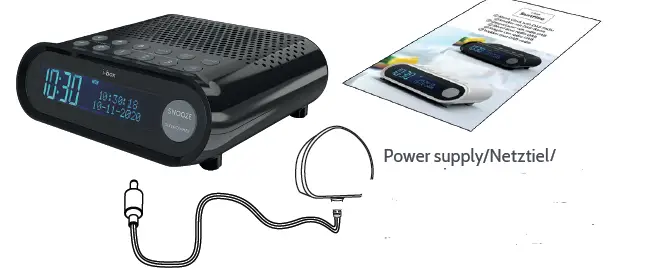
Box contents
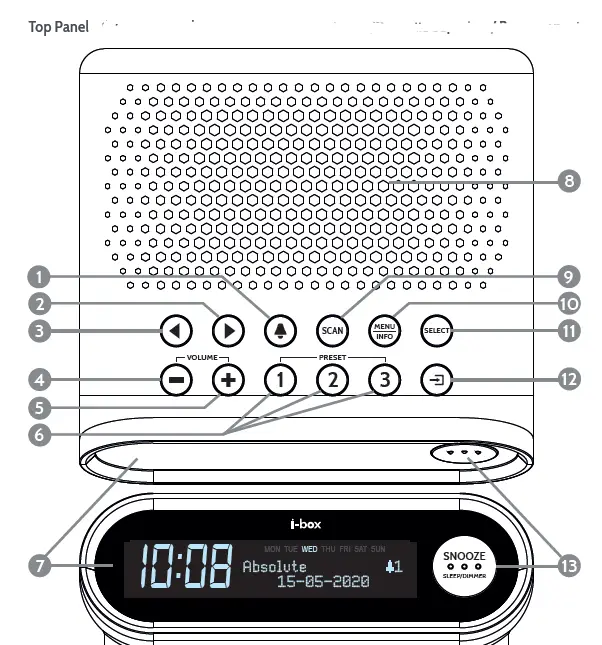
Controls & Features
- Alarm,
- Next.
- Previous,
- VOLUME-
- VOLUME+
- 1 , 2 , 3 Preset Keys,
- LCD Display, L
- Speaker,
- Scan,
- Menu
- SELECT
- Standby
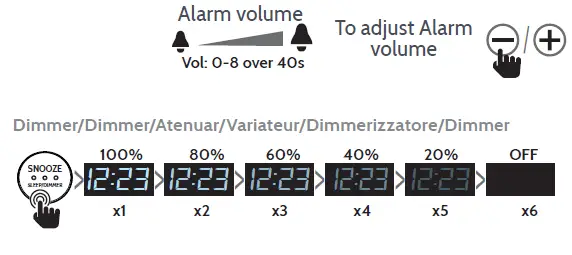
- Snooze/Sleep/Dimmer,
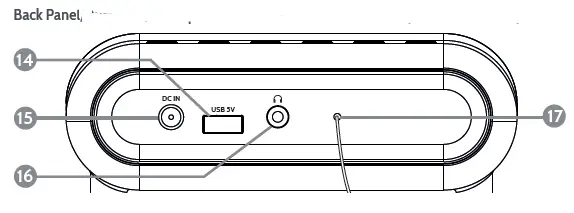
- USB charging port,
- DC adaptor jack,
- Headphone socket,
- Wire Antenna,
Power connection
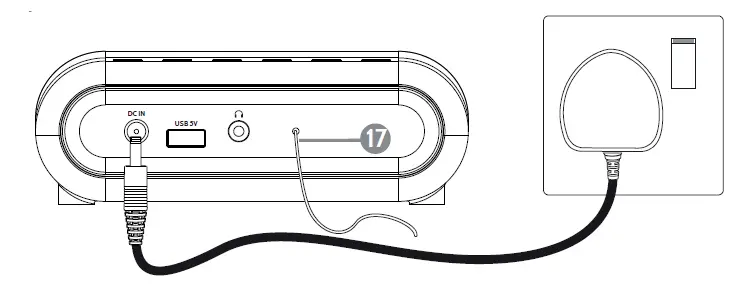
Before setup please unwind the wire antenna 17 fully
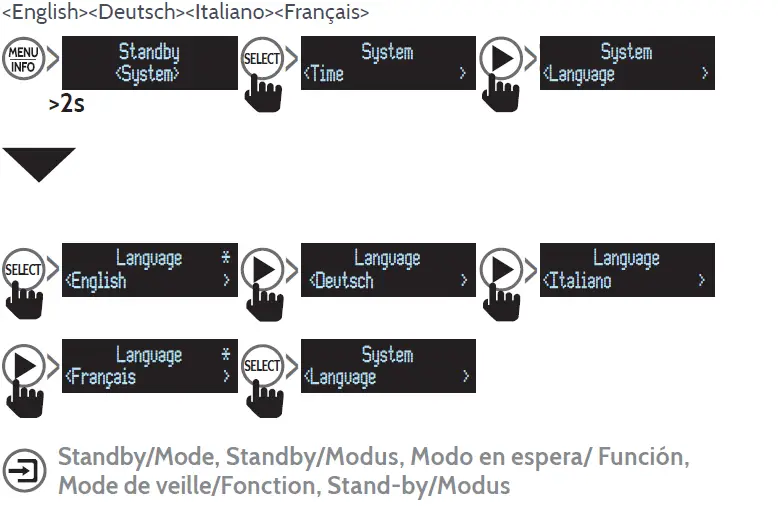
To change the operating language
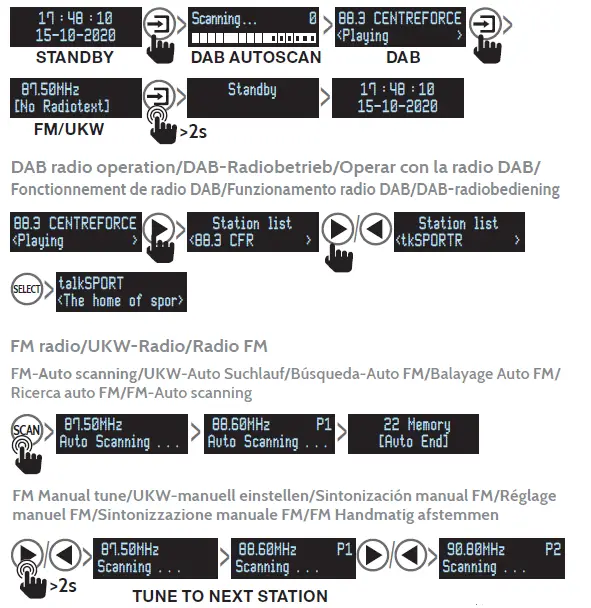

Preset Stations (DAB,FM)
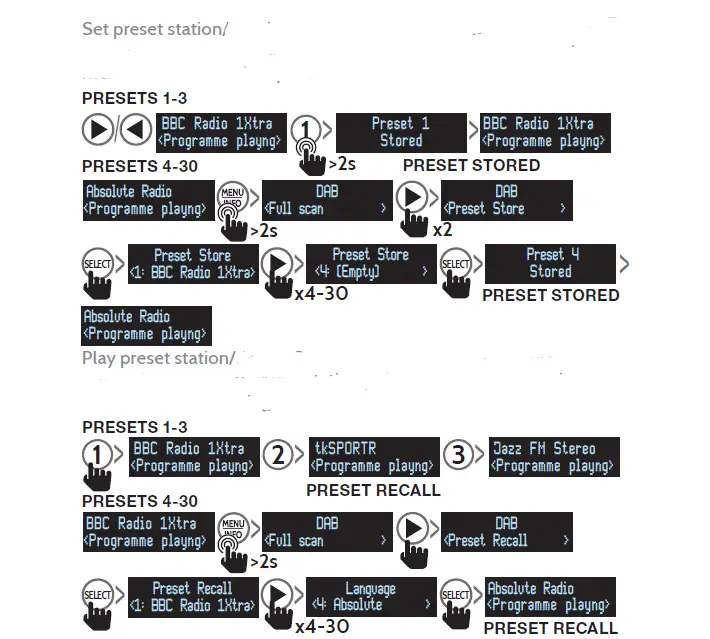
To save the station playing to one of the preset keys long press on 1, 2 or 3 preset key. Please note any station previously saved to this key will be overwritten. To play the station saved short press the key.
To recall or store presets 4-30 go to <Preset Recall> and <Preset Store> in the menu (DAB).
Set preset station

<Full Scan><Preset Recall><Preset Store><Manual Tune><DRC><Prune>
Manual Tune:
EN If you know the frequency of a station you can search for it using this option
DENRC
Dynamic Range Control can make quieter sounds easier to hear when your radio is used in a noisy environment. This function is only available for some DAB stations. Choose high/low/off current selected option will be marked with an asterisk *.
Prune:
Setting Prune to <Yes> clears stations with no signal reception from the DAB “Station list” when you next perform a Full scan.
<Time><Language><Factory reset><SW version>
Time: Should set automatically. Use this menu to set time manually if required.
Language: See page 3. Factory Reset: Use this function to clear all settings, station lists and presets. Software version operating.
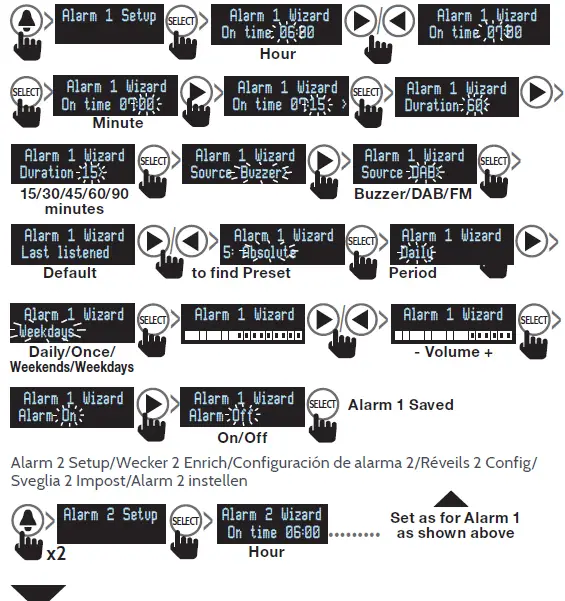
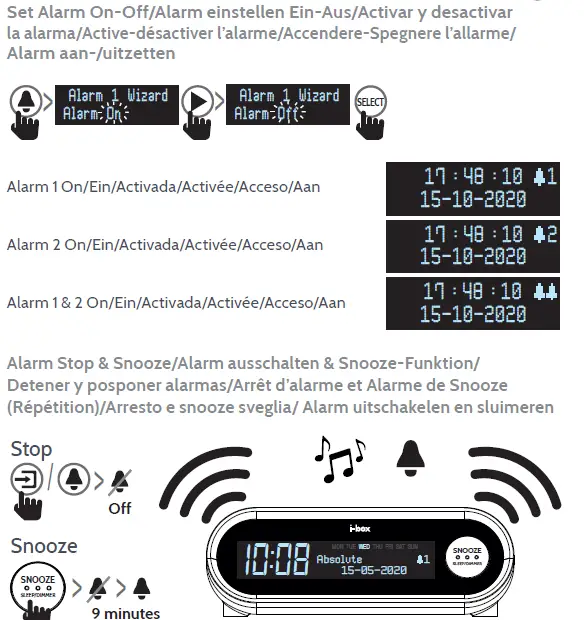
Alarm setting
<Alarm 1 Setup><Alarm 1 Wizard><On time><Duration><Source><Period> <Volume><On/Off>
Sleep mode

<Sleep off><15 minutes><30minutes><45 minutes><60 minutes><90minutes>
The radio switches to standby after the selected time has elapsed.
Backup batteries
The i-box Sunrise has a backup battery feature. Which when 2x AAA batteries (not included) are inserted into the battery compartment on the underside (see page 3) allow it to save time and alarm settings if unplugged or the power is cut.
Fitting Backup Batteries
Bottom Panel
Insert 2x AAA batteries (not supplied)
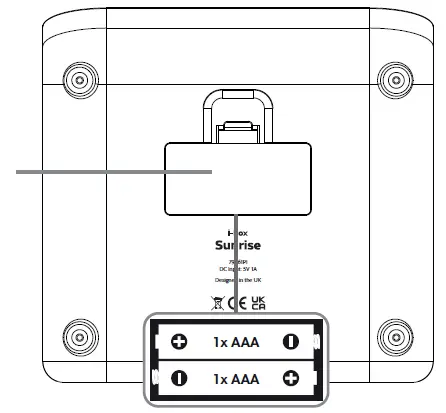 18. Back up battery door
Caring for your Alarm Clock
Important Safety Information
- Important – Please read these instructions fully before installing or operating your alarm clock.
- Keep away from flame sources such as lighted candles.
- Do not expose to dripping or splashed fluids.
- The unit should not be exposed to direct sunlight, very high or low temperature, moisture, vibrations, strong magnetic fields, high frequencies and
dusty environments. - Do not place the product in enclosed bookcases or racks without proper ventilation. Ventilation should not be impeded by covering the ventilation openings with items, such as newspapers, table-cloths, curtains, etc.
- Never attempt to insert wires, pins or other such objects into the vents or openings of the unit.
- Do not disassemble or modify the alarm clock, there are no user serviceable parts.
- If the alarm clock is damaged in anyway or malfunctions do not use. Consult a qualified service engineer.
- Do not use abrasives, benzene, thinner or other solvents to clean the surface of the unit. To clean, wipe with clean soft cloth and a mild detergent solution.
- Do not dispose of this product with household waste at the end of its life cycle; hand it over to a collection centre for the recycling of electrical and electronic appliances.
Troubleshooting
| Problem | Solution |
| Alarm doesn’t switch on | Check power adaptor is connected to the alarm and mains |
| Check mains is switched on | |
| No sound | Turn up the volume of the speaker |
| Check the radio has not been set to Sleep mode | |
| No LCD display | Check dimmer is not set to OFF |
Specifications
| Specifications | |
| Power Input: | 5V2A, 10W |
| Backup batteries: | 2x 1.5A AAA |
| USB Output: | 5V1A max. |
| Speaker output: | 1x 3W |
| Dimensions W x H x D: | 148 x 53 x 142 mm |
Disclaimer
Updates to Firmware and/or hardware components are made regularly. Therefore some of the instructions, specifications and pictures in this documentation may differ slightly from your particular situation. All items described in this guide are for illustration purposes only and may not apply to your particular situation. No legal right or entitlements may be obtained from the description made in this manual.
Declaration of conformity
Hereby, Philex Electronic Ltd. declares that the radio equipment:
Sunrise Bedside Alarm Clock Radio for radio broadcast reception in domestic premises is in compliance with the Radio Equipment Directive 2014/53/EU. The full text of the EU declaration of conformity is available at the following internet address: www.philex.com/doc
Technical support
For further help, advice, information or live chat visit www.iboxstyle.com
UK Distributor: Philex Electronic Ltd. Kingfisher Wharf, London Road, Bedford, MK42 0NX, United Kingdom.
EU Distributor:
Philex Electronic Ireland Ltd., Robwyn House, Corrintra, Castleblayney, Co. Monaghan A75 YX76, Ireland.
ErP/EuP directive No. (EU) 2019(1782)
Power Supply
- Input voltage 100-240V
- Input AC frequency 50/60Hz
- Output voltage 5VDC
- Output current 2.0A
- Output power 10W
- Average active efficiency 80.12%
- Efficiency at low load (10 %) 70.98%
- No-load power consumption 0.057W