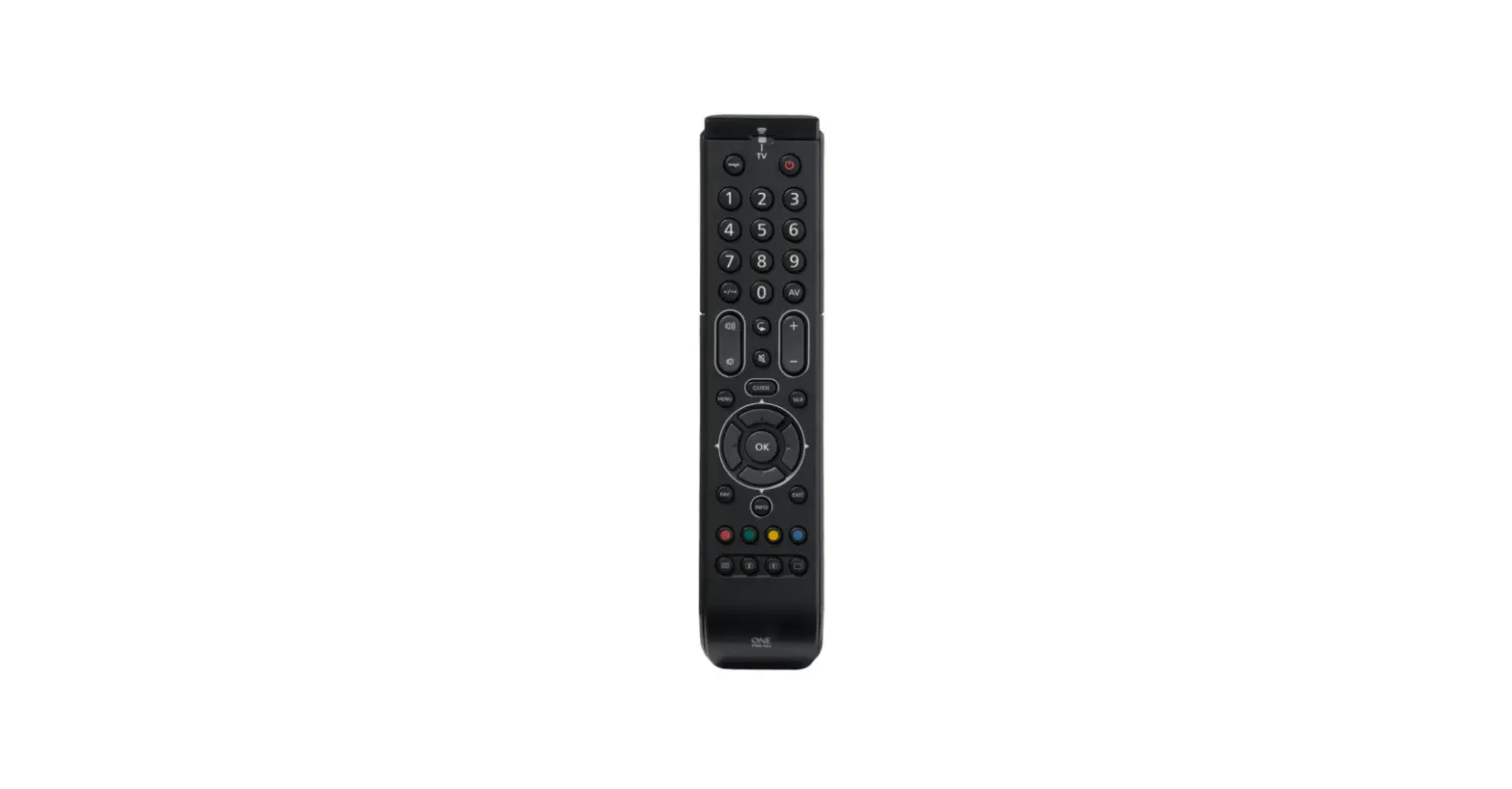
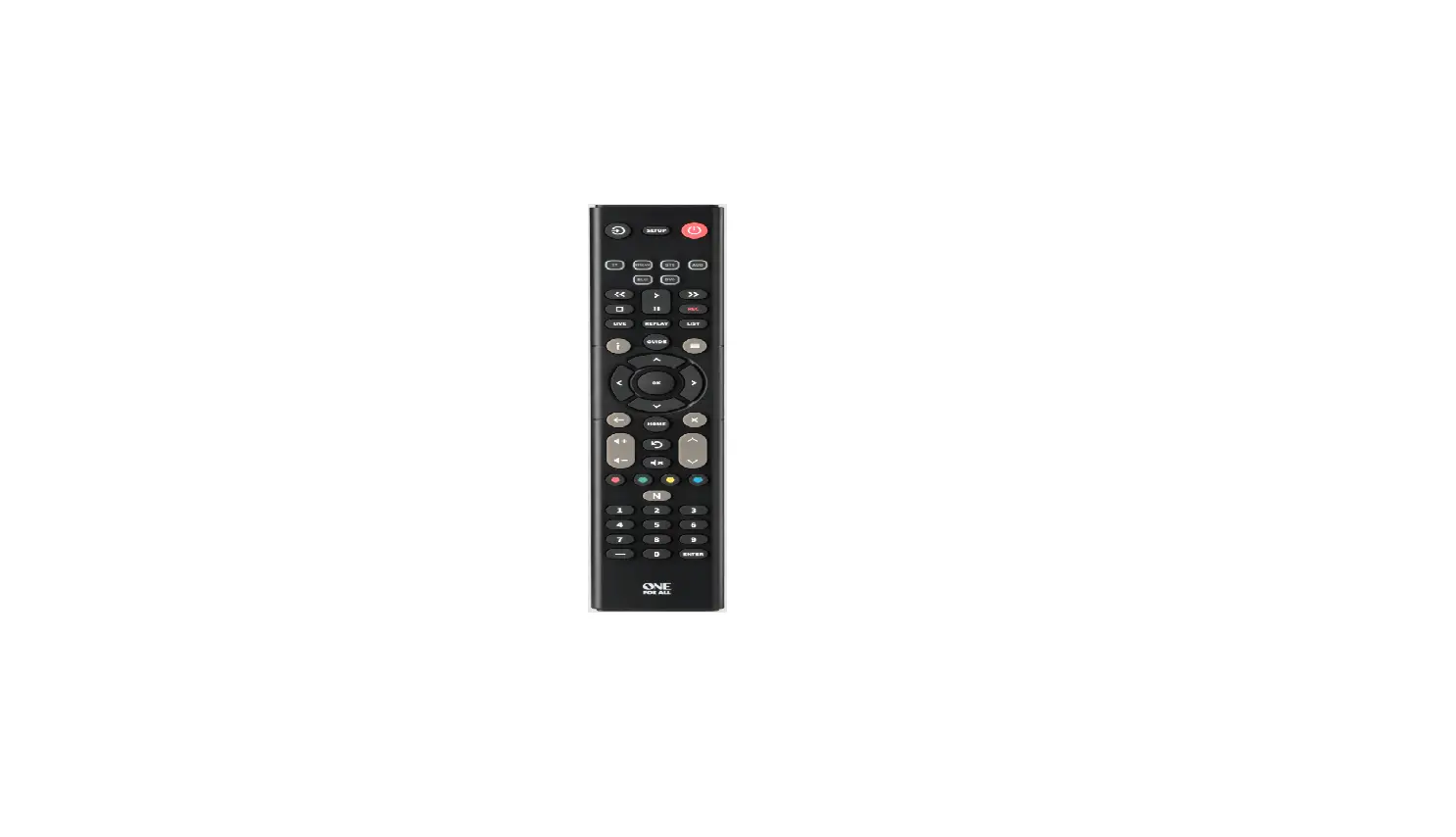
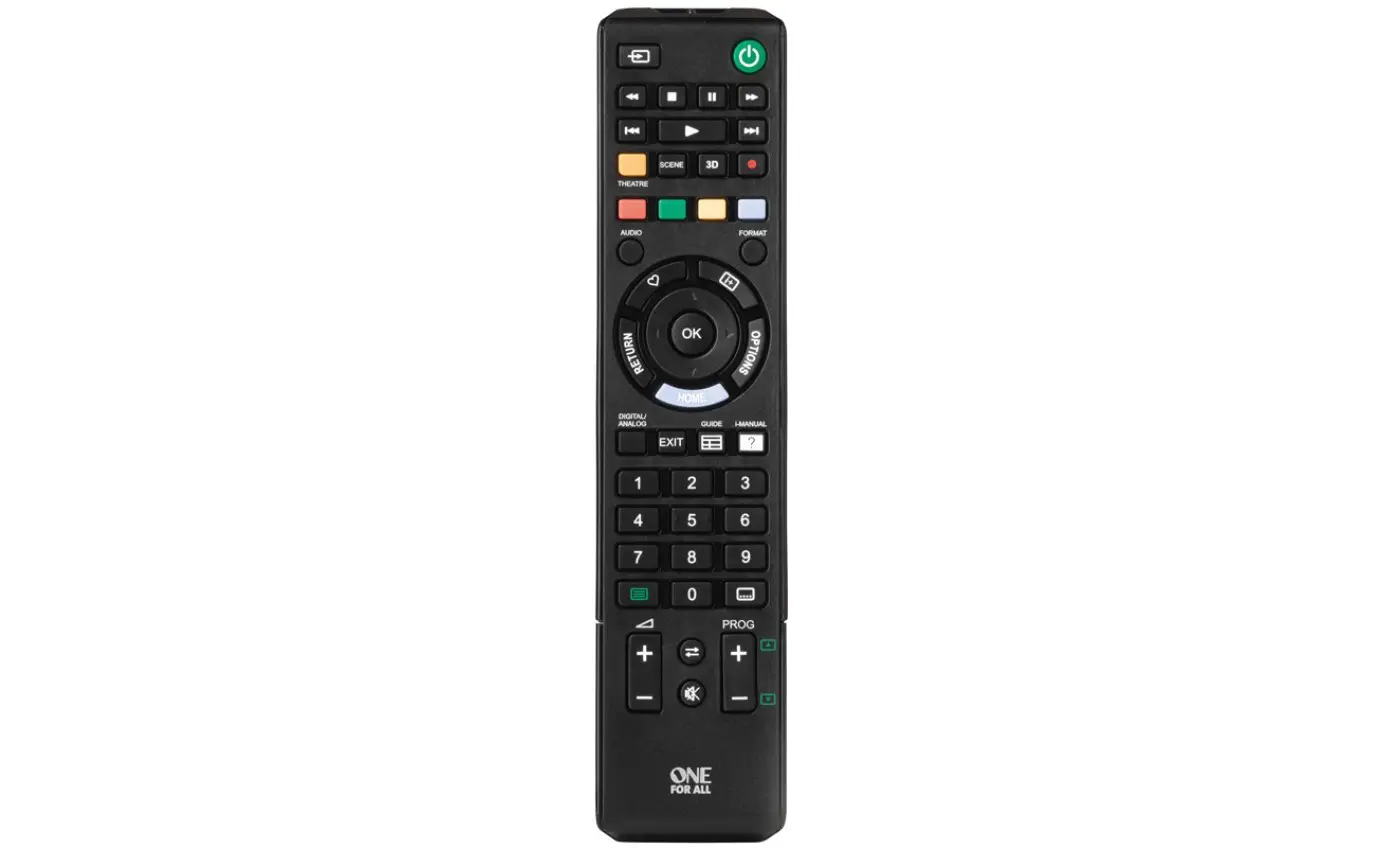
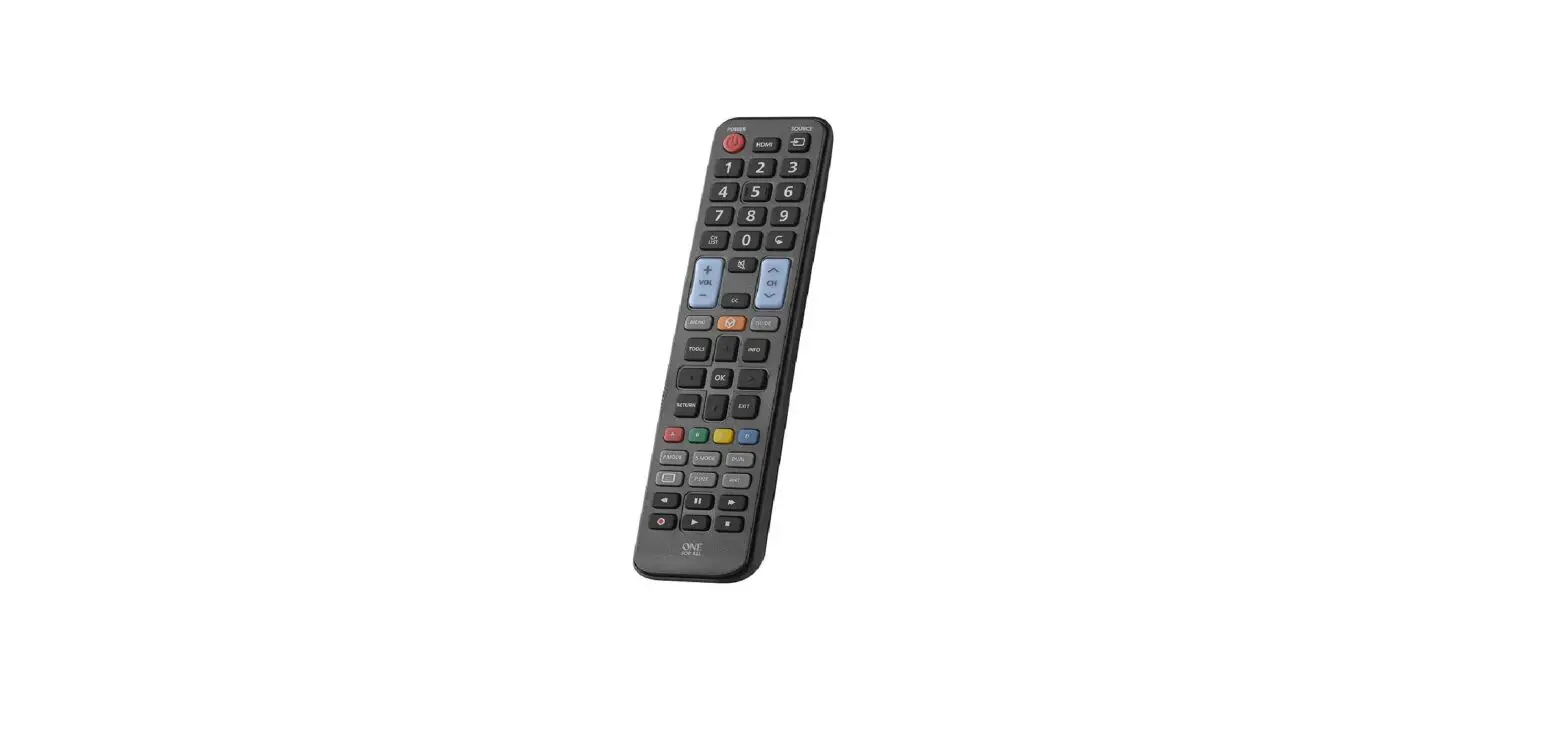
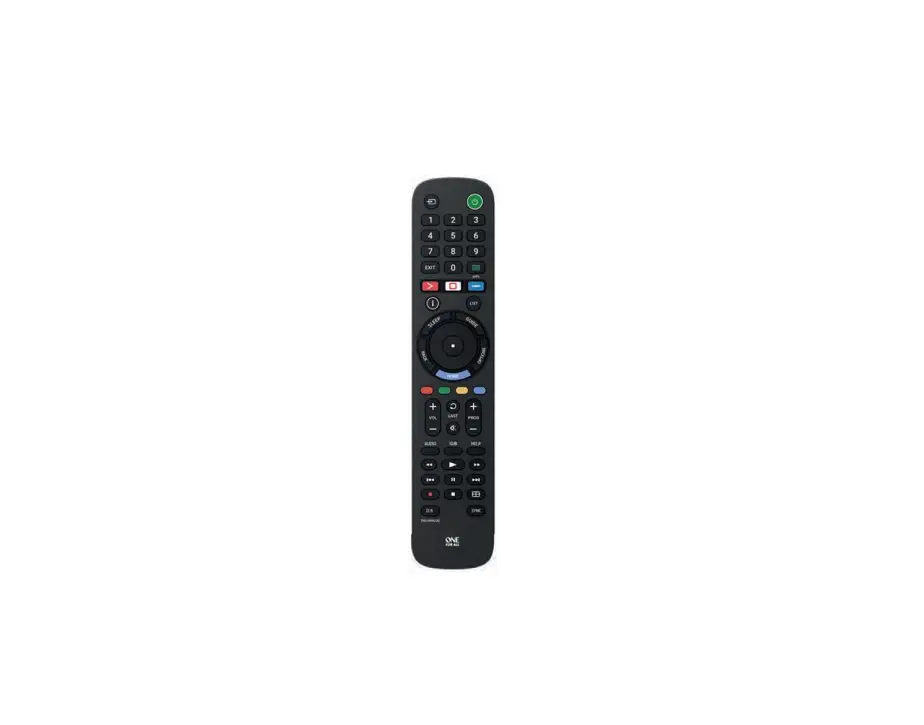
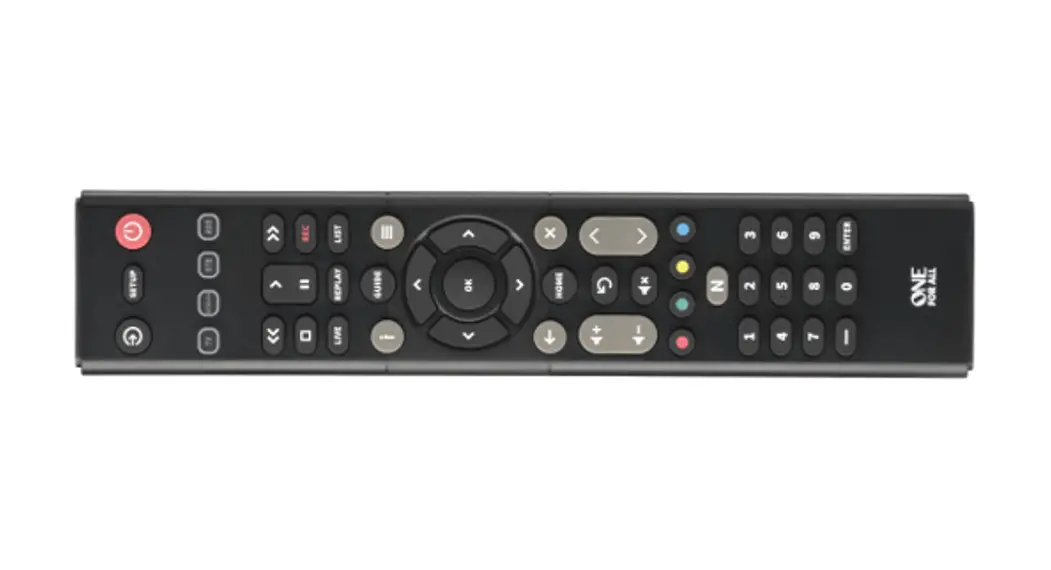
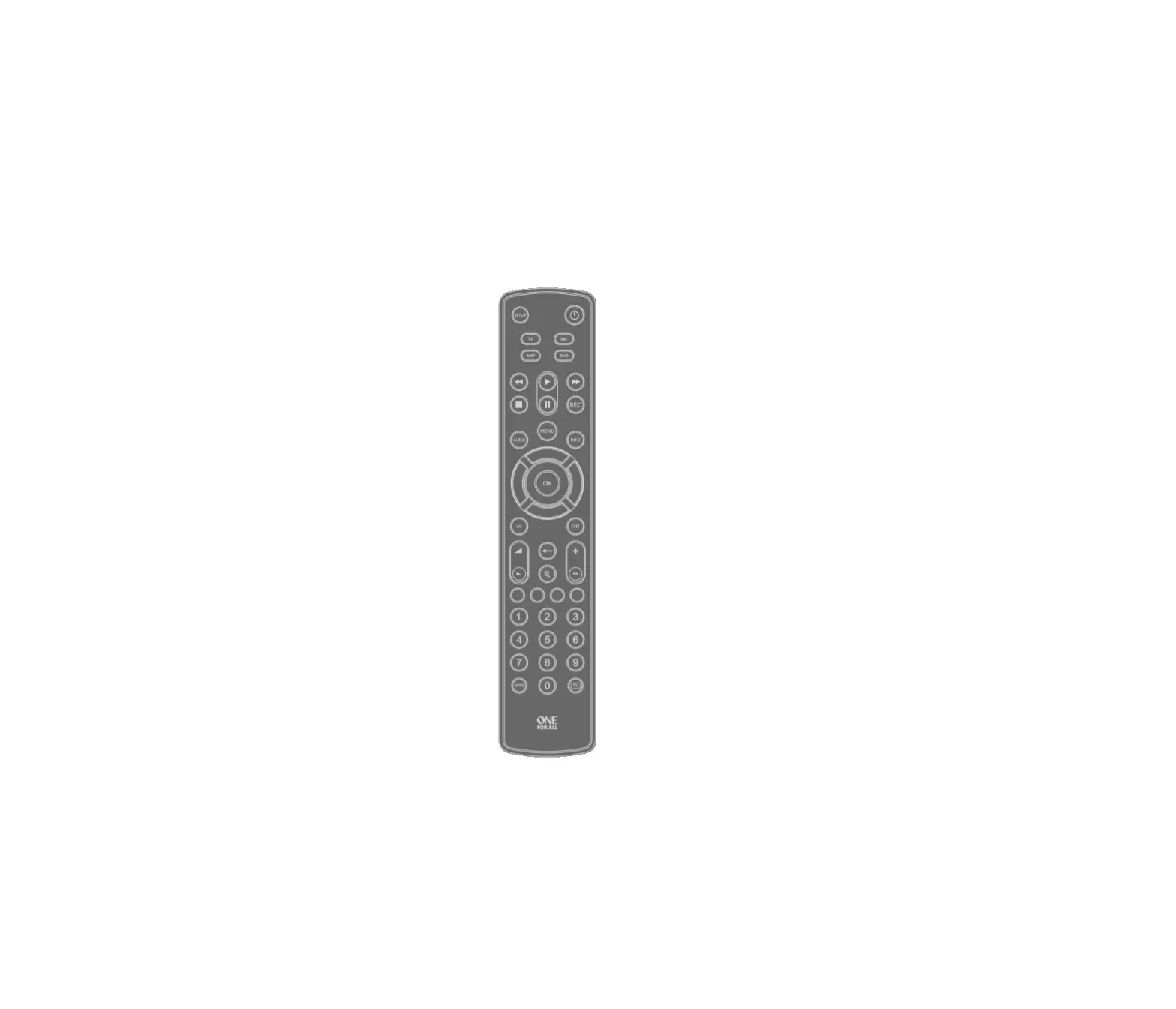
URC1212 Essence TV Universal Remote Control
Product Information
The Essence TV Universal Remote Control (URC1212) is a versatile
remote control that can be used with various devices. It requires 2
x AAA / LR03 batteries for operation. It is recommended to use
alkaline batteries for optimal performance.
Product Usage Instructions
- Open the battery compartment on the back of the remote
control. - Insert 2 x AAA / LR03 batteries into the compartment, making
sure to align the positive and negative ends correctly. - Close the battery compartment securely.
- To turn on or off your devices, press the “Power” button.
- Use the “Setup” button to set up the Essence remote
control. - Press the “Input” button to select the input on your
devices. - Enter channel numbers on the current device using the “Digits”
button. - Press the “TV” button to return to live TV.
- Use the “Search” button to search for media.
- Access the TV Guide by pressing the “Guide” button.
- The “Info” button displays information about the current
programs or channel. - Access the installation menu of the current device by pressing
the “Menu” button. - Control the menu of the current device using the “Menu
Directions” and “OK” buttons. - Go back one step in the menu by pressing the “Back”
button. - Exit the menu by pressing the “Exit” button.
- To switch to the last viewed channel, press the “Last Channel”
button. - Display the Home Menu by pressing the “Home” button.
- Control the volume of the current device using the “Volume Up”
and “Volume Down” buttons. - Change channels on the current device using the “Channel Up”
and “Channel Down” buttons. - Mute the volume of the current device by pressing the “Mute”
button. - Use the RGYB keys for quick access to the menu of the current
device. - Control the playback of movies, music, and TV using the
playback keys. - Display subtitles by pressing the “Subt.” button.
- View a list of recorded programs by pressing the “List”
button. - Bring up the Applications menu on Smart Devices, such as Smart
TVs, by pressing the “Apps” button.
Connect with us
facebook.com/ oneforallworldwide
@oneforall.worldwide
linkedin.com/
youtube.com/
company/one-for-all-worldwide/ user/oneforallproducts
Universal Electronics BV Europe & International P.O. Box 3332, 7500 DH Enschede The Netherlands
1
713434 RDN1080523
Essence TV Universal Remote Control
URC1212
BATTERIES
Your remote requires 2 x AAA / LR03 batteries. Please insert them as shown below. Alkaline batteries are recommended.
1
2
ENGLISH
4
DEUTSCH
7
FRANÇAIS
10
ESPAÑOL
13
ITALIANO
16
PORTUGUÊS
NEDERLANDS
DANSK
NORSK
SVERIGE
SUOMI
TÜRKÇE
POLSKI
CESKY
MAGYAR
ROMÂN
SLOVENSKY
HRVATSKI
CODELIST
26
1
2
3
2x AAA 4
3
2x AAA 4
CAUTION: Risk of explosion if battery is replaced by an incorrect type. Use quality Alkaline batteries.
VORSICHT: Wenn die Batterie durch eine Batterie eines anderen Typs ausgetauscht wird, besteht Explosionsgefahr. Verwenden Sie hochwertige Alkalibatterien.
ATTENTION: il existe des risques d’explosion si les piles ne sont pas remplacées par le type approprié. Utilisez des piles alcalines de qualité.
PRECAUCIÓN: Existe un riesgo de explosión si se sustituyen las pilas por otras que no sean del tipo adecuado. Utilice pilas alcalinas de calidad.
ATTENZIONE: sussiste il rischio di esplosione se la batteria viene sostituita con una di tipo non corretto. Utilizzare batterie alcaline di qualità.
2
3
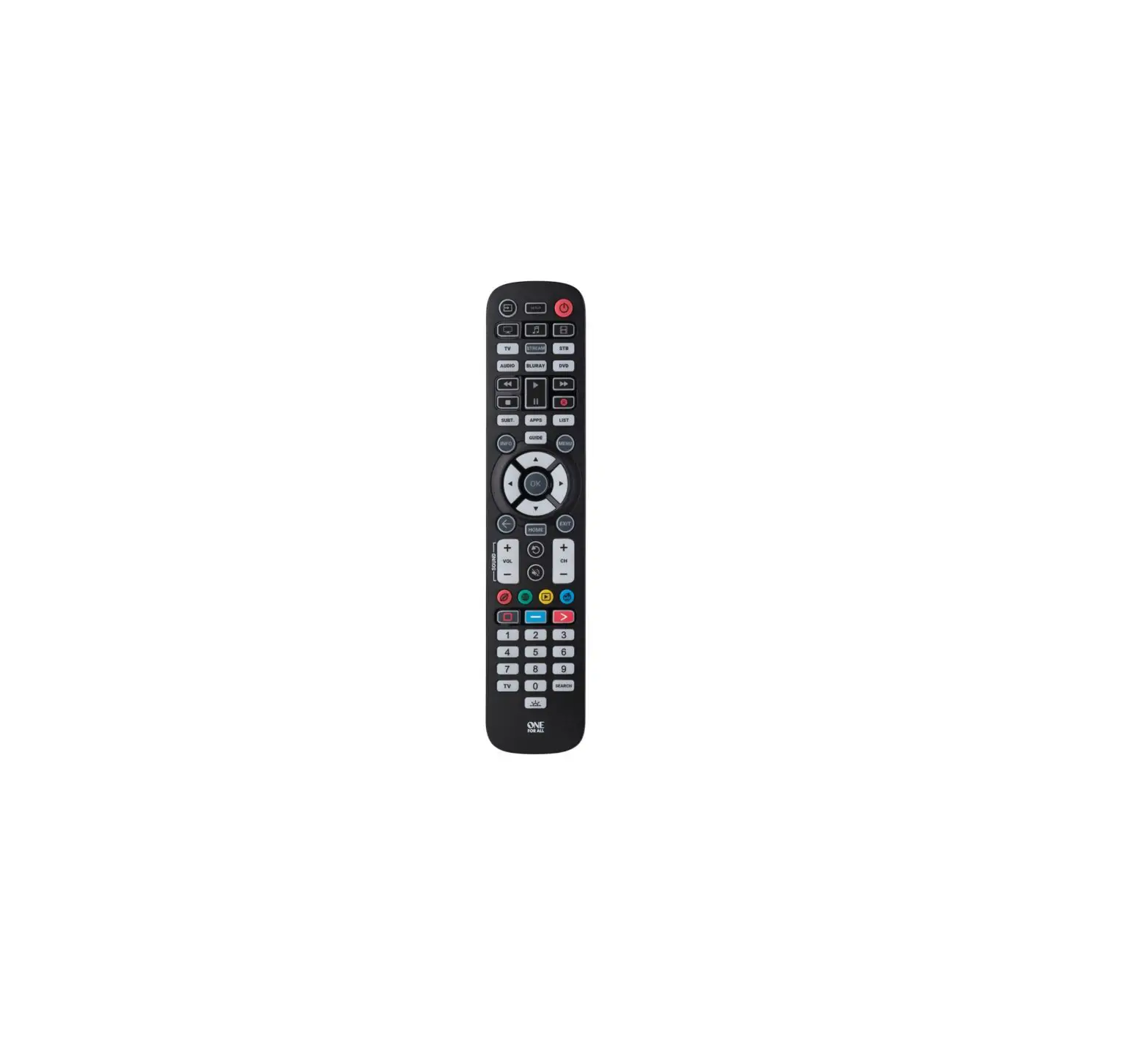
KEY DESCRIPTIONS
3
4 5 8 10 11 14 15 18 19 20
KEY DESCRIPTIONS
1 Power
Switches your devices on and off.
2 Setup
This key is used to set up the Essence remote.
2
3 Input
Used to select Input on devices.
1
4 Digits
Select channels on the current device.
5 TV
Return to live TV.
6 Search
Search for media.
7 Guide
TV Guide.
8 Info
Displays information about the current programmes or channel.
6
9 Menu
Access the installation menu of the current device.
7
10 Menu Directions and OK
Control the menu of the current device.
9
11 Back
Back one step in the Menu.
12 Exit
Exits the menu.
13 Last Channel Changes to the last channel viewed.
14 Home
Displays the Home Menu.
12
15 Volume Up and Down Control the volume of the current device.
13
16 Channel Up & Down
Change channels on the current device.
16
17 Mute
Mutes the volume of the current device.
17
18 RGYB keys
Quick access buttons for the menu of the current device.
19 Playback Keys Control the playback of movies, music and TV.
20 Subt.
Display subtitles.
21 List
Displays a list of recorded programmes.
21
22 Apps
Brings up the Applications menu on Smart Devices such
as Smart TVs.
22
Westline Westwood Wharfedale Wilson Windsor
Windy Sam Wintel XCanvas XD Xenius Xiahua Xiron
TV
3719, 2676 1585 1983, 2676, 0556 0556 2676, 3719, 3983, 1585 0556 0714 1840 3719 1585, 2676 2461 1983
Xoceco Xomax Xoro Xpeer Yamaha Yuntu Zanussi Zenith Zephir Zepto Ziggo
2461 3067, 3515 3067 2051 1576 3611 3434, 3528 1423 3611 1585 1818
43
54
363