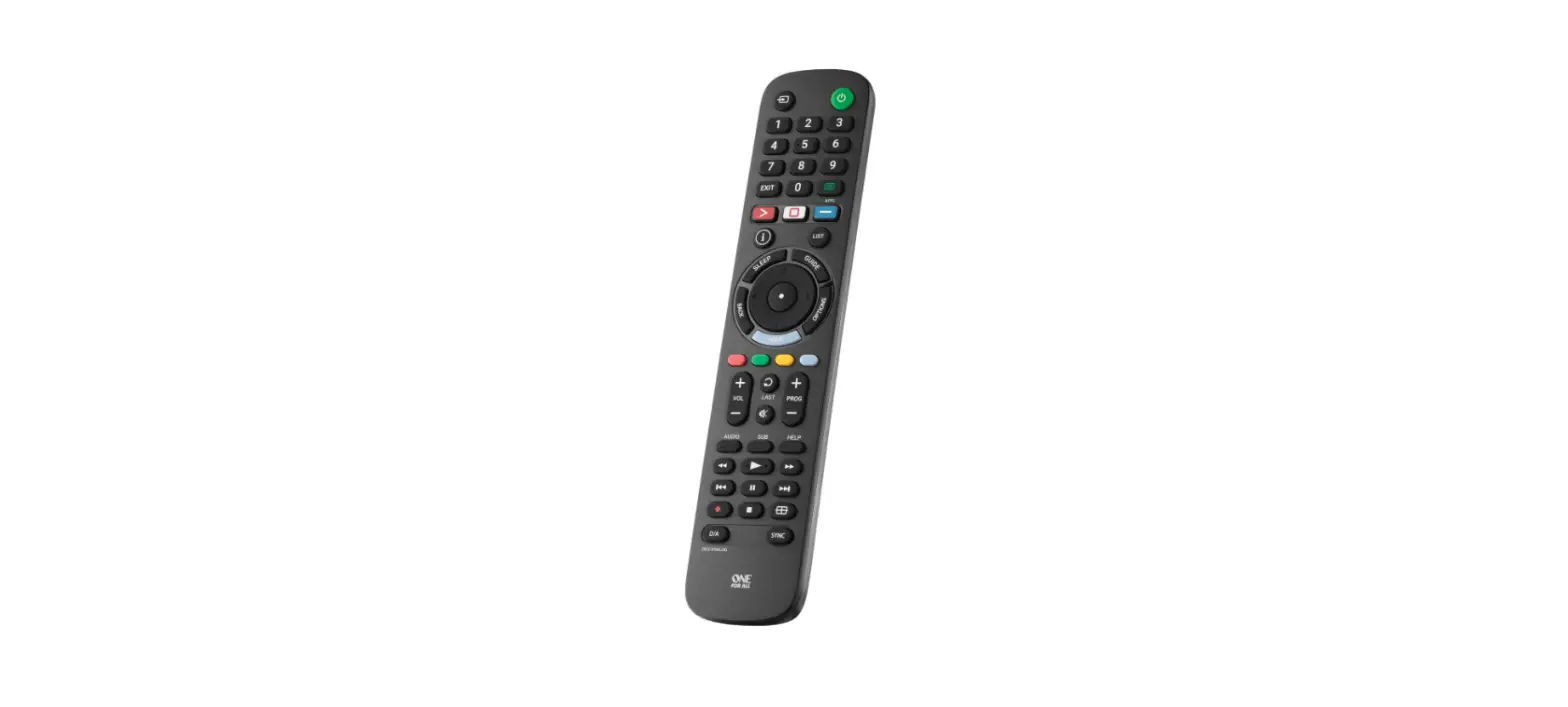
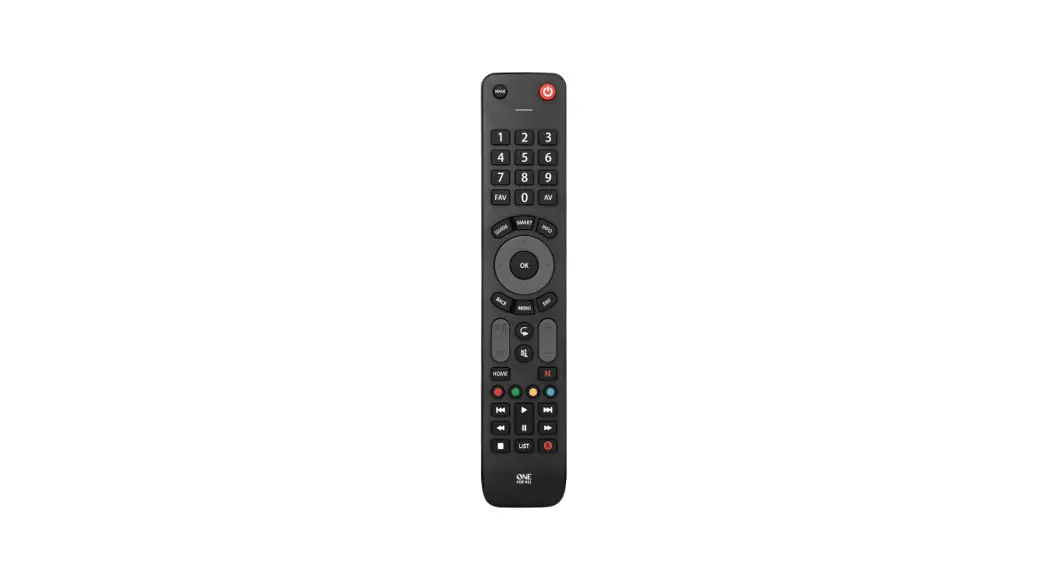
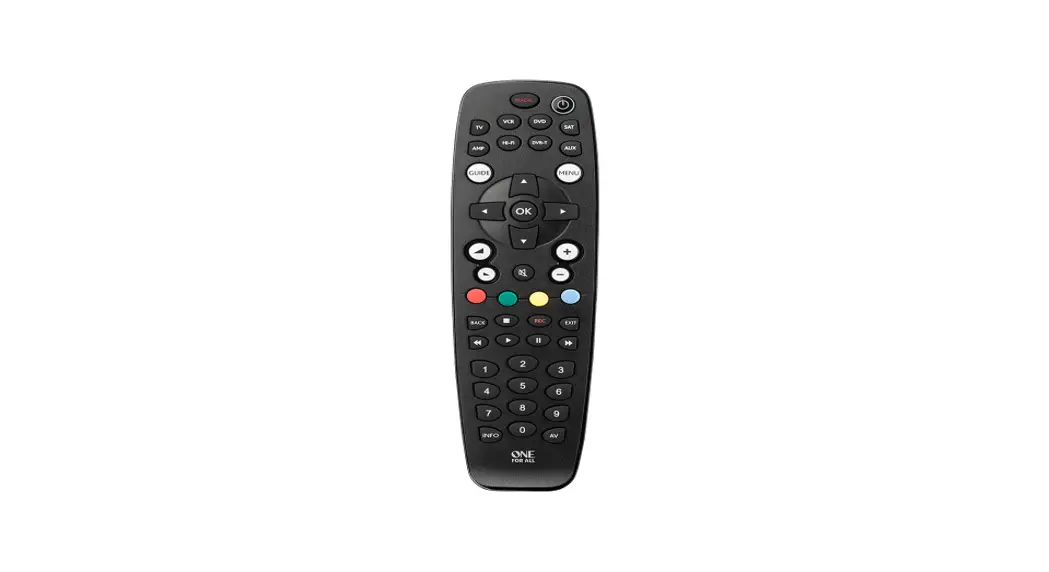
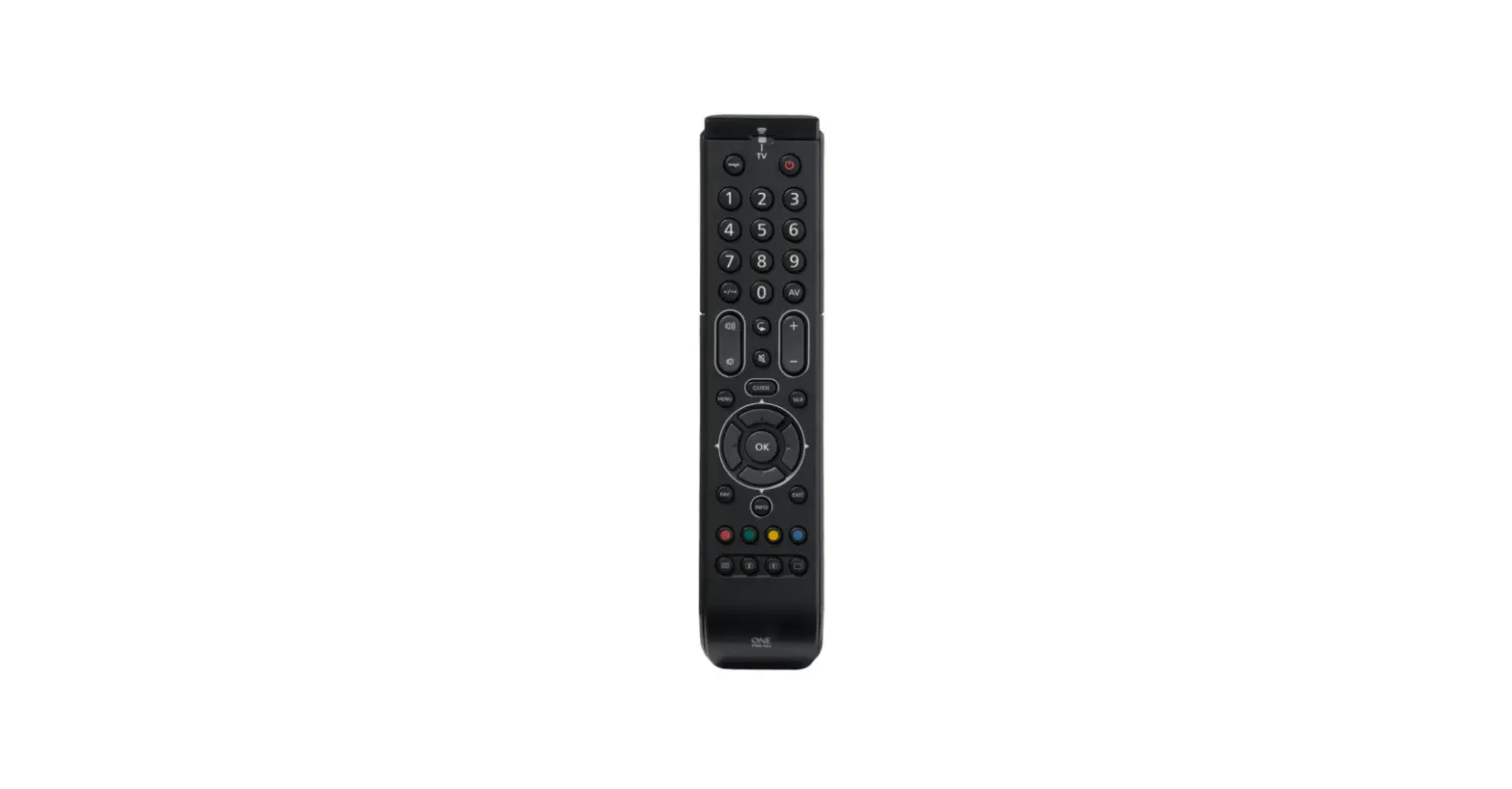
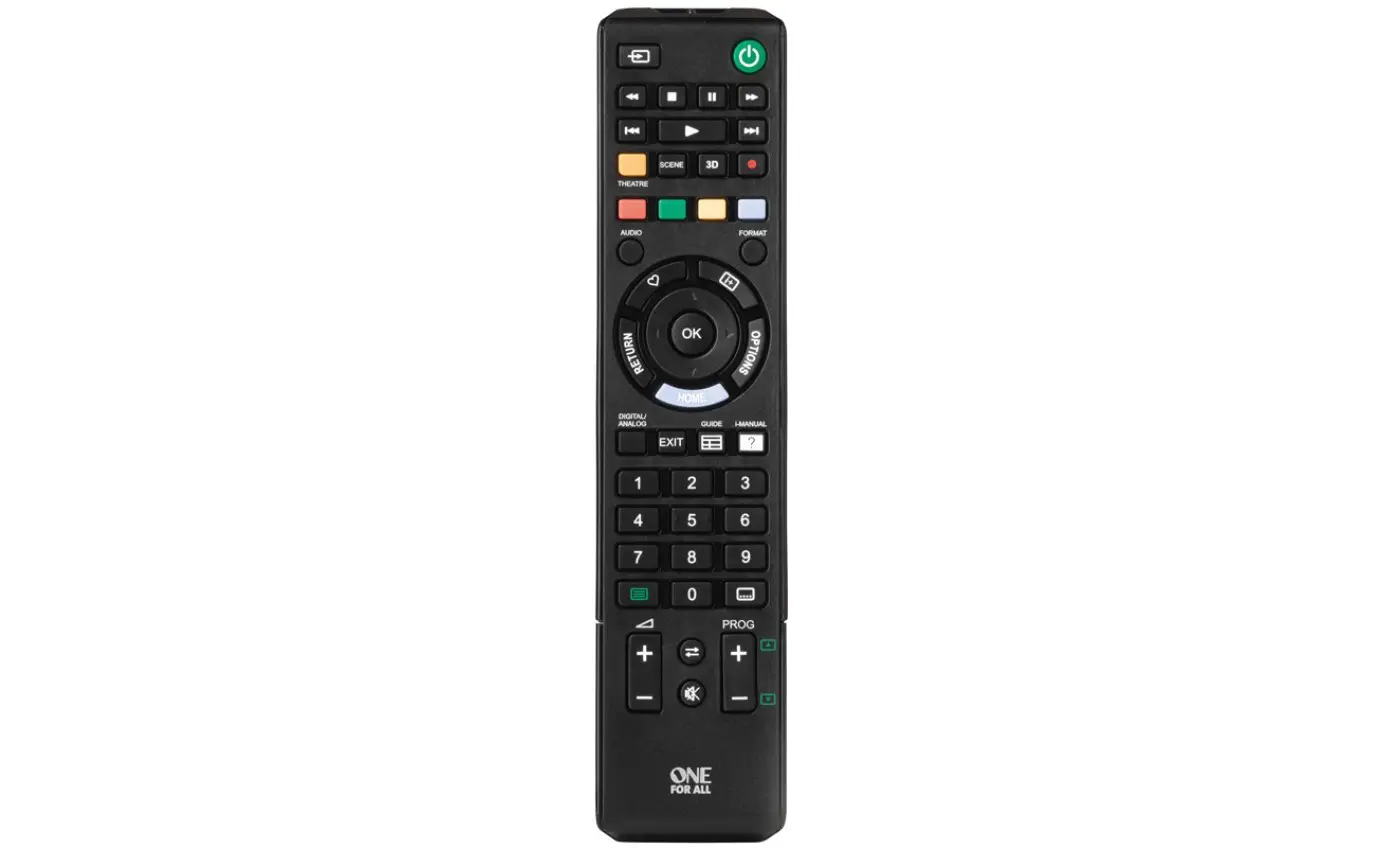
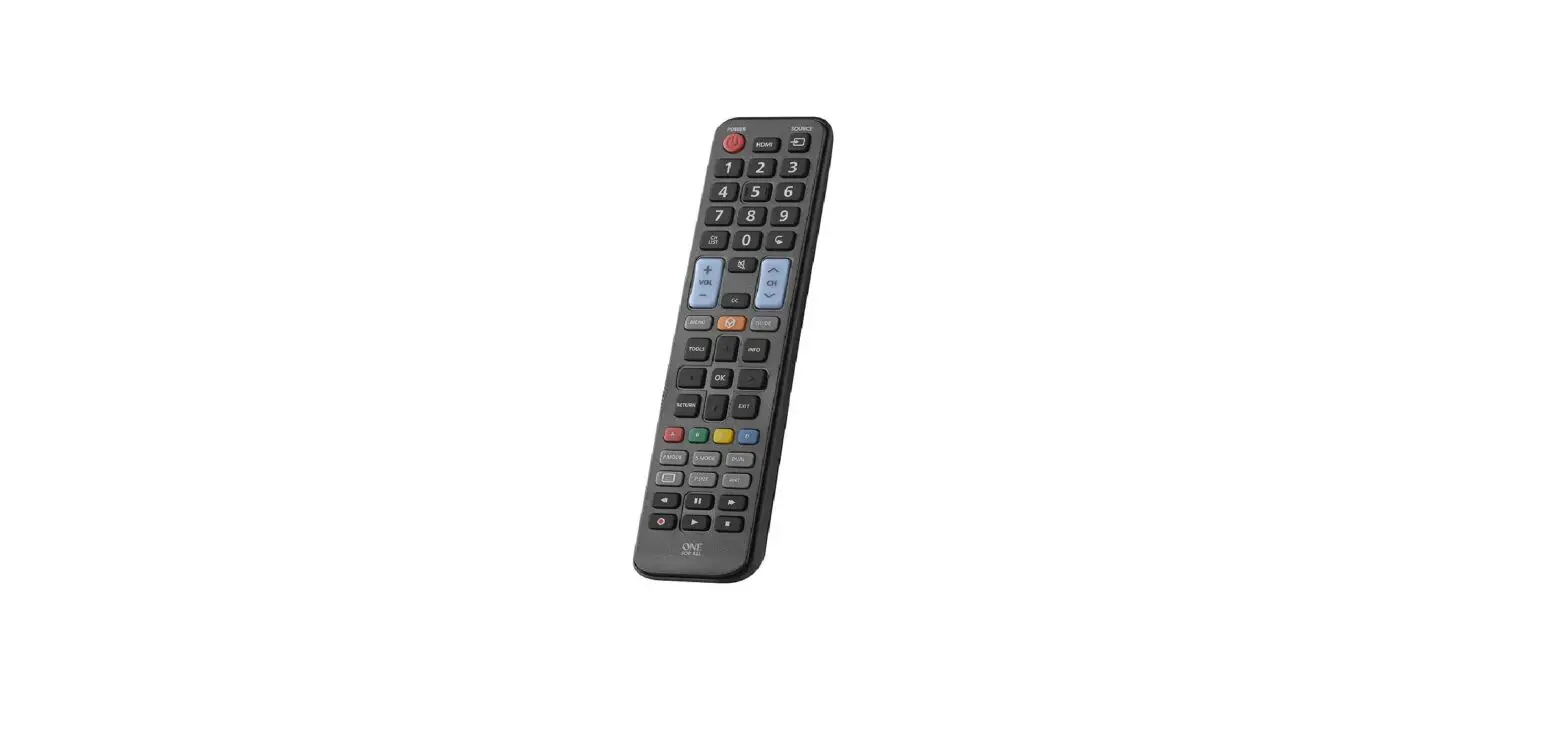
URC 6810 TV Zapper Universal Remote Control
Product Information:
The URC 6810 is a remote control device manufactured by
UNIVERSAL ELECTRONICS. It is designed to control various devices
such as TVs and set-top boxes. The remote control operates using 2
AAA batteries. It is built with high-quality components that can be
recycled and reused, in compliance with European Directive
2012/19/EU. The product comes with a 3-year warranty, covering
defects in materials and workmanship under normal use.
Product Usage Instructions:
To set up your URC 6810 remote control, follow these steps:
- Open the battery door located on the back of the remote.
- Insert 2 AAA batteries into the battery compartment.
Product Disposal:
Please do not dispose of this product with your normal household
waste. Refer to local regulations for the proper collection or
disposal of electrical and electronic products. This will help
prevent negative effects on the environment and/or human
health.
Battery Disposal:
Please do not dispose of the batteries with your normal
household waste. Refer to local regulations for proper collection
or disposal to prevent potential negative effects on the
environment and/or human health.
Warranty Terms and Conditions:
The URC 6810 remote control is covered by a 3-year warranty from
the date of original purchase. If the product is proven to be
defective within this period, it will be repaired or replaced free
of charge. The forwarding costs are on the account of the owner,
while the costs of returning the product are on the account of
UNIVERSAL ELECTRONICS. To obtain warranty service, contact the
provided customer support and keep your original purchase receipt
for eligibility verification.
How to Set Up Your Remote:
The URC 6810 remote control offers a learning function to
program specific keys for different devices. Follow these
steps:
- In the code list at the back of the manual (pages 77 to 94),
find the 5-digit codes for your device’s brand. - Hold down the TV Power and Mute keys until the red LED blinks
twice. - Press and release the key you want to learn a function onto
(e.g., GUIDE). - Press and release* the corresponding key on the original remote
(e.g., Guide). - The red LED will blink twice to indicate that the key has been
learned correctly. - You can learn functions from multiple remotes, but only one
function per key. - Once you have learned all the required functions, press and
hold the TV Power key until the red LED blinks twice.
Hints:
- Some remotes may send commands differently. If you find a
function cannot be learned, try holding down the key on the
original remote instead of pressing and releasing it.
For more information and support, visit www.oneforall.com or www.ofa.com/urc6810.
URC 6810
ENGLISH SIMPLE SET UP GUIDE
DEUTSCHE SCHNELLANLEITUNG BITTE UMDREHEN
Thank you for purchasing the One For All TV Zapper. The remote features the most commonly used keys for control of your home entertainment devices, which can be customised using the handy learning feature to perform exactly the way you need them to. You could for example just learn the volume, power and channels of your TV in the kitchen, or combine the control of your TV, Set Top Box and even Sound Bar in the living room. There are also 2 Power keys for combining more than one device together on a single remote.
KEY TABLE
WELCOME, PREPARE YOUR REMOTE FOR INSTALLATION
Open the battery door.
Insert 2 AAA batteries.
PRODUCT DISPOSAL (EUROPEAN DIRECTIVE 2012/19/EU)
The crossed out wheeled bin symbol on this product ensures that this product is manufactured using high quality components that can be recycled and reused according European Directive 2012/19/EU. Please do not dispose of this product with your normal household waste, refer to local regulations for the proper collection or disposal of electrical and electronic products. This will help this will help in preventing negative effects on the environment and/or human health.
BATTERY DISPOSAL (EUROPEAN DIRECTIVE 2006/66/EC)
Please do not dispose of your batteries with your normal household waste, refer to local regulations for the proper collection or disposal. This will help preventing potential negative effects on the environment and/or human health.
GUARANTEE TERMS AND CONDITIONS UNIVERSAL ELECTRONICS warrants
to the original purchaser that this product will be free from defects in materials and workmanship under normal and correct use for a period of 3 years from the date of original purchase. This product will be repaired or if necessary, replaced free of charge if it has been proven to be defective within the 3 year warranty period. The forwarding costs are on the account of the owner; the costs of returning the product are on the account of UNIVERSAL ELECTRONICS.
This warranty does not cover damage or failures caused by products or services not supplied by UNIVERSAL ELECTRONICS, or which result from not mounting the product according to manual instructions. This also applies when the product has been modified / repaired by others than UNIVERSAL ELECTRONICS or if a fault is the result of accident, misuse, abuse, neglect, mishandling, misapplication, faulty installation, improper maintenance, alteration, modifications, fire, water, lightning, natural disasters, wrong use or carelessness.
To obtain warranty service during the warranty period contact […], and please note that we need your original purchase receipt so that we may establish your eligibility for service. If you have bought this product for purposes which are not related to your trade, business or profession, you may have legal rights under your national legislation governing the sale of consumer goods. This guarantee does not affect those rights. www.oneforall.com
TV Power Set Top Box Power TV Guide / EPG Back, Exit
Up, Down, Left, Right, OK Navigate the TV Guide
Volume Up, Volume Down
Channel Up and Down Mute Select the Input on your TV
2 1
CAUTION: Risk of explosion if battery is replaced by an incorrect type. Use quality Alkaline batteries.
Universal Electronics BV Europe & International P.O. Box 3332, 7500 DH Enschede The Netherlands
www.ofa.com/urc6810
RDN-1150323 – 710328
HOW TO SET UP YOUR REMOTE
A – LEARNING
Your One For All remote control can learn any function from any other working remote control. This is a quick and easy one-time setup that will allow you to control one or more of your home entertainment devices, and even combine multiple devices in one easy to use remote control. You could, for example teach the volume keys to control your Sound Bar, the TV Power and AV keys to control your TV, and the rest of the keys to control your Set Top Box (Satellite, Cable or Freeview Receiver). To do this, firstly make sure you have all your original remote controls to hand, and that they have working batteries in. To learn functions, the original remote should be approximately 3cm from the OFA remote, pointing towards it as shown below:
HOW TO SET UP YOUR REMOTE
B HOW TO SET UP USING A CODE
In code list at the back of the manual (pages 77 to 94), you will see that each brand has a list of 5 digit codes per device. The codes all consist of numbers between 1 and 6. When you are asked to enter a code, you can do it using the keys below to represent the numbers.
Key Name
Digit
TV Power
1
GUIDE
2 – 5 CM
Set Top Box Power
2
1.
Hold down TV Power and Mute until the red LED blinks twice.
2.
Press and release the key you want to learn a function onto (for
example the Guide key) The red LED will blink continuously.
3.
Press and release* the corresponding key on the original remote,
GUIDE
for example Guide.
4.
The red LED will blink twice to indicate the key has been learned
correctly.
5.
Repeat steps 2 and 3 for each key you want to learn remember
you can learn from multiple remotes, but only one function per key.
6.
When you learned all the functions you require, press and hold the
TV Power key until the red LED blinks twice.
Hints
· If the red LED shows one long blink at step 4, the function was not learned correctly, please try again from step 2.
· If you find one or more keys don’t work properly after set up, you can re-enter the learning mode at any time by repeating the procedure from step 1.
· To delete a learned function, hold down Set Top Box Power and AV until the red LED blinks twice, and press the key to delete twice. The red LED will blink twice.
· If one or more of your original remotes aren’t working, you can still set up the One For All remote by Code Set Up (B).
* Some remotes send commands differently. If you find a function cannot be learned, try holding down the key on the original remote instead of pressing and releasing.
Volume Up
3
Channel Up
4
Volume Down
5
Channel Down
6
So for example to enter the code 21656 for a Sony TV you would press Set Top Box Power (2), TV Power (1), Channel Down (6), Volume Down (5) and Channel Down (6).
21 6 5 6
HOW TO SET UP YOUR REMOTE
If you cannot learn from your original remote controls, you can set up your device by trying codes individually. To do this:
1. Turn on your device (not on standby) and point the OFA remote towards it. 2. To set up:
TV –
hold down TV Power and STB Power until the red LED blinks twice.
STB (CABLE, SATELLITE, FREEVIEW, DVB-T) –
hold down Volume + and Volume until the red LED blinks twice.
AUDIO (RECEIVER, SOUND BAR) –
hold down Channel + and Channel until the red LED blinks twice.
AFTER CODE SETUP
COMBI CONTROL
Your One For All Zapper can operate up to three devices. If you only set up one device, all keys will operate that device. If you set up a TV and Set Top Box, most keys will operate the Set Top Box, with the exception of the TV Power Key, the Volume Up, Down and Mute, and the AV key. If you set up a TV, Set Top Box and an Audio device such as a sound bar, the Volume Up, Down and Mute keys will control your Audio device.
POWER MACRO
If you have set up a Set Top Box and an Audio Device, if you hold down the Set Top Box Power key for three seconds it will first send Power for the Set Top Box, and then for the Audio Device.
AV SHIFT
As the AV key is intended to select the input on your TV and most TVs use a menu to select from a list of inputs, when the AV key is pressed and a TV and STB are set up, the Menu Up, Down, Left, Right and OK keys temporarily control the TV. If the OK key is pressed, or no key is pressed for ten seconds, these keys will revert to controlling your Set Top Box.
3.
Enter the first 5 digit code listed for your
brand using the Power, Channel and Volume
21 6
5
6 Keys to represent the digits. (e.g. 21656 for
Sony).
4.
The red LED will blink twice
5.
Now aim the remote towards your device and
(*) press the Power (or Mute*) key.
(TV) (STB or Audio)
6. If the device turns off (or mutes*), your remote is ready to use. If not, repeat steps 2-5
with the next code in the list.
· If you find one or more keys do work as you expect, start again at step 2.
* If you have already set up a Set Top Box and you are setting up Audio as well, please try the Mute key during step 5.
Connect with us
facebook.com/ oneforallworldwide
@oneforall.worldwide
linkedin.com/
youtube.com/
company/one-for-all-worldwide/ user/oneforallproducts
URC 6810
DEUTSCHE SCHNELLANLEITUNG
ENGLISH SIMPLE SET UP GUIDE SEE OTHER SIDE
HERZLICH WILLKOMMEN! BEREITEN SIE IHRE
FERNBEDIENUNG FÜR DIE INSTALLATION VOR
Öffnen Sie das Batteriefach.
Setzen Sie 2 AAA-Batterien ein.
ENTSORGUNG VON ELEKTRO- UND ELEKTRONIK-ALTGERÄTEN (EUROPÄISCHE RICHTLINIE 2012/19/EU)
Das Symbol der durchgestrichenen Mülltonne bedeutet, dass dieses Produkt bei der Entsorgung nicht mit unsortiertem Siedlungsabfall vermischt werden darf. Es gibt ein separates Sammelsystem für Elektro- und ElektronikAltgeräte. Für weitere Informationen wenden Sie sich bitte an die zuständigen städtischen Behörden oder an den Händler, bei dem Sie das Produkt gekauft haben. Die ordnungsgemäße Entsorgung stellt sicher, dass Elektround Elektronik-Altgeräte angemessen recycelt und wiederverwendet werden. Sie trägt dazu bei, mögliche Schäden für die Umwelt und die menschliche Gesundheit zu vermeiden und die natürlichen Ressourcen zu erhalten.
BATTERIE-ENTSORGUNG (EUROPÄISCHE RICHTLINIE 2006/66/EG).
Wie elektrische und elektronische Produkte können auch die in Batterien enthaltenen Stoffe negative Auswirkungen auf die Umwelt und die menschliche Gesundheit haben, wenn sie nicht ordnungsgemäß entsorgt werden. Wir bitten Sie daher, die Batterien aus den Produkten zu entfernen und diese ordnungsgemäß zu entsorgen.
GARANTIEBEDINGUNGEN UNIVERSAL ELECTRONICS garantiert dem
Originalkäufer für den Zeitraum von 3 Jahren, ab dem Datum des Originalkaufs, die Material- und Mängelfreiheit dieses Produkts bei üblicher und korrekter Benutzung. Dieses Produkt wird kostenlos repariert oder, falls erforderlich, ersetzt, wenn es sich nachweislich innerhalb der Garantiefrist von 3 Jahren als defekt erwiesen hat. Die Versandkosten gehen zu Lasten des Eigentümers,die Kosten für die Rücksendung des Produkts gehen zu Lasten von UNIVERSAL ELECTRONICS. Die Garantieabdeckung erstreckt sich geographisch auf alle Staaten, in denen wir dieses Produkt anbieten. Diese Garantie deckt keine Schäden oder Fehler ab, die verursacht sind von Produkten oder Leistungen, die nicht von UNIVERSAL ELECTRONICS geliefert wurden, oder die daraus resultieren, dass das Produkt nicht gemäß der Bedienungsanweisungen montiert wurde. Dies gilt auch, wenn das Produkt von anderen als UNIVERSAL ELECTRONICS modifiziert / repariert wurde, oder wenn ein Defekt die Folge eines Unfalls, Missbrauchs, falscher Benutzung, Fahrlässigkeit, falscher Anwendung, falscher Installation, unsachgemäßer Wartung,Änderung, Feuer, Wasser, Blitzschlag, Naturkatastrophen oder Unachtsamkeit ist. Bitte nehmen Sie zur Kenntnis, dass Sie uns für den Erhalt der Garantieleistung während der Garantie Ihre Originalkaufquittung vorlegen müssen, damit wir Ihren Anspruch auf die Leistung überprüfen können. Wenn Sie dieses Produkt nicht für einen Zweck gekauft haben, der mit Ihrem Handel, Geschäft oder Beruf zusammenhängt, beachten Sie bitte, dass Ihnen möglicherweise gesetzliche Rechte als Verbraucher zustehen, die den Verkauf der Verbrauchsgüter betreffen. Die Garantie beeinflusst diese Rechte nicht. Wenn Sie diese Garantie in Anspruch nehmen wollen, kontaktieren Sie bitte www.oneforall.com
Vielen Dank, dass Sie sich für den One For All TV Zapper entschieden haben. Die Fernbedienung enthält die Tasten, die Sie am häufigsten zum Steuern Ihrer Unterhaltungsgeräte verwenden, und sie können mithilfe der praktischen Kopierfunktion angepasst werden, damit die Geräte genau so funktionieren wie Sie möchten. Sie könnten beispielsweise einfach die Lautstärke, das Ein- und Ausschalten und die Kanäle Ihres Fernsehers in der Küche kopieren oder die Steuerung Ihres Fernsehers, Ihrer Set-Top-Box und sogar der Soundbar im Wohnzimmer kombinieren. Es sind auch zwei Ein/Aus-Tasten vorhanden, um mehr als ein Gerät über eine einzelne Fernbedienung miteinander zu kombinieren.
TASTENTABELLE
Ein/Aus-Taste für Fernseher Ein/Aus-Taste für Set-Top-Box TV Guide/EPG Zurück, Beenden
Nach oben, Nach unten, Links, Rechts, OK Navigieren im TV Guide
Lautstärke + Lautstärke –
Kanal + und KanalStumm Auswahl des Eingangs für Ihr Fernsehgerät
2 1
WARNUNG: Es besteht Explosionsgefahr wenn die Batterie durch einen inkorrekten Typ ersetzt wird. Verwenden Sie Alkali- / Qualitätsbatterien.
Universal Electronics BV Europe & International P.O. Box 3332, 7500 DH Enschede The Netherlands
www.ofa.com/urc6810
RDN-1150323 – 710328
EINRICHTEN DER FERNBEDIENUNG
EINRICHTEN DER FERNBEDIENUNG
A KOPIEREN
Die One For All-Fernbedienung kann jede beliebige Funktion einer anderen funktionierenden Fernbedienung kopieren. Diese einmalige Einrichtung geht ganz schnell und einfach und Sie können dann ein oder mehrere Ihrer Unterhaltungsgeräte steuern und sogar mehrere Geräte in einer benutzerfreundlichen Fernbedingung miteinander kombinieren. Sie könnten beispielsweise Ihre Lautstärketasten verwenden, um Ihre Soundbar zu steuern, mit der Ein/ Aus-Taste des Fernsehers und den AV-Tasten Ihren Fernseher steuern, und den Rest der Tasten verwenden, um Ihre Set-Top-Box (Satelliten-, Kabel- oder Freeview-Receiver) zu steuern. Stellen Sie dafür zunächst sicher, dass Sie alle Ihre Originalfernbedienungen zur Hand haben und dass funktionierende Batterien eingesetzt sind. Um Funktionen zu kopieren, muss die Originalfernbedienung etwa 3 cm von der OFA-Fernbedienung entfernt sein und wie unten dargestellt auf sie zeigen:
B EINRICHTEN MIT CODE
In der Codeliste hinten in der Bedienungsanleitung (Seiten 7794) sehen Sie, dass bei jeder Marke eine Liste mit 5-stelligen Codes für jedes Gerät aufgeführt ist. Die Codes bestehen alle aus Zahlen zwischen 1 und 6. Wenn Sie zur Eingabe eines Codes aufgefordert werden, verwenden Sie dazu die Tasten unten mit den Zahlen.
Taste Name
Ziffer
Ein/Aus-Taste für Fernseher
1
GUIDE
2 – 5 CM
1.
Halten Sie die Ein/Aus-Taste für den Fernseher und die
Stummschalttaste gedrückt, bis die rote LED zweimal blinkt.
Ein/Aus-Taste für Set-Top-Box
2
2.
Drücken und lassen Sie die Taste los, auf die eine Funktion kopiert
Lautstärke +
3
werden soll (z. B. die Guide-Taste). Die rote LED blinkt dauerhaft.
3.
Drücken Sie die entsprechende Taste auf der Originalfernbedienung
GUIDE
und lassen Sie sie los*, z. B. die Guide-Taste.
Kanal +
4
4.
Die rote LED blinkt zweimal, wodurch angegeben wird, dass die Taste
ordnungsgemäß kopiert wurde.
Lautstärke –
5
5.
Wiederholen Sie die Schritte 2 und 3 für jede Taste, die kopiert werden
soll. Denken Sie daran, dass von mehreren Fernbedienungen kopiert
werden kann, aber nur eine Funktion pro Taste.
Kanal –
6
6.
Wenn Sie alle benötigten Funktionen kopiert haben, halten Sie die Ein/
Aus-Taste für den Fernseher gedrückt, bis die rote LED zweimal blinkt.
Hinweise
· Wenn die rote LED bei Schritt 4 einmal lange aufleuchtet, wurde die Funktion nicht richtig kopiert. Versuchen Sie es von Schritt 2 an noch einmal.
· Wenn Sie feststellen, dass eine oder mehrere Tasten nach der Einrichtung nicht richtig funktionieren, können Sie den Kopiermodus jederzeit erneut starten, indem Sie den Vorgang von Schritt 1 an wiederholen.
· Um eine kopierte Funktion zu löschen, halten Sie die Ein/Aus-Taste für die Set-Top-Box und die AV-Taste gedrückt, bis die rote LED zweimal blinkt, und drücken Sie die Taste zum Löschen zweimal. Die rote LED leuchtet zweimal auf.
· Wenn eine oder mehrere Ihrer Originalfernbedienungen nicht funktionieren, können Sie die One For All-Fernbedienung dennoch mithilfe der Code-Einrichtung (B) einrichten.
* Bei einigen Fernbedienungen werden Befehle unterschiedlich gesendet. Wenn Sie feststellen, dass eine Funktion nicht kopiert werden kann, versuchen Sie stattdessen, die Taste auf der Originalfernbedienung gedrückt zu halten, anstatt sie zu drücken und loszulassen.
Wenn Sie beispielsweise den Code 21656 für einen Sony-Fernseher eingeben möchten, würden Sie Folgendes drücken: Ein/Aus-Taste für Set-Top-Box (2), Ein/Aus-Taste für Fernseher (1), Kanal – (6), Lautstärke – (5) und Kanal – (6).
21 6 5 6
EINRICHTEN DER FERNBEDIENUNG
NACH DER CODE-EINRICHTUNG
Wenn Sie nicht von Ihren Originalfernbedienungen kopieren können, können Sie Ihr Gerät einrichten, indem Sie einzelne Codes ausprobieren. Vorgehensweise:
1. Schalten Sie das Gerät ein (kein Standby) und richten Sie die OFA-Fernbedienung
auf das Gerät.
2. So nehmen Sie die Einrichtung vor:
TV –
Halten Sie die Ein/Aus-Taste für den Fernseher und für die STB gedrückt, bis die rote LED zweimal blinkt.
STB (KABEL, SATELLIT, FREEVIEW, DVB-T) –
Halten Sie die Tasten ,,Lautstärke +” und ,, Lautstärke -” gedrückt, bis die rote LED zweimal blinkt.
AUDIO (RECEIVER, SOUNDBAR) –
Halten Sie die Taste ,,Kanal +” und ,,Kanal -” gedrückt, bis die rote LED zweimal blinkt.
COMBICONTROL
Mit Ihrer One For All Zapper können bis zu drei Geräte gesteuert werden. Wenn Sie nur ein Gerät einrichten, kann dieses Gerät mit allen Tasten gesteuert werden. Wenn Sie einen Fernseher und eine Set-Top-Box einrichten, wird mit den meisten Tasten die Set-Top-Box gesteuert. Ausnahmen hierbei sind die Ein/Aus-Taste für den Fernseher, Lautstärke +, Lautstärke -, die Stummschalttaste und die AV-Taste. Wenn Sie einen Fernseher, eine Set-Top-Box und ein Audiogerät wie eine Soundbar einrichten, wird mit den Tasten ,,Lautstärke +” und ,,Lautstärke -” sowie der Stummschalttaste das Audiogerät gesteuert.
EIN/AUS-MAKRO
Wenn Sie eine Set-Top-Box und ein Audiogerät eingerichtet haben und Sie die Ein/AusTaste für die Set-Top-Box drei Sekunden gedrückt halten, wird erst die Set-Top-Box und dann das Audiogerät eingeschaltet.
AV-SHIFT
Da die AV-Taste für die Auswahl des Eingangs an Ihrem Fernseher vorgesehen ist und bei den meisten Fernsehern ein Menü für die Auswahl aus einer Liste mit Eingängen verwendet wird, werden beim Drücken der AV-Taste während der Einrichtung eines Fernsehers und einer STB die Menütasten ,,Nach oben”, ,,Nach unten”, ,,Nach links”, ,,Nach rechts” und ,,OK” vorübergehend zum Steuern des Fernsehers verwendet. Wenn die OK-Taste gedrückt oder 10 Sekunden lang keine Taste gedrückt wird, kann mit diesen Tasten wieder die Set-Top-Box gesteuert werden.
3.
Geben Sie den ersten fünfstelligen für
Ihre Marke aufgeführten Code mithilfe
21 6
5
6 der Ein/Aus-Taste und der Kanal- und
Lautstärketasten ein (z. B. 21656 für Sony).
4.
Die rote LED leuchtet zweimal auf.
5.
(TV) (STB or Audio)
(*) Halten Sie die Fernbedingung nun in Richtung Ihres Geräts und drücken Sie die Ein/Aus-Taste (oder die Stummschalttaste*).
6. Wenn das Gerät ausgeschaltet (oder stummgeschaltet*) wird, ist Ihre Fernbedienung
einsatzbereit. Falls nicht, wiederholen Sie die Schritte 25 mit dem nächsten Code in der Liste.
· Wenn Sie feststellen, dass eine oder mehrere Tasten nicht wie erwartet funktionieren, beginnen Sie erneut von Schritt 2 an.
* Wenn Sie bereits eine Set-Top-Box eingerichtet haben und nun auch ein Audiogerät einrichten, verwenden Sie in Schritt 5 die Stummschalttaste.
Connect with us
facebook.com/ oneforallworldwide
@oneforall.worldwide
linkedin.com/
youtube.com/
company/one-for-all-worldwide/ user/oneforallproducts
 One For All - One For All
 Home | One For All