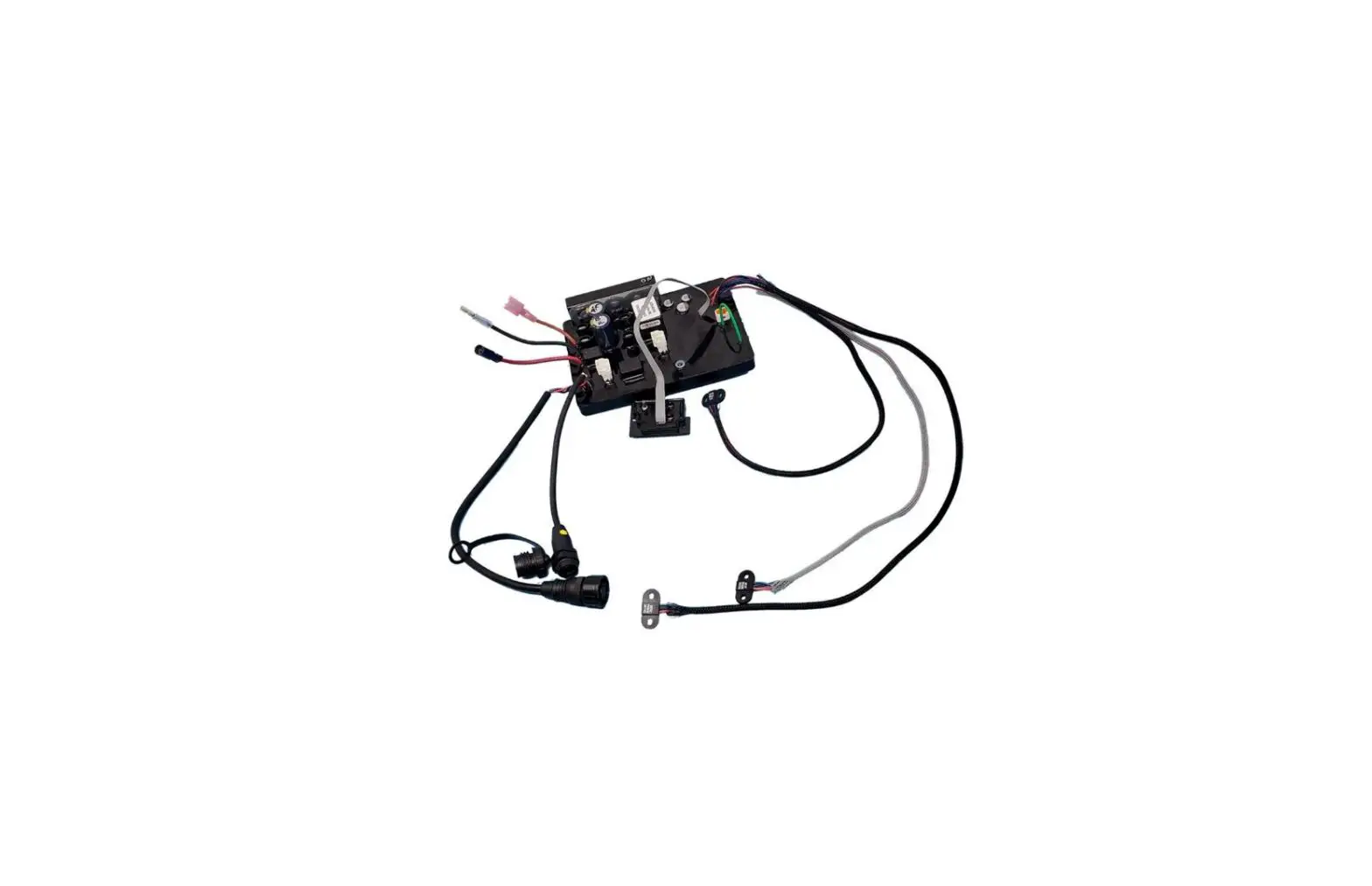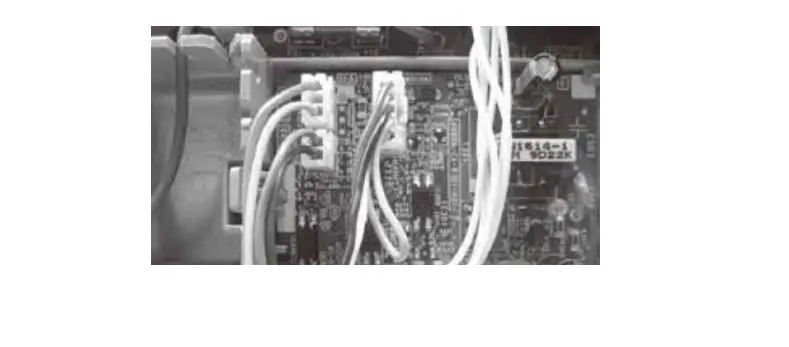

Kaysun KMB-01 Prodigy Multifunction Board
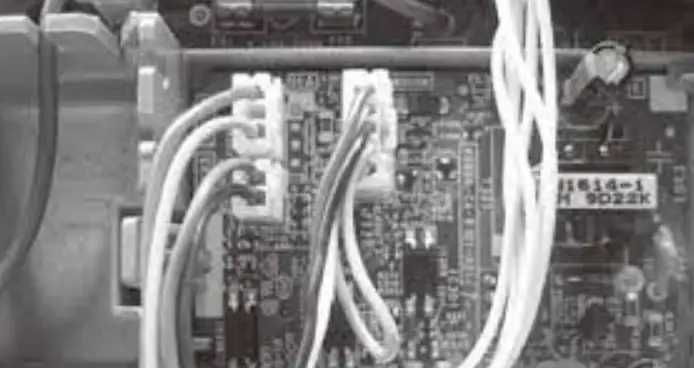
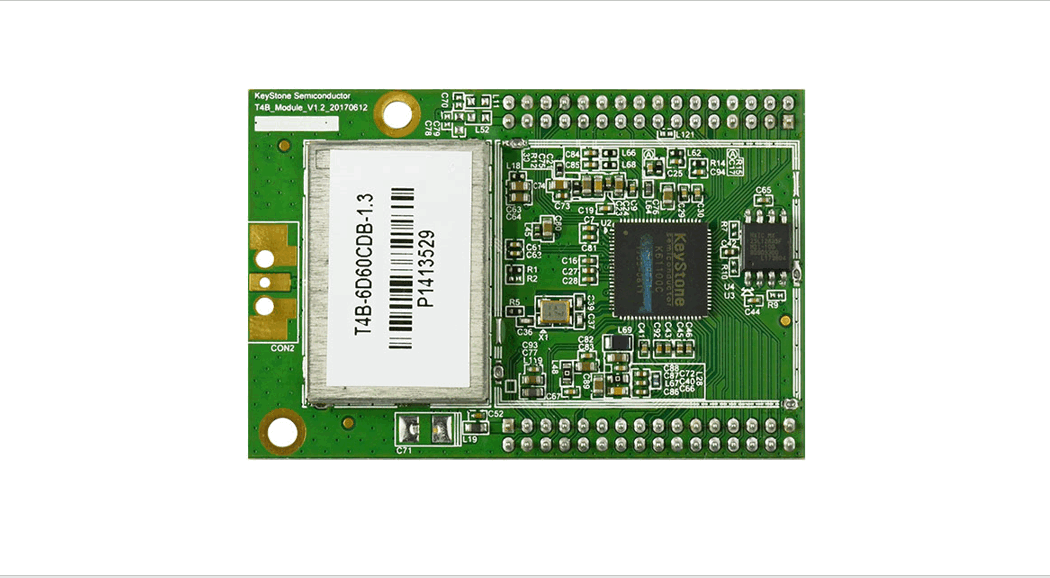
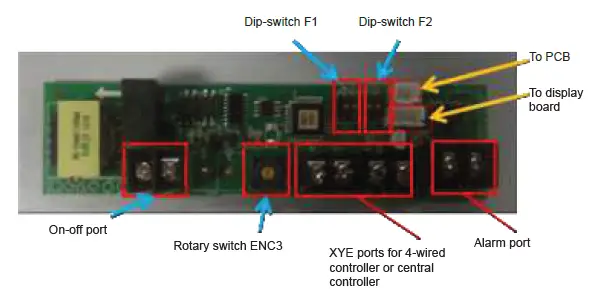
The explanation of ports on multifunction board
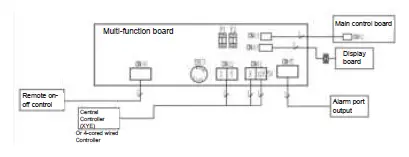
- Multi-function board scheme

- Connection between indoor unit and Multi-function board scheme

- Available ports and switches

- Rotary switch ENC3 and Dip-switch F1 is for Net address setting;
- Dip switch F2 is for On-off setting
- F2 port on multi function board
Picture
Dip- switch 1 Dip- switch 2 ON-OFF port
Unit’s Operation 
ON
ON
• ON-OFF port works as an ON/OFF button. • By connecting the port,’OFF’ signal is sent to switch off the unit. You can switch on the unit with remote controller.
• By disconnecting the port, ‘ON’ signal is send to switch on the unit. You can switch off the unit with remote controller.
Restart with auto mode,24°C
ON
OFF
• ON-OFF port works as an ON/OFF button. • By disconnecting the port, ‘OFF’ signal is sent to switch off the unit. You can switch on the unit with remote controller.
• By connecting the port, ‘ON’ signal is send to switch on the unit.. You can switch off the unit with remote controller.
Restart with auto mode,24°C
OFF
OFF
• When ON-OFF port is connected, unit shows CP and can’t work. And you can not control the unit with remote controller. • When ON-OFF port is disconnected, unit works normally. And you can control the unit with remote controller.
Restart with previous setting
OFF
ON
• When ON-OFF port is connected, unit works normally. And you can control the unit with remote controller. • When ON-OFF port is disconnected, unit shows CP and can’t work. And you can not control the unit with remote controller.
Restart with previous setting
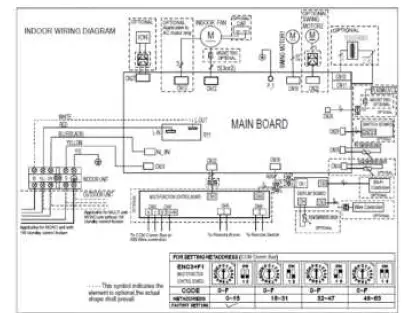

Installation
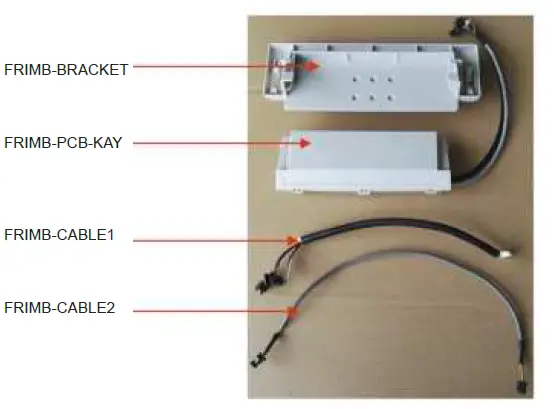
- Necessary parts
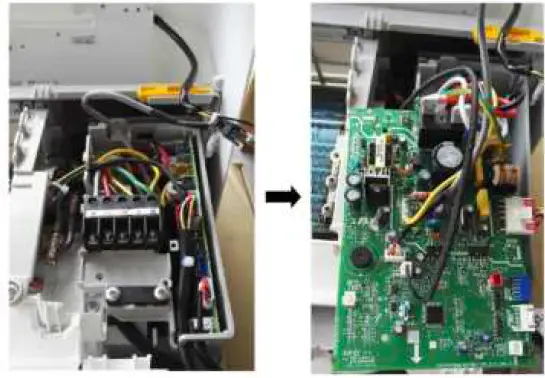
- Step1: Open the Electrical box and take out the PCB

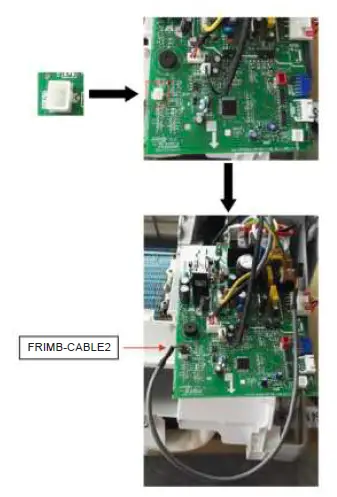
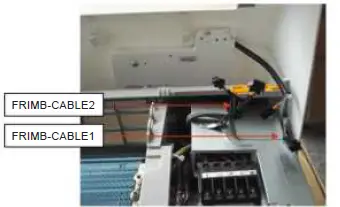
- Step 2: Insert FRIMB-CABLE 2terminal into CN32 on the PCB

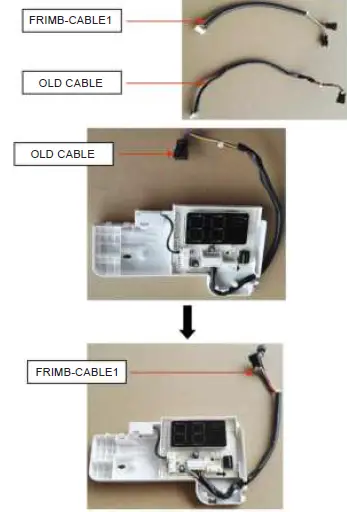
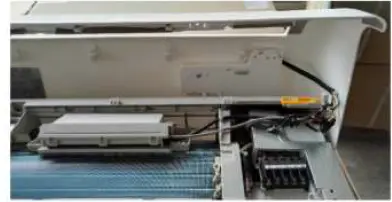
- Step 3: Open the Display box and replace the old cable with FRIMB-CABLE1

- Step 4: Install the Display box assembly and Electrical box assembly:

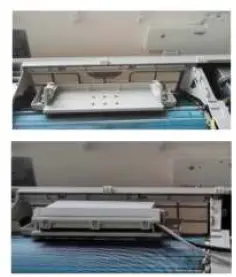
- Step 5: Install the Support and Multi-function box:

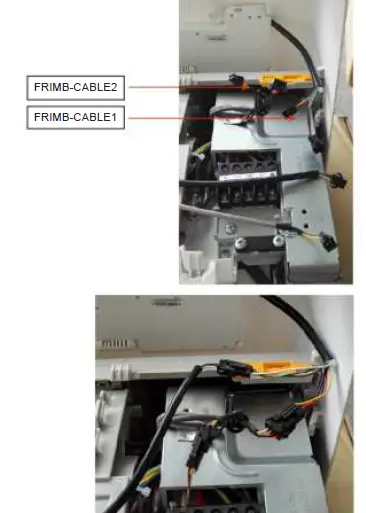
- Step 6: Connect all the cables, as the point 1.B shows:

- Step 7: Neaten all the cables to finish the installation.

Aditional notes
Notes:
- Multi function board is compatible with wifi function and basic 4-wired controller at the same time, because wifi port and wired controller ports are connected to different sockets on the display board.
- Wall controller and centralized controller can not work at the same time. 3 – Wall controller compatible: KC – 03.2 SPS