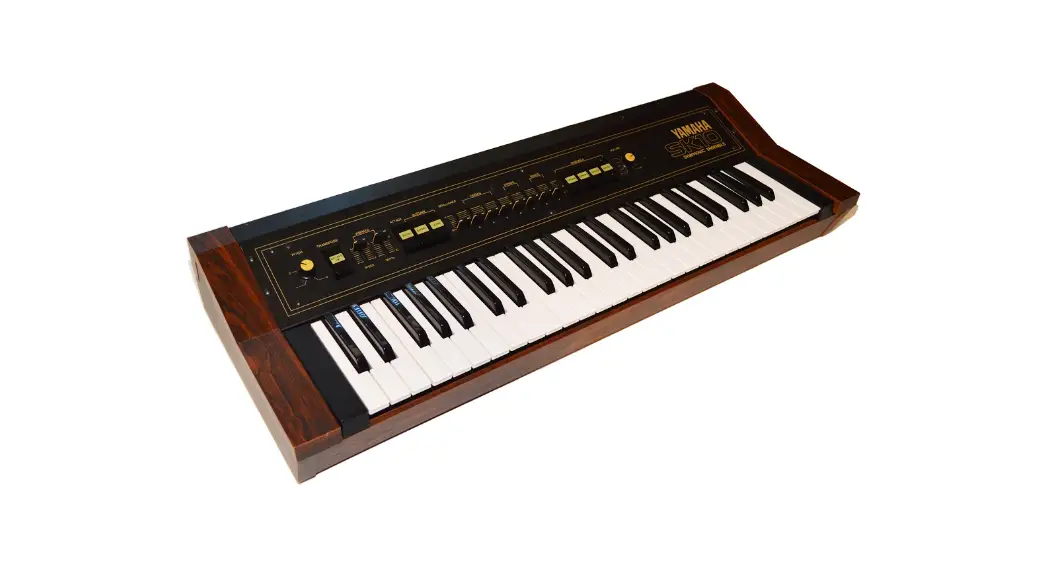
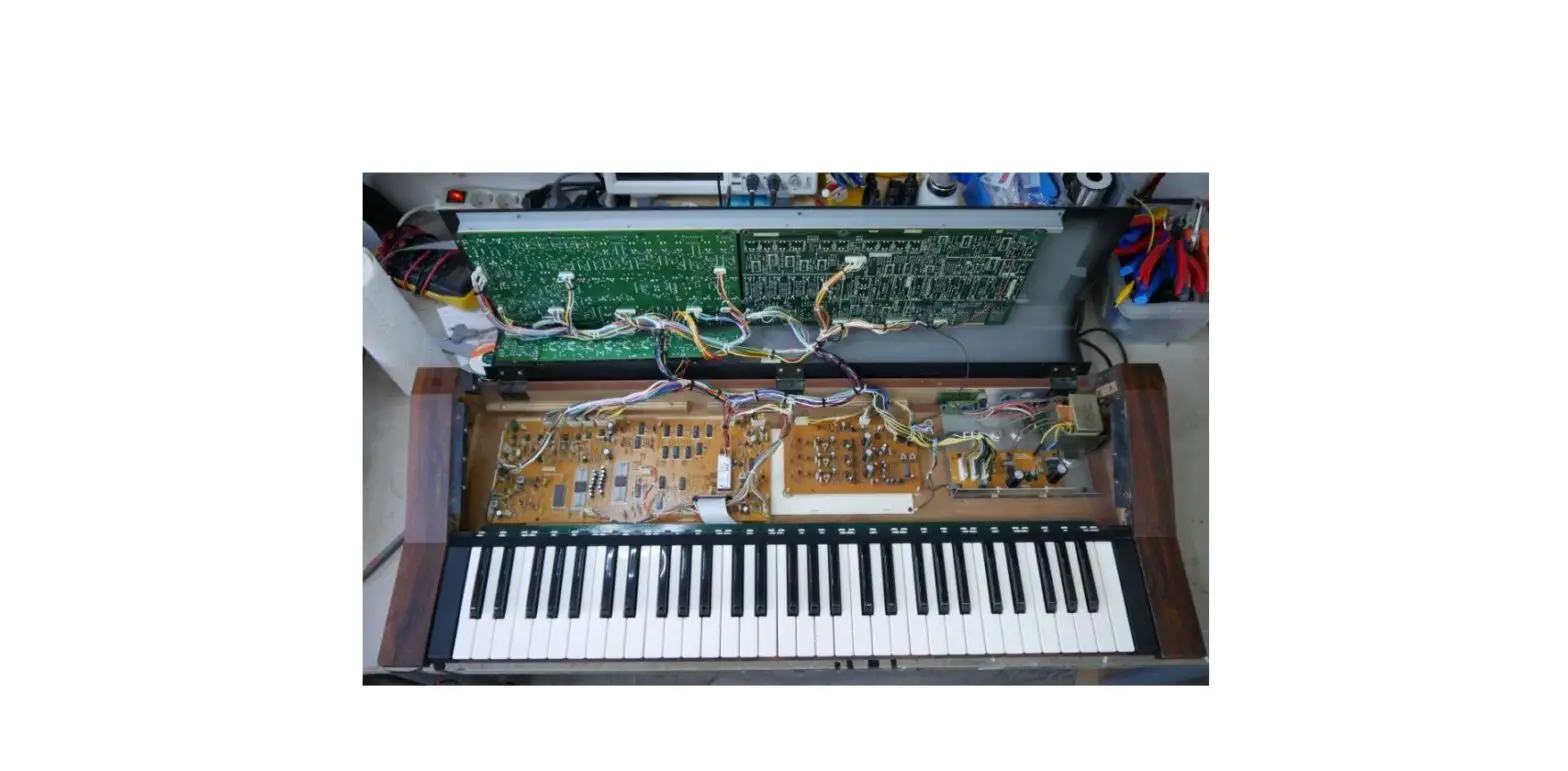
KAC TM62100 Yamaha SK50D
Tubbutec KAC TM62100
Installation manual for Yamaha SK50D
Principle of operation:
The Tubbutec KAC replaces the key assigner chip of the Yamaha
SK50D (YM62100). This enables the user to play the SK50D via MIDI.
It also adds filter, resonance, aftertouch, portamento, and sustain
control via MIDI, and MIDI Out. Further information can be found in
the user manual. The original behavior is fully maintained.
Considerations before assembly:
Desoldering the YM62100 chip:
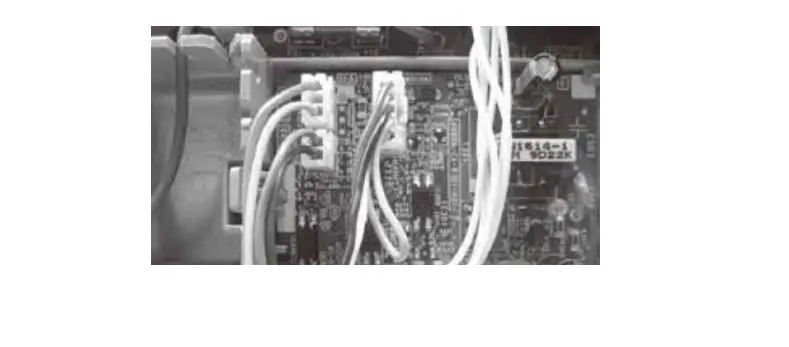
First, you need to remove the mainboard from the synthesizer. To
do so, carefully unplug all wire assemblies. Be careful not to
damage any of the plastic spacers holding the board. The picture
below can be used for reference to plug the connectors back in the
right positions later.
Mainboard with original KAC Mainboard with socket Mainboard with
TM62100
Soldering the Cutoff and Resonance wires:
Plug the 2pin connector with the long wires into the socket
labeled CV on the KAC board. Route the wires to the upper right
corner of the control panel PCB. Solder the 100K resistor in place
where shown in the picture. Solder the red wire (Resonance control)
to the spot shown. Solder the black wire (Cutoff control) to the
spot shown. Secure the wires with cable ties to the wire loom.
Soldering the sustain and portamento wires:
Plug the 3pin connector into the socket labeled CTRL on the KAC
board. Route the black and yellow wires to the jack board. The
yellow wire (sustain) gets soldered directly to the tip of the
sustain jack, see picture. The black wire (portamento) gets
soldered directly to the tip of the portamento jack, see
picture.
Soldering the aftertouch wire:
To solder the aftertouch wire, you need to remove the top PCB of
the PCB stack right of the mainboard. Route the red wire from the
CTRL socket to the bottom PCB of the PCB stack. Solder the 82K
resistor and the 100nF capacitor in place where shown in the
picture. Solder the red wire to the spot shown.
Installing the MIDI sockets:
As the MIDI jack assemblies are detachable, it is also possible
to mount the jacks from the outside. In this case, it is advisable
to drill a 16mm hole. You can now use the sticker included in the
kit to label the MIDI sockets. The sticker is transparent in order
to blend with the existing print.
That’s all. Have fun.
Tubbutec KAC TM62100
Installation manual for Yamaha SK50D
Tools you will need: · Soldering iron · Metal drill 3.2mm (or similar) · Metal drill for a 15mm hole (stepping drill for example) · Center punch · Screw driver
Included in the kit: · TM62100 KAC Chip · 40pin IC socket · Connection cable assemblies · 100K resistor for cutoff control · 82K resistor and 100nF capacitor for aftertouch control · Midi socket drill guide · 4x M3 bolt, 4xM3 nut for midi sockets · Sticker for midi socket labelling
Principle of operation
The Tubbutec KAC replaces the key assigner chip of the Yamaha SK50D (YM62100). This enables the user to play the SK50D via MIDI. It also adds filter, resonance, aftertouch, portamento and sustain control via MIDI, and MIDI Out. Further information can be found in the user manual. The original behaviour is fully maintained.
Considerations before assembly
You need to remove the main board from the synthesizer. It is also required to desolder the original Yamaha key assigner chip (YM62100, labelled YM621 F) from the main board. This needs to be done with care not to damage the original chip and/or traces on the board. Proper tools are required to do this and some basic skills in desoldering. If you feel uncomfortable to perform this task you might consider reaching out for a technician in your area, or you can contact us. A list of synth techs can be fund here: https://tubbutec.de/synth-techs/ Two holes for the MIDI jacks need to be drilled in the back panel of the synthesizer.
Desoldering the YM62100 chip
First you need to remove the mainboard from the synthesizer. To do so carefully unplug all wire assemblies. The picture below can be used for reference to plug the connectors back in the right positions later. Be careful not to damage any of the plastic spacers holding the board.
Use a desoldering pump to desolder IC1, the YM62100 chip. As this is a single layer board without plated-through holes this is relatively easy to do, but take care not to apply too much heat and pressure to the solder pads, as this can easily damage the pads and/or the chip. After you have removed the Yamaha chip put it in antistatic foam included in the kit to protect it. Make sure all solder is removed from the solder pads, and that the pads and traces are all intact. Next step is soldering the 40pin IC socket in place, make sure the notch of the socket reflects the pin 1 location of the original chip. Install the Tubbutec KAC chip. Reinstall the mainboard in the synthesizer. Reconnect the wire assemblies, take care to plug them into the correct sockets.
Mainboard with original KAC Mainboard with socket
Mainboard with TM62100
SUSTAIN PORTA MENTO AFTER TOUCH
MIDI OUT
MIDI IN
CV1 CV2
Soldering the Cutoff and Resonance wires
Plug the 2pin connector with the long wires in the socket labelled CV on the KAC board. Route the wires to the upper right corner of the control panel pcb. Solder the 100K resistor in place where shown in the picture. Solder the red wire (Resonance control) to the spot shown. Solder the black wire (Cutoff control) to the spot shown.
Secure the wires with cable ties to the wire loom.
Soldering the sustain and portamento wires
Plug the 3pin connector in the socket labelled CTRL on the KAC board.
Route the black and yellow wire to the jack board.
The yellow wire (sustain) gets soldered directly to the tip of the sustain jack, see picture.
The black wire (portamento) gets soldered directly to the tip of the portamento jack, see picture.
Soldering the aftertouch wire
To solder the aftertouch wire you need to remove the top pcb of the pcb stack right of the mainboard.
Route the red wire from the CTRL socket to the bottom pcb of the pcb stack. Solder the 82K resistor and the 100nF capacitor in place where shown in the picture. Solder the red wire to the spot shown.
Installing the MIDI sockets
First place the drill aid for the MIDI sockets on the back of the synthesizer. We chose the space between the voltage selector and the Yamaha logo. There is enough space but it is advisable to take exact measurements where to place the jacks. After you placed the drill aid use a center punch to mark and drill the holes, 3,2 3,5mm for the mounting holes, 15mm for the jacks. Next step is installing the MIDI jacks. The upper jack is MIDI In (2pin wire assembly), the lower MIDI Out (3pin wire assembly).
As the MIDI jack assemblies are detachable it is also possible to mount the jacks from the outside. In this case it is advisable to drill a 16mm hole. You can now use the sticker included in the kit to label the midi sockets. The sticker is transparent in order to blend with the existing print.
That’s all. Have fun.
 Synth techs | tubbutec