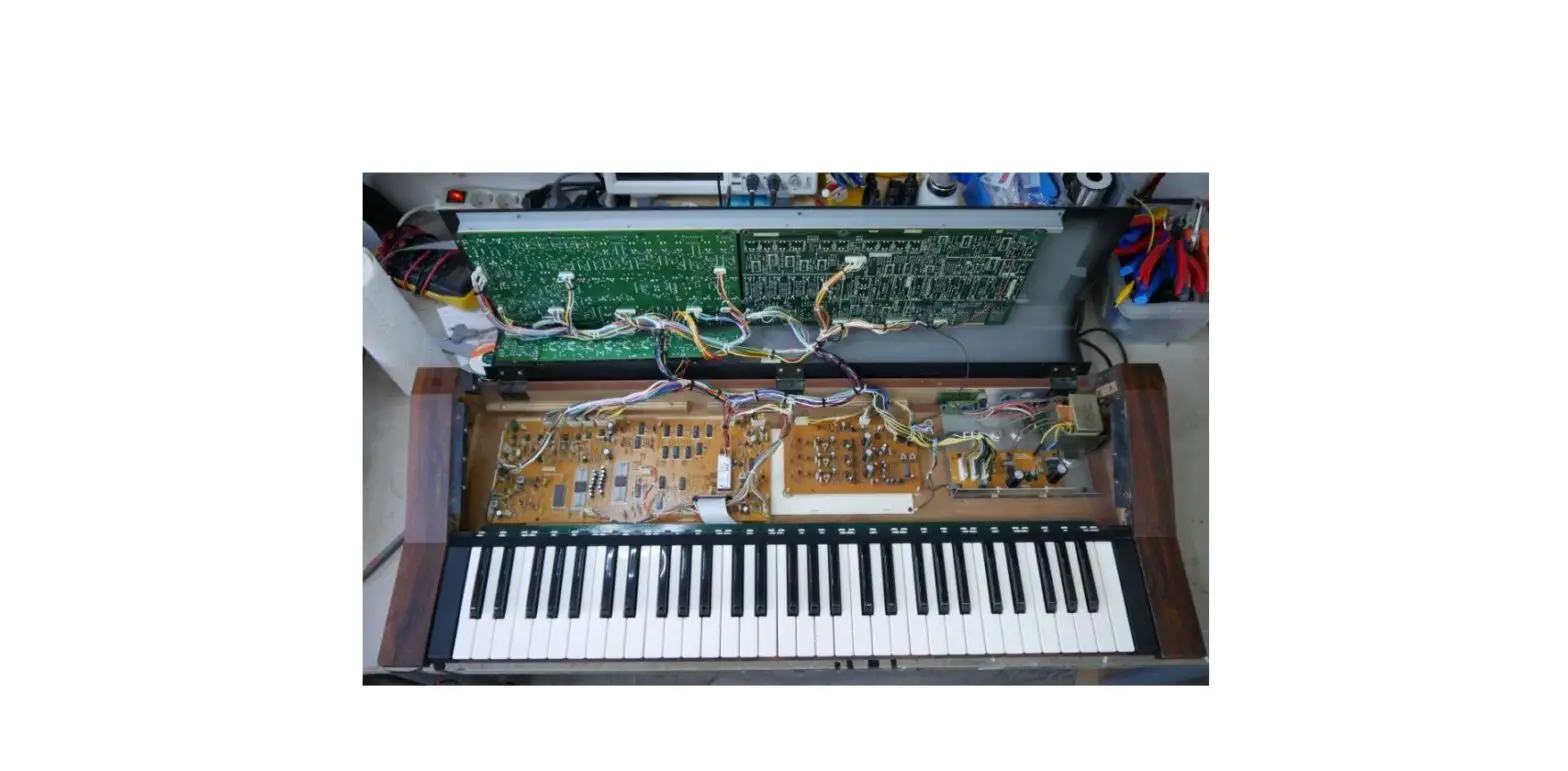
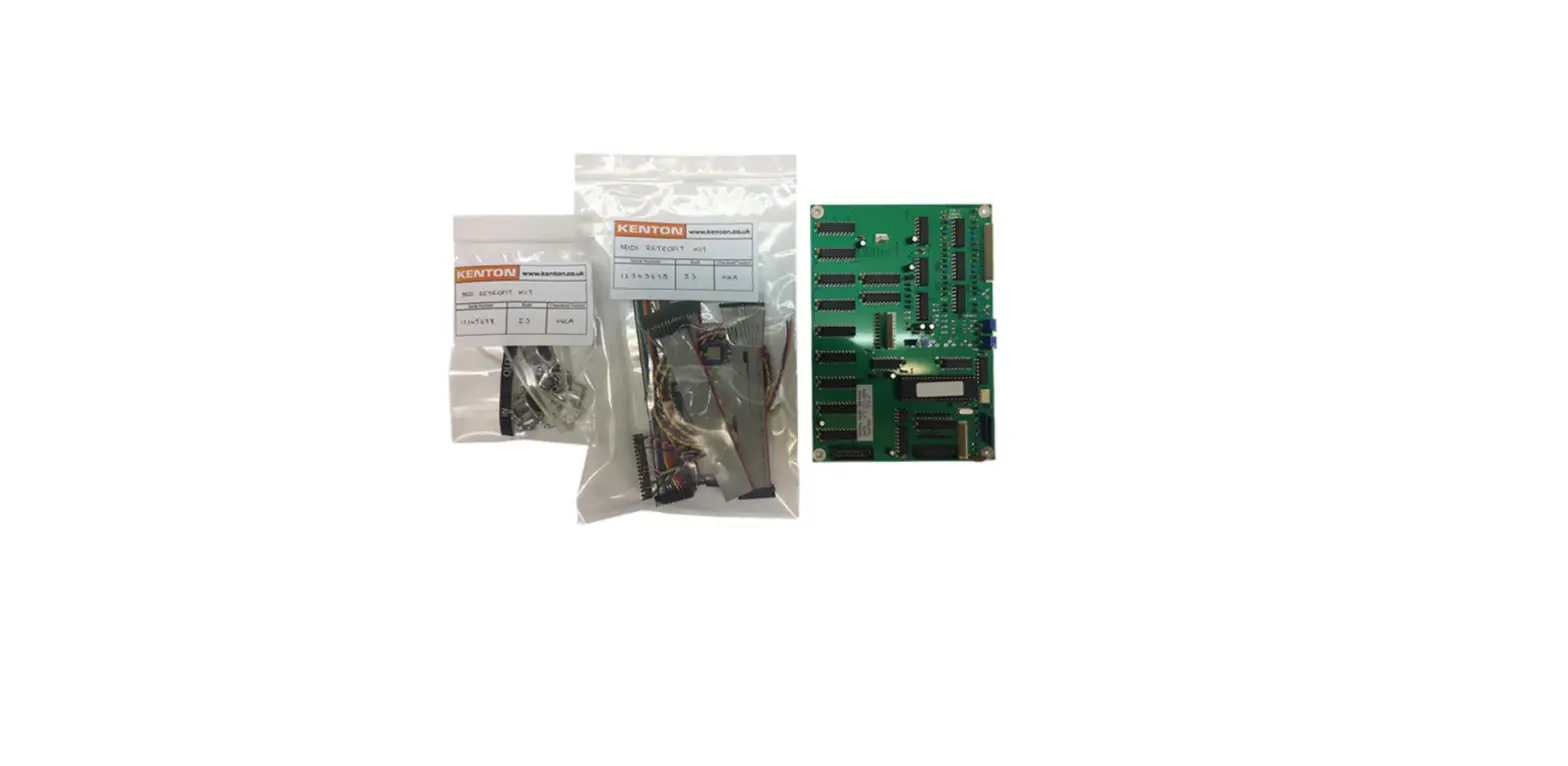
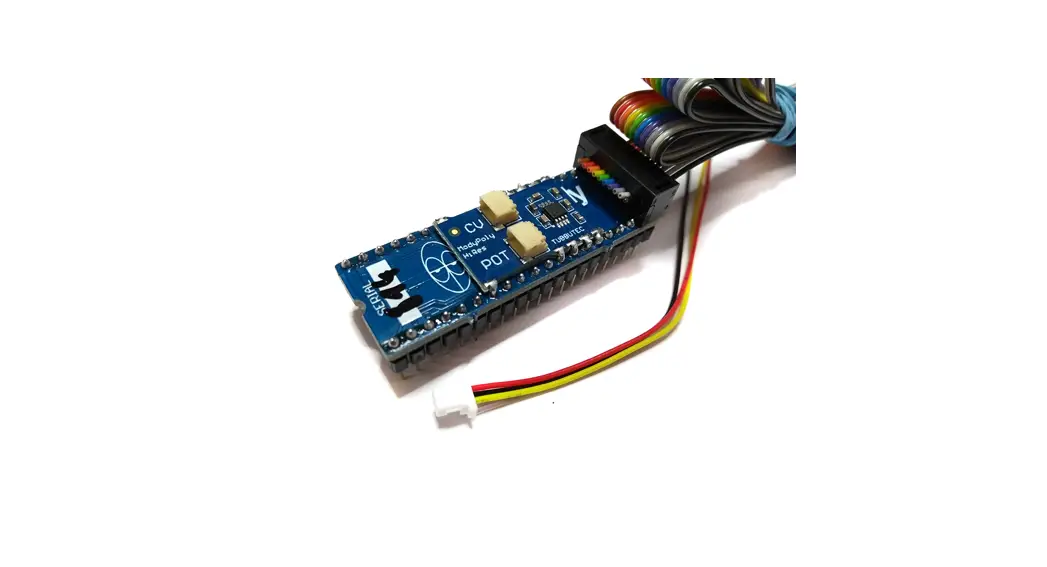
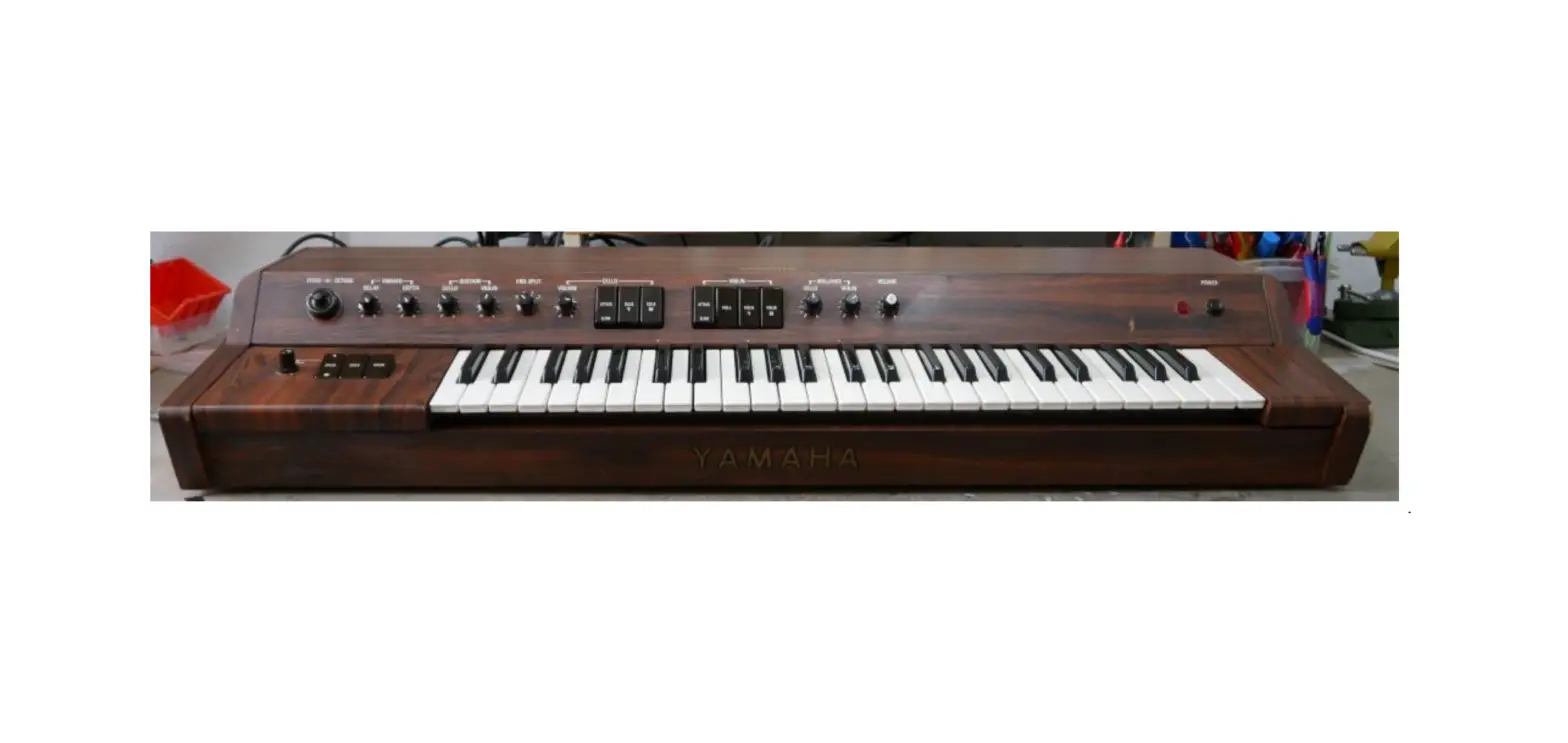
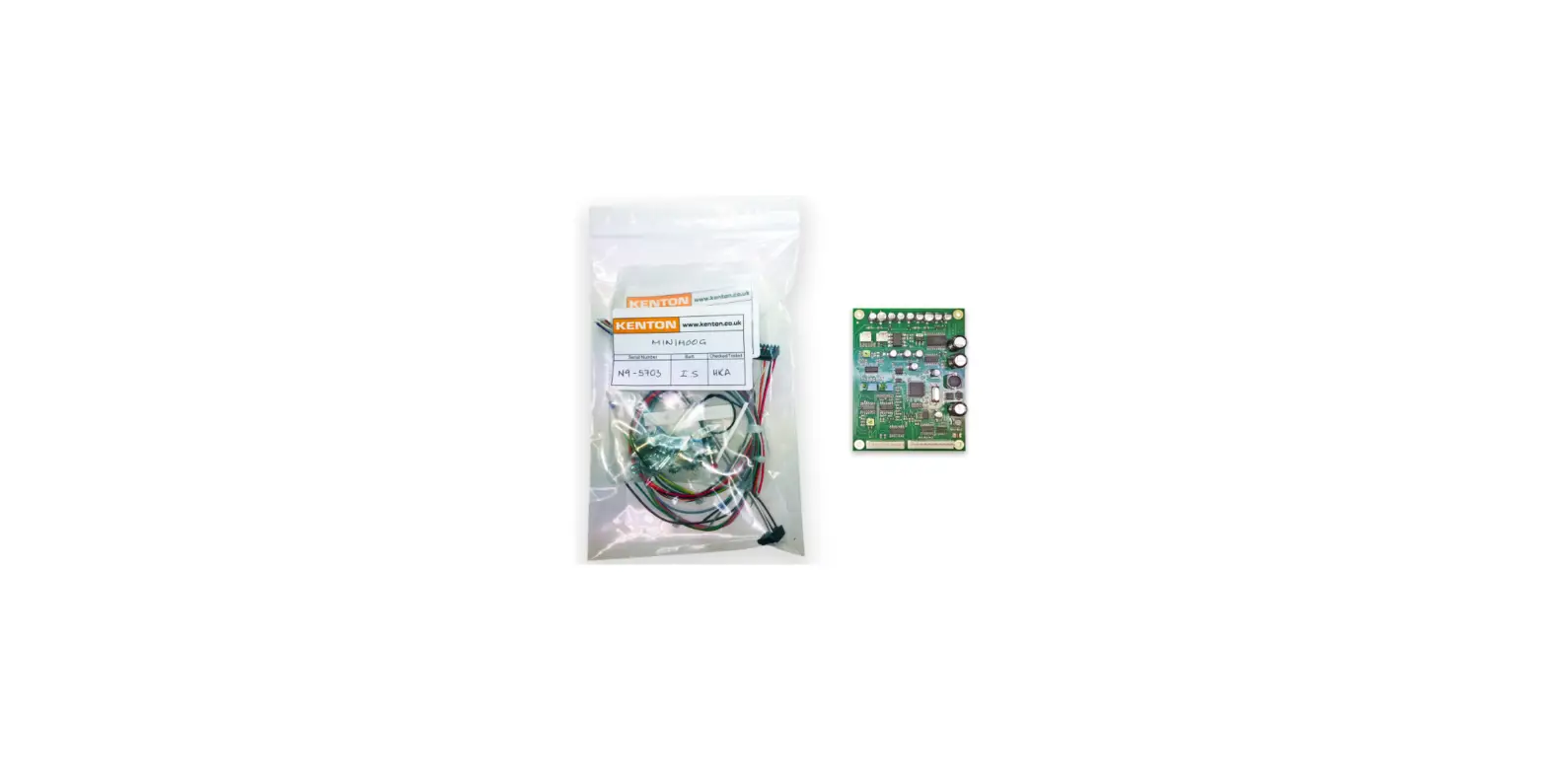
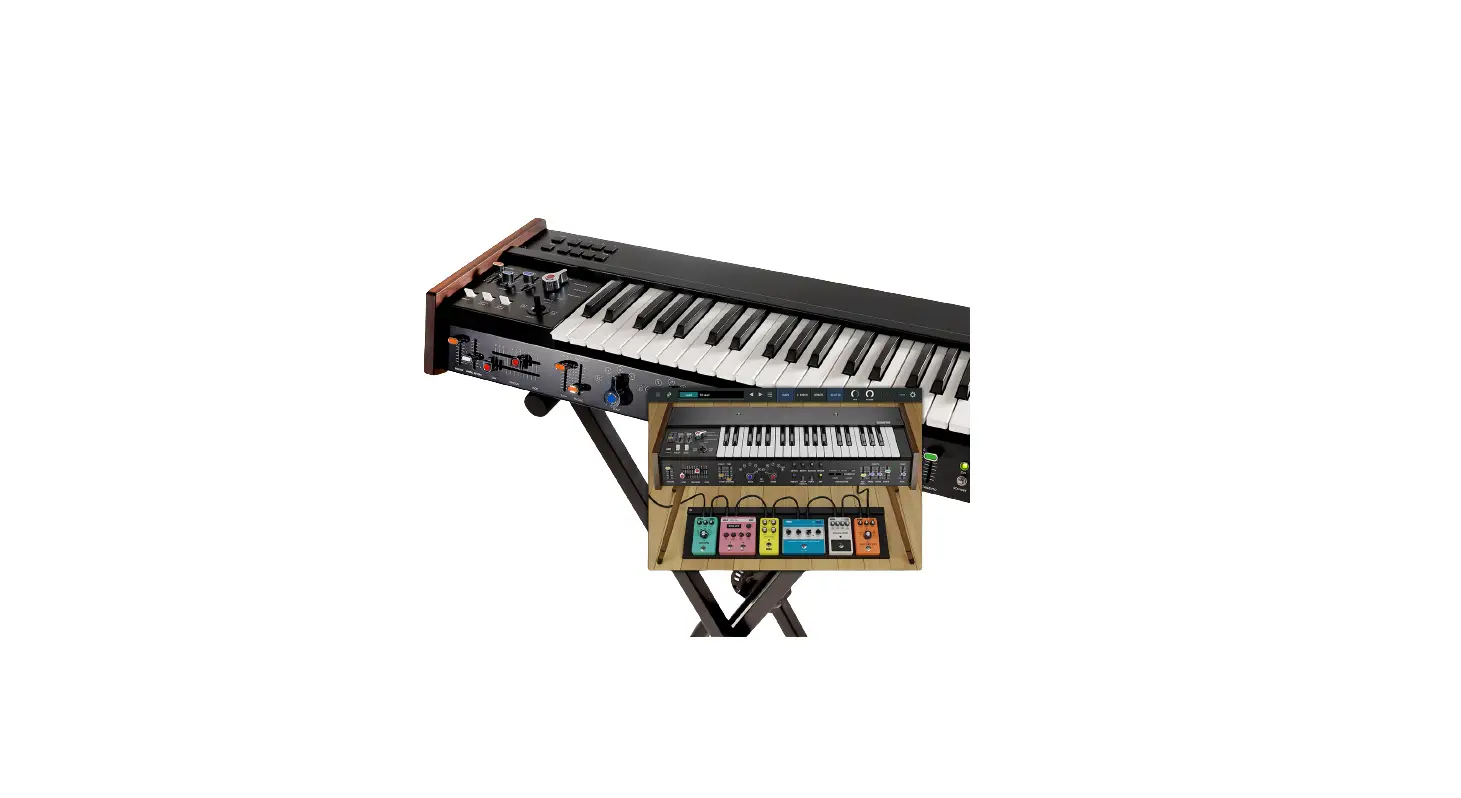
KAC TM62100 Midi Kit for Yamaha SK synthesizers
Tubbutec KAC TM62100
The Tubbutec KAC TM62100 is a MIDI interface designed for Yamaha
SK synthesizers. It provides additional MIDI control and features
for the synths, enhancing their functionality.
Product Features:
- MIDI input for controlling the synthesizer
- Midi note control for playing MIDI notes
- Additional MIDI control parameters for various synth
features - Additional Filter LFO for creating unique sounds
- MIDI output on multiple channels for sending MIDI data
Product Usage Instructions:
MIDI Input:
The TM62100 allows you to connect a MIDI device to control the
Yamaha SK synthesizer. Simply connect the MIDI output of your
device to the MIDI input of the TM62100.
Midi Note Control:
Use your connected MIDI device to play MIDI notes on the Yamaha
SK synthesizer. The TM62100 will translate the MIDI messages into
playable notes.
Additional MIDI Control:
The TM62100 provides additional control parameters that can be
accessed via MIDI. These parameters include:
- Sustain Control: Activate the SUSTAIN function on the organ or
poly-synth instrument to use MIDI to turn off the sustain. - Portamento Control: Set a non-zero portamento time in the SOLO
section, then use MIDI to turn portamento on or off. - Poly-Synth Filter Cutoff: Control the filter cutoff of the
poly-synth section using MIDI CC 74. - Poly-Synth Resonance: Control the resonance of the poly-synth
section using MIDI CC 71. - Solo-Synth Filter Cutoff: Control the filter cutoff of the
solo-synth section using MIDI CC 64. - Solo-Synth Portamento: Control the portamento of the solo-synth
section using MIDI CC 65. - Solo-Synth Aftertouch: Control the aftertouch of the solo-synth
section using MIDI CC 2.
Additional Filter LFO:
The TM62100 features an additional filter LFO that can be
controlled via MIDI CC. This allows you to modulate the audio
frequency and create unique sounds. Please note that the LFO signal
may be audible directly due to some CV bleed-through from the
filter IC.
- LFO Amount: Control the amount of LFO modulation using MIDI CC
20. - LFO Frequency: Set the frequency of the LFO using MIDI CC
21. - LFO Shape: Choose the shape of the LFO waveform using MIDI CC
22. - LFO Free/Synced: Choose between free or synced mode for the LFO
using MIDI CC 24. - LFO Clock Divider: Set the clock divider for the synced LFO
mode using MIDI CC 23.
MIDI Output:
The TM62100 allows for MIDI output on multiple channels. The
different synth groups also apply to the MIDI output, meaning that
different keyboard sections can send on different MIDI channels. In
split mode, the two parts of the keyboard can also send on
different MIDI channels. The MIDI channel numbers and individual
output channels can be configured in the TM62100’s menu.
Tubbutec KAC TM62100
Midi and more for Yamaha SK synthesizers
User Manual
revision 1
Introduction
TM62100 adds MIDI and additional features to SK-15, SK-20, SK-30 and SK-50 synthesizers. It is a direct replacement for the Yamaha YM62100 / YM621 key assigner and can also be used to replace defective original ICs even when midi is not required. The original behaviour is fully maintained.
MIDI input and output on several channels with optional soft-through · Independent midi control of upper keyboard, lower keyboard and pedal sections · Full tonal range in split mode · Midi filter cutoff and resonance control · Additional filter LFO · Midi sustain control · Midi portamento control · Midi aftertouch · Note priority for the pedal/BASS section: Lowest/Last/Highest note · Built in configuration menu can set midi channels and other parameters. · Non-destructive installation can be reverted to original. Installation guides for various synthesizers are available
Comparison of the original YM62100 key assigner and the Tubbutec TM62100
MIDI input
Midi note control
Synthesizers with a YM62100 key assigner chip feature several instruments, such as Organ, Poly-Synth, Strings, Mono-Synth, … Some of these instruments are connected in “synth-groups” in a fixed manner, others can be played independently in split keyboard modes, or with multiple keyboards. An example for a fixed grouping is the Poly-Synth and String sections. These are always connected and will play the same notes. TM62100 allows independent control of the several synths groups via midi. Each group has its own midi channel configurable using the built in config menu. Groups 1 and 2 corresponding to the lower and upper keyboards – have a range of 61 notes and are 7voice polyphonic (or paraphonic, depending on the instrument). Group 3, the “pedal” group is monophonic with a range of 3 octaves, an extended range of 4 octaves is available for the BASS sound. Here is how the instruments are connected to the various groups in several synthesizers:
· SK15: All sounds on Group 2 1 · SK20: No split mode: Group 1 plays organ, poly-synth and strings. In split mode:
Group 1 plays Organ (all 61 notes), Group 2 plays String and Polysynth (All 61 notes) · SK30: Same as SK20, but SOLO-Synth plays on channel 2 in NORMAL mode and channel 3 in BASS mode. · SK50D: Group 1 plays the lower keyboard, Group 2 plays the upper keyboard. BASS Plays on Group 3. Depending on settings, SOLO SYNTH plays on Group 2 (NORMAL) or Group 3 (BASS)
The midi note range of group 1 and 2 is C1 (note 24) C6 (note 84). The range group 3 is C#1 (note 25) C5 (note 72). The range C#1 B1 is an extension to the original range and only available for the BASS sound.
1 In case of the SK15, it might be possible to re-route the organ section to Group 1 by modifying the circuit. This has not been tested yet.
Additional midi control
If applicable, the following parameters can be controlled additionally:
· Poly-synth filter cutoff. A bipolar control. (All SK-Synths) · Poly-synth filter resonance (All SK-Synths) 2 · Sustain ON/OFF (SK20, SK30, SK50) · Solo synth filter cutoff (SK30, SK50) 2 · Solo-synth Portamento ON/OFF (SK30, SK50) · Solo synth Aftertouch (SK30, SK50) The midi controller numbers for these parameters can be found in the MIDI CC chart below.
The sustain control acts analogous to the external sustain input. In order to use it, activate the SUSTAIN function of the organ or Poly-synth instrument. You can then turn off the sustain via midi.
Similarly, the portamento can only be turned off via midi. Set a non-zero portamento time in the SOLO section, then use midi to turn portamento on or off.
Parameter Poly-synth filter cutoff Poly-synth resonance 2 Sustain Solo synth filter cutoff 2
Solo-synth Portamento
Solo-synth Aftertouch
Midi CC 74 71 64
71
65
Range Bipolar 64 = middle, no change 0 – 127 0-63: no change, 64 127: OFF 0 – 127 0-63: no change, 64 127: OFF 0 – 127 aftertouch amount
2 For the synths with built in SOLO section, it is possible to control Poly-Synth resonance OR Solo-Synth cutoff, but not both. This is a choice you need to make during installation.
Additional Filter LFO
An additional filter LFO is accessible via midi CC controls.
· Frequency range: 0.1 Hz 1000 Hz · Free running or midi sync with adjustable divider · Triangle, Saw, Inverted Saw, Square and Random waveforms
Audio frequency modulation is possible and can create novel sounds usually not possible with the SK-series synths. Warning: Due to the filter IC suffering from some amount of CV bleed-through, the LFO signal may be audible directly. This is especially the case with high LFO frequencies and/or waveforms with discontinuities (all except triangle).
Parameter LFO amount LFO frequency LFO shape
LFO free / synced
LFO clock divider
Midi CC 20 21 22
24
23
Range 0 – 127 0 – 127 0 – 127
0 63: FREE, 64 127: Synced
0 – 127
0 – 25
26 – 51
Triangular
Saw
Midi CC values for the various LFO shapes
52 77 Inverted Saw
78 – 103 Square
104 – 127 Random
0 6 7 13 14 20 21 27 28 34 35 – 41 42 – 48 49 – 55 56 – 62
4 Bars 3 Bars 2.5 Bars 2 Bars 1.5 Bars 1 Bar 3 / 4
1 T
1 / 2
63 69 70 76 77 83 84 90 91 97 98 104 105 111 112 118 119 – 125
3 / 8 1 / 2 T 1 / 4 3 / 16 1 / 4 T 1 / 8 3 / 32 1 / 8 T 1 / 16
Midi CC values for the LFO clock divider in synced mode
VAL Period 0 20 s 1 19 s 2 18 s 3 17 s 4 16 s 5 15 s 6 14 s 7 13 s 8 12 s 9 11 s 10 10 s 11 9 s 12 8 s 13 7 s 14 6 s 15 5 s
VAL f[Hz] 16 0.25 17 0.33 18 0.5 19 1 20 1.25 21 1.5 22 1.75 23 2 24 2.25 25 2.5 26 2.75 27 3 28 3.25 29 3.5 30 3.75 31 4
VAL f[Hz] 32 4.25 33 4.5 34 4.75 35 5 36 5.25 37 5.5 38 5.75 39 6 40 6.25 41 6.5 42 6.75 43 7 44 7.25 45 7.5 46 7.75 47 8
VAL f[Hz] 48 8.25 49 8.5 50 8.75 51 9 52 9.25 53 9.5 54 9.75 55 10 56 12.5 57 15 58 17.5 59 20 60 22.5 61 25 62 27.5 63 30
VAL f[Hz] 64 32.5 65 35 66 37.5 67 40 68 42.5 69 45 70 47.5 71 50 72 52.5 73 55 74 57.5 75 60 76 62.5 77 65 78 67.5 79 70
VAL f[Hz] 80 72.5 81 75 82 77.5 83 80 84 82.5 85 85 86 87.5 87 90 88 92.5 89 95 90 97.5 91 100 92 125 93 150 94 175 95 200
VAL f[Hz] 96 225 97 250 98 275 99 300 100 325 101 350 102 375 103 400 104 425 105 450 106 475 107 500 108 525 109 550 110 575 111 600
VAL f[Hz] 112 625 113 650 114 675 115 700 116 725 117 750 118 775 119 800 120 825 121 850 122 875 123 900 124 925 125 950 126 975 127 1000
Midi output
TM62100 features midi output on several midi channels. The various synth-groups (see MIDI input) also apply here. This means the upper, lower and pedal keyboards can send on different midi channels. In split mode the two parts send on different midi channels as well. The midi channel numbers can be set in the config menu, as well as individual output channels turned off.
The range and notes sent are identical to the ones received: The midi note range of group 1 and 2 is C1 (note 24) C6 (note 84). The range group 3 is C2 (note 36) C5 (note 72).
Only note output is supported. Filter cutoff or other parameters can not be sent.
Pedal note priority
The padal synth group, usually associated with the BASS and SOLO sections, is monophonic. Usually (and in the original) the note priority is `highest note’, meaning when several keys are pressed, the highest note will play.
With TM62100 you can change the note priority to one of the following modes:
· Highest: The highest note plays · Lowest: The lowest note plays · Last: When pressing a new key, it plays in every case. When releasing a key while
one or more other keys are still pressed, the most recently played note will play. This continues until all keys are released.
The note priority can be set in the config menu.
Gate dead time
When playing on the keyboard or via midi, there need to be a short pause between two notes. This pause is needed for the envelope (for example of the poly-synth) to retrigger. Without the pause, the envelope will not start the attack phase from the beginning.
While it is almost humanly impossible to not include a short pause between notes when playing on a keyboard, it is very common to send a midi note-on command right after a note-off. The result in this case is that the envelope does not retrigger. This is most likely not the intended behaviour.
One way to rectify this is to include a short pause when programming the midi notes. Instead of one full bar, your note might just be a little bit shorter.
Alternatively, TM62100 can automatically insert a pause before the next note is played. This is the “gate dead time” and it can be set in the config menu. The best value needs to
be found experimentally for your synth, as this very much depends on the analogue bahaviour of your synths. The default is 0, the original behaviour. Note that the gate dead time, will inevitably delay the next note slightly, so a values as low as possible should be chosen.
MIDI soft-through
Optionally MIDI soft through can be activated using the config menu. Incoming midi messages will be merged with the internal midi data and forwarded to the MIDI output. Note: depending on the configuration, this can lead to midi loops. Use with caution !
13
OFF 2 4 5 7 9 11 12 14 16
Configuration Menu
The built in configuration menu can be used to set parameters such as midi channels or the pedal note priority.
Accessing the config menu
1. Turn off your synthesizers 2. Press and hold an D-minor chord (D-F-A) anywhere on any
keyboard. Note: Playing an E-minor chord starts the bootloader for
firmware updates instead.
3. Turn on the synthesizers
The following descriptions refer to the config menu graphic —>
Selecting the MIDI input channels
1. Press the key to select the channel group (PEDAL in, LOWER in or UPPER in).
2. Press the lowest C to turn this channel off, or keys 1 16 (C#0 – E1) to select midi channel 1-16
Selecting the MIDI output channels
1. Press the key to select the channel group (PEDAL out, LOWER out or UPPER out).
2. Press the lowest C to turn this channel off, or keys 1 16 (C#0 – E1) to select midi channel 1-16
Midi soft through
Press the THROUGH ON or OFF keys to turn midi soft through orn or off.
Pedal note priority
Press keys LOWEST, LAST or HIGHEST to set the pedal note priority accordingly
Gate dead time
Press the “Gate dead time” key (B1) and then use the lowest 17 keys to turn the feature OFF (C0) or adjust the dead time between 2 and 24ms.
PEDAL note priority
PEDAL LOWER UPPER MIDI
through
OFF ON Gate dead time IN OUT IN OUT IN OUT LOWEST LAST HIGHEST
SAVE & EXIT
13 15
6 8 10
factory reset