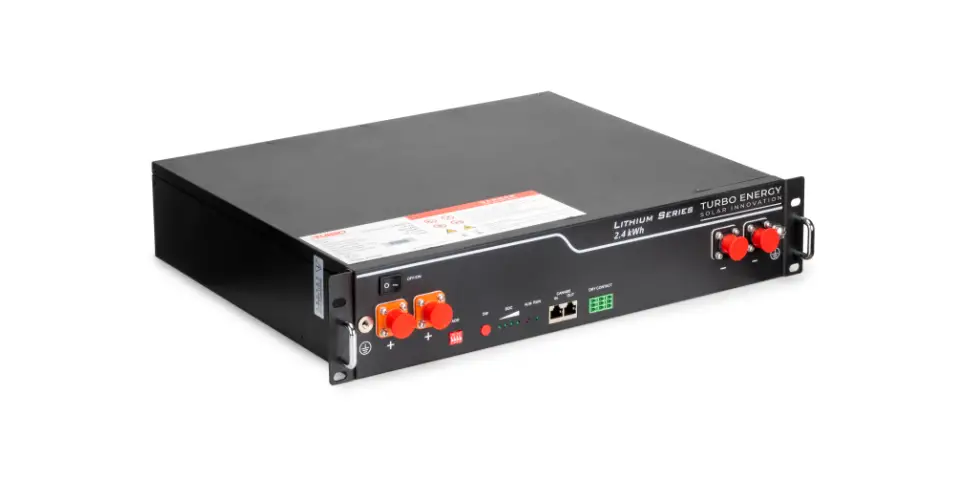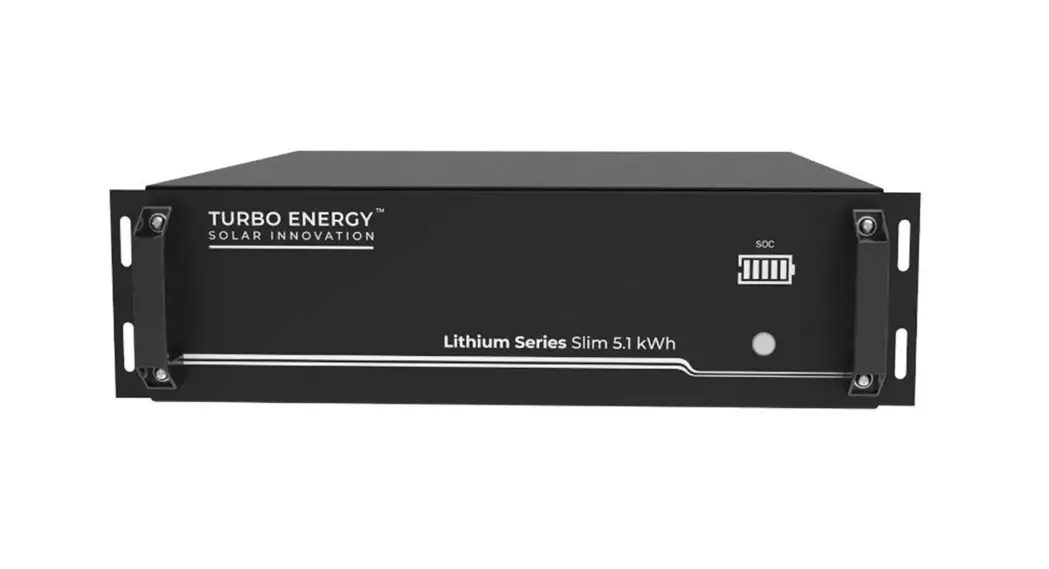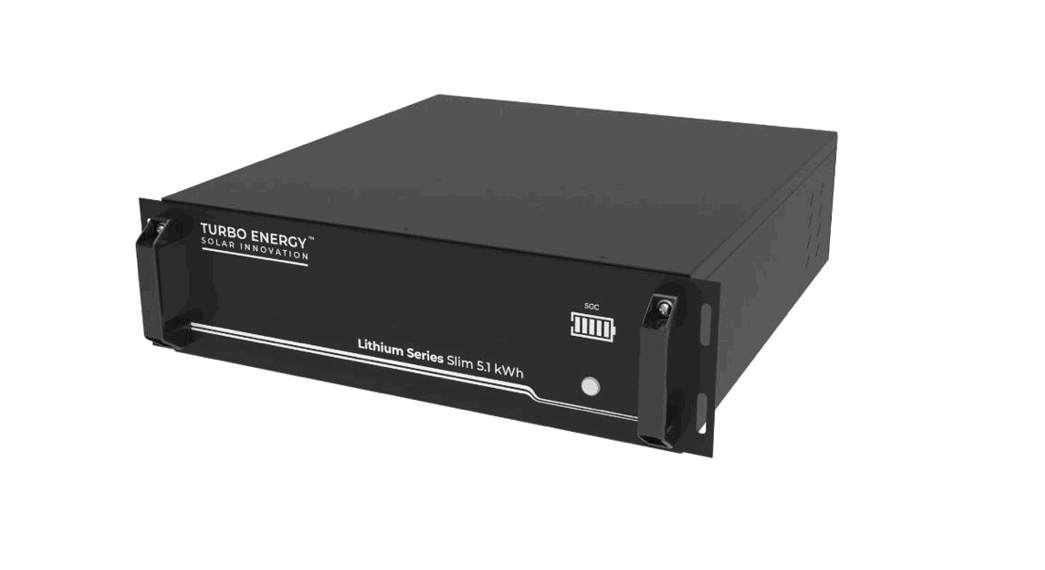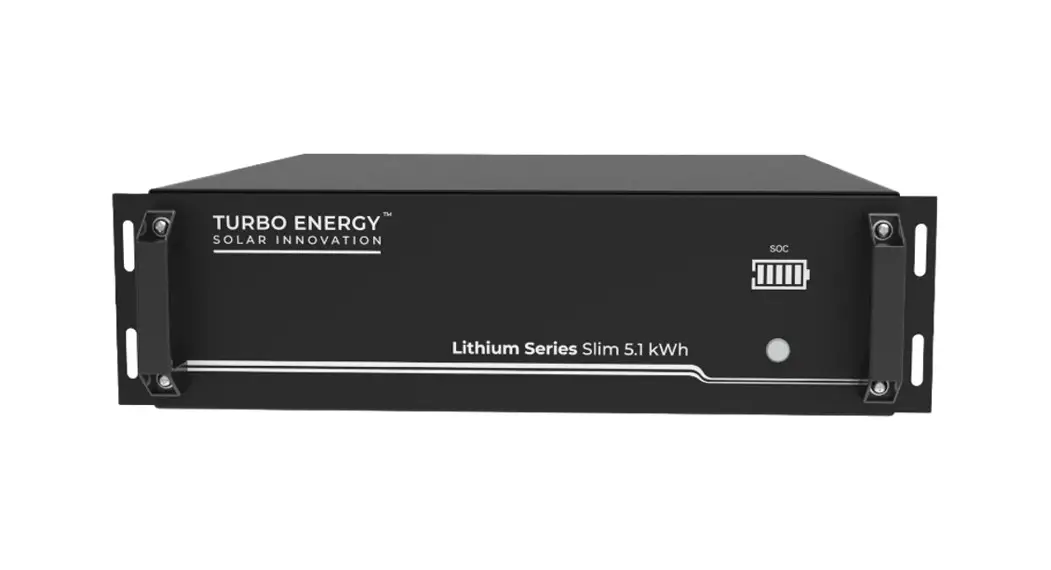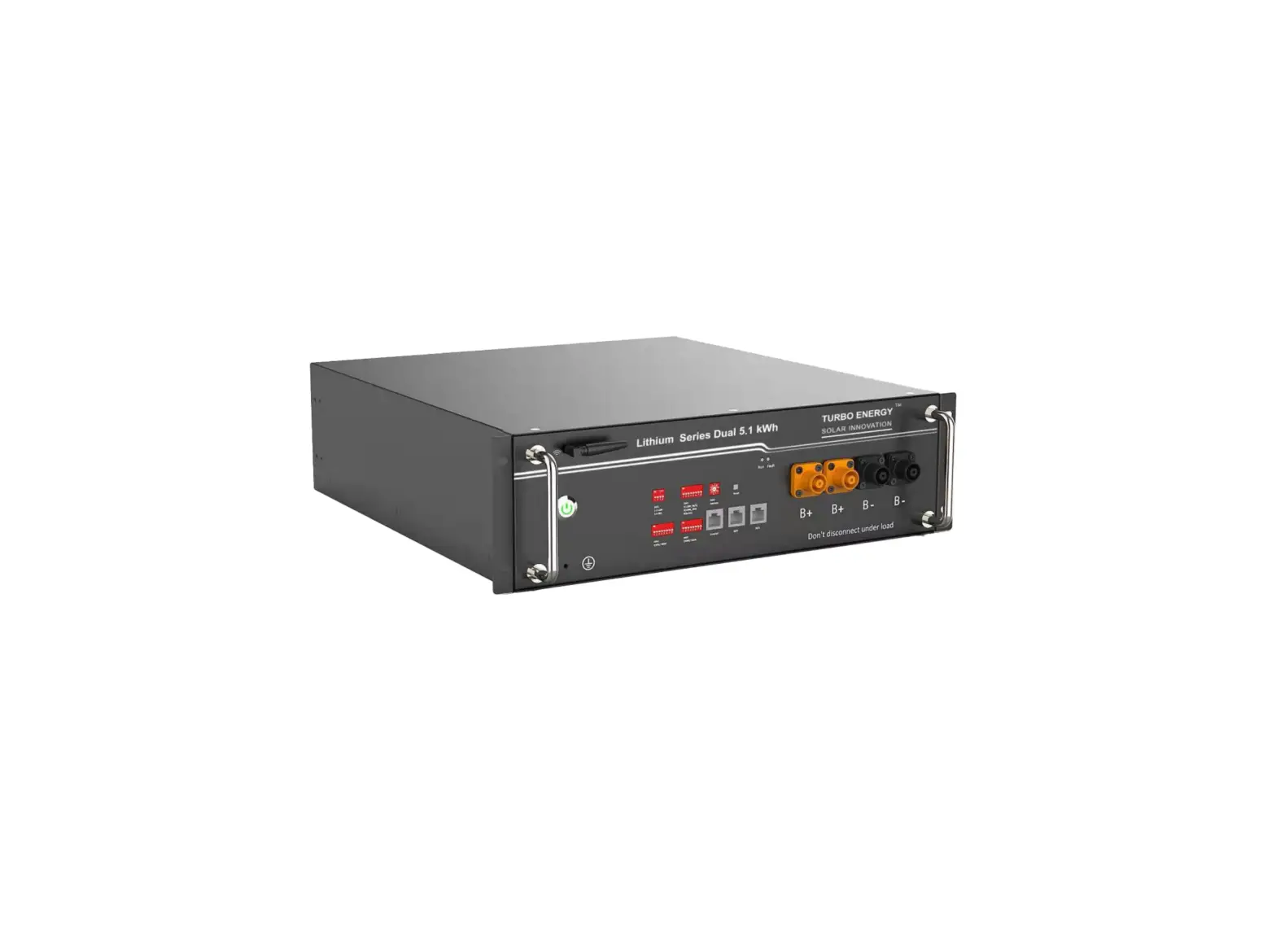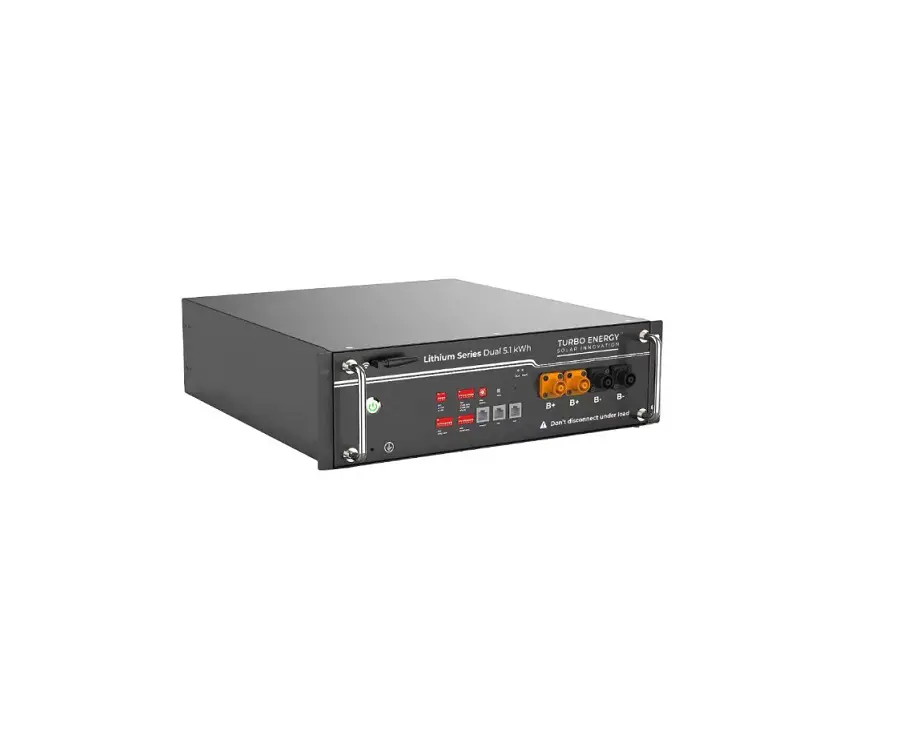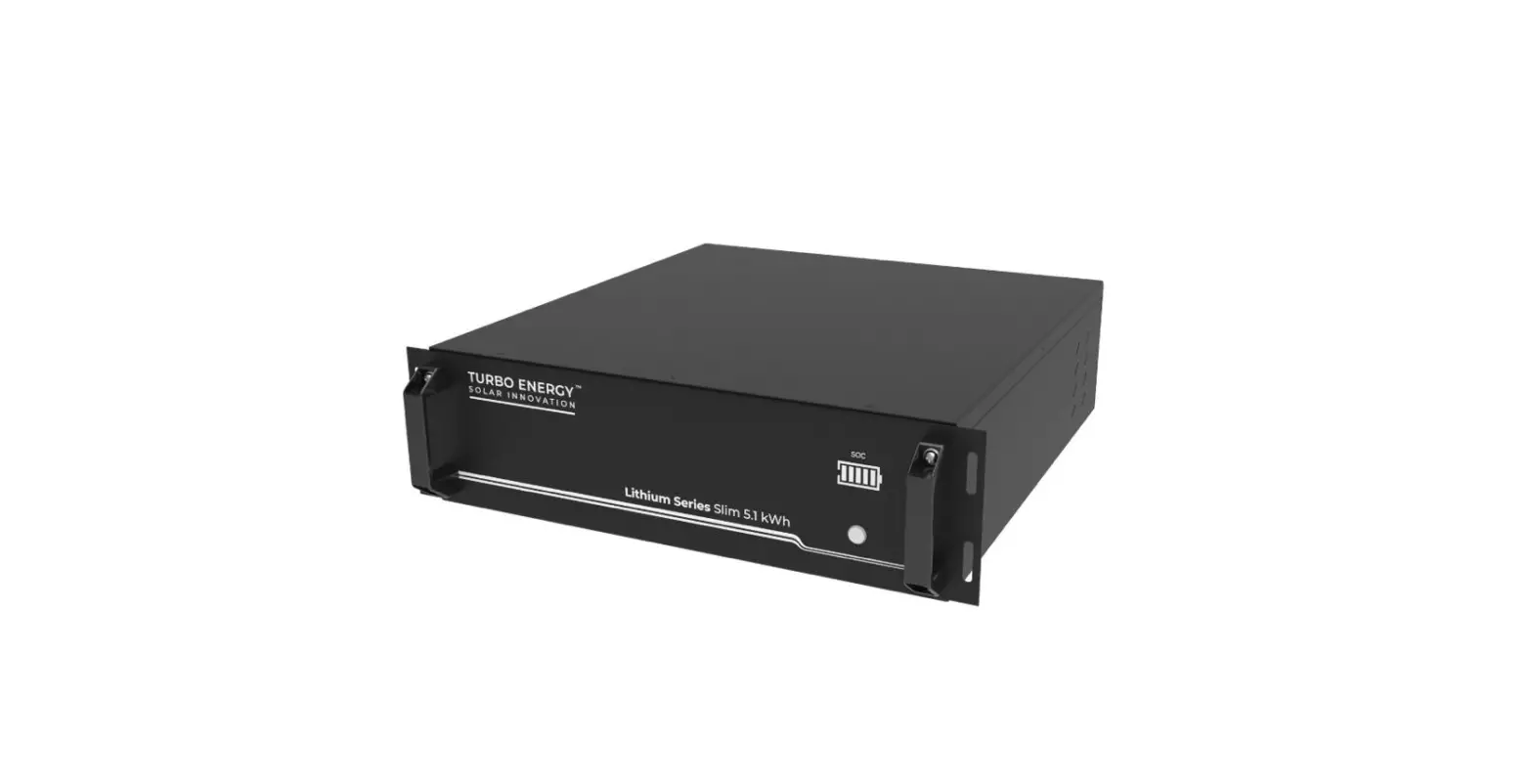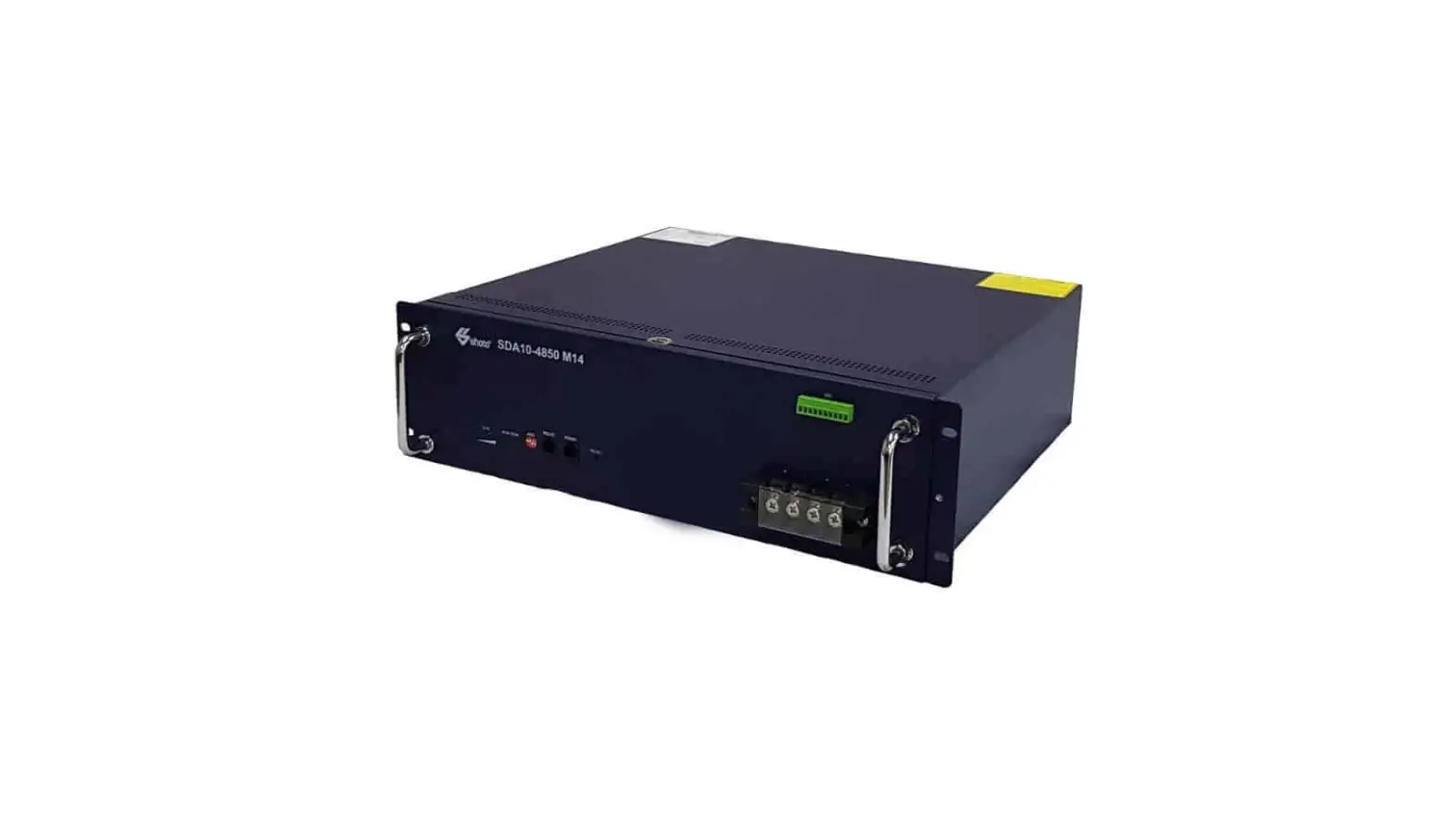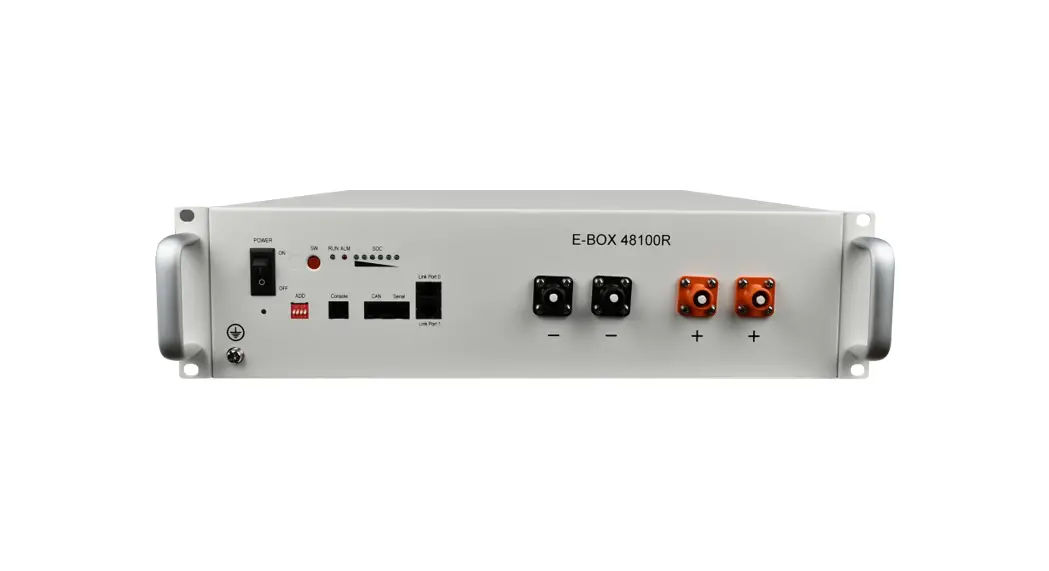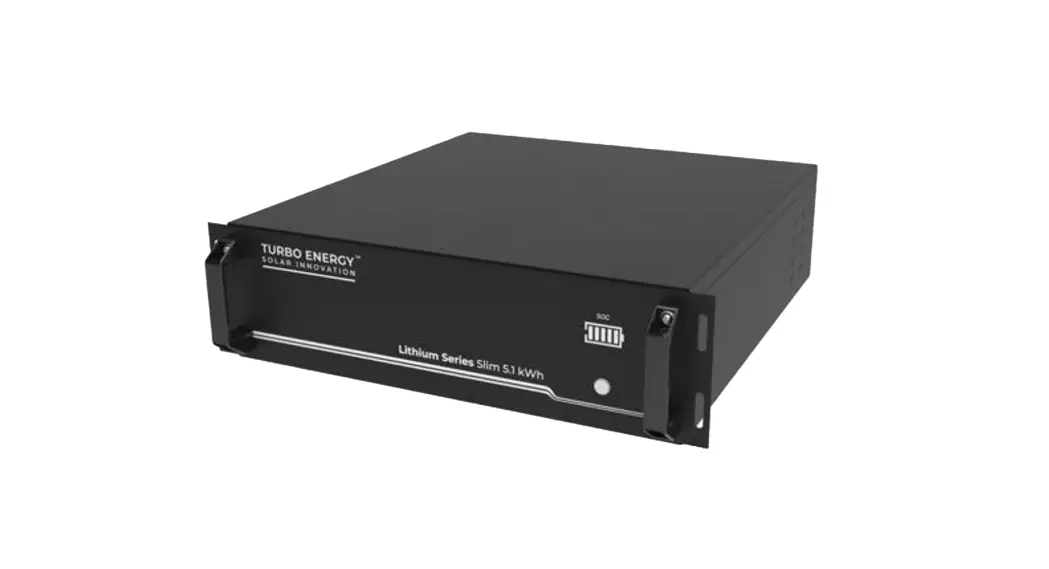
 Lithium Series Slim 5-1 kWh Battery 48V
Installation Guide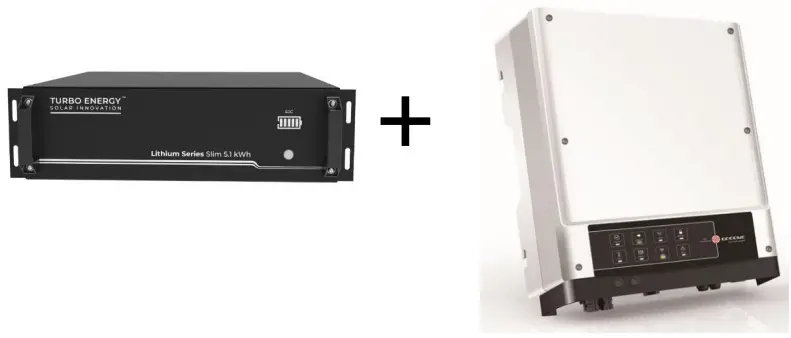 LITHIUM SERIES 48V 5.1 kWh Slim
+
INVERSOR GOODWE
INVERTER GOODWE configuration
First, the inverter must be configured properly. For this, a correct Wi-Fi connection must be made between an electronic device and the inverter, as well as a correct configuration through the PV Master application.
1.1. Wifi connection
To make a correct Wi-Fi connection, follow these steps:
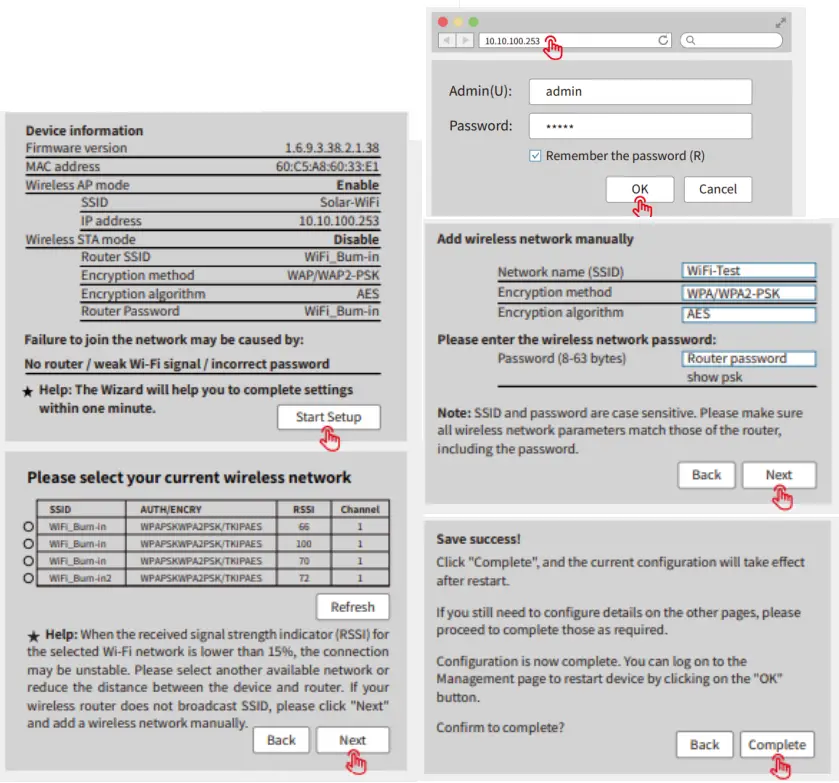
Note: This connection can also be made from the PV Master app.
PV Master configuration
PV Master is an external monitoring / configuration application for hybrid inverters. It can be downloaded directly from the Play Store or App Store and works with both Android and iOS systems.
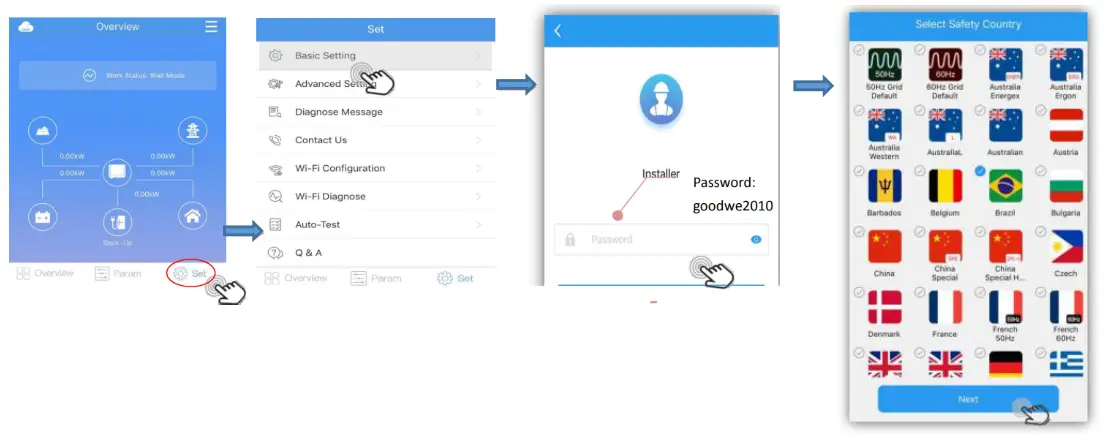
Once it has been successfully connected to the inverter’s Wi-Fi network, the application must be configured according to the batteries to be connected.
First it is necessary to select the country in which the device is located. To do this, you have to enter the basic configuration tab and select the option shown in the following
images:
Next, you have to select the working mode to be used. You must choose one of the four options that appear:
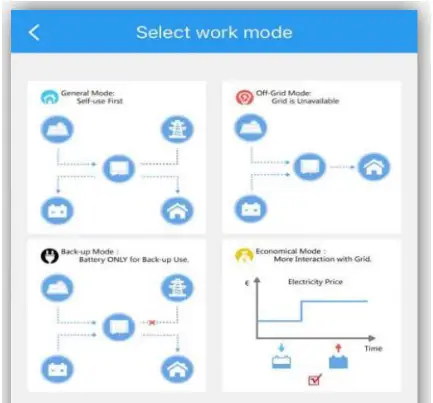
- General Mode
- Off-Grid Mode
- Back-Up Mode
- Economical Mode
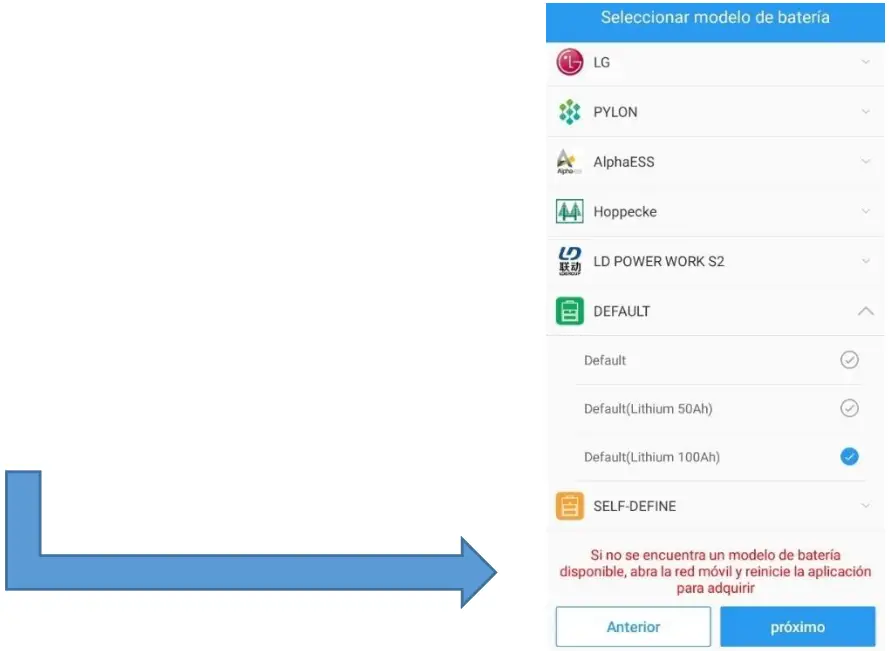
Finally, the type of battery to be used must be selected. For this, the following option must be selected regardless of whether it is going to work with 1 or more batteries.
BATTERY LITHIUM SERIES 48V 5.1 kWh Slim configuration
Each module has 4 DIP (Dual Inline Package) switches that will be configured differently depending on the number of batteries to be connected
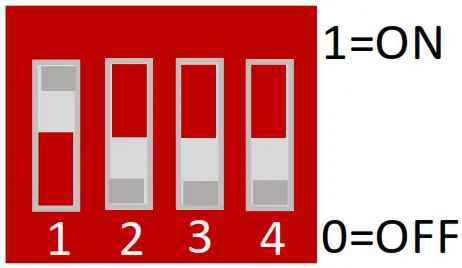
| Address | Dial switch position | Explain | |||
| #1 | #2 | #3 | #4 | ||
| 1 | ON | OFF | OFF | OFF | Pack1/Master |
| 2 | OFF | ON | OFF | OFF | Pack2 |
| 3 | ON | ON | OFF | OFF | Pack3 |
| 4 | OFF | OFF | ON | OFF | Pack4 |
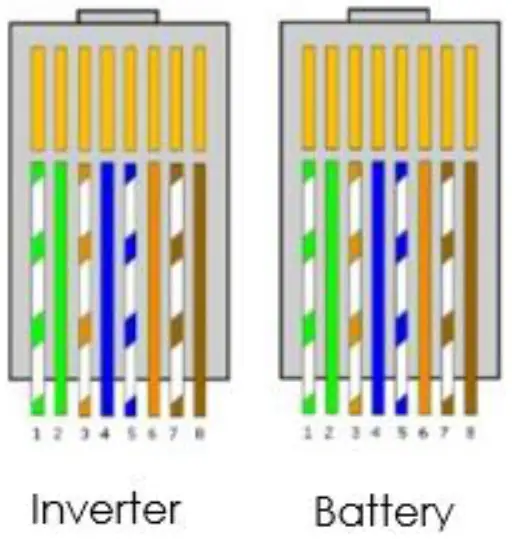
Wiring configuration
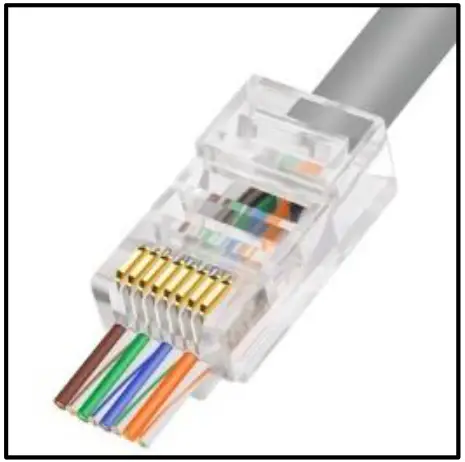
The cable necessary to make the connection is the RJ45. It is a special cable that is made up of 8 smaller cables each with a different color configuration.
A standard pin-to-pin cable with RJ45 connector must be used.
 Home Page - Turbo Energy