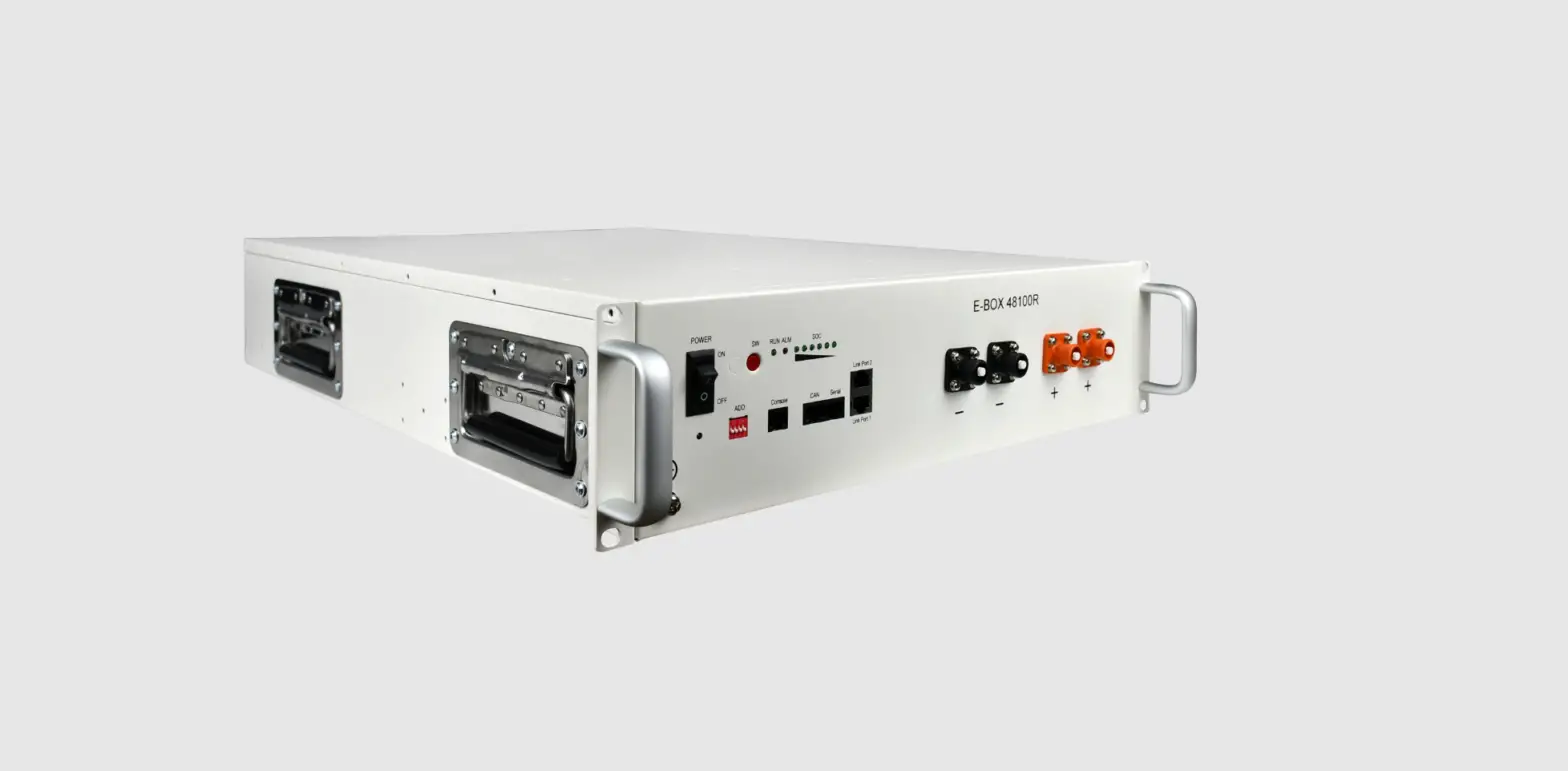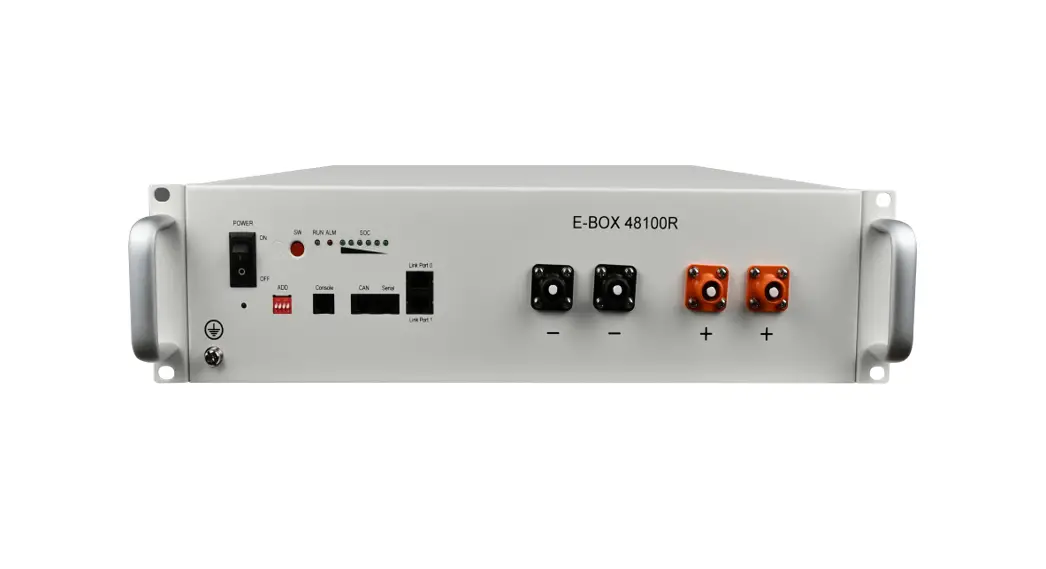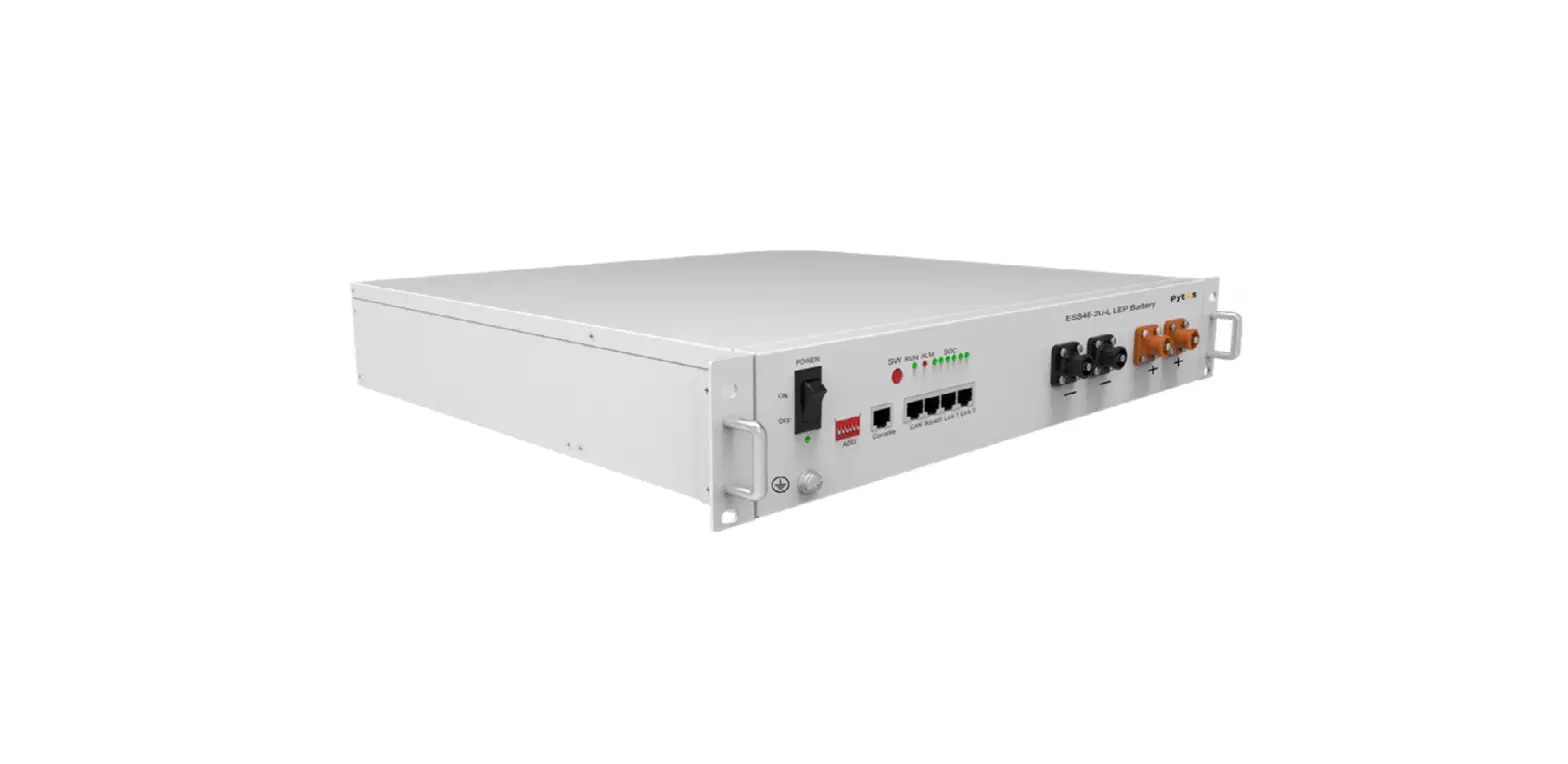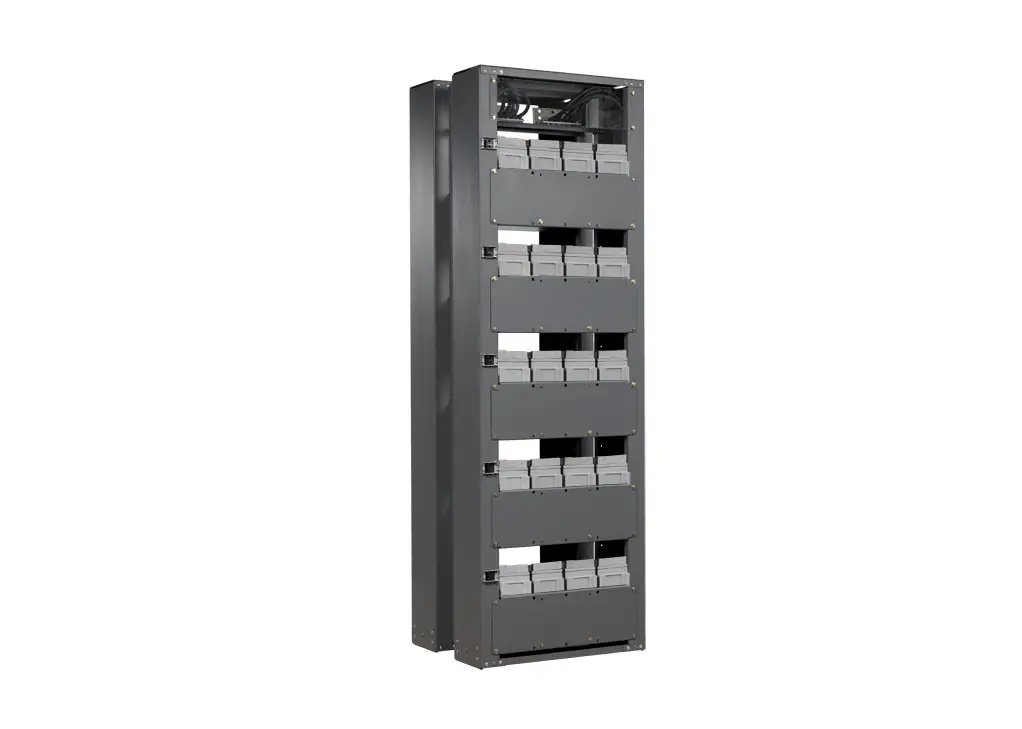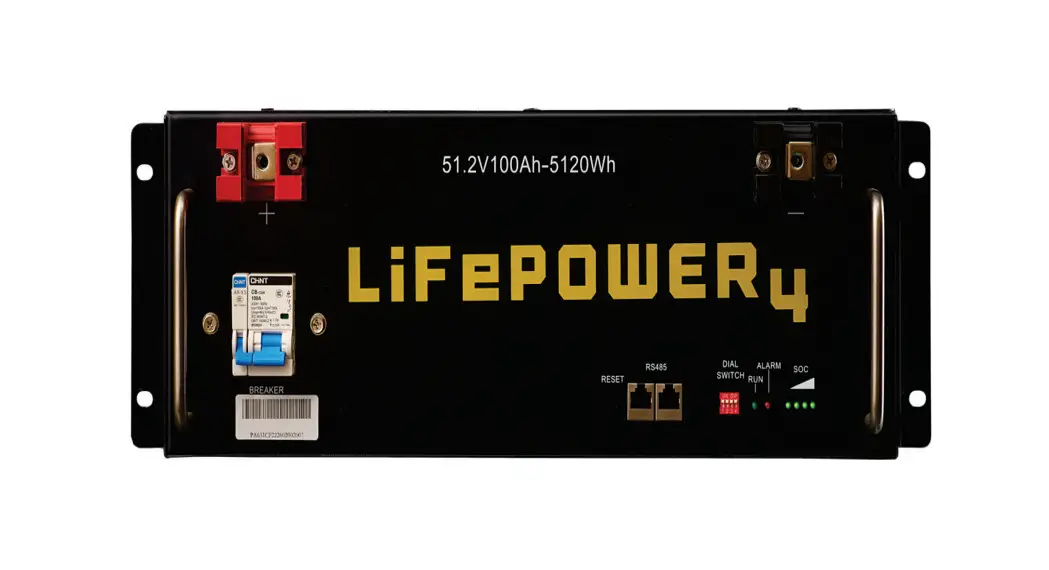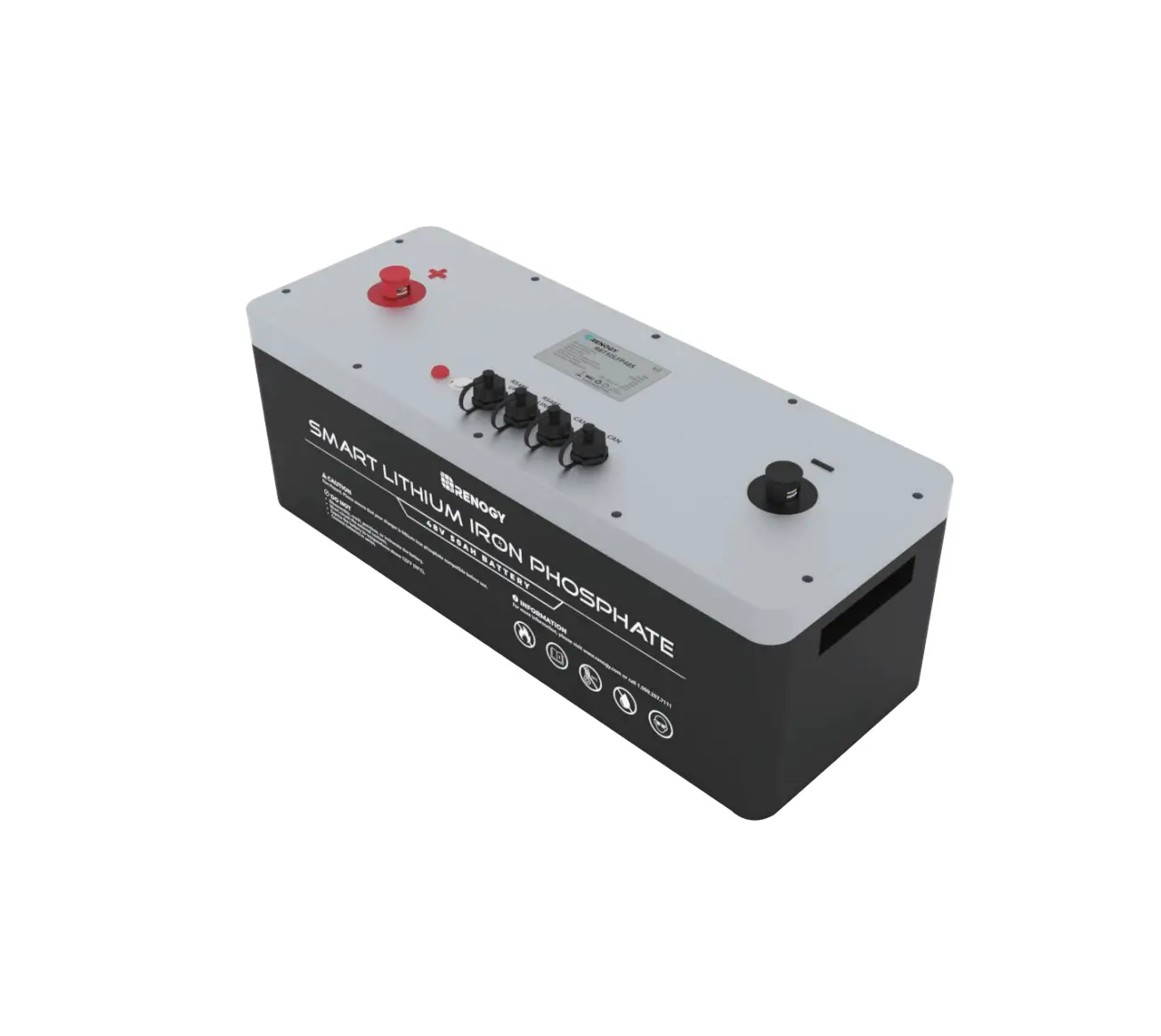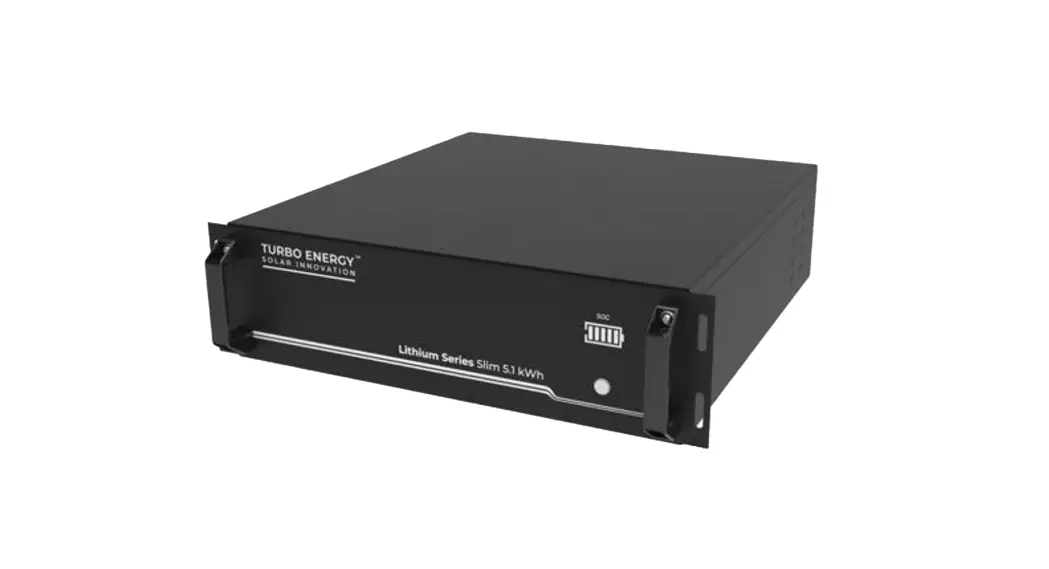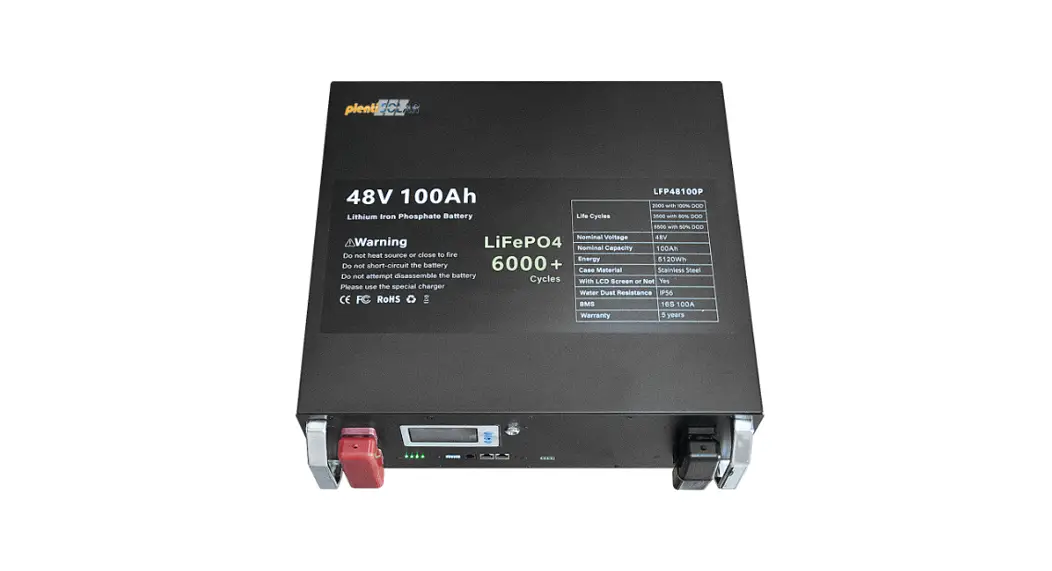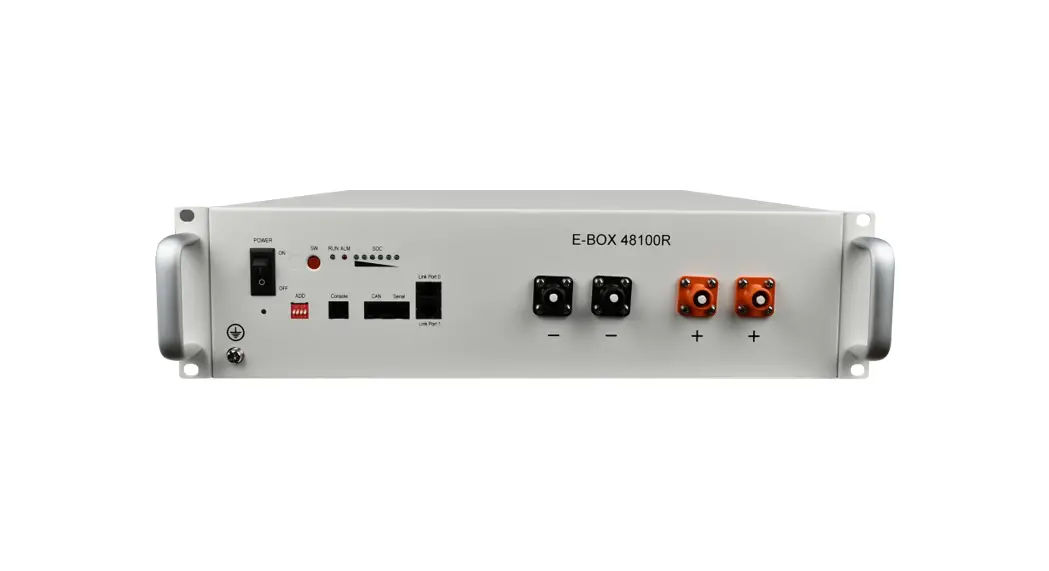
 E-BOX-48100R LiFePO4 48V 5.1kwh Rack Battery
Installation Guide
Distinction of battery
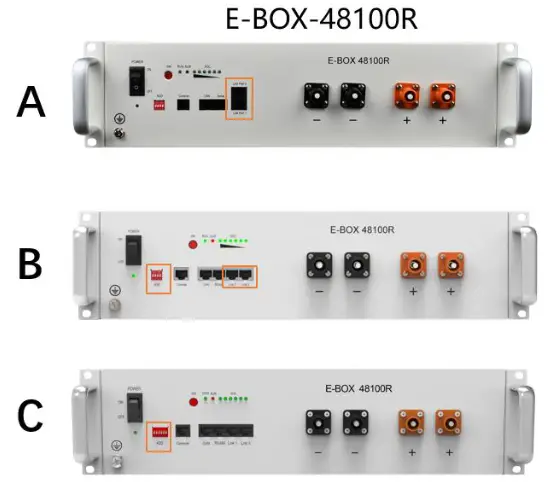
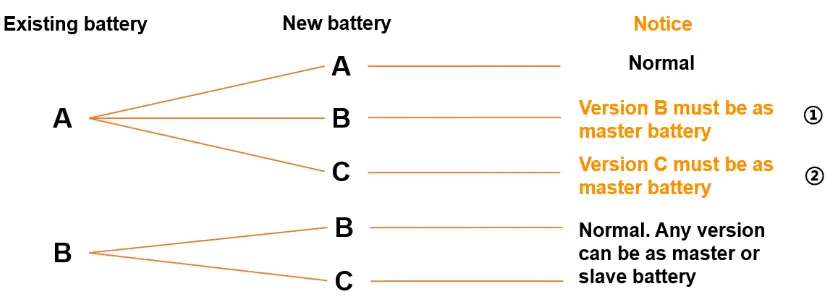
Select your situation
*Use the new battery as the master battery!
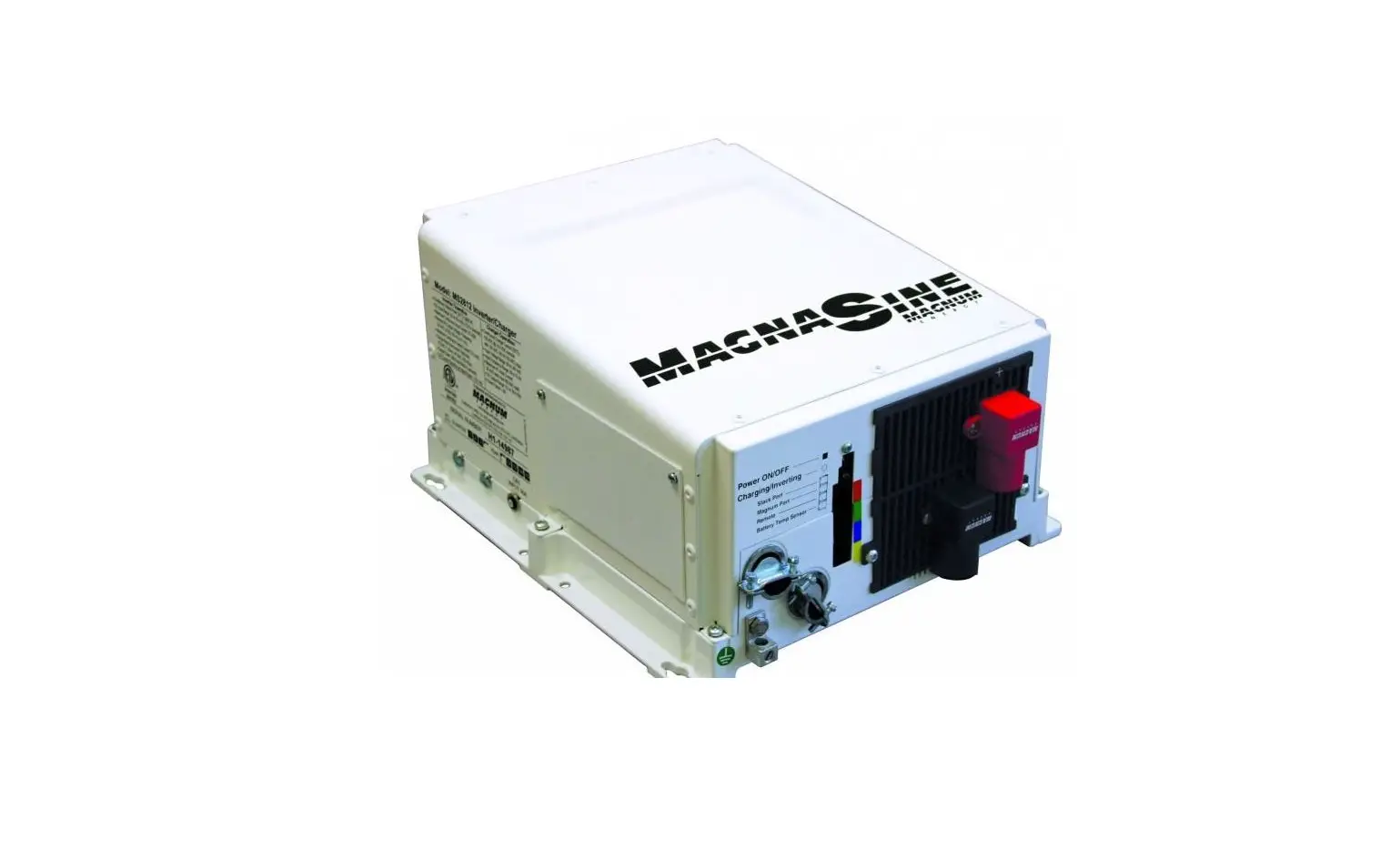
** Com. cable connecting from inverter to master battery need to be changed, if your situation like ①&② as below. Because the pin number of battery side change to new one, you can search it from the related appendix file.
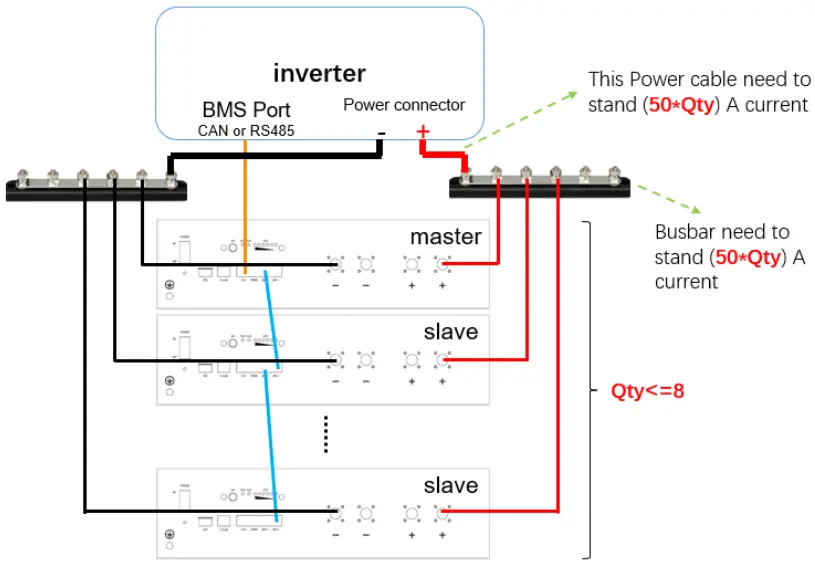
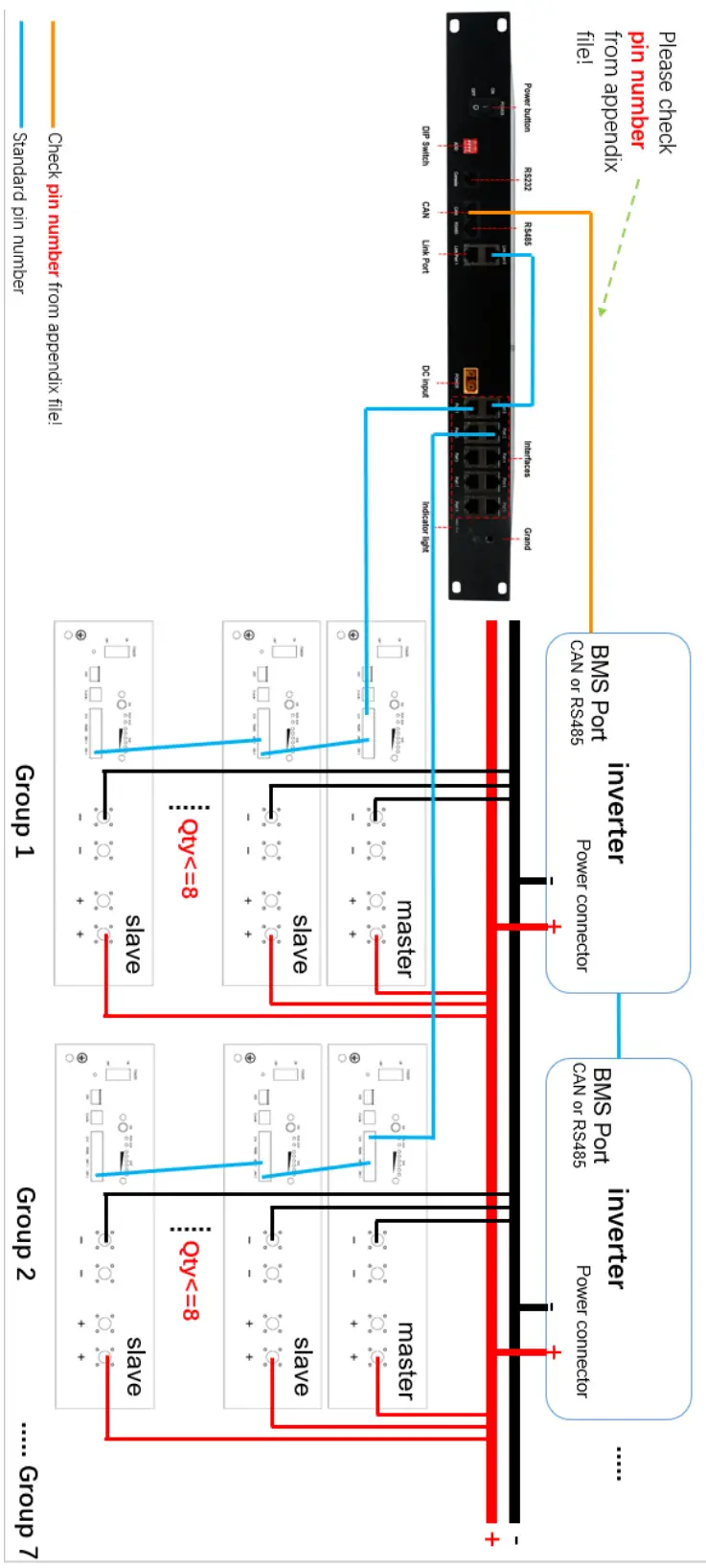
Change the way of power cable connection
*Notice the quantity of batteries in the whole system!
**Shut down the power of whole system before adding new batteries!
- When the quantity of battery in system is larger than 2, a set of bus bar is necessary! And power cable (connecting inverter) need to match with max current of this inverter.

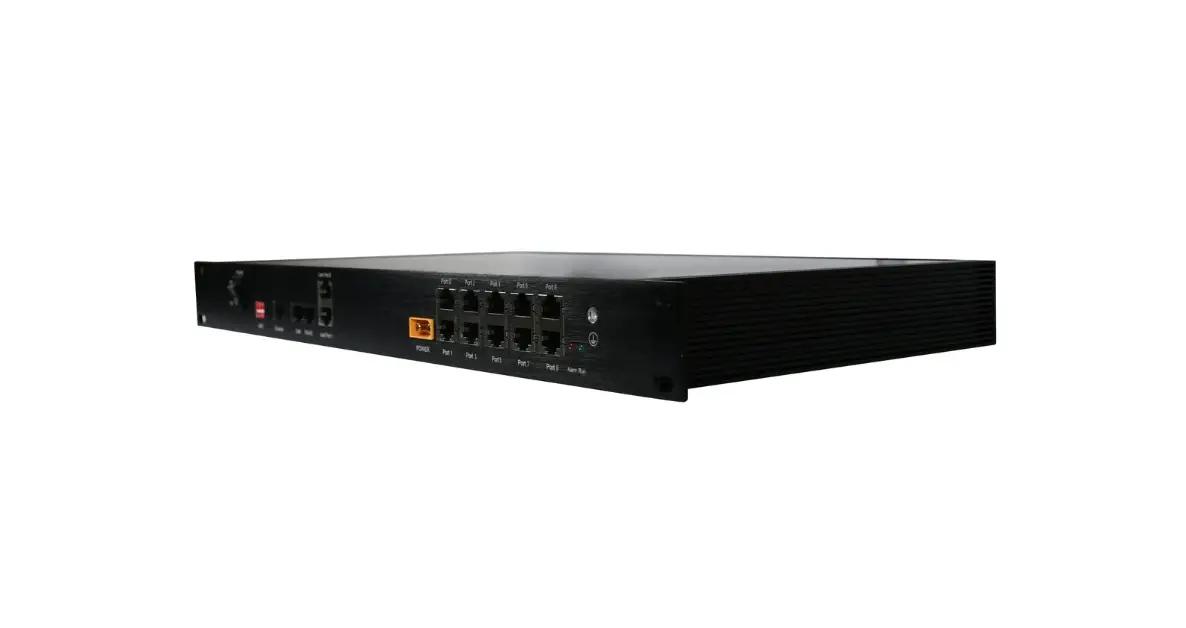
- When the quantity of battery in system is larger than 8, a hub is also necessary, besides the additional accessories in 1) situation.

- If you still don’t know how to add new batteries to your existing system, please fill in this form. We will give you a case design based on your system information. And send it to email: [email protected]
| Customer information | ||
| Given Name: | Family Name: | E-mail: |
| Country: | City: | |
| Name/email of company you bought batteries from: | ||
| Information of original system | ||
| Battery | Model/version: E-BOX-48100R B-version | Qty: |
| Inverter | Model: | Qty: |
| Information of adding devices | ||
| New battery | Model/version: E-BOX-48100R B-version | Qty: |
| New inverter | Model: | Qty: |
V1.0