 QUICK INSTALLATION GUIDE
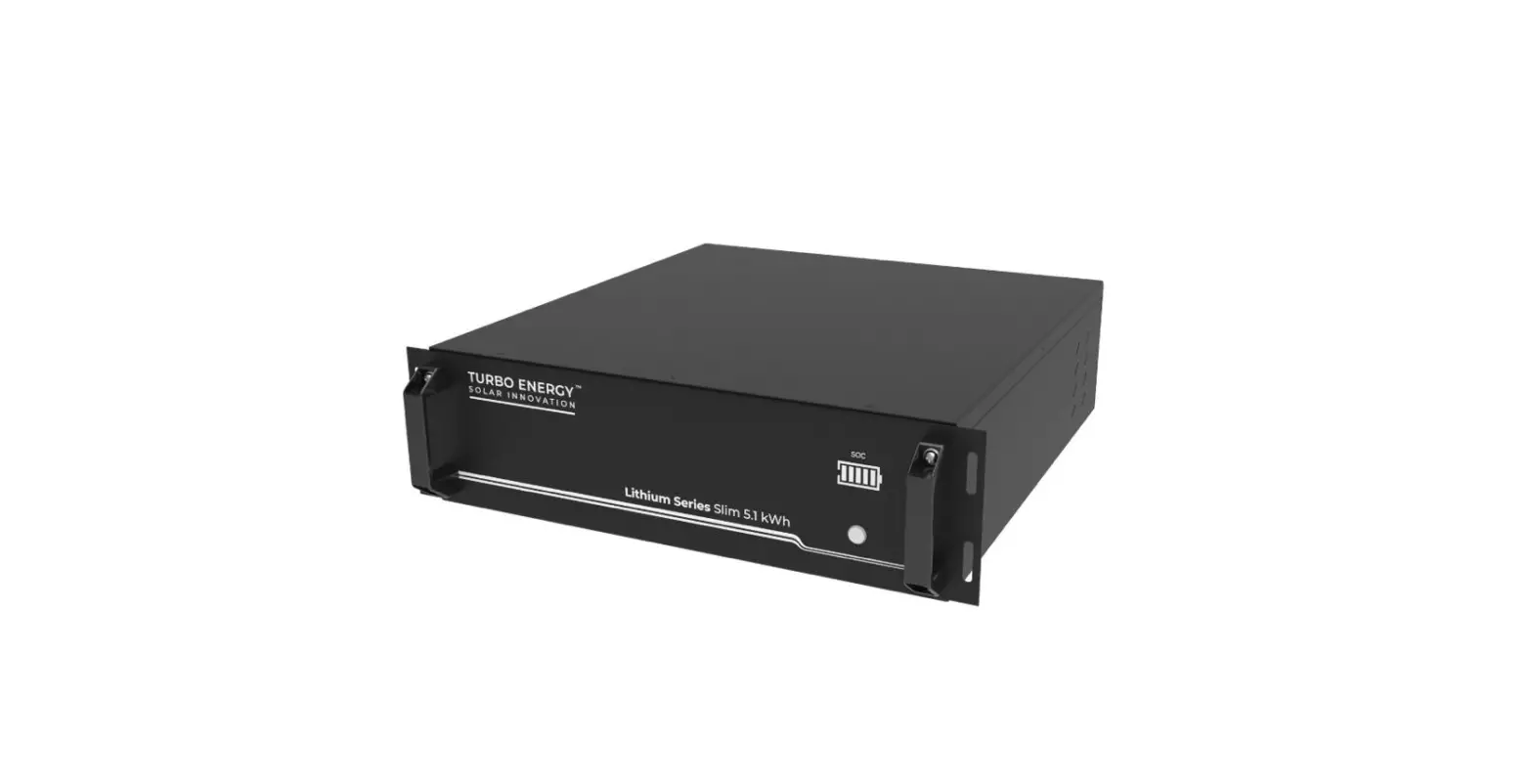
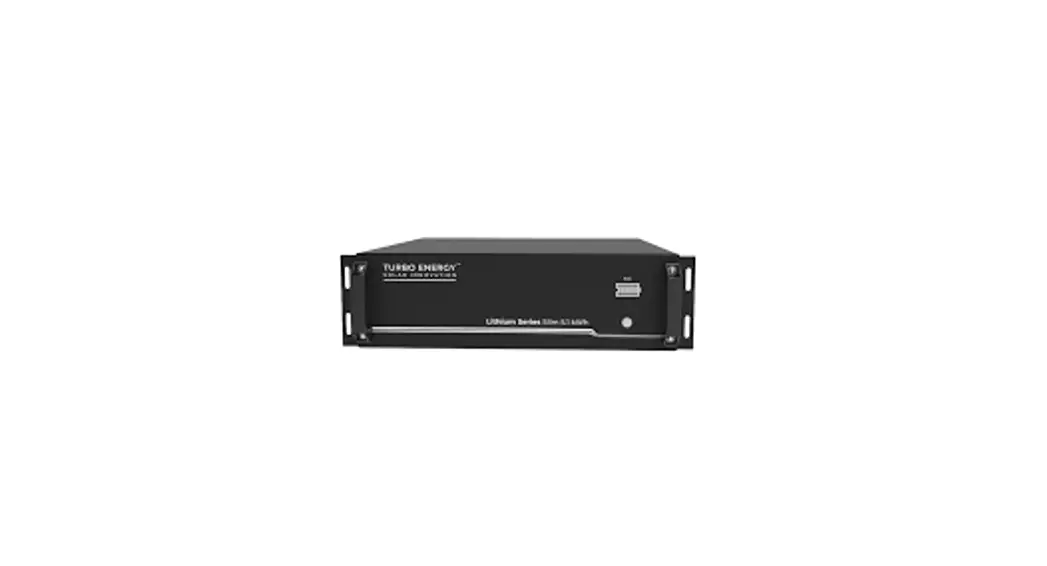
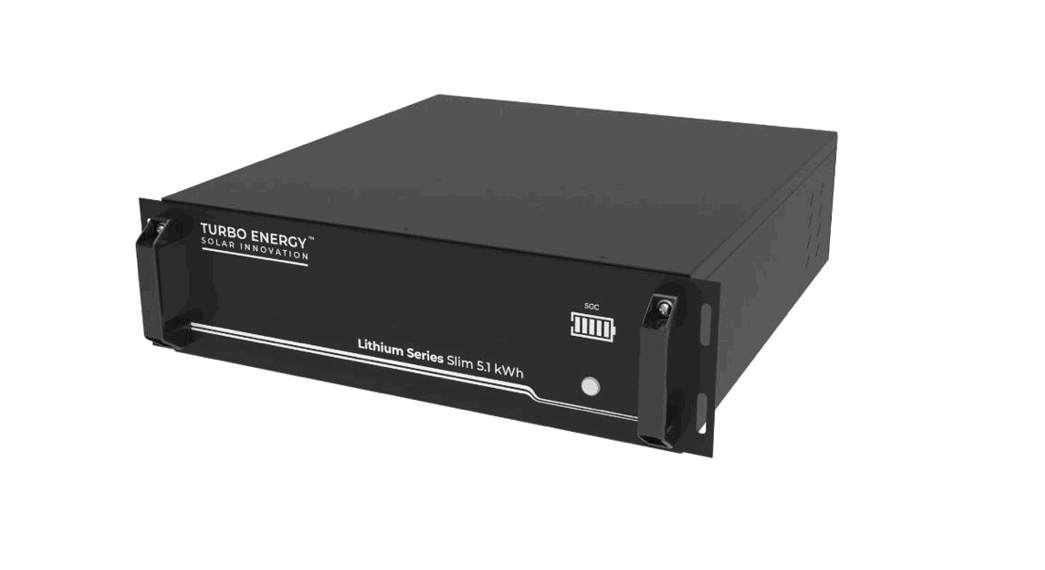
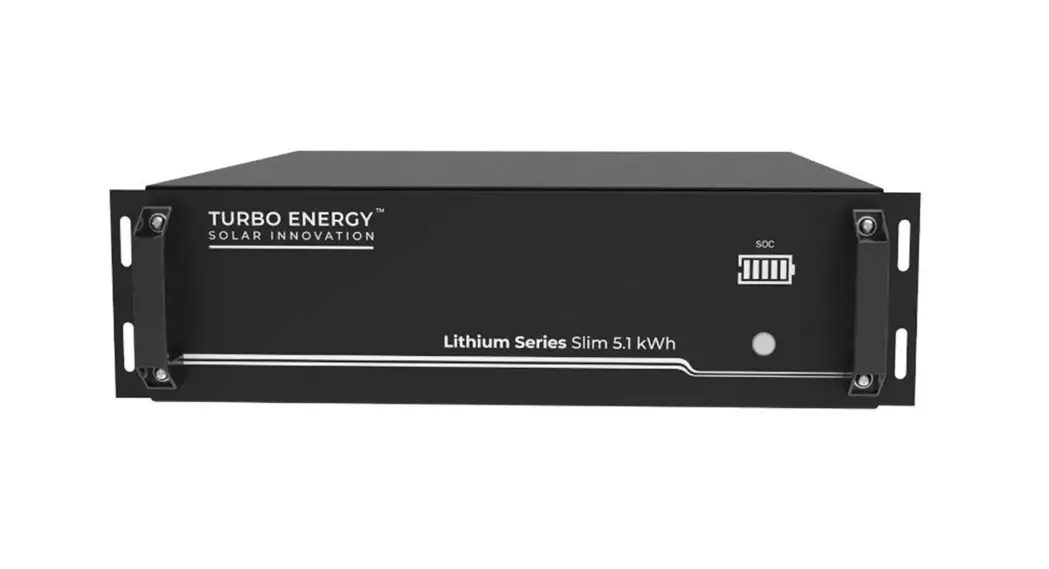
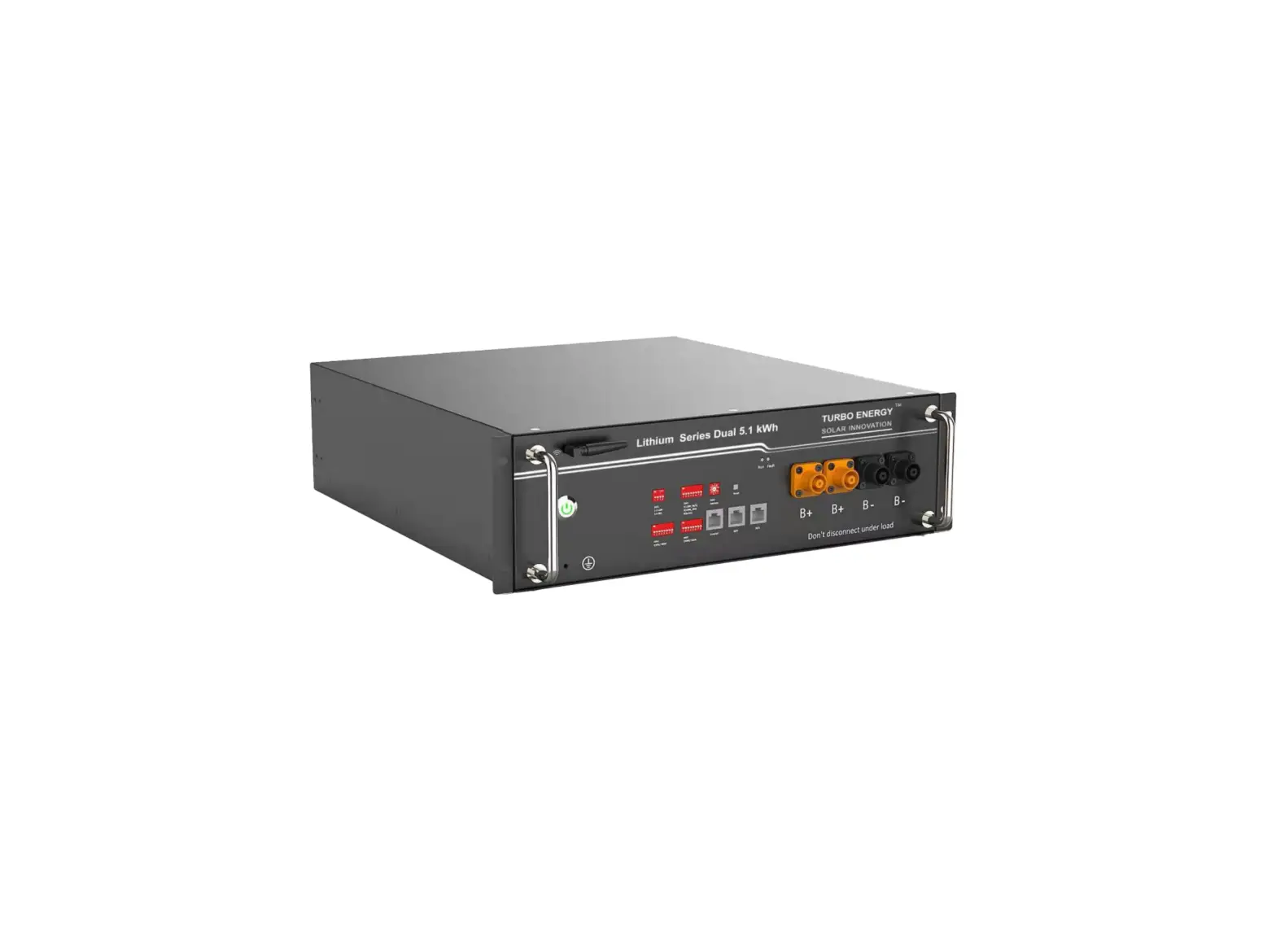
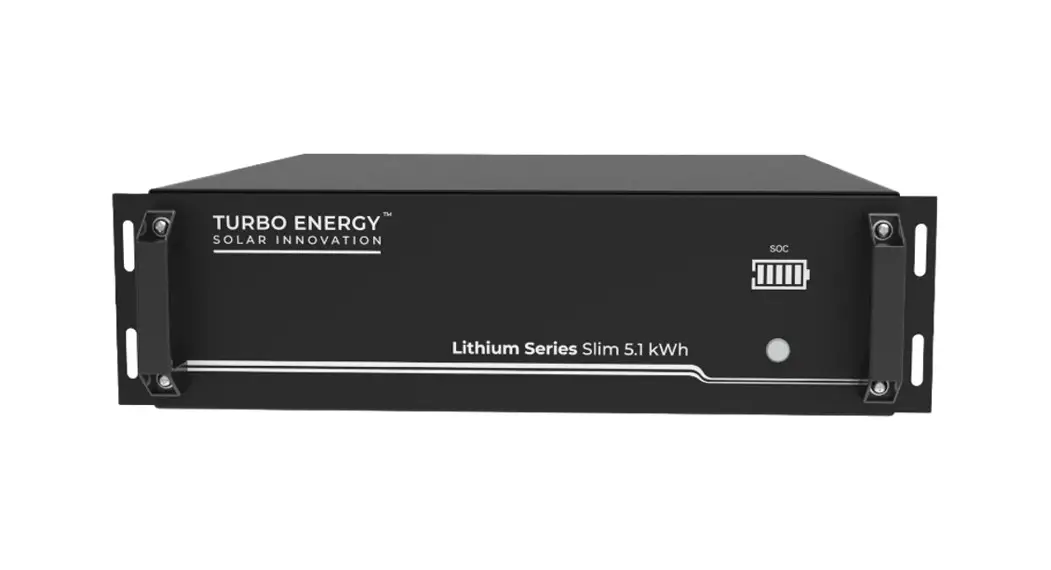
Lithium Series 48V 5.1kWh Slim
+
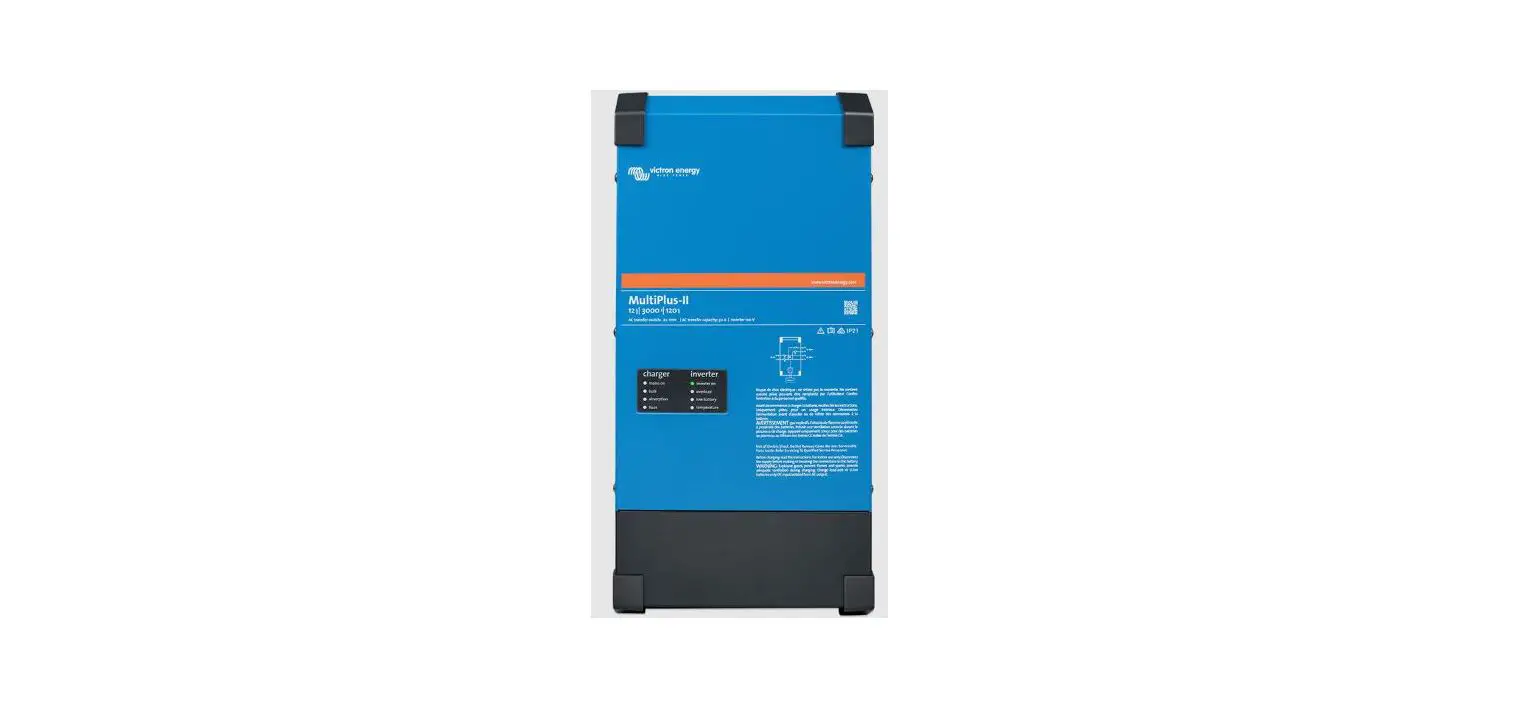
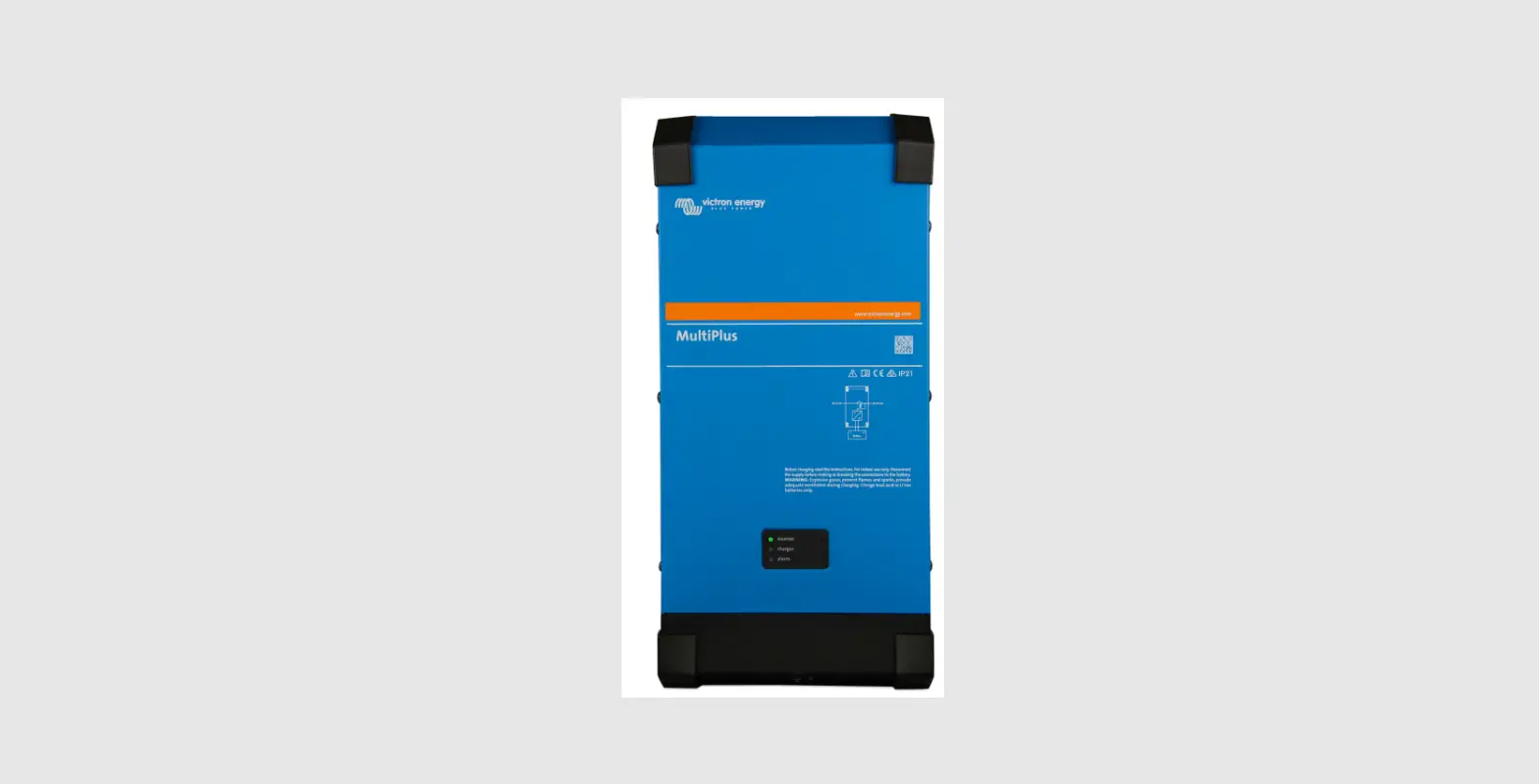
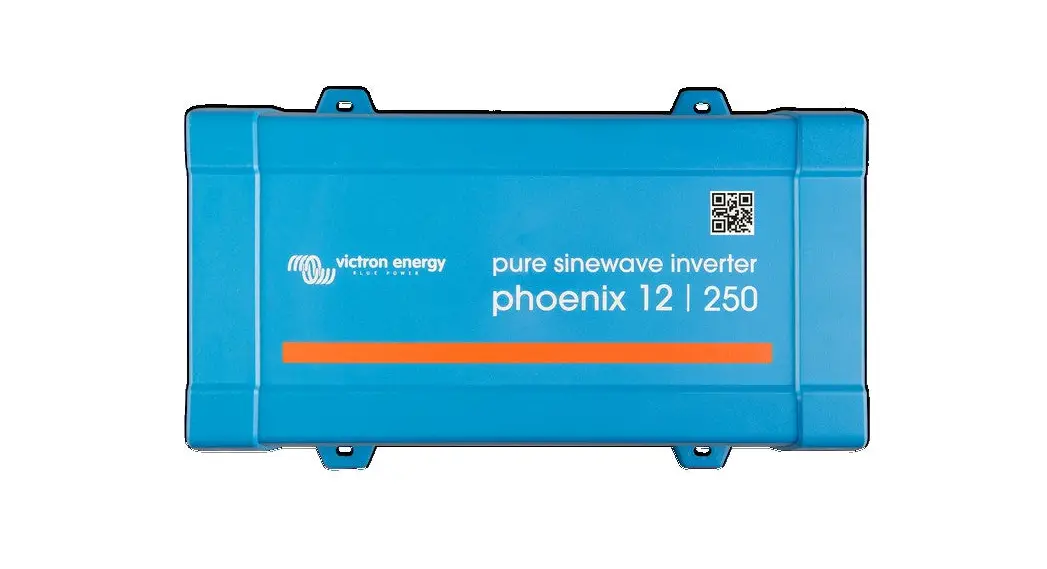
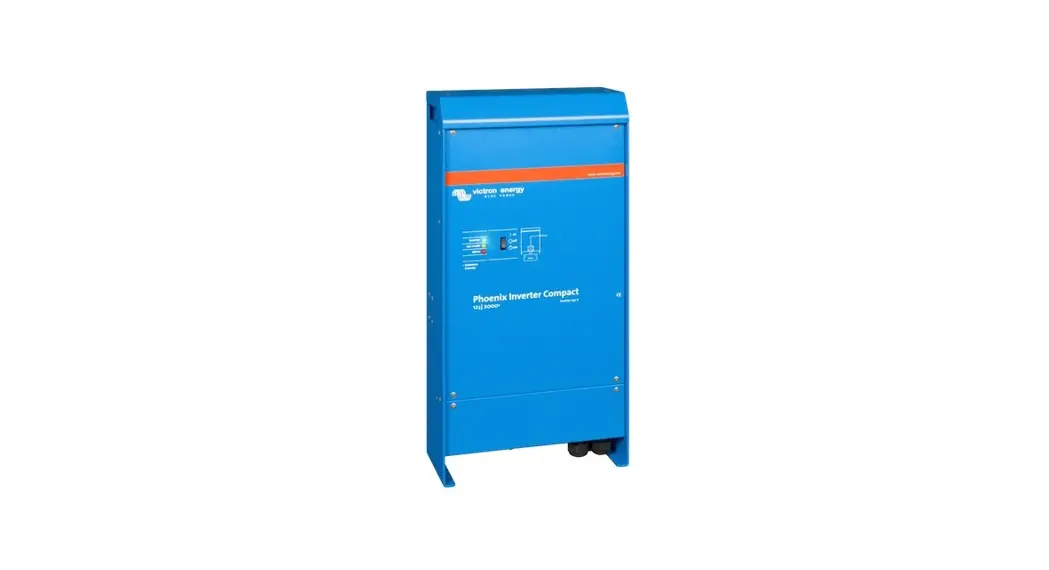
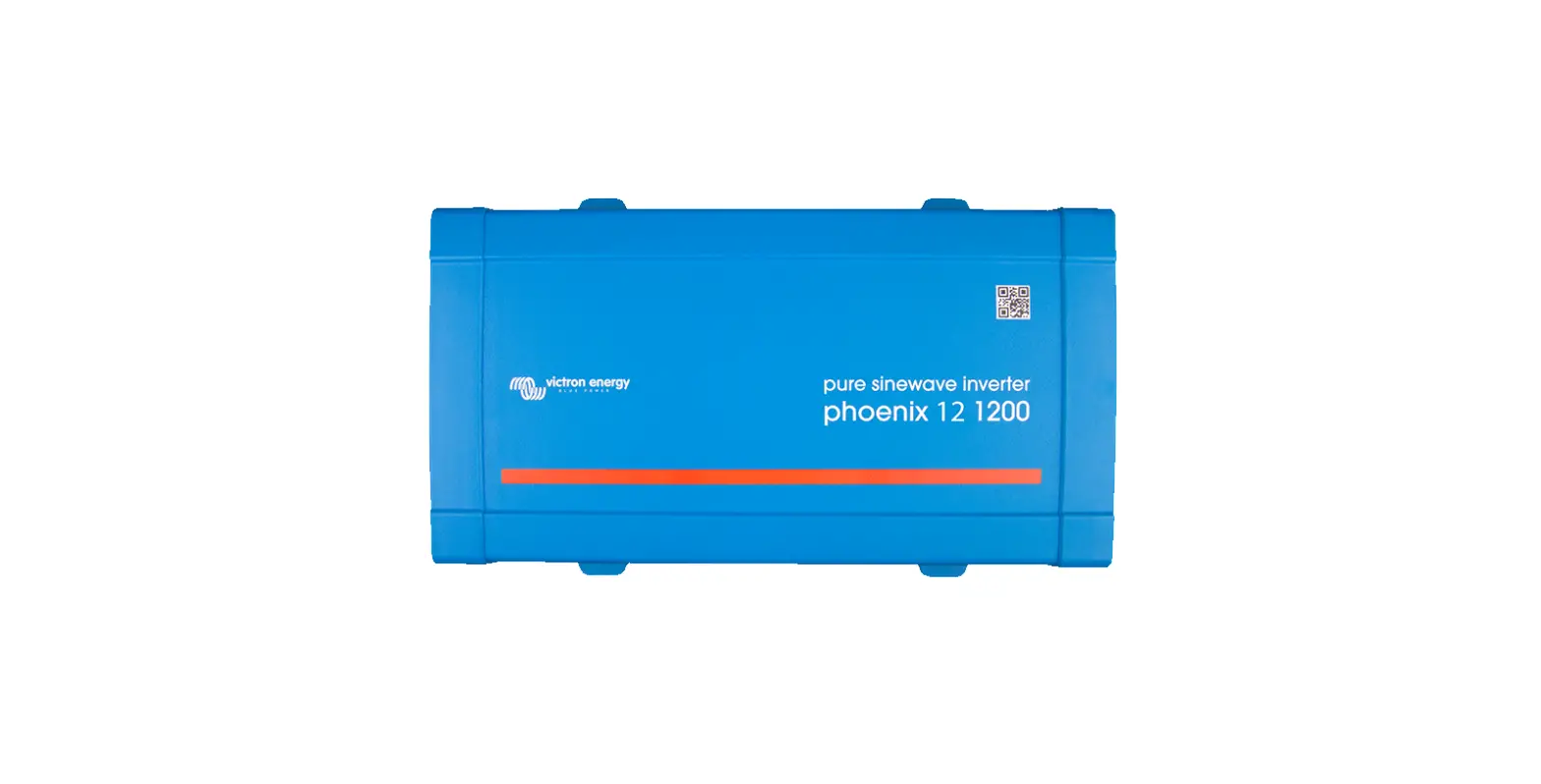
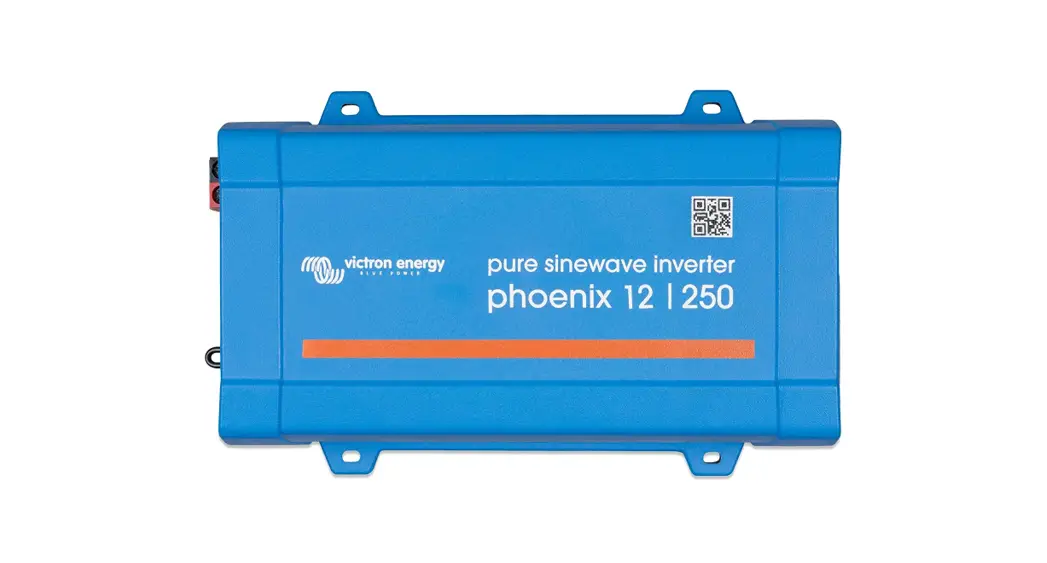
VICTRON INVERTER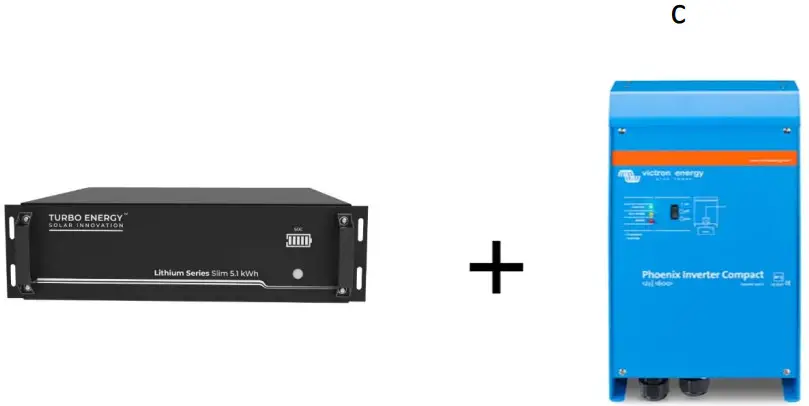
INVERTER VICTRON configuration
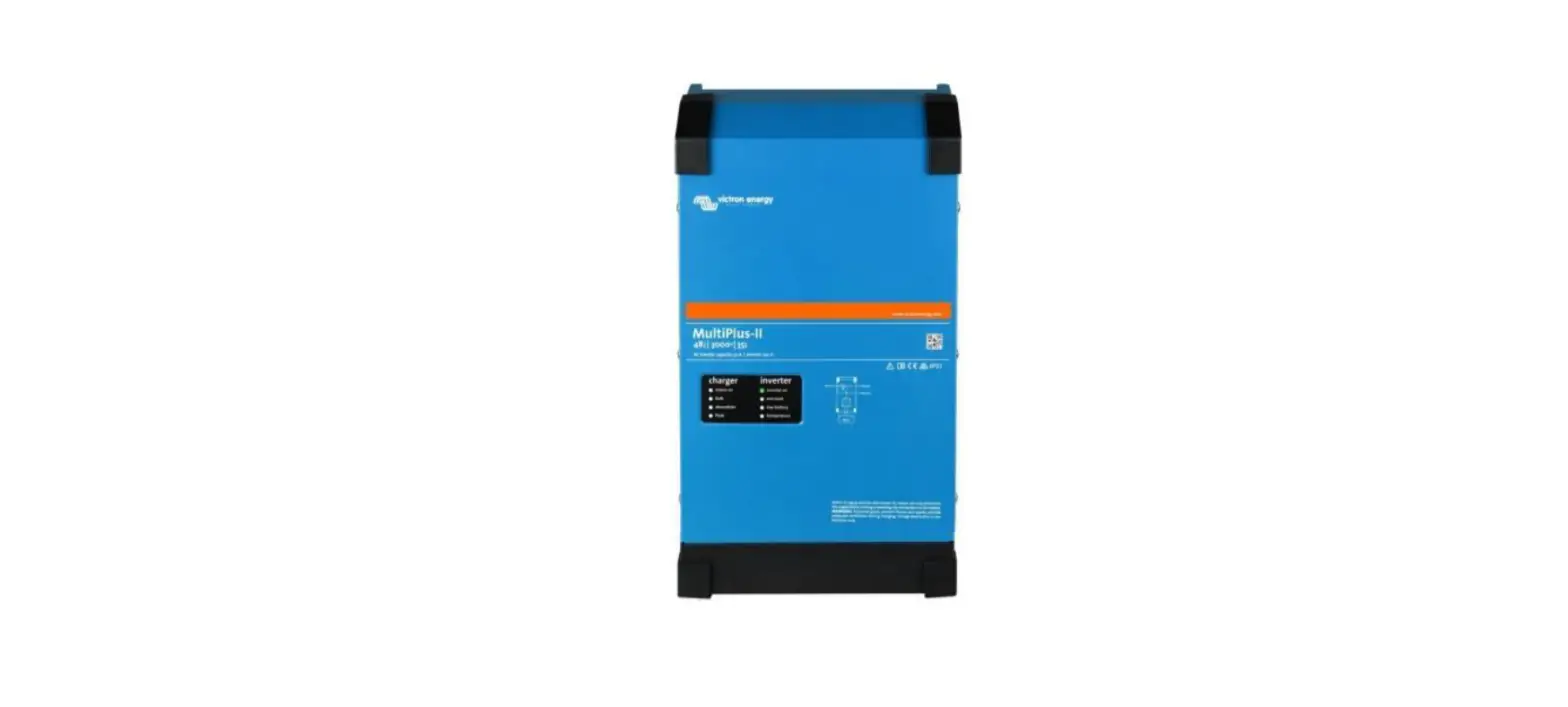
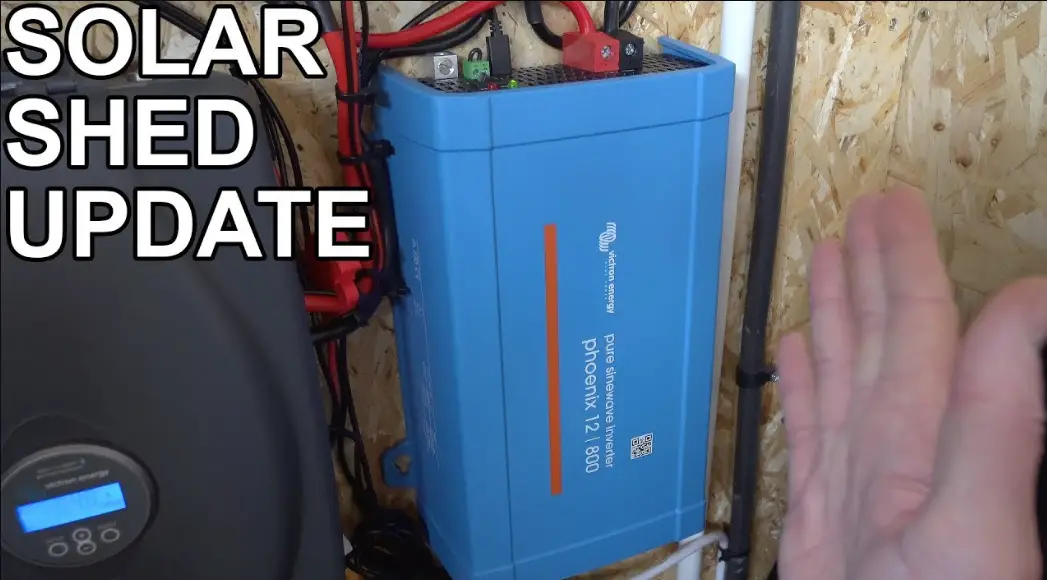
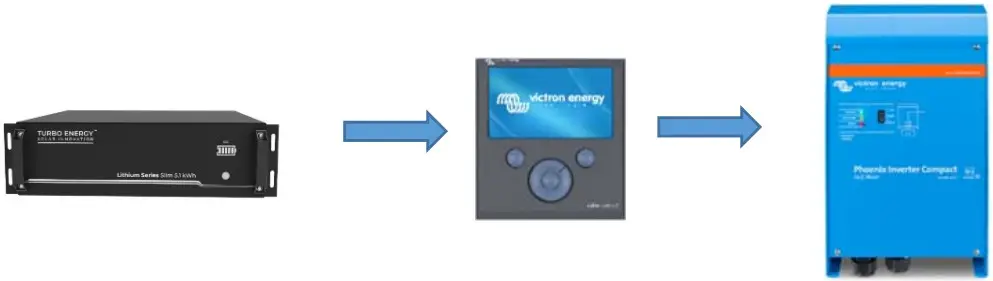
The configuration between the inverter and the battery is quite simple. In fact, to facilitate the control and operation of the installation, a GX device is used: COLOR CONTROL GX, VENUS GX, CERBO GX. The connection of the communication is made between the master battery and the Color Control, and from the Color Control to the inverter.
 We can use the REGULADOR MPPT BlueSolar / SmartSolar (VE. Direct)
 Underneath, a complete scheme of connection of all devices is shown.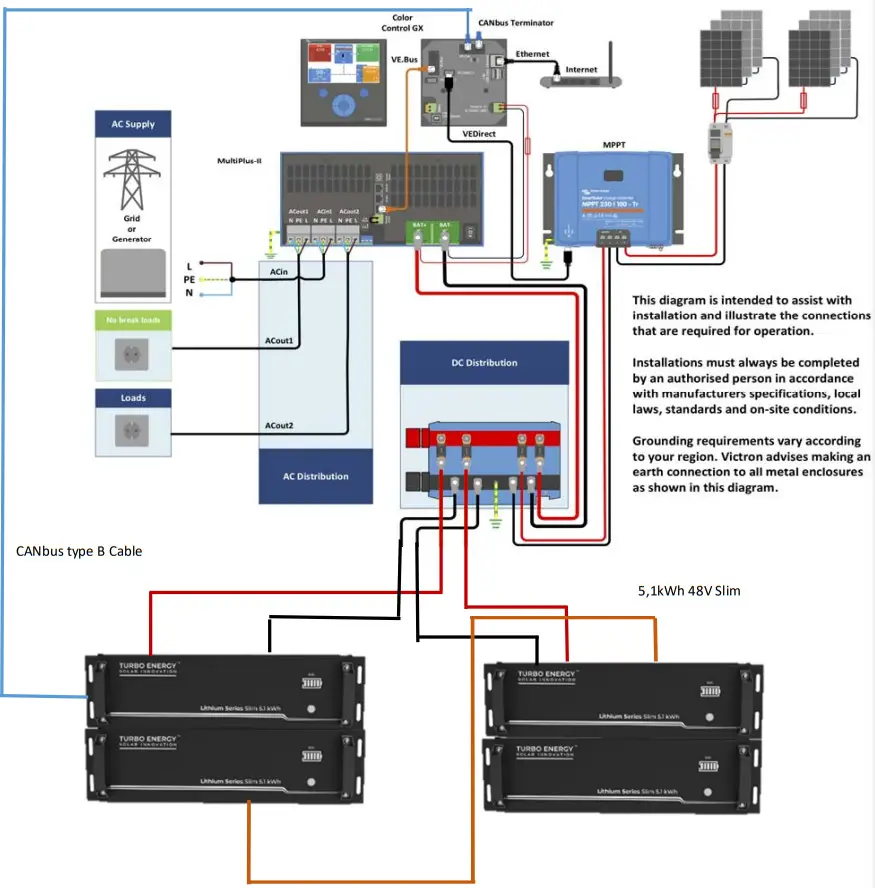
Configuration Lithium Series 48V 5.1 kWh Slim
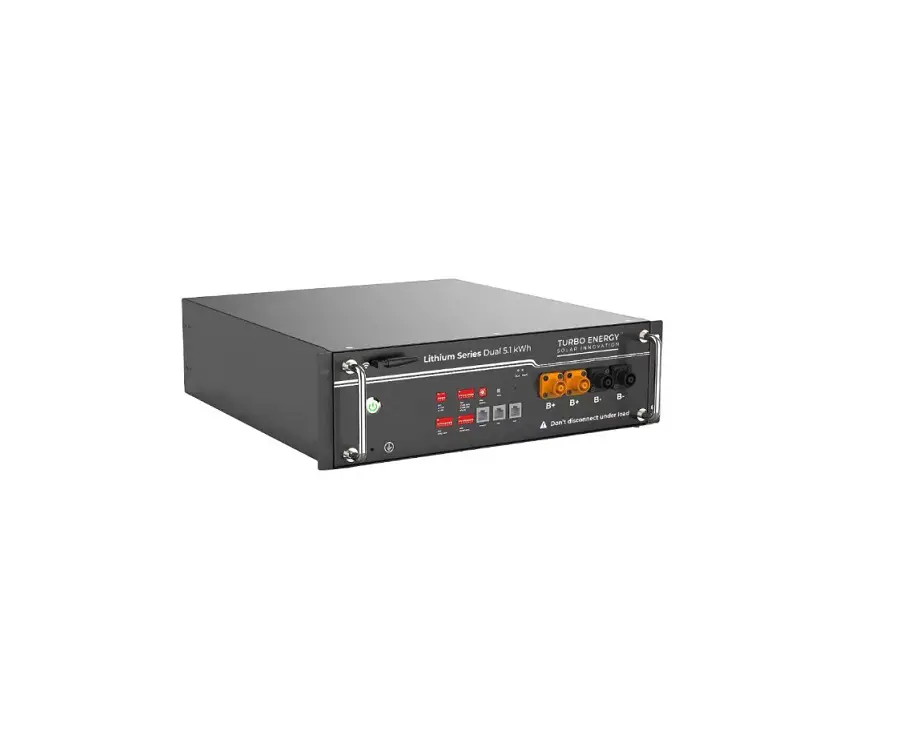
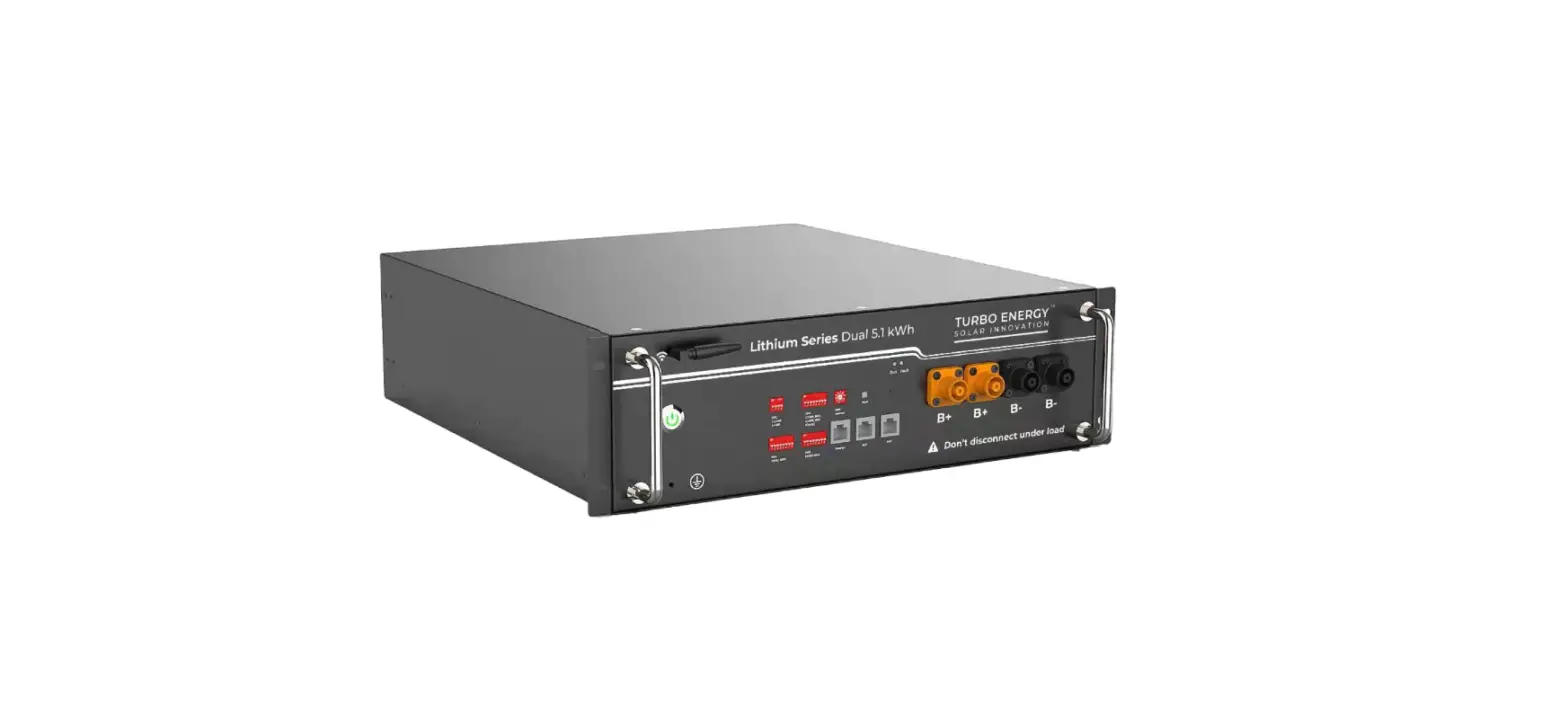
Each module has 4 DIP (Dual Inline Package) switches that will be configured differently depending on the number of batteries to be connected 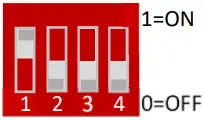 They are configured according to the binary code, starting with the master.
| Address | Dial switch position | Explain | |||
| #1 | #2 | #3 | #4 | ||
| 1 | ON | OFF | OFF | OFF | Pack1/Master |
| 2 | OFF | ON | OFF | OFF | Pack2 |
| 3 | ON | ON | OFF | OFF | Pack3 |
| 4 | OFF | OFF | ON | OFF | Pack4 |
| 5 | ON | OFF | ON | OFF | Packs |
| 6 | OFF | ON | ON | OFF | Pack6 |
| 7 | ON | ON | ON | OFF | Pack7 |
| 8 | OFF | OFF | OFF | ON | Pack8 |
| 9 | ON | OFF | OFF | ON | Pack9 |
| 10 | OFF | ON | OFF | ON | Pack10 |
| 11 | ON | ON | OFF | ON | Pack11 |
| 12 | OFF | OFF | ON | ON | Pack12 |
| 13 | ON | OFF | ON | ON | Pack13 |
| 14 | OFF | ON | ON | ON | Pack14 |
| 15 | ON | ON | ON | ON | Pack15 |
Wired configuration
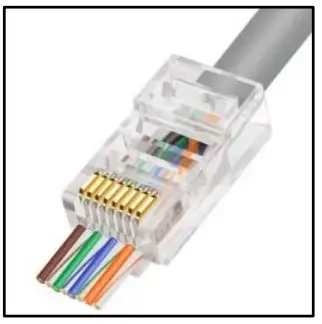 The cable needed to make the connection is the RJ45. It is a special cable that is composed of 8 smaller cables each with a different color configuration. The battery includes inside the connection cable with the inverter. The cable is included inside the battery box.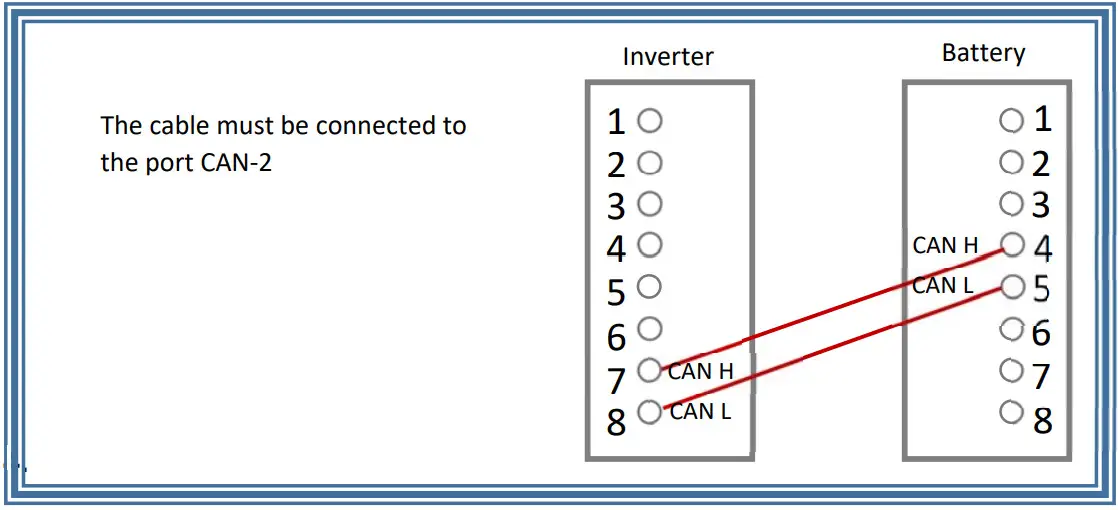
Procedure
We need to check the firmware of the equipment that we are going to use.
- The minimum device version GX is v2.42
- The minimum version of the inverters MULTIPLUS / MULTIGRID / QUATTRO is 422.
- The minimum version of the VE. Direct MPPT is 1.29
We connect the CAN wire of communication from the port CAN IN to COLOR CONTROL GX to its input VE CAN, besides adding the TERMINADOR RJ4 in the other VE CAN port.
GX Device Setting
- GENERAL → Services → CAN-BUS Profile → CAN-BUS BMS (500Kbit/s)

- SYSTEM SETTING → TURBO ENERGY battery on CAN-BUS

- CONFIGURACIÓN DEL SISTEMA → Service →DVCC ON

- CONNECTION VERIFICATION → We can check that connection between Battery and Venus has been successful when the option Turboe appears in the general menu.

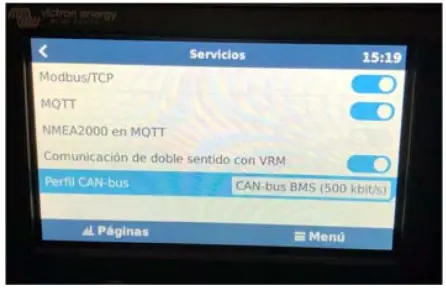
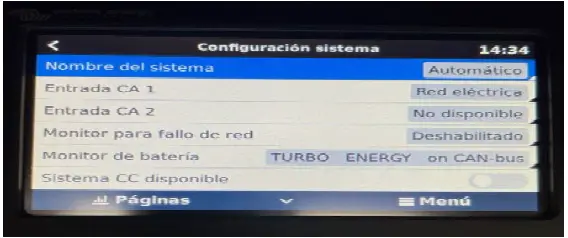
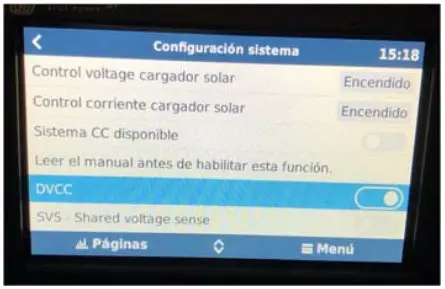
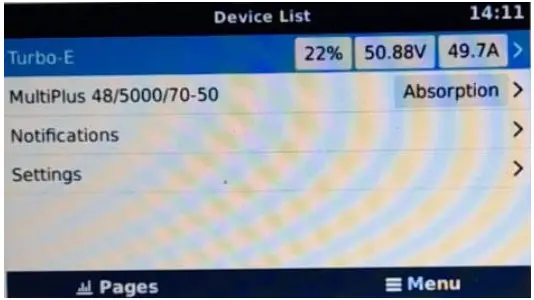
VE CONFIGURE 3 Settings
Select the capacity in function of the number of batteries. 50Ah * Nº of batteries 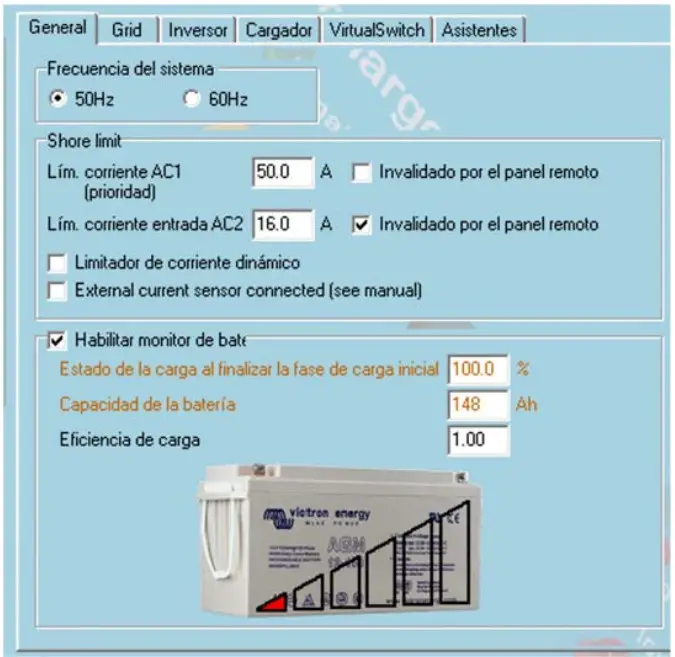 Select the Charge current in function of the number of batteries. 25ª * Nº of modules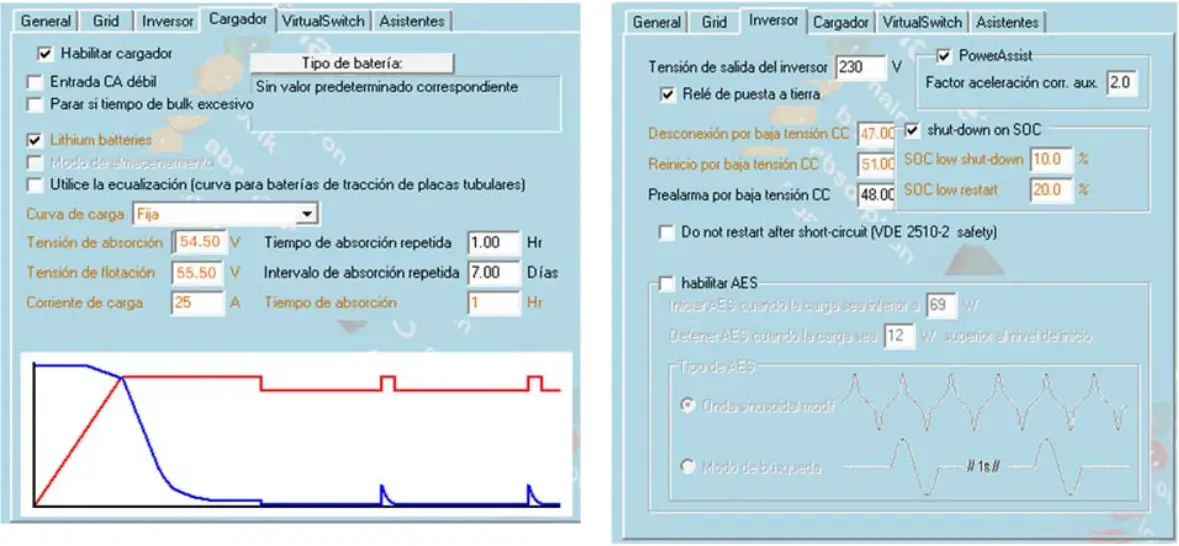
 Home Page - Turbo Energy