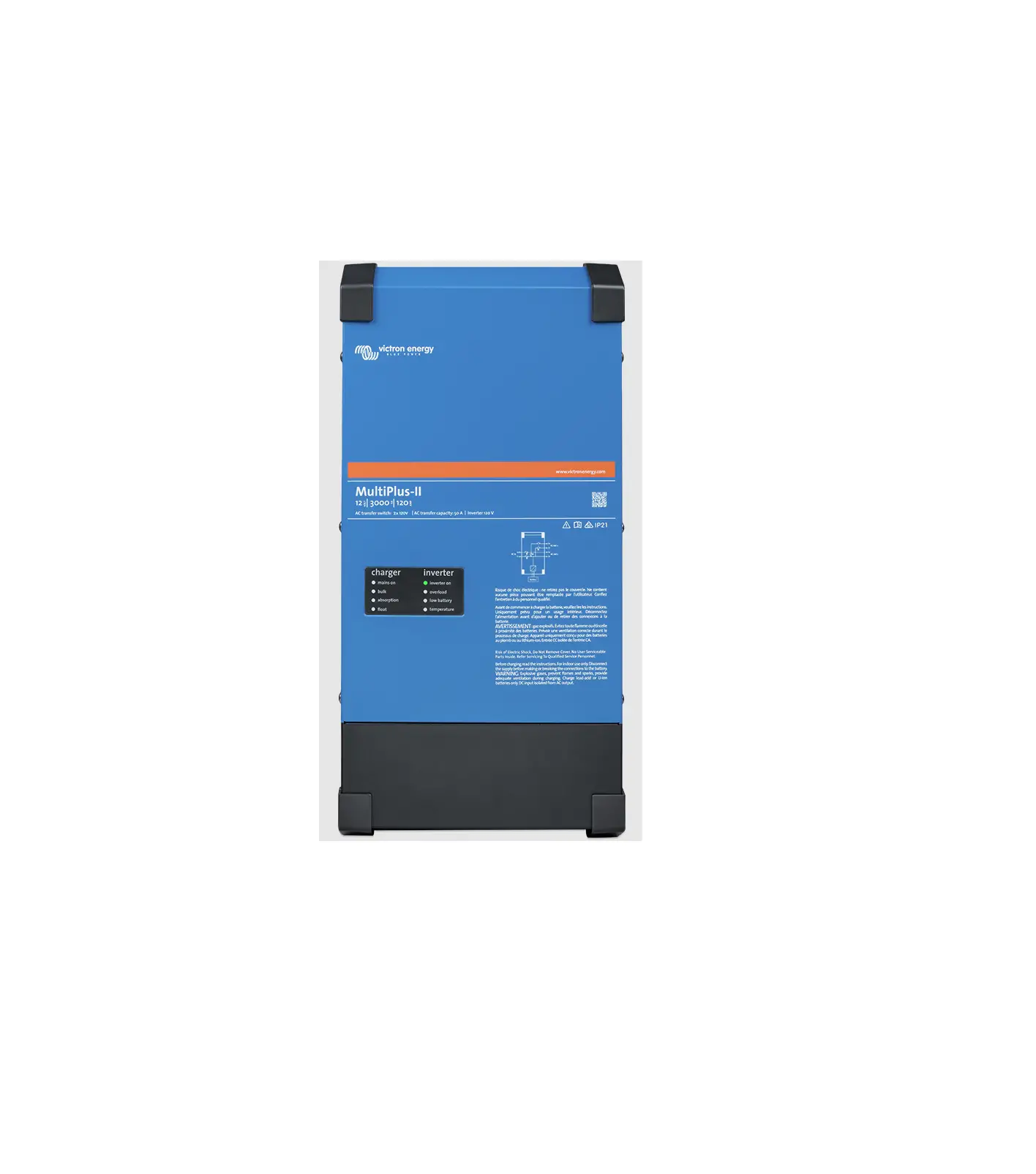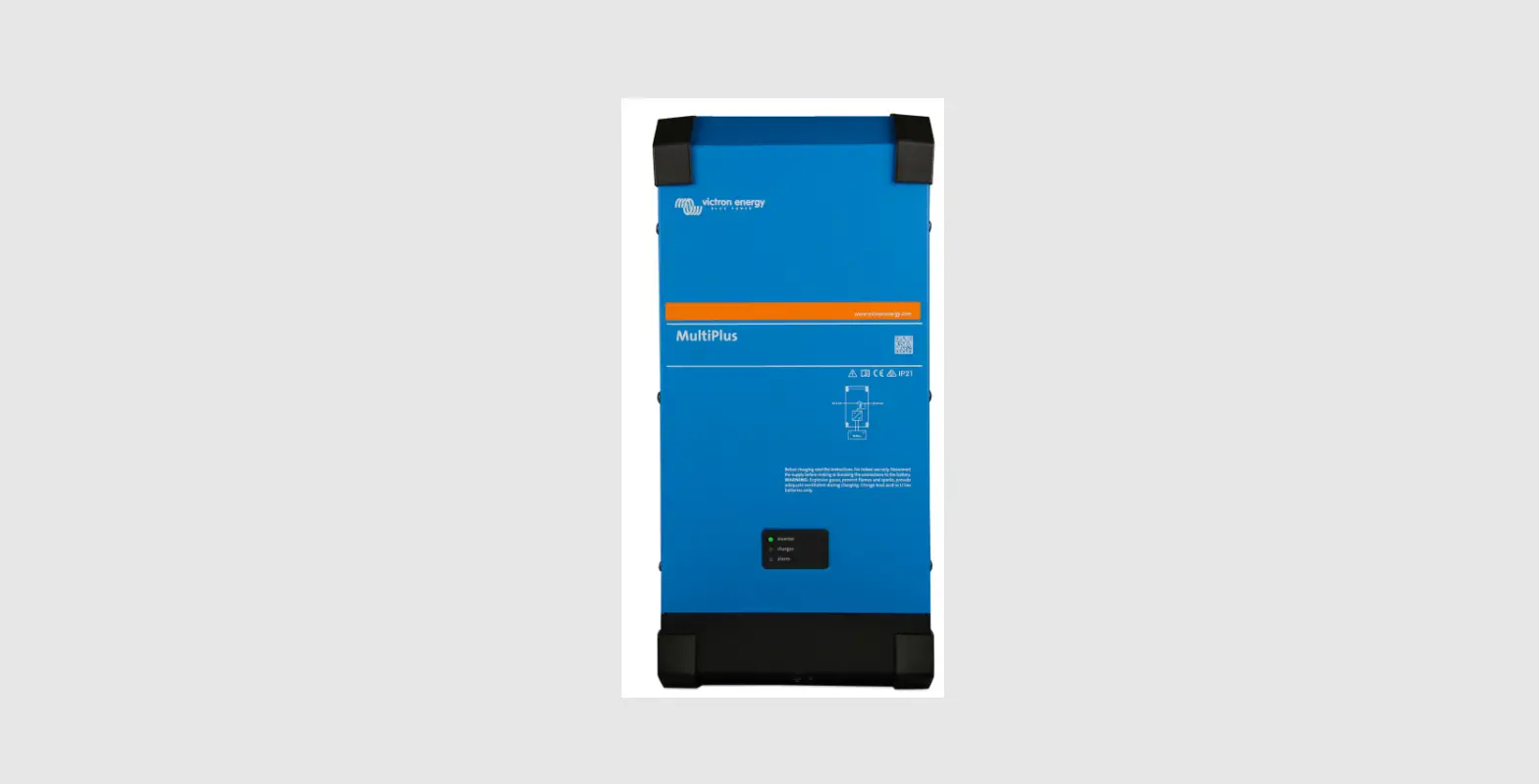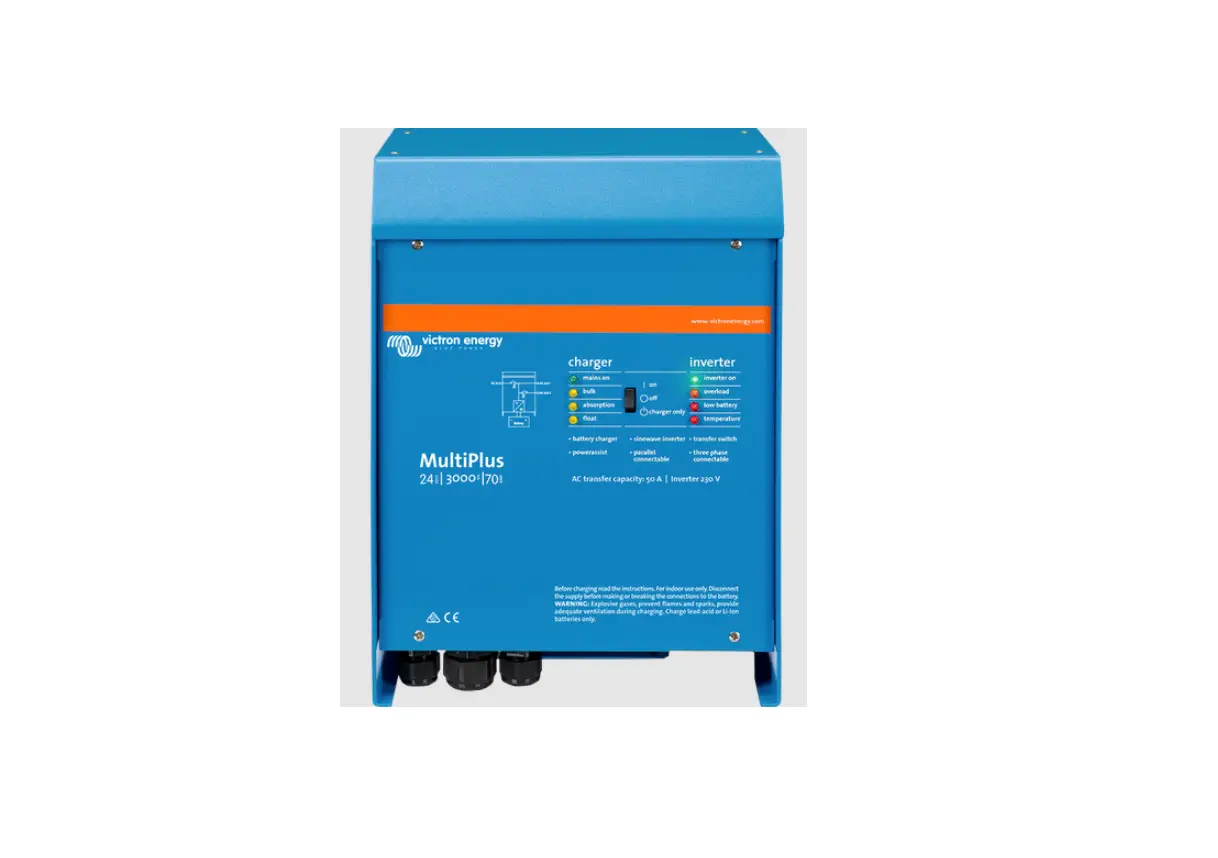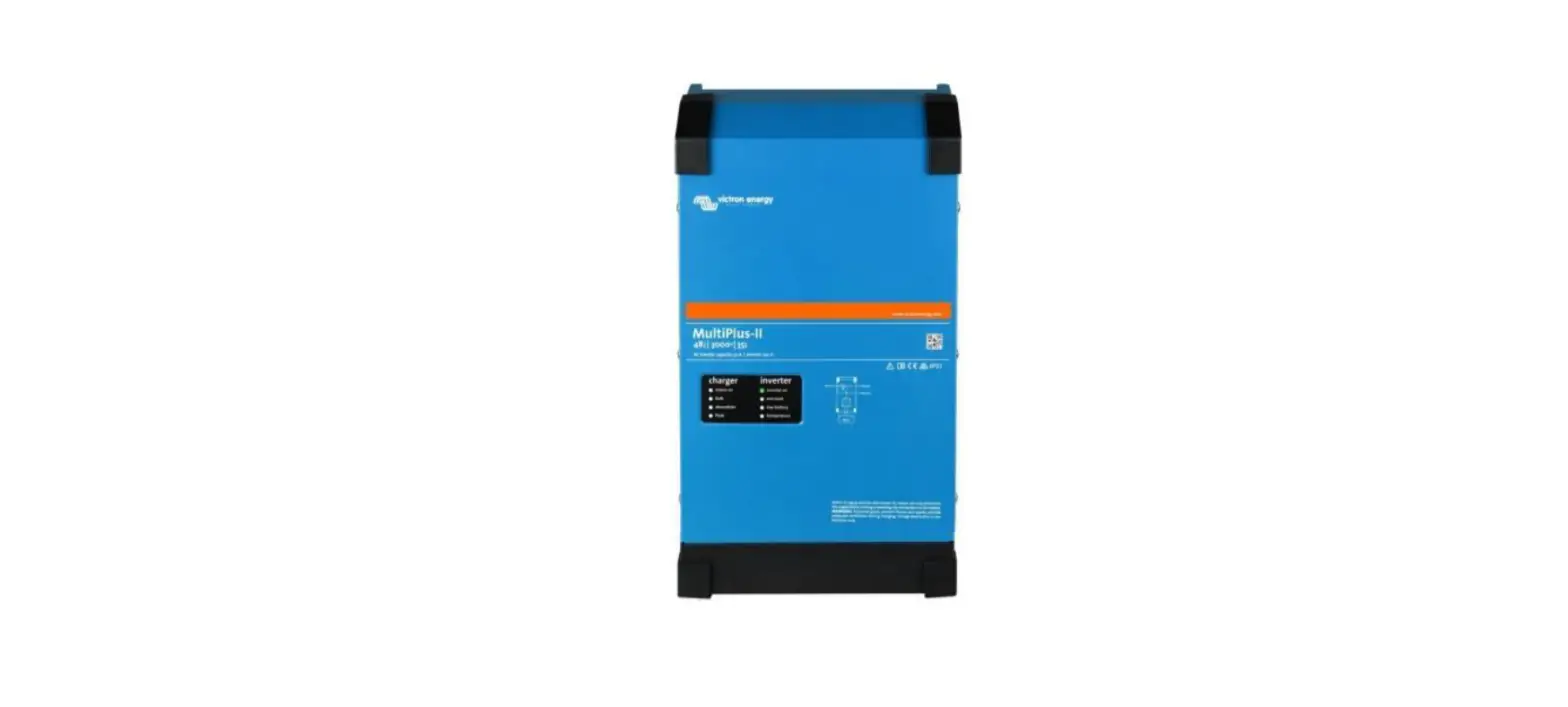

victron energy E-BOX-48100R Victron Inverter-Charger
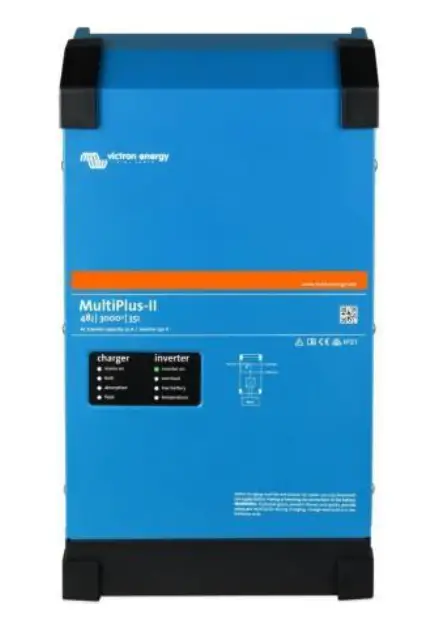
Connect the communication cable
A custom ethernet cable is needed for the communication between Pytes E-BOX battery and Color Control GX.
| Pin | 1 | 2 | 3 | 4 | 5 | 6 | 7 | 8 |
| Function | CAN-H | CAN-L |
Figure 2.1.3.1 Pin assignment of Victron MultiPlus-II (or Quattro-II) series inverter.
Definition CAN Port Pin for BMS is as follow. Click here to tell the version of 48100R you have.
| Version of 48100R | Pin number of com. cable |
|
A version | 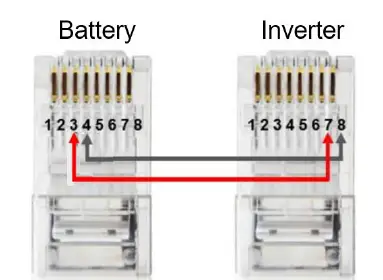 |
|
B and C version | 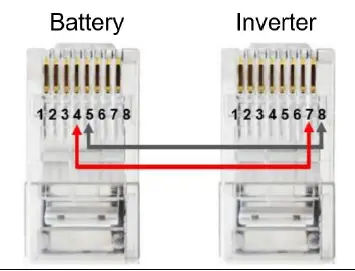 |
| Version of 48100R | ADD setting |
| A and B version |  |
| C version | 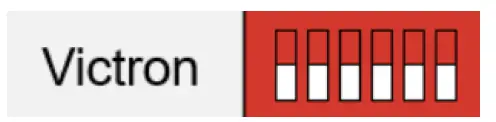 |
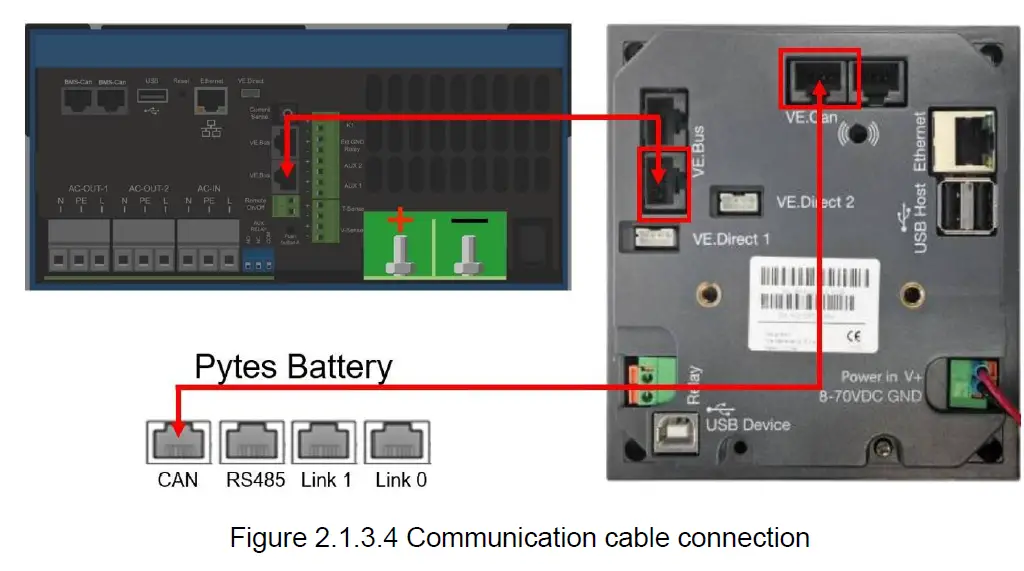
Connect the VE.Bus ends of the inverter and Color Control GX by standard ethernet cable. Plug in the battery end into the CAN of the Pytes E-BOX battery and plug in the inverter end into the VE.CAN of the Color Control GX as shown in the Figure 2.1.3.4.
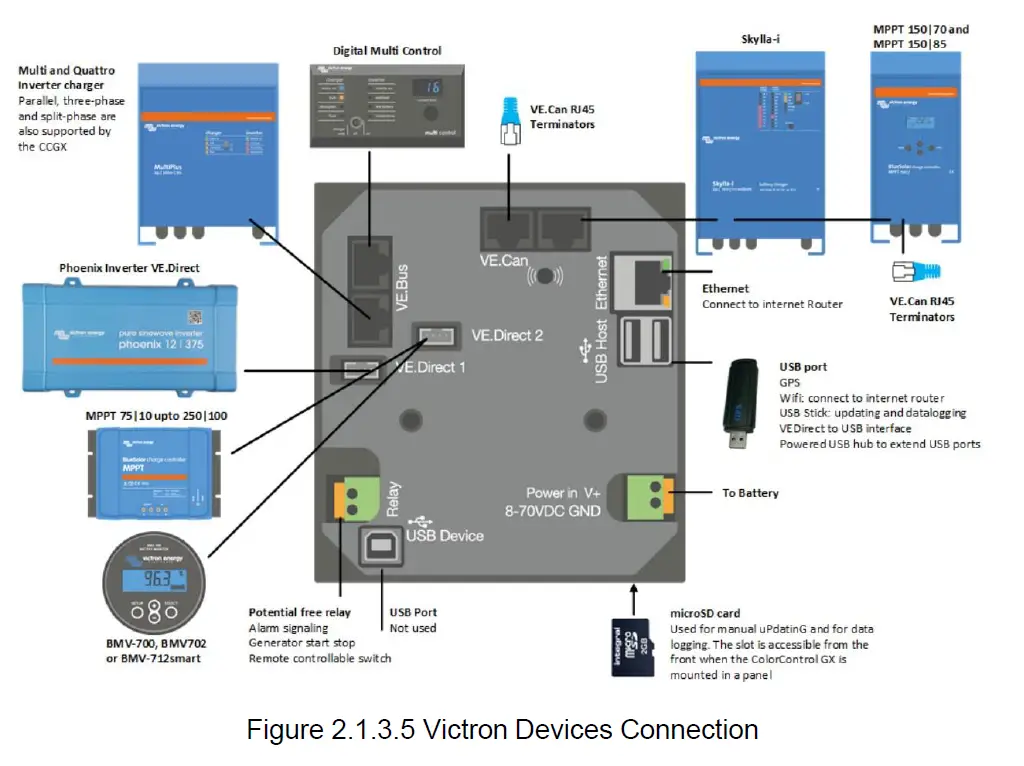
If you bought any other products of Victron Energy, please refer to the Figure 2.1.3.5 below or Manual to connect it.
Program the inverter
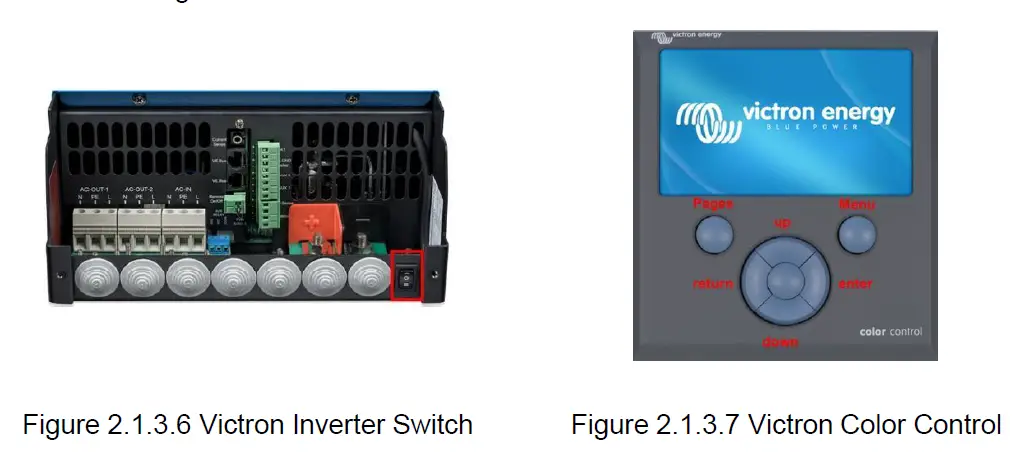
Press the switch on the inverter to enter settings mode. As shown in Figure 2.1.3.7, press “up” or “down” button to select between settings menu.
Press “left” or “right” button to “return” or “enter”.
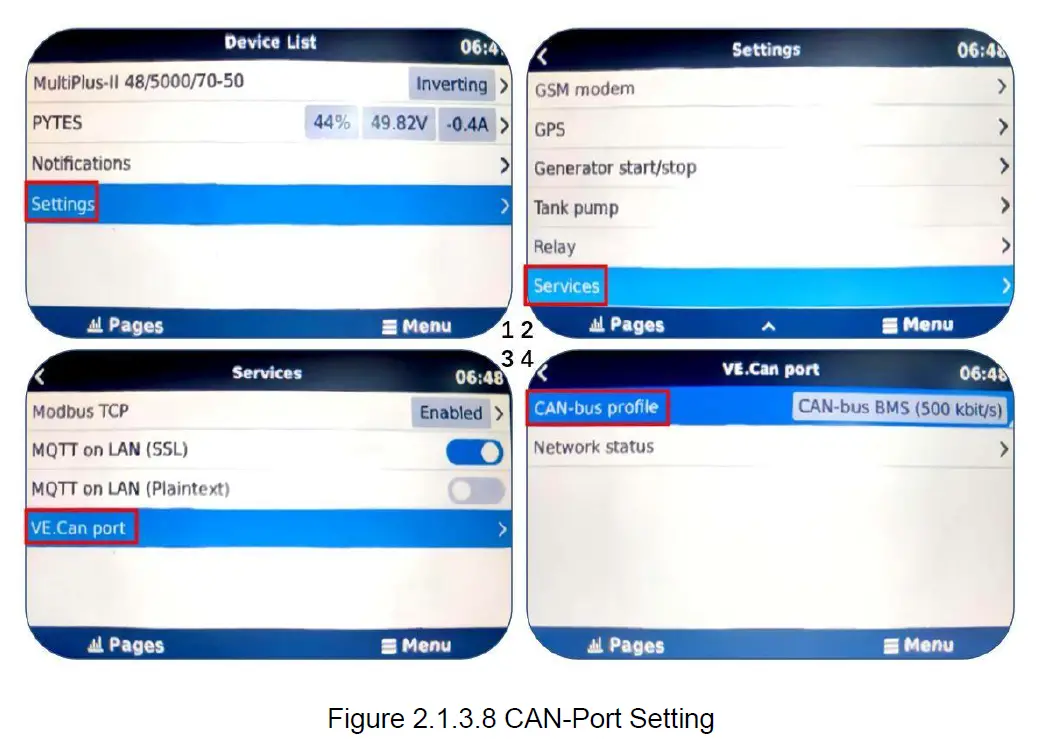
As shown in the Figure 2.1.3.8, follow below steps to set the boud rate.
- Press Settings and down to the Services at the bottom line.
- Select the VE.CAN port line.
- Select the CAN-bus BMS (500 Kbit/s).
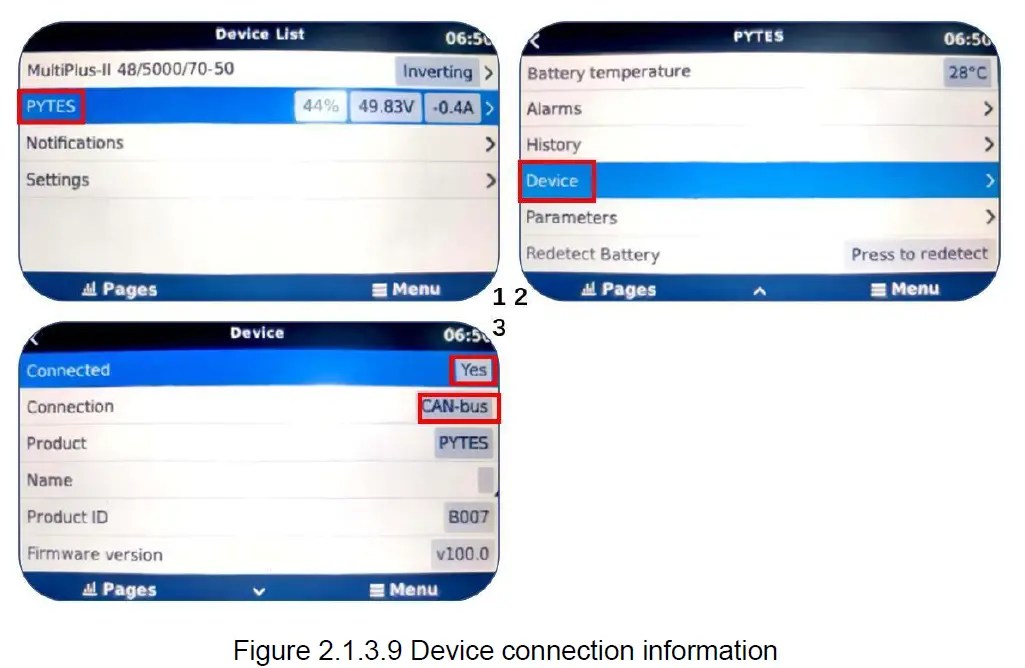
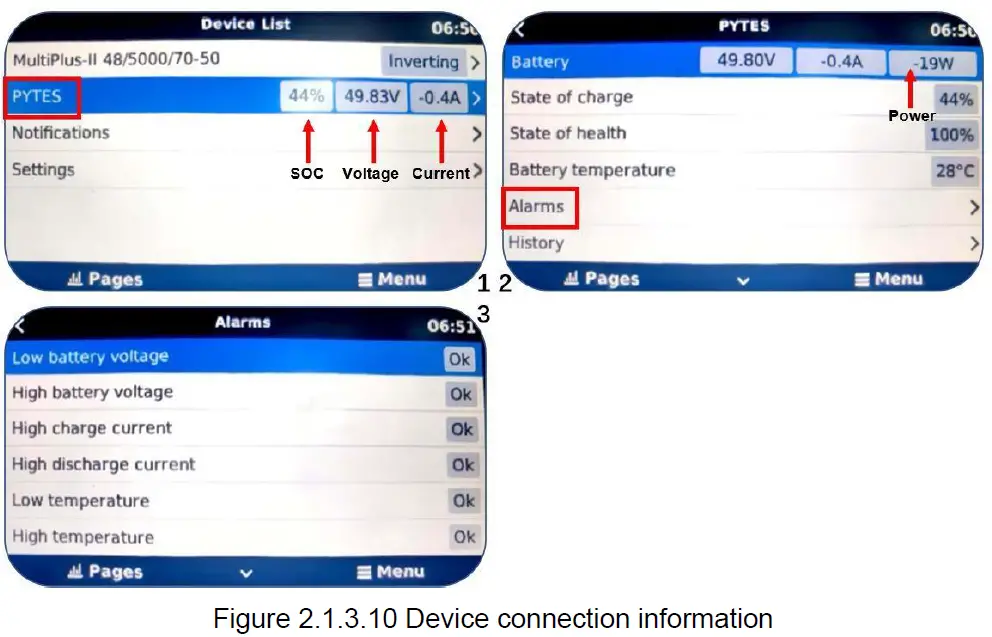
- Check the battery basic parameters: SOC, Voltage and Current on the PYTES line as shown in Figure 2.1.3.10(1).
- Go into PYTES, check more battery details, as shown in Figure 2.1.3.10(2) & (3).
Please refer to the Victron Energy Inverter for more settings.
 Inverter/chargers - Victron Energy