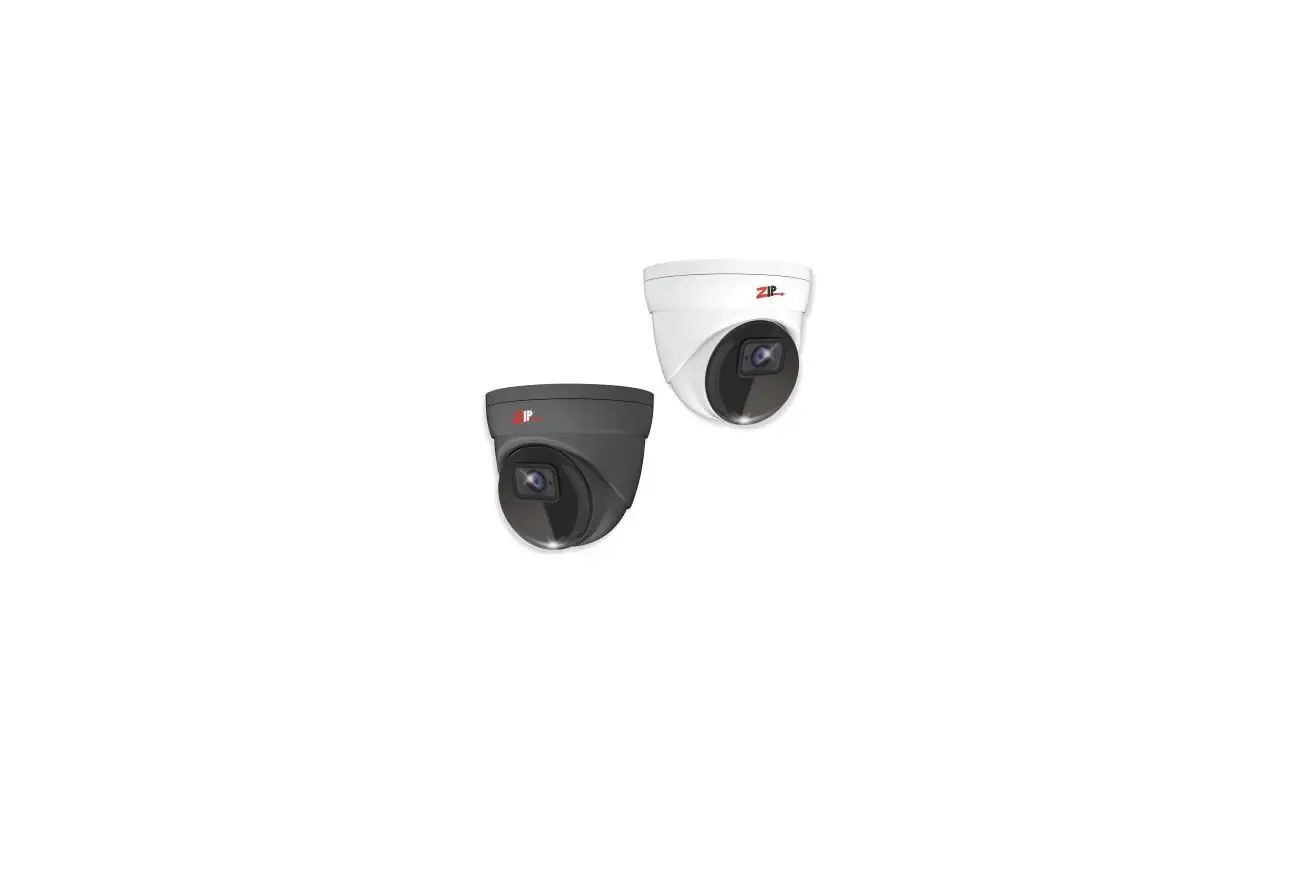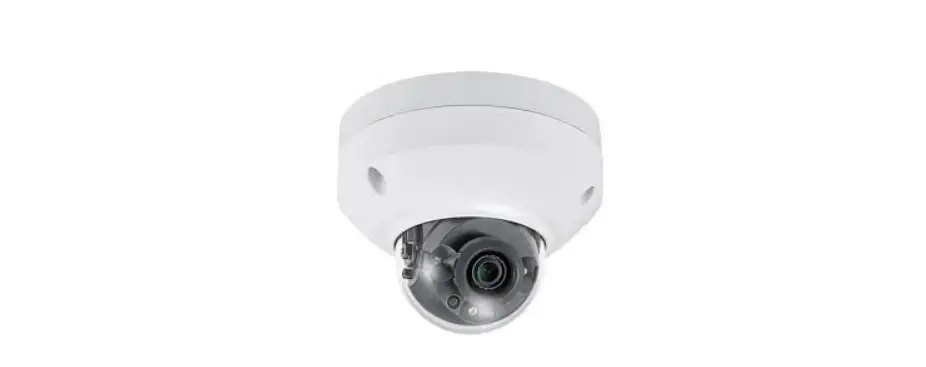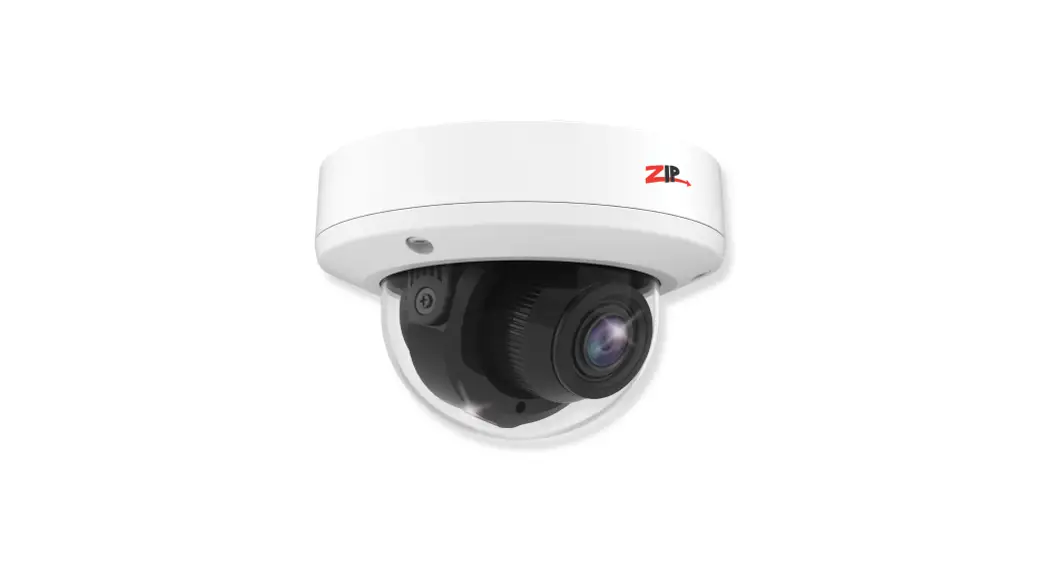

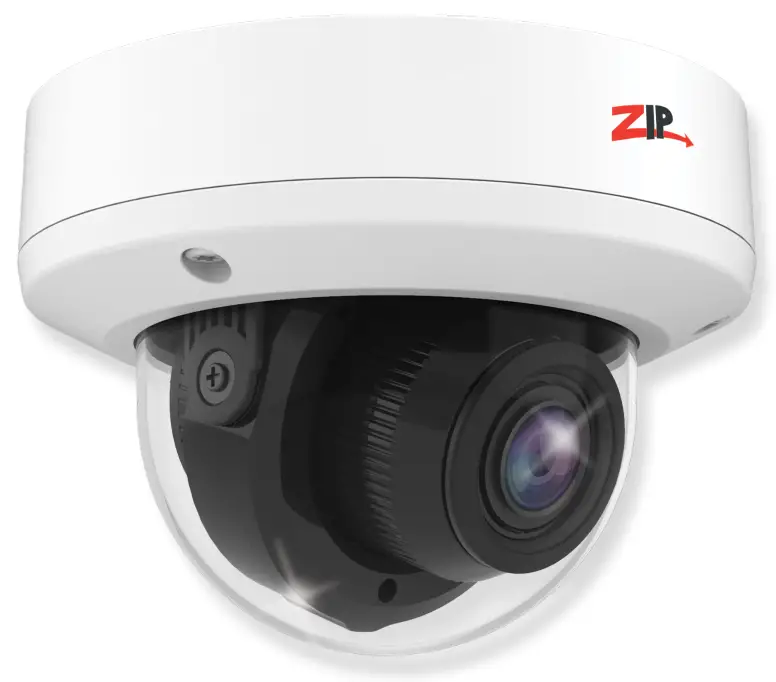
5MP AI ZIP IP Vandal Dome 2.8-12mm
Zip is a registered trademark of System Q Ltd
IPCAI535 – Quick Start Guide
IPCAI535 IP Camera
 https://www.systemq.com/PDF/manual/xIPCAI535.pdf
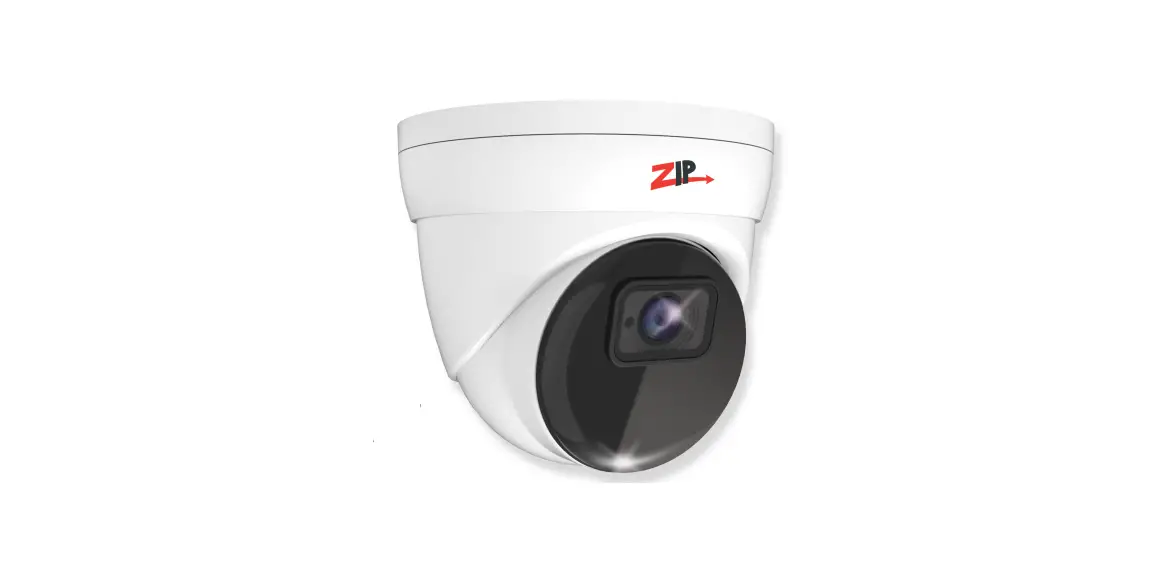
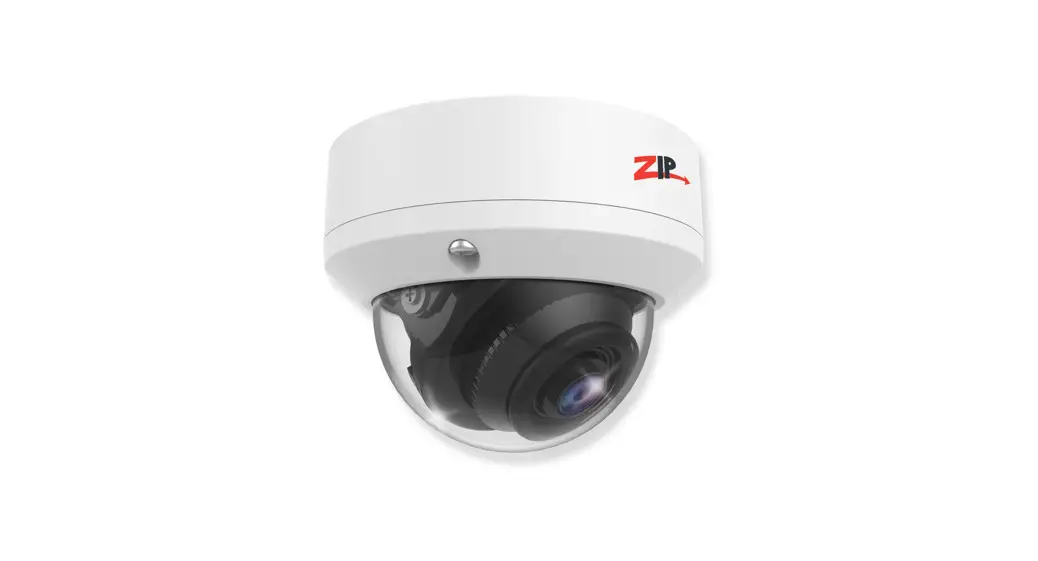
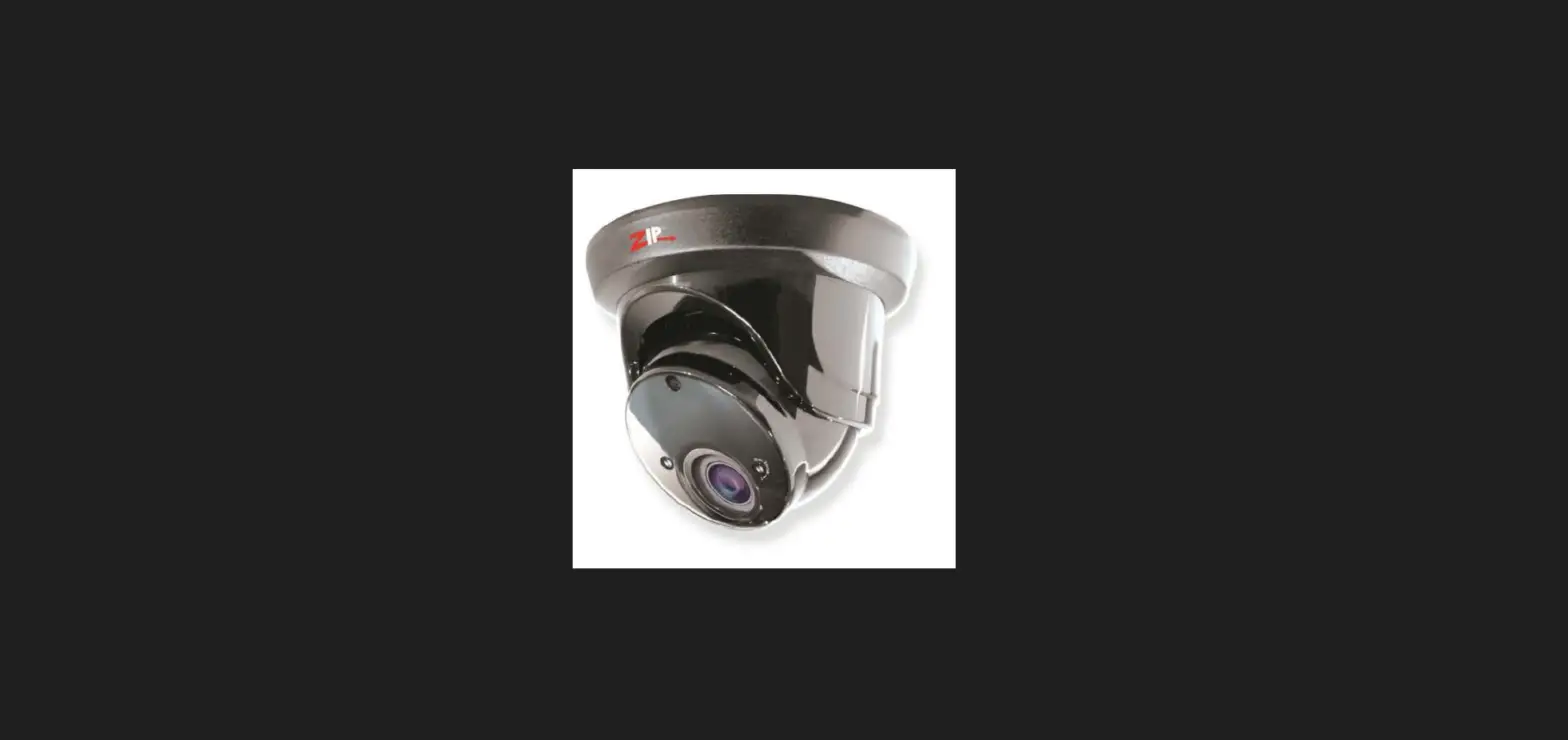
The IPCAI535 Vandal Dome has a tough metal exterior is ideal for both outdoor and indoor uses. With on board face detection features plus iSENSE compatibility for Face Recognition when used with the latest Zip NVR firmware. Up to 40m IR range (true day/night filter), 5MP resolution, built in PoE, H265 and H264 codec.
 http://www.zipdvr.com/howto/TIP459-How-To-Add-IP-Cameras.html
Powering the camera
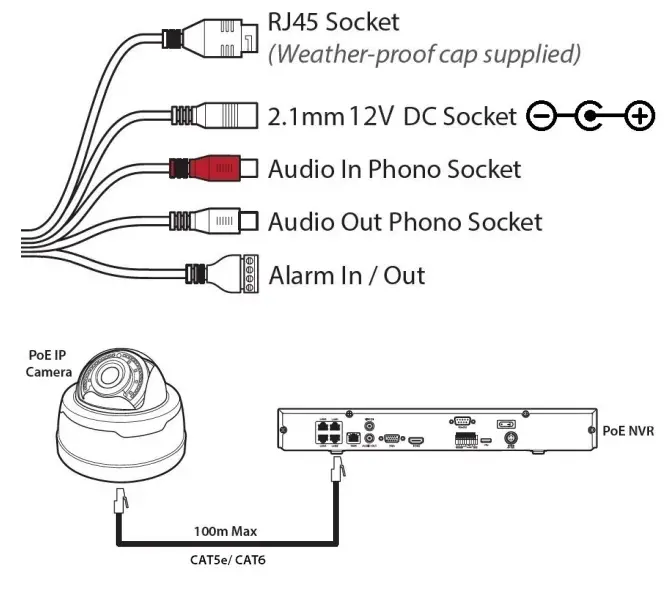
Option 1 – Power the camera from 12V DC (via the 2.1mm DC Socket), the current consumption is 400mA.
The camera is polarity sensitive so connections must be correctly made.
Option 2 – Power the camera using a PoE 48V RJ45 Socket
When connecting ZIP PoE NVR plug the camera directly into the NVRs built in PoE switch.
The camera should automatically become visible after being connected for approximately 1 minute.
If using a separate PoE switch or an IPmitter (wireless bridge), the camera needs to be manually configured, scan the QR code to the left for the “how to guide”
Use the ZipFinder tool to search for ZIP IP cameras on a network via a Windows PC.
www.softcctv.com/store/Item/Zip-Finder-IPCCTV-Security-Camera-Discovery-Tool
Default login details are:-
| Default IP | 192.168.10.1 |
| User Name | admin |
| Password | 777777 |
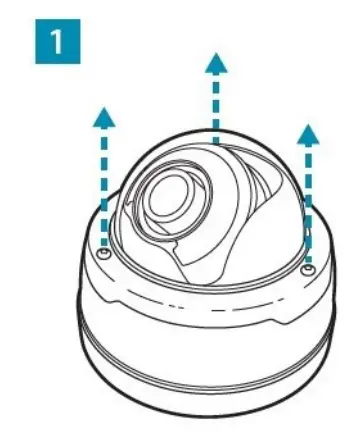
Loosen the three Torx screws in the upper housing and lift off (Torx key supplied).
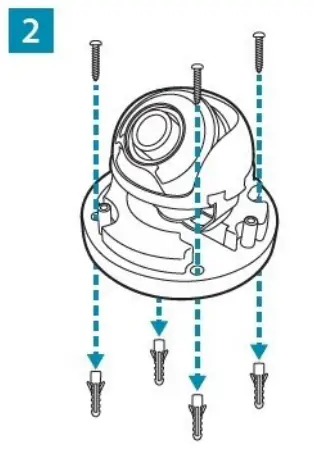
Screw through the camera’s base and into the mounting surface using the screws and wall plugs provided.
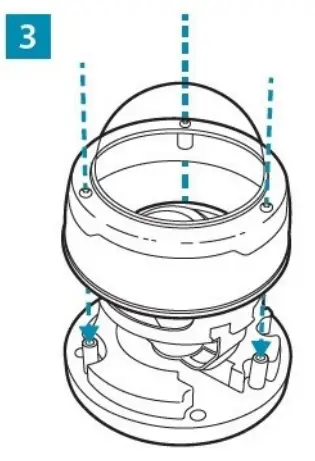
Once the camera is positioned. Replace the upper housing and fasten the three Torx screws.
| Image Sensor | 1/ 2.7” Progressive CMOS |
| Resolution | 5MP 2592(H)×1944(V) |
| Lens Type | 2.8-12mm Motorised |
| Shutter | 1/5 ~ 1/20000s |
| Day/Night | Mechanical (True Day-Night) |
| Min. Illumination | 0 (With IR On) |
| IR Range | Up to 40m |
| Digital Noise Reduction | 3D DNR |
| Video Compression | H.264 / H.265 |
| Video Bitrate | 8Kbps ~ 8Mbps |
| Stream Options | Mainstream, SubStream & MobileStream |
| Smart Feature | Perimeter Intrusion, Line Crossing, Pedestrian and Vehicle Detection, Facial Detection, Facial Recognition |
| System Compatibility | ONVIF (Profile S, Profile G, Profile T) |
| Connection | RJ45 10M / 100M Ethernet PoE |
| SD Card | Micro SD Card Slot (up to 128GB) |
| Alarm | 1 Input / 1 Output |
| Audio (RCA) | 1 Input / 1 Output |
| Input Voltage | PoE or 12V DC 400mA (PSU Required) |
| Consumption | 8W Max |
| Operating Temperature | From -30 to 60 deg°C |
| Backlight Control | BLC / D-WDR |
| Use | IP66 For External Use |
All specifications are approximate. System Q Ltd reserves the right to change product specifications or features without notice. Whilst every effort is made to ensure that these instructions are complete and accurate, System Q Ltd cannot be held responsible for any losses, no matter how they arise, from errors or omissions in these instructions, or the performance or non-performance of the equipment referred to. This symbol indicates that equipment must not be mixed with general household waste. For treatment, recovery and recycling please return to your local designated WEE/CG0783SS collection point as defined by your local council.
Copyright 2021 System Q Ltd