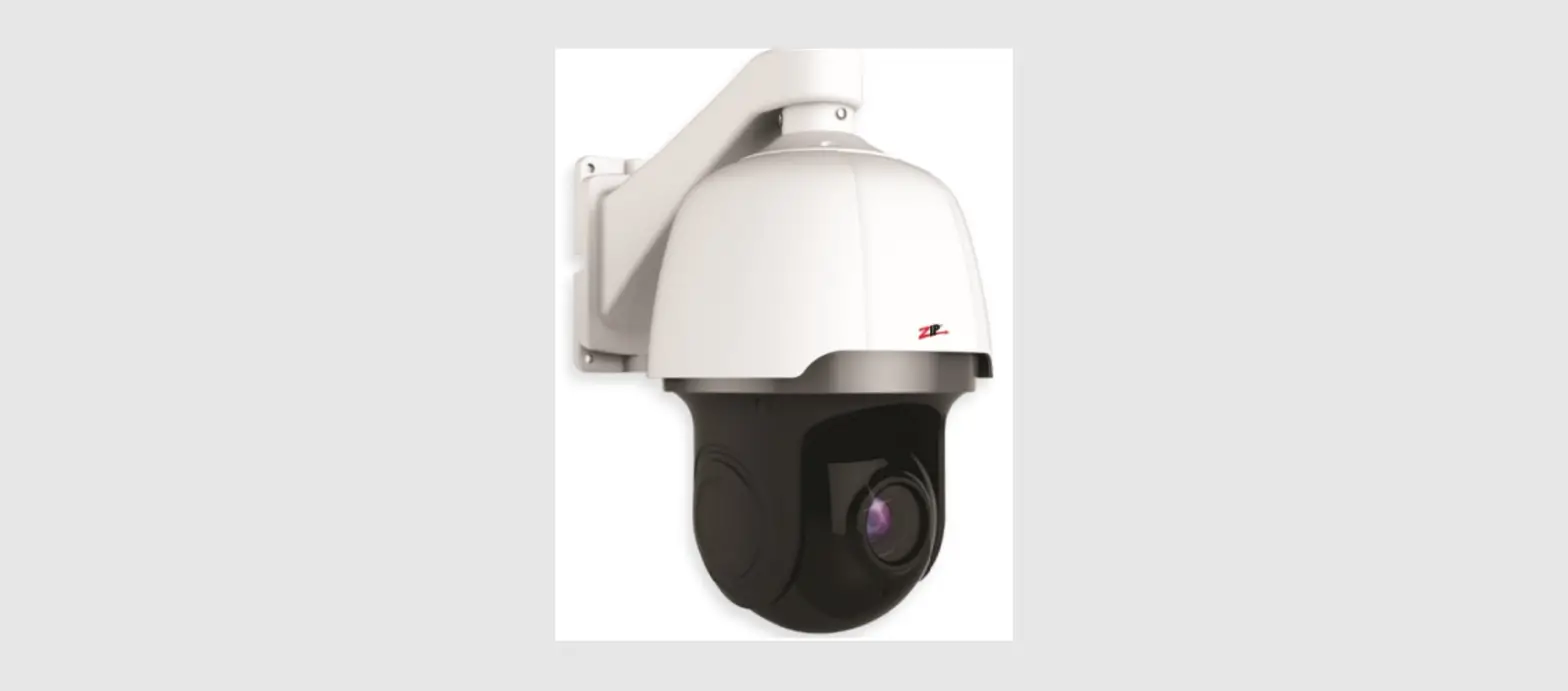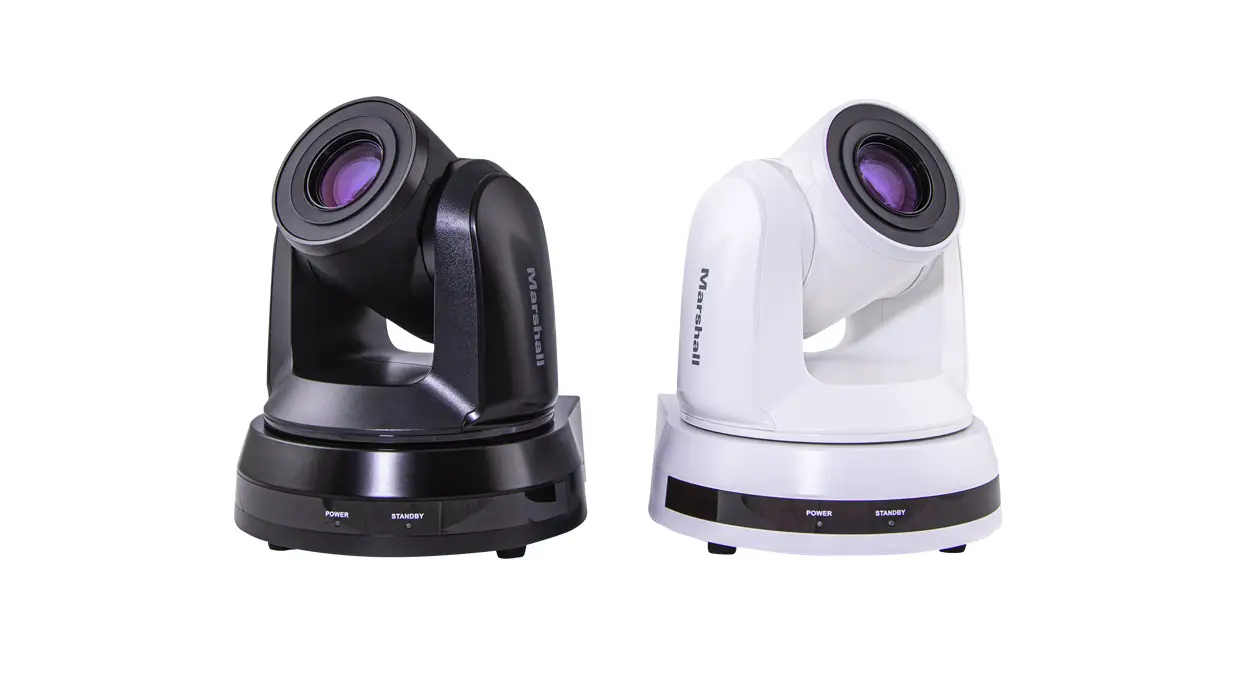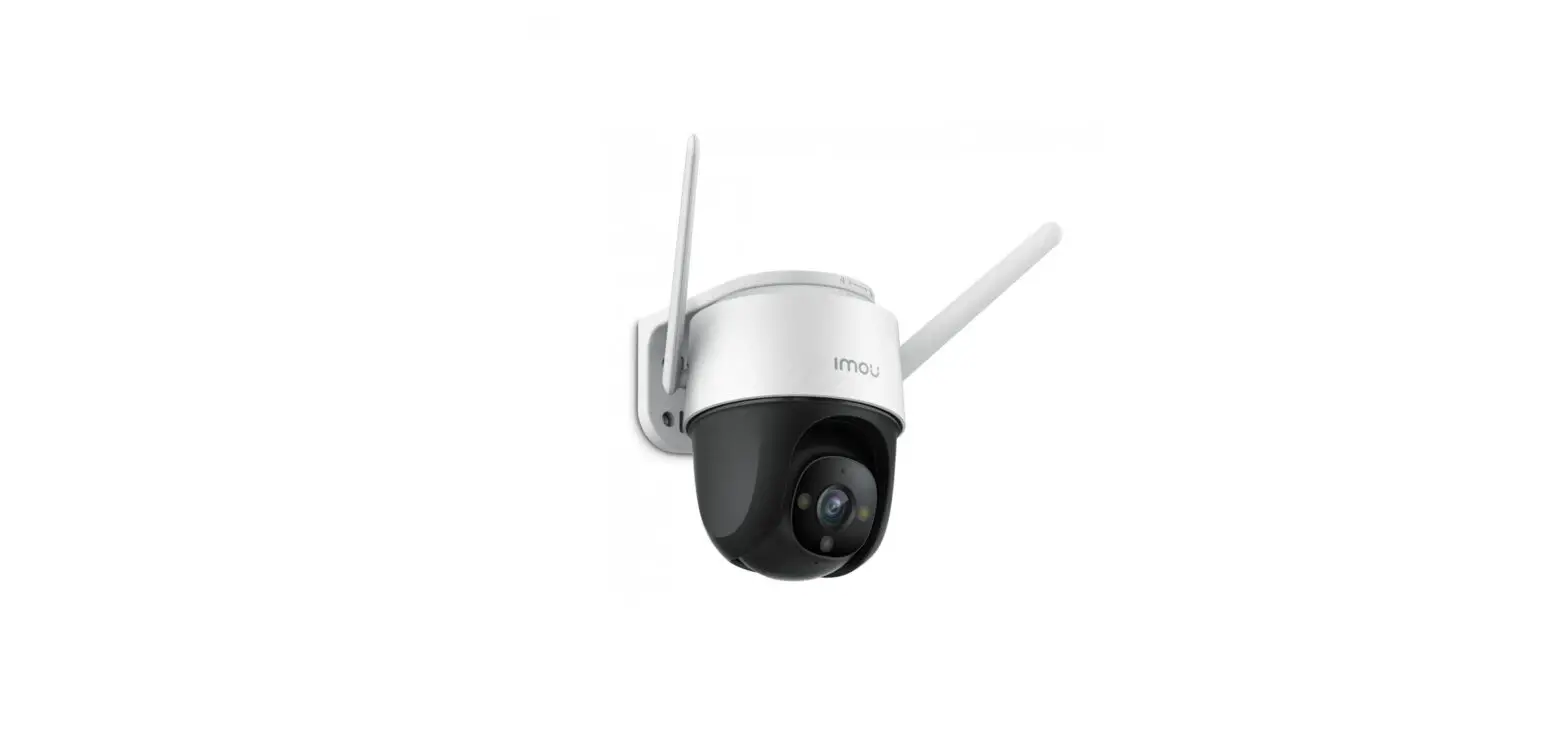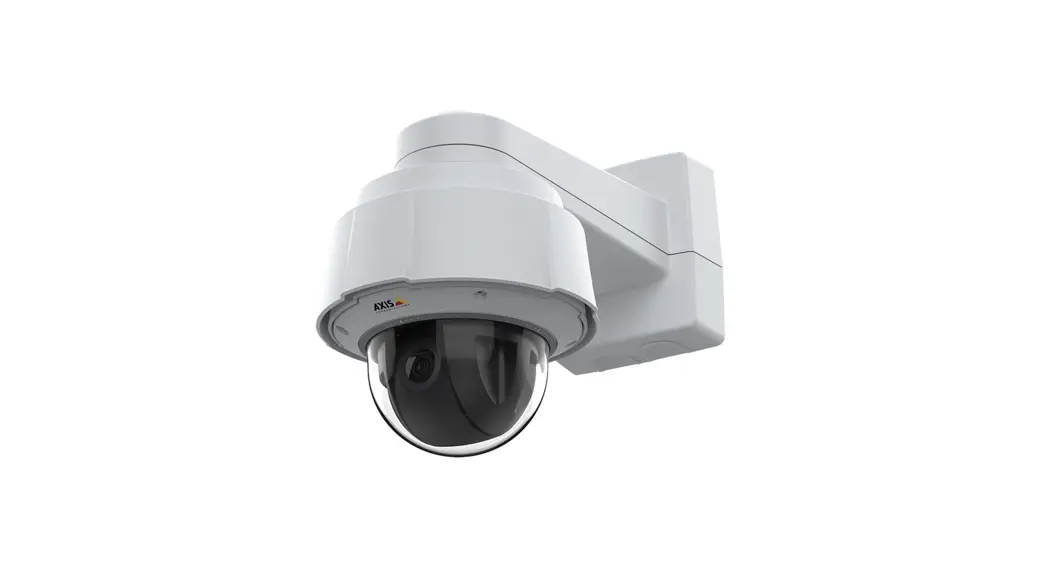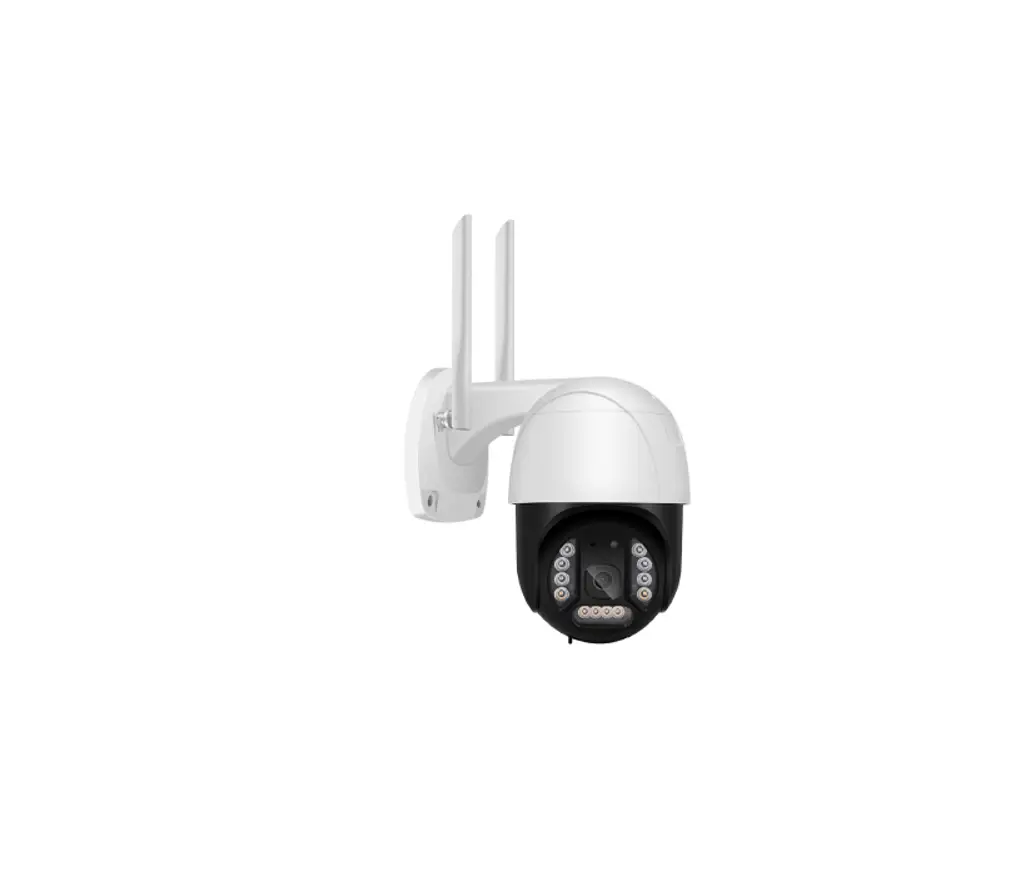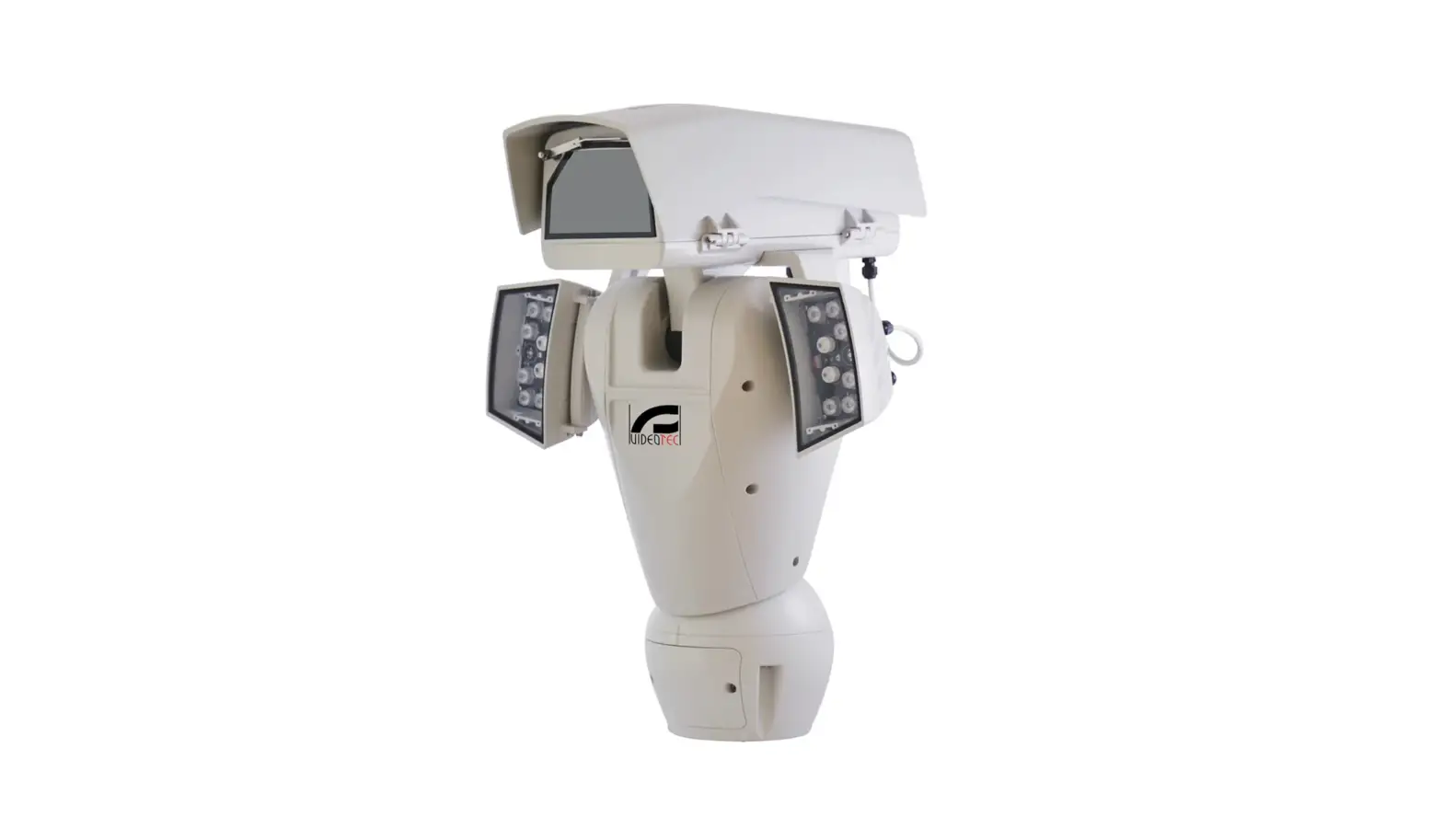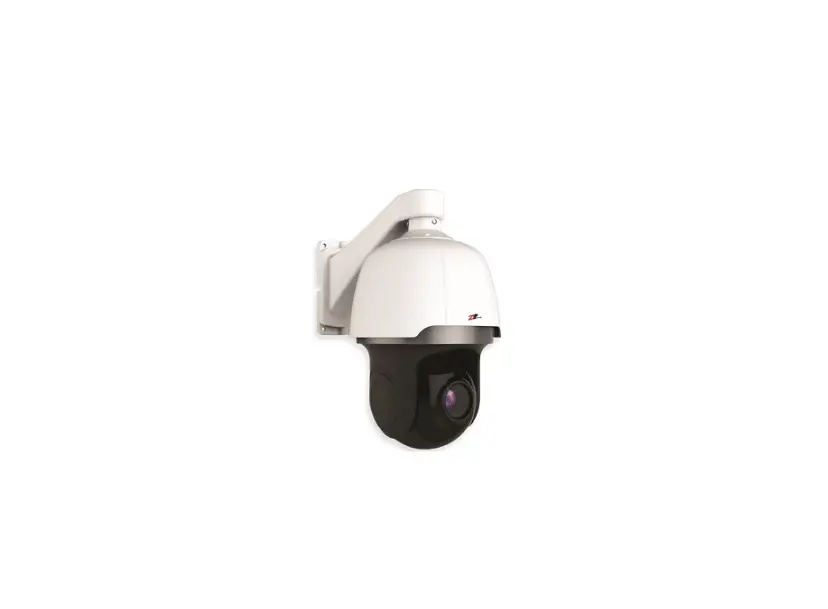
ZIP IP-PTZ622W IP PTZ – 22x Optical 2MP Camera User Guide

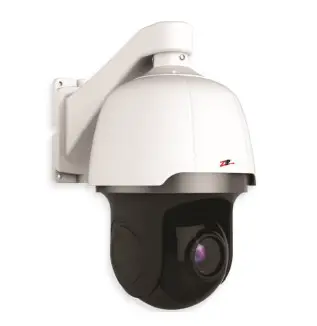
IP-PTZ622W – Quick Start Guide
The IP-PTZ622 has a 22x optical zoom with auto-focus and a 2MP (1080p) sensor.
The PTZ supports 360° endless rotation, up to 300 deg/sec pan speed, up to 100 deg/sec tilt speed. With on board features compatible with the Zip NVR and DVR.

www.zipdvr.com/howto/TIP459 How-To-Add-IP-Cameras.html
Default login details are:-
Default IP 192.168.10.1
User Name admin
Password 777777
Powering the camera
Option 1 – Power the camera from
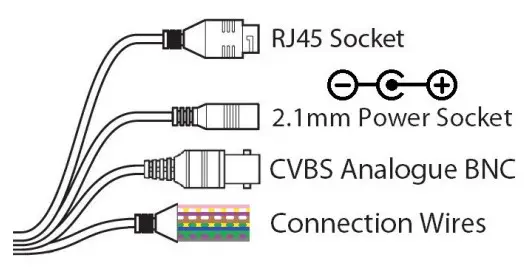
12V DC / 24V AC (via the 2.1mm
Power Socket).
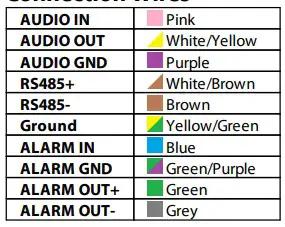
Connection wires – see overleaf
Option 2 –
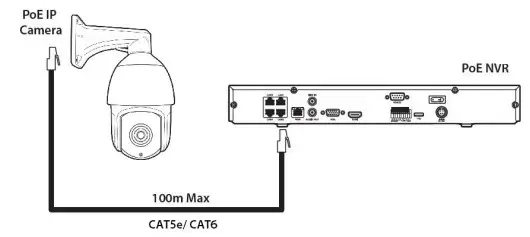
Power the camera using the PoE(48V) RJ45 Socket.
When connecting ZIP PoE NVR plug the camera directly into the NVRs built in PoE switch.
The camera should automatically become visible after being connected for approximately 2 minutes.
Manually Adding IP Cameras to a ZIP
If using a separate PoE switch or an IPmitter (wireless bridge), the camera needs to be manually configured, scan the QR code to the left for the “how to guide”.
Searching via a Windows PC
Use the ZipFinder tool to search for ZIP IP cameras on a network via a Windows PC. www.softcctv.com/store/Item/Zip-Finder-IPCCTV- Security-Camera-Discovery-Tool
PTZ Control on a ZIP NVR or DVR
- Click on the image in Live view
- Click on the PTZ button
Mounting
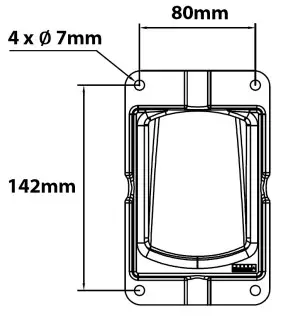
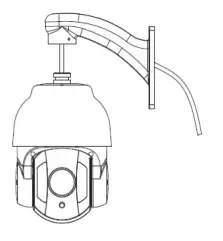
- Mark the hole positions using the mounting bracket or using the measurements on the diagram to the right.
Drill the holes and install the wall plugs.

- Feed the PTZ cable loom through the bracket, then secure using the short screws provided. Attach the safety cable from the bracket to the dome.

- Fit the PTZ to the wall using the screws provided. Ensure the PTZ cable enters via a lower position so that water does not run down to the camera. Use silicon sealant around the base and where the cable
enters the PTZ. The connections for the camera need to be installed in a waterproof box or similar

Connection Wires
Specification
| Image Sensor | 1/ 2.8” Progressive CMOS |
| Resolution | 2MP (1920×1080) |
| Lens Type | 22X Optical Zoom (4.7mm – 104mm) |
| Shutter | 1/5 ~ 1/20000s |
| Day/Night | Mechanical (True Day-Night) |
| Min. Illumination | AGC On: Color: 0.5 lux, B/W: 0.05 lux, 0 lux with IR |
| Video Compression | H.264 / H.265 |
| Video Output | CVBS (Analogue) BNC Output |
| Alarm | 1 Input / 1 Output |
| Audio (RCA) | 1 Input / 1 Output |
| Connection | RJ45 10M / 100M Ethernet PoE |
| Protocols | TCP/IP,HTTP,DHCP,DNS,DDNS,RTSP,PPPoE, SMTP,NTP,UPnP,FTP |
| User Logins | Max 5 Simultaneous User Logins |
| PTZ Control | RS485 or Ethernet PTZ Control |
| IR Range | Up to 100m |
| Backlight Control | BLC / D-WDR |
| Pan Range | 360°endless |
| Presets | 255 |
| Preset Speed | Max.300°/sec |
| Use | IP66 For External Use |
| Operating Temperature | -30°C~+60°C |
| Weight | Approximately 2kg |
| Input Voltage | PoE (48V) / 24V AC / 12V DC |
All specifications are approximate. System Q Ltd reserves the right to change product specifications or features without notice. Whilst every effort is made to ensure that these instructions are complete and accurate, System Q Ltd cannot be held responsible for any losses, no matter how they arise, from errors or omissions in these instructions, or the performance or non-performance of the equipment refered to.
Quick Start Guide – qIP-PTZ622W
 This symbol indicates that equipment must not be mixed with general household waste. For treatment, recovery and recycling please return to your local designated
WEE/CG0783SS collection point as defined by your local council.